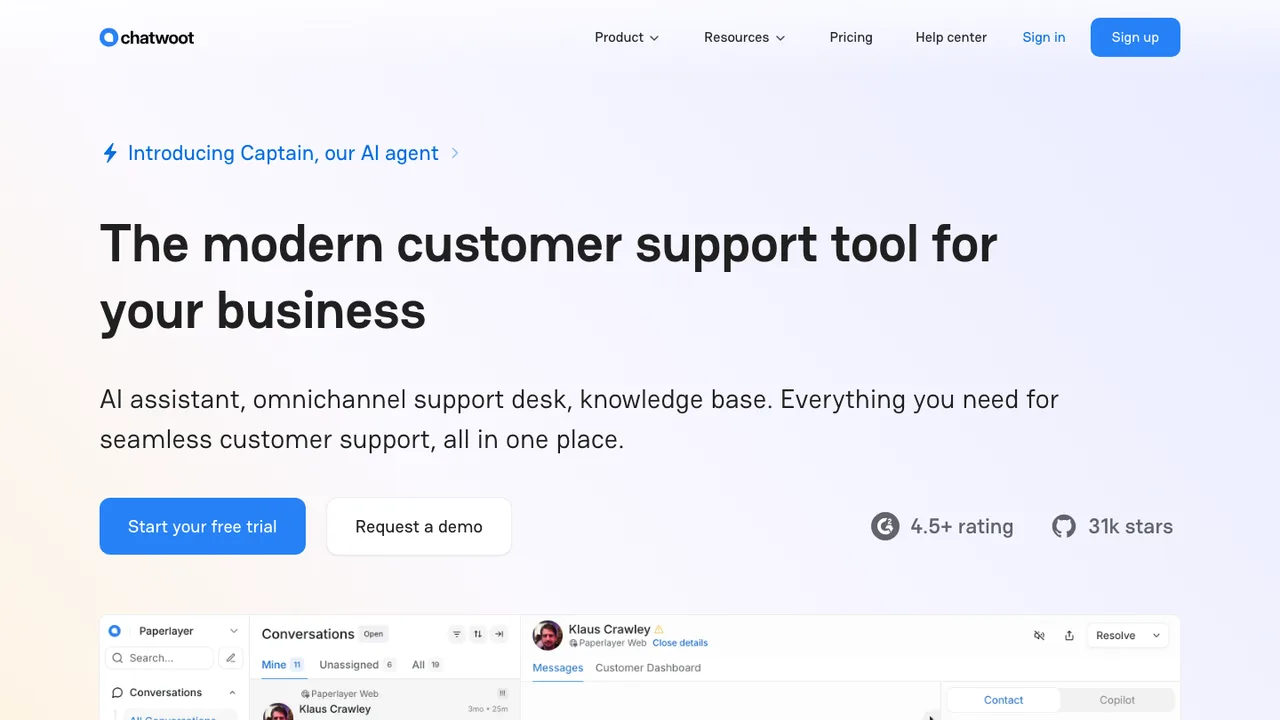
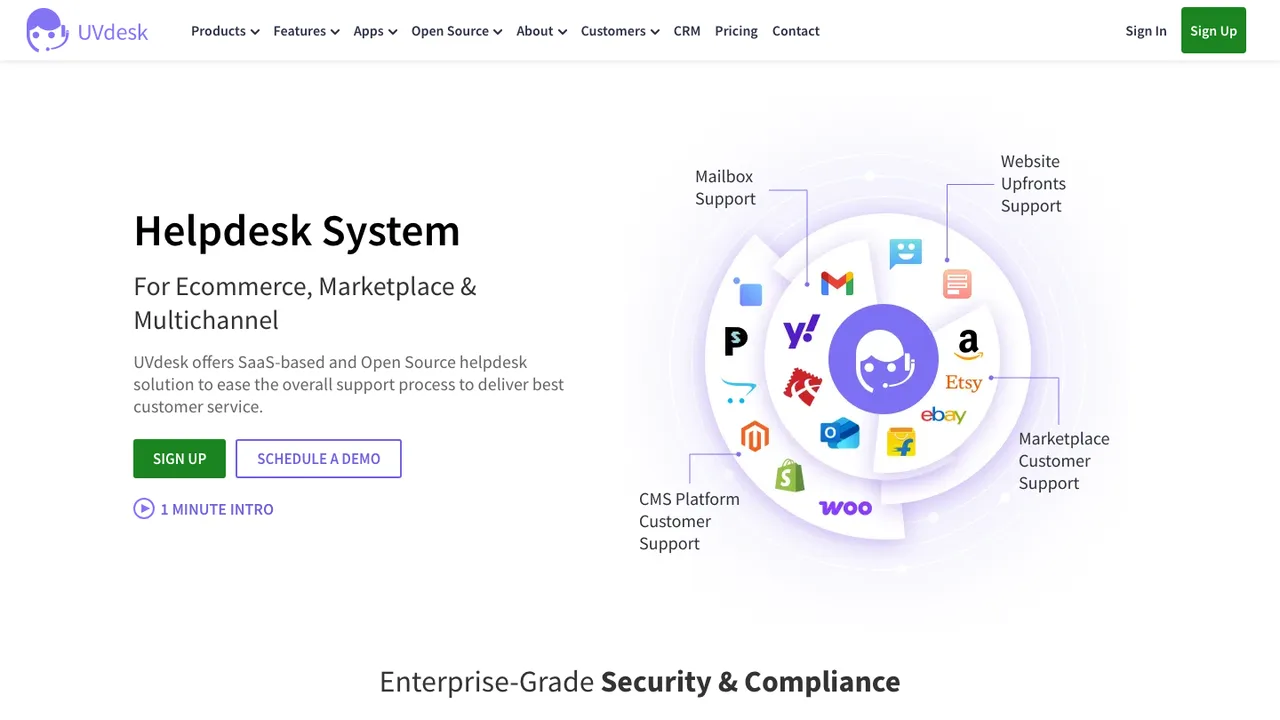
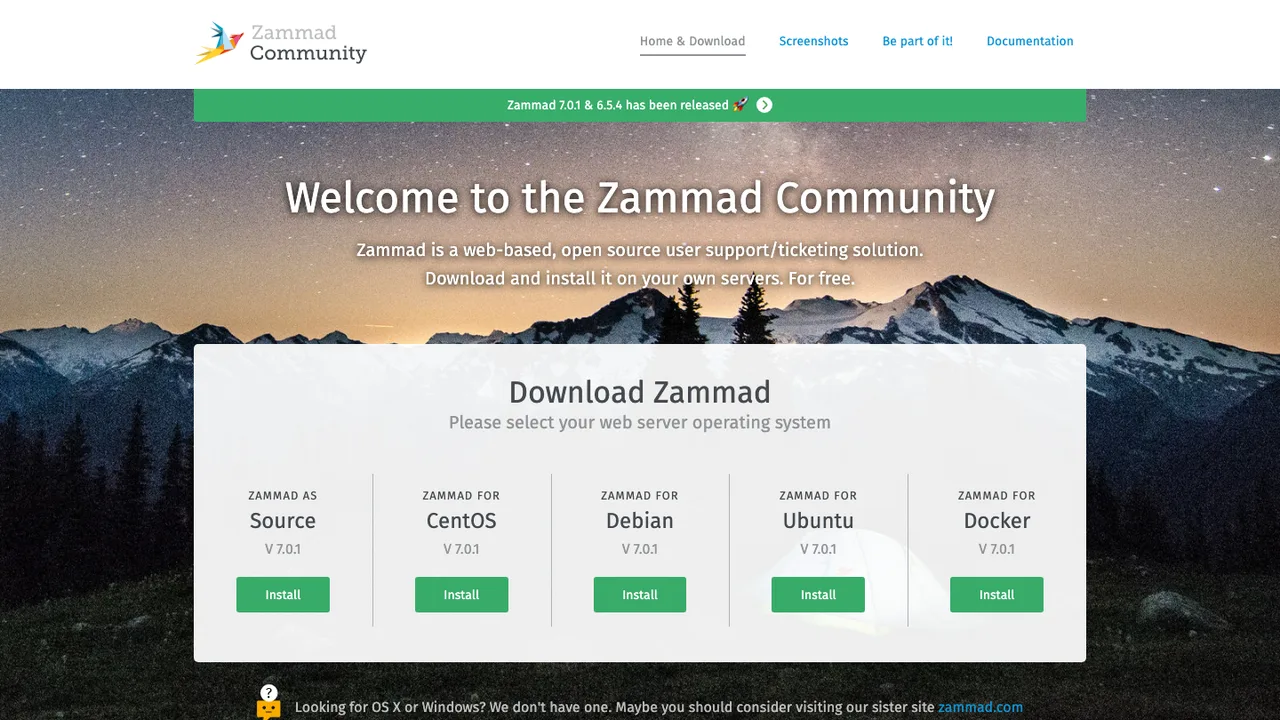
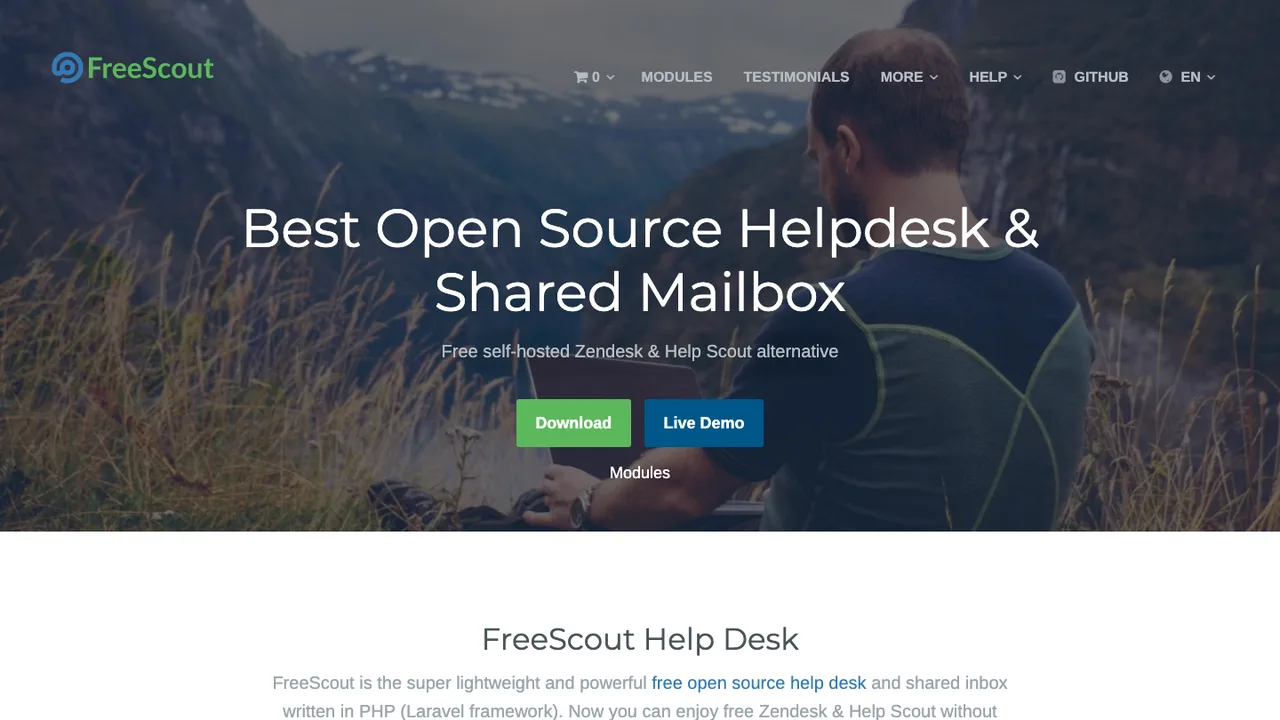
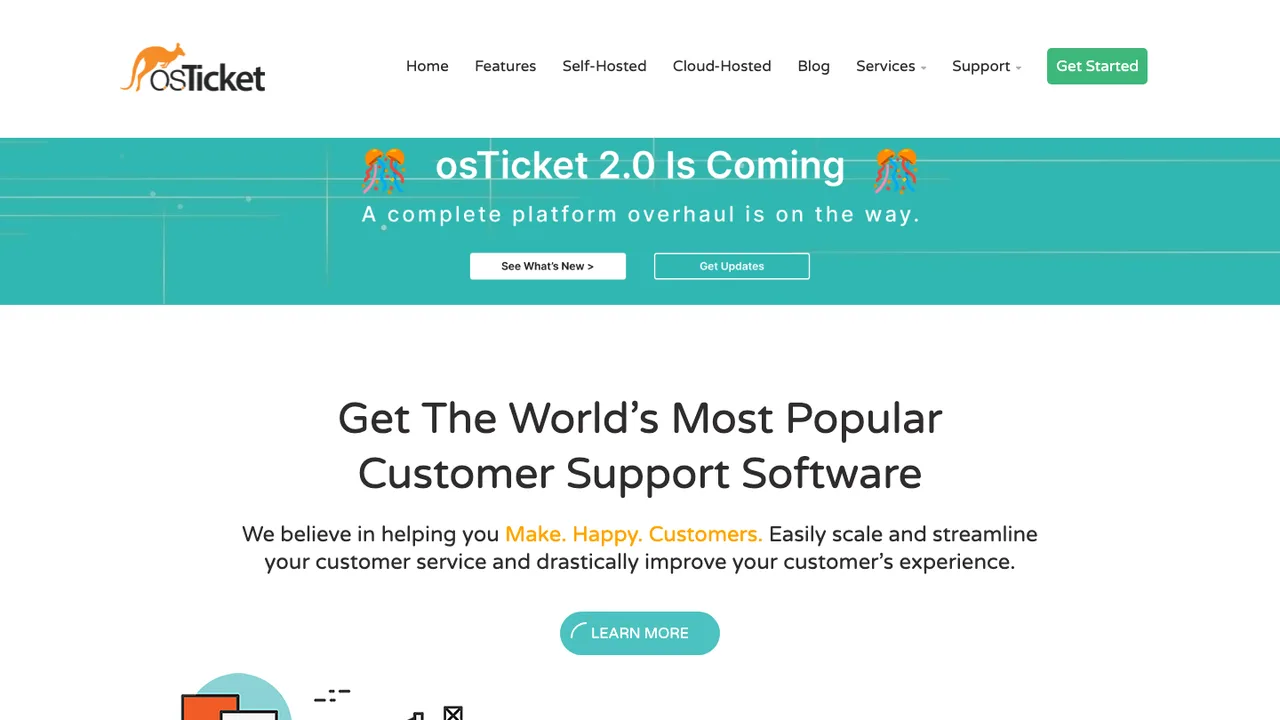
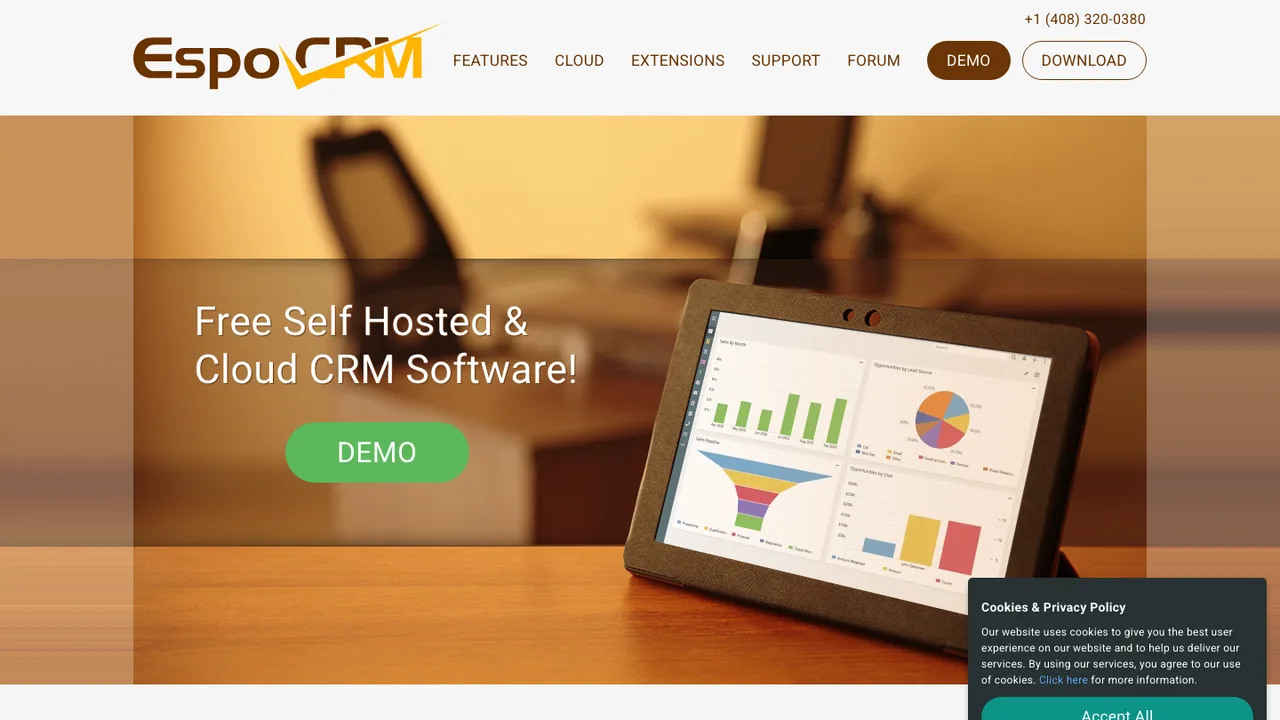
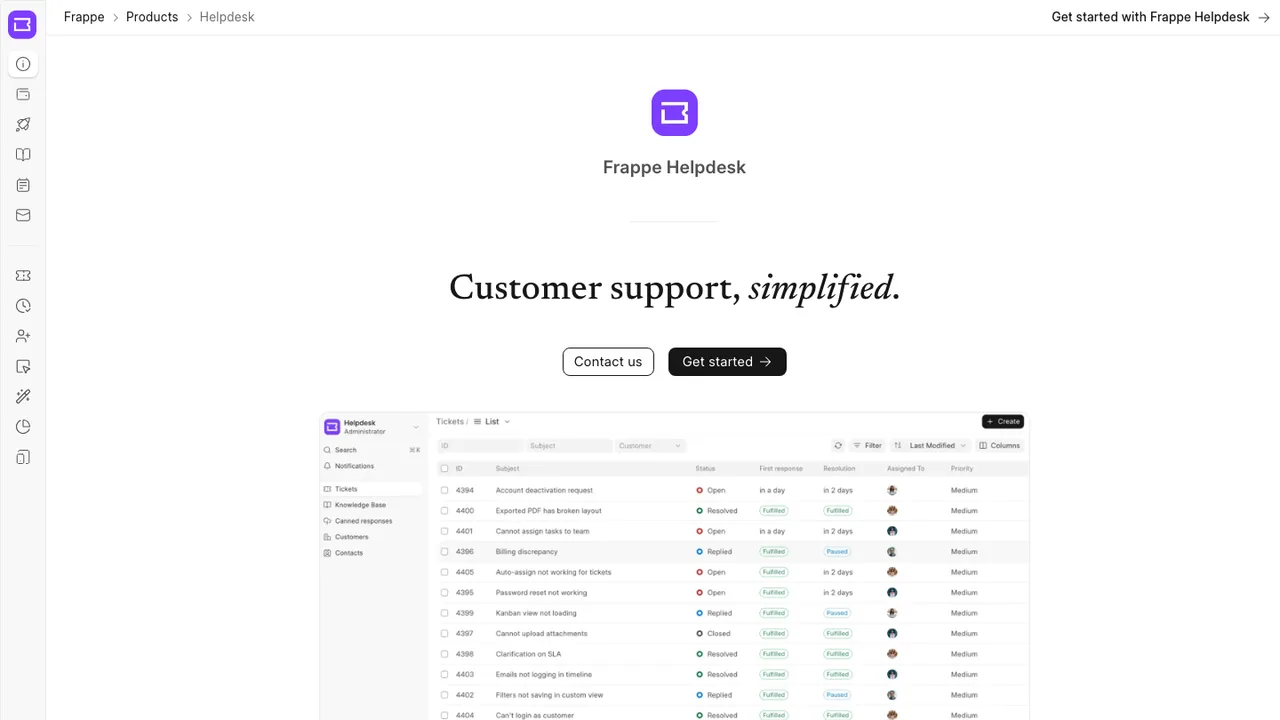
What is the closest open source replacement for Zendesk?+
The closest fit depends on which parts of Zendesk you actually use. If your team mostly needs shared inbox ticketing, look for strong email parsing, assignment rules, tags, and collision prevention. If you rely on help center publishing, SLAs, chat, or complex reporting, evaluate those as first-class requirements instead of assuming they come with the ticket queue.
Will switching from Zendesk to open source reduce support costs?+
It can reduce subscription spend, but the replacement still has costs. You may pay for hosting, backups, monitoring, email delivery, storage, upgrades, and implementation work. The break-even point is usually better for teams with technical operations capacity or strict data ownership requirements. Small teams without admin time may find the operational overhead offsets some savings.
Is self-hosting a Zendesk alternative realistic for a support team?+
Yes, if someone owns uptime, upgrades, mail delivery, backups, and incident response. Help desks are operational systems, not side projects, because missed inbound mail directly affects customers. Self-hosting is most realistic when you already run production services and can monitor queues, disk usage, background jobs, and outbound email reputation.
Which Zendesk data can usually be exported?+
You can usually extract tickets, users, organizations, comments, tags, custom fields, attachments, and knowledge base content through Zendesk export features and APIs, subject to account permissions and plan limits. The cleanest migrations pull both structured fields and raw historical records. Always test exports on a sample first, because field names, deleted users, and legacy tickets often reveal edge cases.
What does not migrate cleanly from Zendesk?+
Automation behavior is the main problem. Triggers, macros, views, SLAs, forms, routing rules, and notification templates usually need to be rebuilt in the new system rather than imported directly. Some audit history, satisfaction data, channel metadata, merged ticket relationships, and app-specific fields may come across only as notes or custom fields, if they come across at all.
How much work is involved in moving the Zendesk help center?+
Expect more than a simple article export. Article bodies, authors, categories, sections, labels, and attachments need mapping to the new knowledge base model. Links between articles may need rewriting, especially if URLs change. If your help center is public and indexed, plan redirects, review formatting, and check embedded images or files before cutting over.
Are open source help desk systems secure enough for customer support?+
They can be, but security depends on deployment and process. Review authentication options, role granularity, audit logs, encryption in transit, attachment handling, and how secrets are stored. If you handle regulated data, verify retention controls and access logging. Also inspect release history and vulnerability response practices before putting customer conversations and files into the system.
How should email routing be handled after leaving Zendesk?+
Treat email as a migration project of its own. Confirm how the new system receives mail, sends replies, threads conversations, handles aliases, and prevents duplicate tickets. Set up SPF, DKIM, and DMARC correctly for outbound mail. During cutover, forward or route one support address first, verify threading and signatures, then move the remaining queues.
What happens to chat, phone, and messaging channels?+
Do not assume they are included in the same way Zendesk packages them. Some open source help desks focus on email and web tickets, while real-time chat, call center features, or messaging channels require separate components. Check transcript capture, customer identity matching, assignment behavior, and whether conversations become normal tickets with searchable history.
Can teams keep SLAs, permissions, and routing rules?+
Usually yes, but the logic may be different. Map each Zendesk trigger, automation, view, group, role, and SLA policy to the replacement before migration. Pay attention to order of execution, business hours, escalations, and exceptions. Rebuilding these rules is a good chance to remove stale logic, but it needs testing with real ticket examples.
How does reporting compare after replacing Zendesk?+
Expect to rebuild reports. Basic ticket volume, response time, resolution time, backlog, and agent workload are common, but custom dashboards may require database access or an external analytics tool. Define required metrics before choosing a replacement, especially if leadership depends on Zendesk reports for staffing, SLA compliance, customer satisfaction trends, or support cost analysis.
Will existing integrations and apps still work?+
Zendesk marketplace apps will not move over as-is. For each integration, identify whether it uses webhooks, email, API calls, embedded panels, or custom fields. Then check whether the new system exposes equivalent APIs and event hooks. Critical integrations such as identity, billing context, incident alerts, and customer data lookup should be prototyped before committing.
What if the chosen open source project is abandoned later?+
Plan an exit before you migrate. Prefer systems with standard database storage, documented APIs, and export paths for tickets, users, comments, attachments, and articles. Keep infrastructure scripts, configuration notes, and migration code under your control. If development slows, those assets let you patch, fork, or move again without repeating the entire Zendesk extraction from scratch.