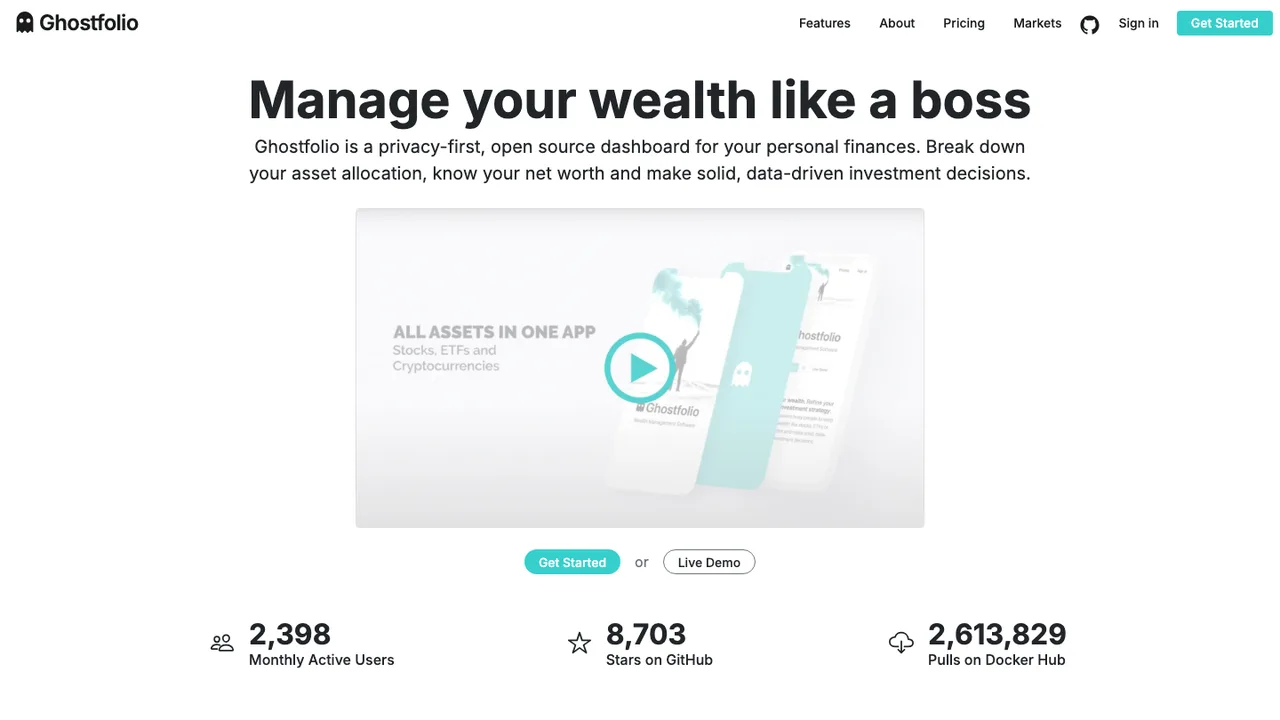
Quicken quietly does three different jobs at once: a checkbook with categories, a household budget, and an investment tracker. Before you shortlist anything, work out which of those you would actually miss. A household that mostly reconciles checking and credit cards has an easy move, while one that leans on investment lots, cost basis, and tax-line reports has a harder one, because that is where the open source options vary the most. Judge a replacement against your hardest workflow, not against the longest feature list.
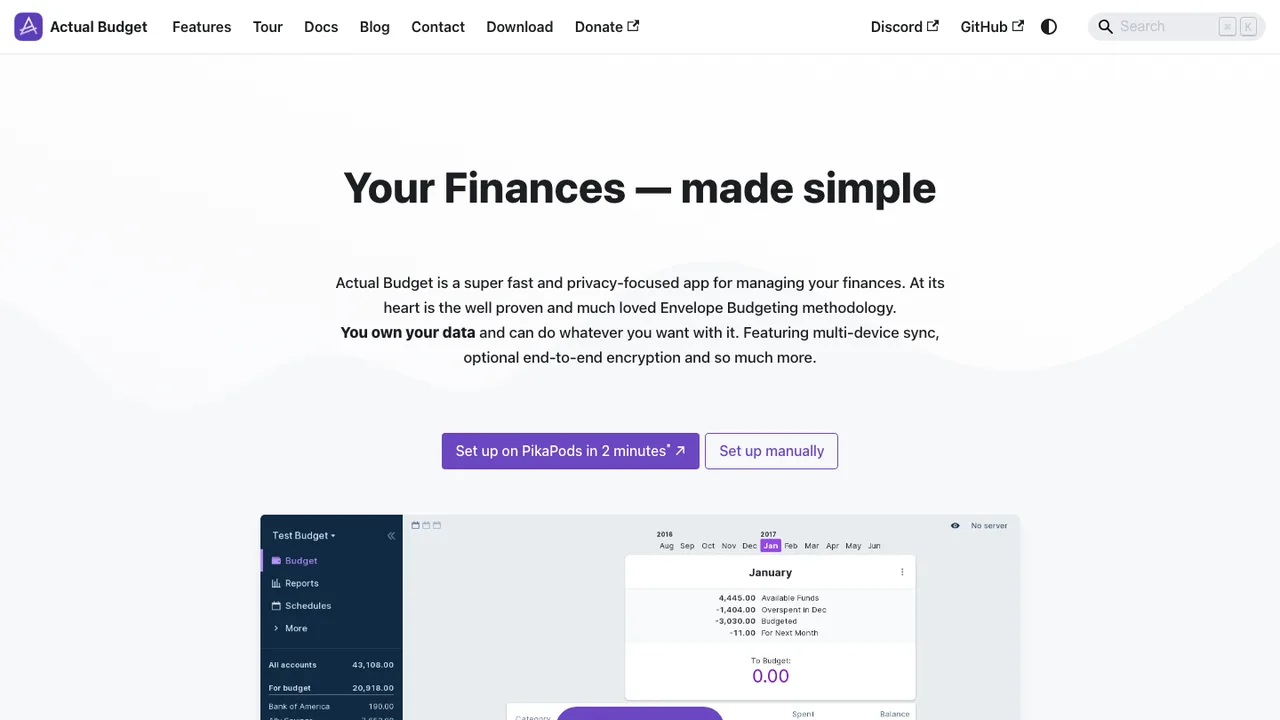
The details that decide whether your old reports still make sense are transfers, split transactions, and cleared-versus-reconciled status, so test those against a copy of real data before you commit. Expect the widest gap around automatic bank downloads. Quicken tunes those connections for mainstream banks, whereas open tools reach accounts through OFX and QFX imports, CSV cleanup, or a separate aggregator, and coverage differs bank by bank. A desktop app like GnuCash imports Quicken's own .qif files directly, while budgeting tools such as Actual Budget read QIF, OFX, and QFX exports.
Treat the move as an accounting close rather than a one-click swap. Back up the Quicken file, reconcile every account, and export history through QIF where you can, since CSV usually drops transfers and splits on the way out. After importing, verify opening balances, categories, and securities before you trust a single report, and keep the old Quicken file read-only for reference. For investments especially, check holdings and cash balances at several past dates, not just today's totals.