Not every Zap is worth moving, so sort them before you touch a new tool. Zapier makes different apps feel uniform by hiding polling, auth quirks, retries, rate limits, and payload changes behind a Zap; a self-hosted platform hands those details back to you. The workflows worth moving are usually the high-volume ones eating your task quota, plus those that need logic or private-system access Zapier makes awkward. Weigh trigger types, webhook support, branching, scheduling precision, and how each tool stores credentials, then choose the one that matches your hardest automation, not the one that demos a two-step notification well.
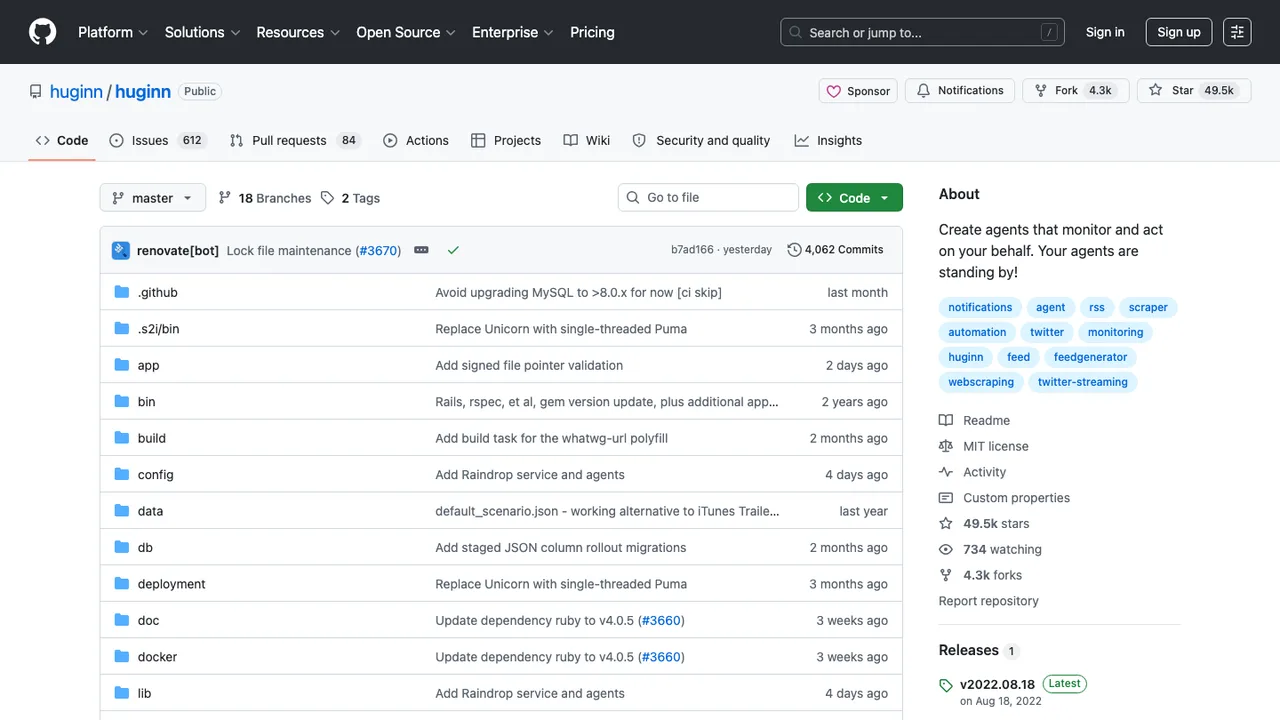
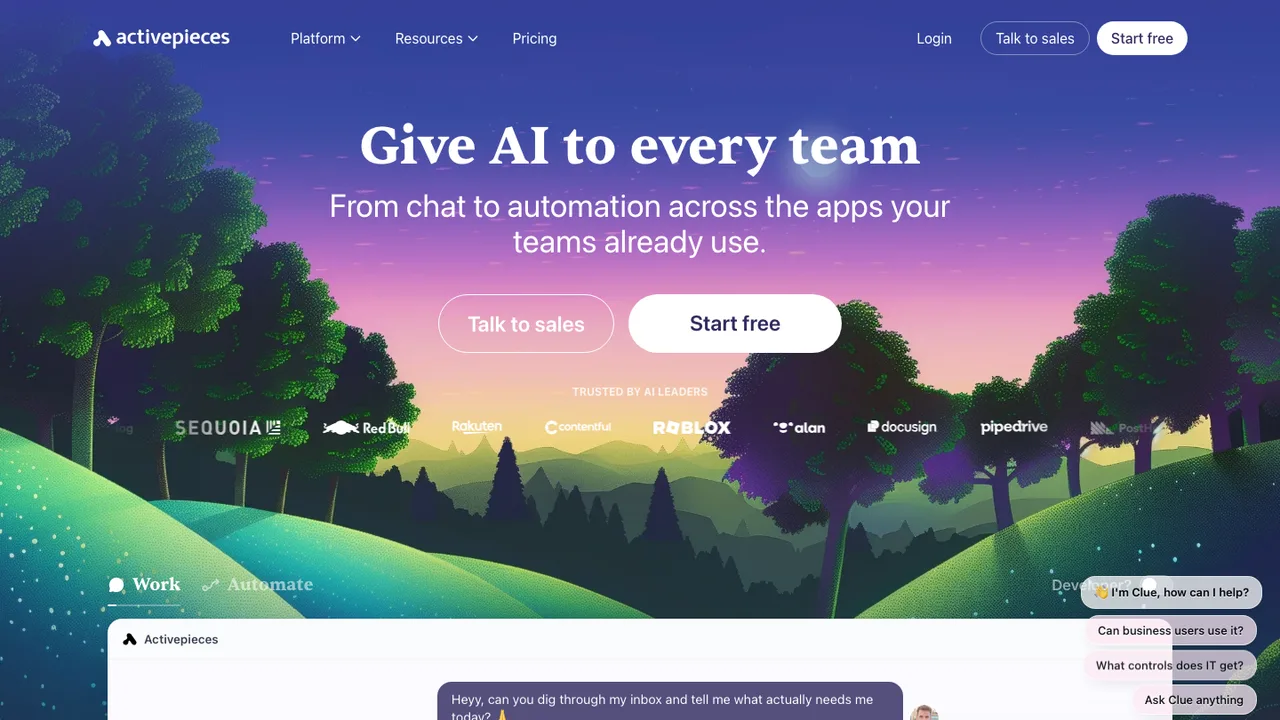
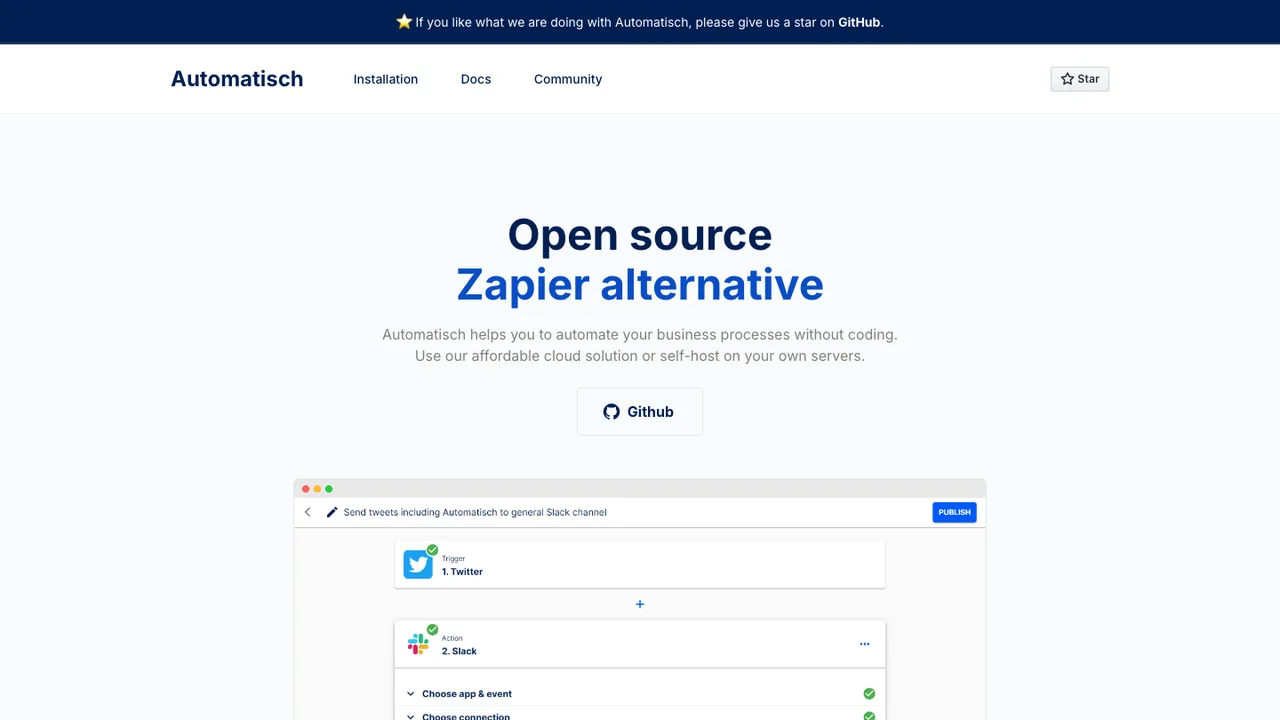
Connector coverage is where open source asks the most of you. Zapier's catalog of managed integrations is large, and non-developers build working flows without seeing the API underneath. The open tools reach the same outcome by different routes. Activepieces uses a type-safe TypeScript pieces framework with loops, branches, retries, HTTP, and code steps, and its pieces double as MCP servers. Huginn models automation as agents that watch events and act, scraping the web, watching RSS, running custom JavaScript, and firing webhooks. Automatisch stays deliberately no-code for connecting services and building trigger-action flows. Niche SaaS connectors may still need custom HTTP work.
There is no export that recreates every Zap, so treat migration as reconstruction. Inventory each Zap by trigger, action, field mapping, filter, path, schedule, owner, and recent task volume, and pull sample payloads from task history so you can test real and broken inputs. Rebuild in the new tool and run it in parallel with duplicate protection before cutting over. Data in connected apps stays put; what you actually rebuild is orchestration logic, webhook URLs, OAuth connections, time-zone and dedup rules, and error alerts. Use the first pass to delete stale Zaps, not faithfully copy automations no one needs.