4 Best Open Source Alternatives to Intercom

Updated July 2026

Intercom built the modern in-app messenger - the chat bubble in the corner, paired with bots, a help center, and a shared inbox that turns live conversations into a real support operation. For product-led companies it ties marketing, onboarding, and support into one tidy surface. The trouble is the price model. Intercom has moved toward charging per resolution on top of per-seat fees, so the better its automation gets at closing conversations, the more each closed conversation can cost you - support spend that rises with your own success and is hard to predict.

The open source alternative below covers the same omnichannel ground - a website live-chat widget, email, and social channels feeding one shared agent inbox. It runs on a server you control, so support is priced by the hardware you provision rather than by how many conversations get resolved, and the full record of your customer chats stays in a database you own.

Chatwoot logo

1.Chatwoot

31.2kOtherRuby Self-host
Chatwoot screenshot

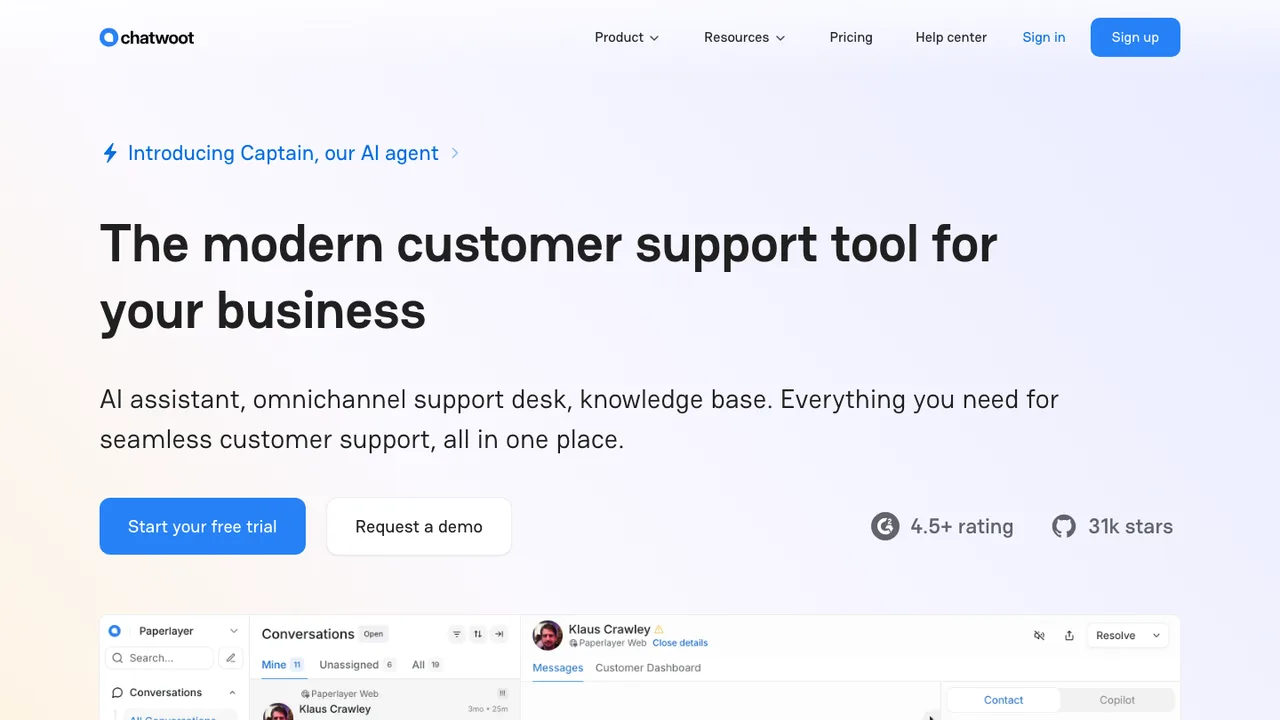
Chatwoot is an open-source, self-hosted customer support platform that centralizes conversations in one inbox. It is built for businesses that want to handle live chat, email, and social messaging while keeping full control over their customer data.

  • Omnichannel inbox for live chat, email, WhatsApp, and more
  • Captain AI agent for automated support replies
  • Help center portal for articles, FAQs, and guides
  • Private notes, @mentions, labels, and canned responses
Frappe Helpdesk logo

2.Frappe Helpdesk

3.2kAGPL-3.0Vue Self-host
Frappe Helpdesk screenshot

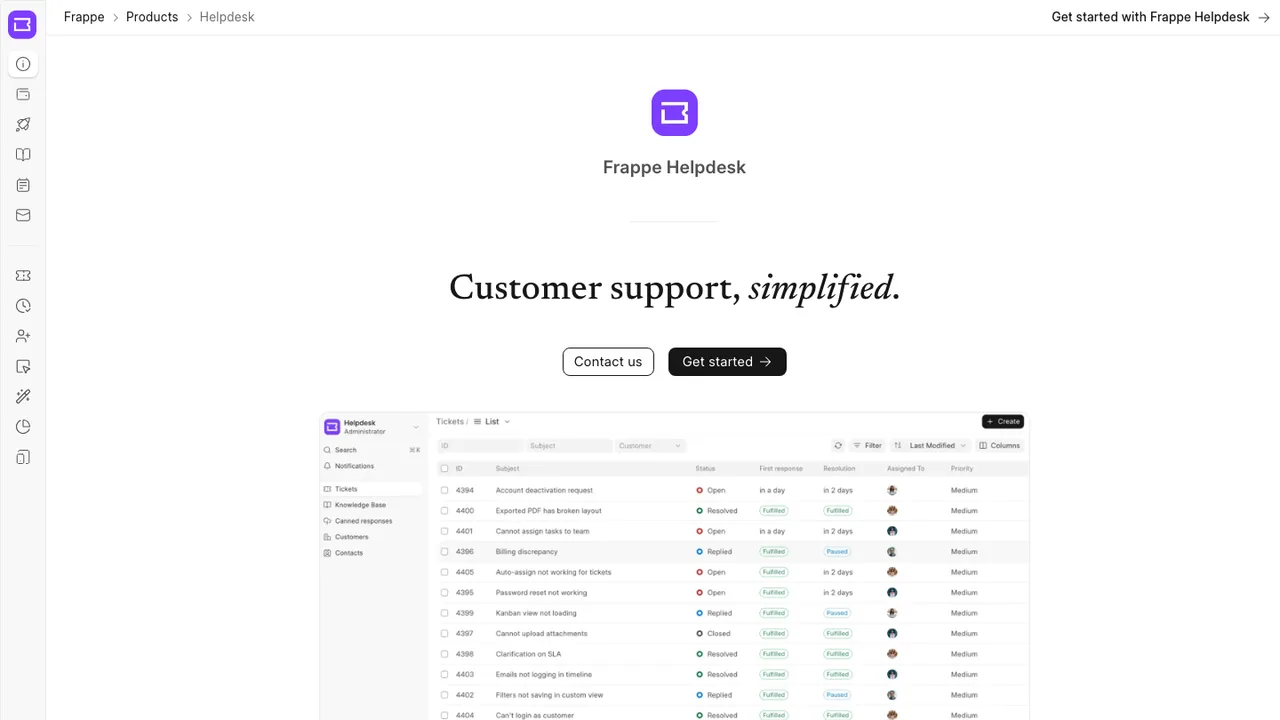
Frappe Helpdesk is an open-source ticket management tool for customer support teams. It helps you organize issue handling and resolve customer queries through a clean interface with a straightforward setup.

  • Agent and customer portal views
  • Customizable SLAs
  • Ticket auto-assignment rules
  • Knowledge base for help articles
EspoCRM logo

3.EspoCRM

3kAGPL-3.0PHP Self-host
EspoCRM screenshot

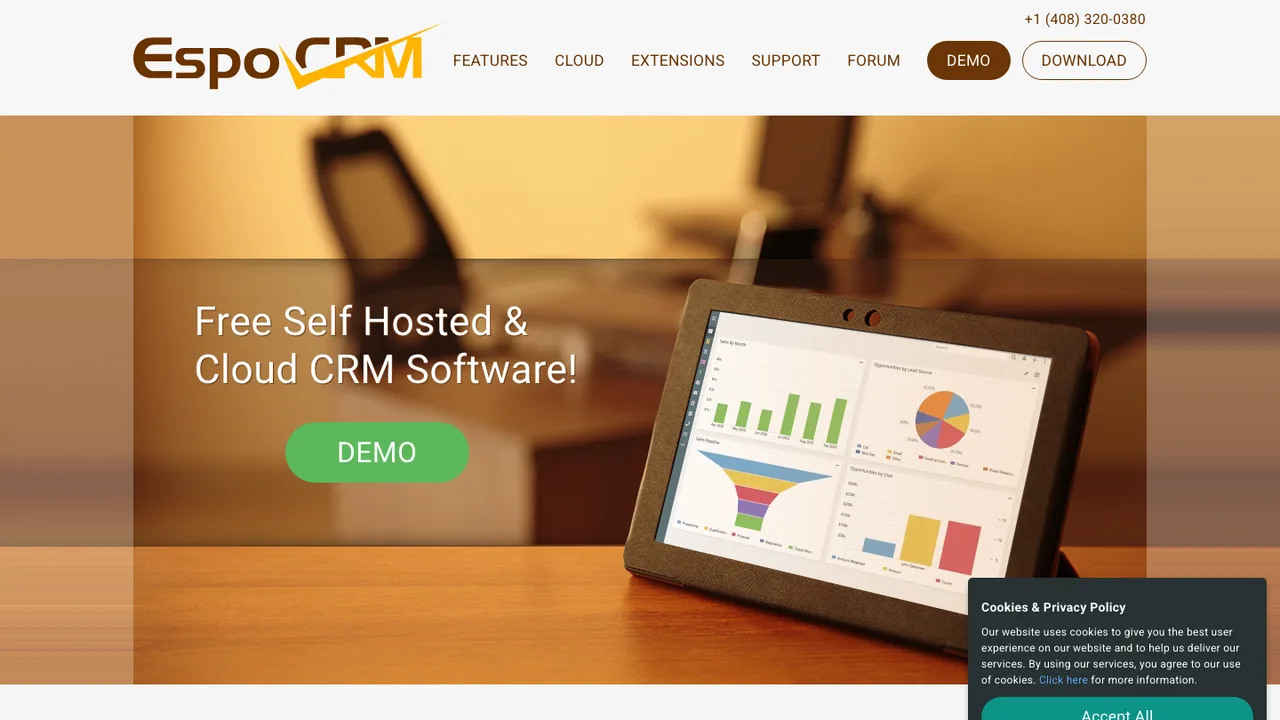
EspoCRM is a free, open-source CRM for managing customer relationships. It organizes leads, contacts, sales opportunities, marketing campaigns, support cases, and related business records in one web application that organizations can run on premise.

  • Manage leads, contacts, opportunities, campaigns, and cases
  • Custom entities, fields, relationships, and buttons
  • Workflow customization and task automation
  • REST API for integration with other applications
Dittofeed logo

4.Dittofeed

2.8kMITTypeScript Self-host
Dittofeed screenshot

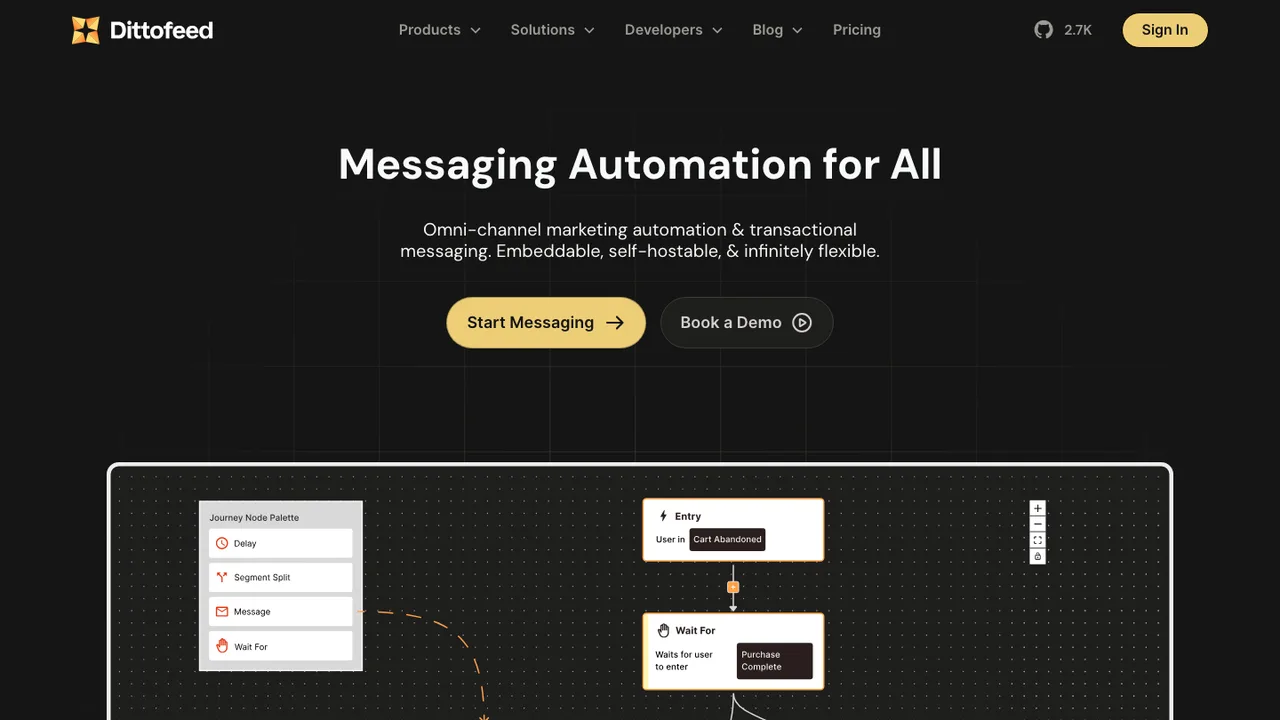
Dittofeed is an open-source omni-channel customer engagement platform for transactional and marketing messages. Teams send broadcasts or build automated journeys across email, mobile push, SMS, WhatsApp, Slack, and more. It targets self-hosted use as an alternative to OneSignal, Customer.io, and Segment Engage.

  • Broadcasts and event-based journeys across email, SMS, push, WhatsApp, and Slack
  • User data ingestion via Segment, Reverse ETL, and the Dittofeed API
  • Custom user segments with multiple operators
  • HTML/MJML templates and a low-code template editor

Switching from Intercom to open source

When replacing Intercom, start with the parts that are coupled in daily work: the website messenger, shared inbox, customer records, help center, outbound messages, and automation. Intercom makes switching hard because those pieces share the same identity graph and conversation history. Decide which source of truth owns contacts, companies, events, consent, and assignment state after the move. Also decide whether you need an embedded in-app messenger or only email-based support. A lighter open source help desk can be enough if sales chat and lifecycle messaging are handled elsewhere.

Expect gaps around polish and packaged automation. Intercom's value is the integrated agent experience: routing, macros, bots, article suggestions, reporting, and customer context in one UI. Open source replacements may cover the core inbox well but require separate tools for product events, marketing campaigns, knowledge base search, or AI answer generation. That split is not always bad, but it changes ownership. Support operations will need to re-create SLAs, saved replies, tagging rules, and dashboards instead of assuming they transfer as a product setting.

Migration is usually an export-and-rebuild project, not a clean import. Use Intercom's export options and API to pull contacts, companies, conversations, tags, custom attributes, and help center content where available. Conversation transcripts survive better than workflow logic. Article HTML often needs cleanup, image re-linking, redirects, and search tuning. Preserve original IDs in custom fields so you can reconcile old tickets later. Run both systems briefly, freeze automation changes before cutover, and keep a read-only Intercom archive until finance, legal, and support agree the data has landed.

Related alternatives

Frequently asked questions

What is the hardest part of moving off Intercom?+

The hard part is not replacing chat. It is separating chat, inbox, customer profiles, help articles, automation, and reporting after they have all shared the same Intercom data model. Before picking a replacement, map every place Intercom is used: website widget, logged-in app messenger, support inbox, onboarding emails, bots, help center, and sales routing.

Will an open source alternative match Intercom's messenger and shared inbox?+

Some open source tools can cover the basic messenger and team inbox well: incoming chats, email replies, assignments, internal notes, tags, and conversation history. Expect more variance around visitor qualification, in-app event targeting, agent assist features, and polished end-user UI. Test your highest-volume workflows instead of comparing feature grids, especially if Intercom is used by support, sales, and success together.

How do I export conversations from Intercom?+

Use Intercom's built-in exports where they fit, then use the API for anything that needs more control or repeatability. Export conversations with participants, timestamps, tags, assignees, and message bodies when available. Attachments, inline images, and bot-generated steps need extra validation. Keep original Intercom conversation IDs in the destination so agents can trace older cases during the transition.

What happens to Intercom help center articles during migration?+

Help center content usually survives as article text, titles, collections, and HTML, but it rarely lands perfectly. Expect to fix formatting, embedded media, broken image links, category structure, and redirects. If your articles rank in search engines or are linked from the product, plan URL mapping carefully. Also review article visibility rules, because public, private, and audience-specific access may not map one-to-one.

How should contacts, companies, and custom attributes be handled?+

Decide whether the replacement or your CRM becomes the owner for customer identity. Intercom contacts, companies, custom attributes, tags, and events often include years of operational shortcuts. Clean duplicates, stale attributes, and inconsistent company associations before import if possible. Keep important Intercom IDs as reference fields, and document which attributes still drive routing, reporting, segmentation, or compliance decisions.

Are Intercom bots, workflows, and AI answers portable?+

Usually no. Conversation transcripts can be exported, but bot paths, branching logic, qualification rules, and AI answer configuration are normally rebuilt. Treat this as a workflow redesign rather than a copy job. Start with the automations that deflect the most tickets or route the most revenue-sensitive leads, then rebuild them manually and compare results against historical Intercom volumes.

Is self-hosting a realistic way to replace Intercom?+

It can be, but support software is operationally sensitive. You need reliable email delivery, webhooks, file storage, search, backups, monitoring, TLS, spam controls, and a plan for upgrades. If agents depend on the inbox all day, downtime becomes a customer-facing incident. Self-hosting makes more sense when privacy, data residency, or customization is worth owning that operational burden.

What will an open source Intercom replacement cost?+

The license may be free, but the replacement is not cost-free. Budget for hosting, managed databases, object storage, email delivery, backups, monitoring, authentication, migration work, and admin time. If you choose a hosted vendor built around open source software, compare seat pricing and support terms against Intercom. The savings are clearest when your team can run the stack competently.

How does security change when leaving Intercom?+

Responsibility shifts depending on the deployment model. With self-hosting, your team owns patching, access controls, audit logs, network exposure, backups, and incident response. With a hosted open source vendor, review its security documentation, data processing terms, SSO support, retention controls, and auditability. Also check how conversation attachments are stored, because support inboxes often contain sensitive screenshots and customer data.

Which integrations should be checked before replacing Intercom?+

Inventory every integration that reads from or writes to Intercom: CRM, billing, product analytics, status page, issue tracker, data warehouse, email tools, authentication, and Slack-style notifications. Then identify whether the replacement supports native integrations, webhooks, API access, or middleware. Pay close attention to identity matching, because a broken user ID or company ID mapping can make support context unreliable.

Do mobile apps work the same after switching?+

Not always. Intercom's mobile SDKs often cover in-app messaging, push notifications, user identity, and help center access inside an iOS or Android app. Open source replacements may offer fewer mobile-native features or require custom SDK work. If mobile support matters, prototype login handoff, push behavior, unread counts, attachments, and deep links before committing to the migration.

How much downtime should we expect during the cutover?+

A well-planned cutover should not require long downtime, but there will be a messy overlap period. Keep Intercom receiving messages until the new widget, email forwarding, and DNS or routing changes are verified. Freeze automation edits before export, run a final sync, then switch channels in a controlled window. Agents need clear rules for which inbox owns new replies during overlap.

How do team permissions and inbox routing map from Intercom?+

They usually need to be rebuilt. Intercom teams, assignment rules, inbox views, SLAs, saved replies, and roles may not have direct equivalents. Start by modeling real responsibilities: who can view billing conversations, who handles sales chats, who edits help content, and who can export customer data. Test edge cases such as private notes, reassignment, escalation, and restricted conversations before inviting the full team.

Will reports and customer support metrics survive the migration?+

Raw conversation data may survive, but historical reports rarely transfer as dashboards. Response time, resolution time, deflection, volume by tag, and agent workload depend on each system's event model. Export Intercom reporting data you need for historical comparison before leaving. Then define new metrics in the replacement and accept that pre-migration and post-migration numbers may not be perfectly comparable.

What should we do if the chosen open source project stalls later?+

Plan an exit before adoption. Confirm that conversations, contacts, articles, attachments, tags, and audit-relevant metadata can be exported without vendor help. Prefer plain database access, documented APIs, or bulk exports over proprietary backup formats. Keep deployment scripts, schema notes, and migration mappings under your control. If the project stalls, that preparation lets you move again without repeating the Intercom lock-in problem.