An accounting system is really two things bolted together: the ledger that has to tie out for taxes and audits, and the convenience layer of invoices, bank feeds, and payroll that sits on top. QuickBooks is priced per seat and keeps your books in Intuit's cloud, where the plan you pay for decides which reports you can run and who is allowed to open them. The open source options here separate those two layers. You get double-entry books you host and export in full, with no meter counting how many people touch the ledger and no vendor deciding which financial statements happen to be in your tier.
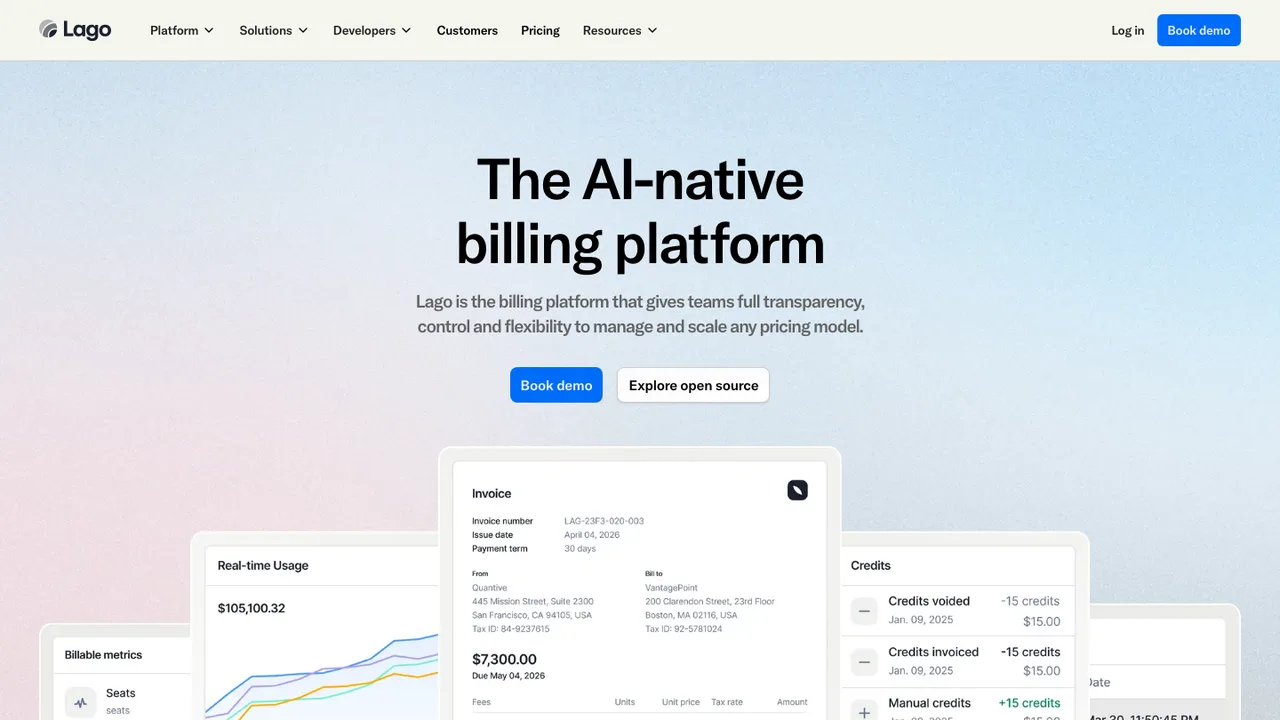
Lago is an open-source metering and billing platform for product-led companies that need to track usage, manage subscriptions, and bill from events. It handles usage-based, subscription-based, and hybrid pricing, with self-hosting for full control over your data or Lago Cloud for a faster start.
Real-time usage metering and consumption tracking
Usage-based, subscription, and hybrid pricing
REST API with Node, Python, Ruby, and Go SDKs
Works with Stripe, Adyen, GoCardless, or any gateway
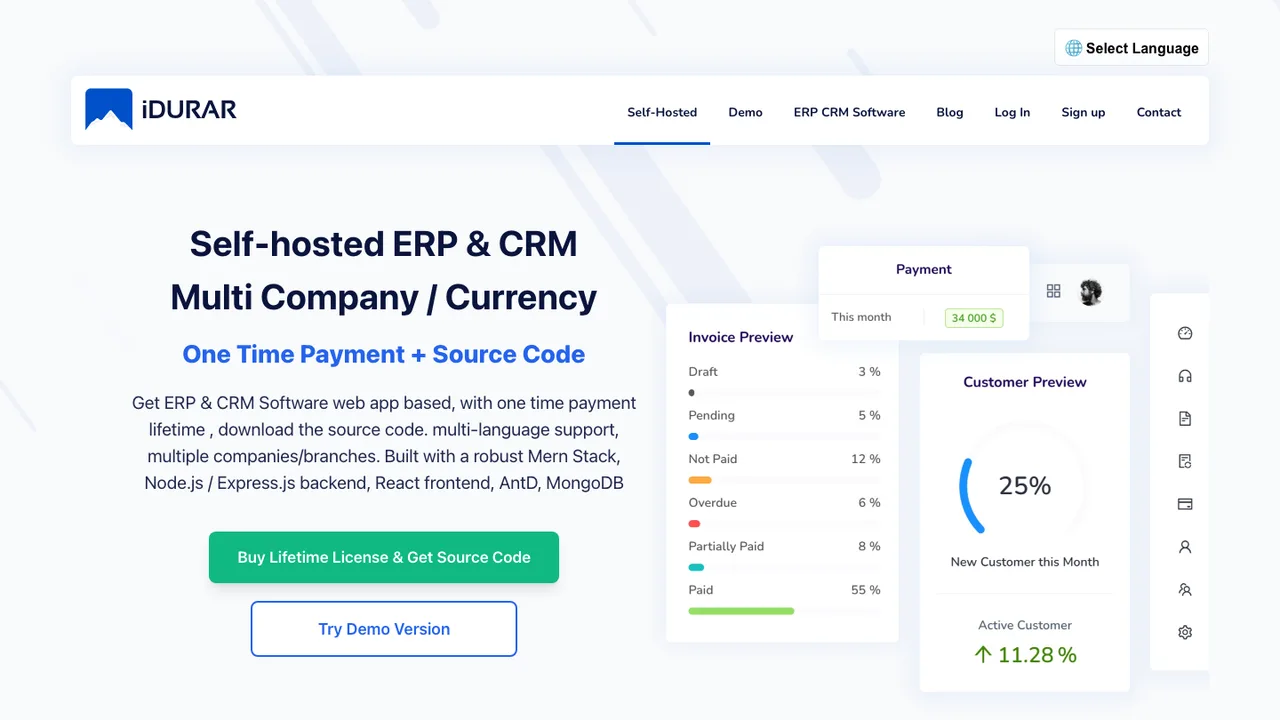
IDURAR is an open source ERP and CRM for invoicing, quotes, accounting, inventory, and HR. It is aimed at teams that want to run business operations from software they host themselves, with invoice, payment, quote, and customer management as the core modules.
Invoice, payment, quote, and customer management
Accounting, inventory, and HR modules
Node.js and Express.js backend with React frontend
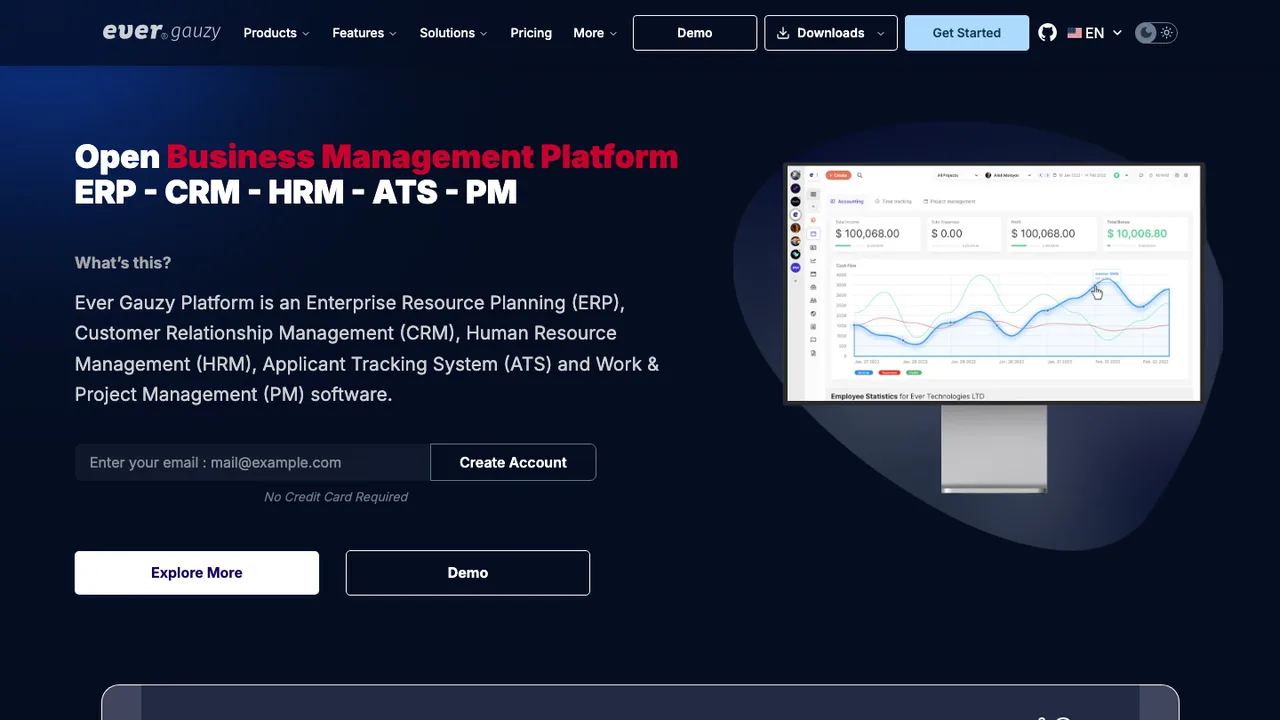
Ever Gauzy is an open source business management platform that brings ERP, CRM, HRM, applicant tracking, and project management into one system. It tracks clients, employees, finances, and projects, with modules for sales, accounting, invoicing, billing, expenses, and inventory.
Headless REST APIs for the whole platform
Time, activity tracking, and timesheets with screenshots
Accounting, invoicing, billing, and expense management
Crater is a web and mobile app for creating professional invoices and estimates while tracking expenses and payments. It targets individuals and businesses that want invoicing, payment tracking, and customer-facing billing in one self-hosted system.
Create invoices and estimates, track expenses and payments
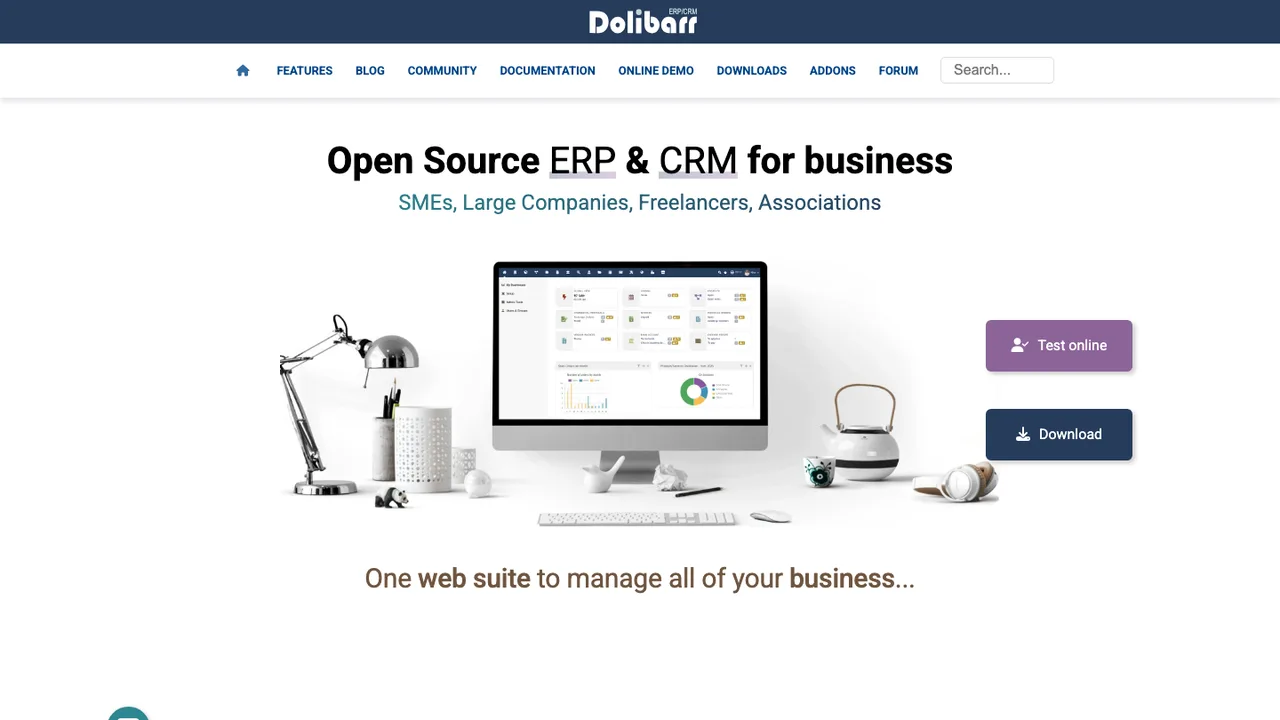
Dolibarr is an ERP and CRM suite for companies, foundations, and freelancers. It manages day-to-day business activity such as contacts, quotes, invoices, orders, stocks, agenda, accounting, and human resources from one web application.
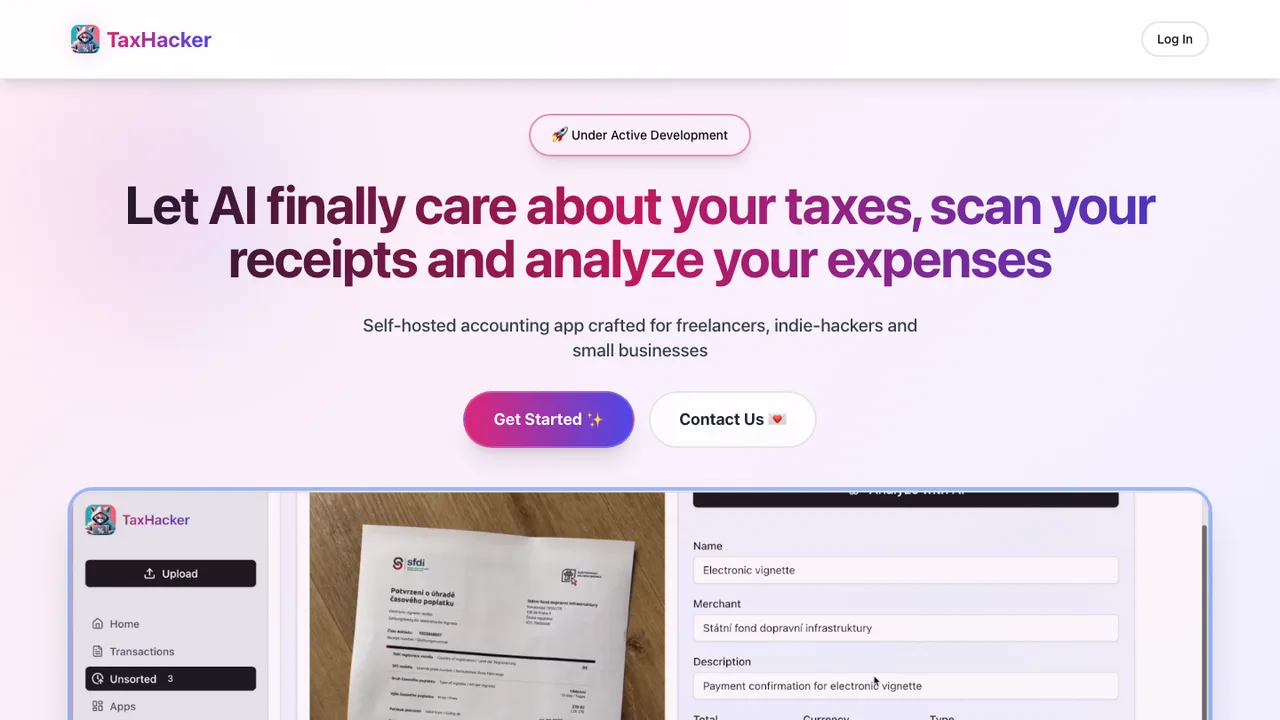
TaxHacker is a self-hosted accounting app for freelancers, indie hackers, and small businesses that want to automate expense and income tracking. Upload photos of receipts, invoices, PDFs, or bank statements and it recognizes and extracts the data you need, so documents do not have to be entered by hand.
AI extraction from receipts, invoices, PDFs, and statements
Custom fields driven by your own AI prompts
Auto-categorization, multi-project tracking, and full-text search
Historical currency conversion across 170+ currencies and crypto
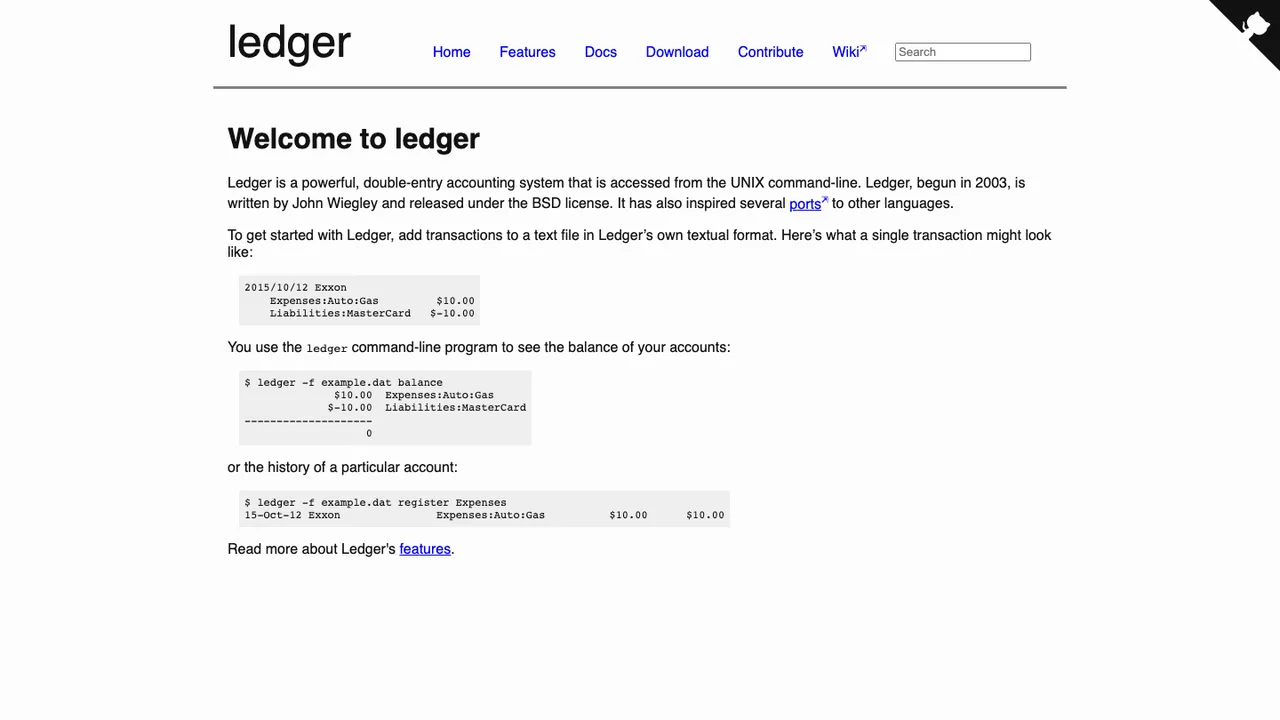
Ledger is a double-entry accounting system accessed from the UNIX command line. There is no UI: you write account names and transactions into a text file, then run Ledger with options to specify the input and the reports you want. It reads the files and generates output, with no other database or stored state.
Reads account names and transactions from text files
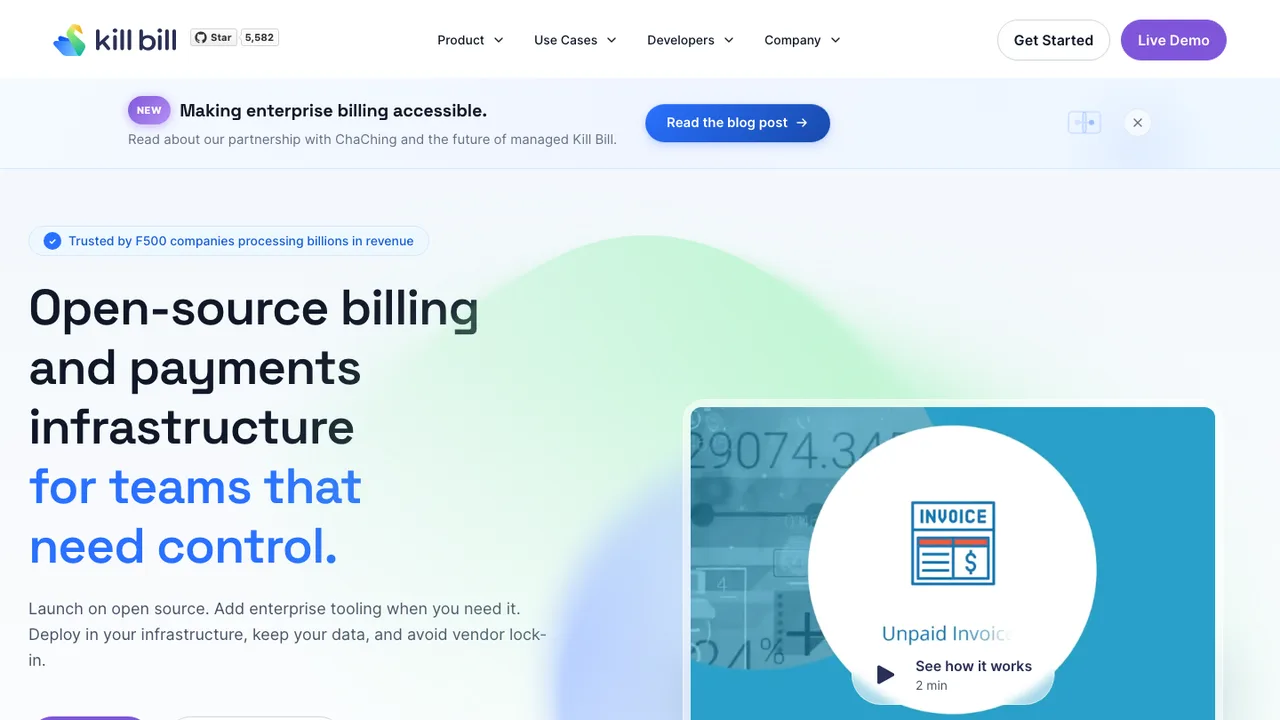
Kill Bill is an open-source subscription billing and payments platform for online businesses. It runs in your own infrastructure so business and client data stays under your control, with no vendor lock-in and no per-transaction or revenue-based fees.
Multiple subscription billing models with trials and discounts
Native Adyen, Stripe, Braintree, and PayPal integrations
Usage metering, wallets, and prepaid credits
Kaui back-office UI with real-time analytics and reports
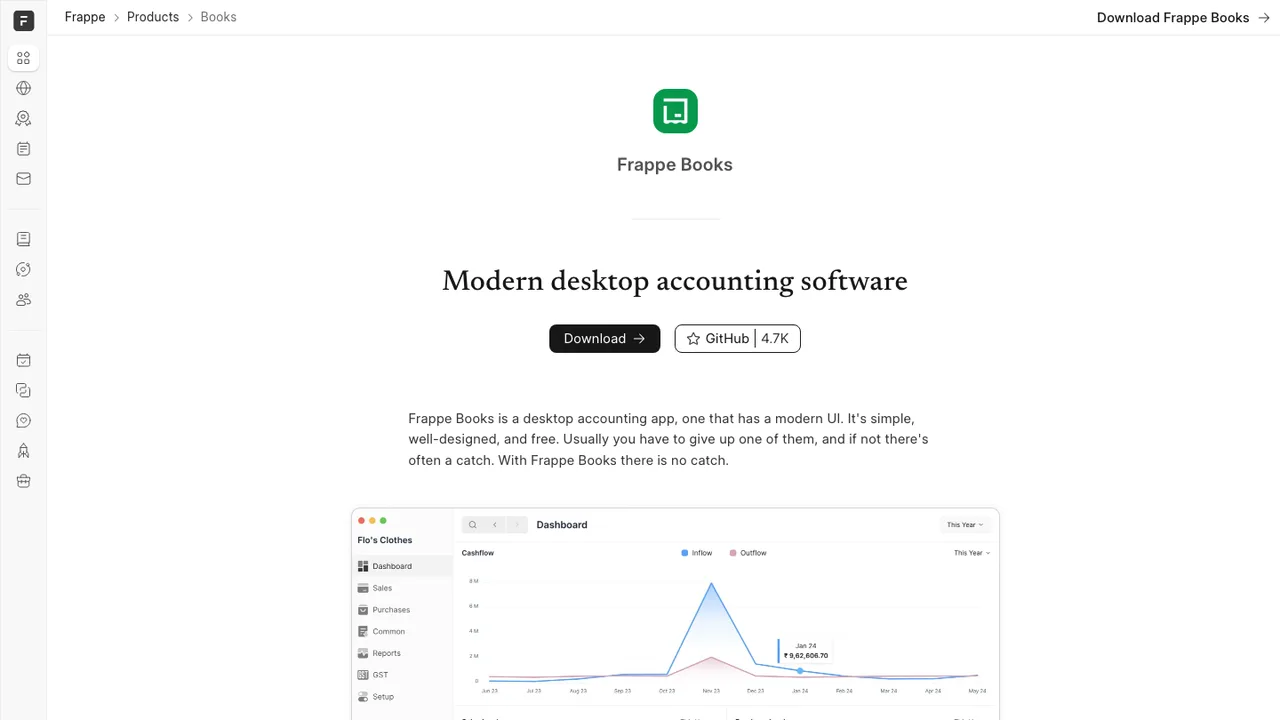
Frappe Books is desktop accounting software for small and medium businesses that want to manage finances without a cloud service. Income, expenses, bills, and invoices stay in an app that runs offline and syncs later.
Offline desktop accounting with local SQLite storage
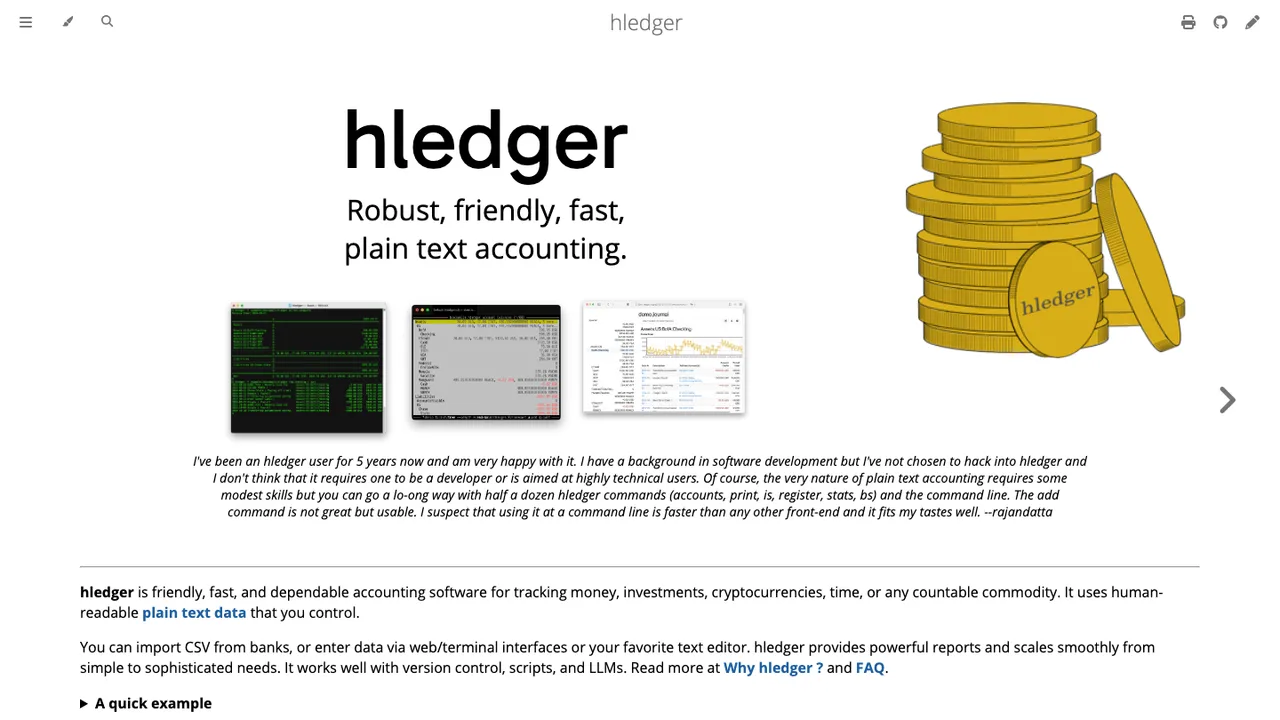
hledger is lightweight, cross-platform accounting software for tracking money, investments, cryptocurrencies, invoices, time, inventory, and more in a plain text data format. It uses double-entry bookkeeping and keeps data in a file you control, with full version control and privacy.
Plain text double-entry accounting in a file you control
Multi-currency engine accurate to 255 decimal places
Imports and exports CSV; outputs text, HTML, JSON, SQL
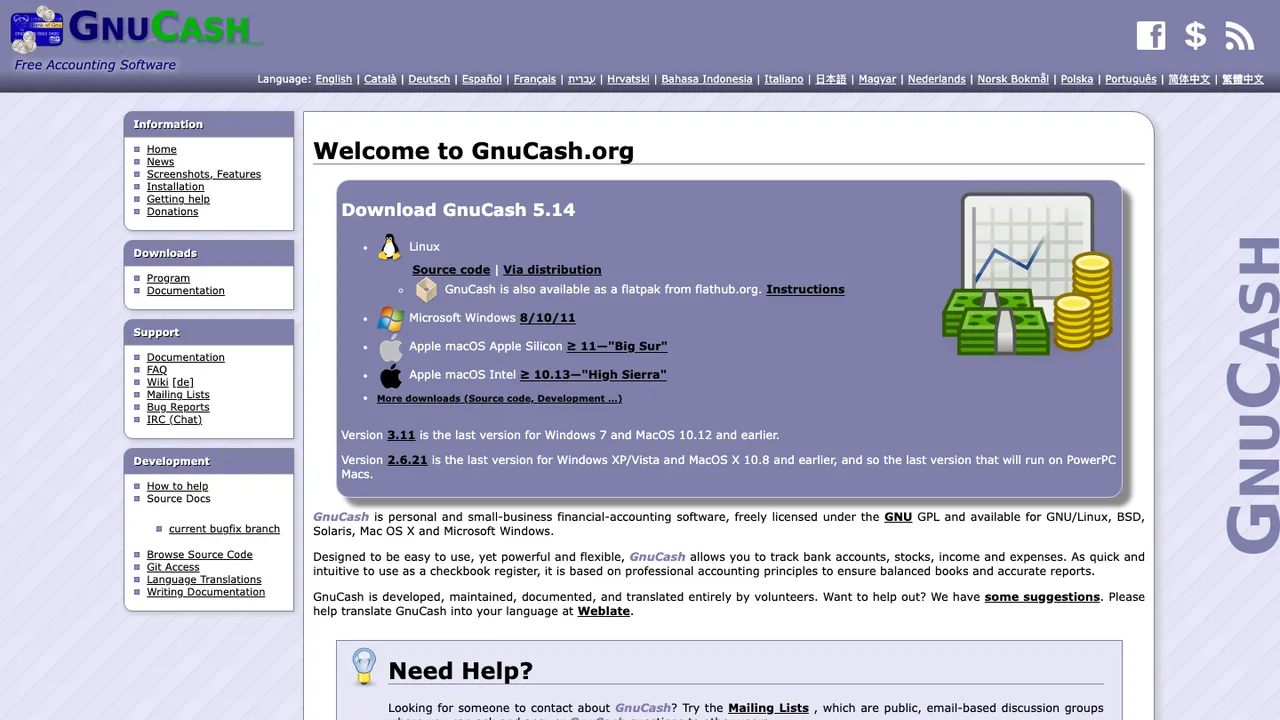
GnuCash is double-entry accounting software for personal and small business finances. It tracks accounts and transactions in a desktop application and is freely licensed under the GNU GPL. The current stable series is GnuCash 5.x.
Double-entry accounting for personal and small business
Opens .gnucash files and imports Quicken .qif files
Optional online stock and currency price retrieval
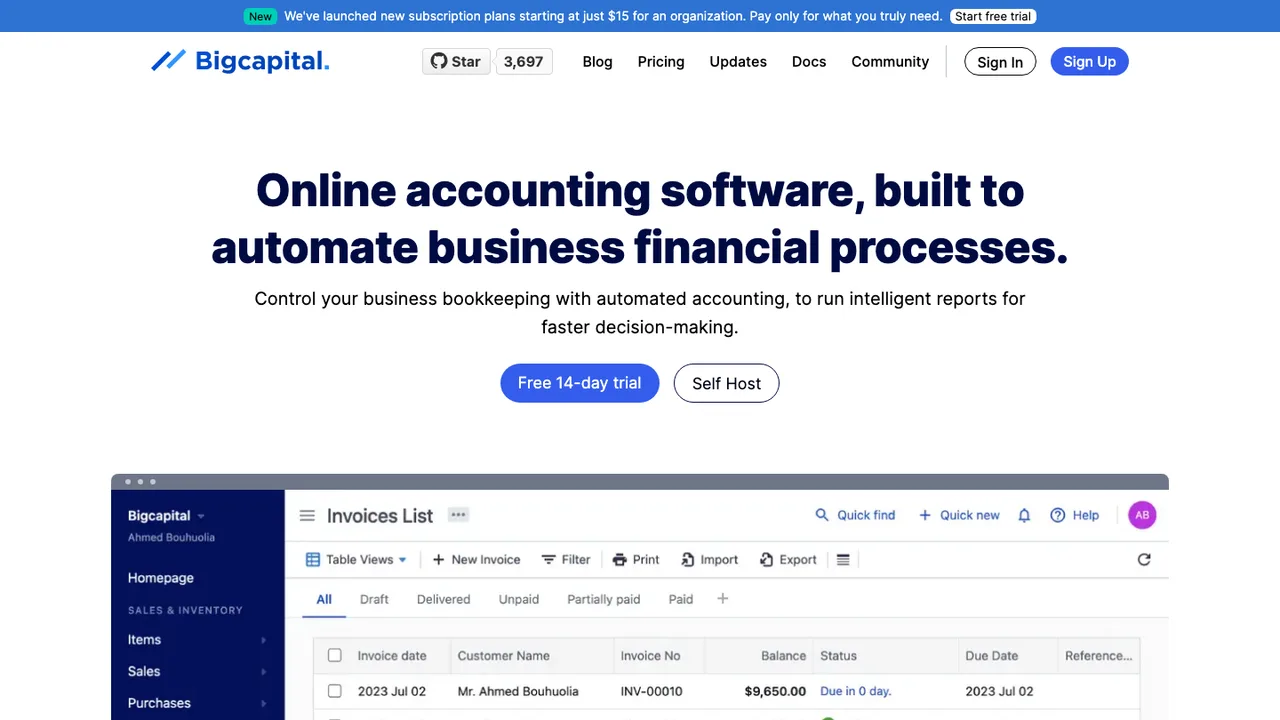
Bigcapital is accounting and inventory software for small and medium businesses. It keeps business finances in one place and automates accounting tasks across bills, expenses, payments, invoicing, and inventory, producing financial statements and reports to support decisions.
InvoicePlane is a self-hosted web application for managing invoices, quotes, clients, and payments. It is built for people who want to create and track quotes and invoices on their own server rather than through a hosted service.
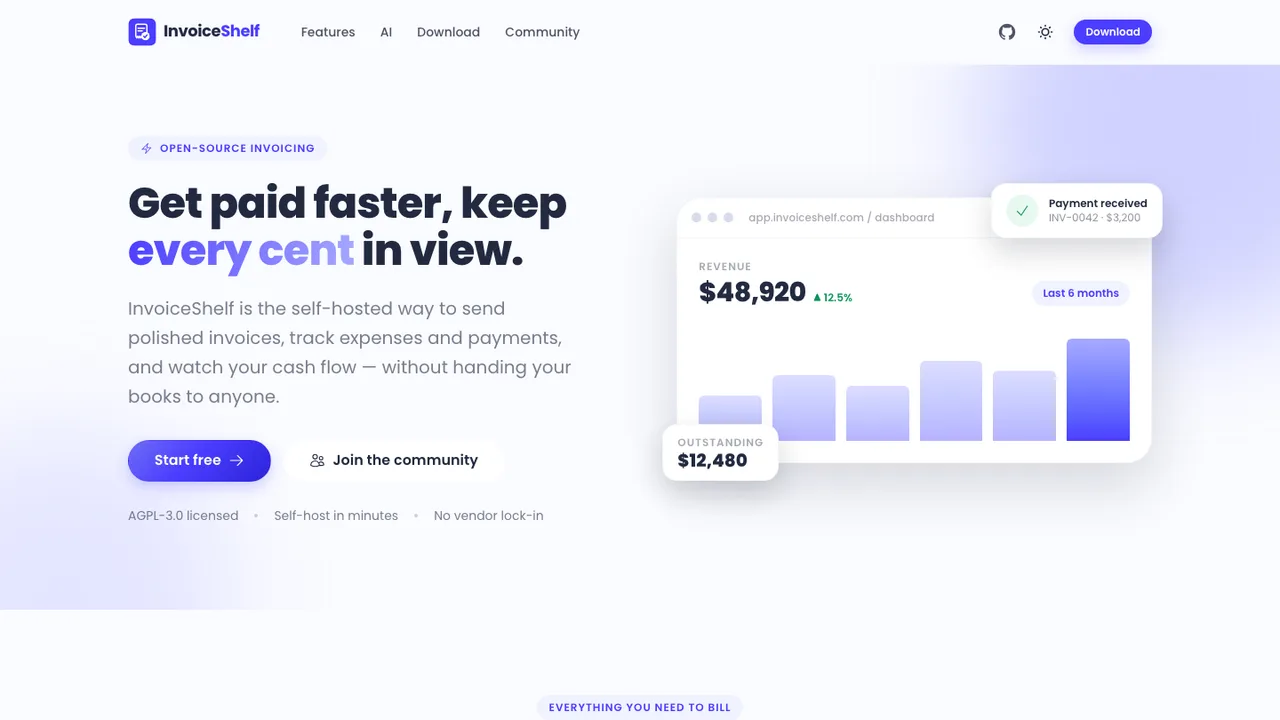
InvoiceShelf is a self-hosted web app for individuals and small businesses to create professional invoices and estimates, track expenses, and record payments. It is multi-tenant, so multiple companies and members can keep their books on infrastructure you control.
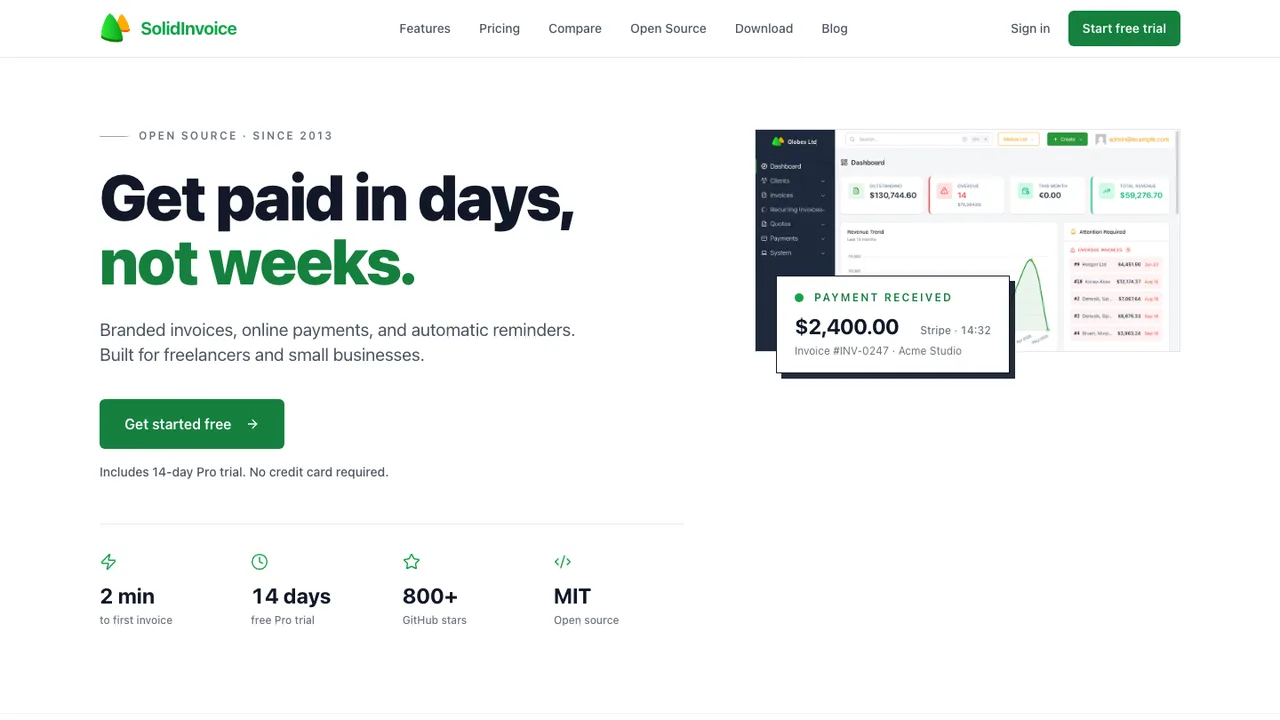
SolidInvoice is an invoicing platform for freelancers and small businesses. It handles quotes, invoices, online payments, and recurring billing while keeping data under your control. You can run it on your own server for free or use the hosted service.
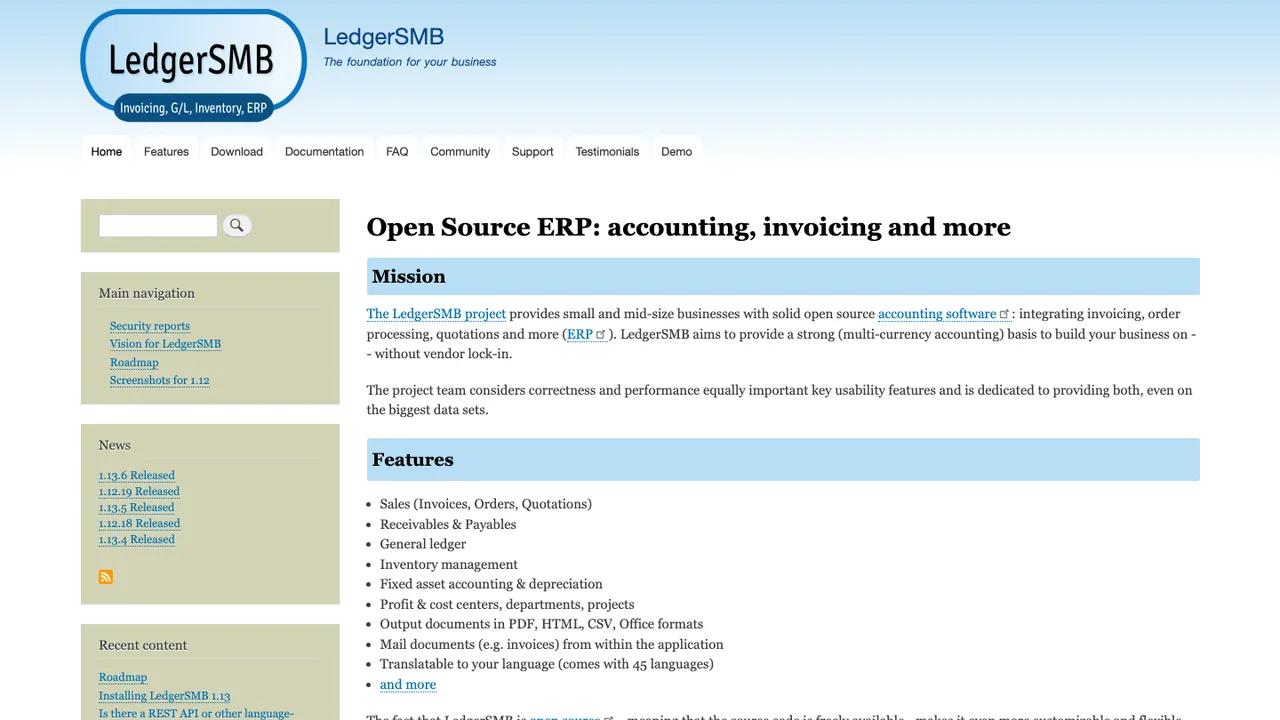
LedgerSMB is a free web-based double-entry accounting system for small and medium businesses. It covers accounting and ERP tasks like quotations, ordering, invoicing, projects, timecards, inventory management, and shipping from a browser-based UI.
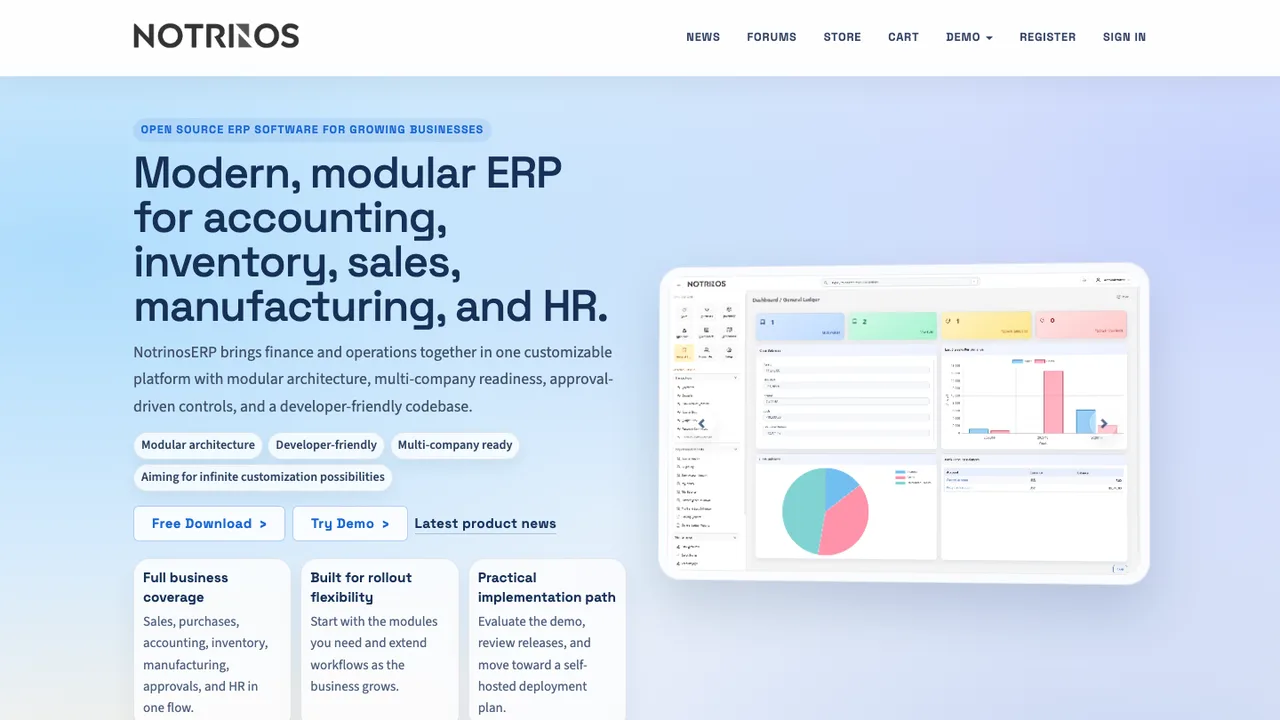
NotrinosERP is an open-source, web-based ERP system written in PHP and MySQL. It brings accounting, CRM, sales, purchasing, warehousing, manufacturing, payroll, and human resource functions into one self-hosted application for small and medium businesses.
Multi-company, multi-currency, and multi-language support
Role-based access control with per-module permissions
Multi-level approval workflow
Sales, purchases, inventory, manufacturing, payroll, and HR modules
QuickBooks bundles bookkeeping, invoicing, and inventory in one product; open source asks you to pick the depth you need.
Full double-entry books with ERP reach: LedgerSMB LedgerSMB pairs double-entry accounting with quotations, ordering, invoicing, projects, and inventory from a browser, storing everything in PostgreSQL. Invoices and orders export as PDF, CSV, HTML, or ODF from editable templates. It covers the widest surface here for a business that outgrew simple bookkeeping.
Desktop books for a solo operator: GnuCash GnuCash runs double-entry accounting entirely on your own machine, storing books in local files with no server or subscription. It imports Quicken .qif files and runs on Windows, macOS, and Linux. For a sole proprietor who wants proper double-entry without hosting anything, it is the low-overhead choice.
When accounting is one part of a wider ERP: Dolibarr Dolibarr manages contacts, quotes, invoices, orders, stock, and accounting together as an ERP and CRM, with around a hundred modules you enable as needed. It self-hosts on Windows, Linux, or Docker over MariaDB, MySQL, or PostgreSQL. Choose it when the books are inseparable from sales and inventory.
Accounting with inventory built in: Bigcapital Bigcapital keeps double-entry accounting and inventory in one place, turning bills, expenses, payments, and invoicing into financial statements. A headless API drives the same engine from other systems, and you can self-host with Docker or use the hosted cloud.
Replacing QuickBooks without breaking your books
A service business that mostly sends invoices and categorizes expenses is replacing a very different QuickBooks than a company running inventory valuation, class or job tracking, and multi-entity reporting. Sort your real requirements - chart of accounts, cash versus accrual, sales tax, bank reconciliation, payroll, accountant access - before you look at any tool, because the distance between those two ends of the range is enormous. Treat it as a finance-process decision first and a software decision second.
Then decide where payroll and tax filing will live, because this is where open source books stop short. Several of these systems record payroll as journal entries cleanly but do not calculate payroll taxes, file returns, or run direct deposit, so those usually move to a dedicated service. Bank feeds are the other variable: some tools import statement files while others need a paid connector, so test one full statement cycle before you trust reconciliation. LedgerSMB and Dolibarr reach furthest into ERP territory with ordering, inventory, and projects, while GnuCash and Frappe Books keep a tighter focus on desktop bookkeeping for a solo operator or a small shop.
Migrate on a clean cutoff date rather than trying to import history. Reconcile every account in QuickBooks, close the prior period, then export the chart of accounts, customers, vendors, items, open invoices, unpaid bills, and trial balance to CSV. Master data and opening balances transfer far more reliably than years of detailed transactions, and reconciled status, attachments, and audit trails usually have to be archived rather than carried across. Keep QuickBooks read-only through at least one tax cycle so the original reports are still there if anything needs to tie back.
Which QuickBooks features should I replace first?+
Replace the general ledger and the month-end close first, not the conveniences layered on top. Confirm the new system produces a trial balance, balance sheet, profit and loss, and receivable and payable aging you trust, and that bank reconciliation ties out. Invoices, receipt capture, and dashboards matter, but they are secondary. If the core statements do not reconcile, no amount of polish elsewhere makes the books usable.
Do open source accounting tools handle payroll and sales tax?+
Often only partially. Most of these systems post payroll as journal entries but do not calculate payroll taxes, file returns, or run direct deposit, so payroll usually stays with a dedicated provider. Sales tax may need manual rules or an outside service. If payroll or tax filing sits at the center of your operation, decide where it will live before you pick the accounting tool, not after.
What happens to bank feeds and reconciliation?+
Reconciliation itself is standard; automatic bank feeds are the variable part. Some tools rely on importing statement files from your bank, others use connectors that cost money or need extra setup. Before committing, run one full statement cycle: check that imported transactions match your bank's format, that duplicates are handled safely, and that the reconciled balance matches your QuickBooks cutoff to the cent.
How much of my QuickBooks data can I actually import?+
Master data and opening balances move more reliably than full history. Chart of accounts, customers, vendors, items, unpaid invoices, unpaid bills, and starting balances are the realistic import targets. Detailed historical transactions often need cleanup or are better kept as exported reports. Reconciled status, attachments, custom fields, and audit history rarely transfer cleanly, so plan to archive those rather than carry them across.
Can these tools handle inventory, not just invoicing?+
Yes, but match the tool to the depth you need. Crater focuses on invoices, estimates, and payment tracking rather than a full ledger. Bigcapital pairs double-entry accounting with inventory tracking, and LedgerSMB and Dolibarr go further into ordering, stock, and projects as small-business ERP systems. If inventory valuation drives your books, start with the ERP-leaning options rather than an invoicing-first app.
How should I bring my accountant into the switch?+
Bring them in before choosing, not after. Ask which reports they need, whether they want transaction-level exports, and how they prefer adjusting entries handled. Some accountants work happily from standard statements and ledgers; others expect QuickBooks-specific workflows. Agreeing on a reporting package up front prevents surprises at year-end, and it tells you quickly whether a given tool can produce what they sign off on.
What if the project behind my accounting software slows down?+
Plan the exit before you adopt. Favor tools that store data in documented formats and support bulk export, and keep regular database backups and periodic accounting exports outside the application. Frappe Books keeps everything in a local SQLite file, and LedgerSMB stores its data in standard PostgreSQL, so your records stay readable even if development stalls. Financial history should never depend on one maintainer staying active.