3 Best Open Source Alternatives to UserVoice

Updated July 2026

UserVoice is a mature feedback management platform: it gives product teams a hosted portal for feature requests, voting, customer segmentation, and roadmap signals without building that plumbing themselves. The friction usually starts when the feedback program stops being a lightweight intake channel - the data lives in a vendor system, the portal and workflow bend only so far, and the cost profile can get awkward as more product, support, and customer-facing people need access.

Open source alternatives let you run the request board and roadmap feedback loop on your own infrastructure, keep votes and comments in your own database, and change moderation, status, authentication, and integration behavior to match how your product team actually triages work.

Formbricks logo

1.Formbricks

12.4kOtherTypeScript Self-host
Formbricks screenshot

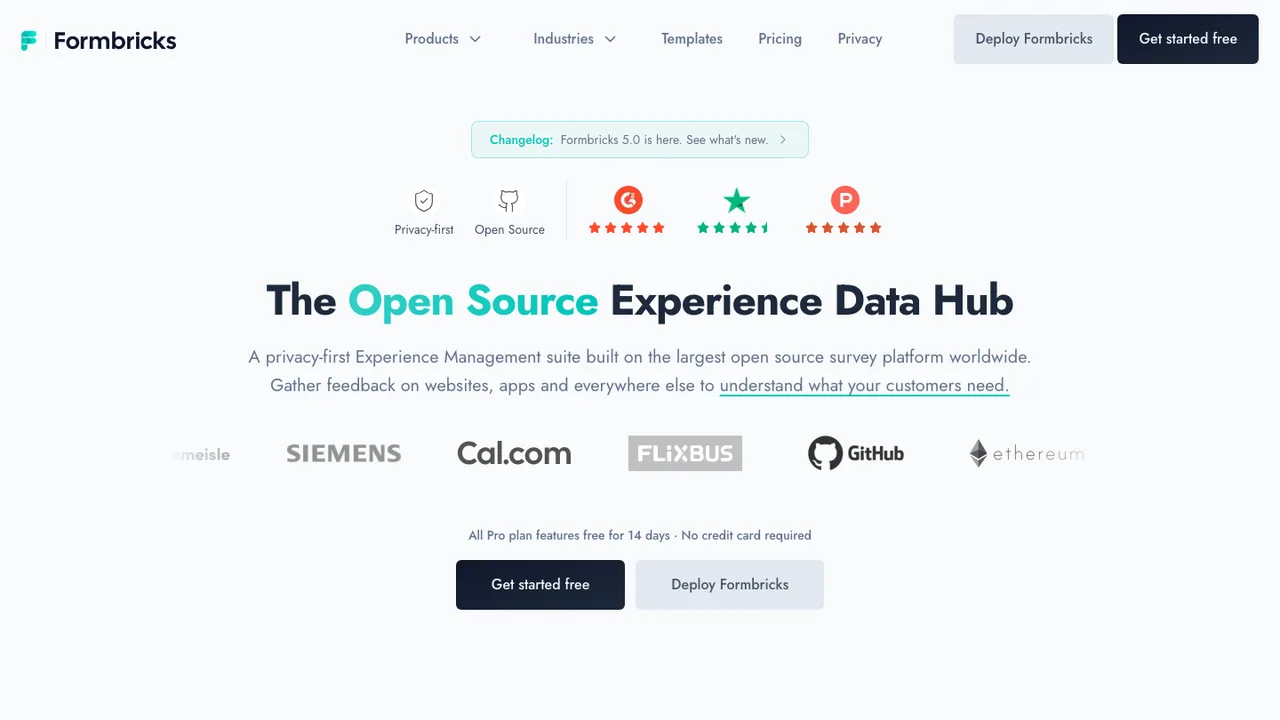
Formbricks is a free and open source survey platform and privacy-first experience management tool. It gathers feedback and user insights at every point in the journey through in-app, website, link, and email surveys, and you can either use its built-in analysis or build on top of the data you collect.

  • No-code survey editor with several question types
  • Templates for conversion-optimized surveys
  • Target surveys to specific user groups
  • Link, website, in-app, and email surveys
Fider logo

2.Fider

4.4kAGPL-3.0Go Self-host
Fider screenshot

Fider is a feedback portal for feature requests and suggestions. It gives customers one place to tell a product team what they need, so teams can collect customer feedback and feature requests without guessing what to build next.

  • Collect feature requests and suggestions in one feedback portal
  • Let users vote on product direction
  • Bring customer feedback into one place
  • Self-host on your own servers and infrastructure
LogChimp logo

3.LogChimp

1.1kOtherTypeScript Self-host
LogChimp screenshot

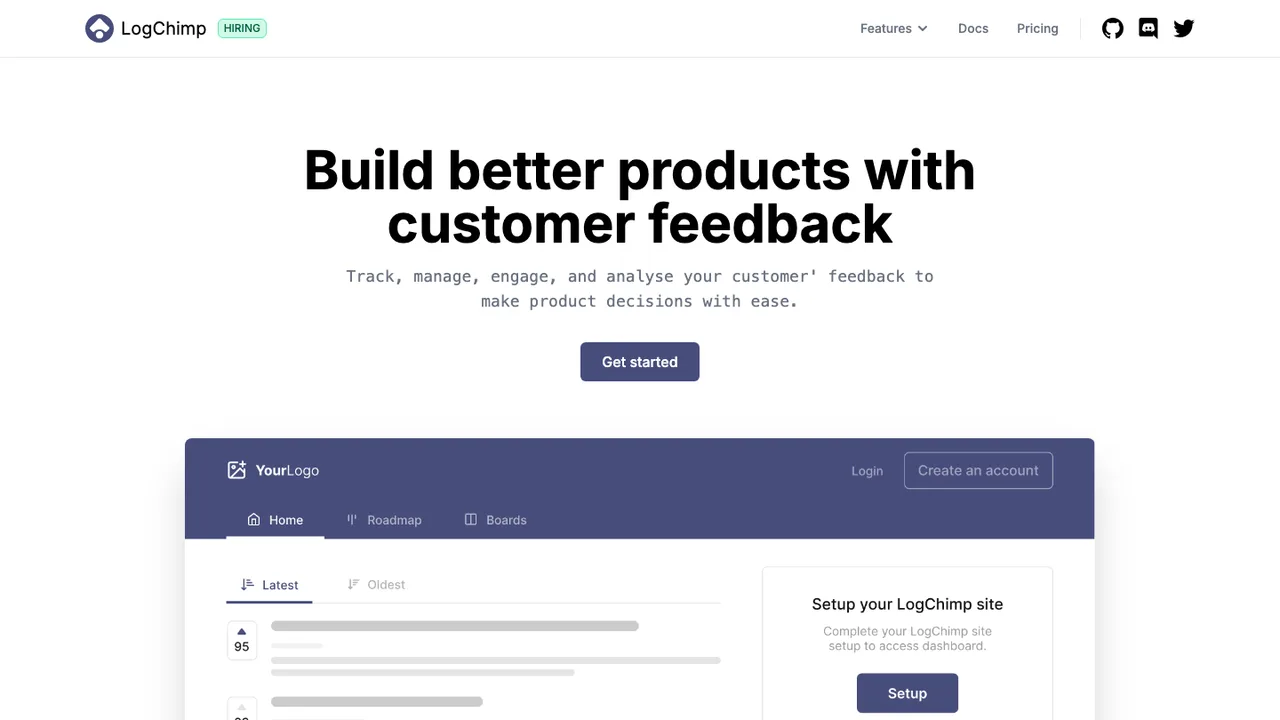
LogChimp is an open source customer feedback tool for tracking user input and using it to build products. It is positioned as an alternative to Canny, ProductBoard, and UserJot, with a focus on collecting customer feedback in a self-hosted setup.

  • Create customer feedback posts
  • Organize posts by boards and roadmaps
  • Customize branding
  • Dashboard for managing feedback

Switching from UserVoice to open source

UserVoice is not just a comment box. It ties public suggestions, voting, status labels, internal triage, user identity, and product feedback workflows into one hosted system. When replacing it, start by deciding which of those behaviors must survive unchanged. Some teams need a public voting portal with duplicate detection. Others need private feedback capture tied to accounts and customer segments. The hard part is usually not collecting ideas - it is preserving the decision history around why an idea was merged, declined, planned, or shipped.

Expect fewer packaged product-management opinions when you move to an open source alternative. UserVoice gives teams a managed feedback portal, admin workflows, analytics views, and embedded capture with relatively little infrastructure work. Open source replacements may require you to assemble moderation, notification rules, SSO, roadmap presentation, and reporting around the core feedback database. The tradeoff is control over hosting, schema, retention, and customization. Be realistic about who will own upgrades, abuse handling, email deliverability, and user support after the switch.

Migration starts with an inventory of UserVoice objects: forums or boards, suggestions, comments, votes, labels, statuses, users, teams, and any private notes you rely on. Use UserVoice exports and API access where your plan allows, then map each object to the new system before importing anything. Votes often need special handling because they connect a user to an idea, not just a count. Clean up merged duplicates, stale categories, HTML formatting, deleted users, and old status names before cutover. Keep old IDs for redirects and audit trails if possible.

Related alternatives

Frequently asked questions

What is the hardest part of replacing UserVoice?+

The hard part is preserving feedback context, not recreating a submission form. UserVoice usually contains years of votes, comments, status changes, merged ideas, and internal decisions. If you migrate only titles and descriptions, product managers lose the evidence behind prioritization. Plan the replacement around data relationships first, then choose the portal and voting experience.

Do open source alternatives match UserVoice feature for feature?+

Usually not in a one-to-one way. Some focus on public idea boards, some on roadmap communication, and others on embedded feedback capture. UserVoice packages several workflows together, so an open source move may involve configuration or adjacent tools. Decide whether you need voting, segmentation, moderation, private notes, and roadmap statuses in the same application.

How much should I budget for a self-hosted replacement?+

The license cost may be lower, but the total cost shifts to hosting, backups, upgrades, monitoring, email delivery, and administrator time. A small product team can often run a simple feedback portal cheaply. A customer-facing system with SSO, high traffic, compliance requirements, and custom integrations needs a real operations budget, even when the software license is permissive.

Can we migrate votes from UserVoice without losing trust?+

Yes, if you migrate votes as user-to-idea relationships rather than importing only vote totals. Users should still see the ideas they supported, and product teams should be able to filter by voter where permissions allow. If privacy rules prevent full user migration, keep aggregate counts and store a clear migration note so the historical signal remains understandable.

What happens to comments and internal notes during migration?+

Public comments can often be imported with author, timestamp, and body if you export them cleanly. Internal notes need more caution because they may contain customer names, account details, or sales context that should not become public. Separate public discussion from private triage before import, and verify permissions in the target system before exposing migrated records.

Will existing UserVoice links keep working after the switch?+

Only if you plan redirects. Keep a mapping from old UserVoice idea IDs or URLs to the new records during export. Then configure redirects at the edge, application, or proxy layer. If you cannot preserve exact mappings, publish a migration landing page and redirect high-traffic ideas manually. Broken feedback links are common after rushed migrations.

How should teams handle duplicate ideas when leaving UserVoice?+

Clean duplicates before the final import. UserVoice instances often accumulate merged or near-duplicate suggestions over time, and moving them blindly recreates the same moderation burden. Export the merge relationships if available, choose canonical ideas, preserve vote totals or voter links, and add a short note on the new record explaining that related suggestions were combined.

Is self-hosting a feedback portal worth the operational work?+

Self-hosting makes sense when feedback data is sensitive, customization matters, or you need tighter control over retention and integrations. It is less attractive if your team wants a managed portal with minimal administration. A feedback system is public-facing, so you must be ready for spam, abuse reports, uptime expectations, security patches, and email notification issues.

What security checks matter for an open source UserVoice replacement?+

Look beyond whether the code is public. Review authentication support, SSO options, permission boundaries, audit logging, rate limiting, file upload handling, and how secrets are managed. Check the dependency update process and release history. If customers will post confidential information, confirm encryption in transit, backup controls, data deletion mechanics, and the ability to restrict private boards.

How do integrations change after moving away from UserVoice?+

Inventory every place UserVoice currently sends or receives data: website widgets, in-app links, CRM records, support workflows, analytics, webhooks, and product planning tools. Open source alternatives vary widely in API depth. Some expose a clean REST API or webhooks, while others require database-level work or custom plugins. Test the integration path before committing.

Will customers need new accounts in the replacement system?+

Not necessarily, but identity migration deserves attention. If UserVoice uses email-based accounts, you can often import users and invite them to reset credentials. If you use SSO, map external identifiers carefully so votes and comments attach to the right people. Avoid creating duplicate accounts from case differences, old domains, or users who changed email addresses.

What should happen to roadmap statuses from UserVoice?+

Map statuses intentionally instead of copying every old label. UserVoice status names often reflect years of process changes, such as under review, planned, started, or completed. The new system should have a smaller status model that matches how your team now communicates. Keep historical timestamps where possible, because status timing is useful for audits and customer follow-up.

Are embedded feedback widgets easy to replace?+

They can be, but the details matter. UserVoice widgets may be embedded across marketing pages, web apps, help centers, and authenticated product areas. Replacing them means finding every snippet, matching the user identity handoff, preserving context fields, and testing mobile layouts. A simple link to a portal may be enough, but in-app capture usually needs custom integration.

How long does a UserVoice migration usually take?+

A small portal with a few hundred ideas can often be moved after a short export, cleanup, test import, and DNS or link cutover. Larger instances take longer because of duplicates, identity mapping, private notes, permissions, redirects, and stakeholder review. Plan at least one rehearsal import before the final freeze so you can measure data loss and formatting problems.

What if the open source project we choose later slows down?+

Reduce that risk before adoption. Prefer a replacement with a plain database model, documented export paths, and no unusual hosting assumptions. Keep regular backups in a format your team can inspect. During evaluation, test a full export and reimport into a staging system. If the project slows down, your escape path should be operational rather than theoretical.