17 Best Open Source Alternatives to Trello

Updated July 2026

Trello nails the simple case: drag a card across a few lists and your whole team instantly gets what's happening. That clarity is real, and for a lightweight backlog it's hard to beat. The friction shows up once a board stops being a to-do list and becomes actual project infrastructure - the moment you want real custom fields, reporting, or automation, you're stacking paid power-ups and bumping into the free plan's ceilings, and all of it lives on someone else's cloud.

The open source boards below give you the same fast, visual flow without the metered tiers. You self-host them next to your other tools, keep cards and attachments on storage you control, and the data stays in formats you can actually export and back up.

Plane logo

1.Plane

50.8kAGPL-3.0TypeScript Self-host
Plane screenshot

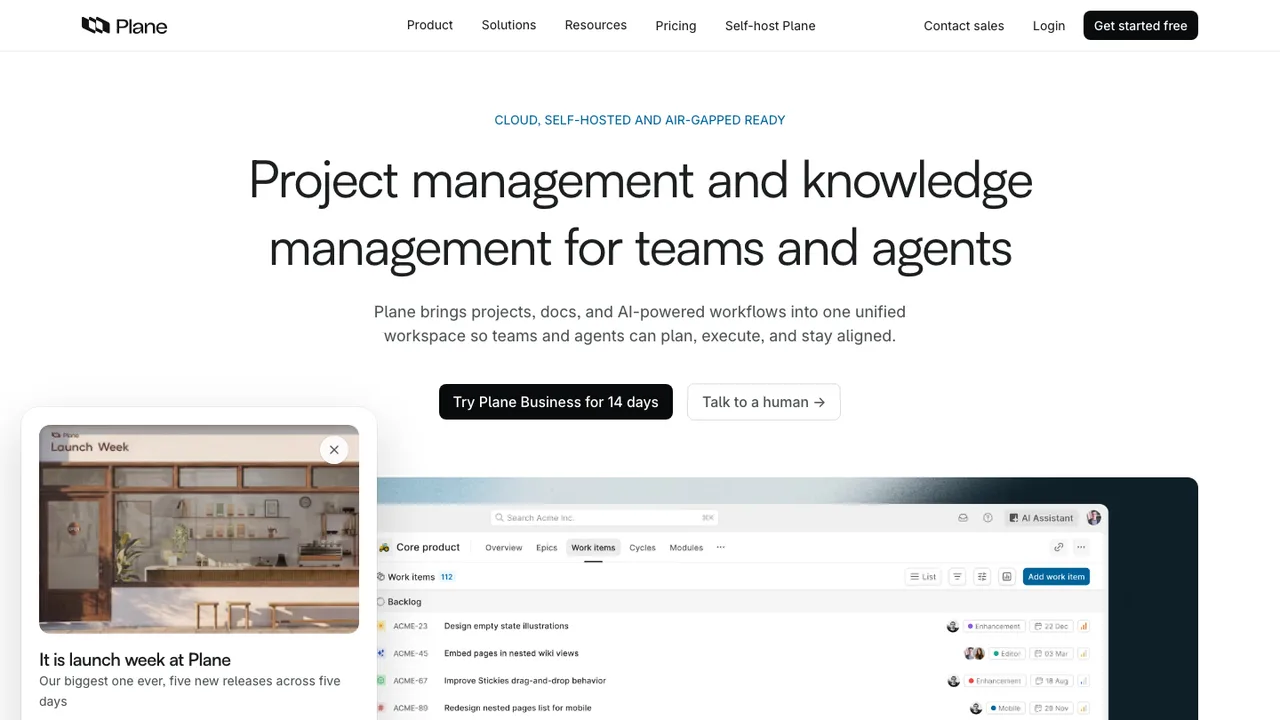
Plane is an open-source project management tool for teams that need to track issues, run cycles, plan product work, and keep projects organized. It is built to handle tasks, docs, and triage without forcing teams into a proprietary workflow.

  • Work Items with rich text, file uploads, sub-properties, and related issues
  • Cycles with burndown charts
  • Views for filtered and shareable issue lists
  • Pages with AI capabilities and a rich text editor

2.Focalboard

26.2kOtherTypeScript Self-host

Focalboard is an open source, multilingual, self-hosted project management tool for organizing and tracking work across individuals and teams. It offers a Trello, Notion, and Asana alternative for people who want to manage tasks and projects in a tool they can run themselves.

  • Kanban-style project boards
  • Personal Desktop for macOS, Windows, and Linux
  • Personal Server for multi-user use
  • Runs locally against SQLite
WeKan logo

3.WeKan

21kMITJavaScript Self-host
WeKan screenshot

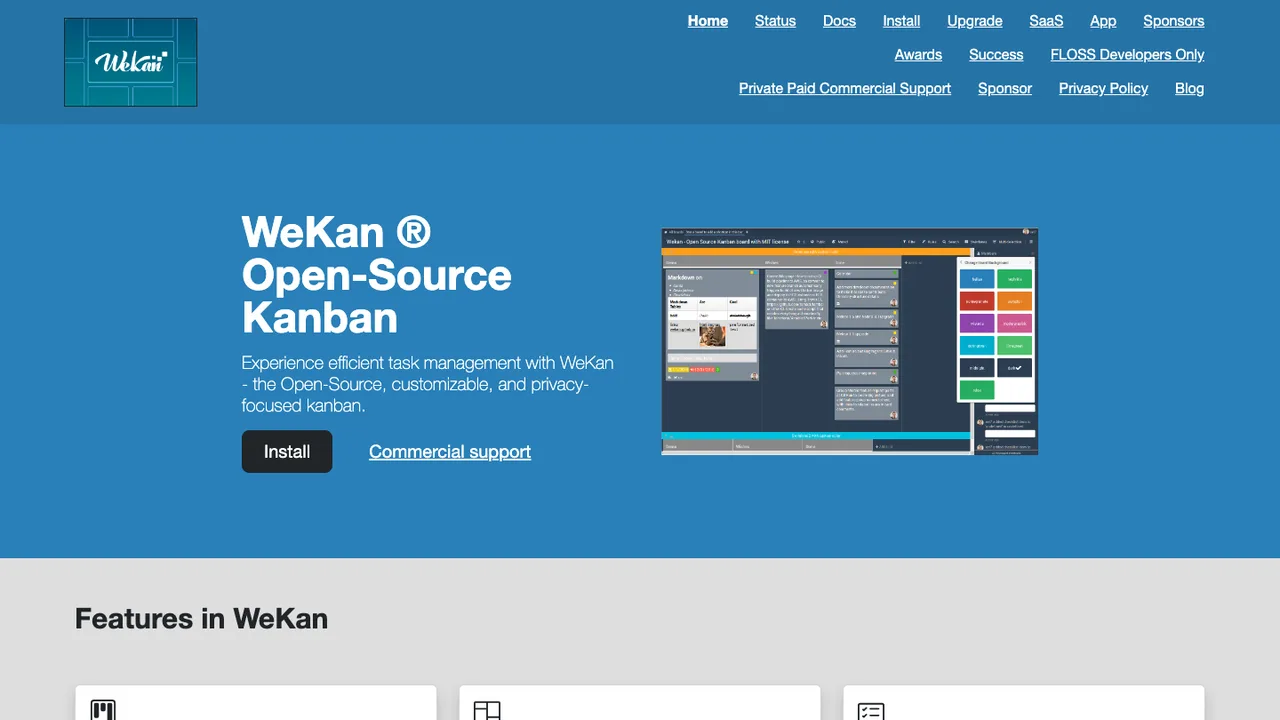
WeKan is an open-source collaborative kanban board application for organizing personal tasks or team work. It is built to be installed on your own computer or server, so your board data can stay under your control instead of being tied to a hosted service.

  • Real-time kanban board interface
  • Cards with due dates, labels, and checklists
  • Custom fields and customizable lists
  • Docker container images available
Super Productivity logo

4.Super Productivity

20.1kMITTypeScript
Super Productivity screenshot

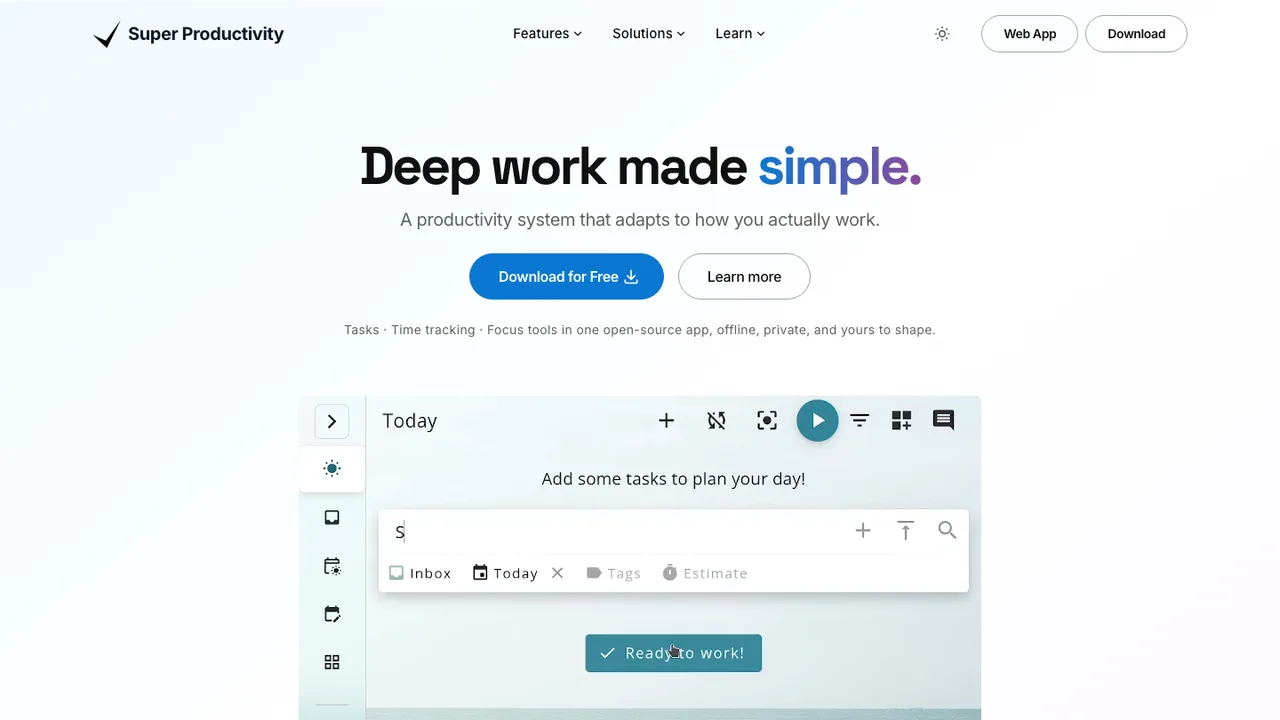
Super Productivity is an open-source todo list and deep work task manager for developers. It combines task planning, timeboxing, time tracking, and notes in one workspace for Windows, macOS, Linux, Android, iOS, and the web. It has no user accounts or registration, does not collect data, and lets you decide where to store your data.

  • Tasks with sub-tasks, projects, tags, and color coding
  • Timeboxing, time tracking, timesheets, and work summaries
  • Pomodoro timer, break reminders, and anti-procrastination prompts
  • Issue imports and work logs for Jira, GitHub, GitLab, and more
OpenProject logo

5.OpenProject

15.3kGPL-3.0Ruby Self-host
OpenProject screenshot

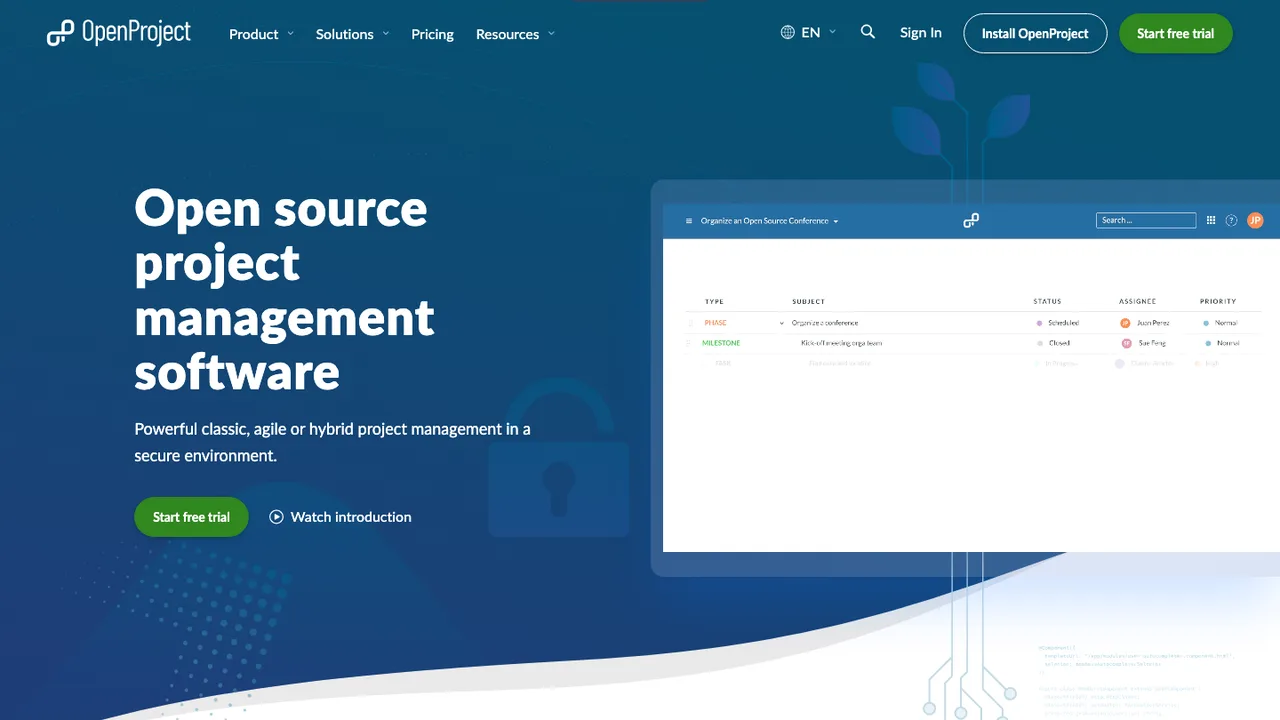
OpenProject is web-based project management software for managing projects, tasks, and goals. It combines classic, agile, and hybrid project management in one place so teams can plan work, track progress, and collaborate on work packages.

  • Project planning and scheduling
  • Agile and Scrum boards
  • Time tracking, cost reporting, and budgeting
  • Bug tracking and task management
PLANKA logo

6.PLANKA

12.1kOtherJavaScript Self-host
PLANKA screenshot

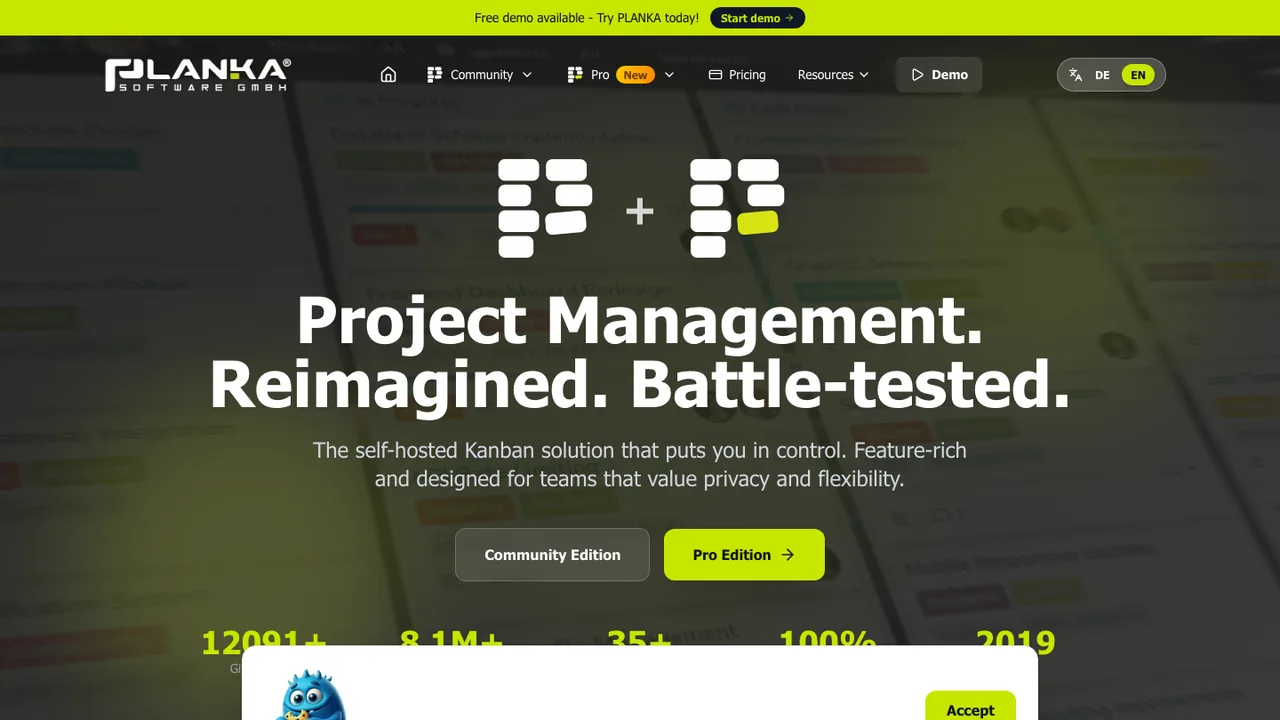
PLANKA is a self-hosted Kanban-style project management tool for teams that organize work into projects, boards, lists, cards, and tasks. It is built for agile workflows and keeps all project data on infrastructure you control rather than in a hosted service.

  • Drag-and-drop projects, boards, lists, cards, and tasks
  • Real-time updates across all users
  • Markdown card descriptions
  • Notifications through 100+ providers
Leantime logo

7.Leantime

10kAGPL-3.0PHP Self-host
Leantime screenshot

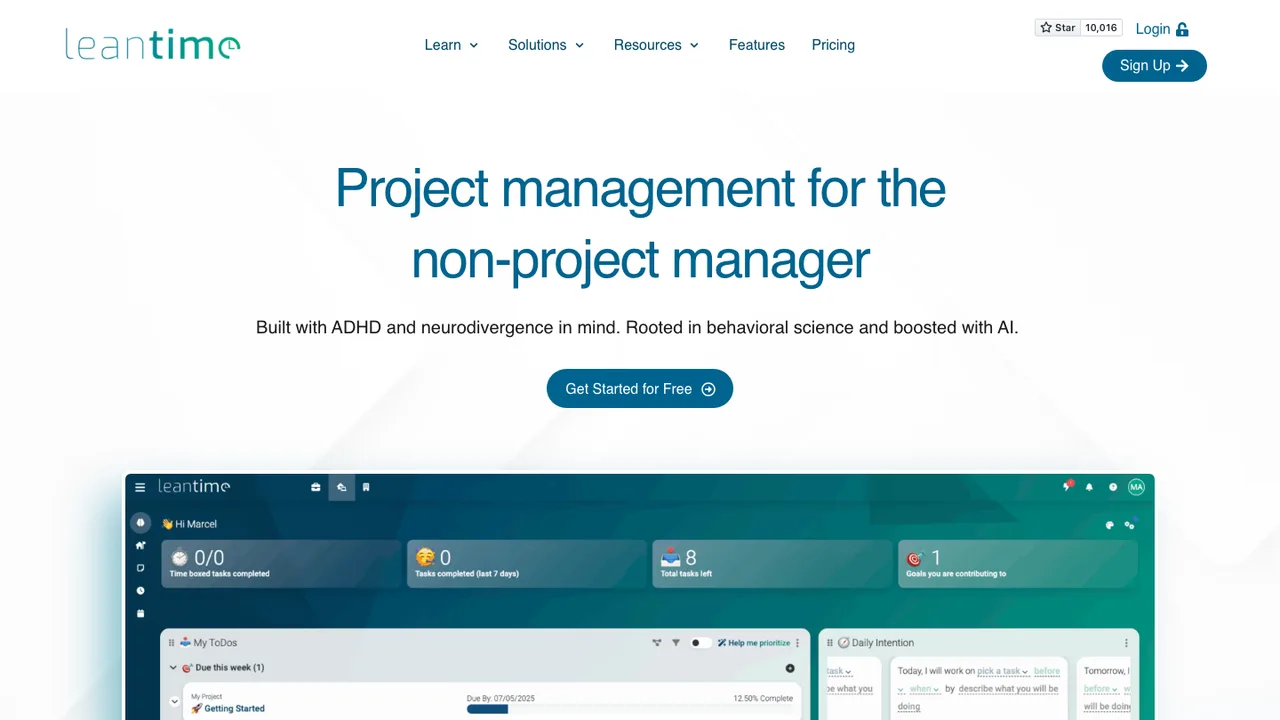
Leantime is an open source project management system for non-project managers. It focuses on goals and combines strategy, planning, and execution so teams can connect high-level direction to day-to-day work in one web app. It is built with ADHD, dyslexia, and autism in mind.

  • Task management across kanban, Gantt, table, list, and calendar views
  • Sprint and milestone management with subtasks and dependencies
  • Goal and metrics tracking with strategy canvases (Lean, Business Model, SWOT)
  • Wikis, idea boards, retrospectives, and time tracking with timesheets
Kanboard logo

8.Kanboard

9.6kMITPHP Self-host
Kanboard screenshot

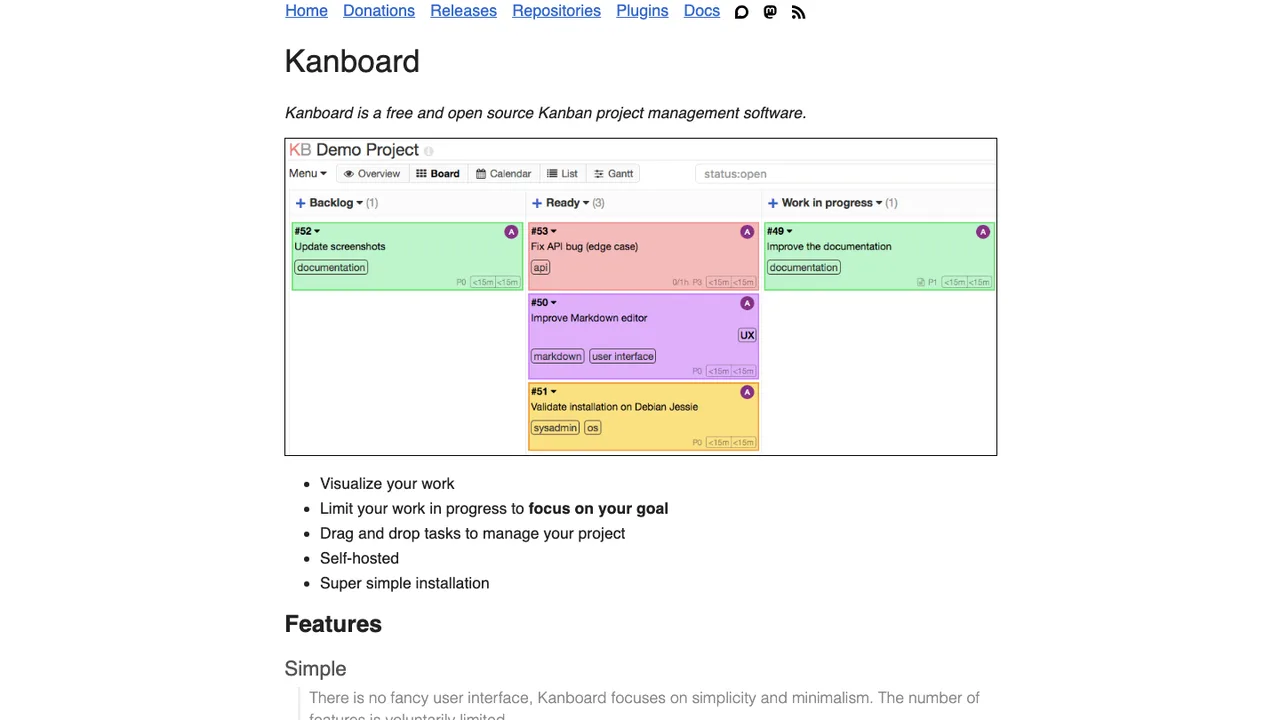
Kanboard is project management software focused on the Kanban methodology. It is built for teams that want to organize work on boards and keep the workflow in a self-hosted system they control.

  • Visual Kanban board with drag and drop
  • Work-in-progress limits per column
  • Search and filter with a query language
  • Subtasks, attachments, and comments
Redmine logo

9.Redmine

6kOtherRuby Self-host
Redmine screenshot

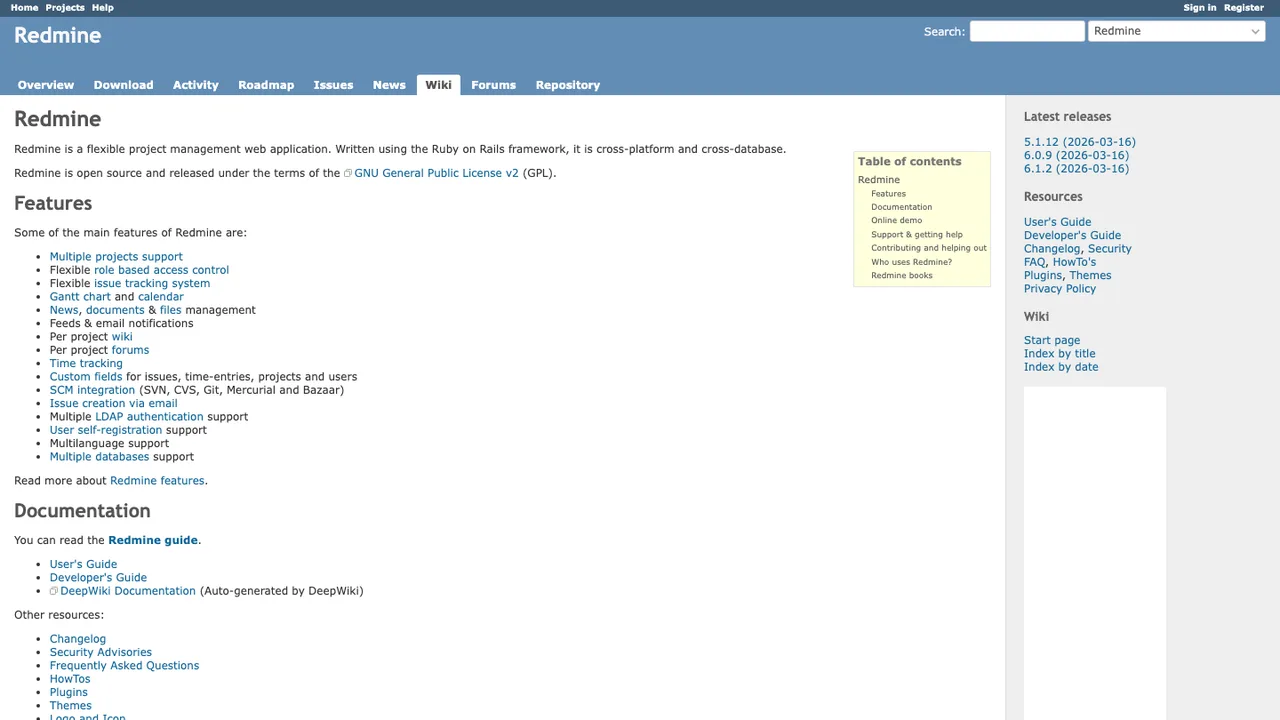
Redmine is a flexible project management web application that supports multiple projects from a single install. Each project gets its own issue tracker, Gantt chart and calendar, wiki, forums, news, and document and file storage, with role-based access control deciding who can do what.

  • Multiple projects with role-based access control
  • Flexible issue tracking with custom fields
  • Gantt chart, calendar, and time tracking
  • Per-project wiki, forums, news, and file management
Tasks.org logo

10.Tasks.org

5.3kGPL-3.0Kotlin Self-host
Tasks.org screenshot

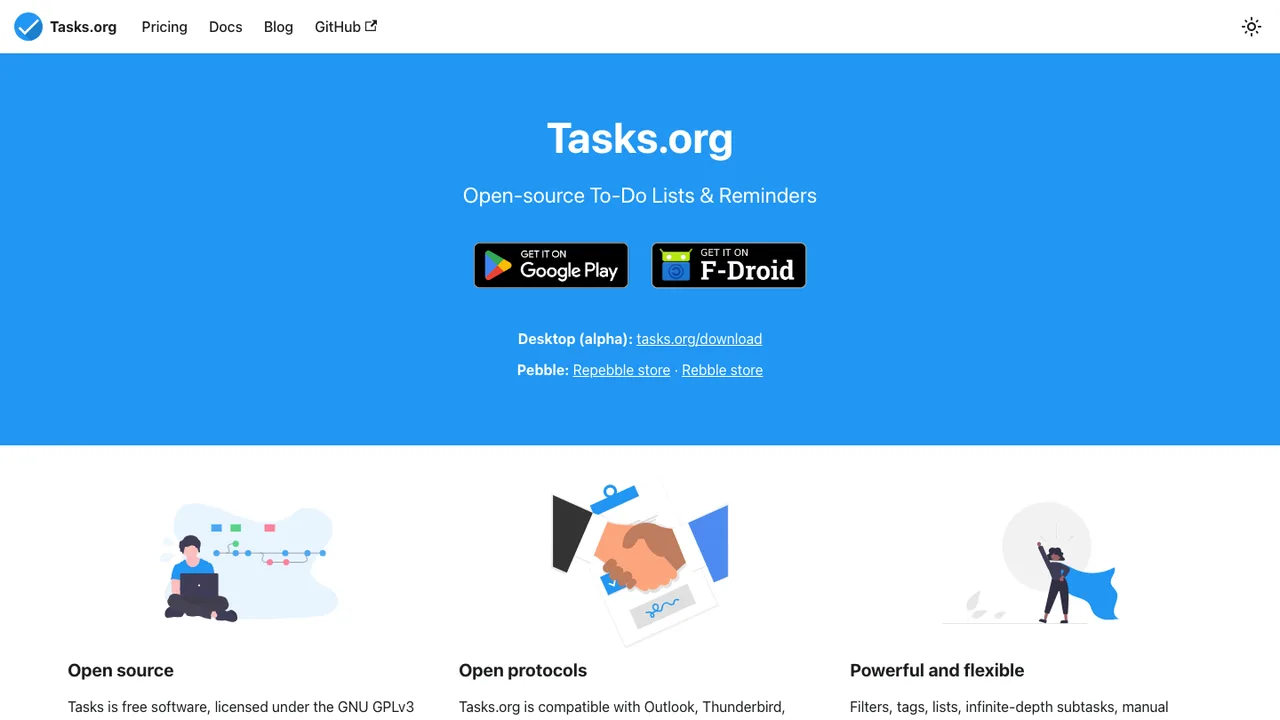
Tasks.org is an open source, privacy-friendly to-do list and reminder app for Android, with desktop builds in alpha and Pebble watch support. Its code descends from the open source Android app behind Astrid, the cross-platform task service that shut down in 2013.

  • Filters, tags, lists, and infinite-depth subtasks
  • Manual sorting that adapts to most productivity systems
  • Sync with Tasks.org, Google Tasks, DAVx5, CalDAV, EteSync, and DecSync CC
  • End-to-end encryption via EteSync, with offline and self-hosted use
Vikunja logo

11.Vikunja

4.5kAGPL-3.0Go Self-host
Vikunja screenshot

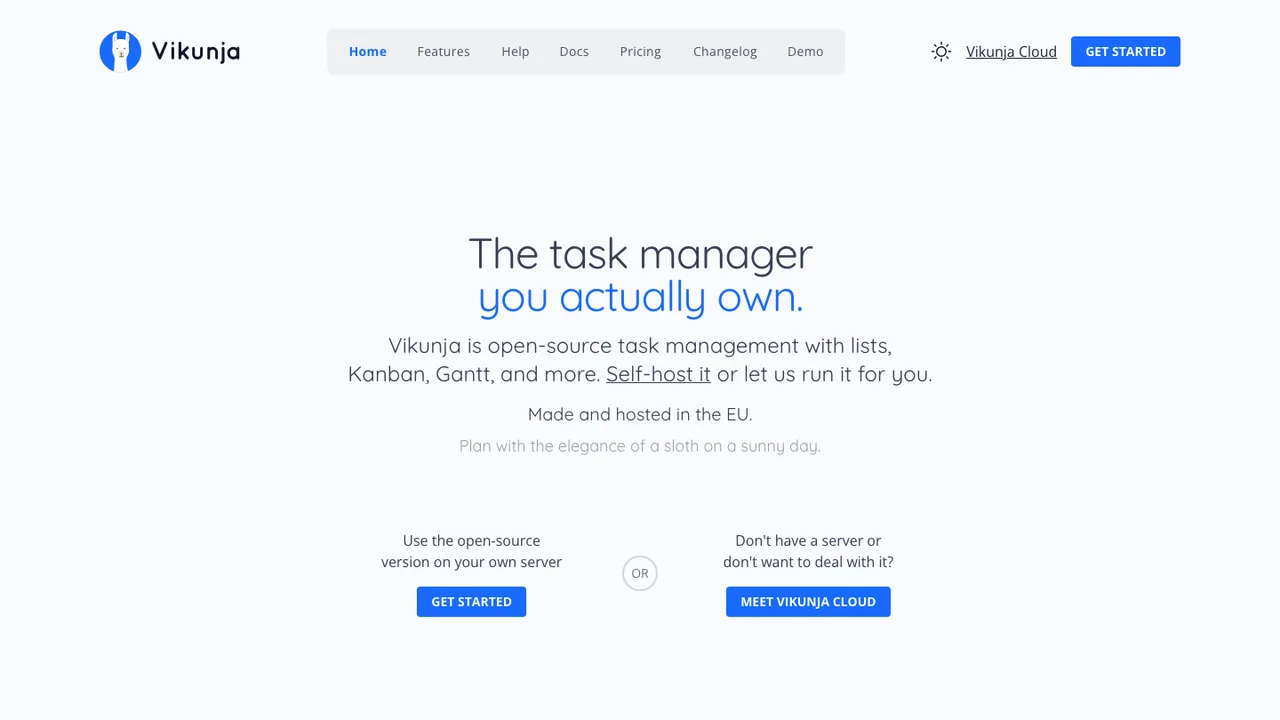
Vikunja is open-source task management for organizing personal or team work, with your data kept under your control rather than tied to one provider. Run it on your own server, or let Vikunja Cloud host a fully managed instance for you.

  • List, Kanban, Gantt, and table views you can switch between
  • Personal to-do lists that scale to shared team projects
  • Project sharing and task assignment for collaboration
  • Migration import from Todoist, Trello, and Microsoft To-Do
Worklenz logo

12.Worklenz

3.1kAGPL-3.0TypeScript Self-host
Worklenz screenshot

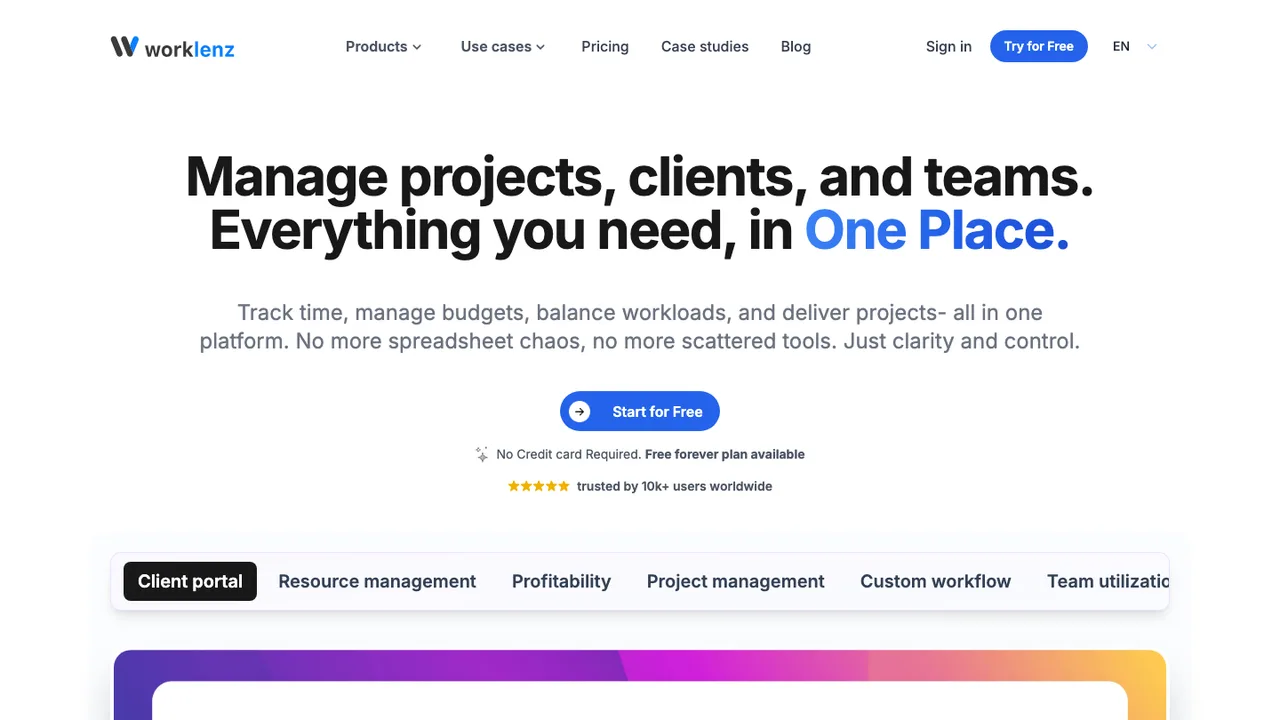
Worklenz is an open-source project management platform for teams that want planning, collaboration, and execution in one place. It covers project tracking, task management, resource planning, time tracking, financial insights, analytics, and reporting so work can stay organized from start to finish.

  • Task views: list, board, and Gantt
  • Resource planning with visual scheduling
  • Time tracking directly on tasks
  • Budget, cost, and profitability tracking
tududi logo

13.tududi

3kMITTypeScript Self-host
tududi screenshot

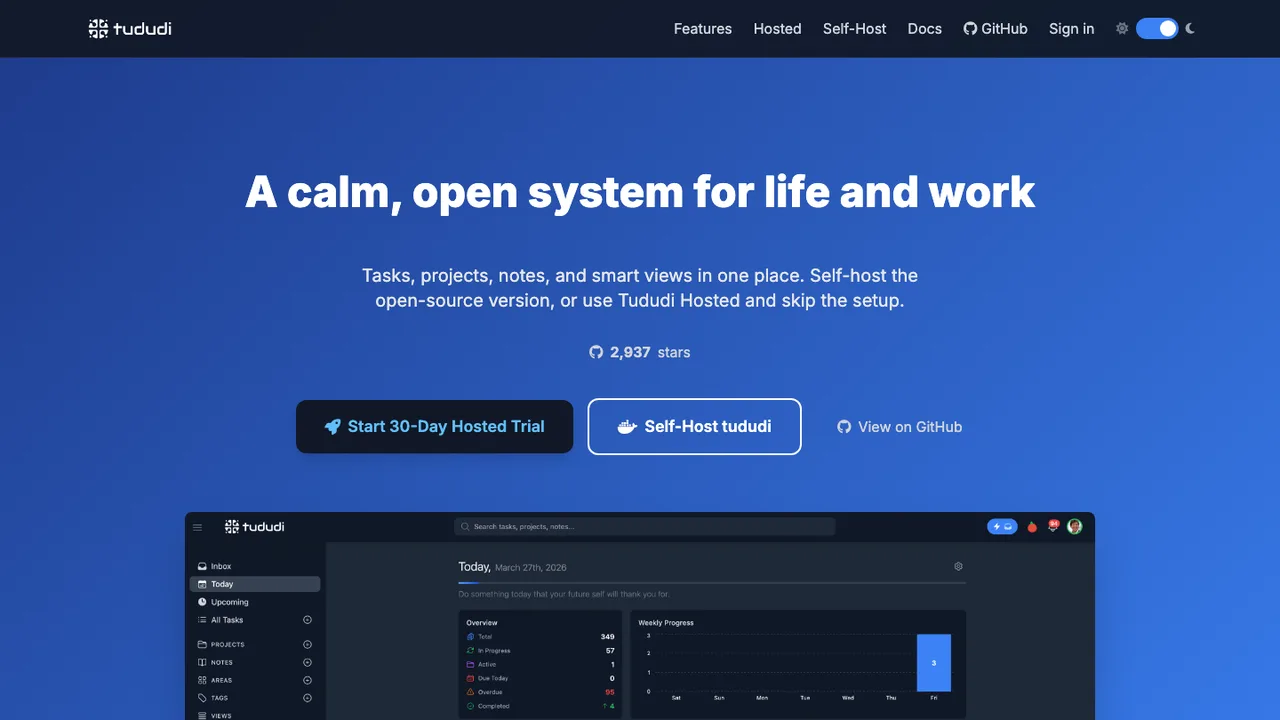
tududi is a task management app for organizing life and work with tasks, projects, areas, notes, and tags. It is built for people who want a clear structure for daily work, recurring follow-ups, and a place to keep related notes with the same system.

  • Tasks, projects, areas, notes, and tags in one structure
  • Subtasks with progress tracking
  • Recurring tasks with custom intervals and end dates
  • Telegram task creation and daily digests
Donetick logo

14.Donetick

2.2kAGPL-3.0Go Self-host
Donetick screenshot

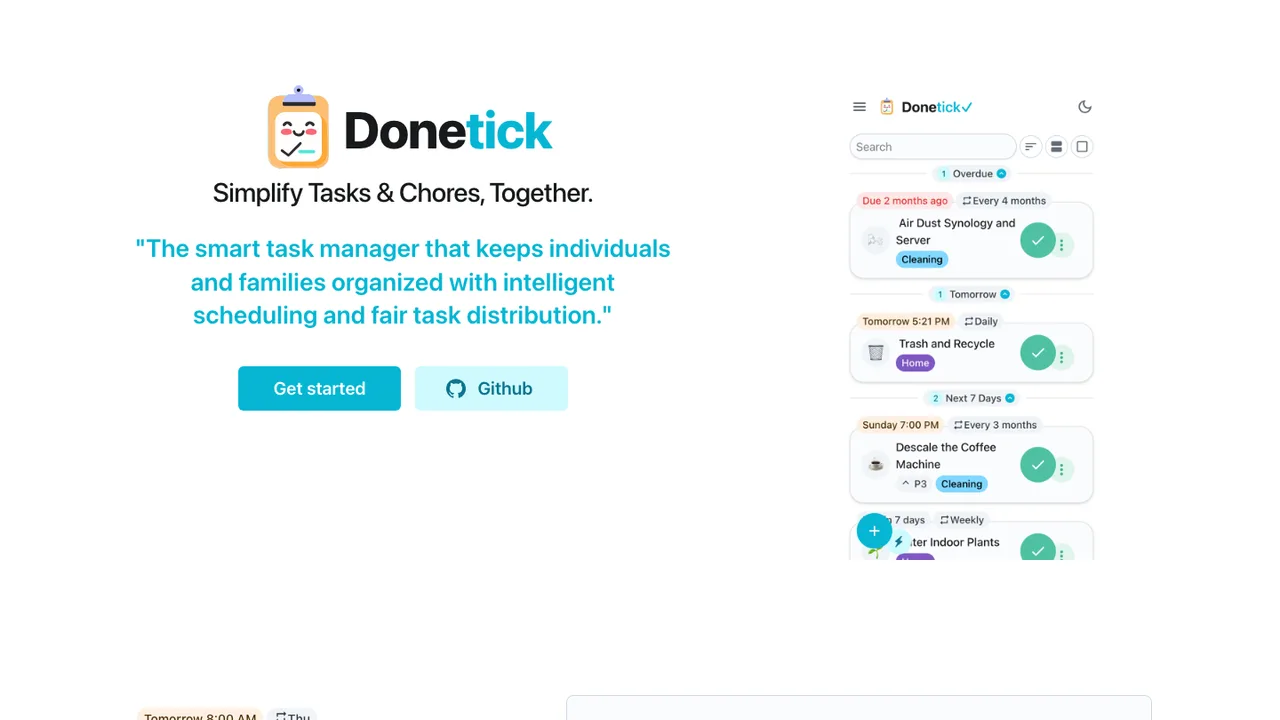
Donetick is an open-source app for managing tasks and chores for one person or a group. It helps households and teams organize shared work, assign items to others, and keep recurring chores on track.

  • Shared task and chore assignment for groups
  • Natural language task creation with recurrence parsing
  • Subtasks, labels, priorities, and assignee rotation
  • Photos, NFC tags, and time tracking
WeekToDo logo

15.WeekToDo

2.1kGPL-3.0Vue Self-host
WeekToDo screenshot

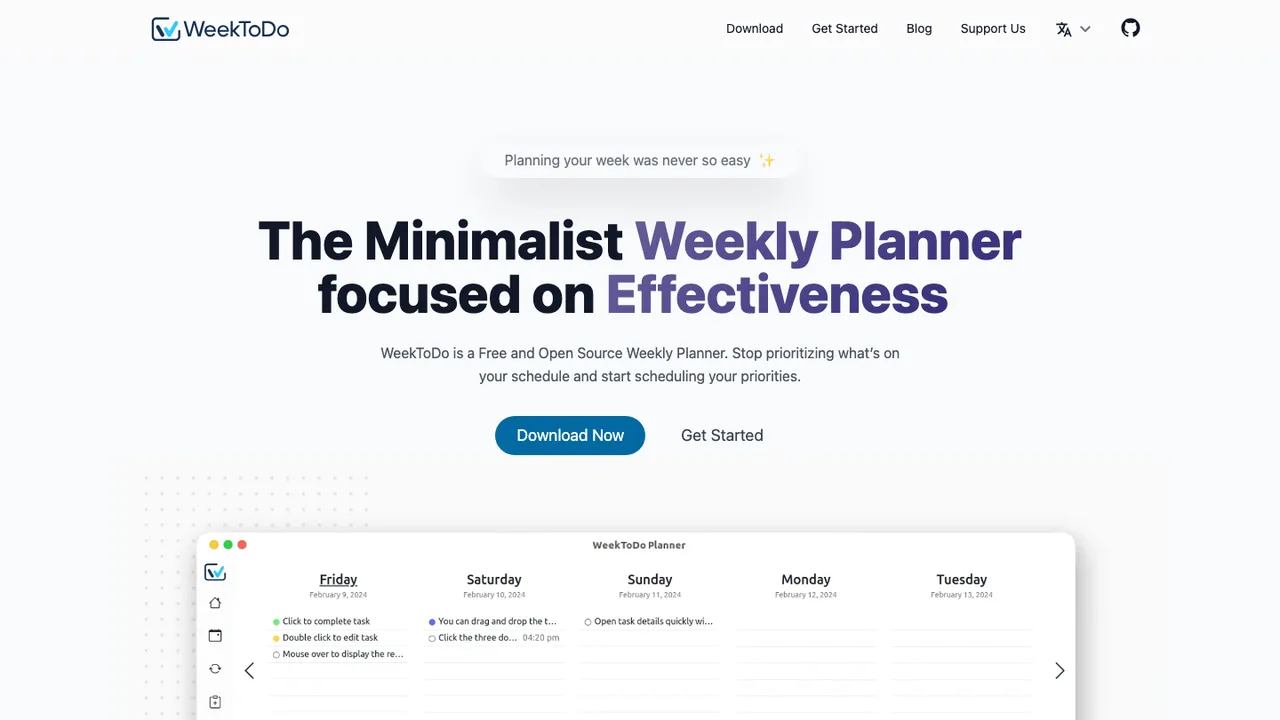
WeekToDo is a free, open source minimalist weekly planner that mixes a calendar and to-do lists in one interface. Plan your week by scheduling tasks across days, set priorities, and keep everything on Windows, macOS, Linux, or straight from a web browser.

  • Custom to-do lists with drag and drop
  • Sub-tasks, markdown support, and task colors
  • Recurring tasks with notifications and reminders
  • Light and dark mode with customizable interface
Kanri logo

16.Kanri

1.9kGPL-3.0Vue
Kanri screenshot

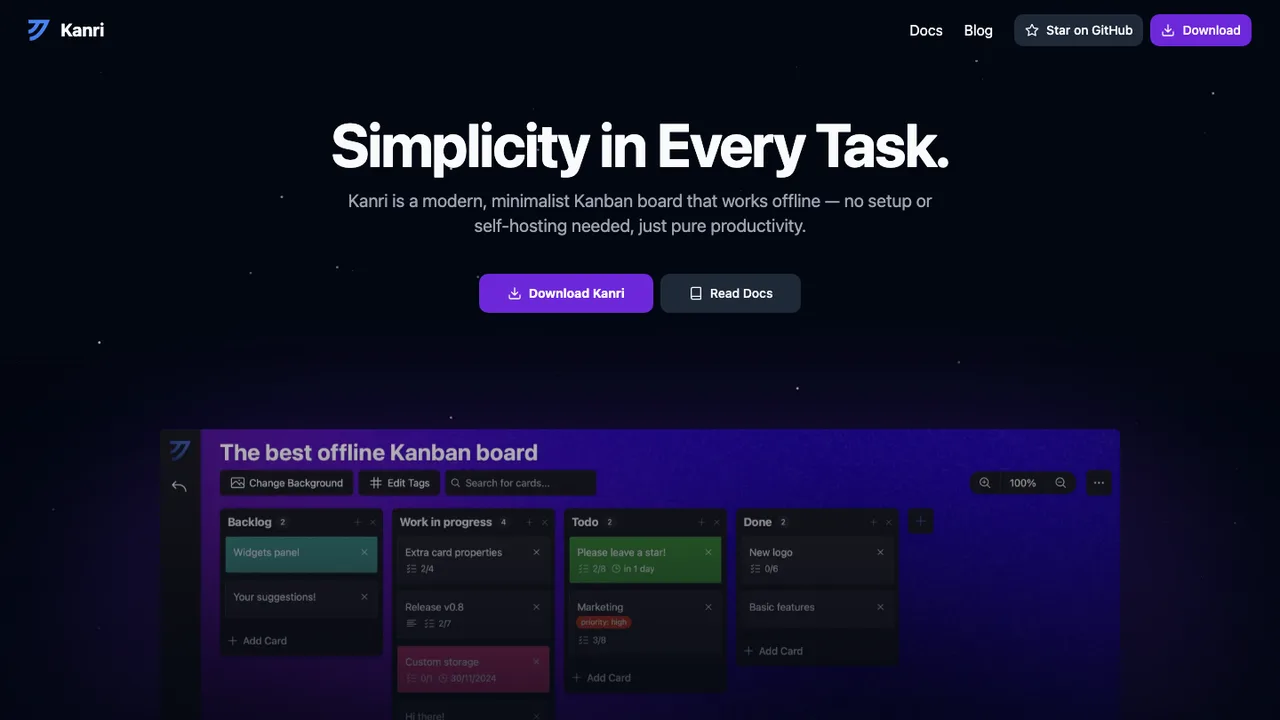
Kanri is a desktop Kanban board app for Windows, macOS, and Linux. It helps people create and manage boards locally without an internet connection or account, so work stays on the device instead of in a cloud service.

  • Create and manage Kanban boards on the desktop
  • Works fully offline with no account needed
  • Available for Windows, macOS, and Linux
  • Downloads from the website, GitHub releases, or Homebrew
Taiga logo

17.Taiga

836MPL-2.0Python Self-host
Taiga screenshot

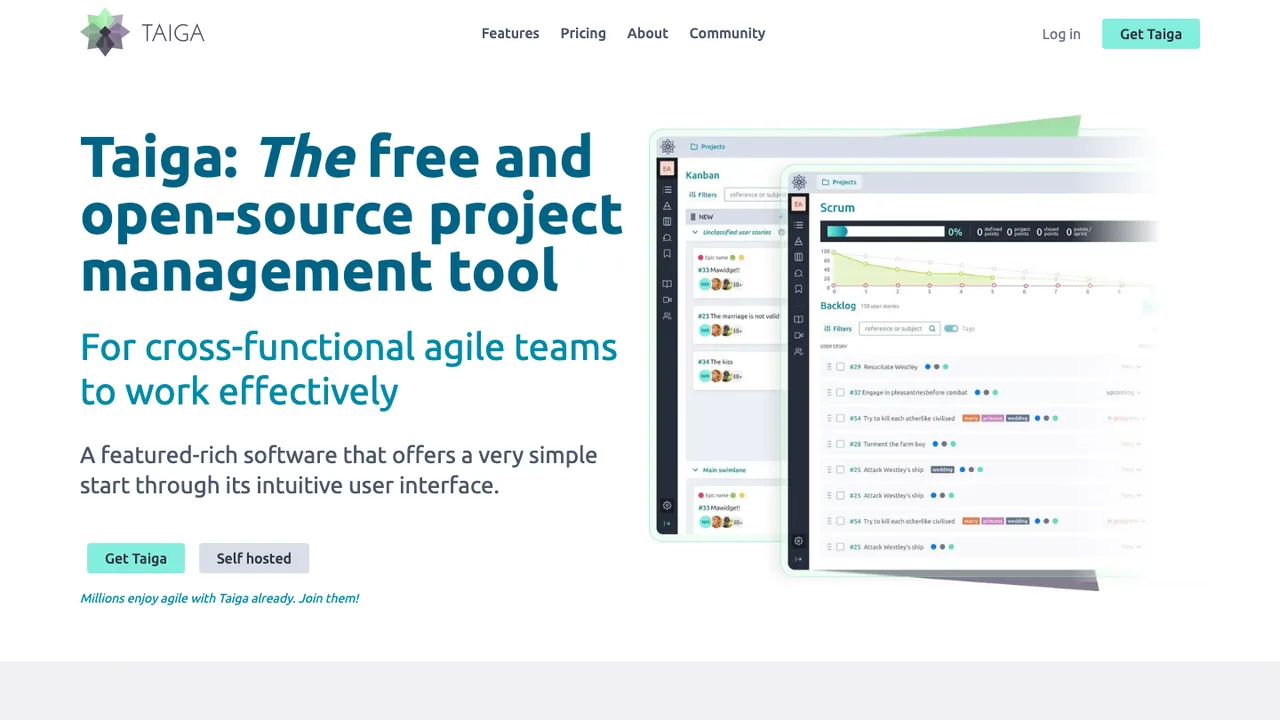
Taiga is open source agile project management software that adapts to how each team works. Run it as a Kanban board with swim lanes and WIP limits, as Scrum with a backlog and sprints, or switch between the two modes at any time without losing your work.

  • Kanban boards with swim lanes and WIP limits
  • Scrum with backlog, sprints, estimations, and burndown charts
  • Switch between Kanban and Scrum at any time
  • Integrated issue and bug tracking with custom types and priorities

Switching from Trello to open source

Trello is easy to adopt because its model is narrow: boards, lists, cards, labels, checklists, comments, due dates, and attachments. When replacing it, decide whether you want that same kanban shape or a broader project system with tasks, milestones, swimlanes, WIP limits, and custom fields. The important tradeoff is schema discipline. Trello lets teams improvise with card text and Power-Ups, which can hide process inside conventions. An open source replacement should make the process explicit enough to report on, automate, and back up without making every card feel like filling out a ticket.

Expect gaps around polish, integrations, and operations. Trello has mature drag-and-drop behavior, account management, notifications, mobile access, and a large Power-Up ecosystem. Open source options may be stronger on control but weaker on no-code automation, calendar sync, email-to-card flows, or mobile offline behavior. If you self-host, you also inherit email delivery, file storage, authentication, upgrades, monitoring, and backups. Treat that as part of the product decision, not an afterthought. A tool that looks perfect in a demo can fail if reminders, mentions, or attachment handling are unreliable for your team.

Migration usually starts with Trello export. Individual boards can be exported as JSON, and some plans expose CSV or workspace-level export paths. Board JSON preserves much of the structure - lists, cards, descriptions, labels, checklists, due dates, members, comments, and activity metadata - but import quality depends on the target tool. Attachments may need separate handling, and Power-Up data, automation rules, custom fields, watchers, votes, and archived content often require cleanup. Run a test import first, map users and labels deliberately, freeze the old board during cutover, then keep the export as a permanent audit copy.

Related alternatives

Frequently asked questions

What is the closest open source replacement for Trello?+

The closest fit is usually an open source kanban tool that treats boards, lists, and cards as the primary workflow instead of forcing everything into a heavier issue tracker. Look for drag-and-drop cards, comments, labels, checklists, due dates, attachments, and member assignment first. After that, compare whether it supports the Trello habits your team actually uses, such as templates, calendar views, recurring work, or simple automation.

How hard is it to import existing Trello boards?+

For a small workspace, importing is usually manageable if the new tool has a Trello JSON importer or a documented API. The hard part is not the card titles - it is preserving comments, checklist state, attachments, labels, due dates, and users cleanly. Test with one representative board before committing. If your boards depend on Power-Ups or custom fields, expect manual mapping and some cleanup after import.

Which Trello data usually does not survive a migration cleanly?+

Basic card structure often transfers, but Trello-specific behavior is less portable. Power-Up data, automation rules, watched-card state, votes, custom field formatting, calendar settings, and some archived history may not map directly. Attachments can also be awkward because exports may reference files rather than embed them in a ready-to-import package. Keep the original export and document any fields you must recreate manually.

Do open source Trello alternatives cost less?+

They can, but zero license cost is not the same as zero operating cost. If you self-host, budget for a server, storage for attachments, backups, monitoring, upgrades, and someone who can troubleshoot mail delivery and authentication. A hosted open source option may cost more than running it yourself, but it can be cheaper than assigning internal engineering time to maintain a critical workflow tool.

Is self-hosting required when moving away from Trello?+

No. Some open source tools can be self-hosted, some are offered as managed hosting, and some support both models. Self-hosting makes sense when you need control over data residency, network access, backups, or authentication. Managed hosting is usually better when the team wants to leave Trello without becoming responsible for uptime, upgrades, file storage, and email notifications.

Will my team lose Trello's simple user experience?+

Possibly. Trello's strength is that non-technical users understand the board quickly. Some open source replacements keep that simplicity, while others expose more project-management structure than a Trello team wants. During evaluation, invite the people who move cards every day, not only admins. A tool with better permissions or reporting can still fail if creating cards, moving work, and finding assigned tasks feels slower.

How do permissions compare with Trello workspaces and boards?+

Check the permission model closely. You may need workspace-level roles, private boards, guest access, read-only users, per-board admins, or restrictions on who can create lists and invite members. Some tools keep permissions simple, which is fine for a small team but risky for client work or regulated projects. Also verify whether comments, attachments, and archived cards follow the same access rules as visible cards.

What should I check for mobile and offline use?+

Do not assume mobile support matches Trello. Test the real app or mobile web interface with common actions: creating cards, moving cards between lists, adding checklist items, uploading photos, receiving push notifications, and finding assigned work. Offline behavior is especially important for field teams. Some tools only work well with a live connection, and sync conflicts can be painful if people edit the same cards while disconnected.

Can open source tools replace Trello Power-Ups and automation?+

Sometimes, but this is where expectations need to be specific. Trello Power-Ups often cover calendars, forms, chat, file storage, time tracking, reporting, and automation. An open source replacement may offer native integrations, webhooks, an API, or scriptable automation, but not the same one-click marketplace. Inventory your current Power-Ups and Butler-style rules before migration, then classify each as required, replaceable, or safe to drop.

How should backups work after leaving Trello?+

Backups should cover the database, uploaded attachments, configuration, and any encryption or secret keys needed to restore the system. A database dump alone may not restore card files or avatars. Test restores on a separate environment instead of only checking that backup jobs completed. Also keep periodic exports in a neutral format when possible, so your exit path does not depend entirely on one application's internal database.

What happens if the open source project stops moving forward?+

Plan for that before adopting it. Prefer tools that store data in a documented database schema or provide usable exports through JSON, CSV, or an API. Keep your own backups and avoid building essential workflow around undocumented plugins. If development slows, you should still be able to patch security issues, run the current version for a while, export boards, and move to another system without reconstructing work from screenshots.