Notion is a genuinely useful all-in-one workspace, but it lives entirely in Notion's cloud: offline access is limited, export flattens your databases, and the per-seat subscription grows with every teammate. The open source alternatives below rebuild the blocks-databases-wiki formula on your terms, from local-first workspaces for personal use to self-hosted servers for team documentation.
None of them is a pixel-perfect clone, so pick by what you actually use Notion for: personal notes and databases point to the local-first apps, while team wikis with permissions and real-time editing point to the self-hosted servers. Either way your content ends up in open formats on storage you control.
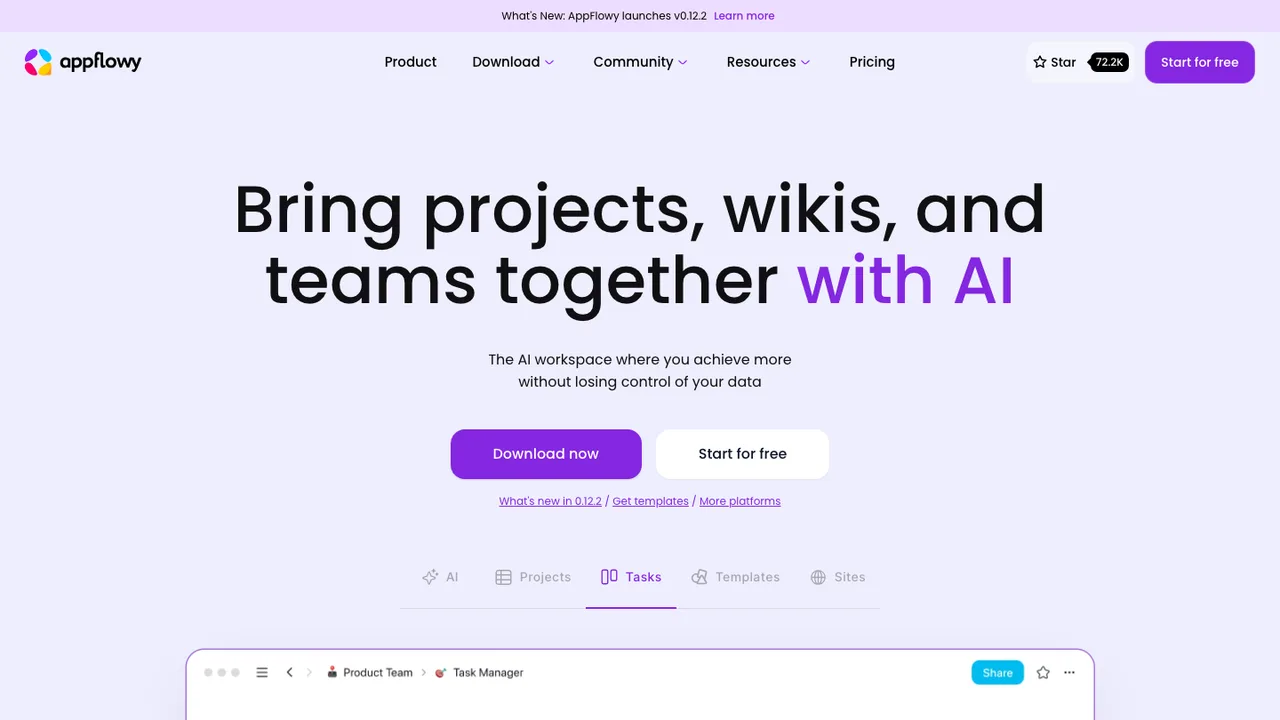
AppFlowy is an open source AI workspace for projects, wikis, notes, tasks, and team collaboration. It is a Notion alternative built for people and organizations that want Notion-style functionality, data privacy, and a cross-platform native experience without giving up control of their data.
Documents and wikis with built-in AI writing and editing
Databases as kanban boards and grids for tasks and projects
Templates to start projects, notes, and trackers quickly
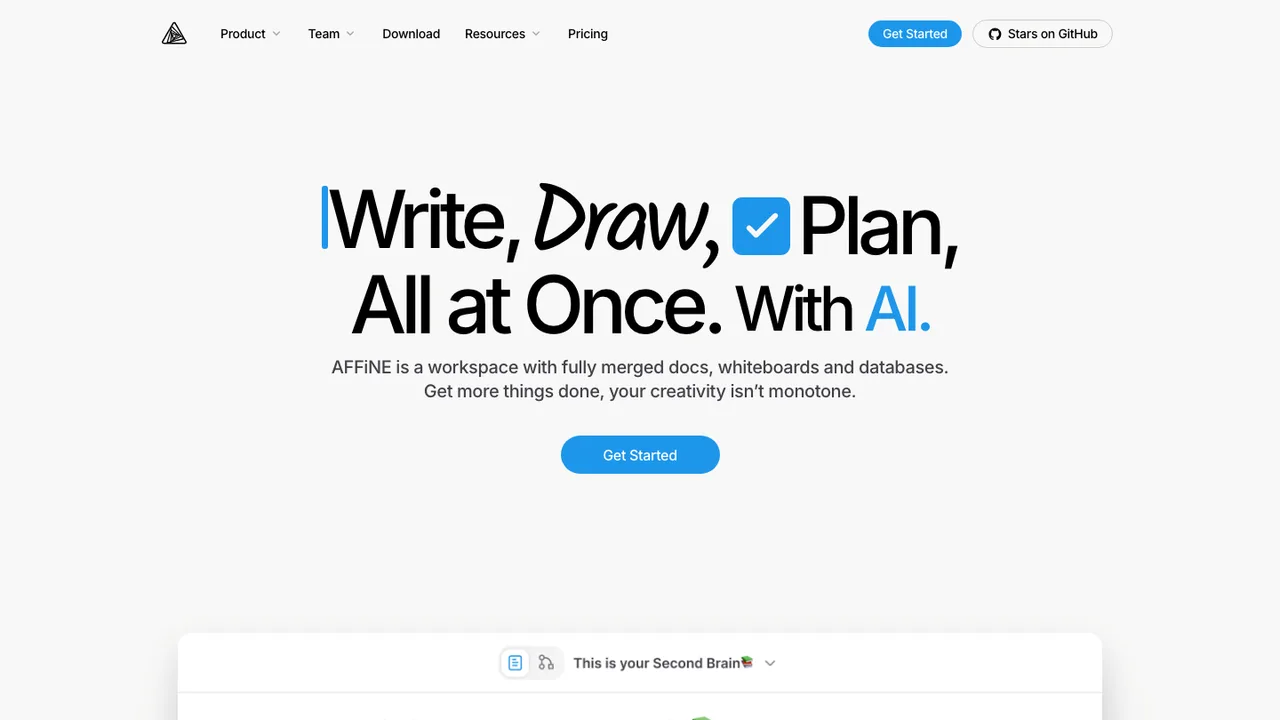
AFFiNE is an open-source, local-first workspace for building a knowledge base across documents, whiteboards, and tables. It replaces Notion-style docs and Miro-style whiteboards in one tool, combining wiki, knowledge management, presentation, and digital asset work while keeping data on your disk.
Docs, whiteboard, and tables in one workspace
Edgeless canvas for text, notes, embeds, databases, pages, shapes, and slides
Real-time sync and collaboration on web and cross-platform clients
AI for reports, slides, article summaries, mind maps, tasks, and prototypes
Plane is an open-source project management tool for teams that need to track issues, run cycles, plan product work, and keep projects organized. It is built to handle tasks, docs, and triage without forcing teams into a proprietary workflow.
Work Items with rich text, file uploads, sub-properties, and related issues
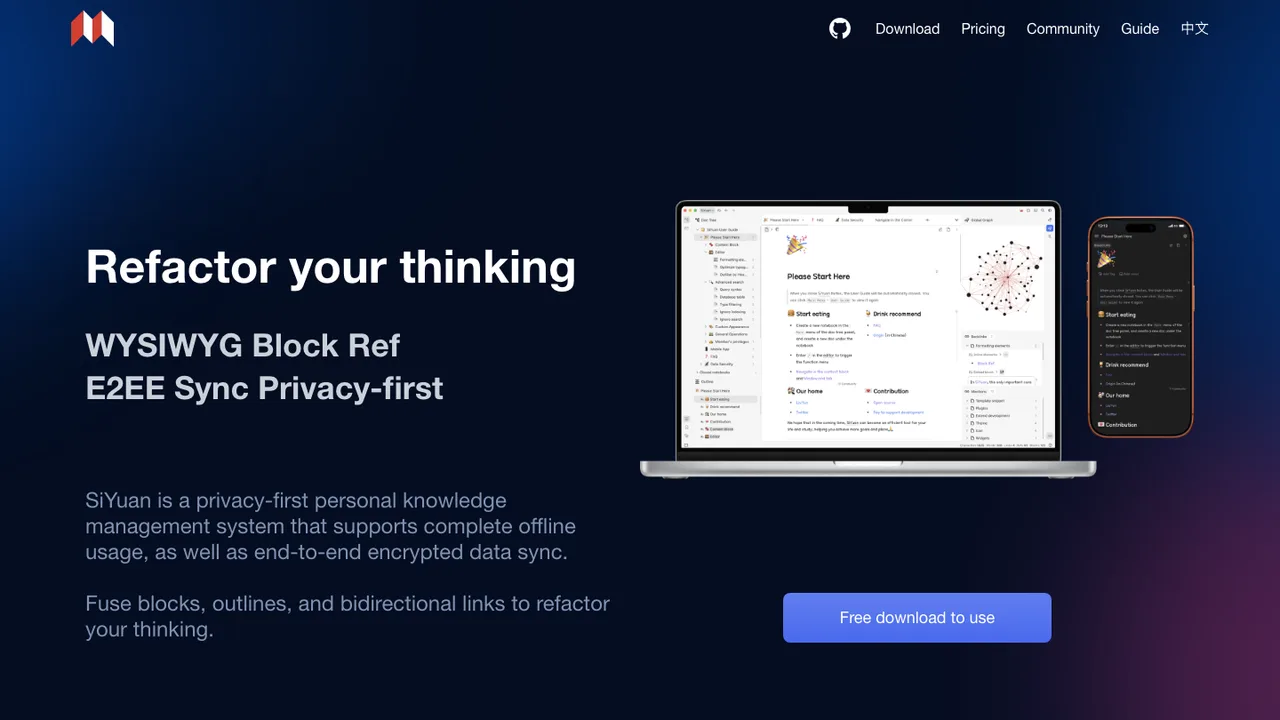
SiYuan is a privacy-first personal knowledge management system for notes, knowledge bases, and Markdown WYSIWYG writing. It uses content blocks with block-level references and two-way links, so notes can link at a finer level than whole pages.
Content blocks with block-level references and two-way links
Markdown WYSIWYG editor with list outlines and block zoom-in
Exports to Markdown with assets, PDF, Word, and HTML
Table-view database, flashcards, SQL embeds, and templates
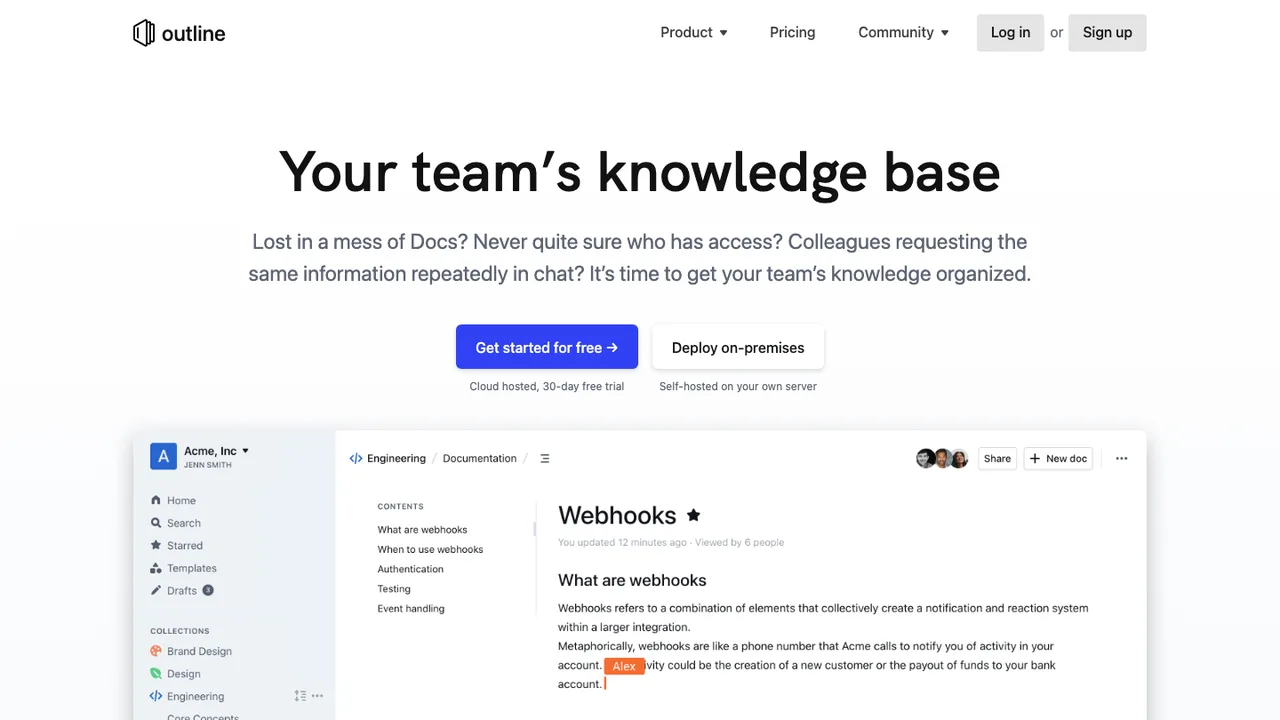
Outline is a fast, collaborative knowledge base and wiki for teams, built with React and Node.js. It gives a team one organized home for documentation instead of scattered docs, with a blazing-fast editor that loads documents and runs search in milliseconds.
Fast Markdown editor with slash commands and embeds
Realtime collaboration with comments and threads
Workspace search with AI question answering
Permissions, user groups, and public sharing links
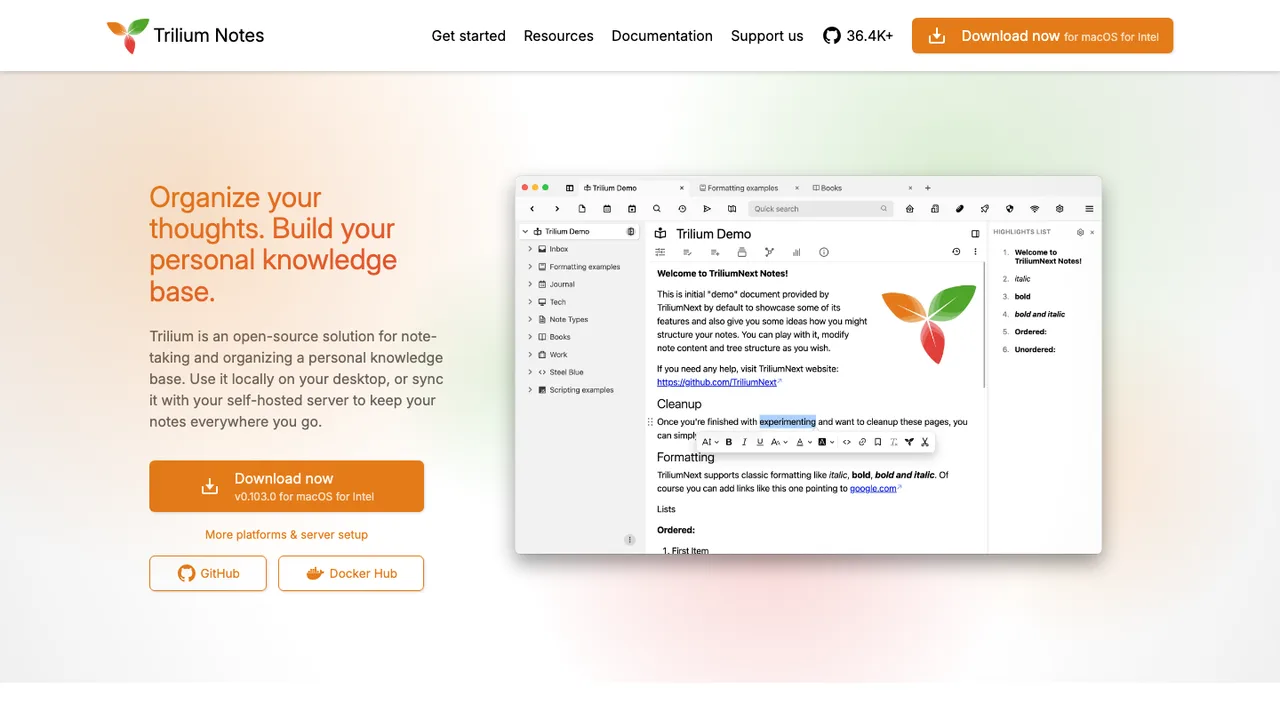
Trilium Notes is a free and open-source, cross-platform hierarchical note-taking app for building large personal knowledge bases. It runs on macOS, Linux, and Windows, can be used locally, and can sync with a self-hosted server to access notes anywhere.
Arbitrarily deep note tree with cloning into multiple places
WYSIWYG editor with tables, images, math, and markdown autoformat
Code notes with syntax highlighting
Full-text search, note hoisting, and note versioning
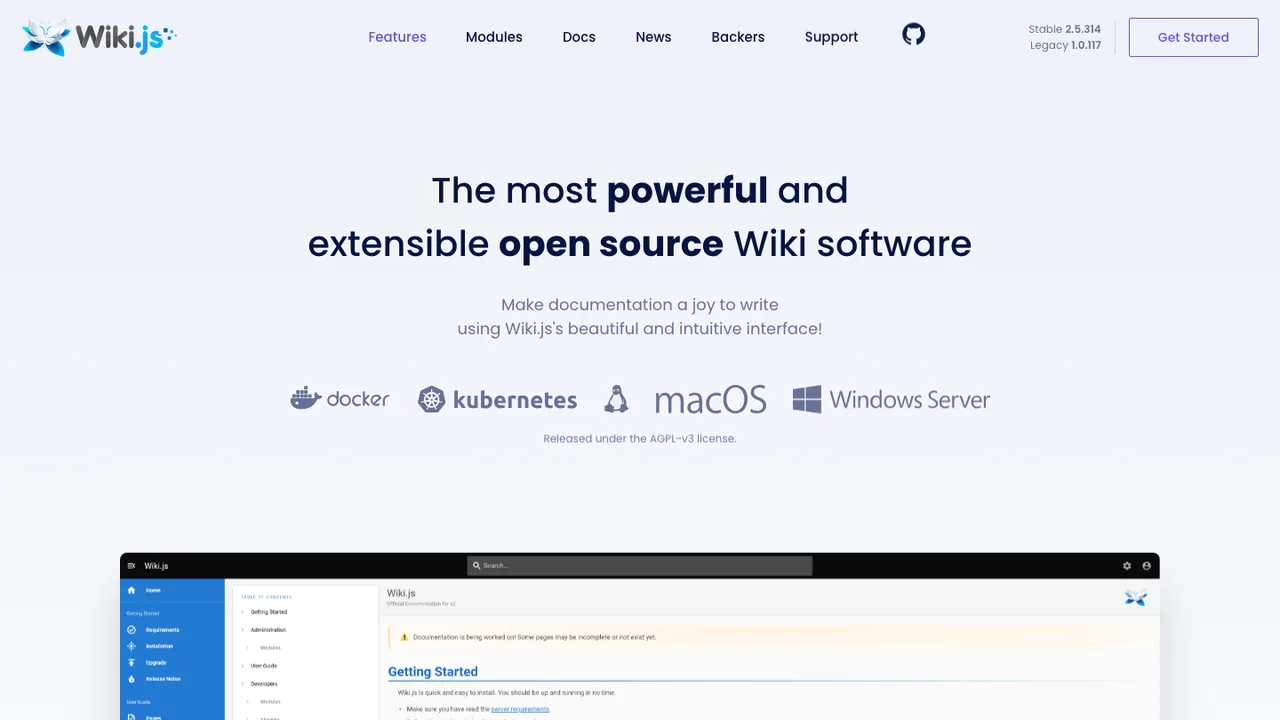
Wiki.js is a modern wiki app built on Node.js for keeping documentation in one place. It is designed for teams that need a web-based wiki with rich editing, search, and access control instead of scattered notes or static files.
Huly is an open-source all-in-one app for teams that bundles project management, chat, CRM, HRM, and applicant tracking into one workspace. It is built as a replacement for Linear, Jira, Slack, and Notion, giving teams one place for issues, communication, customer records, HR workflows, and hiring.
Focalboard is an open source, multilingual, self-hosted project management tool for organizing and tracking work across individuals and teams. It offers a Trello, Notion, and Asana alternative for people who want to manage tasks and projects in a tool they can run themselves.
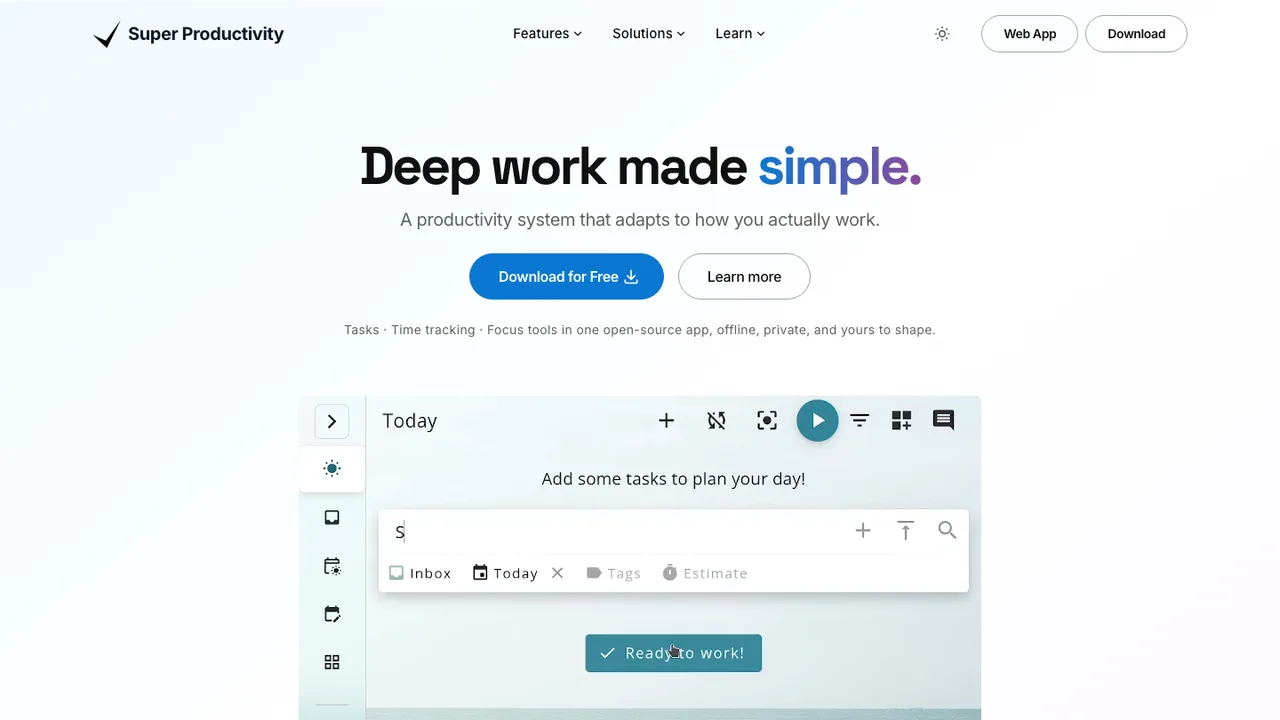
Super Productivity is an open-source todo list and deep work task manager for developers. It combines task planning, timeboxing, time tracking, and notes in one workspace for Windows, macOS, Linux, Android, iOS, and the web. It has no user accounts or registration, does not collect data, and lets you decide where to store your data.
Tasks with sub-tasks, projects, tags, and color coding
Timeboxing, time tracking, timesheets, and work summaries
Pomodoro timer, break reminders, and anti-procrastination prompts
Issue imports and work logs for Jira, GitHub, GitLab, and more
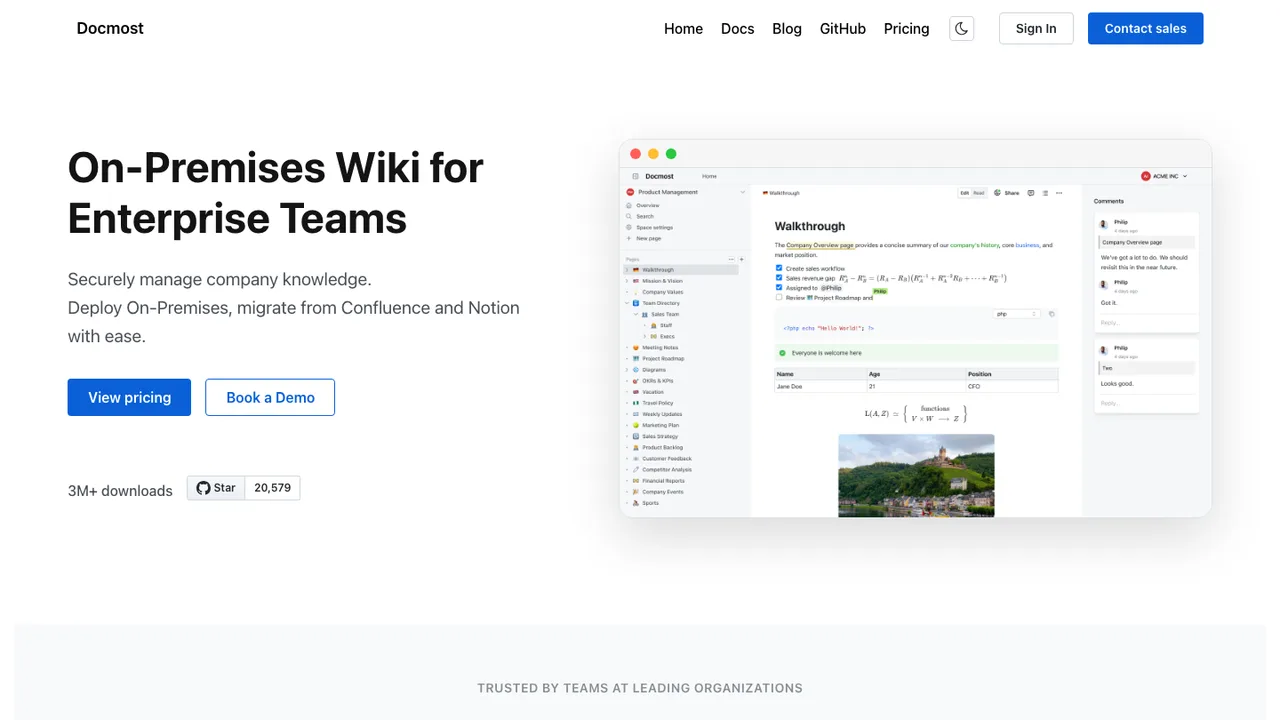
Docmost is open-source collaborative wiki and documentation software for teams that need a shared place for knowledge bases and internal docs. It replaces Confluence and Notion with a secure on-premise wiki you can run yourself, and a managed cloud version is also available.
Real-time collaboration with comments and page history
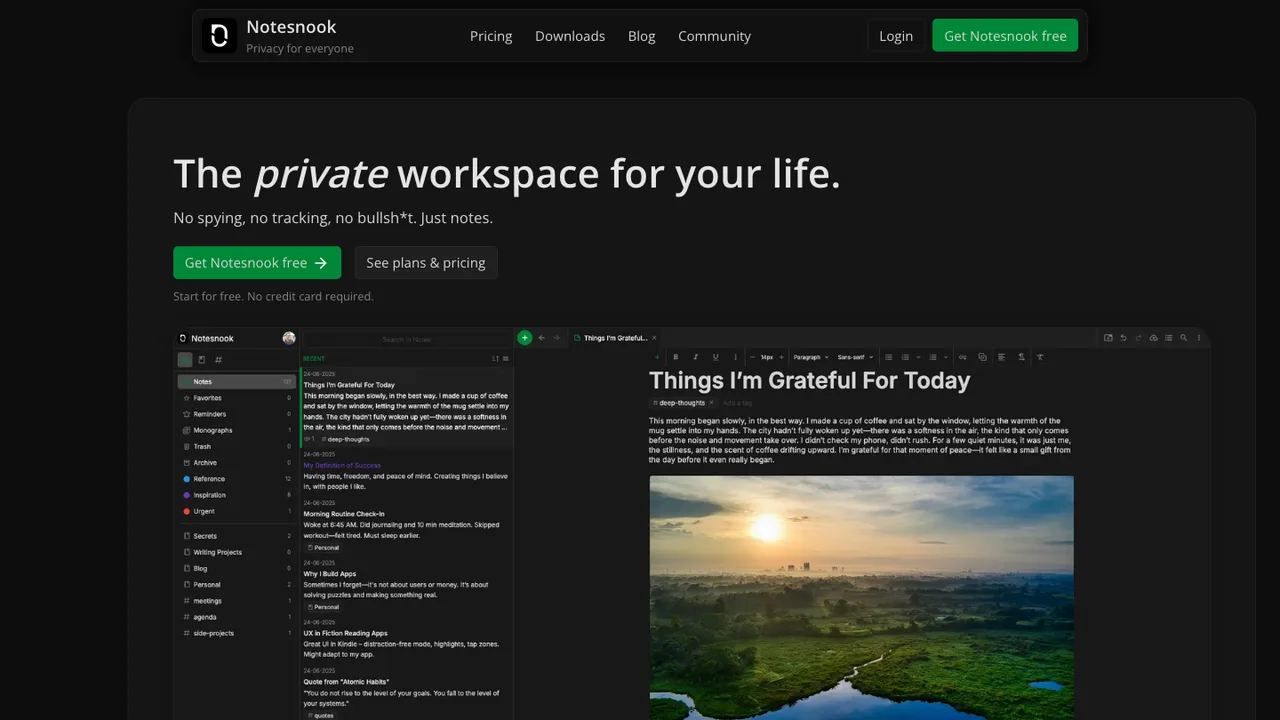
Notesnook is a free and open-source note-taking app positioned as an end-to-end encrypted alternative to Evernote. It focuses on user privacy and ease of use, with zero knowledge principles so notes are encrypted on your device before leaving it.
End-to-end encrypted notes with on-device encryption
XChaCha20-Poly1305 and Argon2 encryption stack
Web, desktop, and mobile clients across all platforms
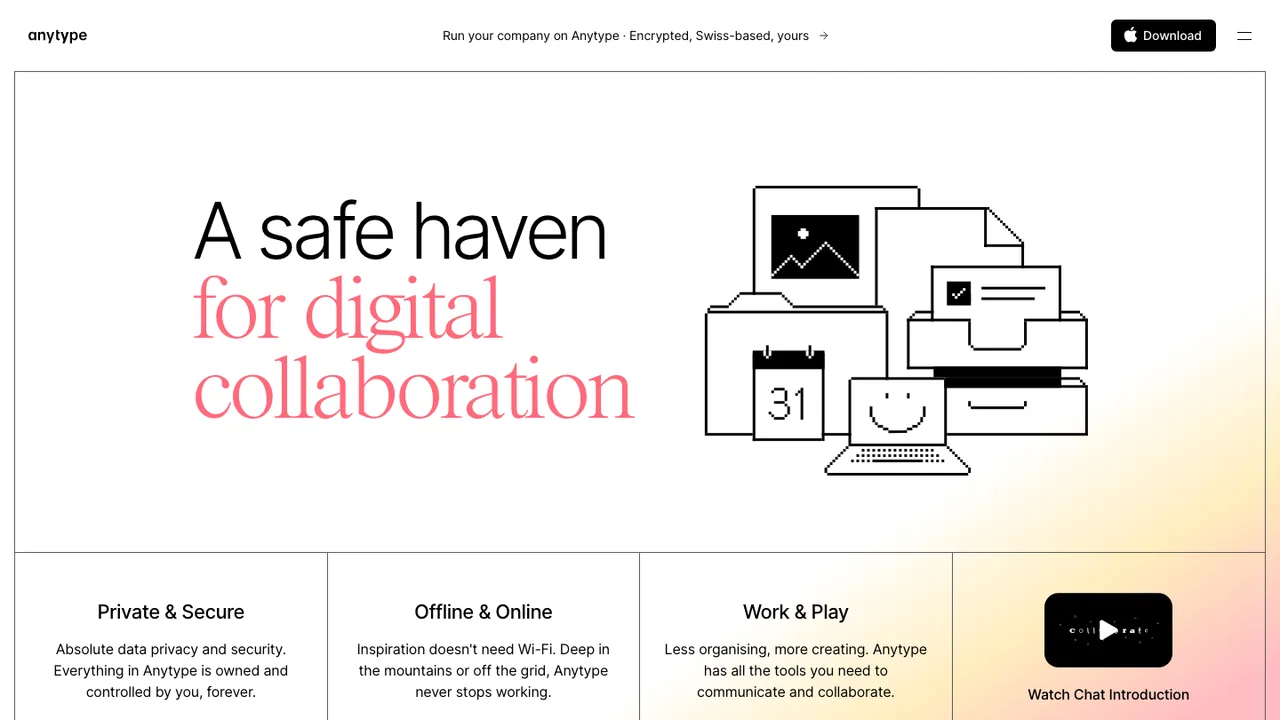
Anytype is a local-first, peer-to-peer, end-to-end encrypted personal knowledge base for macOS, Windows, and Linux. It is for gathering, connecting, and remixing information in pages, tasks, wikis, journals, and apps while defining your own data model. Data stays offline-first, private, and encrypted across devices.
Offline-first local storage with optional peer-to-peer sync
Zero-knowledge encryption powered by any-sync
Blocks for text, databases, kanban, calendar, and custom Types
Create pages, tasks, wikis, journals, and entire apps
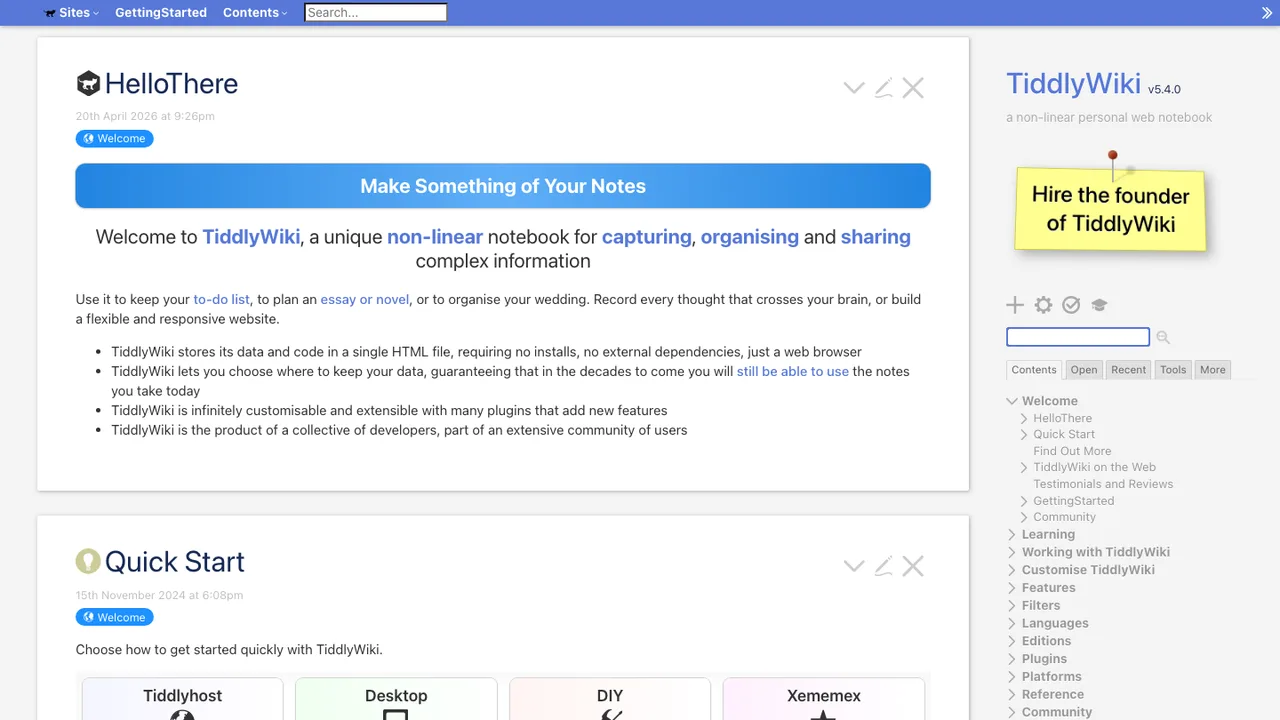
TiddlyWiki is a non-linear personal web notebook for people who want a wiki they can keep forever, independently of any corporation. It is a complete interactive wiki in JavaScript that solves note taking and linked writing in a self-contained format.
Single HTML file wiki in the browser
Node.js application and client-server setup
Hackable WikiText interface
Command-line commands for loading and rendering tiddlers
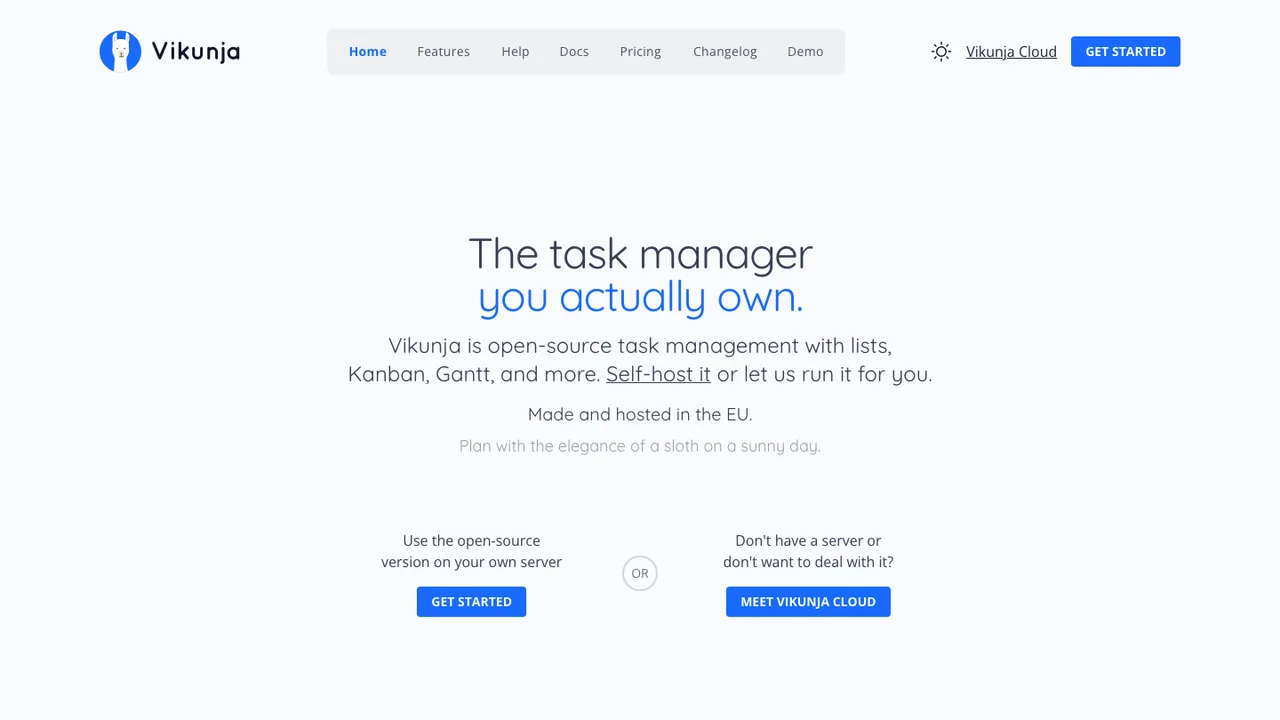
Vikunja is open-source task management for organizing personal or team work, with your data kept under your control rather than tied to one provider. Run it on your own server, or let Vikunja Cloud host a fully managed instance for you.
List, Kanban, Gantt, and table views you can switch between
Personal to-do lists that scale to shared team projects
Project sharing and task assignment for collaboration
Migration import from Todoist, Trello, and Microsoft To-Do
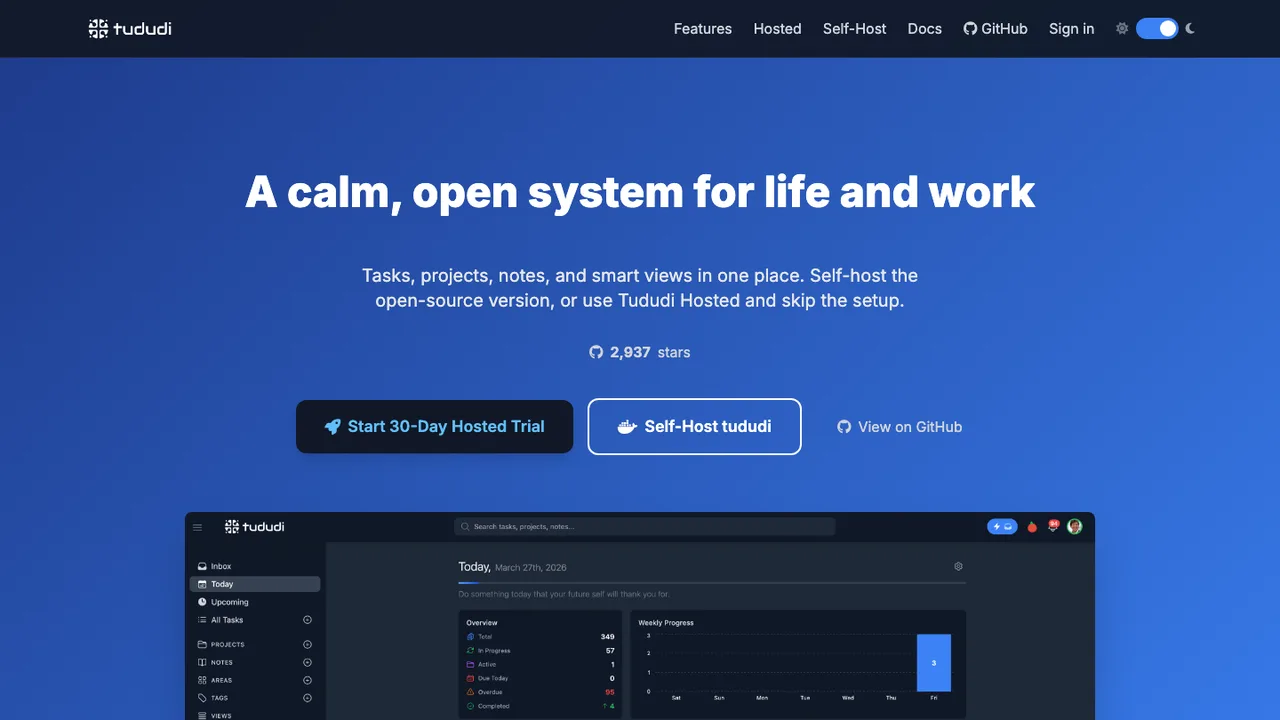
tududi is a task management app for organizing life and work with tasks, projects, areas, notes, and tags. It is built for people who want a clear structure for daily work, recurring follow-ups, and a place to keep related notes with the same system.
Tasks, projects, areas, notes, and tags in one structure
Subtasks with progress tracking
Recurring tasks with custom intervals and end dates
Mindolph is open source personal knowledge management software for desktop use. It keeps files in separate local workspaces, so knowledge stays in your own storage instead of a cloud service. Files are organized as a tree, and multiple tabs let you switch between open documents.
Local workspaces store files in your own storage
Mind Map, Markdown, PlantUML, CSV, and plain text support
AI generate and summarize content through LLM APIs
Mind map import from Freemind, Mindmup, XMind, Coggle, and Novamind
Sort these by whether your Notion is a personal workspace or a team's shared brain.
Local-first personal workspace: Anytype Anytype is a local-first, end-to-end encrypted knowledge base where pages, tasks, wikis, and journals are built from composable blocks and your own data types. Data stays offline-first and encrypted across devices through optional peer-to-peer sync, so a personal Notion-style workspace never leaves hardware you control.
Closest all-in-one clone: AppFlowy AppFlowy pairs documents and wikis with databases shown as kanban boards and grids, the same building blocks people use Notion for, and adds built-in AI for writing and editing. It runs as native desktop and mobile apps and can be self-hosted, keeping all data under your control.
Docs plus whiteboards: AFFiNE AFFiNE merges document editing and a Miro-style edgeless canvas in one workspace, so text, databases, embedded pages, and shapes share a single surface. It is local-first with real-time sync, and you can run your own server with Docker when a team needs to collaborate.
Self-hosted team wiki: Docmost Docmost is aimed squarely at teams replacing a shared Notion, with real-time collaborative editing, spaces, groups, and granular permissions. Pages carry comments, history, search, and diagrams through Draw.io, Excalidraw, and Mermaid, all on a server you run yourself.
Replacing Notion with open source
The first question is which Notion you are replacing. If you mostly keep personal notes, simple databases, and nested pages, a local-first workspace covers it without any server to run. If your Notion is really a shared team wiki - permissions, comments, many editors in a page at once - you want one of the self-hostable servers instead. Trying to find a single tool that does both equally well is the usual reason a switch stalls.
Set expectations on the gaps before you move. The polish Notion has in its mobile apps, its more exotic database views, and frictionless real-time collaboration is where open alternatives vary the most. Some match it closely; others trade a little refinement for the things you came for - local storage, no per-seat pricing, and data you can audit. Decide which of those Notion features you genuinely use, not the ones you admire in screenshots.
When you migrate, Notion exports pages as Markdown and databases as CSV. Pages move reasonably well; databases need the most attention, since relations and rollups flatten into plain columns and have to be rebuilt in the new tool's model. Export with subpages included, re-link attachments, and plan to tidy the most complex databases by hand. The reward is content that now lives in open formats you can move again freely.
Yes. Every option here is free and open source, with no per-seat pricing. The local-first apps cost nothing to run at all, and the self-hostable servers are free software - you only pay for whatever machine you host them on, which for a small team can be a modest server or a cheap cloud instance.
Can I self-host a Notion alternative?+
Several of these are built to be self-hosted, typically as a container you run on your own server. Self-hosting keeps every page and database on infrastructure you control, which is the main reason teams leave a cloud-only workspace. If you only need a personal workspace, the local-first options skip the server entirely and just store everything on your device.
Can I import my existing Notion pages and databases?+
Notion's built-in export produces Markdown for pages and CSV for databases, and that is the bridge most of these tools import from. Plain pages transfer cleanly; databases need more care because Notion relations and rollups become flat columns on export. Budget some cleanup time for your most complex databases, and re-attach files after the import.
Do the alternatives support real-time team collaboration?+
The self-hosted wiki-style options focus on exactly this: shared spaces, granular permissions, and simultaneous editing. The local-first apps are built for individuals and lighter sharing, so collaboration there is closer to syncing files than to many people typing in one document. Choose based on whether your Notion is a personal tool or a team's shared brain.