5 Best Open Source Alternatives to Word

Updated July 2026

Microsoft Word is built for a person typing into a page - reviewing, formatting, and printing one document at a time. That is exactly the wrong shape for the problem behind this page. When invoices, contracts, or reports have to be produced by the thousand from records in a database, hand-editing in a word processor stops being a workflow and becomes a bottleneck, and Word's automation paths are awkward and tied to its own ecosystem.

The open source alternative below treats the document as output, not input: you design a DOCX or PDF template once, mark where the data goes, and have a service render finished files from JSON or your database on demand. Generating ten thousand personalized documents becomes one API call instead of ten thousand edits, the templates stay in formats your team already knows, and the whole engine runs on infrastructure you control.

ONLYOFFICE Docs logo

1.ONLYOFFICE Docs

6.6kAGPL-3.0Shell Self-host
ONLYOFFICE Docs screenshot

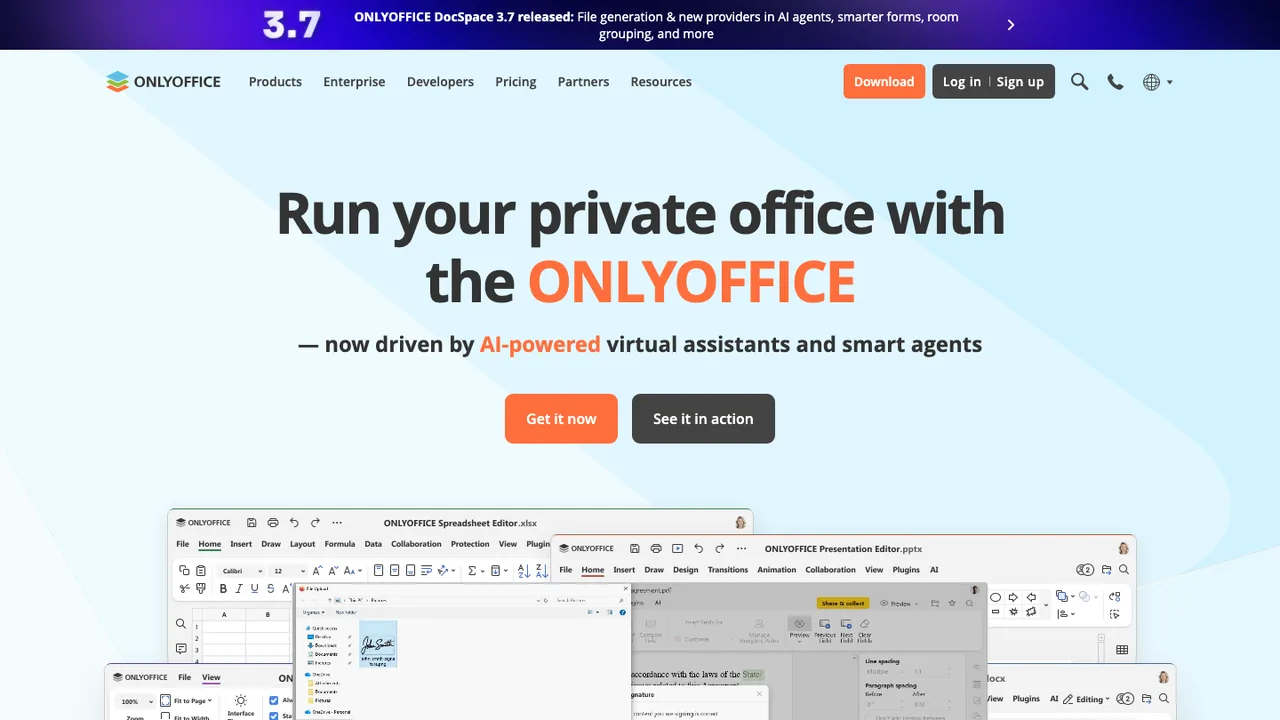
ONLYOFFICE Docs is a free collaborative online office suite with viewers and editors for text documents, spreadsheets, presentations, forms, PDFs, and diagrams. It is fully compatible with Office Open XML formats - .docx, .xlsx, and .pptx - and supports real-time collaborative editing.

  • Editors for text documents, spreadsheets, presentations, forms, PDFs, and diagrams
  • Real-time collaborative editing
  • Office Open XML compatibility for .docx, .xlsx, and .pptx
  • Reviewing, spell-checking, accessibility features, and dark mode
ghostwriter logo

2.ghostwriter

4.9kGPL-3.0C++
ghostwriter screenshot

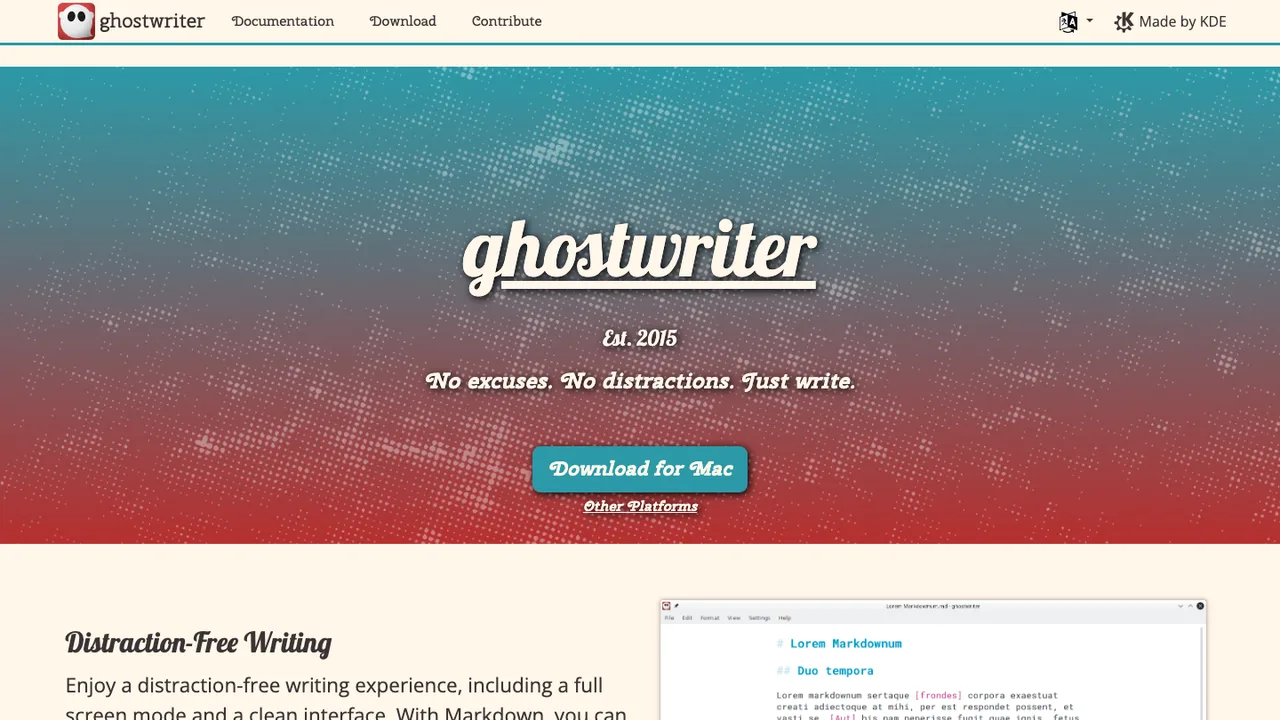
ghostwriter is a text editor for Markdown on Windows and Linux. It is built for writing in plain text Markdown without distractions, whether the target is a blog post, school paper, or long-form draft. Files remain ordinary Markdown text, so the content is not tied to a proprietary document format.

  • Distraction-free Markdown writing environment
  • Built-in cmark-gfm Markdown processor
  • Auto-detects Pandoc, MultiMarkdown, and cmark
  • Live HTML preview and export options
LibreOffice logo

3.LibreOffice

4kGPL-3.0C++
LibreOffice screenshot

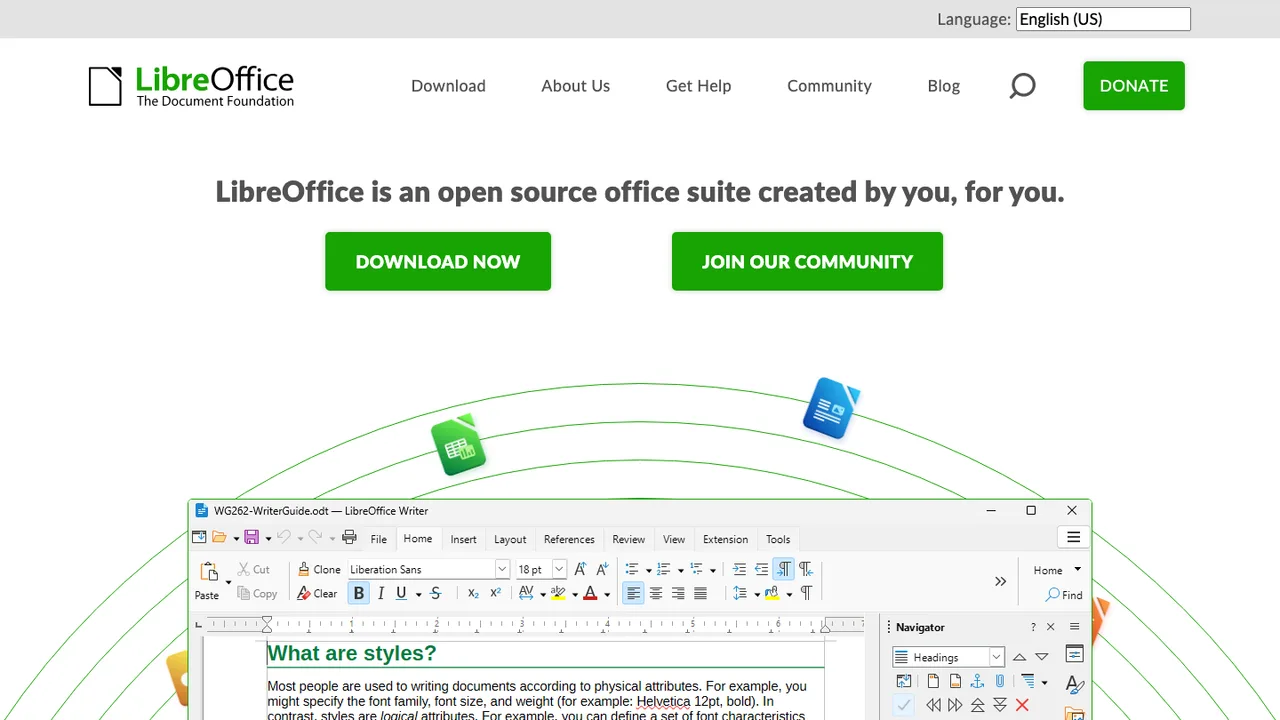
LibreOffice is an integrated office suite for personal productivity. It is compatible with most document formats and standards, and includes applications for writing documents, working with spreadsheets, creating drawings, and building presentations.

  • Writer for word processing documents
  • Calc for spreadsheets
  • Draw and Impress for drawings and presentations
  • Compatible with most document formats and standards
Carbone logo

4.Carbone

2kOtherJavaScript Self-host
Carbone screenshot

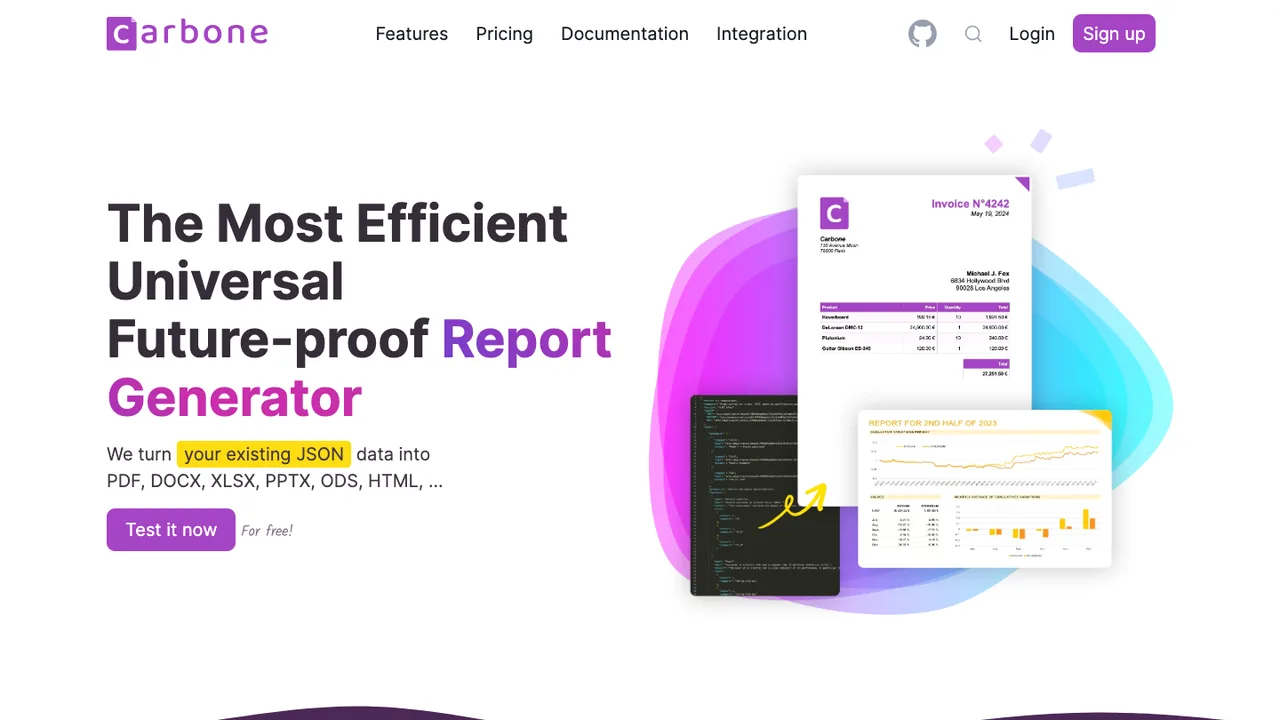
Carbone turns JSON data into finished documents. You design a template in LibreOffice, Google Docs, or Microsoft Office and drop in JSON-like markers such as {d.companyName}; Carbone fills the markers from your data and outputs PDF, DOCX, XLSX, ODT, PPTX, ODS, XML, or CSV. The data comes straight from your existing JSON APIs.

  • Fills office templates from JSON data with markers
  • Outputs PDF, DOCX, XLSX, ODT, PPTX, ODS, XML, CSV
  • Designs templates in LibreOffice, Docs, or Office
  • Drives headless LibreOffice for document conversion
Wraft logo

5.Wraft

147AGPL-3.0Elixir Self-host
Wraft screenshot

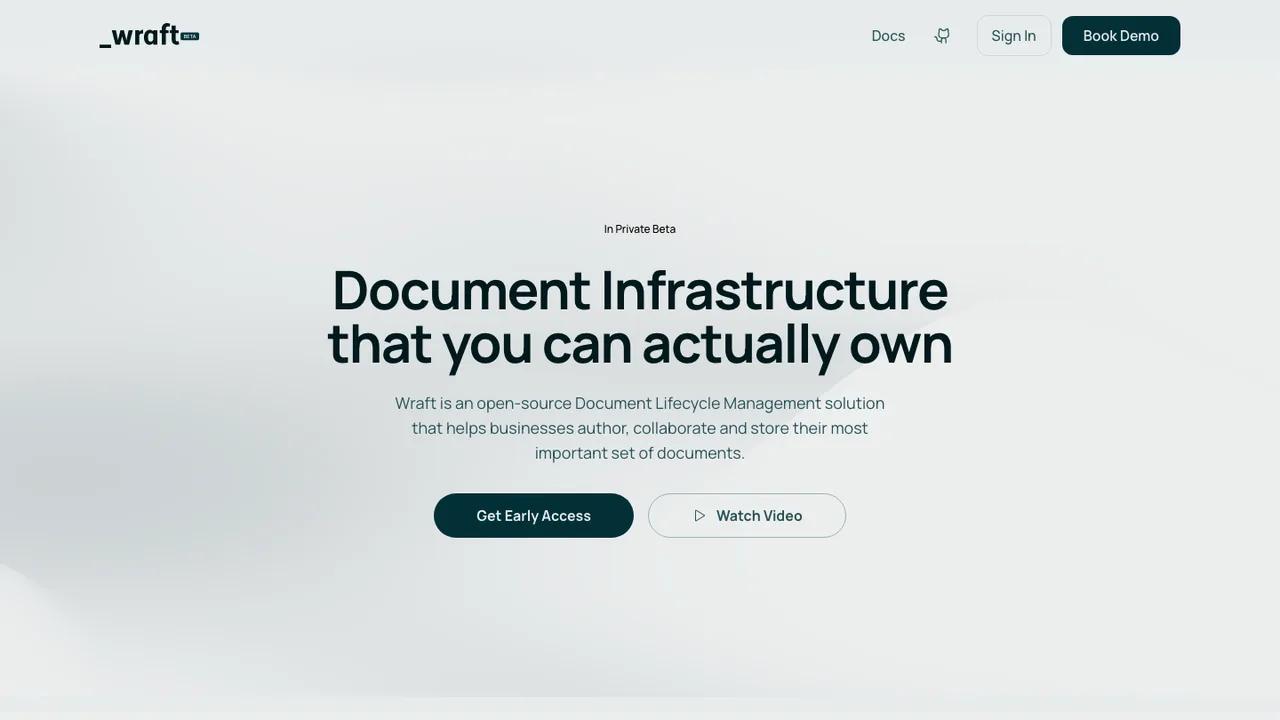
Wraft is an open-source document lifecycle management and content authoring platform for structured business content, from official letters to contracts. It aims to give teams control over their most important documents across drafting, collaboration, and distribution.

  • Authoring of structured business documents
  • Drafting, collaboration, and distribution workflow
  • Content stored as Markdown and JSON
  • Hosted cloud or self-hosted deployment

Switching from Word to open source

Start with the documents that make Word sticky: DOCX files with strict formatting, shared review cycles, templates, fields, mail merge, and VBA macros. A replacement is not just a text editor; it is a layout and workflow decision. If your documents leave the company as Word files, fidelity matters more than ideology. If the work is mostly internal, you may accept a cleaner native format and export final copies. Also decide whether collaboration must match Word's cloud coauthoring or whether file locking, comments, and asynchronous review are enough.

Expect the rough edges around features Word users rarely think about until they break. Page breaks can move because font metrics, printer drivers, and layout engines differ. Tracked changes usually import, but acceptance order, comment threading, and author metadata can shift. Macros and add-ins are the biggest gap because Word automation often assumes VBA, COM, or proprietary object models. Advanced accessibility checks, grammar suggestions, equation editing, bibliography tools, and enterprise policy controls may be less polished or implemented differently.

Migration works best as a staged document cleanup, not a bulk file conversion. Keep original DOCX and legacy DOC files as the record copy, then test representative documents: contracts, letterhead, forms, heavily reviewed drafts, mail merge sources, and macro-enabled templates. Save or convert working files to the new editor's preferred format when collaboration will continue there; export to DOCX or PDF only at exchange boundaries. Styles, headings, tables, comments, and simple fields usually survive. Macros, embedded objects, protected forms, custom fonts, and exact pagination need manual testing.

Related alternatives

Frequently asked questions

Will my existing Word documents open correctly in an open source editor?+

Most plain DOCX files open well, especially documents built with normal paragraphs, headings, tables, images, and simple headers or footers. Problems show up in documents that depend on exact page breaks, floating objects, custom fonts, content controls, complex fields, or embedded files. Test with your own documents, not sample files, and compare both the editable file and the exported PDF.

What does it really cost to replace Word?+

License savings are real only if Word is a separate cost for your organization. Count the replacement work too: template cleanup, user training, support, file compatibility testing, and any server needed for browser editing or collaboration. For small teams, the biggest benefit may be simpler long term access to documents. For large teams, support and governance usually decide the payback.

Do I need to self-host anything to move away from Word?+

Not necessarily. If users edit locally and exchange files, a desktop application may be enough. Self-hosting enters the picture when you need browser editing, shared storage, identity integration, or controlled collaboration without using a third party service. Treat that server like production infrastructure: upgrades, TLS, backups, monitoring, and disaster recovery all matter once documents become shared business data.

What happens to tracked changes and comments after leaving Word?+

Basic tracked insertions, deletions, and comments usually transfer through DOCX, but review history is not always identical. Comment threads, resolved status, author names, timestamps, and change grouping can shift between editors. Before replacing Word in a review-heavy workflow, run a full redline cycle: create changes, reply to comments, accept and reject edits, export, then reopen the file in Word.

Are Word macros and add-ins portable?+

Usually not. Word macros often rely on VBA, the Word object model, local file paths, COM automation, or add-ins that assume Word is installed. Some logic can be rewritten in another scripting environment, but there is rarely a one-click conversion. Inventory macro-enabled templates first, identify which ones are still used, and replace business logic with a clearer workflow when possible.

Which file format should become the team standard after Word?+

If you mostly work inside the new environment, use its preferred open document format as the working copy and export DOCX or PDF when sending files out. If customers or courts require Word files, keep DOCX as the exchange format and accept more compatibility testing. The key is to avoid round-tripping the same document through multiple formats every day.

How hard is it to migrate Word templates and styles?+

Expect template migration to be hands-on. Paragraph and character styles usually map, but page styles, section breaks, headers, footers, numbering schemes, fields, and protected regions need checking. Rebuild the most important templates instead of converting every old file. That gives you a chance to remove direct formatting and make new documents more predictable than the Word originals.

Can open source replacements handle Word mail merge workflows?+

Many replacements can do mail merge, but the details differ. Test the actual data sources, conditional fields, date and currency formatting, labels, envelopes, and batch output. If your Word merge depends on macros or a database connection, separate the data preparation from document generation before migrating. That reduces surprises and makes the workflow easier to support.

Will mobile users lose too much functionality?+

Mobile editing is usually the weak spot for complex documents. Reading, commenting, and small edits may be fine, while layout-sensitive work, long tables, tracked changes, and template-based documents are better handled on a desktop. If field staff depend on phones or tablets, test offline access, file sync conflicts, and PDF export from the actual devices they use.

Is offline editing better or worse than Word?+

Offline editing can be as good as Word for single-user desktop work if files are stored locally. The risk is sync behavior when the same document is edited on multiple machines. Make sure users understand when a file is locked, when conflict copies are created, and which version is authoritative. For travel-heavy teams, test opening recent files without a network connection.

How should we handle collaboration and permissions without Word?+

Map your current Word workflow before choosing. Some teams need simultaneous browser editing with presence indicators. Others only need shared folders, file locking, comments, and review ownership. Permissions should be set at the storage layer, not hidden inside a document when possible. Also decide how guests, contractors, and departed employees are handled, because document access often outlives a project.

Are open source Word replacements safe for confidential documents?+

Security depends on the whole document path, not just the editor. Check how releases are packaged, whether installers are signed, how quickly security fixes ship, and where temporary files are written. For hosted collaboration, review authentication, encryption in transit, audit logs, backup access, and administrator permissions. Source code availability is useful, but it does not replace operational controls.

Can I import old .doc files, not just .docx?+

Old binary .doc files are more fragile than DOCX. Text usually imports, but embedded objects, old equations, macros, forms, and exact formatting are common trouble spots. Keep the original files unchanged, convert a copy, and export a PDF for records when the document has legal or historical value. If a .doc file still drives a process, rebuild it deliberately.

What should a legal or regulated team test before replacing Word?+

Test confidentiality, metadata, redlining, pagination, PDF output, and retention rules. Legal teams often care less about writing features than whether a filed PDF matches the approved draft and whether hidden comments or tracked changes are stripped correctly. Regulated teams should also test encryption, access logs, backup retention, and the ability to reproduce an older document exactly enough for audits.

What if the open source project we pick stalls?+

Your exit plan should be based on files, not loyalty to a project. Prefer standard formats, keep installers or packages for the versions you deploy, document template conventions, and avoid workflows that depend on obscure plugins. If development slows, you can keep editing existing documents while evaluating another tool, as long as your data is not trapped in a proprietary service.