6 Best Open Source Alternatives to Excel

Updated July 2026

Excel is still the most capable spreadsheet ever shipped - decades of formulas, pivot tables, and now Python in the grid, plus a ubiquity that means everyone already knows how to open one. For ad hoc analysis it's unmatched. The trouble starts when a spreadsheet quietly becomes a system of record: there's nothing stopping a stray paste from corrupting a column, no real types, no enforced validation, and the file gets emailed around until five conflicting copies exist and the formulas in one of them are silently wrong.

The open source alternative below is for exactly that moment - when you need a spreadsheet's familiarity but a database's discipline. You keep formulas, including Python ones, but columns carry real types and validation, the data lives in one place instead of scattered file copies, and you self-host the whole thing so the source of truth sits on infrastructure you control rather than in an attachment.

Grist logo

1.Grist

11.1kApache-2.0TypeScript Self-host
Grist screenshot

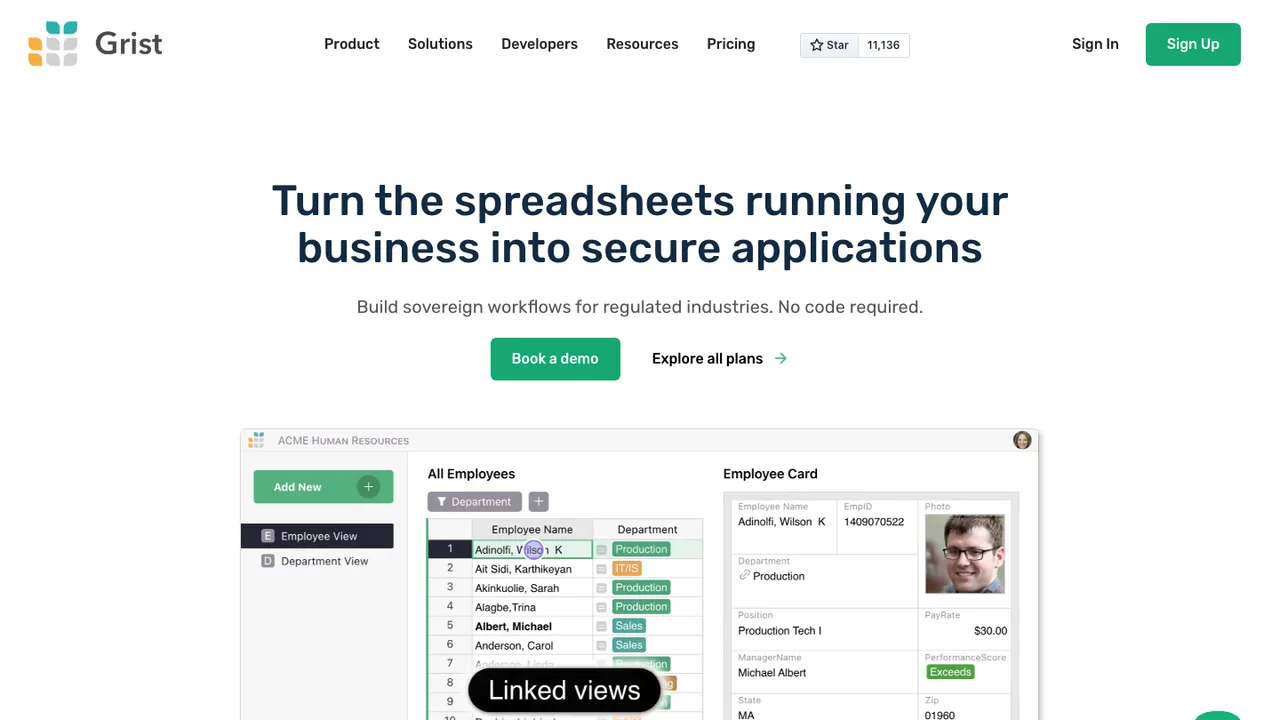
Grist is a modern relational spreadsheet for organizing data in tables that behave like spreadsheets but keep database-like columns and references. It is meant for people who need spreadsheet workflows with more structure for records, formulas, and shared data.

  • Python formulas with full Python syntax support
  • Charts, card views, and a calendar widget
  • REST API, webhooks, and API console
  • Incremental imports with update support
ONLYOFFICE Docs logo

2.ONLYOFFICE Docs

6.6kAGPL-3.0Shell Self-host
ONLYOFFICE Docs screenshot

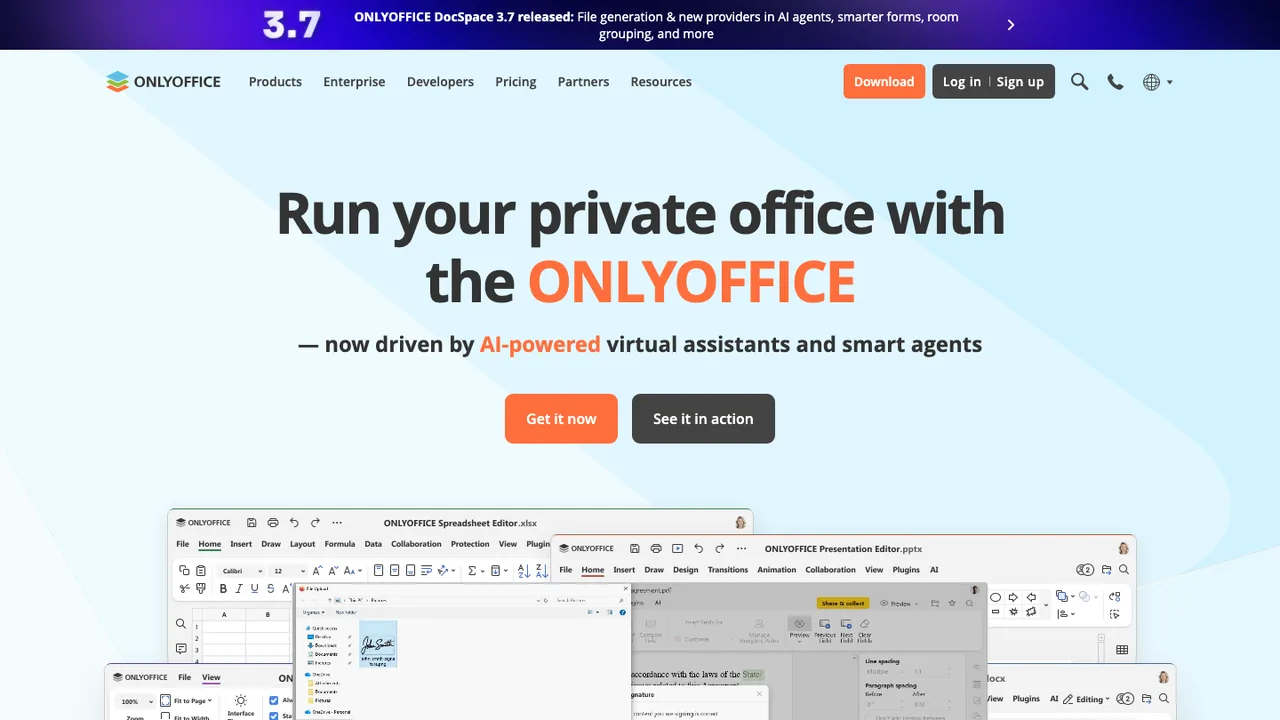
ONLYOFFICE Docs is a free collaborative online office suite with viewers and editors for text documents, spreadsheets, presentations, forms, PDFs, and diagrams. It is fully compatible with Office Open XML formats - .docx, .xlsx, and .pptx - and supports real-time collaborative editing.

  • Editors for text documents, spreadsheets, presentations, forms, PDFs, and diagrams
  • Real-time collaborative editing
  • Office Open XML compatibility for .docx, .xlsx, and .pptx
  • Reviewing, spell-checking, accessibility features, and dark mode
LibreOffice logo

3.LibreOffice

4kGPL-3.0C++
LibreOffice screenshot

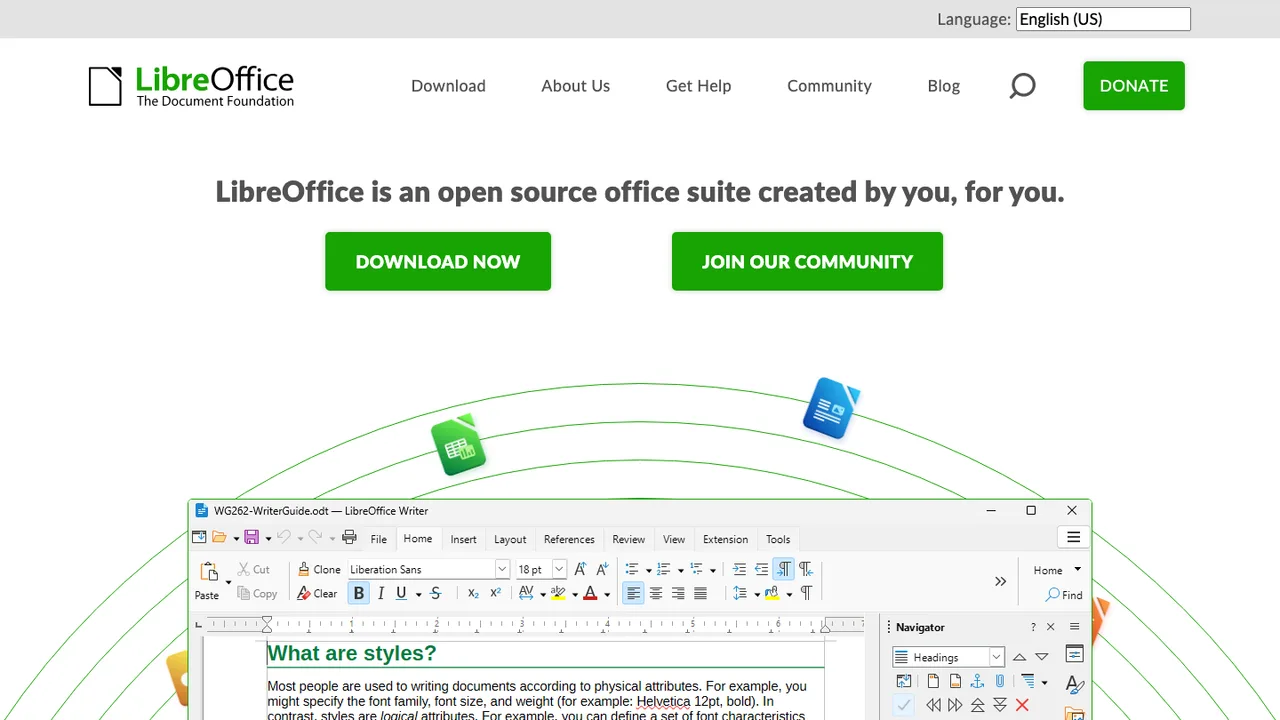
LibreOffice is an integrated office suite for personal productivity. It is compatible with most document formats and standards, and includes applications for writing documents, working with spreadsheets, creating drawings, and building presentations.

  • Writer for word processing documents
  • Calc for spreadsheets
  • Draw and Impress for drawings and presentations
  • Compatible with most document formats and standards
EtherCalc logo

4.EtherCalc

3kOtherTypeScript Self-host
EtherCalc screenshot

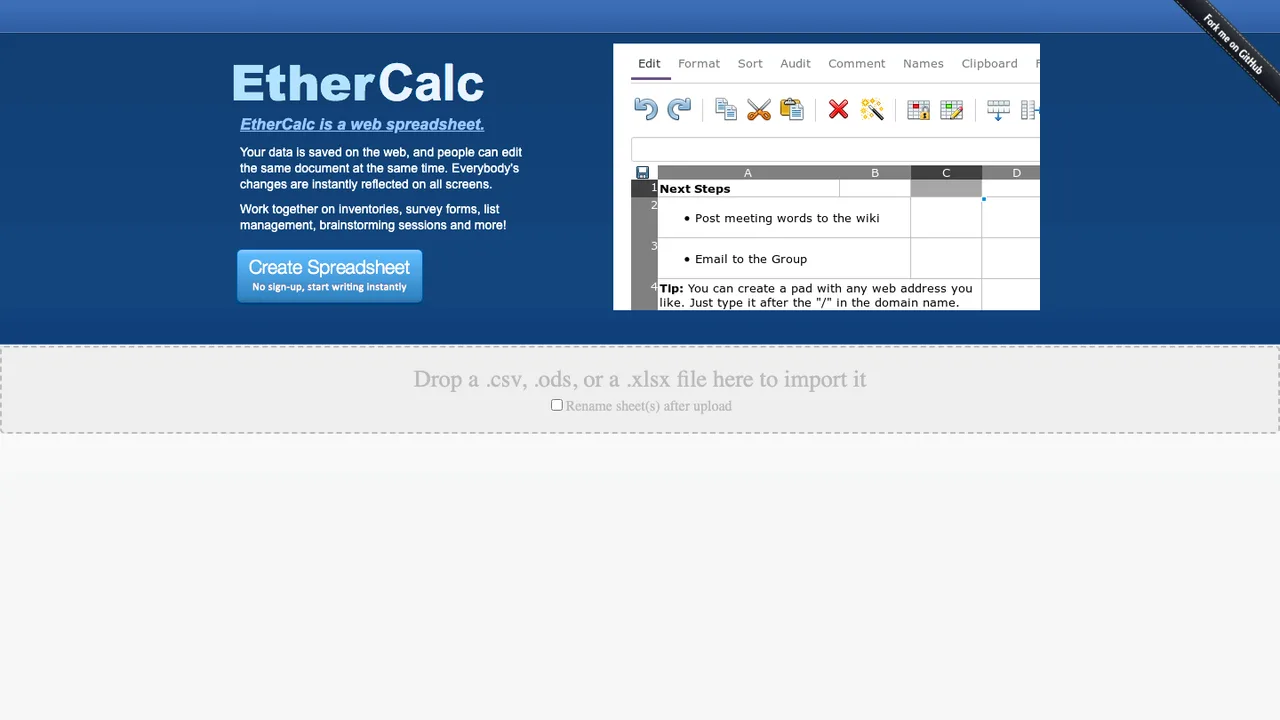
EtherCalc is a web spreadsheet for real-time collaborative editing. It is a TypeScript rewrite of a Node.js port of Multi-user SocialCalc, built to let people share a room URL and edit the same sheet together.

  • Real-time collaborative spreadsheet editing
  • Share a room URL for joint editing
  • REST API for spreadsheet access
  • Drupal integration through sheetnode
Carbone logo

5.Carbone

2kOtherJavaScript Self-host
Carbone screenshot

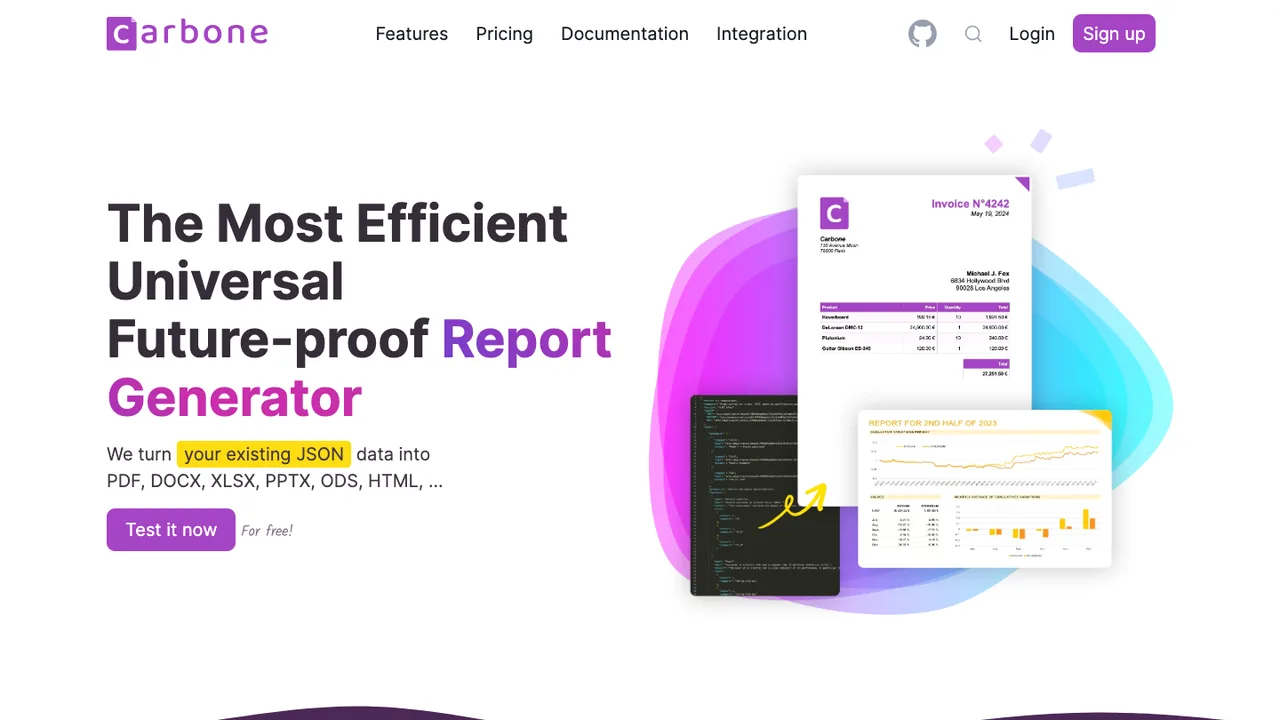
Carbone turns JSON data into finished documents. You design a template in LibreOffice, Google Docs, or Microsoft Office and drop in JSON-like markers such as {d.companyName}; Carbone fills the markers from your data and outputs PDF, DOCX, XLSX, ODT, PPTX, ODS, XML, or CSV. The data comes straight from your existing JSON APIs.

  • Fills office templates from JSON data with markers
  • Outputs PDF, DOCX, XLSX, ODT, PPTX, ODS, XML, CSV
  • Designs templates in LibreOffice, Docs, or Office
  • Drives headless LibreOffice for document conversion

6.Nurse Scheduling System

9AGPL-3.0TypeScript Self-host
Nurse Scheduling System screenshot

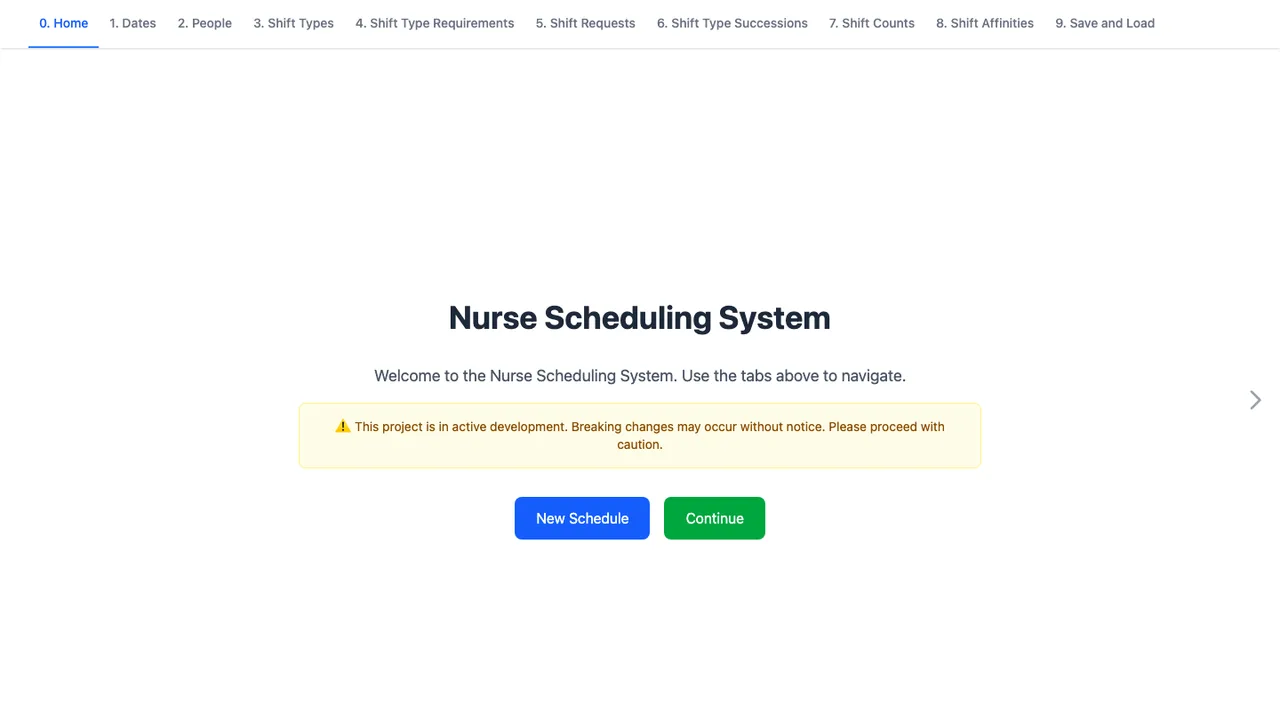
Nurse Scheduling System solves the nurse scheduling problem, where constraints vary widely between hospitals and wards and manual scheduling in spreadsheets can take many hours. It aims to model real-world scenarios in one flexible framework rather than an over-simplified constraint set.

  • Constrained optimization across flexible, real-world rules
  • CLI solver runs with CSV and XLSX output
  • OR-Tools CP-SAT, PuLP CBC, and cuOpt GPU solvers
  • Solver progress recording as JSON Lines

Switching from Excel to open source

Start by separating spreadsheet use from Excel-specific automation. Basic budgets, lists, imports, and reporting sheets usually move cleanly if the replacement handles XLSX well enough for your formatting and formulas. The hard cases are workbooks with VBA, complex pivot tables, external data connections, solver-style analysis, protected sheets, and templates passed between departments. Also decide whether Excel is acting as a personal calculator, a shared database, or a reporting layer. Those are different migration problems, and one open source tool may not serve all three equally well.

Expect the biggest gaps around automation and Microsoft ecosystem assumptions. VBA macros generally do not run unchanged, and add-ins built for Excel need replacement or a rewrite. Advanced chart formatting, pivot behavior, conditional formatting edge cases, and date handling can differ enough to change results or presentation. Real-time coauthoring may work differently, especially when permissions, comments, and review workflows matter. If your team depends on Excel files moving back and forth with outside clients, test round-tripping before you commit.

Migration usually starts by inventorying workbooks, not by converting everything at once. Keep original XLSX files, open copies in the new tool, and compare calculated outputs against Excel for representative inputs. CSV works for raw tables but loses formulas, formatting, multiple sheets, and metadata. Open spreadsheet formats preserve more structure, but conversion still needs testing. Plan to rebuild macros, refresh pivot sources, fix broken external links, and review charts manually. For important models, create regression checks so future edits do not silently change results.

Related alternatives

Frequently asked questions

Will open source spreadsheets open my Excel files correctly?+

Many open source spreadsheets can open XLSX files, but correct enough depends on the workbook. Simple sheets with common formulas, formatting, and charts usually fare well. Workbooks using advanced pivots, macros, external links, protected ranges, or unusual formatting need manual testing. Always compare calculated results and exported files, especially if you must send the workbook back to Excel users.

Will switching from Excel actually reduce cost?+

It can reduce license spending, but do not count only the subscription line item. Migration, training, template cleanup, macro rewrites, support, and hosting can become real costs. The financial case is strongest when most users need ordinary spreadsheet work and only a smaller group needs Excel-specific features. Keep a short exception process for workbooks that are expensive to replace.

What happens to VBA macros after I leave Excel?+

Assume VBA macros will not transfer cleanly. Some open source tools have their own scripting systems, but the object model, event behavior, user forms, and add-in dependencies are different. Small macros can often be rewritten. Business-critical automation should be treated like a software migration: document inputs, outputs, permissions, and failure modes before rebuilding it.

Are Excel formulas compatible with open source alternatives?+

Common formulas usually translate well, but compatibility is not absolute. Differences can show up in newer functions, array behavior, date systems, locale-specific separators, error handling, and rounding. If a workbook drives financial or operational decisions, create test cases with known outputs from Excel. A formula that opens without an error can still calculate differently.

How should I handle pivot tables and charts when replacing Excel?+

Treat pivots and charts as review items, not guaranteed conversions. The source range may survive, while grouping, calculated fields, filters, slicers, and formatting may change. Rebuild important pivots directly in the new tool and verify totals against Excel. For charts used in reports, check labels, axis scales, colors, and exported PDF output before relying on them.

Is there an open source replacement for Power Query or the Excel data model?+

There may be ways to import, clean, and model data, but they usually do not behave like Excel's built-in workflow. Queries, refresh steps, relationships, and calculated measures often need to be recreated. If the workbook is really an analytics pipeline, consider whether a database, scripting workflow, or dedicated reporting stack is a better replacement than another spreadsheet.

How does team collaboration change outside Excel?+

Collaboration depends heavily on the chosen hosting model. Some tools offer browser editing and shared files, while others work best as desktop applications with file locking or manual sync. Check simultaneous editing, comments, change tracking, permission granularity, and conflict handling. A spreadsheet that ten people edit every day needs different evaluation than a monthly report assembled by one owner.

How do integrations and APIs change after Excel?+

Inventory every place Excel is wired into the rest of the business. Look for scheduled exports, mail merges, accounting imports, scripts that generate XLSX files, and forms that append rows. Open source replacements may support files, APIs, or database connections, but the exact integration pattern will change. Build a small end-to-end test before moving critical workflows.

How hard is it to migrate years of Excel spreadsheets?+

The hard part is deciding what deserves migration. Archive old workbooks in their original format, convert only the ones still used, and classify them by complexity. Simple trackers can move quickly. Department templates, budget models, and automated reports need owners, acceptance tests, and cleanup time. Do not bulk-convert a file share and assume the result is usable.

Which file format should we standardize on after Excel?+

Use XLSX when you must exchange editable files with Excel users. Use an open spreadsheet format when your main goal is long-term control inside the new tool. Use CSV only for tabular data moving between systems, because it drops formulas, formatting, multiple sheets, comments, and most metadata. Many teams keep more than one format policy depending on workflow.

Are open source spreadsheet tools safe for sensitive financial data?+

They can be, but security depends on deployment and process. Review how files are stored, who can access them, how updates are delivered, whether macros or scripts are allowed, and how audit logs work. For regulated data, test encryption, backup retention, access reviews, and export controls. The tool choice matters, but spreadsheet governance matters more.

Can mobile users replace Excel with open source options?+

Mobile support varies a lot. Some open source tools have usable mobile or browser interfaces for viewing, light editing, and comments. Complex formula editing, pivot work, chart repair, and large sheets are still better on a desktop. If field staff rely on phones or tablets, test the exact workflows: data entry, offline access, file upload, and conflict recovery.

What should I expect with very large Excel workbooks?+

Large workbooks expose differences in calculation speed, memory use, file opening time, and responsiveness. A file that is slow but tolerable in Excel may become impractical elsewhere, or it may improve if the structure is simplified. Test with real files, not samples. If a workbook has become a database, moving the data out of spreadsheets may be the better fix.

What if the open source project we choose is abandoned?+

Plan for exit before you standardize. Keep files in documented formats, avoid unnecessary proprietary extensions, and maintain export procedures that non-specialists can run. For important templates and scripts, store source files and documentation outside the application. If the project slows down later, you will have time to move without reverse-engineering years of hidden spreadsheet behavior.