9 Best Open Source Alternatives to OneNote

Updated July 2026

OneNote is free, but it keeps your notebooks inside the Microsoft ecosystem: storage lives in OneDrive, the file format is proprietary, and getting years of notes back out is notoriously painful. The open source alternatives below store notes in open formats and sync them through services you choose - or a server you run - with no Microsoft account required.

The closest replacements keep the familiar notebooks-and-sections model with apps on every desktop and mobile platform, and several add end-to-end encrypted sync. Everything stays exportable, so the next migration is a copy, not a rescue mission.

Memos logo

1.Memos

60.8kMITGo Self-host
Memos screenshot

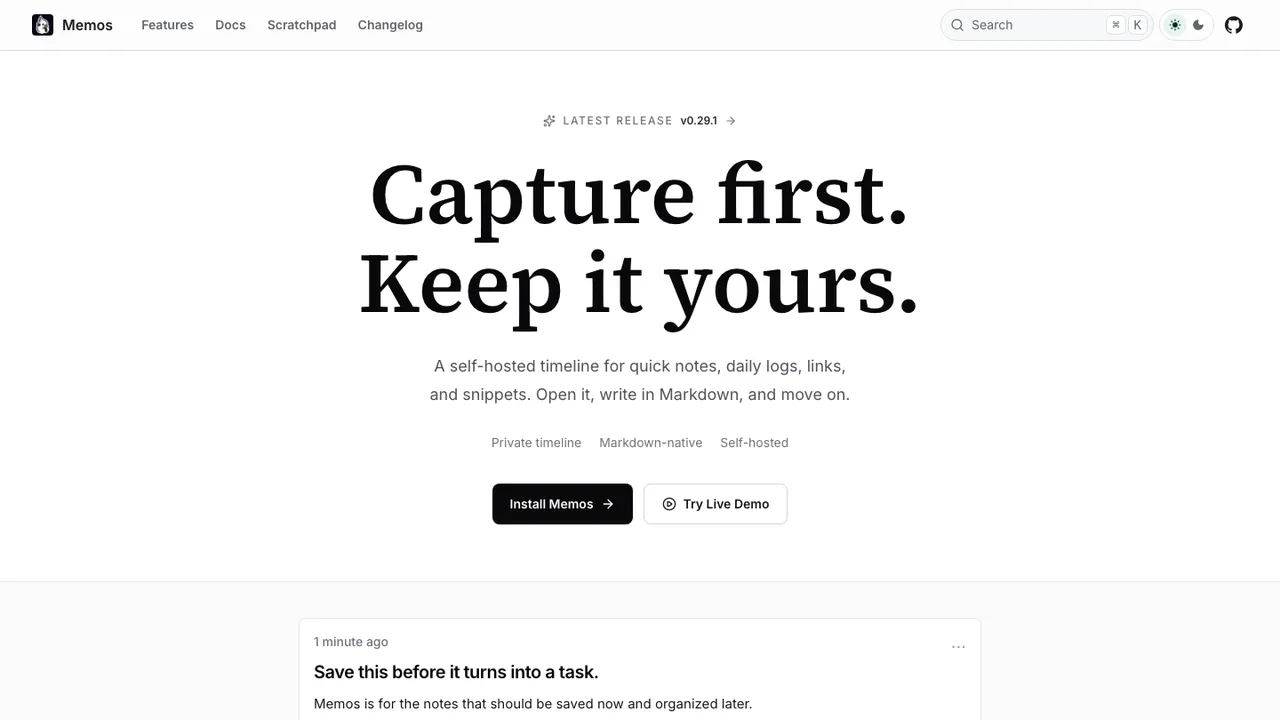
Memos is an open-source, self-hosted note-taking tool for quick capture. It provides a timeline-first interface for notes, daily logs, links, and snippets, so you can open it, write, and move on without navigating folders. Notes are stored in Markdown and kept on your infrastructure, with zero telemetry.

  • Timeline-first UI for quick capture without folders
  • Markdown-native notes for portable storage
  • Self-hosted with zero telemetry
  • Deploy with SQLite, MySQL, or PostgreSQL
Joplin logo

2.Joplin

55.2kOtherTypeScript
Joplin screenshot

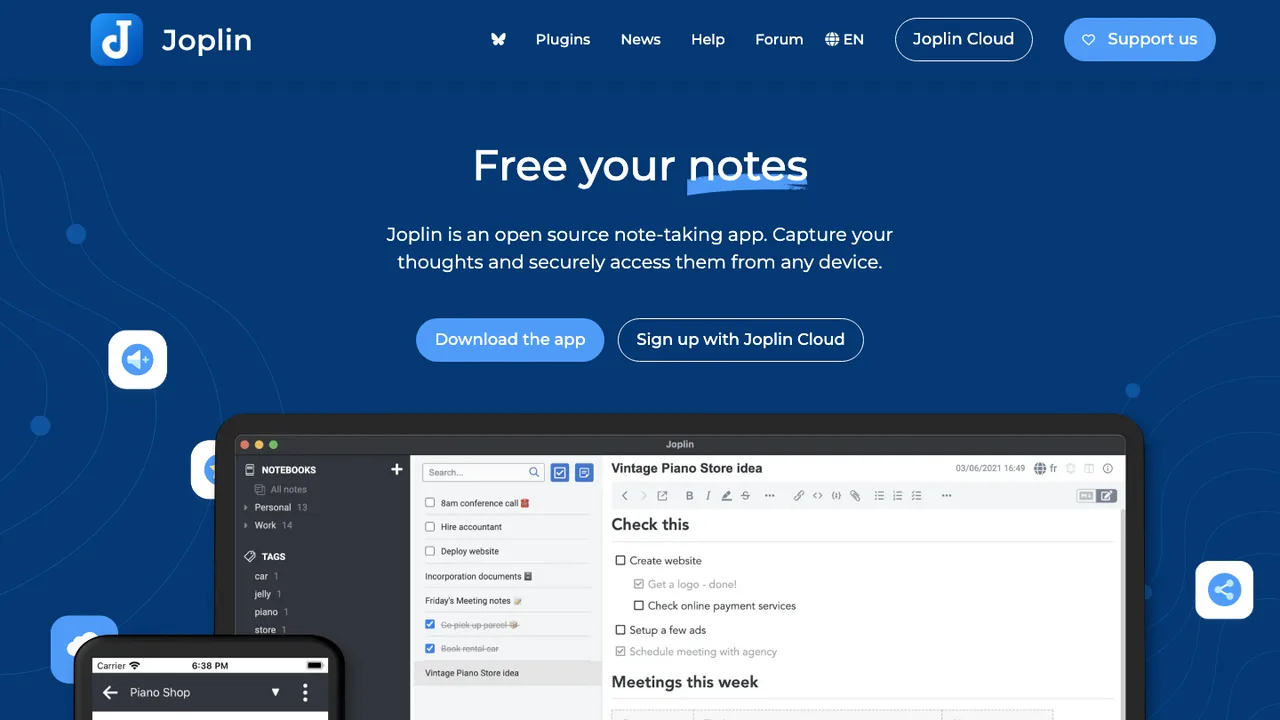
Joplin is a free, open source note taking and to-do application for Windows, macOS, Linux, Android, and iOS. It handles large note collections organized into notebooks, with searchable Markdown notes that can be copied, tagged, and edited in the apps or in your own text editor. It is offline first, so notes stay on your phone or computer and remain available without internet.

  • Markdown notes organized into notebooks
  • Offline-first access on desktop and mobile
  • End-to-end encrypted sync with multiple cloud services
  • Evernote and plain Markdown import
Xournal++ logo

3.Xournal++

14.9kGPL-2.0C++
Xournal++ screenshot

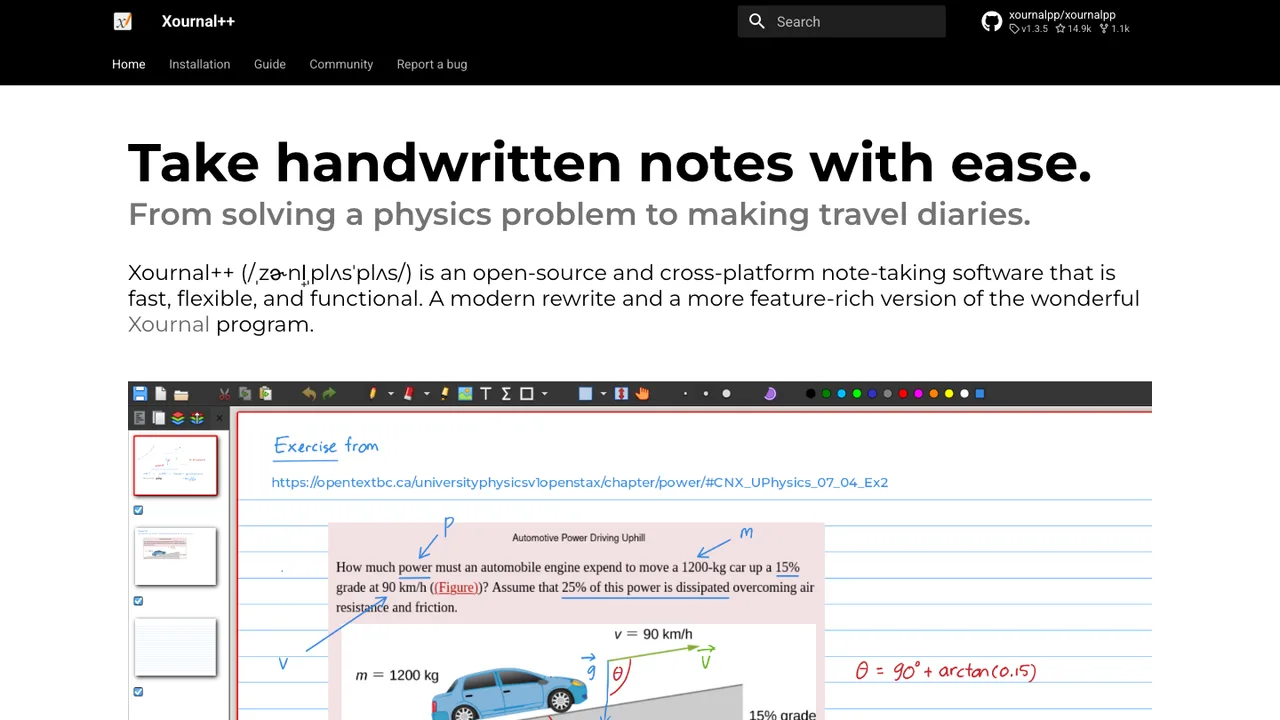
Xournal++ is handwriting note-taking software for annotating PDFs and writing on digital paper backgrounds. It is built for people who work with a stylus, letting you write, draw, and mark up documents by hand and store the results in the .xopp file format.

  • Annotate PDFs and write on paper backgrounds with a stylus
  • Pressure-sensitive pen and tablet support
  • Select, highlight, and mark up text from the underlying PDF
  • Export to SVG, PNG, and PDF from the GUI or command line
Notesnook logo

4.Notesnook

14.1kGPL-3.0TypeScript Self-host
Notesnook screenshot

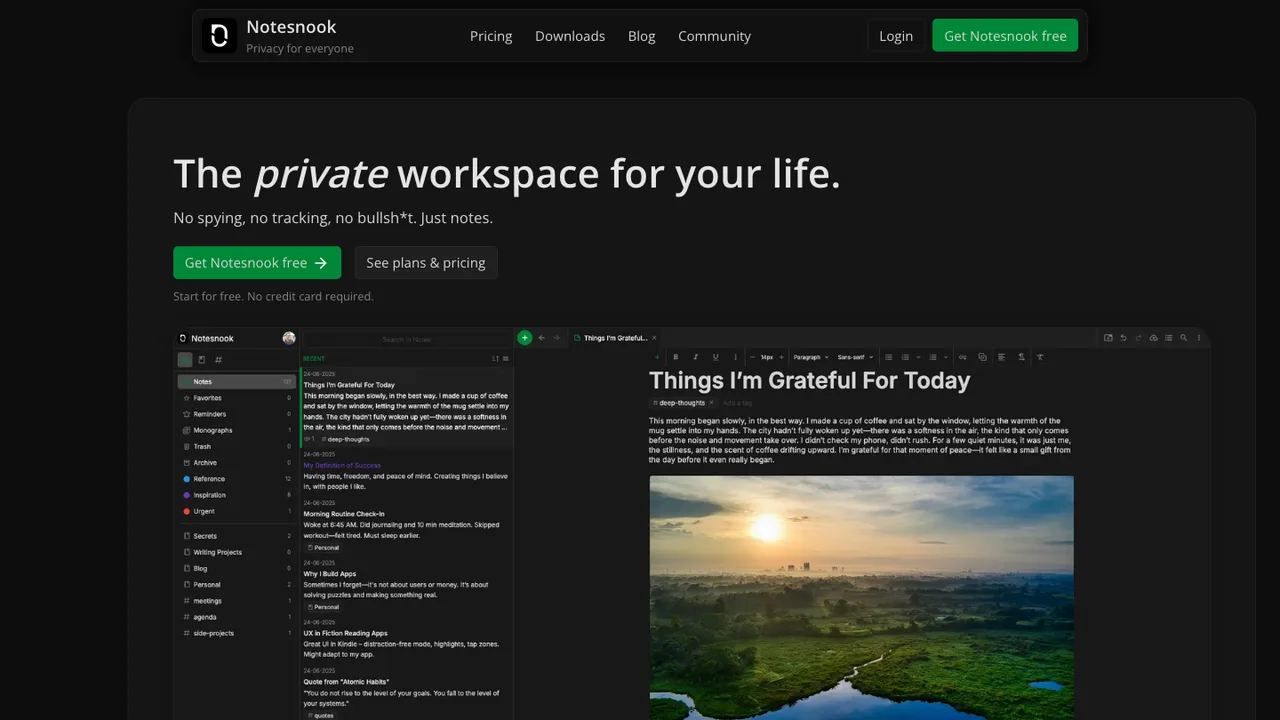
Notesnook is a free and open-source note-taking app positioned as an end-to-end encrypted alternative to Evernote. It focuses on user privacy and ease of use, with zero knowledge principles so notes are encrypted on your device before leaving it.

  • End-to-end encrypted notes with on-device encryption
  • XChaCha20-Poly1305 and Argon2 encryption stack
  • Web, desktop, and mobile clients across all platforms
  • Import existing notes from other note-taking apps
TiddlyWiki logo

5.TiddlyWiki

8.6kOtherJavaScript Self-host
TiddlyWiki screenshot

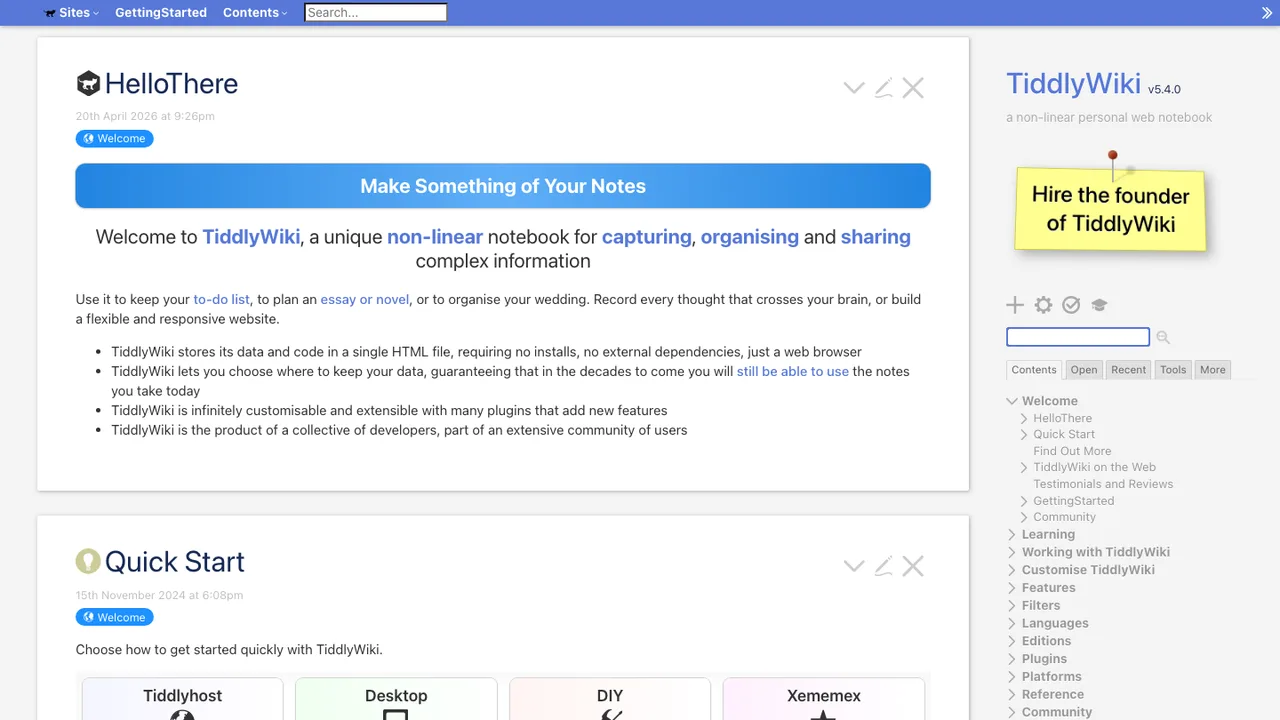
TiddlyWiki is a non-linear personal web notebook for people who want a wiki they can keep forever, independently of any corporation. It is a complete interactive wiki in JavaScript that solves note taking and linked writing in a self-contained format.

  • Single HTML file wiki in the browser
  • Node.js application and client-server setup
  • Hackable WikiText interface
  • Command-line commands for loading and rendering tiddlers
GitJournal logo

6.GitJournal

4.2kAGPL-3.0Dart Self-host
GitJournal screenshot

GitJournal is a mobile-first note taking app built around privacy and data portability. It stores notes as standardized Markdown with an optional YAML header, then keeps them in a Git repo of your choice - GitHub, GitLab, or a custom provider. That means you can self-host your notes or host them with any Git provider you trust.

  • Stores notes as Markdown with optional YAML headers
  • Keeps notes in a Git repo of your choice
  • Works with GitHub, GitLab, or custom providers
  • Supports exports from Google Keep, Day One Classic, Narrate, and Simplenote

7.Heimer

975GPL-3.0C++

Heimer is a desktop application for creating mind maps, diagrams, and note-taking layouts. It is written in Qt and targets Linux and Windows, with an easy-to-use interface for arranging nodes and labels.

  • Automatic layout optimization for mind maps and diagrams
  • Autoload and autosave with full undo and redo
  • Export maps to PNG or SVG
  • Save and load XML-based .ALZ files
RedNotebook logo

8.RedNotebook

558GPL-2.0Python
RedNotebook screenshot

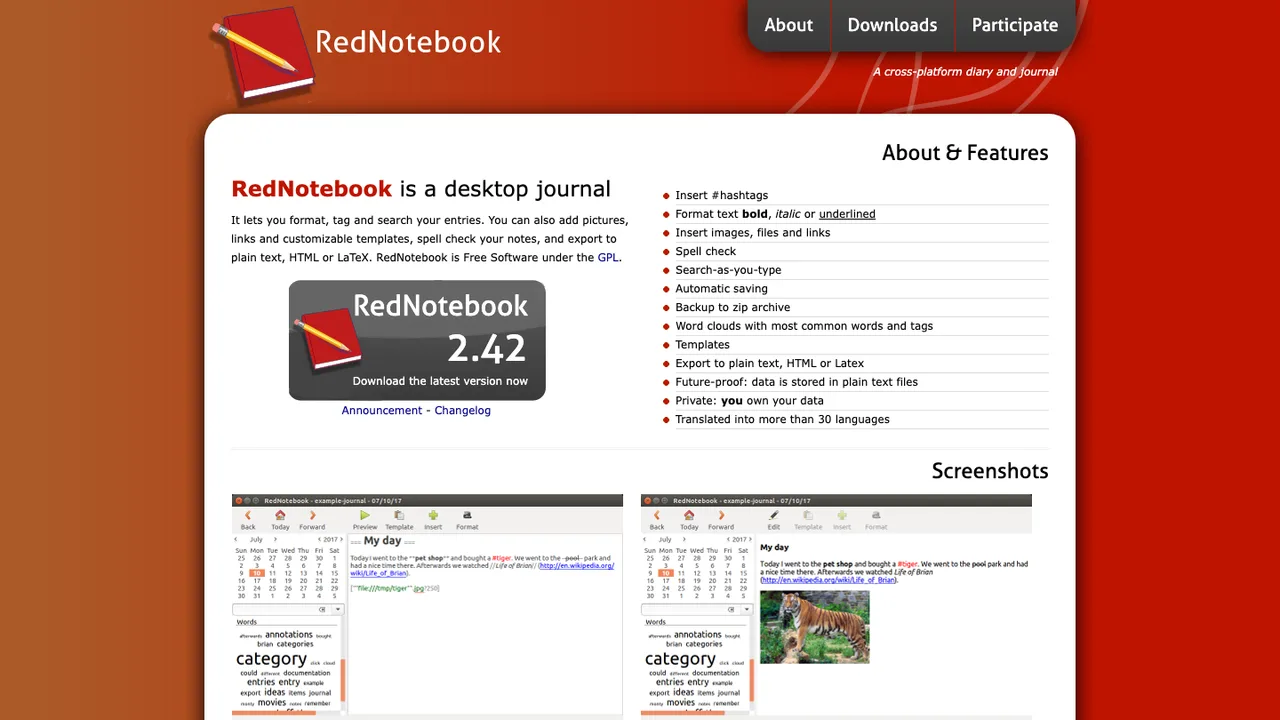
RedNotebook is a desktop journal for writing and organizing daily entries. It keeps everything offline on your own device, with tools to format, tag, and search your entries and to add pictures and links.

  • Format, tag, and search journal entries
  • Add pictures, links, and customizable templates
  • Spell check notes
  • Export to plain text, HTML, Latex, or PDF

9.Mindolph

198GPL-3.0Java

Mindolph is open source personal knowledge management software for desktop use. It keeps files in separate local workspaces, so knowledge stays in your own storage instead of a cloud service. Files are organized as a tree, and multiple tabs let you switch between open documents.

  • Local workspaces store files in your own storage
  • Mind Map, Markdown, PlantUML, CSV, and plain text support
  • AI generate and summarize content through LLM APIs
  • Mind map import from Freemind, Mindmup, XMind, Coggle, and Novamind

Switching from OneNote to open source

What pushes people off OneNote is rarely the app and usually the lock-in: notebooks live in a proprietary format inside OneDrive, tied to a Microsoft account. So when you evaluate replacements, weight the things OneNote makes hard - owning your storage, working without a Microsoft account, and getting a clean export - over surface features, which most of these apps cover well.

Match the structure and the inputs you actually use. If the notebook-section-page hierarchy is central to how you think, favor an app that keeps that model rather than a flat note list. If you rely on freehand ink, handwriting, or stylus input, check that specifically, since pen support is the feature that varies most across open note apps. For typed notes, clippings, and attachments, the alternatives here are on solid ground.

Migration is the part that needs planning, because OneNote does not export cleanly on its own. The usual route is to pull notebooks out through an export tool into a standard format like Markdown or HTML, then import that into the new app, accepting some cleanup on heavily formatted or ink-heavy pages. Once moved, your notes sit in an open format you can back up and migrate again at will.

Related alternatives

Frequently asked questions

Is there a free open source alternative to OneNote?+

Yes. The apps here are free and open source, and unlike OneNote they store notes in open formats you can read and back up yourself. Several keep the familiar notebooks-and-sections structure, so the day-to-day feel is close while the storage is entirely yours.

Can I get my notes out of OneNote?+

You can, but OneNote does not make it effortless, which is why migration is the main planning step. The practical path is to export notebooks to a standard format such as Markdown or HTML using an export tool, then import that into your new app. Expect to tidy heavily formatted or handwritten pages after the move.

Do I still need a Microsoft account?+

No - dropping the Microsoft account requirement is one of the main reasons to switch. These apps store notes locally or sync through services you choose, including servers you host yourself. Your notes stop being tied to OneDrive and a single vendor's login.

Can I keep my notebook and section structure?+

Several of the alternatives are built around the same notebook-and-section hierarchy, so the organization you are used to carries over conceptually. How faithfully your existing structure survives depends on the export and import path, so check the structure-handling of the specific app you choose before committing a large notebook.