14 open source alternatives100% OSI-approved licensesUpdated June 2026
Obsidian already gets the big thing right - your notes are local Markdown files - but the app itself is closed source and free only for personal use. The alternatives below deliver the linked-notes workflow with code you can audit and a license that cannot change underneath you, from graph-based outliners to deep hierarchical knowledge bases.
Migration is the easy part, since an Obsidian vault is just a folder of Markdown that most of these apps can import or open directly. What you are comparing is workflow - outliner versus editor, graph versus tree - and how each app syncs across devices, which the self-hostable options do through a server you run yourself.
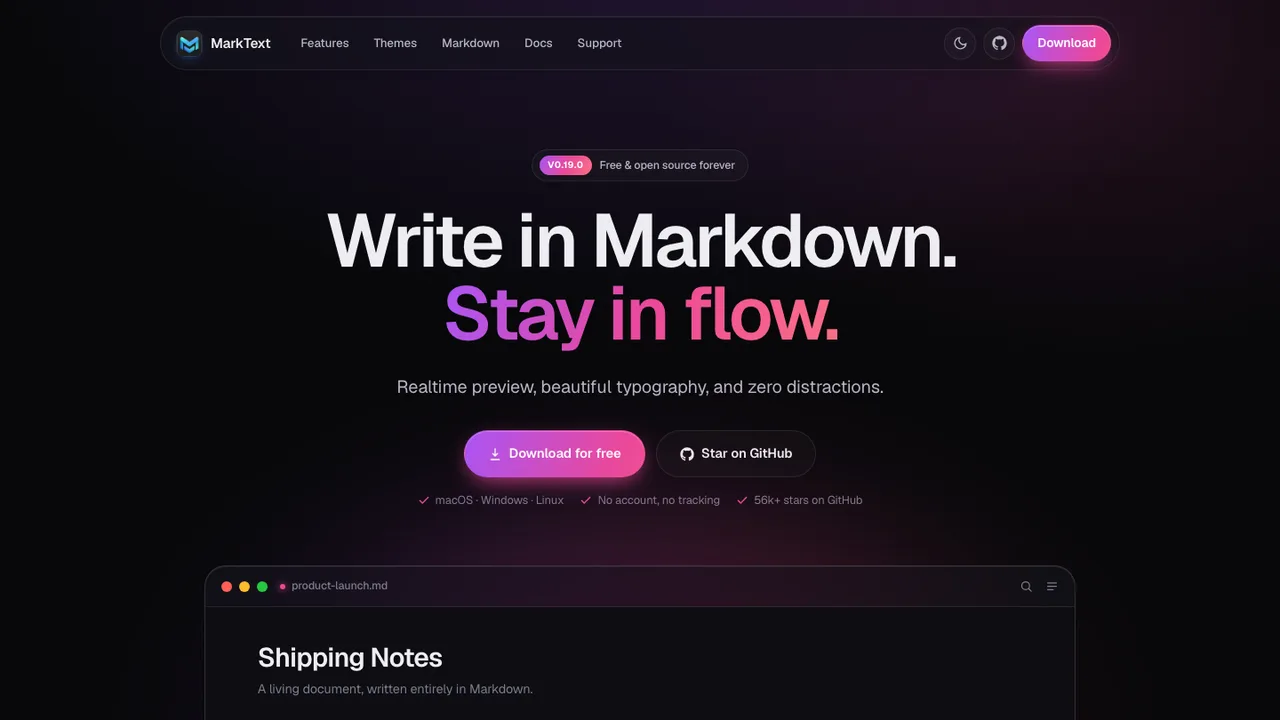
MarkText is a free, open-source Markdown editor for Linux, macOS, and Windows. It is built for speed and usability, with a simple interface for writing and editing Markdown without leaving the keyboard.
Realtime preview with a clean writing interface
CommonMark, GFM, and selective Pandoc Markdown support
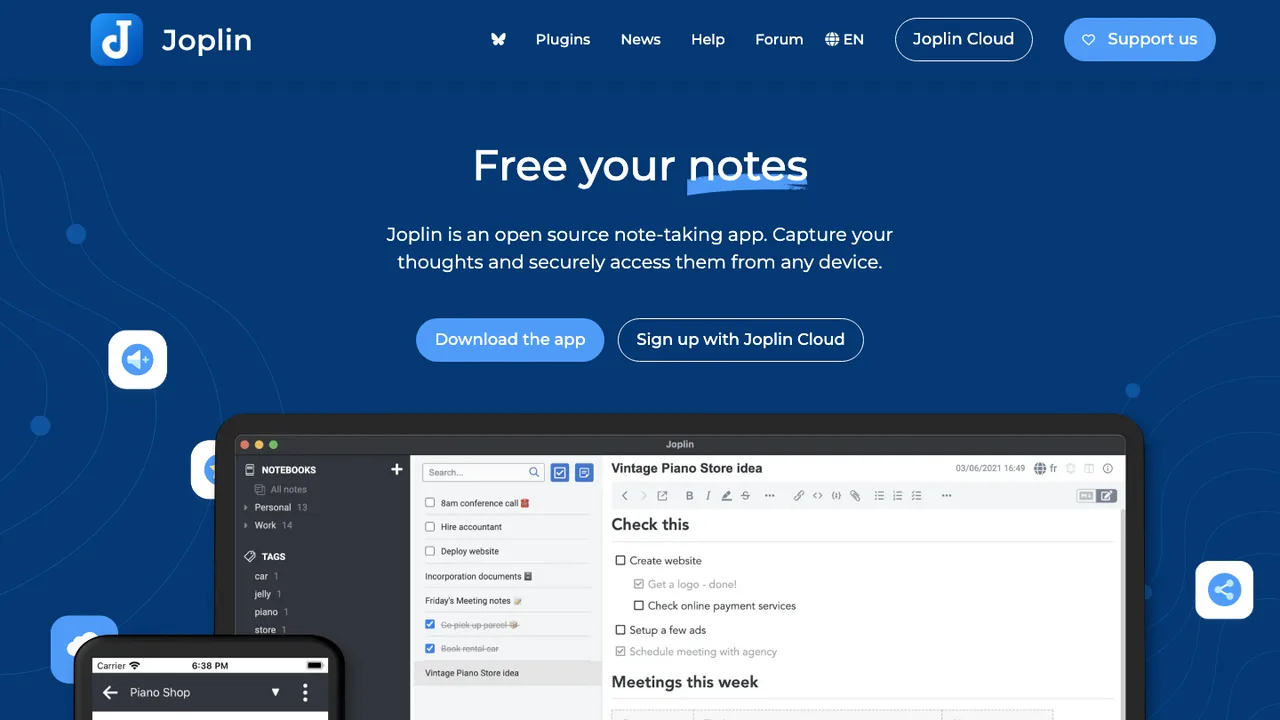
Joplin is a free, open source note taking and to-do application for Windows, macOS, Linux, Android, and iOS. It handles large note collections organized into notebooks, with searchable Markdown notes that can be copied, tagged, and edited in the apps or in your own text editor. It is offline first, so notes stay on your phone or computer and remain available without internet.
Markdown notes organized into notebooks
Offline-first access on desktop and mobile
End-to-end encrypted sync with multiple cloud services
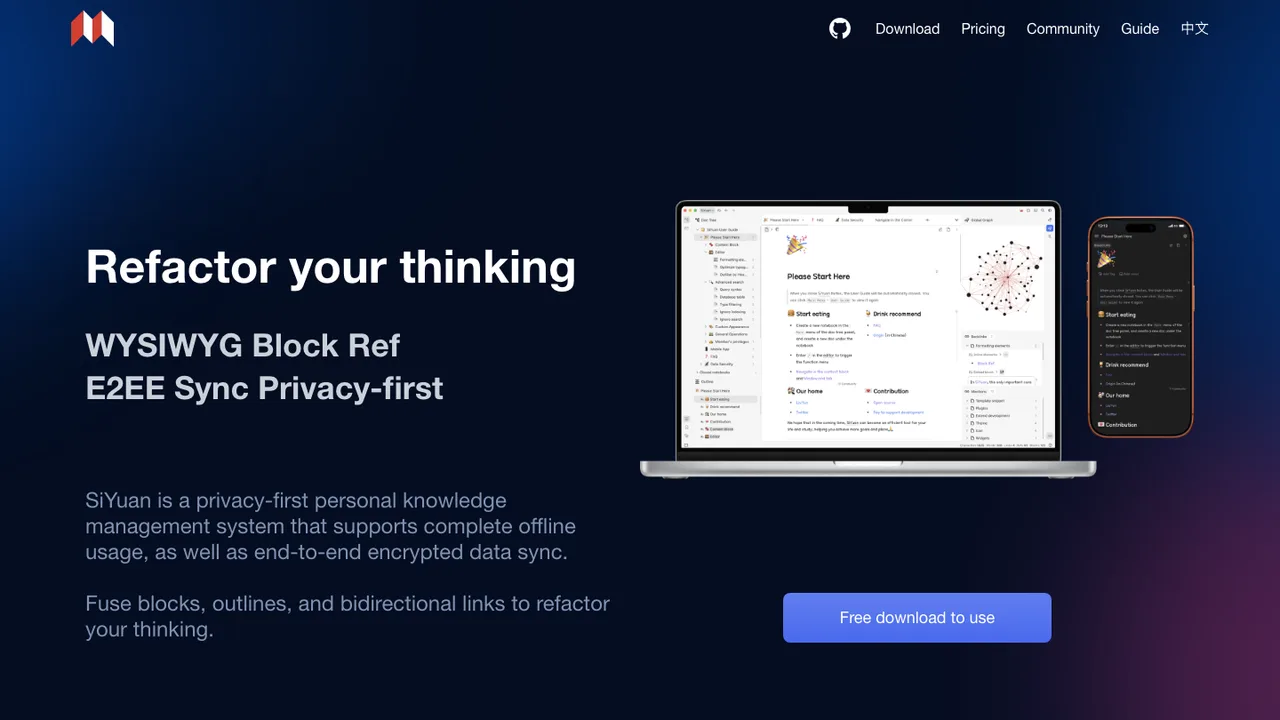
SiYuan is a privacy-first personal knowledge management system for notes, knowledge bases, and Markdown WYSIWYG writing. It uses content blocks with block-level references and two-way links, so notes can link at a finer level than whole pages.
Content blocks with block-level references and two-way links
Markdown WYSIWYG editor with list outlines and block zoom-in
Exports to Markdown with assets, PDF, Word, and HTML
Table-view database, flashcards, SQL embeds, and templates
Logseq is a privacy-first, open-source platform for knowledge management and collaboration. It is used for notes, projects, tasks, and ideas, with an emphasis on privacy, longevity, and user control. It supports Markdown and Org-mode, and includes tools for PDF annotation and task management.
Graph-based notes with Markdown and Org-mode support
PDF annotation and task management tools
Plugins and themes for workflow customization
RTC alpha for graph sync and collaboration in DB version
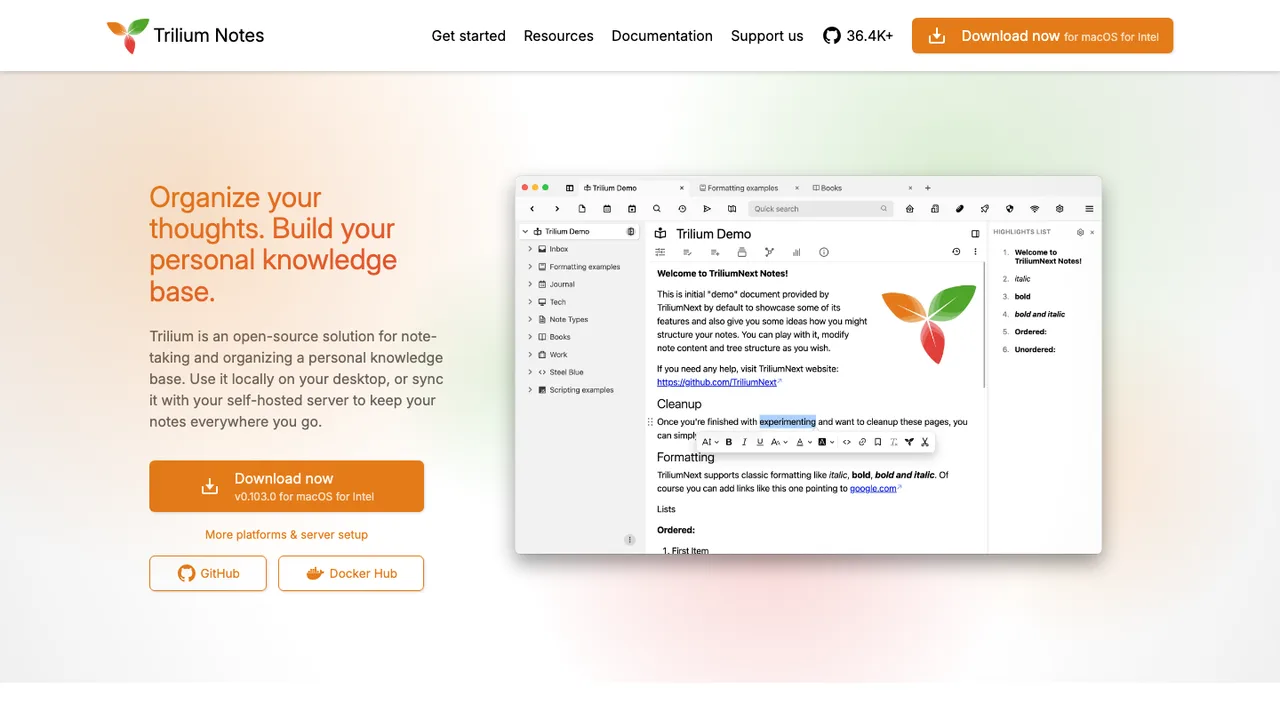
Trilium Notes is a free and open-source, cross-platform hierarchical note-taking app for building large personal knowledge bases. It runs on macOS, Linux, and Windows, can be used locally, and can sync with a self-hosted server to access notes anywhere.
Arbitrarily deep note tree with cloning into multiple places
WYSIWYG editor with tables, images, math, and markdown autoformat
Code notes with syntax highlighting
Full-text search, note hoisting, and note versioning
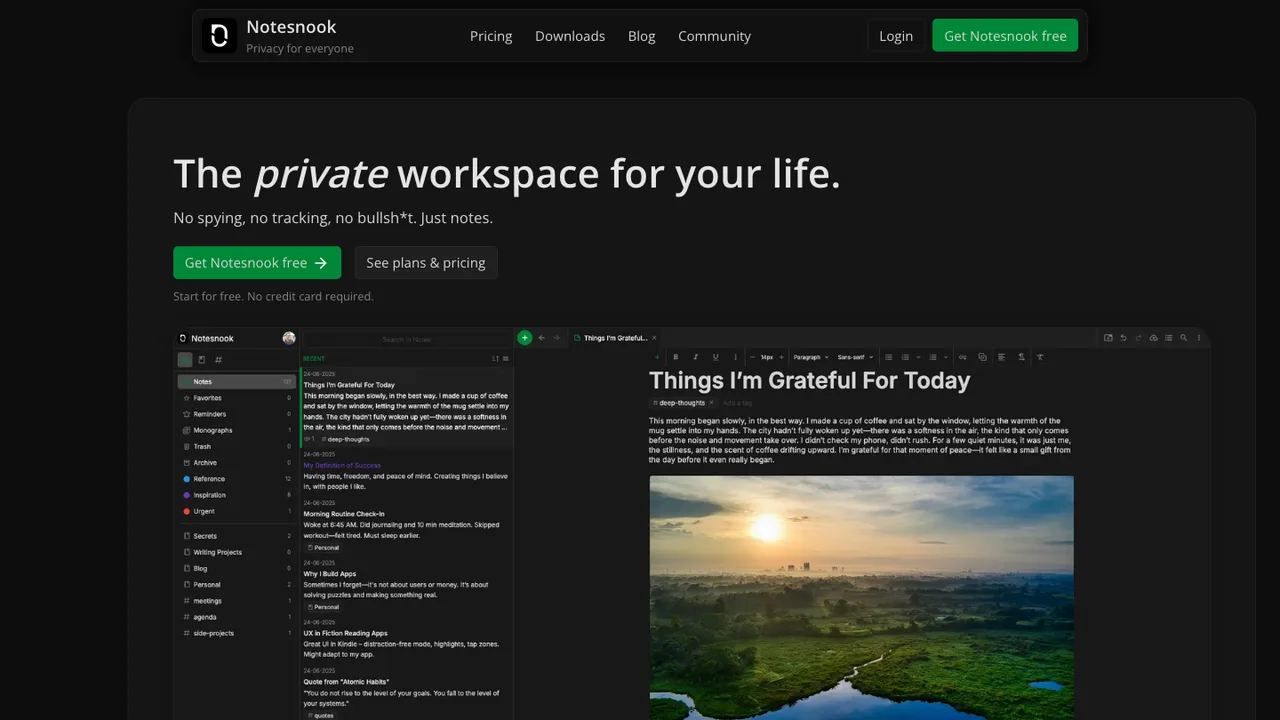
Notesnook is a free and open-source note-taking app positioned as an end-to-end encrypted alternative to Evernote. It focuses on user privacy and ease of use, with zero knowledge principles so notes are encrypted on your device before leaving it.
End-to-end encrypted notes with on-device encryption
XChaCha20-Poly1305 and Argon2 encryption stack
Web, desktop, and mobile clients across all platforms
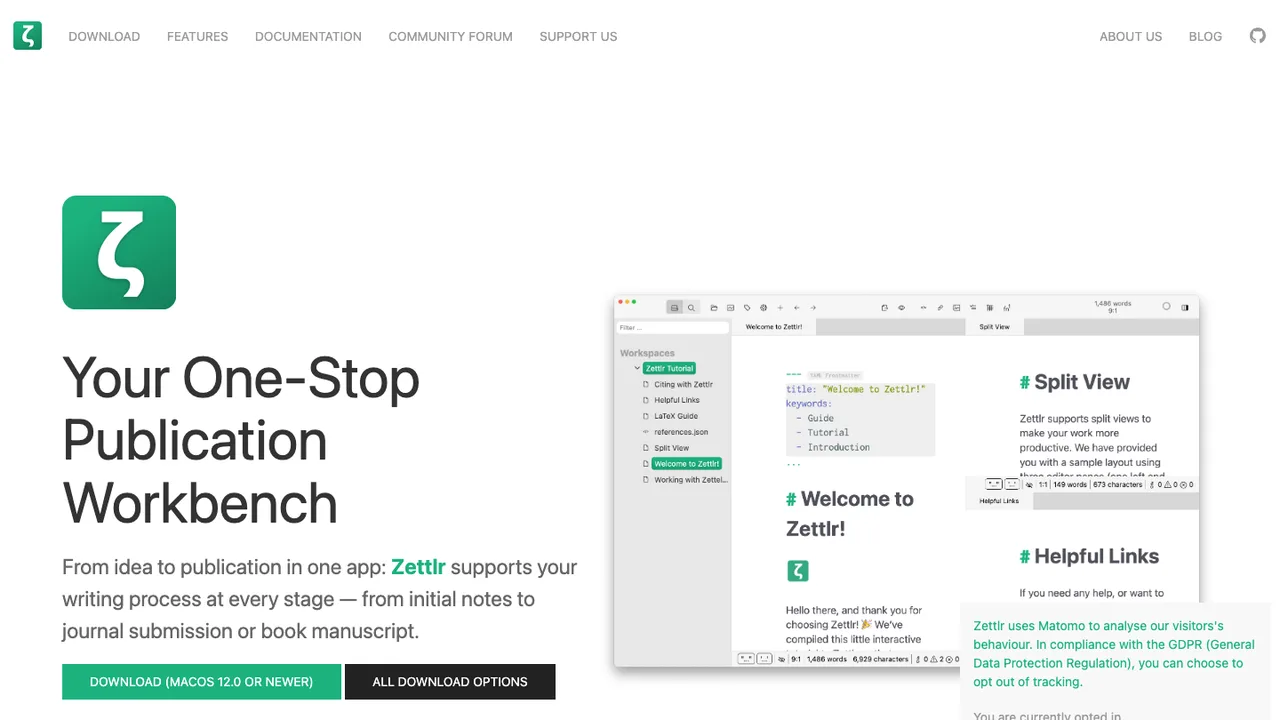
Zettlr is a desktop Markdown writing app for researchers, journalists, and writers. It focuses on authoring long-form text, notes, and publications while keeping your notes as your notes. The app combines writing, retrieval, and export so drafts can move into the publication pipeline used by a school or employer.
Markdown authoring for notes, drafts, and publications
Citation support for Zotero, JabRef, and other reference managers
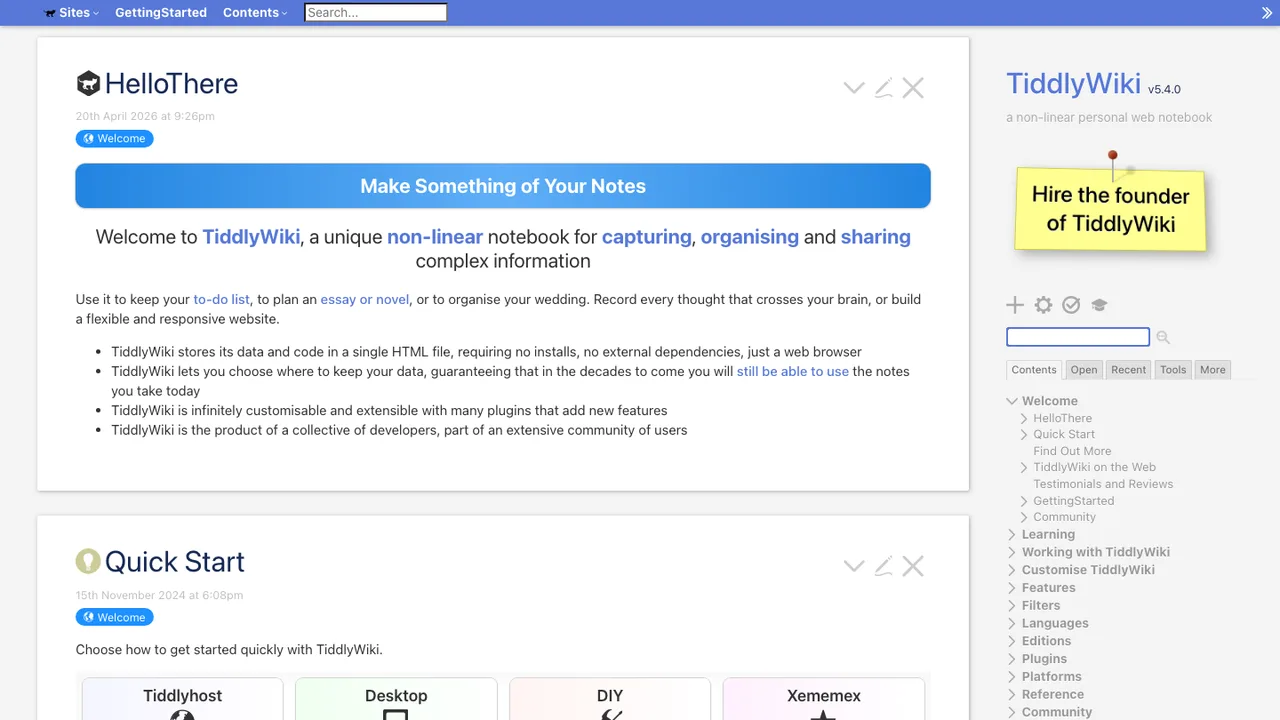
TiddlyWiki is a non-linear personal web notebook for people who want a wiki they can keep forever, independently of any corporation. It is a complete interactive wiki in JavaScript that solves note taking and linked writing in a self-contained format.
Single HTML file wiki in the browser
Node.js application and client-server setup
Hackable WikiText interface
Command-line commands for loading and rendering tiddlers
jrnl is a simple journal application for the command line. It lets you collect thoughts and notes without leaving the terminal, and it stores entries as human-readable plain text. You can start a new entry by typing directly at the prompt or by using your external editor.
GitJournal is a mobile-first note taking app built around privacy and data portability. It stores notes as standardized Markdown with an optional YAML header, then keeps them in a Git repo of your choice - GitHub, GitLab, or a custom provider. That means you can self-host your notes or host them with any Git provider you trust.
Stores notes as Markdown with optional YAML headers
Keeps notes in a Git repo of your choice
Works with GitHub, GitLab, or custom providers
Supports exports from Google Keep, Day One Classic, Narrate, and Simplenote
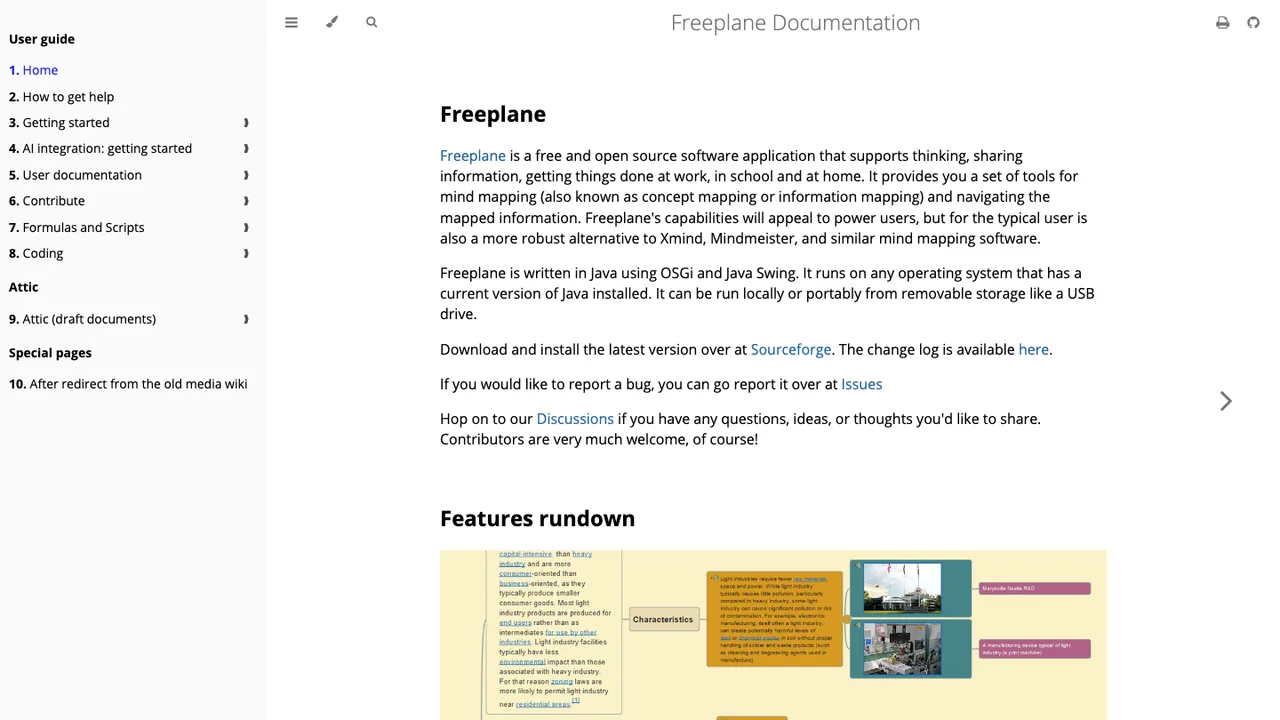
Freeplane is a free and open source application for mind mapping, knowledge management, and project management. It helps you develop, organize, and communicate ideas and information, with tools for building and navigating mapped information at work, in school, and at home.
Mind mapping with navigation through mapped information
ReText is a desktop editor for markup languages, aimed at people who want to write and preview Markdown or reStructuredText in one place. It also supports Textile and AsciiDoc, so it can handle more than one plain-text format without switching tools.
Supports Markdown, reStructuredText, Textile, and AsciiDoc
Custom markups can be added with Python modules
Optional spell checking and encoding detection
Optional PyQt6-WebEngine preview with JavaScript support
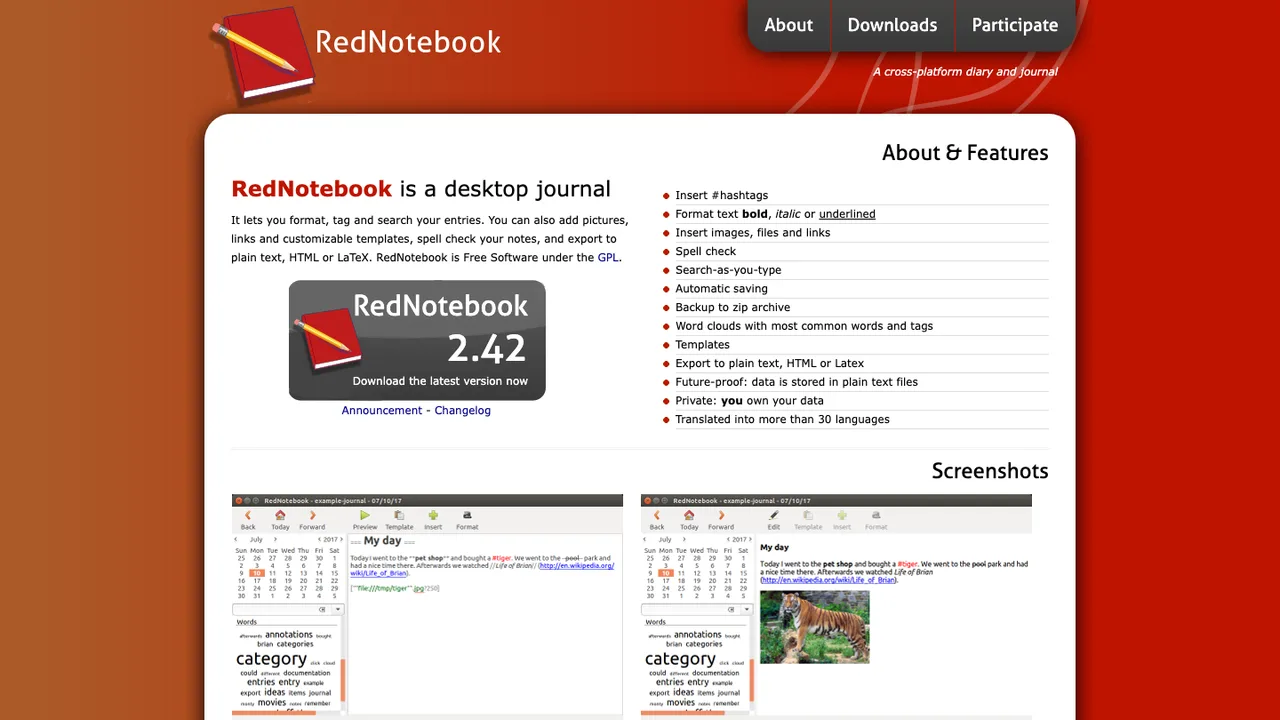
RedNotebook is a desktop journal for writing and organizing daily entries. It keeps everything offline on your own device, with tools to format, tag, and search your entries and to add pictures and links.
Mindolph is open source personal knowledge management software for desktop use. It keeps files in separate local workspaces, so knowledge stays in your own storage instead of a cloud service. Files are organized as a tree, and multiple tabs let you switch between open documents.
Local workspaces store files in your own storage
Mind Map, Markdown, PlantUML, CSV, and plain text support
AI generate and summarize content through LLM APIs
Mind map import from Freemind, Mindmup, XMind, Coggle, and Novamind