8 Best Open Source Alternatives to Loom

Updated July 2026

Loom made async video effortless: hit record, capture your screen and face, and a shareable link is ready before you've finished talking. For a quick walkthrough instead of another meeting, it's excellent. The thing worth pausing on is where those recordings live. Everything you capture is stored on Loom's cloud, and those clips routinely show a staging environment, a customer's account, an unreleased feature, or a window of internal Slack - data you may not want sitting in a third party's video library.

The open source recorders below capture the same screen-and-webcam messages but keep the files where you put them. You self-host the storage, hand out share links on your own terms, and the recordings land in standard video formats you fully own.

OBS Studio logo

1.OBS Studio

73.2kGPL-2.0C
OBS Studio screenshot

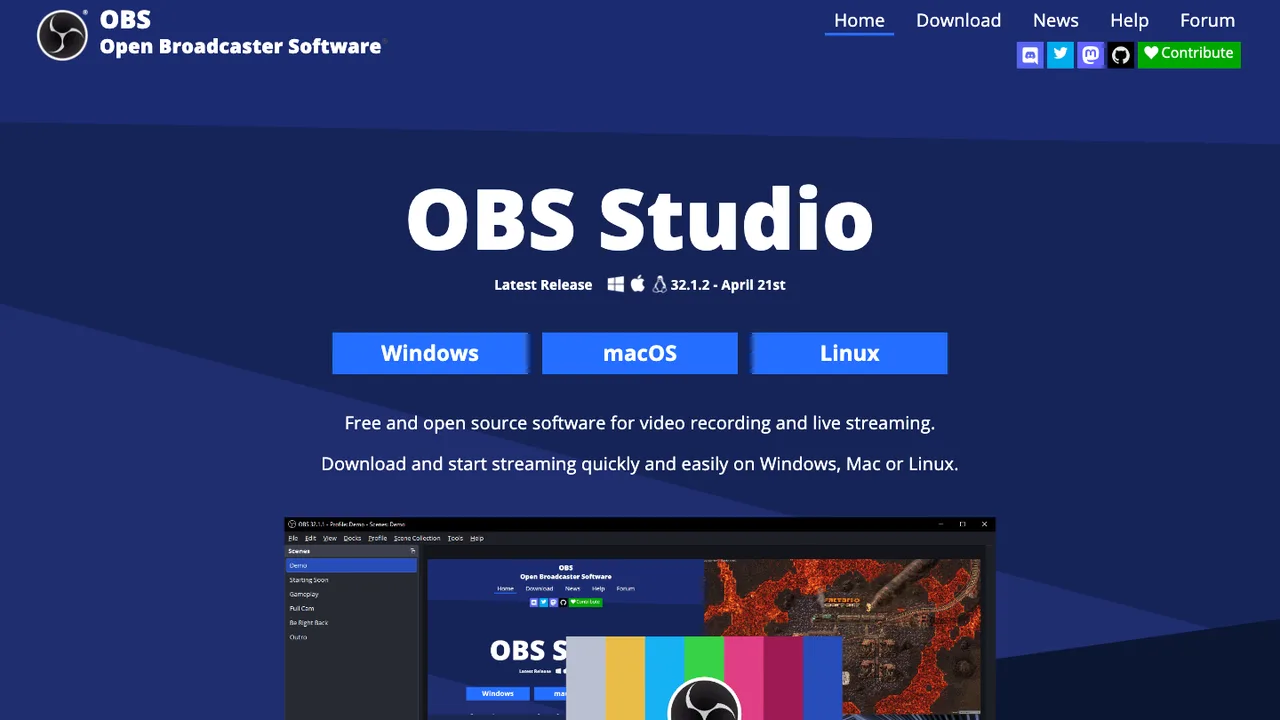
OBS Studio is software for capturing, compositing, encoding, recording, and streaming video content. It is used to make live streams and recorded videos from a single application, with support for high quality H264 / AAC encoding.

  • Captures, composites, encodes, records, and streams video
  • Streams to Twitch, YouTube, Facebook Live, and other providers
  • Records local video with H264 / AAC encoding
  • Supports game capture and screen capture
ShareX logo

2.ShareX

38.1kGPL-3.0C#
ShareX screenshot

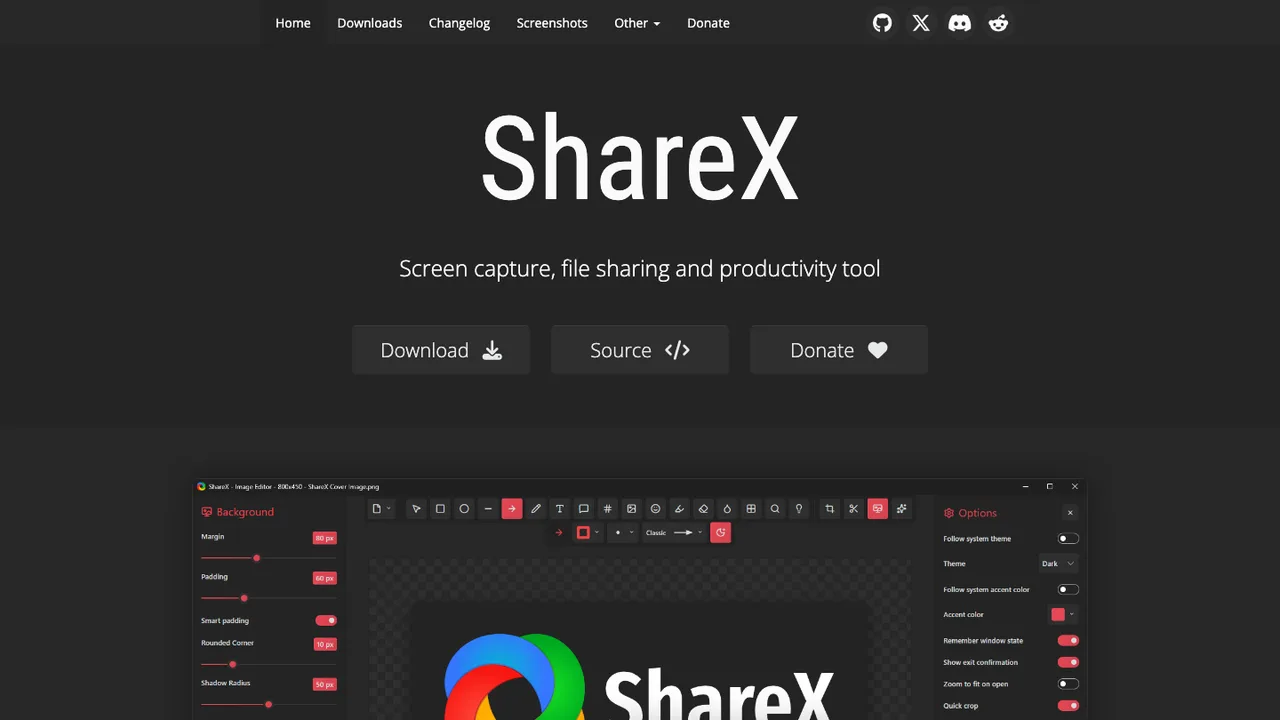
ShareX is a free and open source screen capture, screen recording, and file sharing app for Windows. It lets you capture or record any area of the screen with a single key press and then send screenshots, images, text, and other files to chosen destinations.

  • Screen capture and screen recording with one key press
  • Scrolling screenshots and region capture
  • OCR, image annotation, and color picker
  • GIF recording
ScreenToGif logo

3.ScreenToGif

27.1kMS-PLC#
ScreenToGif screenshot

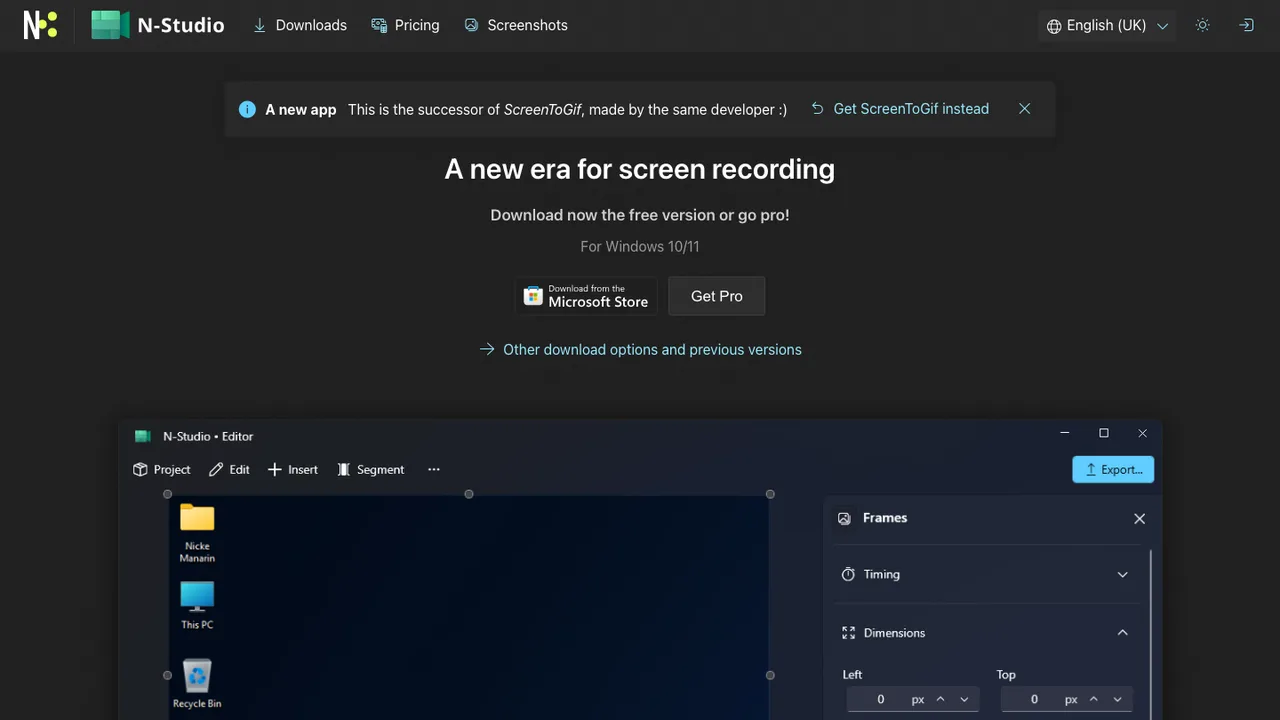
ScreenToGif records a selected area of your screen, live webcam feed, or live drawings from a sketchboard, then lets you edit and save the result as an animation or image file. It is aimed at turning short captures into shareable output without leaving the app.

  • Records a selected area of the screen
  • Records webcam feed
  • Records live drawings from a sketchboard
  • Edits and saves as GIF, APNG, video, PSD, or PNG
Cap logo

4.Cap

19.6kOtherTypeScript Self-host
Cap screenshot

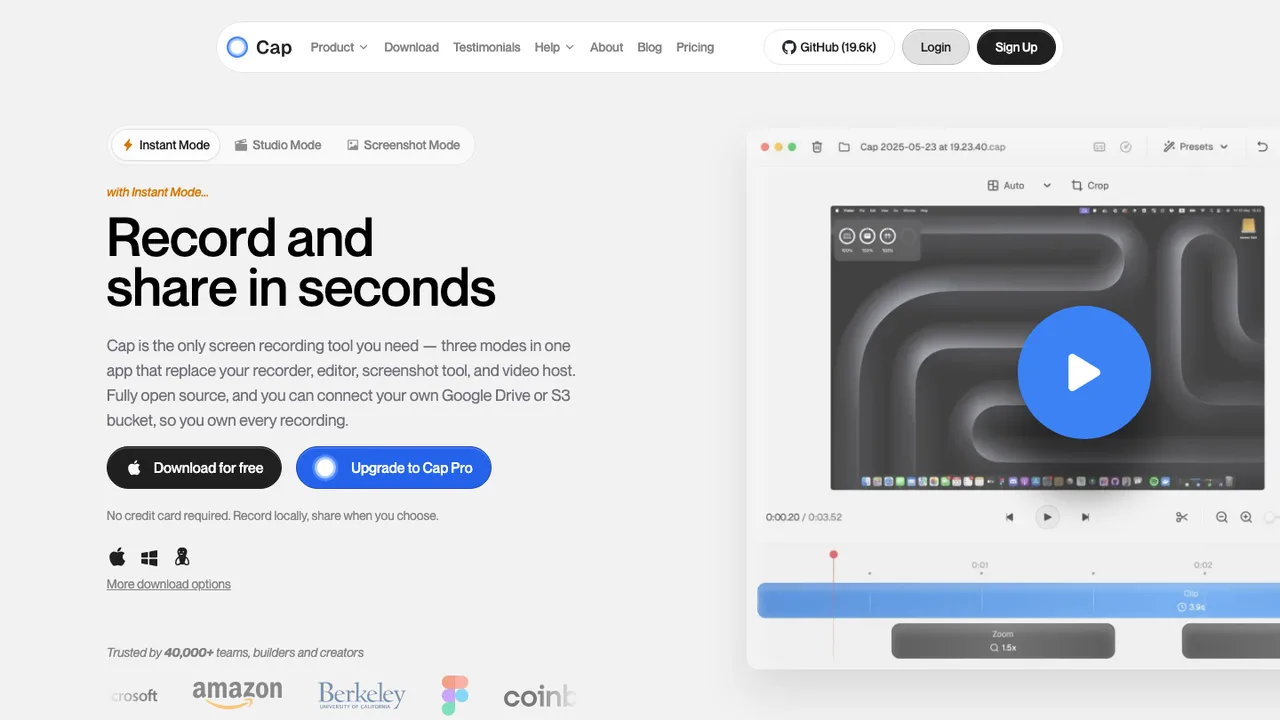
Cap is an open source alternative to Loom for teams that want to own their screen recording workflow. It records screen, camera, and microphone, then lets you share a link, export a finished video, or keep recordings local.

  • Records screen, camera, and microphone
  • Instant Mode uploads while recording
  • Studio Mode with local editing and export controls
  • Comments, reactions, transcripts, and viewer analytics
Screenity logo

5.Screenity

18.3kGPL-3.0JavaScript Self-host
Screenity screenshot

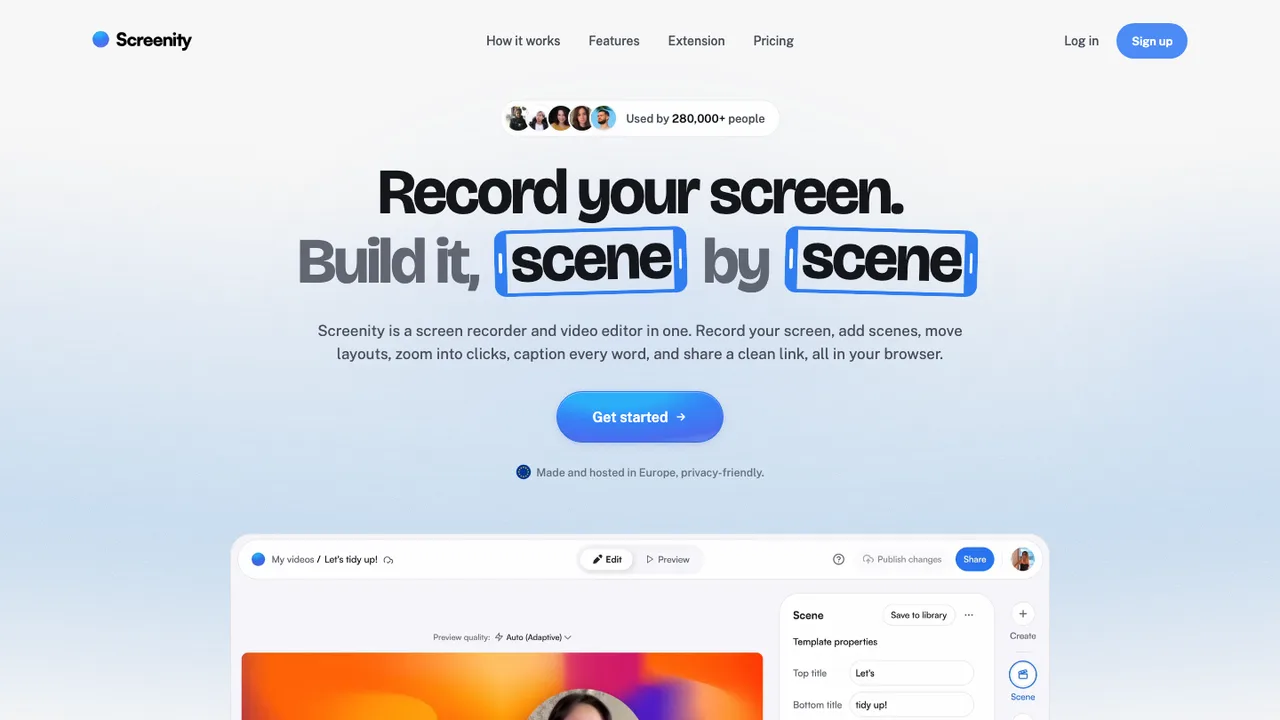
Screenity is a privacy-friendly screen recorder and annotation tool for making demos, tutorials, presentations, and feedback videos. It records your tab, a selected area, the desktop, any application, or camera, and it can run offline.

  • Records tab, area, desktop, any app, or camera
  • Captures microphone or internal audio with push to talk
  • Annotates with drawing, text, arrows, and shapes
  • Edits video with cut, trim, crop, and audio changes
Captura logo

6.Captura

10.7kMITC# Self-host

Captura is a Windows screen recording tool for screenshots, screencasts, webcam capture, and recording audio, cursor activity, mouse clicks, and keystrokes. It covers common capture tasks in one app, including full screen, selected screens, windows, and specific regions.

  • Screenshots and screencasts in Avi, Gif, or Mp4
  • Capture full screen, regions, screens, or windows
  • Record mouse clicks, keystrokes, and cursor visibility
  • Mix microphone input with speaker output

7.Kooha

3.4kGPL-3.0Rust Self-host
Kooha screenshot

Kooha is a screen recorder for Linux with an intuitive, distraction-free interface. It is meant for quickly starting a recording without configuring a lot of settings first.

  • Record microphone audio, desktop audio, or both
  • Capture a monitor or a selected screen region
  • Export to WebM, MP4, GIF, or Matroska
  • Adjust save location, pointer visibility, frame rate, and delay
vokoscreenNG logo

8.vokoscreenNG

1.5kGPL-2.0C++
vokoscreenNG screenshot

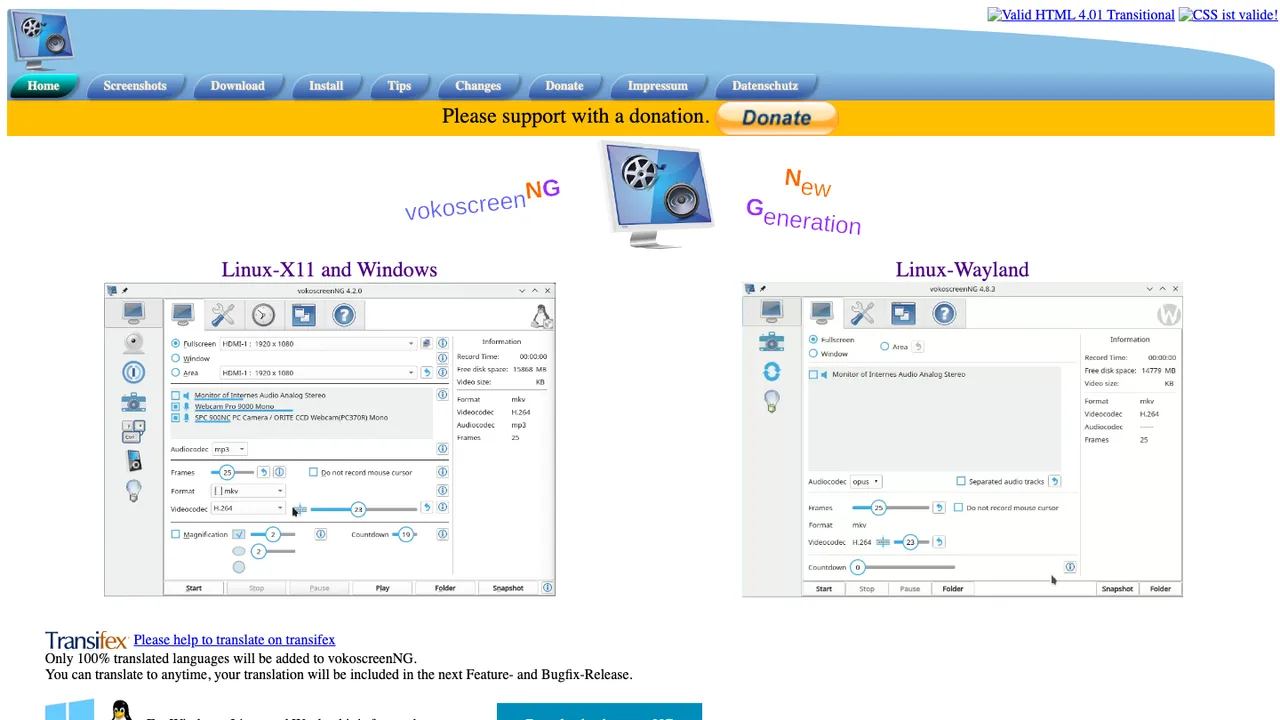
vokoscreenNG is a screencast creator for Windows and Linux that records the screen, a selected area, or a window. It also supports audio from multiple sources and built-in camera support, so you can capture screen activity and webcam video in one recording.

  • Records the screen, a selected area, or a window
  • Captures audio from multiple sources
  • Built-in camera support for video overlays
  • Includes systray, magnifier, countdown, and timer tools

Switching from Loom to open source

Start with the part of Loom your team actually depends on: the capture flow or the hosted conversation around the video. Loom makes it easy to record, upload, share a link, and collect reactions without thinking about files. Open source replacements split that stack in different ways. Some focus on local screen capture and editing; others add a server for libraries, permissions, comments, and embeds. Decide whether you need a lightweight recorder, an internal video portal, or both, because that choice drives hosting, storage costs, identity integration, and support load.

Expect fewer conveniences around the edges. Loom users often miss the polished browser extension workflow, automatic page capture, webcam bubble defaults, quick trim controls, transcription, viewer analytics, and notification loops. Open source tools can cover much of that, but not always in one package, and mobile recording may be weaker than desktop capture. You may also need to define your own retention rules, CDN or object storage, backup process, and access model. That is healthy operational control, but it is still work someone must own.

Migration is mostly a video-library cleanup project, not a one-click account move. Export or download the recordings you need from Loom, keep the original filenames or create a mapping from Loom URLs to new URLs, and capture titles, descriptions, owners, folders, and dates while you still have access. The MP4 or similar video file usually survives; comments, emoji reactions, watch history, transcript formatting, link permissions, and analytics usually need to be recreated or abandoned. Plan redirects or a searchable index for old links embedded in tickets, docs, and onboarding pages.

Related alternatives

Frequently asked questions

What is the closest open source replacement for Loom?+

The closest fit depends on whether Loom is mainly a recorder for you or a video communication system. A desktop capture tool can replace recording and editing, but it may not provide hosted links, team libraries, comments, permissions, or analytics. If you rely on those shared-workspace features, look for a recorder plus a self-hosted video portal rather than a recorder alone.

How do I export videos from Loom before switching?+

For a small workspace, download the recordings you need directly and store them with a clear folder structure. For a larger workspace, inventory owners, titles, folders, dates, and the Loom URLs before downloading. The video file is the main asset that survives cleanly. Treat comments, permissions, transcripts, and analytics as metadata that may need separate capture or manual recreation.

Which Loom features are hardest to replace with open source tools?+

The hard parts are usually not basic screen recording. They are the combined flow: browser capture, automatic upload, instant sharing, webcam overlay, trimming, comments, notifications, transcripts, viewer analytics, and workspace search. Open source options can cover many of these, but often through separate components. Expect to assemble a workflow instead of swapping in one identical product.

Will old Loom links keep working after migration?+

Not automatically. A Loom share URL points to Loom-hosted content, so moving the video elsewhere gives it a new location. If those links are embedded in documentation, tickets, onboarding checklists, or customer replies, create a mapping table from old URLs to new URLs. For important internal links, update the source documents instead of relying on people to search manually.

Can an open source setup match Loom's browser extension workflow?+

Sometimes, but this is where expectations need to be realistic. Loom's extension-centered flow is built around quick capture and immediate upload. Open source tools may record from the browser, the desktop, or both, but the upload and sharing step can be less seamless. Test the exact browser, operating system, microphone, camera, and multi-monitor setup your team uses before committing.

Is self-hosting a Loom alternative worth the operational work?+

Self-hosting is worth it when recordings contain sensitive internal context, customer data, engineering walkthroughs, or regulated material that should stay under your own retention and access rules. It also gives you a clearer exit path. The tradeoff is real: someone must manage storage, backups, updates, TLS, identity integration, monitoring, and capacity for large video files.

How should we handle privacy and access controls after leaving Loom?+

Start by deciding who can view recordings by default. Loom encourages quick link sharing, so teams often accumulate videos with broader access than intended. In a new system, separate public, company-wide, team-only, and private recordings. Use your identity provider if possible, review shared links periodically, and set retention rules for recordings that include customer names, credentials, product plans, or incident details.

Do open source Loom alternatives support team comments and feedback?+

Some support comments directly, while others expect discussion to happen in your issue tracker, chat, docs, or code review system. Decide whether comments must stay attached to the video timeline or whether a linked discussion is enough. Timeline comments are useful for design reviews and bug reproduction. External discussion is easier to search, govern, and preserve during future migrations.

Are transcripts and captions portable from Loom?+

The video file is usually much easier to move than the transcript. If captions matter for accessibility, search, compliance, or non-native speakers, export or copy transcript text where Loom makes it available and store it beside the recording. Expect to re-run transcription in the new system or clean formatting manually. Also check whether captions are searchable and downloadable in the replacement.

What happens to Loom viewer analytics when we migrate?+

Viewer analytics generally do not transfer in a useful way. Counts, watch progress, individual views, and engagement signals are tied to the hosting platform. If those metrics are business-critical, capture summary reports before switching and decide what the new system must track going forward. If analytics were mostly nice to have, do not let them drive the whole replacement decision.

How much storage and bandwidth should we budget for?+

Video changes the economics compared with ordinary documents. Screen recordings are large, and popular onboarding or support videos can generate meaningful bandwidth. Estimate from your current Loom library size, average recording length, and expected monthly views. Plan object storage, backups, lifecycle rules, and possibly a CDN. Also decide whether raw recordings, edited versions, and archived files all need to be retained.

Will mobile recording work as well outside Loom?+

Mobile is often a gap. Many open source screen recording workflows are stronger on desktop operating systems than on phones and tablets. If your team records mobile product demos, support walkthroughs, or field updates, test device capture, microphone handling, camera overlays, and upload reliability early. You may need a separate mobile capture process even if the hosted video library is shared.

How do integrations change when replacing Loom?+

Loom links are often pasted into docs, tickets, pull requests, chat, support replies, and learning systems. A replacement should make that link-sharing behavior just as easy, or adoption will suffer. Check whether the new system provides stable URLs, embeds, API access, webhooks, and authentication that works inside your existing tools. The recorder matters, but the link lifecycle matters more.

What if the open source project we choose is abandoned?+

Plan the exit before you import everything. Keep original video files in a standard format, store metadata in a format you can read without the application, and document how URLs map to storage objects. Prefer systems that use ordinary databases and file storage rather than opaque bundles. Regular backups and test restores matter more than promises about long-term project health.