Almost every service you might leave has an open source tool that pulls your data across intact. Music is the exception. A subscription never gave you the songs, only access to a licensed catalog, so the day you stop paying, years of listening simply switch off, and no open project can legally hand that catalog back. What open source changes is ownership. These tools stream a collection you actually hold, as files on hardware you run, so nothing vanishes when a licensing deal lapses, playing your own music across your devices costs nothing beyond the machine it lives on, and the library answers to you rather than to whatever keeps you on a platform.
Navidrome is an open source, web-based music collection server and streamer. It lets you listen to your own music from any browser or mobile device, giving you a personal streaming service for your library.
Handles very large music collections with curated metadata
Strong support for compilations and multi-disc box sets
Multi-user accounts with separate play counts, playlists, and favorites
Streams nearly any audio format with on-the-fly Opus transcoding
VLC is a free, open source media player and multimedia engine known for playing virtually everything and running almost everywhere. It handles audio and video across nearly every format, plus discs, network streams, and capture devices, with no codec packs to install.
Plays nearly every format, plus discs, streams, and devices
No codec packs needed
Converts, encodes, and streams media
Embeddable libVLC engine with C++, Python, and C# bindings
Koel is a free, open-source music streaming solution that turns your personal collection into a sleek, web-based listening experience. It scans your library and serves it through a fast, modern interface that works in any browser.
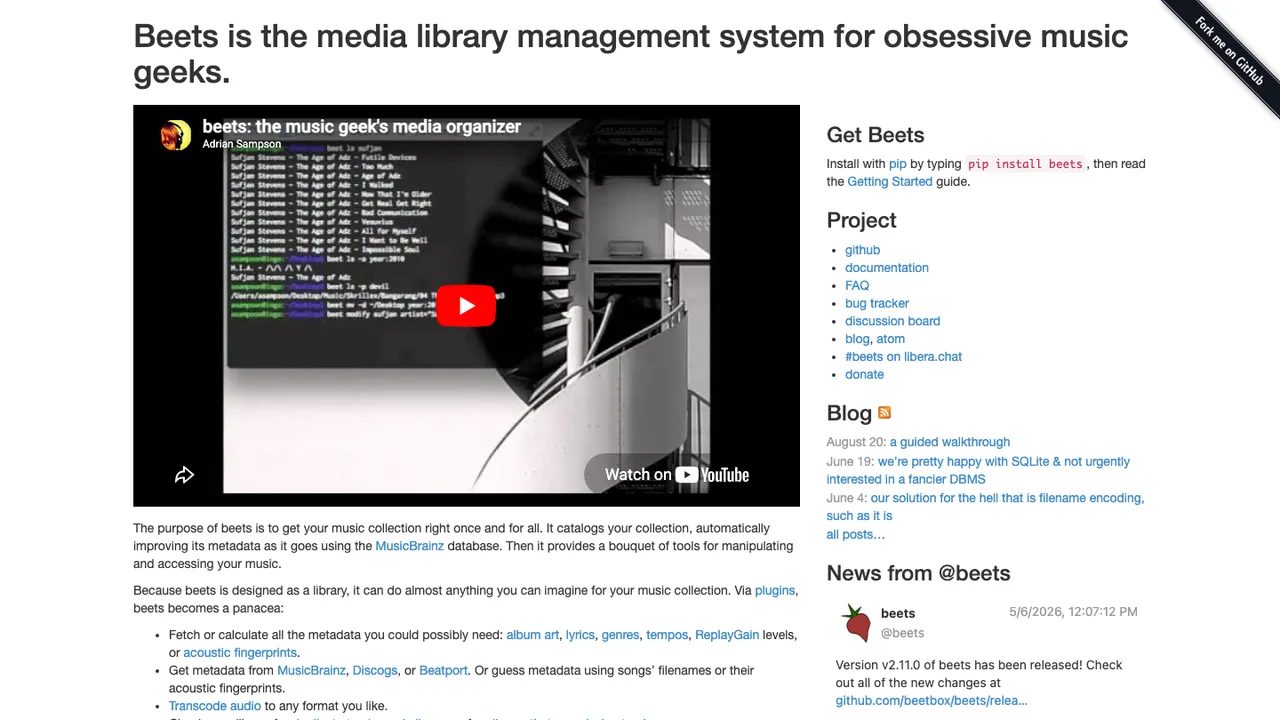
beets is a media library management system for obsessive music collectors. It catalogs your collection and automatically improves its metadata, then hands you a suite of command-line tools for manipulating and accessing your music.
Catalogs a collection and auto-corrects metadata
Pulls tags from MusicBrainz, Discogs, and Beatport
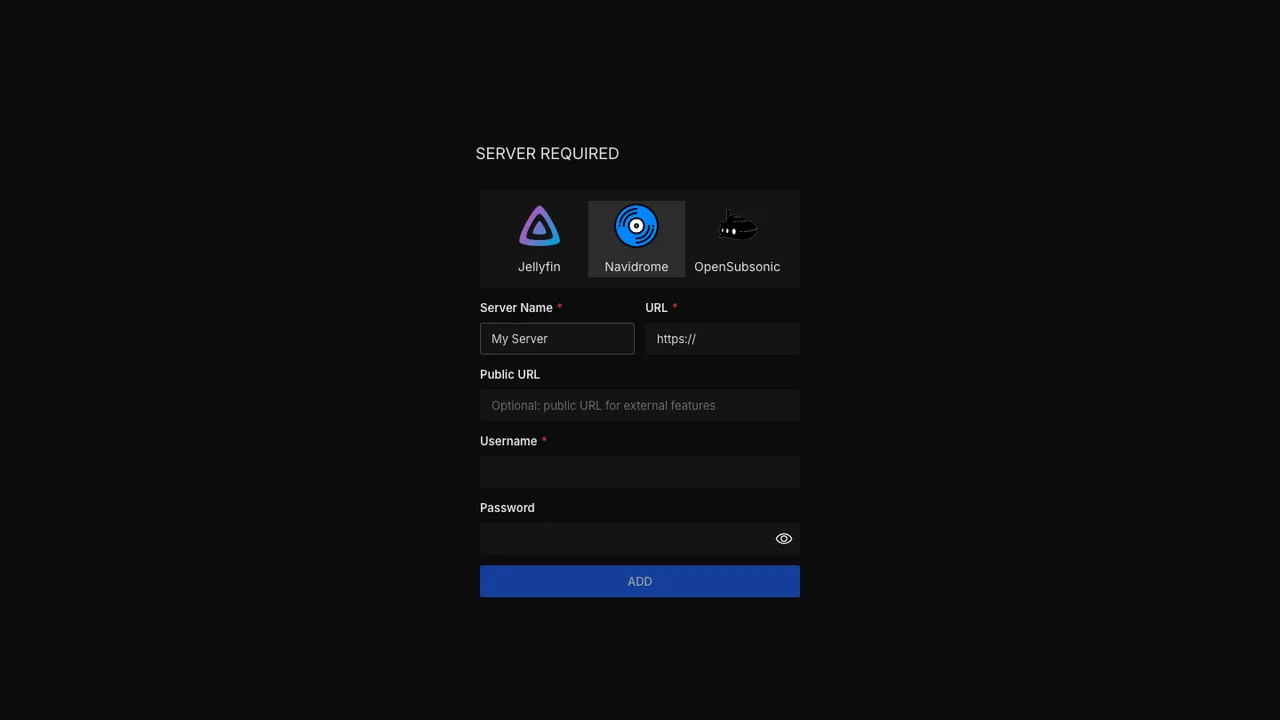
Feishin is a desktop music player that connects to Navidrome, Jellyfin, and OpenSubsonic-compatible servers. It is for people who want to play their own library from a server they control instead of a bundled streaming service.
MPV and web player backends
Connects to Navidrome, Jellyfin, and OpenSubsonic servers
Mopidy is an extensible music server written in Python. It plays music from local disk, Spotify, SoundCloud, internet radio, and more, controlled from any MPD or web client on your phone, tablet, or computer.
Plays local files, Spotify, SoundCloud, and internet radio
Controlled from MPD or web clients
Extensible with add-ons for new sources and features
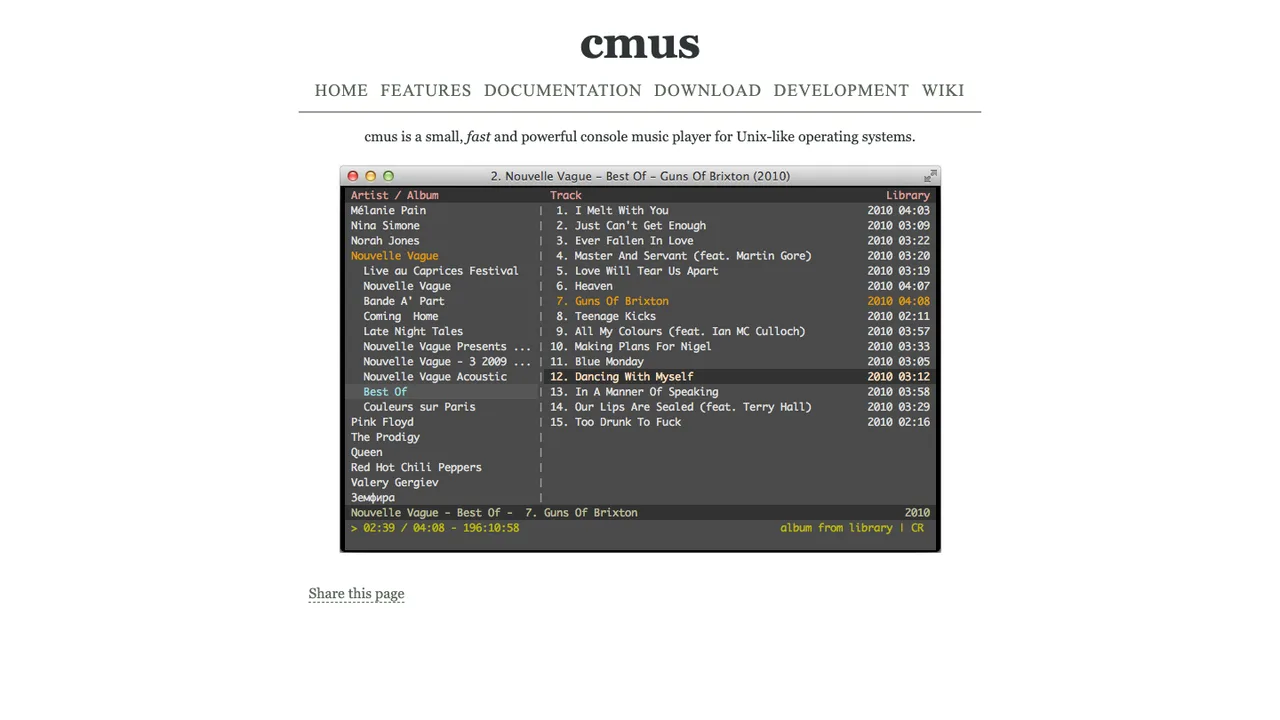
cmus is a small, fast console music player for Unix-like systems. It is built for people who want to manage and play a music library from the terminal with instant startup, even across thousands of tracks.
Console interface with vi-style search and command modes
Plays Ogg Vorbis, MP3, FLAC, Opus, AAC, audio CDs, and FFmpeg formats
Gapless playback, ReplayGain, play queue, and CUE sheets
Finamp is a Jellyfin music player for Android and iOS. It gives a streaming-style listening experience like Spotify or Apple Music, but for the music you already own on your own Jellyfin server.
Offline downloads, including transcoded downloads to save space
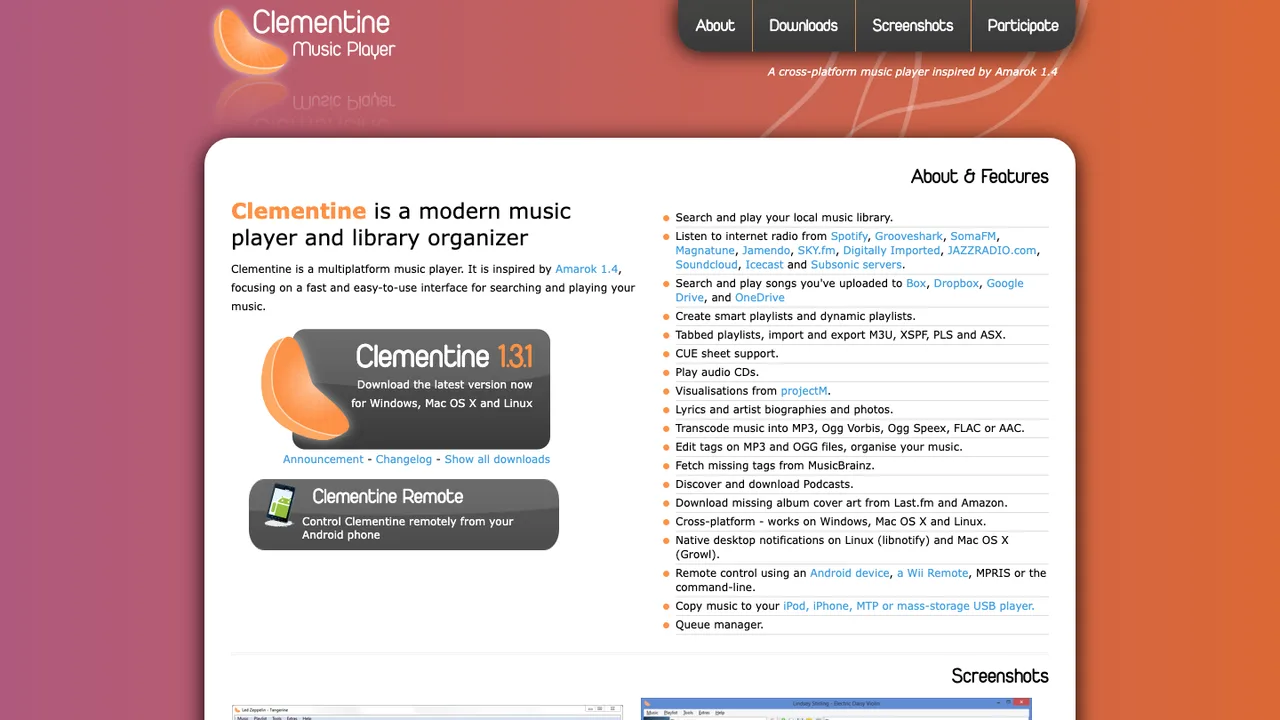
Clementine is a music player and library organizer for Windows, Linux, and macOS. Inspired by Amarok 1.4, it focuses on a fast, easy-to-use interface for searching and playing your local music collection.
Search and play a local music library
Smart and dynamic playlists with M3U, XSPF, PLS, and ASX support
Internet radio and streaming from Spotify, Subsonic, and cloud storage
Tag editing with MusicBrainz lookup and Last.fm album art
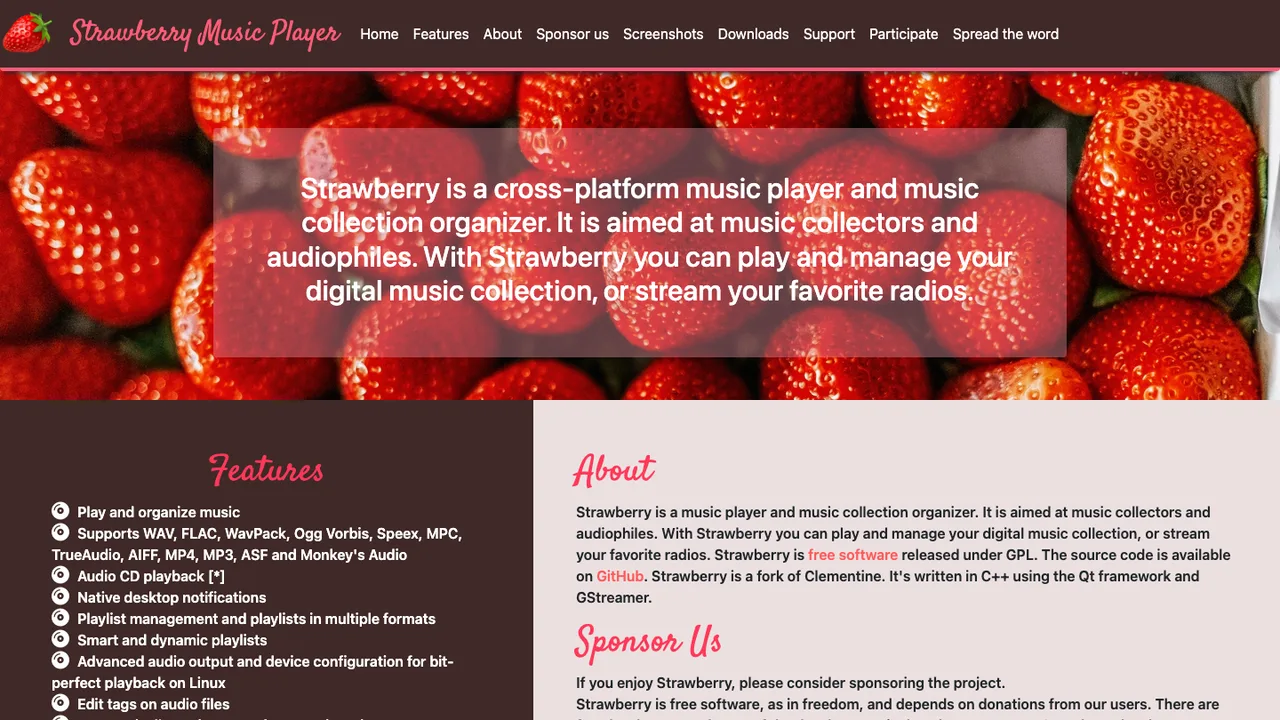
Strawberry is a music player and collection organizer aimed at audiophiles and music collectors. Forked from Clementine in 2018, it focuses on playing and managing a digital library, audio CDs, and internet radio from the desktop.
Play and organize a digital music collection, plus audio CDs
Bit-perfect playback on Linux with EBU R128 normalization
Smart and dynamic playlists with tag editing via MusicBrainz
Scrobbling to Last.fm and ListenBrainz; Subsonic streaming
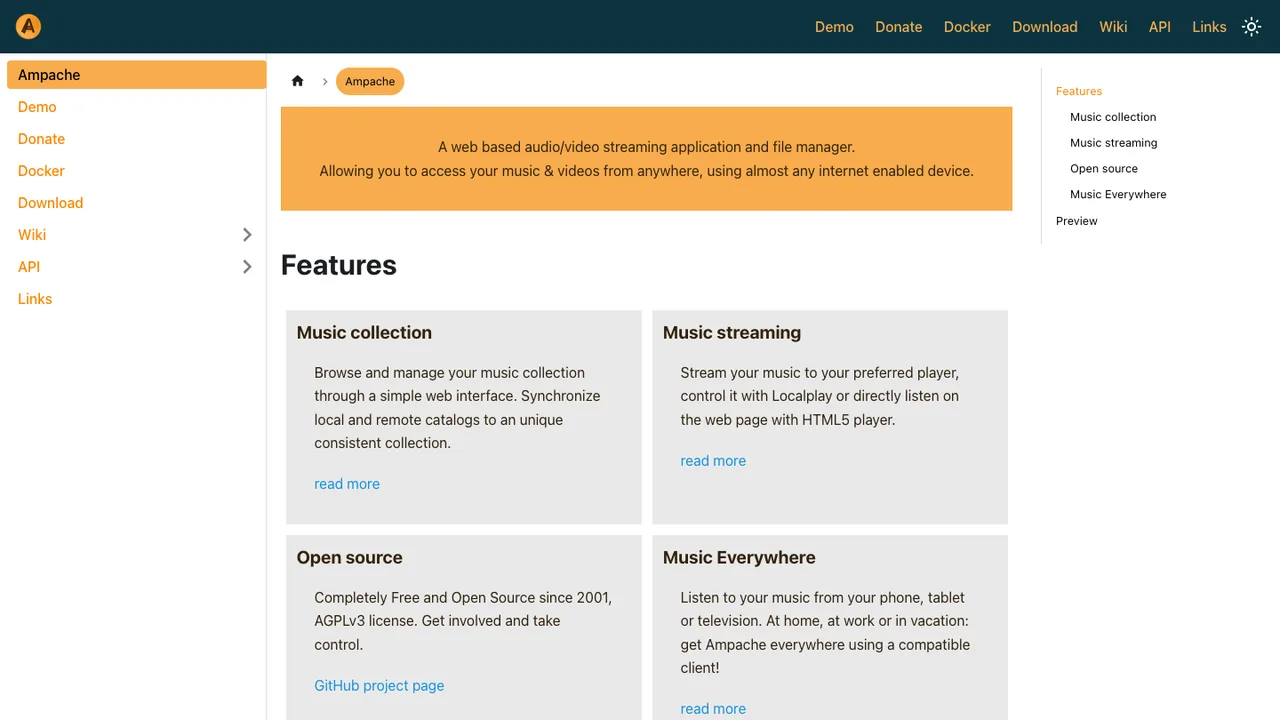
Ampache is a web-based audio and video streaming application and file manager that lets you reach your music and videos from anywhere, using almost any internet-connected device.
Web-based audio and video streaming in the browser
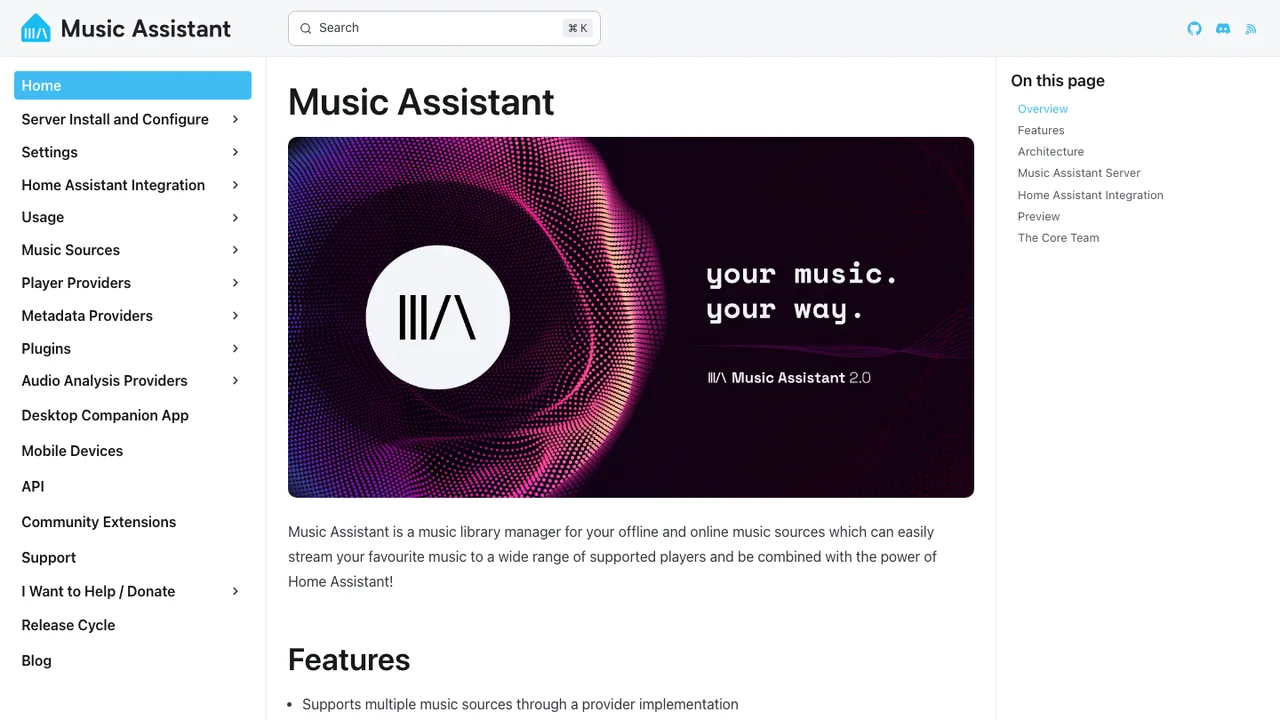
Music Assistant is a free, open source music library manager that connects your streaming services to a wide range of connected speakers. The server is its core and runs on an always-on device such as a Raspberry Pi, NAS, or Intel NUC.
Connects streaming services to a wide range of connected speakers
Runs on an always-on server such as a Raspberry Pi, NAS, or Intel NUC
Standalone use or integrated side by side with Home Assistant
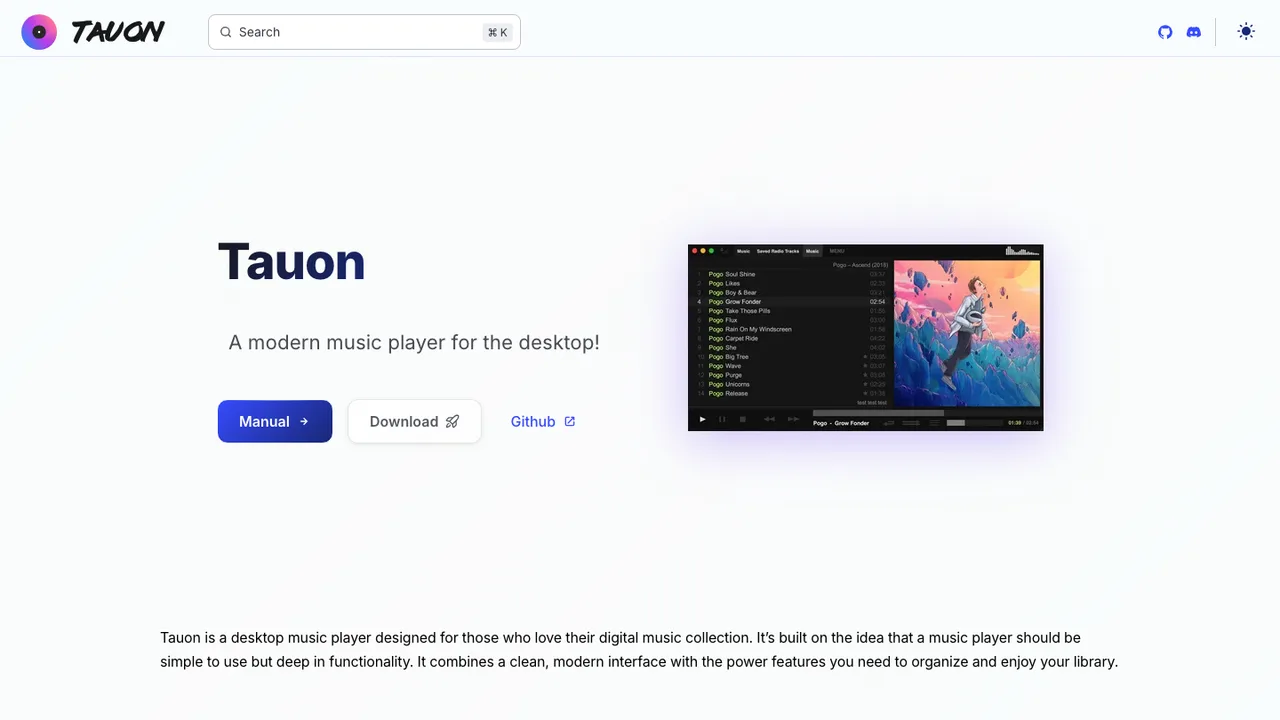
Tauon Music Box is a desktop music player for managing and playing a music collection on your computer. It is designed to be powerful and streamlined, keeping playback responsive while putting you in control of your local music.
Gapless playback with common codec and tracker file support
Polaris is a self-hosted music streaming server for enjoying your own collection from any computer or mobile device. It is free and open source with no premium version, built for fast, responsive access to large libraries of 100,000 songs or more.
Plays flac, mp3, mp4, mpc, ogg, opus, ape, wav, and aiff files
Browse by album, artist, genre, or as a file tree
Powerful per-field search and song audio-waveform visualization
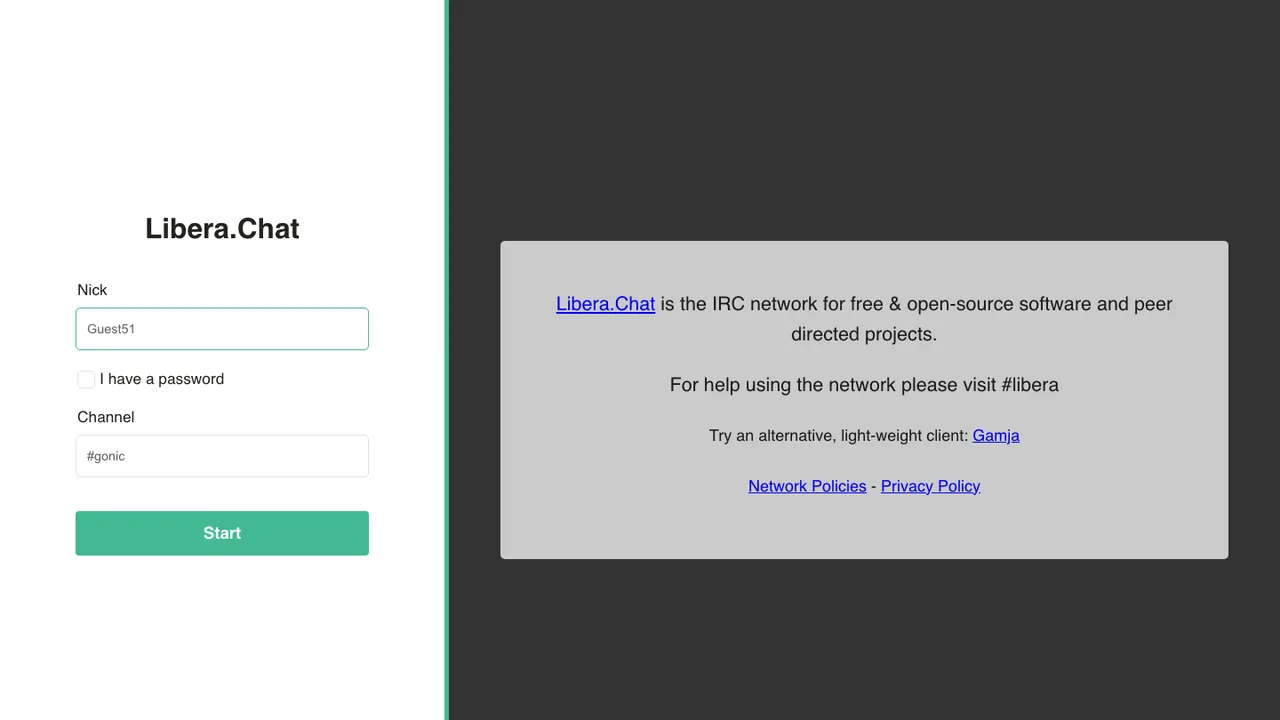
gonic is a lightweight, self-hosted music server that implements the Subsonic API, so you can stream your personal library to a wide range of Subsonic-compatible apps. A built-in web interface handles configuration, users, and scans.
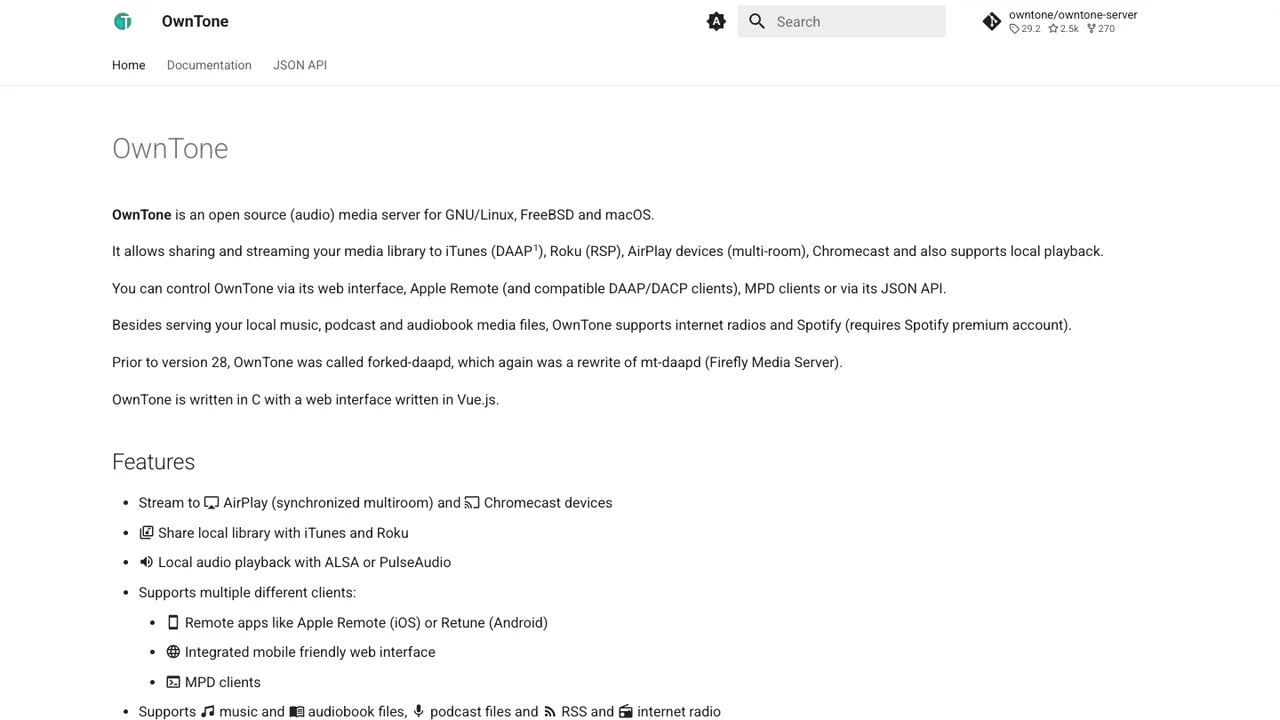
OwnTone is a media server that plays audio sources such as local files, Spotify, pipe input, and internet radio. It streams to AirPlay 1 and 2 receivers, Chromecast receivers, Roku Soundbridge, a browser, or the server's own sound system, and to any client that can play MP3 streams.
Plays local files, Spotify, pipe input, and internet radio
Streams to AirPlay 1 and 2, Chromecast, Roku Soundbridge, browser, or local output
Control via web interface, Apple Remote, Android remote, MPD client, JSON API, or DACP
Serves local files over DAAP to iTunes, Apple Music, and Rhythmbox, and over RSP to Roku
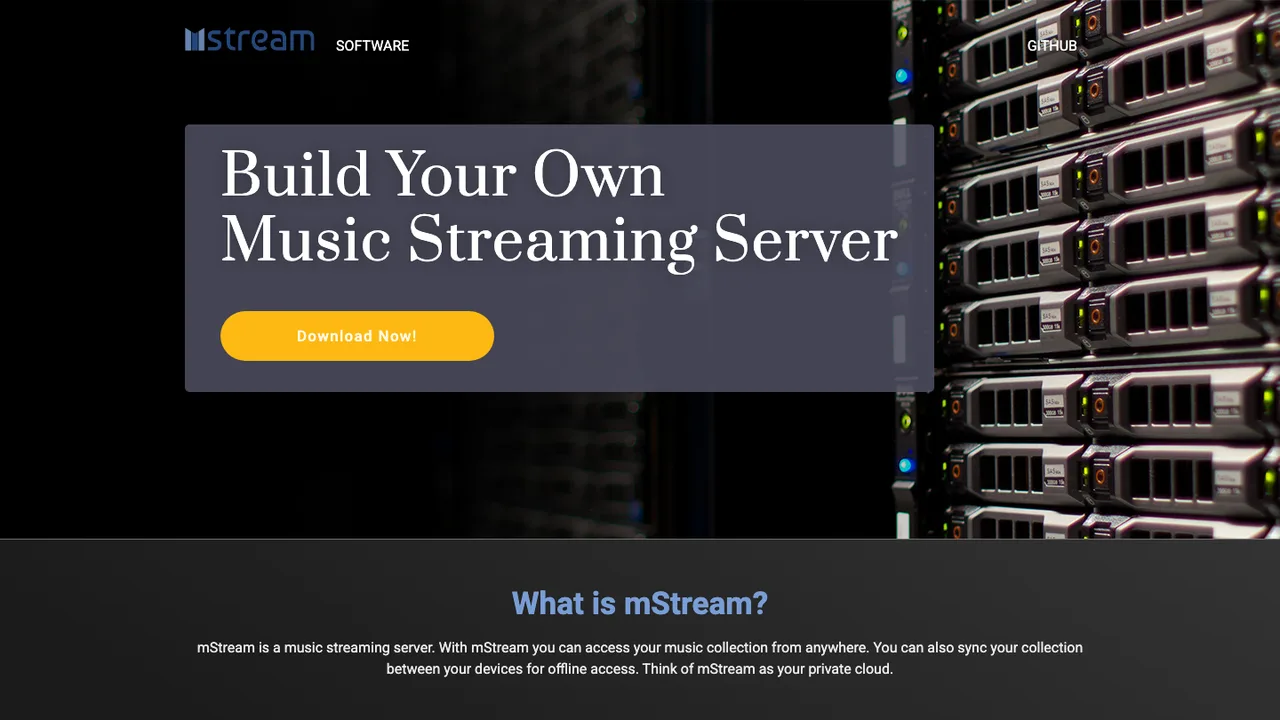
mStream is a self-hosted music streaming server for syncing and playing your music library across devices. It is built for people who want to browse, play, and manage their collection from a server instead of keeping files on one machine.
Filesystem-based browsing and playback before the database is built
Upload files, create directories, and download from YouTube via yt-dlp
On-the-fly transcoding with ffmpeg and server-side playback for headless boxes
Built-in torrent management for Transmission, Deluge, and qBittorrent
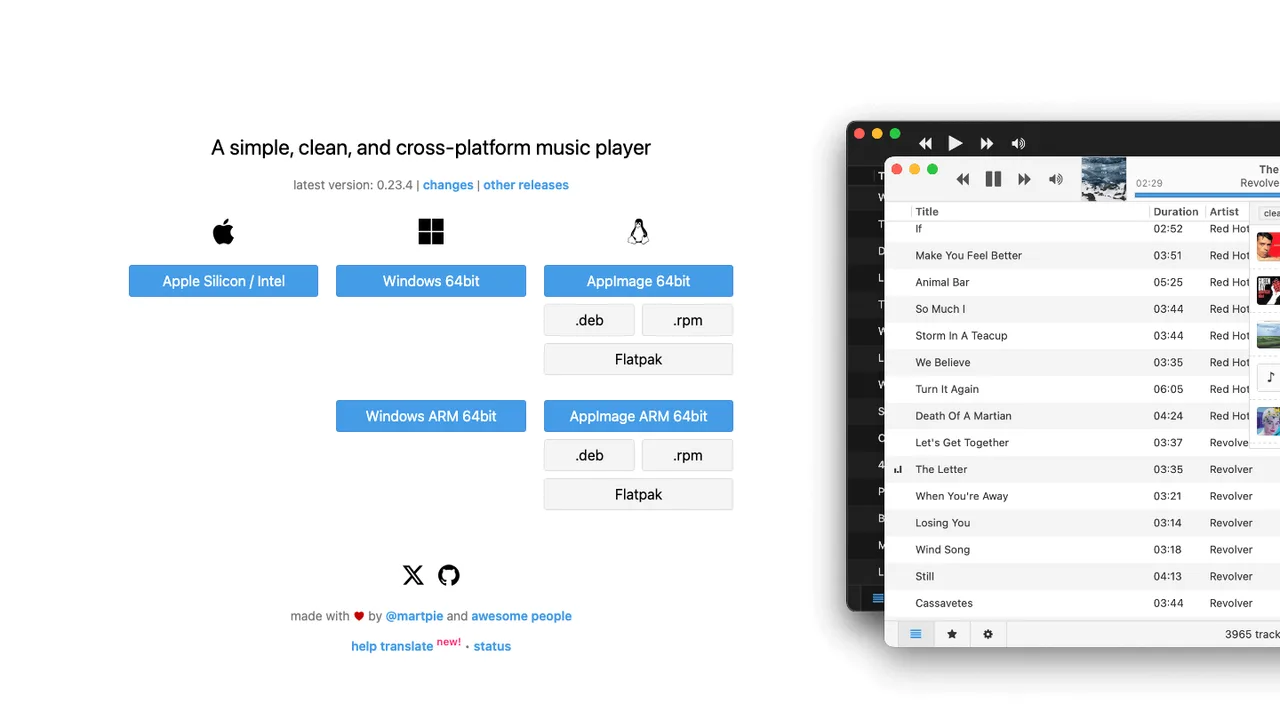
Museeks is a music player for Linux, macOS, and Windows built around a simple, clean interface. It deliberately keeps to the essentials rather than competing with heavier, feature-packed players.
Plays MP3, MP4, M4A/AAC, FLAC, WAV, OGG, and 3GPP files
Automatic library refresh
Playlists and play queue management
Shuffle, loop, playback speed control, and sleep-mode blocker
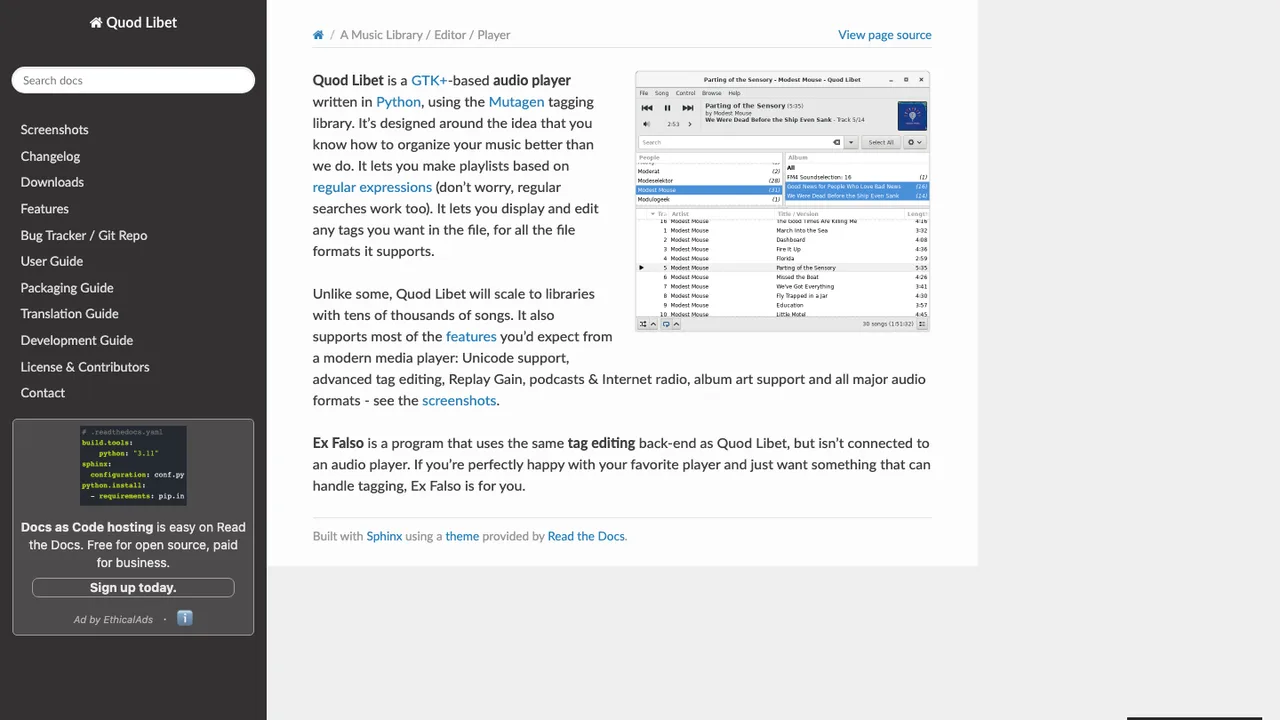
Quod Libet is a cross-platform audio and music management program. It combines a player, library manager, and editor in one app for people who want to organize, search, and edit a personal collection.
Combined music player, library manager, and editor
Flexible metadata editing and searching
Plays streaming audio and podcast feeds
Over 90 included plugins, plus custom plugins in Python
LMS (Lightweight Music Server) is self-hosted music streaming software that lets you reach your collection from anywhere through a web interface. Browse, search, and play a personal library running on your own server.
Subsonic and OpenSubsonic API support
Multi-library streaming with web playback
Audio transcoding for compatibility and bandwidth
Recommendation engine, radio mode, and tag filters
Airsonic-Advanced is a free, web-based media streamer that gives you access to your music from anywhere. Share a collection with friends or use it as a personal jukebox, stream to several players at once, and browse very large libraries through search and indexed views.
Streams audio and video over HTTP to multiple players
On-the-fly transcoding via plug-ins with bitrate limiting
Integrated podcast receiver
Massively parallel media scanner for huge libraries
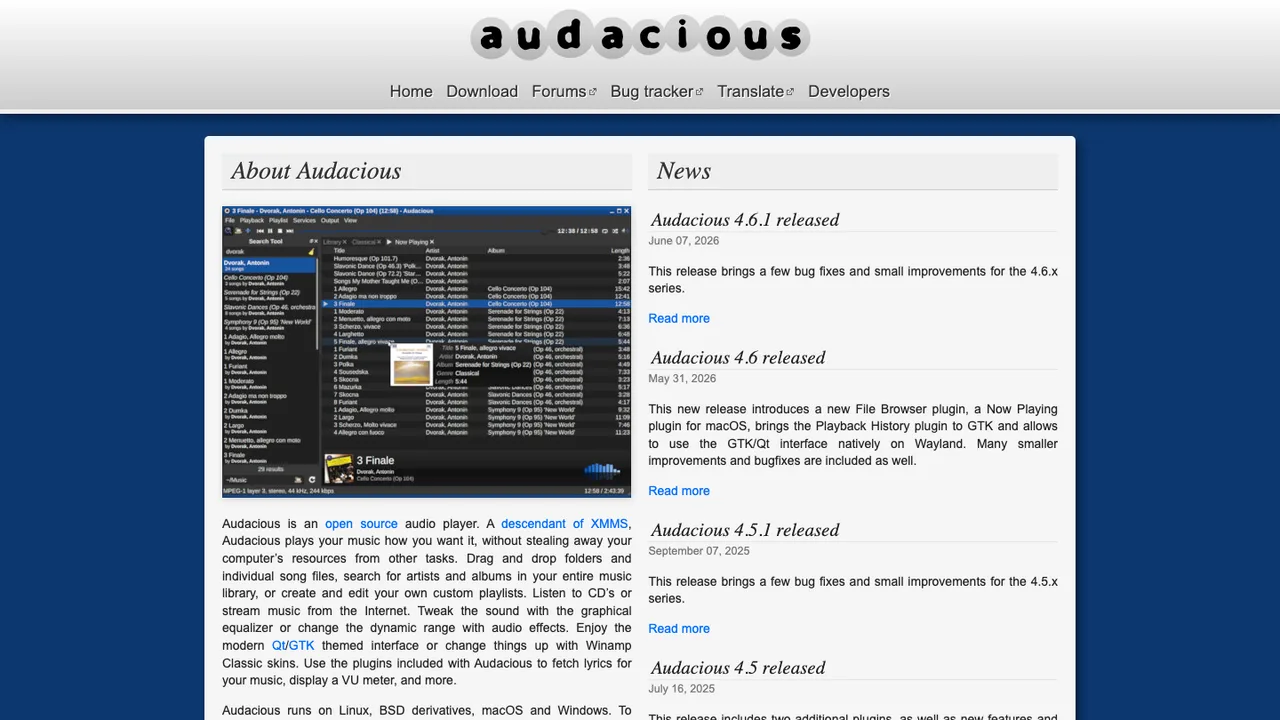
Audacious is a lightweight audio player focused on high audio quality and low resource usage. It plays a wide range of formats through a modular plugin system and runs on Linux, macOS, and Windows.
GTK, Qt, and Winamp interfaces with Winamp 2 skin support
Wide format support via input plugins (MP3, FLAC, Ogg Vorbis, Opus)
Advanced playlist management and runtime plugin control
Built-in equalizer, audio effects, and visualizations
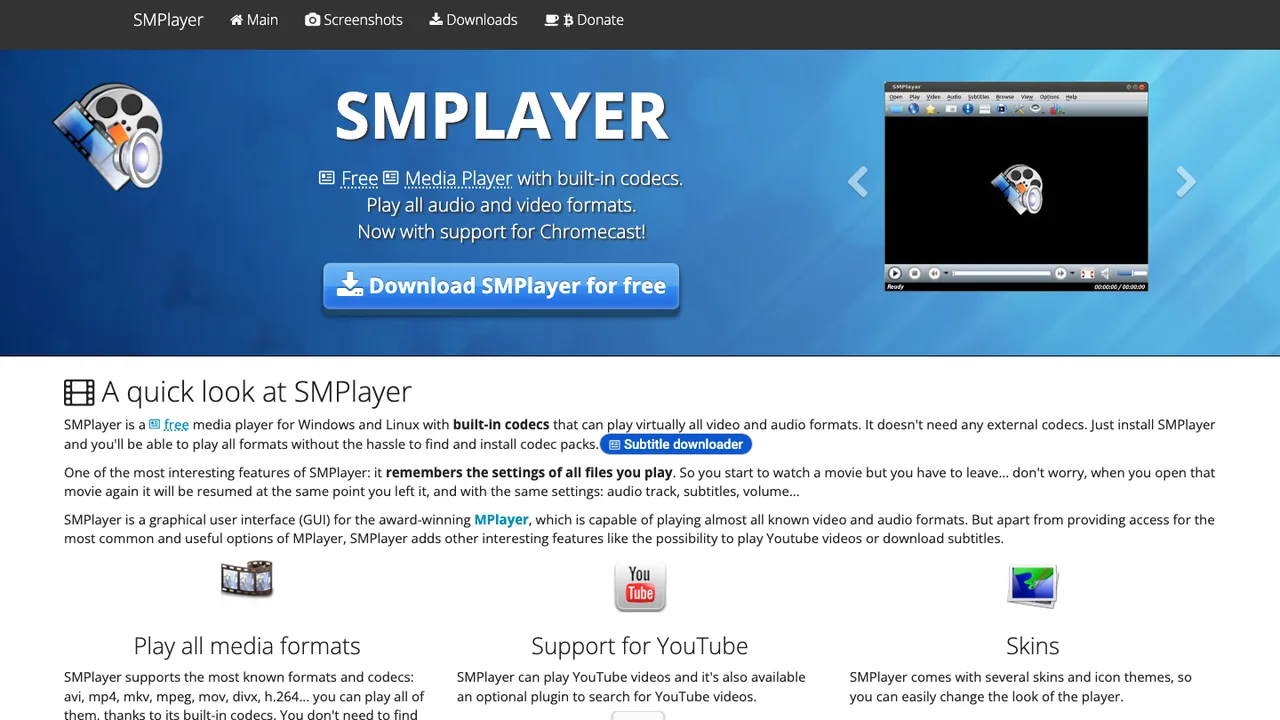
SMPlayer is a free media player for Windows, Linux, and macOS. It ships with built-in codecs that play virtually all audio and video formats, so there is nothing extra to install before pressing play. It is a front-end built on the mpv and MPlayer engines.
Built-in codecs play virtually all audio and video formats
Remembers per-file settings and resumes where you left off
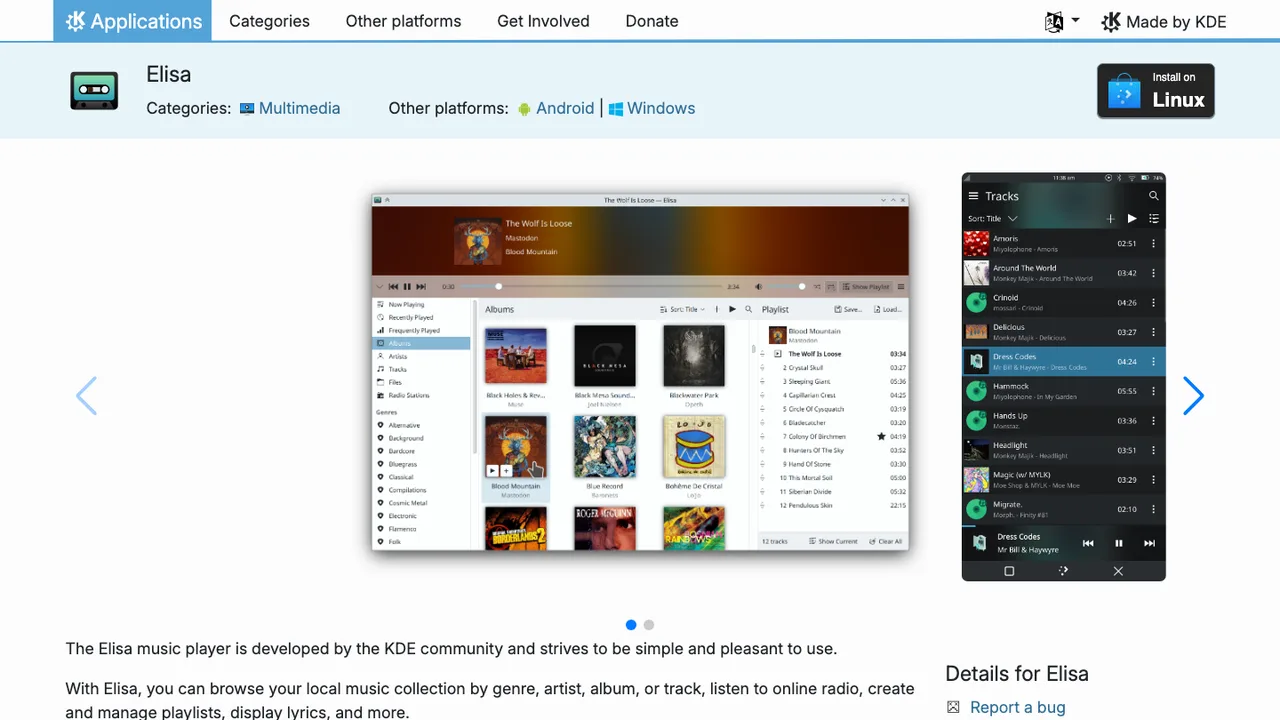
Elisa is a simple music player aimed at giving a pleasant, uncluttered experience. It is built for people who want an easy way to browse and play their own music library without extra complexity.
Match the tool to how you listen, not just to what you own.
Best self-hosted library server: Navidrome Navidrome turns a large personal collection into a private streaming service, reading your curated metadata and handling compilations and multi-disc box sets that trip up simpler scanners. Each user gets separate play counts, playlists, and favorites, and because it speaks the Subsonic API, almost any third-party client can play from it. Official cloud hosting is available through PikaPods.
Closest to a Spotify-style web player: Koel Koel scans your library and serves it through a fast, sleek browser interface, with smart playlists, scrobbling, podcasts, and radio built in. An official mobile app, Koel Player, covers iOS and Android, so the phone experience is not an afterthought. It is the closest thing here to a self-hosted, Spotify-shaped web player.
Best for whole-home speakers: OwnTone If the hardest part of leaving Spotify is the jump to living-room speakers, OwnTone targets exactly that: it streams to AirPlay 1 and 2, Chromecast, and Roku with multiroom playback, and can be driven from a web UI, an Apple Remote, or an MPD client. It also plays local files and internet radio.
Best desktop player for your server: Feishin Feishin is a polished desktop player rather than a server, connecting to Navidrome, Jellyfin, or any OpenSubsonic backend. It ships MPV and web player backends, scrobbles playback to your server, and includes a smart-playlist editor plus synced and unsynced lyrics, making it a natural desktop companion to a server you already run.
Moving from a rented catalog to a library you own
The one thing no open source tool can hand you is Spotify's catalog. These projects stream music you already have as files, so before shortlisting anything, work out where your collection will come from after the switch: albums you buy, discs you rip, downloads direct from artists, or public sources like internet radio. That single decision shapes the rest, because a self-hosted library server, a desktop player, and a speaker-focused media server are three different bets, and choosing one before you know your source of music is how a move stalls.
Expect the biggest gaps around convenience rather than playback. Algorithmic discovery leans on Spotify's enormous listening graph, which none of these can reproduce; instead they work from your tags, play counts, similar-artist data, and hand-made playlists, which is plenty if you already know your collection. Device handoff is the other hard part, the seamless jump from phone to living-room speaker that Spotify Connect makes invisible, and it takes real setup here. OwnTone streams to AirPlay 2, Chromecast, and Roku with multiroom playback, while Music Assistant is built around connected speakers, but both ask more configuration per device than a single toggle.
Moving over is mostly metadata matching, not an account transfer. Export your playlists while your Spotify account is still active, then let the new library match each row - artist, title, album, track order - against your own files. Expect misses from remasters, regional editions, live versions, and anything you only ever streamed. Liked songs usually import as one large playlist, while saved albums, followed artists, and listening history need separate handling and rarely recreate your old recommendations. Keep the raw export so you can reprocess it as your library grows.
Can any of these actually stream Spotify's catalog?+
No. Spotify's catalog is licensed for streaming through Spotify, and no open source player has the rights to redistribute it. These tools stream music you own - files you buy, rip, or download - along with podcasts and internet radio. Mopidy can bridge to Spotify or SoundCloud through extensions if you hold your own account, but that is using those services, not cloning the catalog.
What do I do about music I only ever streamed and never owned?+
That is the real work of leaving Spotify. Anything you only streamed has to be sourced another way or left behind: bought as downloads, ripped from discs, or picked up from artists directly. Some people keep a paid catalog service running alongside an open source server for discovery, and use the self-hosted library for the collection they actually own and want to keep permanently.
Can I get Spotify Connect-style handoff to my speakers?+
Partly, with more setup per device. OwnTone streams to AirPlay 1 and 2, Chromecast, and Roku with multiroom playback, and Music Assistant is built around connected speakers and pairs well with Home Assistant. Neither is as seamless as a single Connect toggle, so test the living-room flow - phone to speaker, casting, shared queues - before you rely on it, not just desktop playback.
Will my playlists come across when I move?+
Playlist migration is metadata matching, not a file transfer. You export the playlist name, track order, artist, title, and album while your Spotify account is active, and the new library tries to match those rows against your own files. Expect manual review: remasters, clean versions, regional releases, and tracks missing from your collection are the usual reasons an imported playlist looks wrong at first.
Do I need to run a server, or can I just use a desktop player?+
Both approaches exist. A desktop player like Clementine or Feishin plays a local library without any server, which is simplest if you listen mostly on one machine. A server such as Navidrome, Koel, or Ampache matters when you want to stream your own library to phones and other devices, with remote access and separate accounts. Servers add HTTPS, backups, and uptime to your plate.
Can I keep offline listening on my phone?+
Yes, if your mobile app supports downloads or file caching, though it feels different from Spotify. Finamp downloads tracks from a Jellyfin server for offline play, including space-saving transcoded downloads, and Koel Player and Subsonic-compatible apps can cache from their servers. You typically pick albums or playlists to store in advance, so refresh your content before a commute or a flight rather than assuming everything is available.
Will music discovery still work without Spotify's recommendations?+
It works differently. Without Spotify's listening graph, discovery leans on your own tags, play counts, similar-artist data, and hand-made playlists. LMS includes a recommendation engine and radio mode, and scrobbling to Last.fm or ListenBrainz can feed external suggestions. If algorithmic mixes are central to how you find new music, keep a discovery service alongside your library for a while and compare honestly before dropping it.