13 Best Open Source Alternatives to Slack

Updated July 2026

Slack made the persistent team channel feel inevitable: searchable history, threads, a deep integration catalog, and a tidy line between public channels and DMs. It's a genuinely good chat product. The friction people hit isn't the chat - it's everything orbiting it. Conversation, tasks, and decisions end up scattered, so the real work gets pasted between Slack and a separate project tool, the free plan quietly hides older messages behind a message limit, and every word your team types lives in Slack's cloud on per-seat pricing.

The open source alternative below answers a specific exit: teams who are tired of treating chat as one silo and project management as another. Instead of a standalone messenger, it folds channels and direct messages into the same platform that holds your issues, projects, and docs - self-hosted, so the conversation history sits in your own database next to the work it's actually about.

Rocket.Chat logo

1.Rocket.Chat

45.5kOtherTypeScript Self-host
Rocket.Chat screenshot

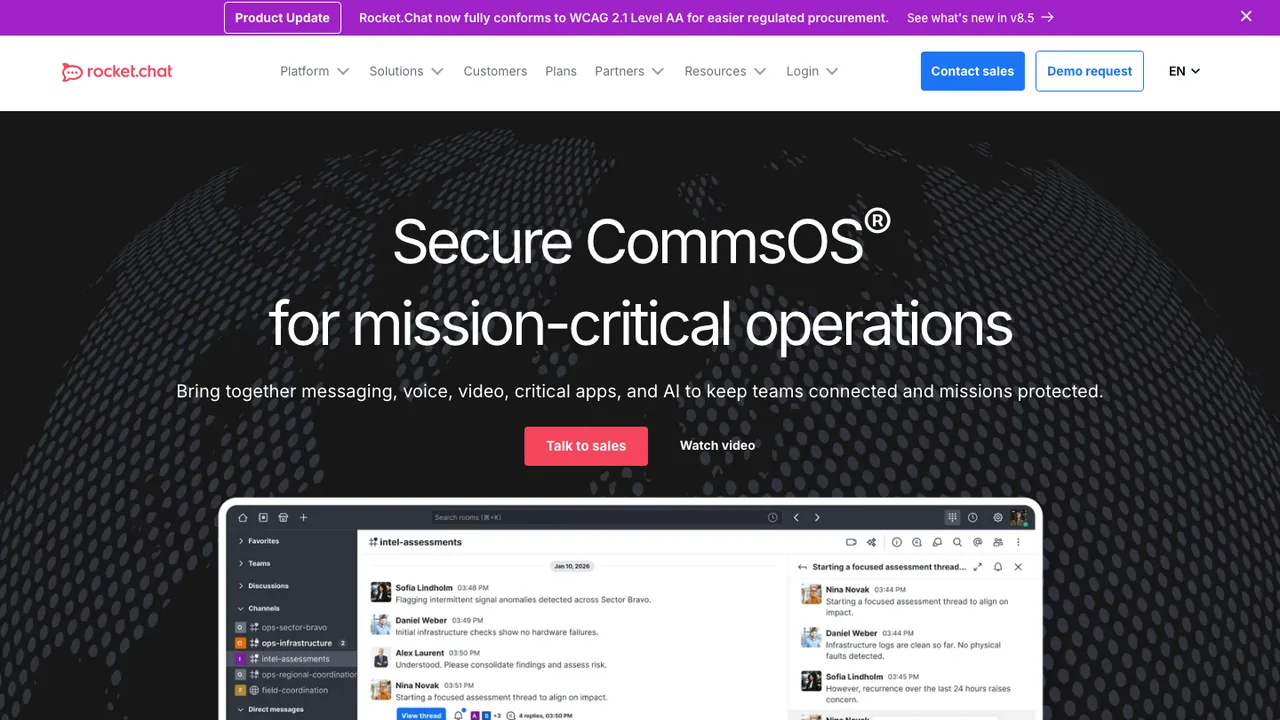
Rocket.Chat is an open source communications platform for team messaging, including conversations with external stakeholders such as customers or citizens. It suits organizations that need secure, customizable communication across real-time and asynchronous conversations, and this card covers the self-hosted open source edition.

  • Real-time messaging for internal and external communication
  • Voice calls, video, and federation
  • Identity management with end-to-end encryption
  • Role and attribute-based access control
Mattermost logo

2.Mattermost

37.8kOtherTypeScript Self-host
Mattermost screenshot

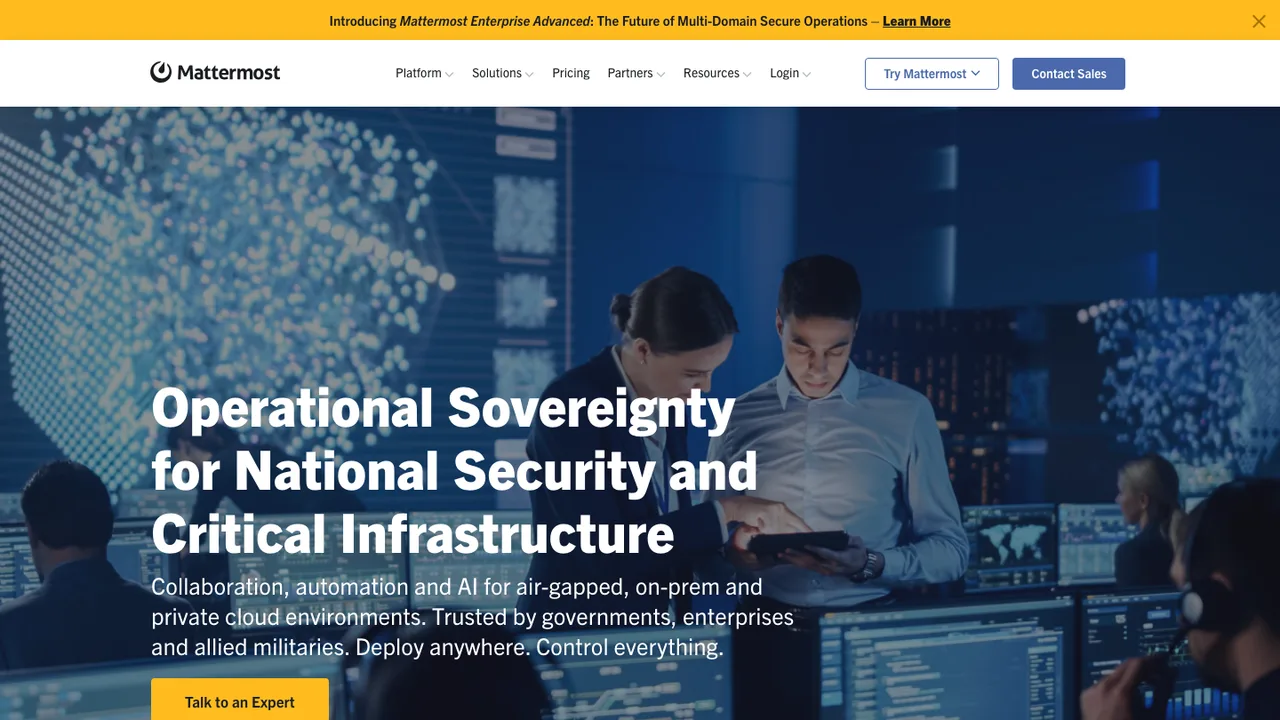
Mattermost is an open core, self-hosted collaboration platform for secure team communication across the software development lifecycle. This card describes the open source self-hosted server; a hosted cloud option also exists for teams that want to try it without running their own instance.

  • Chat, workflow automation, voice calling, and screen sharing
  • AI integration for collaboration workflows
  • APIs, webhooks, slash commands, apps, and plugins
  • Clients for web, Android, iOS, Windows, macOS, and Linux
Huly logo

3.Huly

26.2kEPL-2.0TypeScript Self-host
Huly screenshot

Huly is an open-source all-in-one app for teams that bundles project management, chat, CRM, HRM, and applicant tracking into one workspace. It is built as a replacement for Linear, Jira, Slack, and Notion, giving teams one place for issues, communication, customer records, HR workflows, and hiring.

  • Project management for issues and tasks
  • Built-in team chat
  • CRM for customer records
  • HRM and applicant tracking for hiring workflows
Zulip logo

4.Zulip

25.4kApache-2.0Python Self-host
Zulip screenshot

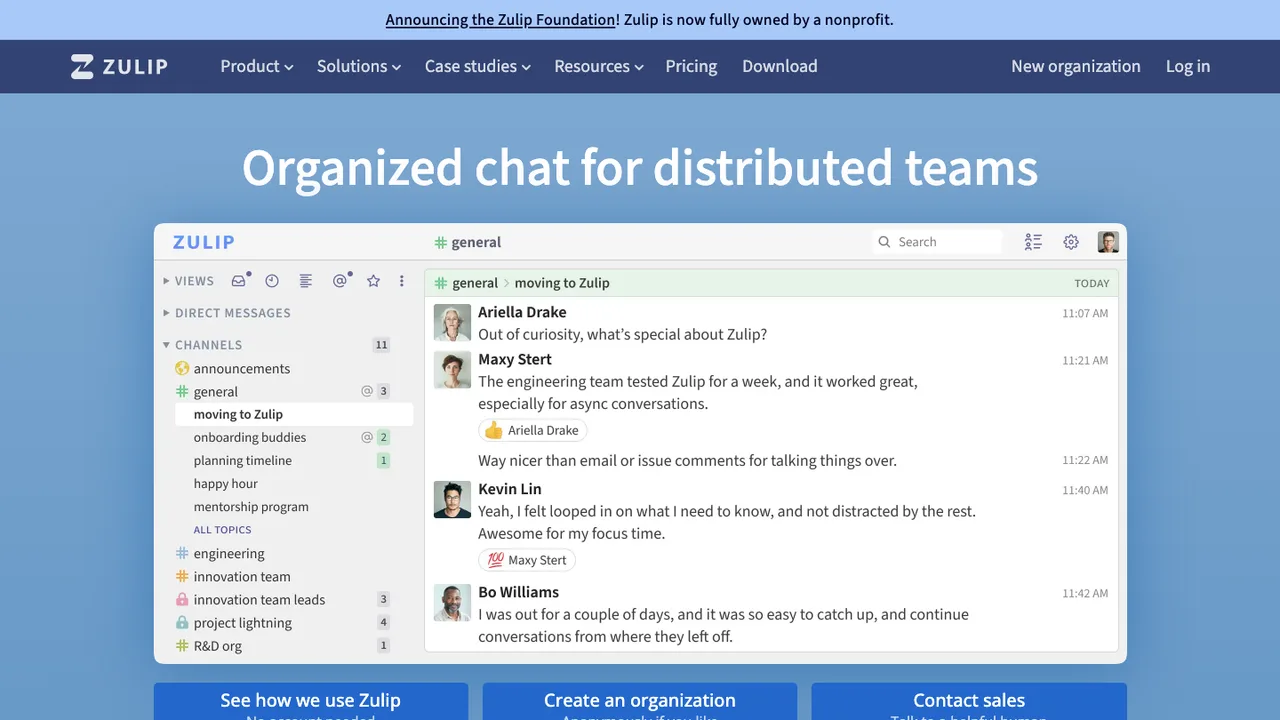
Zulip is an open source team chat app for distributed teams of all sizes. Its topic-based threading combines email-style organization with chat, so conversations stay focused and easy to follow across both live and asynchronous work.

  • Topic-based threading with streams and topics
  • Designed for both live and asynchronous conversations
  • Self-host on Ubuntu or Debian Linux
  • Docker deployment option
Element logo

5.Element

13.2kAGPL-3.0TypeScript Self-host
Element screenshot

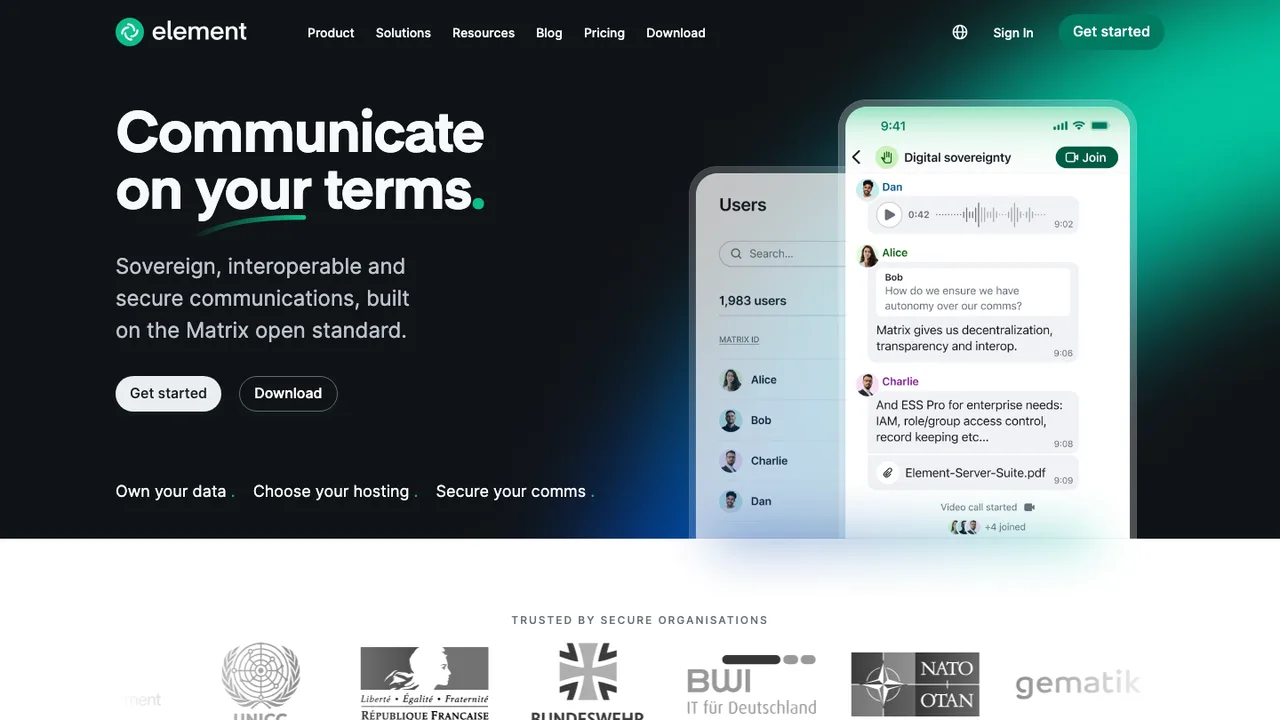
Element is a Matrix web and desktop client for secure messaging and collaboration. It connects people on the open Matrix network and can be self-hosted or used through Element Matrix Services, giving organizations a choice of where their data lives.

  • Matrix-based web client for messaging and collaboration
  • End-to-end encrypted messenger
  • Runs as a desktop app in Electron
  • Self-hosted deployment or Element Matrix Services
SimpleX Chat logo

6.SimpleX Chat

11.2kAGPL-3.0Haskell
SimpleX Chat screenshot

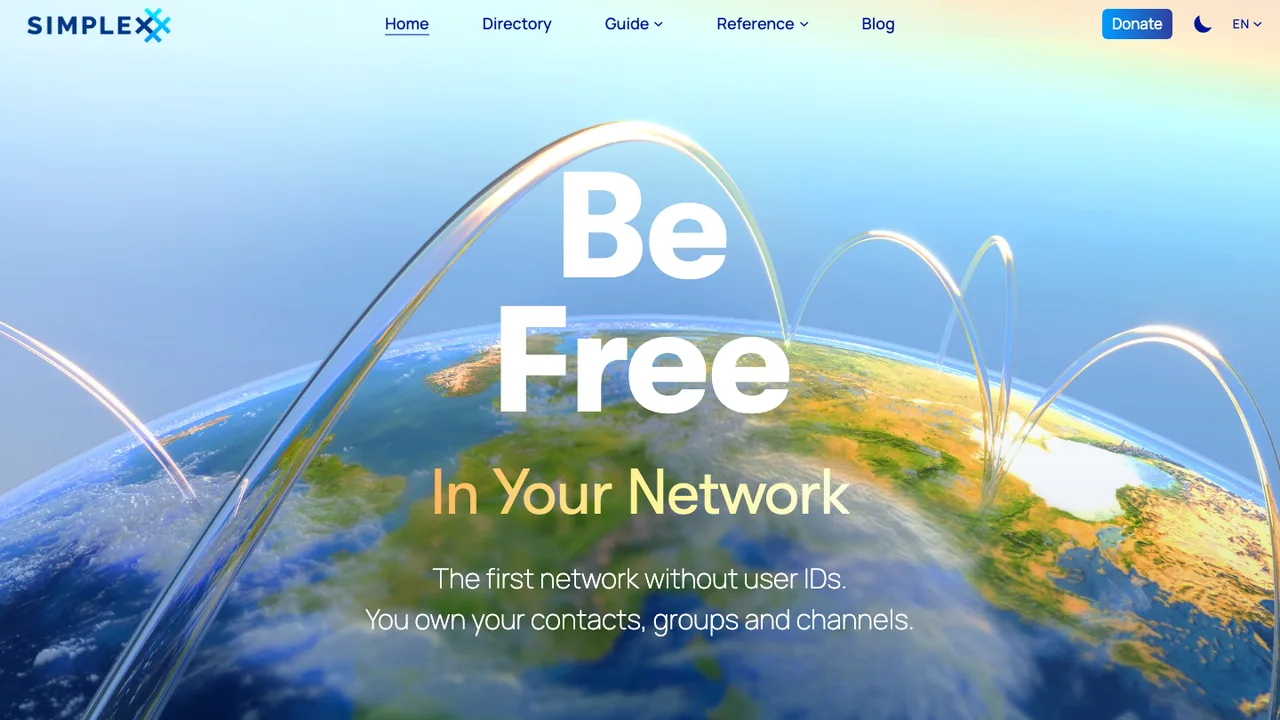
SimpleX Chat is a private and encrypted messenger for people who want to communicate without user identifiers of any kind, not even random ones. It protects messages and metadata, including who you talk to and when, and lets you make a private connection before any messaging starts.

  • No user identifiers; connect by link or QR code
  • Protects messages and metadata
  • Double ratchet end to end encryption with an extra layer
  • Android and iOS mobile apps
Quiet logo

7.Quiet

2.6kGPL-3.0C
Quiet screenshot

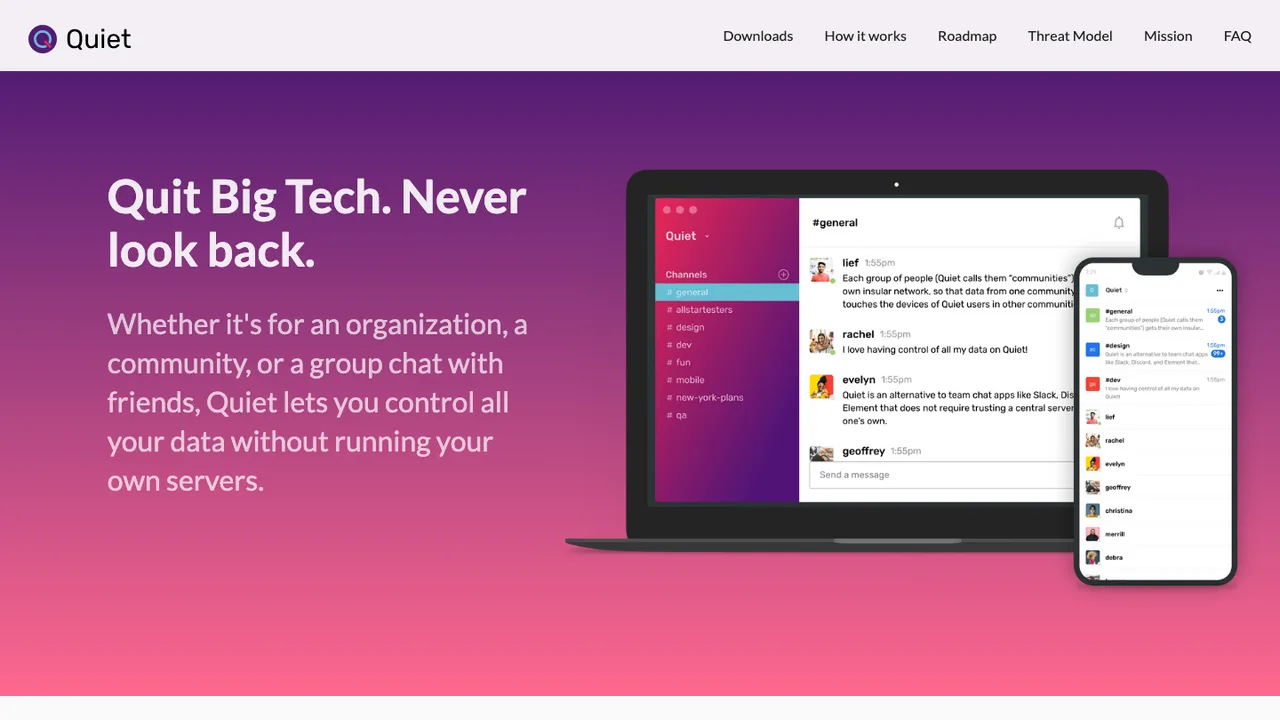
Quiet is a private team chat app for groups that do not want a central server. It is an alternative to Slack, Discord, and Element, and it syncs data directly between team devices over Tor with no server required.

  • Direct device-to-device sync over Tor
  • Communities with owner-issued invitation codes
  • Channels, images, and large file sharing
  • Desktop notifications and keyboard controls
Twake logo

8.Twake

1.9kAGPL-3.0TypeScript Self-host
Twake screenshot

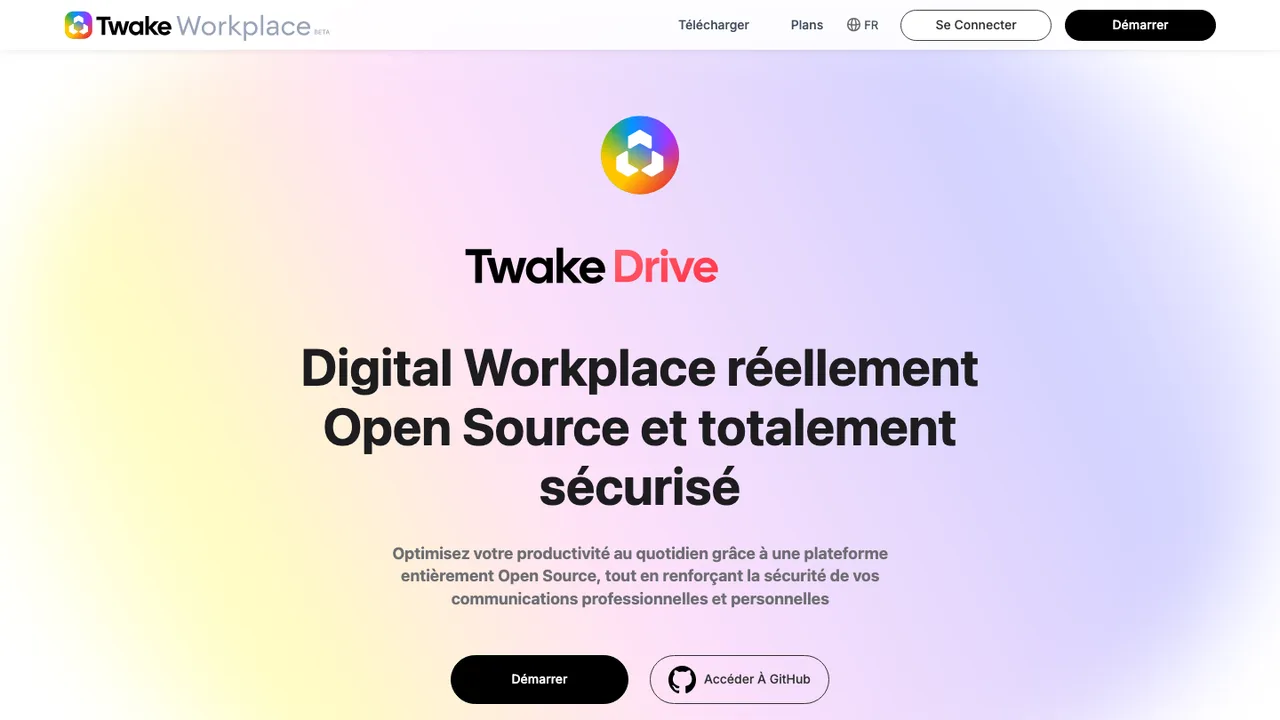
Twake is a secure open source collaboration platform built to improve how organizations work together. It brings team chat, file storage, a shared team calendar, task management, video calls, and real-time document collaboration into a single digital workplace.

  • Team chat for everyday communication
  • File storage for shared documents
  • Shared team calendar and task management
  • Video calls and conferencing
Delta Chat logo

9.Delta Chat

1.5kGPL-3.0TypeScript Self-host
Delta Chat screenshot

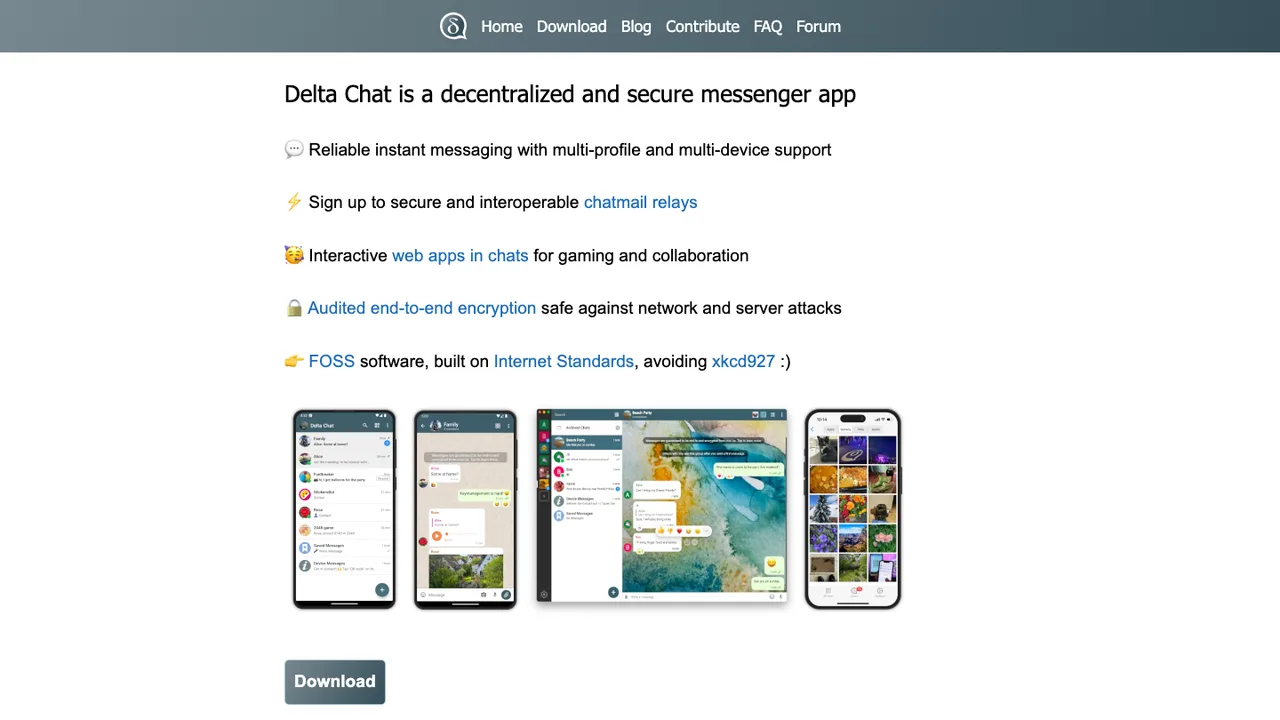
Delta Chat is a decentralized, secure messenger that delivers chats over the email network. Instead of a proprietary server, it can sign up to interoperable chatmail relays, so your messages travel like email but stay end-to-end encrypted.

  • Decentralized chat that travels over the email network
  • End-to-end encrypted messaging without a phone number
  • Multiple profiles and multiple devices
  • Chat-shared tools and small games inside conversations
Wire logo

10.Wire

1.2kGPL-3.0TypeScript Self-host
Wire screenshot

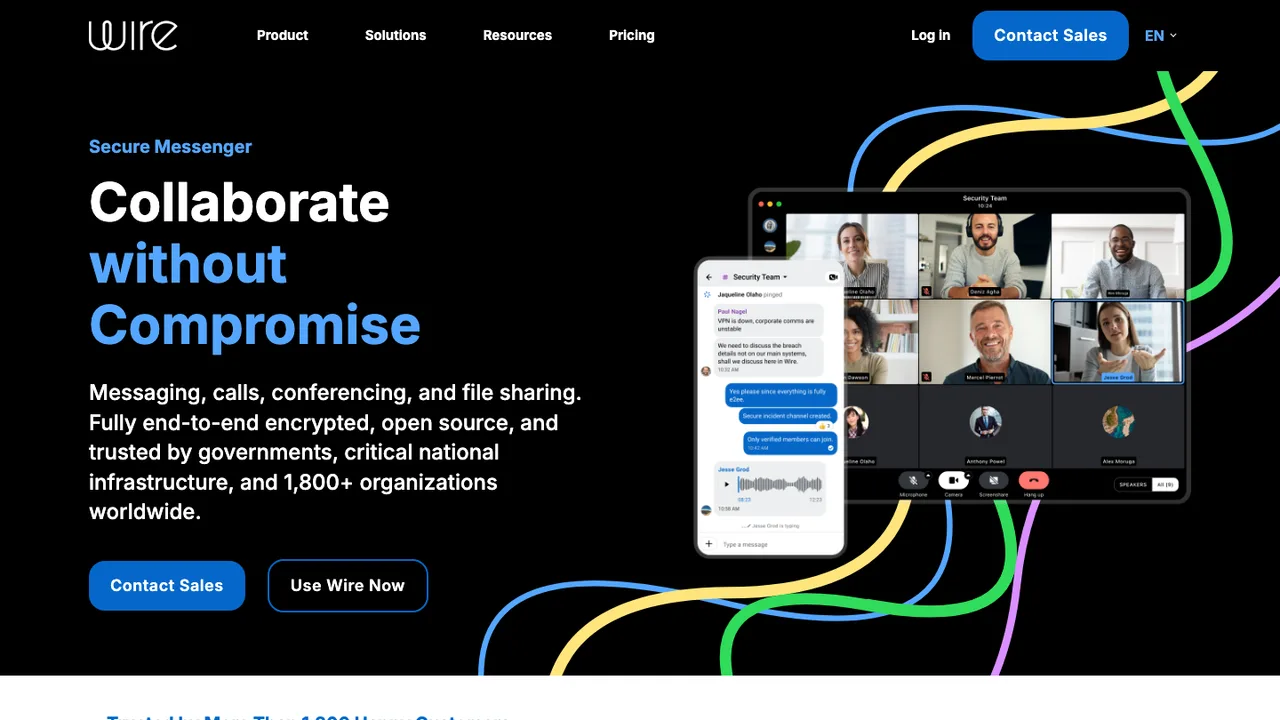
Wire is a secure messenger built for organizations and trusted by millions of people worldwide. It is designed around end-to-end encryption, so message content stays protected and collaboration happens without compromising on privacy.

  • End-to-end encrypted messaging for organizations
  • Browser-based web client for team collaboration
  • Open source client you can build and run yourself
  • Self-hosted deployment via packaged server or Docker
Session logo

11.Session

774GPL-3.0Kotlin
Session screenshot

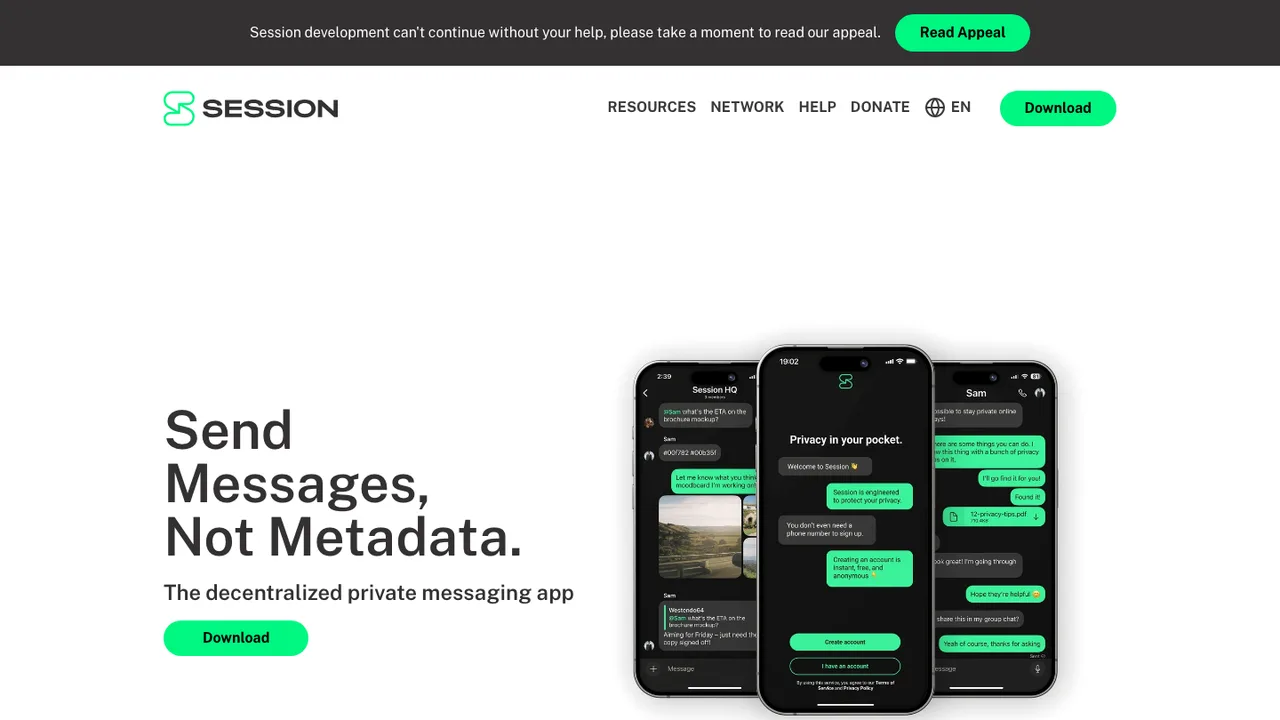
Session is a private messenger for Android that aims to remove any chance of metadata collection. It routes all messages through an onion routing network that obfuscates users' IP addresses, so you can talk without handing over a phone number, an email, or the connection details that usually trail a conversation.

  • Onion routing that obfuscates users' IP addresses
  • No metadata collection of message routing
  • Decentralized Oxen Service Node network, no central server
  • Service Nodes store messages offline for later delivery
Briar logo

12.Briar

636OtherJava
Briar screenshot

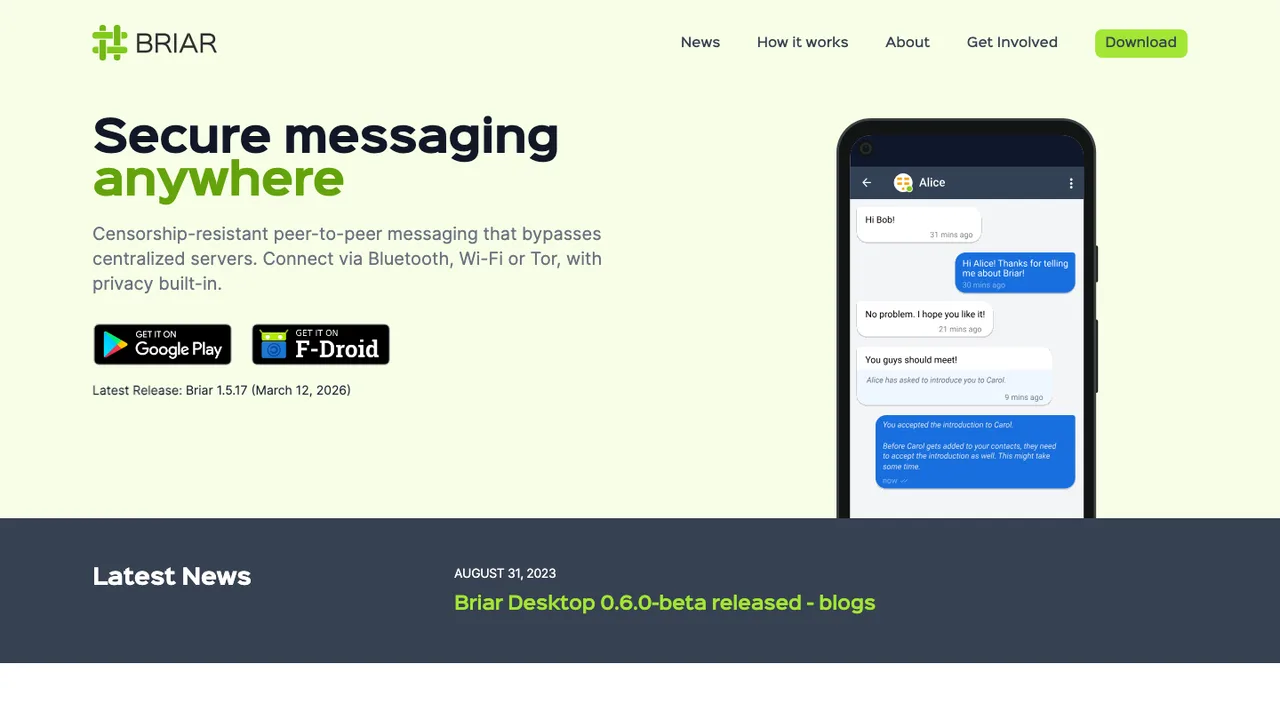
Briar is a messaging app for activists, journalists, and anyone who needs a safe way to communicate. It does not rely on a central server, so messages sync directly between users' devices instead of through a hosted service.

  • Direct device-to-device message sync without a central server
  • Sync over Bluetooth or Wi-Fi when the Internet is unavailable
  • Sync over Tor to resist surveillance when online
  • Messages and contacts stored only on your own devices
Jami logo

13.Jami

259OtherShell

Jami is a distributed, open source communication platform. Rather than routing conversations through a central service, it is built as a distributed system, which keeps communication in the hands of the people using it.

  • Distributed communication platform with no central service
  • Daemon plus client architecture shared across platforms
  • GNOME desktop client that runs its own daemon
  • Runs on Linux, macOS, and Android

Switching from Slack to open source

Start with the communication model Slack has trained your team around: channels, threads, DMs, reactions, searchable history, and app-driven alerts. The replacement decision is not just chat versus chat. Decide whether you need a single private workspace, federation across organizations, or isolated rooms for customers and incidents. Then test the permission model against your real org chart, because Slack teams often rely on channel membership, guest access, retention settings, and admin controls in ways nobody documents until they disappear.

Expect the rough edges to show up where Slack feels invisible: notification tuning, mobile polish, search ranking, link previews, calls, and external collaboration. Some open source options are strong at persistent rooms but weaker at huddles, workflow builder style automation, or cross-company shared channels. Enterprise features such as legal hold, eDiscovery, data loss prevention hooks, and directory sync may exist but usually require more design work. The trade is control over deployment and data in exchange for more ownership of reliability, upgrades, onboarding, and support.

Migration usually starts with Slack exports, not a live clone. Public channel history is the easiest path; private channels, DMs, edit history, retention gaps, files, and user identities depend on plan, permissions, and export approval. Threads, reactions, emoji, pins, and uploaded files often need format mapping, and some items arrive as links rather than native objects. Treat integrations as a separate project - recreate incoming webhooks, bots, incident alerts, and SSO before cutover. Run both systems briefly, freeze new Slack channels, then archive the old workspace after verification.

Related alternatives

Frequently asked questions

Is an open source Slack alternative actually cheaper?+

Usually, but not automatically. You may stop paying per-seat Slack fees, yet you take on hosting, backups, upgrades, spam controls, mobile push configuration, and admin time. A hosted open source service can still charge per user. The honest comparison is total operating cost plus the cost of lost Slack-only automations, not just the license price.

Should we self-host the replacement or use a hosted open source service?+

Self-host if chat data residency, network isolation, or custom retention rules matter enough to own operations. Use hosted if your team needs predictable uptime without becoming a messaging operations team. For Slack replacements, pay special attention to push notifications, file storage, search indexing, and backups; these are the parts that turn a simple chat server into production infrastructure.

What happens to our Slack message history during migration?+

Slack exports provide message data in workspace export files, but completeness depends on plan, workspace settings, retention policy, and approval for private content. Public channel messages are usually the most straightforward. Threads, reactions, user mentions, attachments, and deleted or expired messages may not come across exactly. Treat the import as a searchable archive first, then decide what must become live conversation.

Will our Slack apps and workflow automations keep working?+

No. Incoming webhooks and simple alerting are often easy to recreate, but Slack app interactions, slash commands, modal dialogs, workflow builder steps, and bot permissions use Slack-specific APIs. Inventory each integration by owner and business impact before migration. Rebuild incident alerts, deploy notifications, calendar hooks, and support queues before you ask users to switch.

How do we replace Slack Connect and guest channels?+

Model external collaboration early. Slack Connect and guest access often become part of sales, support, vendor, and incident workflows. Open source tools may offer federation, public rooms, guest accounts, or separate workspaces, but the trust model differs. Decide who can invite outsiders, what they can see, how retention applies, and how you remove access when a project ends.

Where should security teams focus when evaluating a Slack replacement?+

Start with identity, retention, audit trails, and administrative visibility. Verify SSO, multi-factor enforcement, role separation, export controls, encryption boundaries, and how deleted messages are handled. If you have legal hold, eDiscovery, data loss prevention, or regulated retention requirements in Slack, test those workflows directly. Security review should include the deployment architecture, not only the application code.

Do mobile apps and offline use match Slack?+

Often not perfectly. Slack has mature mobile behavior around push notifications, unread state, mentions, and background sync. Open source replacements vary widely here, especially when self-hosted push services or strict network controls are involved. Offline reading may work, but composing, file access, and notification recovery can differ. Pilot with people who live on phones before committing.

Which Slack calling features are hardest to replace?+

Huddles-style voice, screen sharing, quick escalation from a channel, and lightweight ad hoc calls are common gap areas. Some teams replace them with a separate meeting tool rather than expecting chat to do everything. If incidents or pair debugging rely on Slack calls, test audio reliability, permissions, recording policy, mobile behavior, and firewall traversal under real network conditions.

How should user accounts, roles, and SSO be planned?+

Map Slack workspace roles, channel owners, guests, deactivated users, and service accounts before import. Then match them to the new tool's permissions model instead of assuming one-to-one parity. SSO and directory sync should be configured before broad testing so mentions, membership, and offboarding behave correctly. Pay special attention to contractors and bots, because they often hold unexpected access.

When is the right time to cut over from Slack?+

Cut over after the core rooms, identity, search, file storage, notifications, and critical integrations are already working. Avoid switching during incident-heavy periods, audits, launches, or reorganizations. A short parallel run helps find missing alerts and confused permissions, but a long dual-chat period splits decisions. Set a date, freeze Slack channel creation, and publish where each conversation belongs.

What scale tests matter before replacing a large Slack workspace?+

Test the shape of your traffic, not only user count. Large Slack workspaces often have a few very noisy incident, engineering, or support channels plus many quiet rooms. Load test message bursts, search indexing, file uploads, mobile push delivery, and permission changes. Also measure backup and restore time, because a chat system that cannot recover quickly becomes an operational risk.

What protects us if the chosen project stalls or we need to move again?+

Prefer tools with standard export formats, documented APIs, and a database or object storage layout your team can back up and restore. Keep periodic exports outside the application and document how to rebuild the service. If a project loses momentum, the practical exit path is your data, identity mapping, file store, and integration inventory, not the license alone.