
Privacy-friendly screen recorder and video editor with unlimited recordings and no sign in needed
- Stars18.7k
- Forks1.5k
- Open Issues8
GPL-3.0
- JavaScript
- SCSS
- CSS
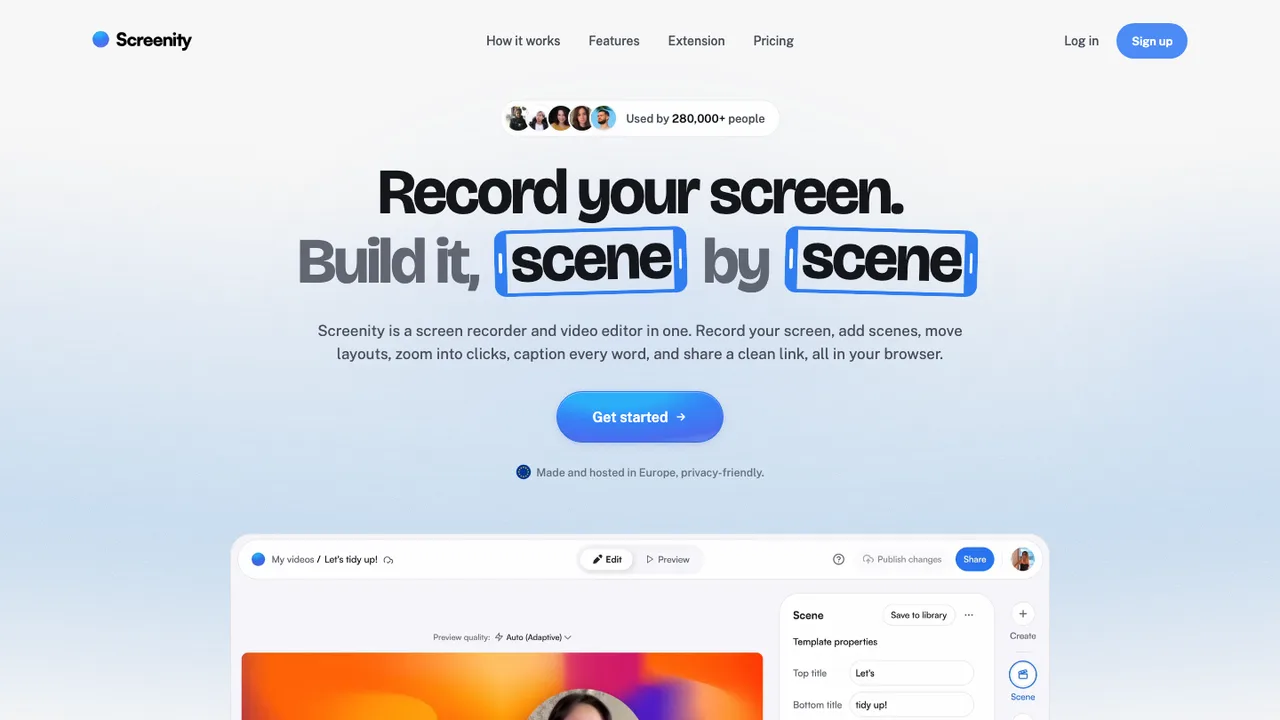
About Screenity
Screenity is a privacy-friendly screen recorder and annotation tool for making demos, tutorials, presentations, and feedback videos. It records your tab, a selected area, the desktop, any application, or camera, and it can run offline.
It includes drawing tools, text, arrows, shapes, AI-powered camera backgrounds or blur, smooth zoom, click and cursor highlighting, spotlight mode, alarms to stop recording, and a video editor for cutting, trimming, cropping, and adding or removing audio. Exports include mp4, gif, and webm, and videos can be saved to Google Drive.
Screenity is open source under GPLv3 for version 3.0.0 and higher. Self-hosting runs the extension in local-only mode with no API calls or sign-in flows enabled, and personal, educational, or internal use is allowed. Chrome extension installation and release downloads are available, along with a hosted Screenity Pro service.
Key features
- Records tab, area, desktop, any app, or camera
- Captures microphone or internal audio with push to talk
- Annotates with drawing, text, arrows, and shapes
- Edits video with cut, trim, crop, and audio changes
- Exports mp4, gif, and webm; can save to Google Drive
Details
- First released
- 2020
- Platforms
- Web
- Deployment
- self-hostable · offline-first
- License
- GPLv3 for version 3.0.0+
- Recording
- Tab · area · desktop · app · camera
- Audio
- Microphone · internal audio