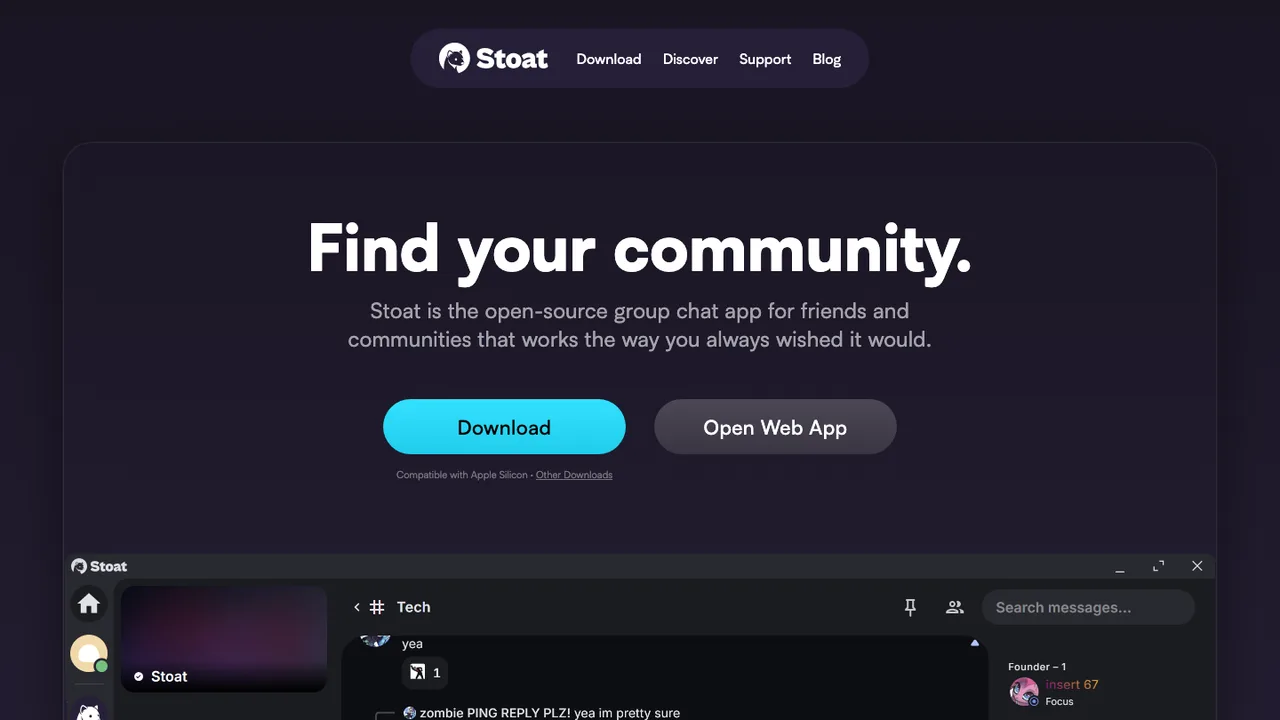
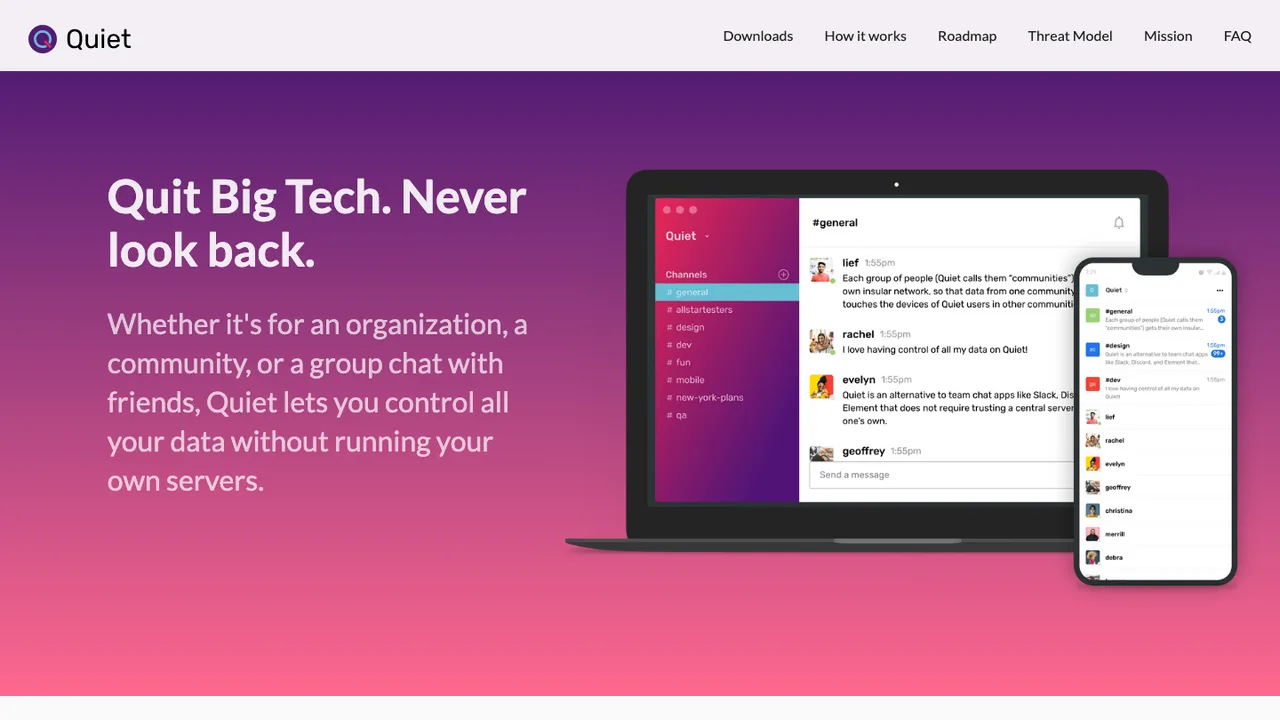
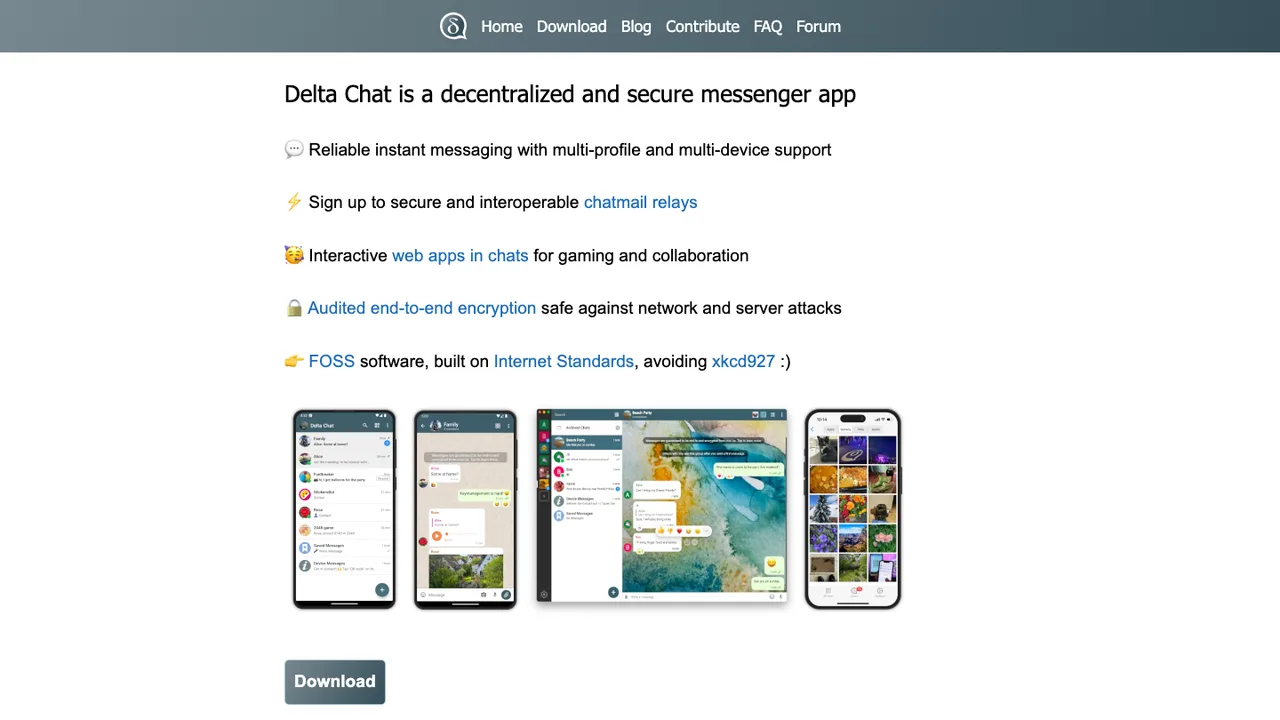
What is the closest open source replacement for a Discord server?+
There is no exact drop-in because Discord combines chat, voice, identity, moderation, discovery, and integrations in one hosted service. Start by ranking what your server actually uses every day. If persistent text and searchable history matter most, choose around that. If live voice is the center of the community, test latency and mobile behavior first. The best fit is usually the one that matches your community pattern, not the longest feature sheet.
Will I be able to migrate Discord channels and message history?+
Expect partial migration at best. Discord does not offer a complete server export that recreates all channels, roles, threads, reactions, attachments, and permissions elsewhere. Individual users can request their own account data, but that is not the same as a portable community archive. Many migrations preserve selected announcements, rules, docs, and high-value threads, then start normal discussion fresh in the new system.
How well do open source options handle voice chat and screen sharing?+
Voice quality varies more than text chat. Test with the same number of people, devices, and network conditions your community actually uses. Pay attention to echo cancellation, reconnect behavior, mobile backgrounding, browser support, screen sharing frame rate, and server bandwidth. A tool that works for a small meeting may struggle during a large game night or public event if it was not sized for real-time media.
Is self-hosting required when replacing Discord?+
No. Some open source communication systems can be run by a vendor, a community host, or your own infrastructure. Self-hosting gives you more control over retention, domains, authentication, backups, and moderation policy, but it also makes uptime your problem. If your admins do not want to patch servers, monitor disk use, and handle incidents, a managed deployment may be the more realistic open source path.
What happens to Discord roles, permissions, and moderation rules?+
Plan to remap them manually. Discord roles often combine identity, channel access, moderation power, cosmetic labels, and notification habits. Other systems may separate those concepts or lack some of the same inheritance behavior. Before inviting everyone, create test accounts for owner, moderator, regular member, guest, and banned user. Verify private channels, audit logs, invite controls, message deletion, and escalation paths with those accounts.
How should bots and webhooks be evaluated before switching?+
Inventory every Discord bot and webhook before choosing a replacement. Separate simple notifications from workflows that enforce rules, assign roles, mirror commits, manage events, or connect to payment and support systems. Then check whether the new platform has stable APIs, webhook endpoints, bot accounts, permission scoping, and rate limits that fit those jobs. Many communities discover that bot migration is the largest hidden project.
Are mobile apps and push notifications reliable enough?+
Do not assume they are until you test them on iOS and Android with real users. Discord has trained communities to expect fast push alerts, easy replies, readable threads, and reliable presence. Open source clients may depend on different push gateways or background behavior, especially when self-hosted. Test mentions, direct messages, muted rooms, uploads, voice join flows, and battery impact before you move the main community.
Does federation help a community leaving Discord?+
Federation can help if you want people on different servers to participate without creating accounts in one central place. It can also improve public reach for open communities. The tradeoff is moderation complexity: remote users, remote content retention, identity confusion, spam from other servers, and decisions about blocking or limiting peers. For a private team or small gaming group, federation may add more policy work than value.
What security questions matter more than the license?+
Look beyond whether the code is open. Ask how authentication works, whether multi-factor login is supported, how admin actions are logged, where attachments are stored, and what encryption model is used for transport and stored data. For public communities, also examine abuse reporting, rate limiting, invite controls, and account recovery. Independent audits are useful, but operational defaults and patch response matter just as much.
How much does an open source Discord alternative cost to run?+
The license may cost nothing, but the community still has operating costs. Budget for compute, storage, bandwidth, backups, email delivery, domains, monitoring, and administrator time. Voice and screen sharing can increase bandwidth and CPU needs quickly. Managed hosting turns some of that into a predictable bill. Self-hosting can be cheaper for small groups, but only if someone is willing to own maintenance and incidents.
What backup strategy should replace Discord's hosted retention?+
Treat backups as part of the migration design, not an afterthought. You need backups for the database, uploaded files, configuration, keys, and any separate voice or media services. Store copies off the main server and test restores on a schedule. Decide how long to retain deleted content, logs, and attachments. If you self-host, a backup that has never been restored is only a guess.
How do you keep users from drifting back to Discord?+
Make the switch social, not just technical. Announce why you are moving, give people a clear date, seed the new channels before launch, and make moderators visibly present during the first week. Keep Discord read-only or narrowly bridged for a short transition if needed, but avoid running two full communities indefinitely. Update invite links, docs, event pages, and bot notifications so the new home becomes the default.