13 Best Open Source Alternatives to VMware

Updated July 2026

VMware earned its reputation. vSphere and ESXi are rock-solid, and for years they were the default way enterprises ran virtual machines at scale, with mature tooling for live migration, high availability, and storage. What changed is the business around it. Since the Broadcom acquisition, the product lineup was reshaped into bundled subscriptions and perpetual licenses went away, leaving a lot of shops facing renewal quotes far above what they used to pay for the same hosts.

The open source hypervisors and management platforms below run the same kind of production VM workloads - clustering, snapshots, live migration, role-based access. You keep your virtualization on hardware you own, with image formats you can move, and the cost no longer rides on a vendor's renewal strategy.

QEMU logo

1.QEMU

13.3kOtherC Self-host
QEMU screenshot

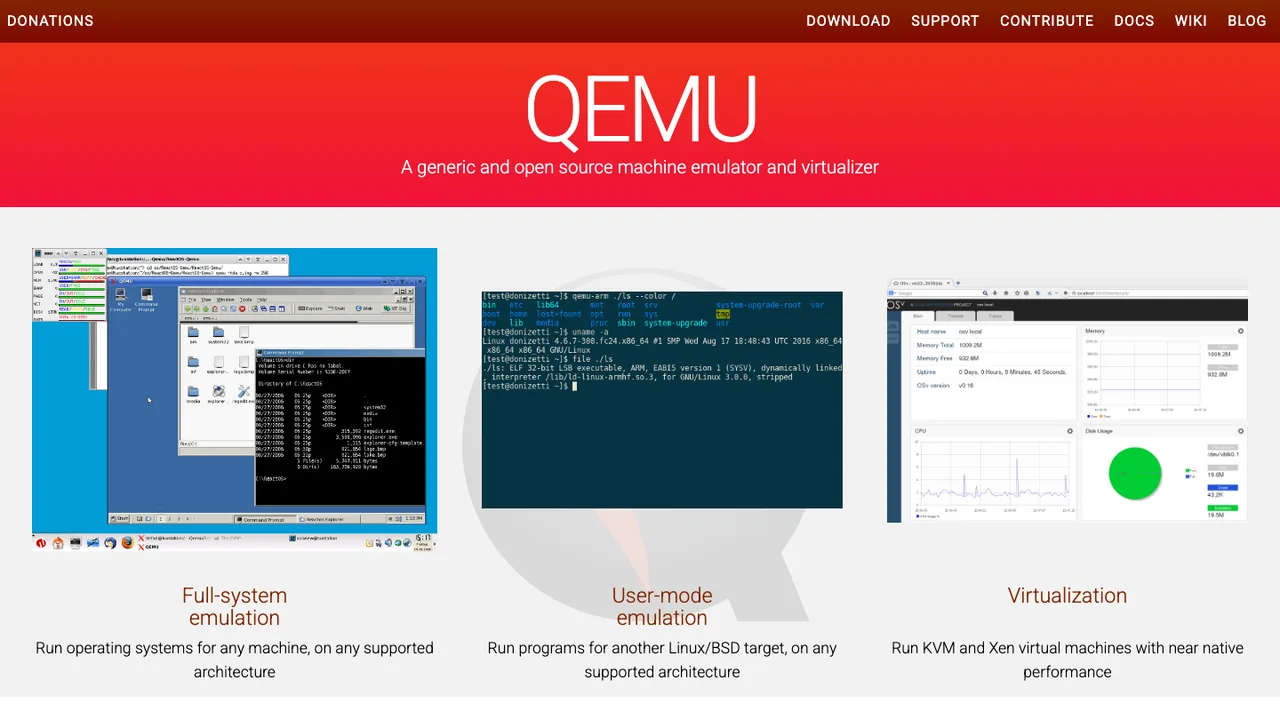
QEMU emulates a complete machine in software, so an operating system or binary built for one CPU architecture runs on a host with a different one. With no hardware virtualization it emulates everything; paired with KVM or Xen it hands the CPU to the hypervisor and runs guests at near-native speed. This is the engine underneath much of the Linux virtualization stack.

  • Complete machine emulation in software
  • Userspace API virtualization for Linux and BSD
  • Works with Xen and KVM hypervisors
  • Stable command line interface and monitor API
KubeVirt logo

2.KubeVirt

6.9kApache-2.0Go Self-host
KubeVirt screenshot

KubeVirt lets a Kubernetes cluster run virtual machines next to containers by adding a VirtualMachine resource type through Custom Resource Definitions. VMs become first-class cluster objects, scheduled, networked, and managed with the same kubectl, RBAC, and API workflows as the rest of the cluster.

  • VirtualMachine resource type via Kubernetes CRDs
  • Create, schedule, launch, stop, and delete VMs with kubectl
  • Runs guest VMs through libvirt and QEMU inside pods
  • Controllers and agents install onto an existing cluster
Fleet logo

3.Fleet

6.5kOtherGo Self-host
Fleet screenshot

Fleet is an open-source platform for IT and security teams that need one system to manage devices over the air. It handles MDM, patching, software deployment, and verification across the operating systems in an organization, with APIs, GitOps, webhooks, YAML, and a GUI.

  • MDM, patching, software deployment, and verification
  • GitOps, GUI, REST API, and webhook control
  • Diagnostics and audit evidence collection
  • CIS benchmarks for macOS and Windows
OpenStack logo

4.OpenStack

5.9kApache-2.0Python Self-host
OpenStack screenshot

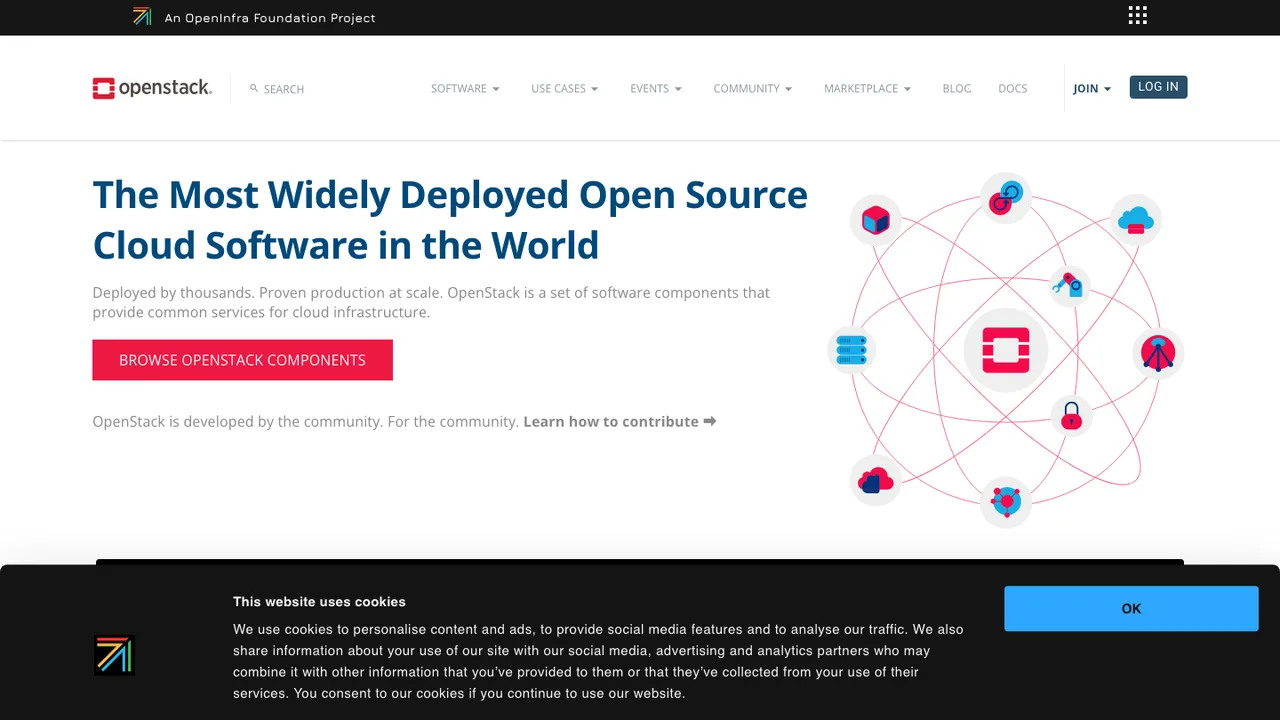
OpenStack is an open source cloud computing infrastructure. It is a collection of interoperable components that deploy together to provide computing, networking, and storage resources, which end users then consume through programmable APIs.

  • Compute, networking, and storage as cloud resources
  • Programmable APIs for every service
  • Modular components for private or public clouds
  • Continuous integration of tested combinations
Cloud Hypervisor logo

5.Cloud Hypervisor

5.8kOtherRust Self-host
Cloud Hypervisor screenshot

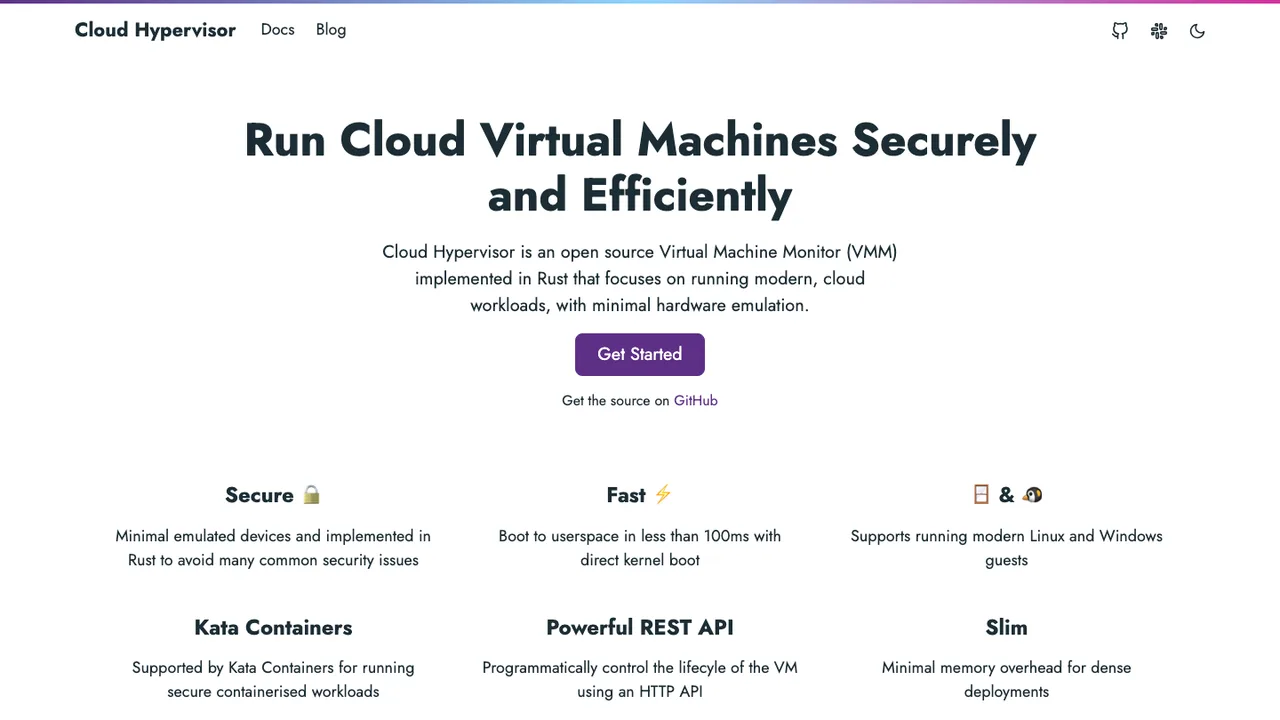
Cloud Hypervisor runs Linux and Windows guests on top of KVM or Microsoft Hypervisor, trading the broad device support of a full emulator for a lean, security-focused VMM aimed at modern cloud workloads. Minimal emulation means low latency, a small memory footprint, and a reduced attack surface.

  • Runs on KVM or Microsoft Hypervisor
  • Direct kernel boot or firmware boot
  • CPU, memory, and PCI hotplug
  • vhost-user device offload
Incus logo

6.Incus

5.5kApache-2.0Go Self-host
Incus screenshot

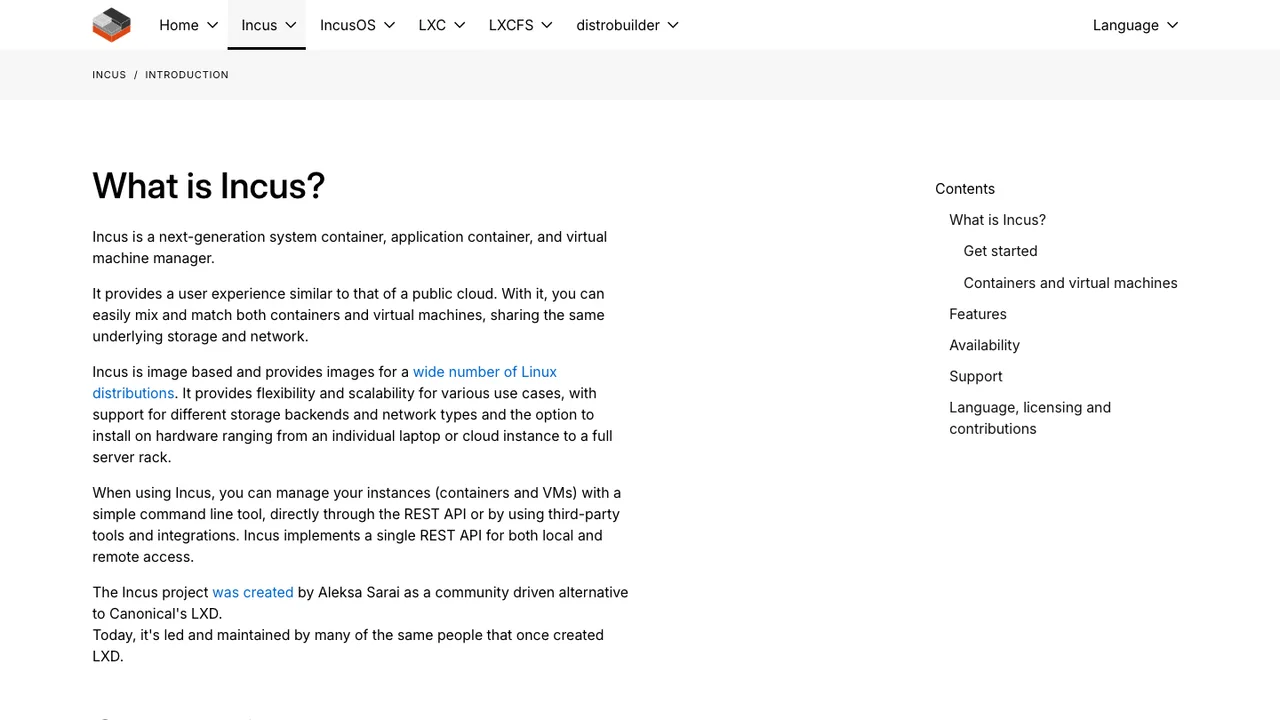
Incus manages system containers and virtual machines through a single tool and REST API, so a lightweight container and a full VM are provisioned, configured, and clustered the same way. It suits private-cloud style setups that scale from one laptop to a clustered datacenter rack, for development or production.

  • Manage Linux containers and virtual machines together
  • REST API for programmatic control
  • Supports images for many Linux distributions
  • Scales from one instance to a data center rack
Harvester logo

7.Harvester

5.1kApache-2.0Go Self-host
Harvester screenshot

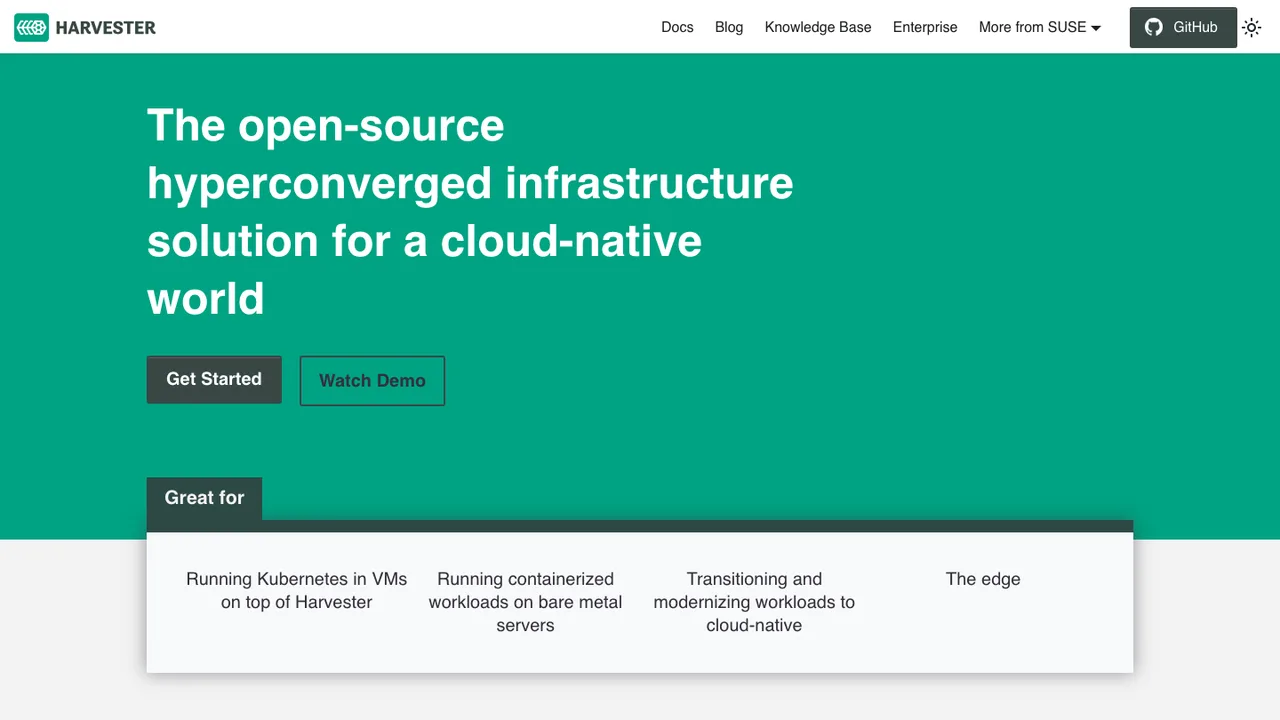
Harvester turns a cluster of bare-metal servers into a hyperconverged platform where VMs, storage, and networking are all driven through the Kubernetes API, so the same tooling manages virtual machines and containers side by side. It targets teams that want datacenter virtualization without a separate proprietary stack.

  • VM create, edit, clone, delete, and live migration
  • VM backup, snapshot, and restore
  • Storage volumes with create, edit, clone, export
  • VIP, NIC, VLAN, and untagged network setup
LXD logo

8.LXD

4.8kAGPL-3.0Go Self-host
LXD screenshot

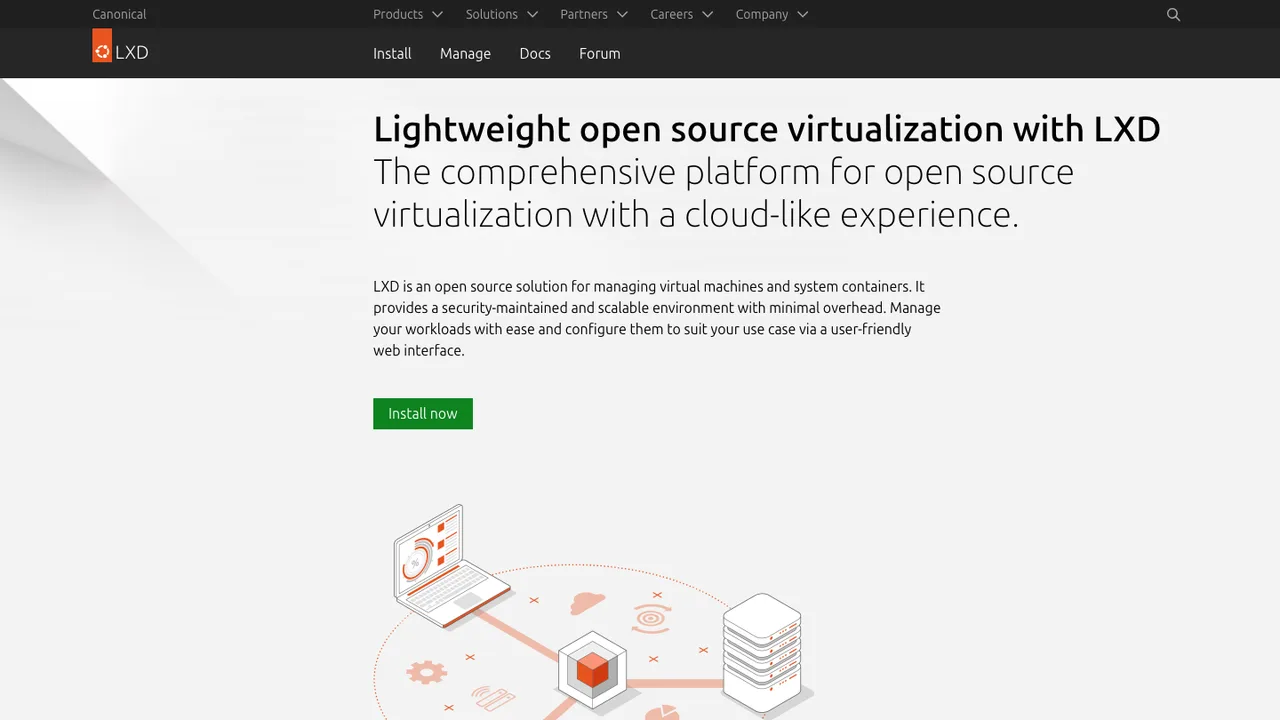
LXD runs full Linux systems as either lightweight system containers or virtual machines, managed the same way through one daemon and REST API. It scales from a single instance on a laptop to a clustered datacenter rack, for development or production workloads, giving low-touch virtual infrastructure without a heavy management stack.

  • Runs full Linux systems in containers or virtual machines
  • REST API for managing instances and clusters
  • Supports official Ubuntu images and community images
  • lxc client on Linux, Windows, and macOS
Apache CloudStack logo

9.Apache CloudStack

2.9kApache-2.0Java Self-host
Apache CloudStack screenshot

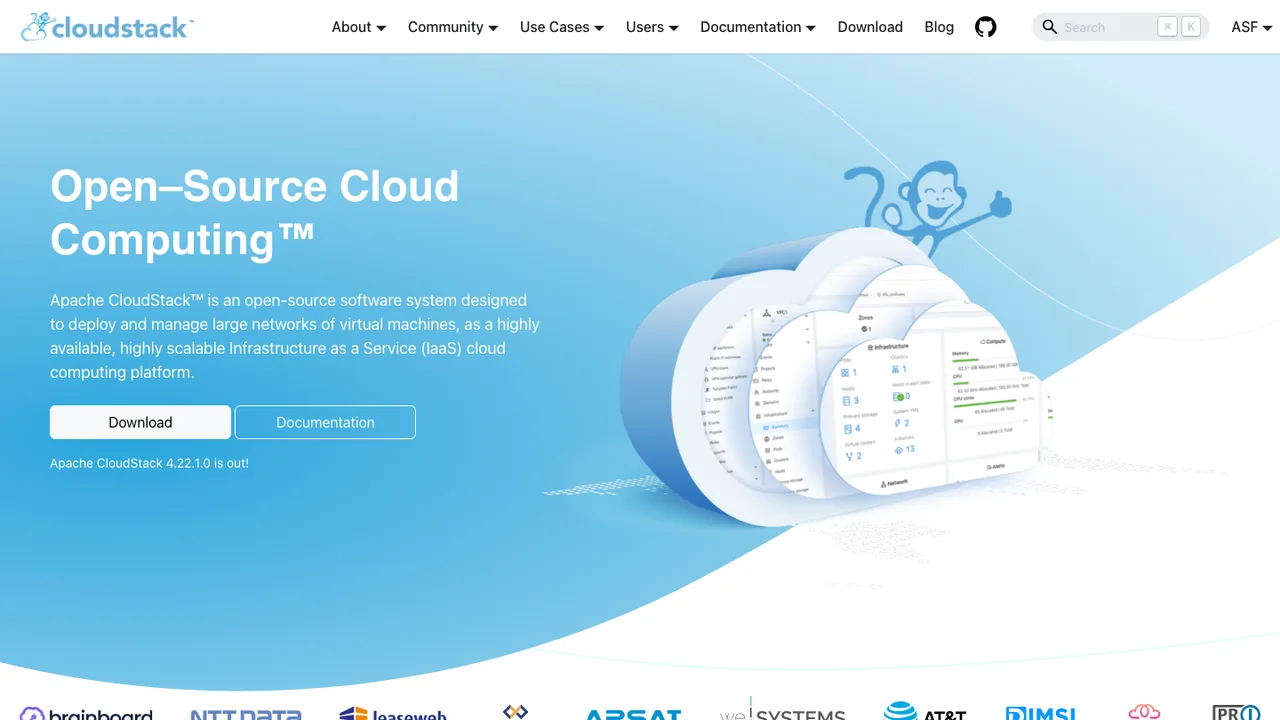
Apache CloudStack is an Infrastructure as a Service platform for deploying and managing large networks of virtual machines. Service providers run it to offer public cloud services, and companies use it for on-premises private clouds or as part of a hybrid setup.

  • Compute orchestration for large VM networks
  • Network-as-a-Service and resource accounting
  • User and account management with native API
  • Web interface, CLI tools, and query based API
OpenNebula logo

10.OpenNebula

1.7kApache-2.0JavaScript Self-host
OpenNebula screenshot

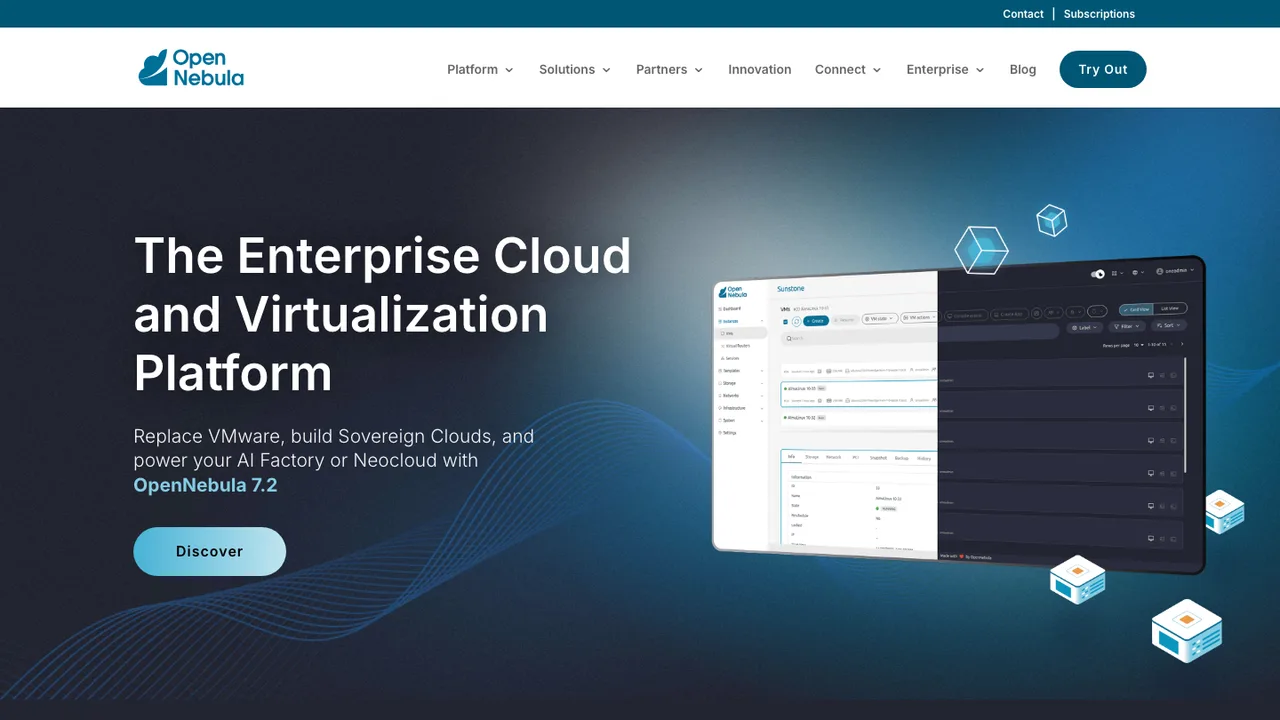
OpenNebula is an open source platform for building and managing enterprise clouds. It combines virtualized services, containerized applications, and serverless computing in a single system, and is widely adopted by teams replacing VMware with infrastructure under their own control.

  • Build and manage enterprise private clouds
  • Run virtualized, containerized, and serverless workloads
  • KVM and LXC virtual machine hosts
  • Front-end node for centralized cloud management
XCP-ng logo

11.XCP-ng

1.6kGPL-2.0Python Self-host
XCP-ng screenshot

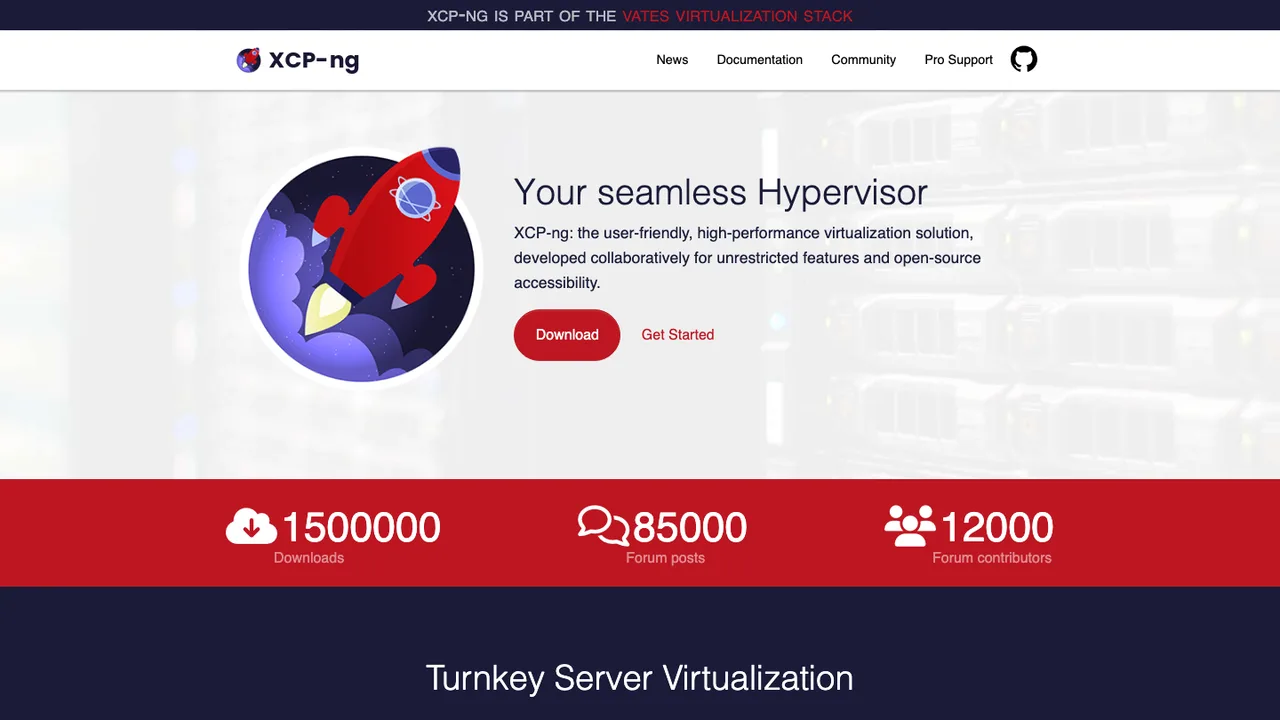
XCP-ng is a turnkey virtualization platform built on the Xen hypervisor and the XenServer codebase, installed on bare metal as a ready-to-run appliance. Unlike the commercial products it descends from, every feature is open and free with no paywalls or license tiers, making it a self-hosted alternative to proprietary virtualization.

  • Run, snapshot, live migrate, and grow VM workloads
  • Manage hosts over CLI, GUI, and the XAPI API
  • Xen Orchestra web console for administration and backup
  • Runs virtual machines and containers
oVirt logo

12.oVirt

601OtherJava Self-host
oVirt screenshot

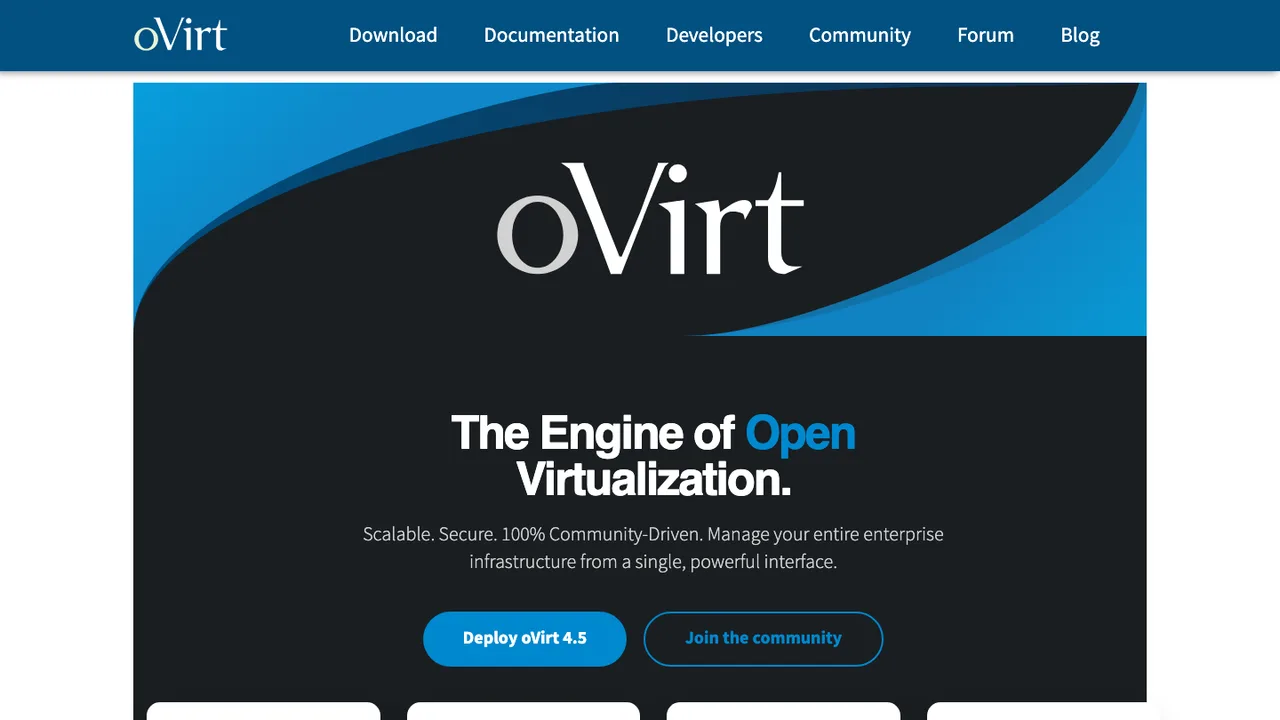
oVirt manages an enterprise fleet of KVM virtual machines from a single web console, handling hosts, storage, networking, and VM lifecycle across the whole datacenter rather than one hypervisor at a time. It targets organizations that want self-hosted virtualization management instead of a proprietary platform.

  • Central web console for KVM hosts and VMs
  • Live migration of running VMs between hosts
  • High availability for VM recovery on host failure
  • Storage and networking managed across the datacenter
Proxmox VE logo

13.Proxmox VE

80OtherJavaScript Self-host
Proxmox VE screenshot

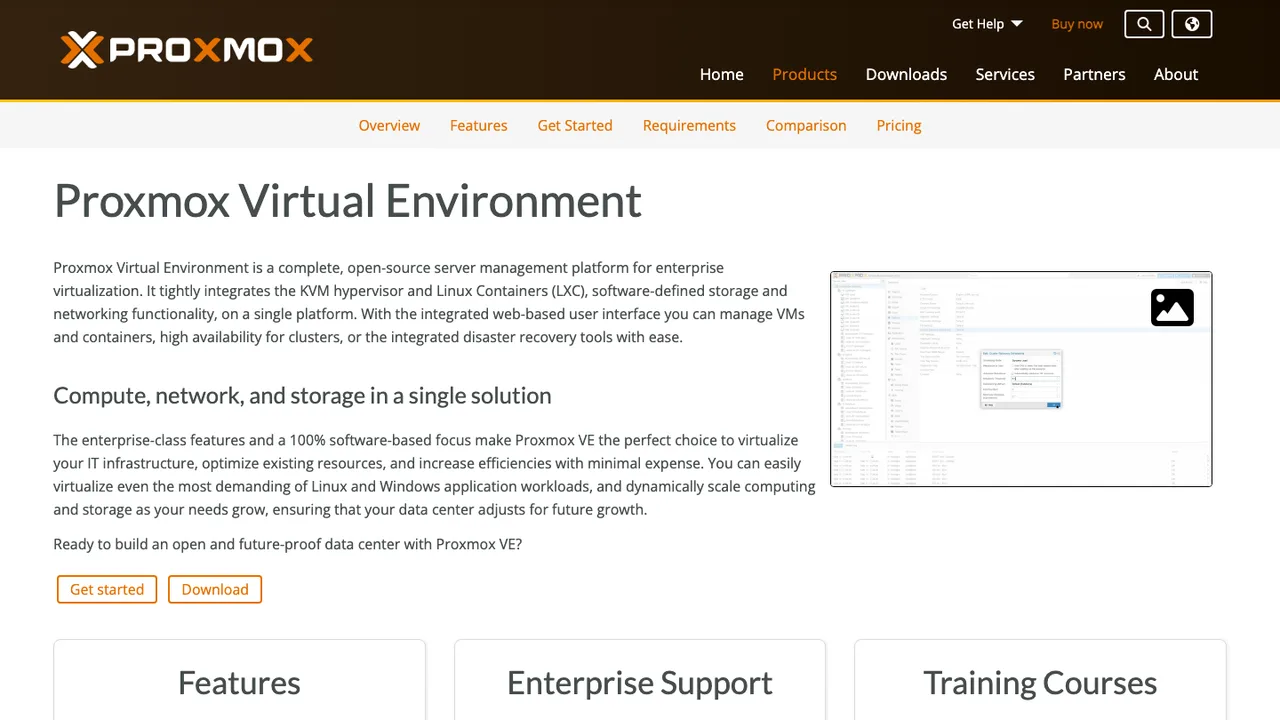
Proxmox VE runs both KVM full virtualization for Windows and Linux and lightweight LXC system containers on the same server, managed from one web console and REST API. It is a complete, self-hosted alternative to proprietary virtualization platforms for running and organizing workloads on your own hardware.

  • KVM full VMs and LXC containers on one host
  • Clustered nodes with HA clustering and live migration
  • Integrated Ceph and ZFS software-defined storage
  • Software-defined networking

Switching from VMware to open source

When replacing VMware, start with the control plane rather than the hypervisor. VMware tends to concentrate inventory, permissions, host clustering, storage attachment, virtual networking, templates, and lifecycle tasks in one familiar place. An open source replacement may split those responsibilities across separate services or a thinner management layer. Decide which VMware behaviors are non-negotiable: live migration, high availability rules, resource scheduling, role-based access, API automation, and predictable patch windows. Also check whether your hardware, shared storage, and network design match the assumptions of the new stack before you evaluate user interface comfort.

Expect fewer one-click equivalents for VMware's mature operational ecosystem. Backup tools, monitoring integrations, capacity reports, virtual switch workflows, and vendor support procedures may need new runbooks. Some advanced behaviors are available but implemented differently, so operators should test failure handling instead of assuming feature-name parity. GPU passthrough, nested virtualization, storage multipathing, and strict compliance logging are common places where details matter. The trade is not just licensing cost. You are accepting more responsibility for architecture decisions, upgrade testing, and integration glue that VMware previously packaged into a single commercial platform.

Migration usually starts by inventorying each VM, consolidating snapshots, and exporting or copying disks in formats such as OVF, OVA, or VMDK. Cold migration is the clean path because cross-platform live migration is generally not available. Import the disk, convert it if the target stack prefers another format, then recreate CPU, memory, firmware mode, NIC model, network attachment, and storage policy settings. The guest operating system usually survives. What needs cleanup is the VMware-specific guest agent, templates, snapshot trees, backup jobs, automation scripts, IP assumptions tied to port groups, and any monitoring keyed to the old inventory IDs.

Related alternatives

Frequently asked questions

Is an open source virtualization stack a realistic VMware replacement for production?+

Yes, but only after you validate the whole operating model. Running VMs is the easy part. Production replacement means proving host failure handling, storage recovery, network isolation, backups, monitoring, access control, and patch procedures under load. Smaller static workloads usually move first. Highly automated estates with strict uptime targets need a pilot cluster and written runbooks before any broad cutover.

What costs should I expect after leaving VMware?+

License savings can be real, but they are not the full budget. Plan for migration labor, test hardware, storage redesign, training, backup changes, monitoring work, and optional commercial support. You may also spend time replacing scripts that call VMware APIs. The cheapest platform on paper can become expensive if your team has to build missing operational pieces during an outage.

Do I still need a central management server?+

Usually, yes. A single host can run VMs, but a VMware replacement for a team normally needs centralized inventory, permissions, scheduling, templates, and host lifecycle management. Some open source stacks keep this lightweight, while others expect a full control plane. Decide early whether operators need a web console, API-first workflows, delegated project access, or just a small administrative surface for a few hosts.

Where do existing VMDK disks and OVF or OVA exports fit?+

They are useful migration inputs, not a guarantee of a perfect import. VMDK disks often need conversion to the target's preferred format, and OVF or OVA exports may not carry every VMware setting cleanly. Expect to recreate networks, storage classes, boot firmware choices, and some virtual hardware selections. Always test boot, application services, licensing behavior, and backup enrollment after import.

Will live migration work during the cutover?+

Do not plan on live migration directly from VMware into an open source stack. Live migration usually depends on a shared hypervisor family, compatible virtual hardware, and tightly matched storage and networking. Most moves use scheduled downtime: shut down the VM, copy or export the disk, import it, then boot on the new platform. Critical systems should get rehearsal migrations with measured outage windows.

How should storage be planned when moving off VMware?+

Storage design matters as much as the hypervisor choice. VMware environments often hide complexity behind familiar datastore workflows. Open source stacks may expect you to choose between shared file storage, block storage, replicated local disks, or external storage arrays. Test latency, multipath behavior, snapshot semantics, thin provisioning, and failure recovery. Also confirm that your backup system can read the new storage layout consistently.

What changes in virtual networking after VMware?+

Expect to rebuild port groups, VLAN mappings, virtual switch behavior, firewall assumptions, and any automation tied to VMware network names. The destination stack may model bridges, bonds, overlays, or software switches differently. Keep a source-of-truth map of each VM's NICs, MAC address expectations, VLAN, IP allocation, and security rules. Network mistakes are a common reason imported VMs boot but applications still fail.

Do backup and disaster recovery processes need to be rebuilt?+

Often, yes. VMware-aware backup products may depend on APIs and snapshot behavior that do not exist in the same form elsewhere. Confirm how the new stack quiesces guests, snapshots disks, handles changed-block tracking or incremental copies, and restores individual VMs. A migration is not complete until you have performed a restore test on the new platform and updated retention, replication, and recovery runbooks.

How do permissions and audit trails translate from VMware?+

They usually translate as policy intent, not as a direct export. Document current roles, groups, delegated scopes, break-glass accounts, and audit requirements before migration. Then map those to the replacement's project, pool, host, or cluster model. Pay attention to who can create networks, attach storage, open consoles, and delete VMs. Those privileges may be separated differently than they were in VMware.

What security checks matter before adopting an open source replacement?+

Review the security update process, release cadence, authentication options, audit logging, default network exposure, and hardening guidance. Check whether the management plane supports your identity provider, multifactor enforcement, certificate handling, and role separation. For regulated environments, verify how administrative actions are logged and retained. Also test host patching and reboot procedures so security updates do not become a manual, high-risk event.

Is there a safe way to migrate one cluster at a time?+

Yes. Start with a non-critical cluster or a service tier that has clear owners and acceptable downtime. Keep VMware and the new stack running in parallel during the transition, with separate capacity buffers. Migrate a small batch, monitor performance and restore behavior, then expand. Avoid mixing old and new assumptions in automation until inventory, naming, backup coverage, and alerting have been updated.

What is the exit plan if the replacement project slows down?+

Choose a stack that stores VM disks in documented formats and can export guests without a proprietary management database being the only path out. Keep build notes, network maps, and automation outside the platform where possible. Watch release history, security response, and community governance before committing. If the project weakens later, portable disk formats and clean runbooks make another migration painful but feasible.