7 Best Open Source Alternatives to n8n

Updated July 2026

n8n made workflow automation approachable for engineers - a visual canvas where API calls, conditionals, and lately AI steps connect into the kind of integration you would otherwise hand-code and babysit. It is a real tool, not a toy. The friction is the license: n8n's source is available but governed by terms that restrict how you can offer it to others and what the company reserves for its paid tiers, so what looks open has commercial strings the moment you build a product on top of it.

The fully open source alternatives below cover the same ground - node-based orchestration of services and data, with branching logic and AI steps - under licenses with no such reservations. You can run them, modify them, and embed them in your own offering without checking whether your use case crossed a line, and the automations live entirely on infrastructure you operate.

Dify logo

1.Dify

145.2kOtherTypeScript Self-host
Dify screenshot

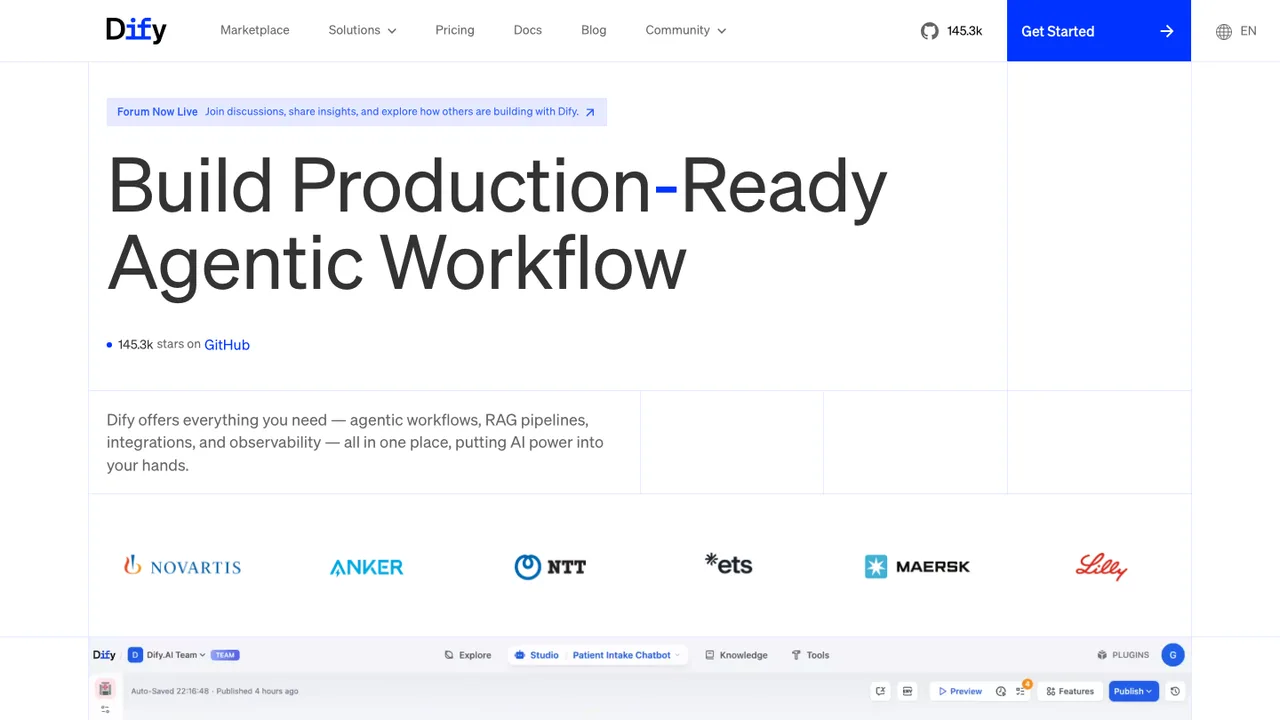
Dify is an open-source platform for building LLM applications from prototype to production. A single visual interface combines AI workflows, RAG pipelines, agent capabilities, and model management, so teams can design, test, and ship AI apps without stitching together separate tools.

  • Visual canvas for AI workflows and testing
  • RAG pipeline with document ingestion and retrieval
  • Agent support with Function Calling and ReAct
  • 50+ built-in tools for AI agents
Flowise logo

2.Flowise

53.6kOtherTypeScript Self-host
Flowise screenshot

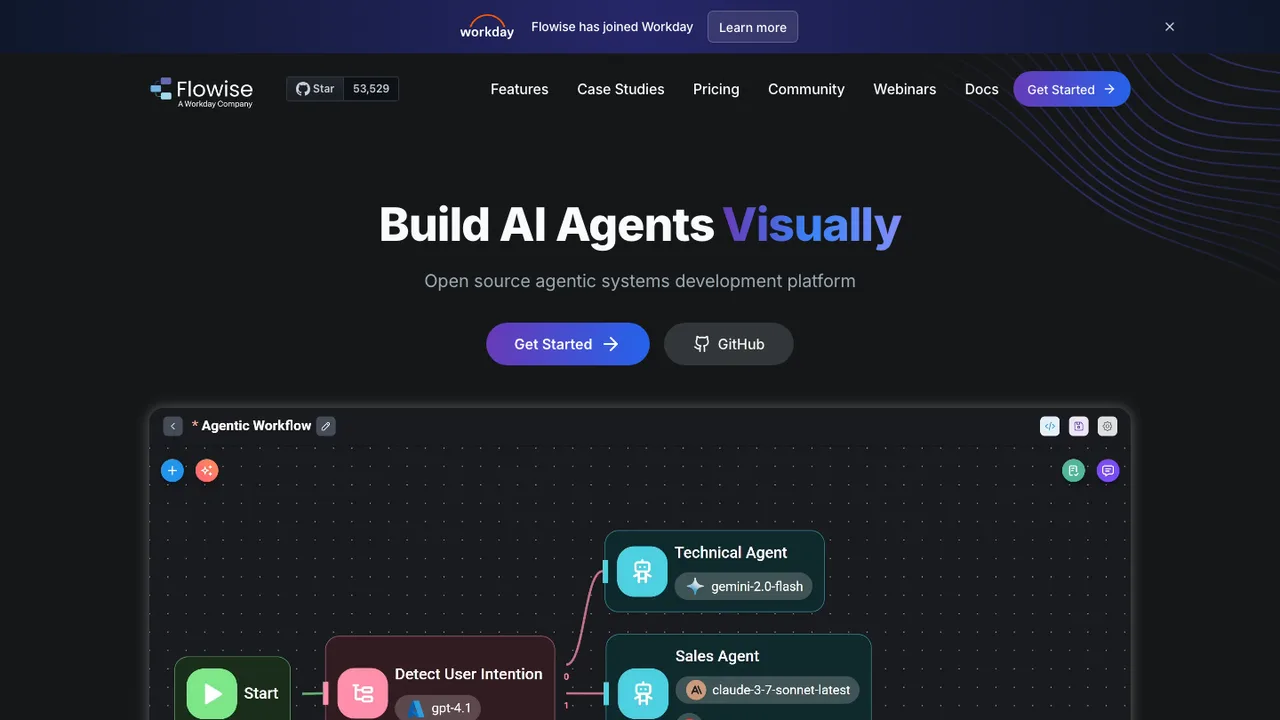
Flowise is an open source platform for building AI agents and LLM workflows visually. Instead of writing every step in code, you assemble agents, retrieval, and orchestration logic by dragging and connecting nodes on a canvas, then run them as live applications.

  • Visual canvas for building AI agents
  • Multi-agent systems and LLM orchestration
  • RAG over your own documents and data
  • Drop-in nodes for third-party integrations
Node-RED logo

3.Node-RED

23.3kApache-2.0JavaScript Self-host
Node-RED screenshot

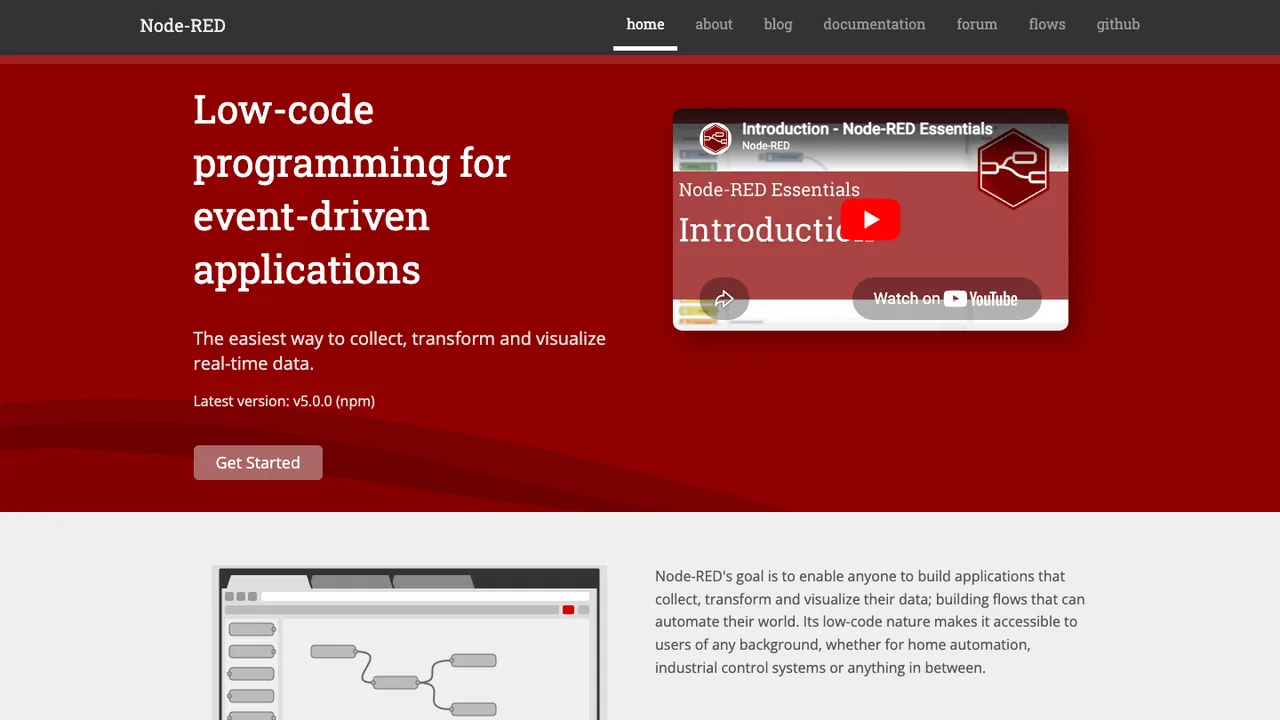
Node-RED is a low-code programming tool for event-driven applications. It uses a browser-based flow editor to wire together devices, APIs, and online services, making it useful for building automation and data-handling flows without writing everything from scratch.

  • Browser-based flow editor
  • Custom nodes and integrations
  • Shared flows and node collections
  • Command line start with node-red
Windmill logo

4.Windmill

16.8kOtherRust Self-host
Windmill screenshot

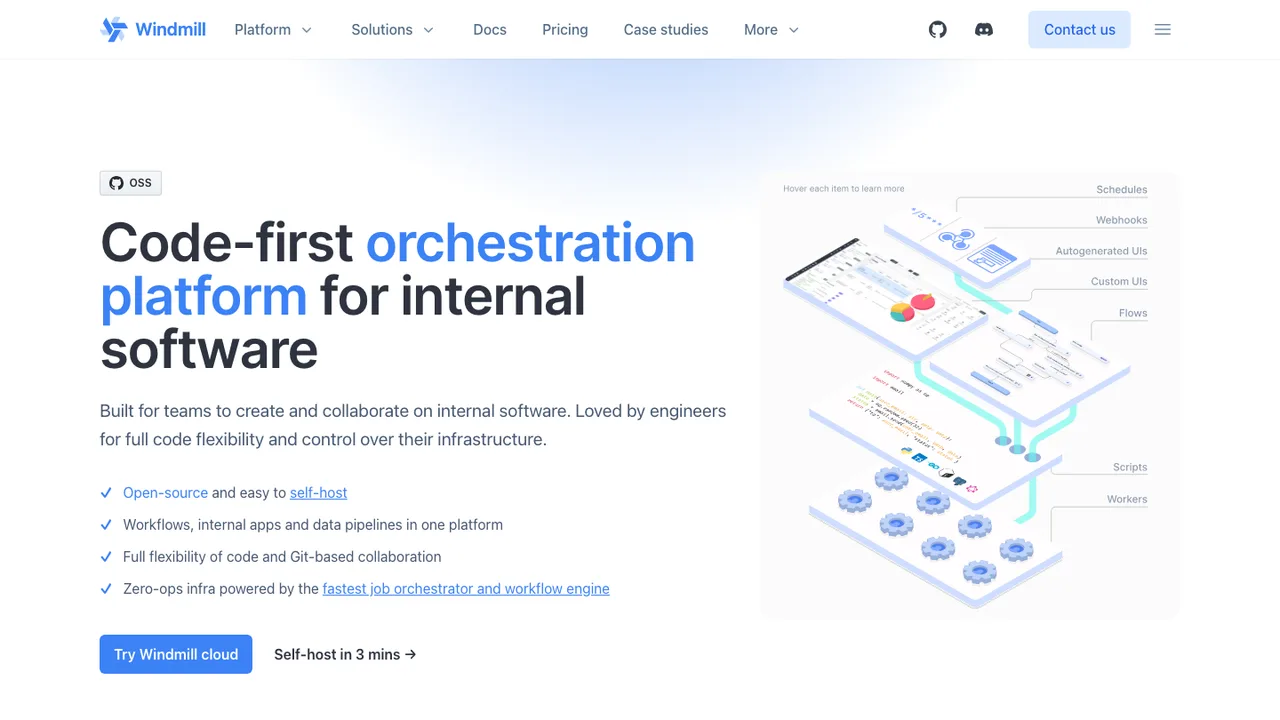
Windmill is an open-source developer platform for internal code: APIs, background jobs, workflows, and UIs. It turns scripts into shareable internal apps, webhooks, scheduled jobs, and flows, giving teams a code-first way to run automation and internal software from one platform.

  • Turns scripts into autogenerated shareable UIs
  • Chains scripts into flows and low-code internal apps
  • Triggers from schedules, webhooks, HTTP routes, Kafka, WebSockets, and email
  • Supports Python, TypeScript, Go, Bash, SQL, GraphQL, PowerShell, and Rust
Trigger.dev logo

5.Trigger.dev

15.3kApache-2.0TypeScript Self-host
Trigger.dev screenshot

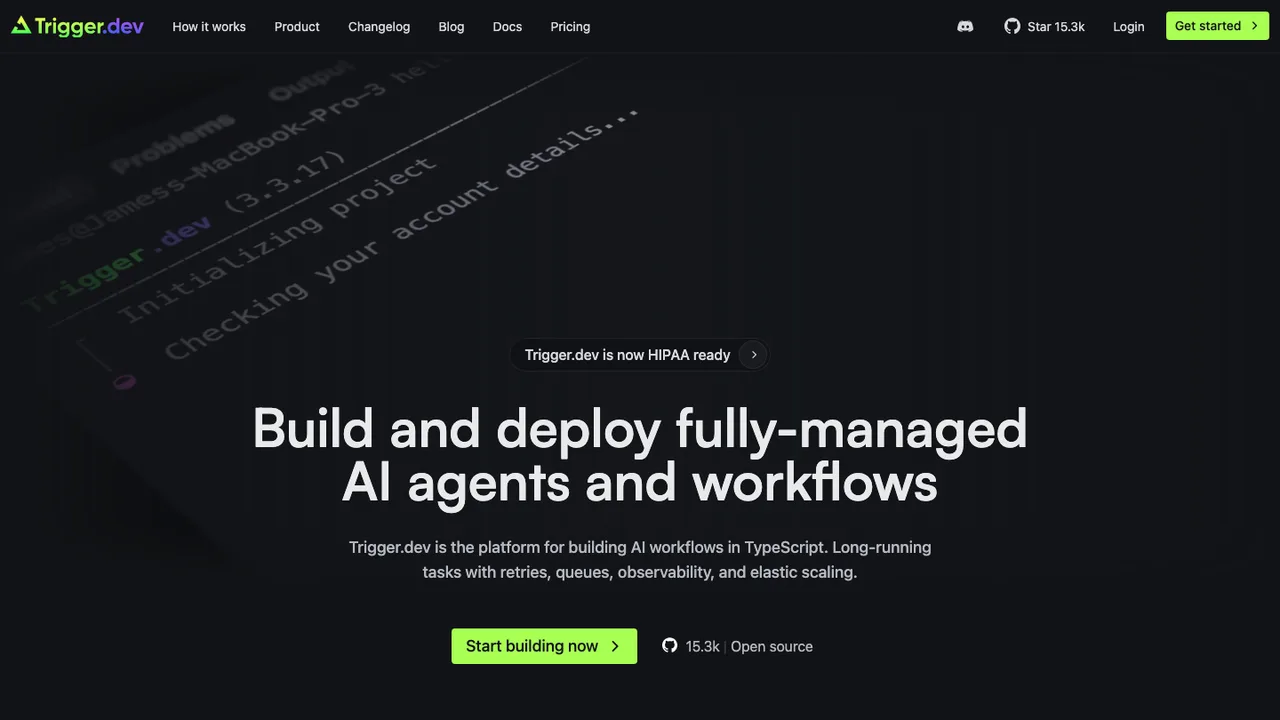
Trigger.dev is an open source platform for building AI workflows in TypeScript. It is built for long-running tasks that need retries, queues, observability, and elastic scaling without the limits of short-lived serverless jobs.

  • JavaScript and TypeScript SDK for background tasks
  • Long-running tasks with retries, queues, and idempotency
  • Durable cron schedules and waits
  • Realtime run updates and LLM streaming
StackStorm logo

6.StackStorm

6.5kApache-2.0Python Self-host
StackStorm screenshot

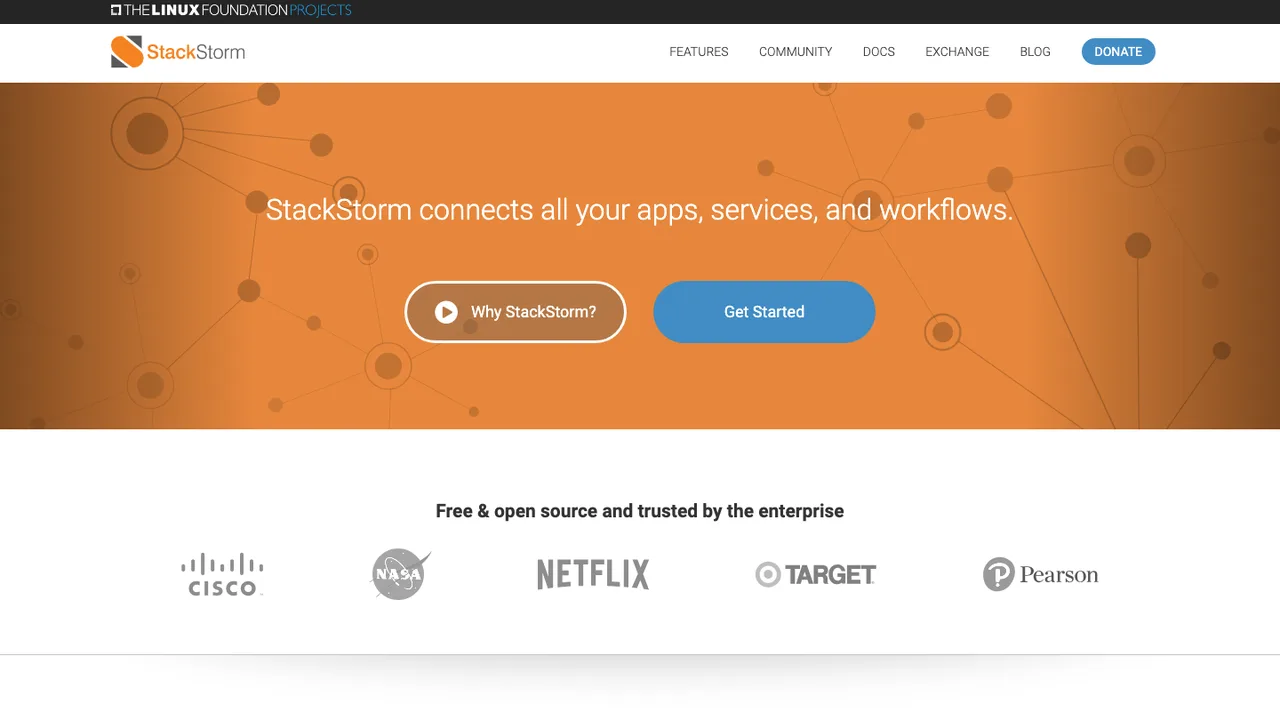
StackStorm is an integration and automation platform for services and tools. It takes actions in response to events so DevOps and SRE teams can automate troubleshooting, auto-remediation, incident response, and deployment steps across existing systems.

  • Sensors watch external events and fire triggers
  • Rules map triggers to actions or workflows
  • Workflows chain multiple actions with context
  • Actions run via CLI, API, or web UI
Inngest logo

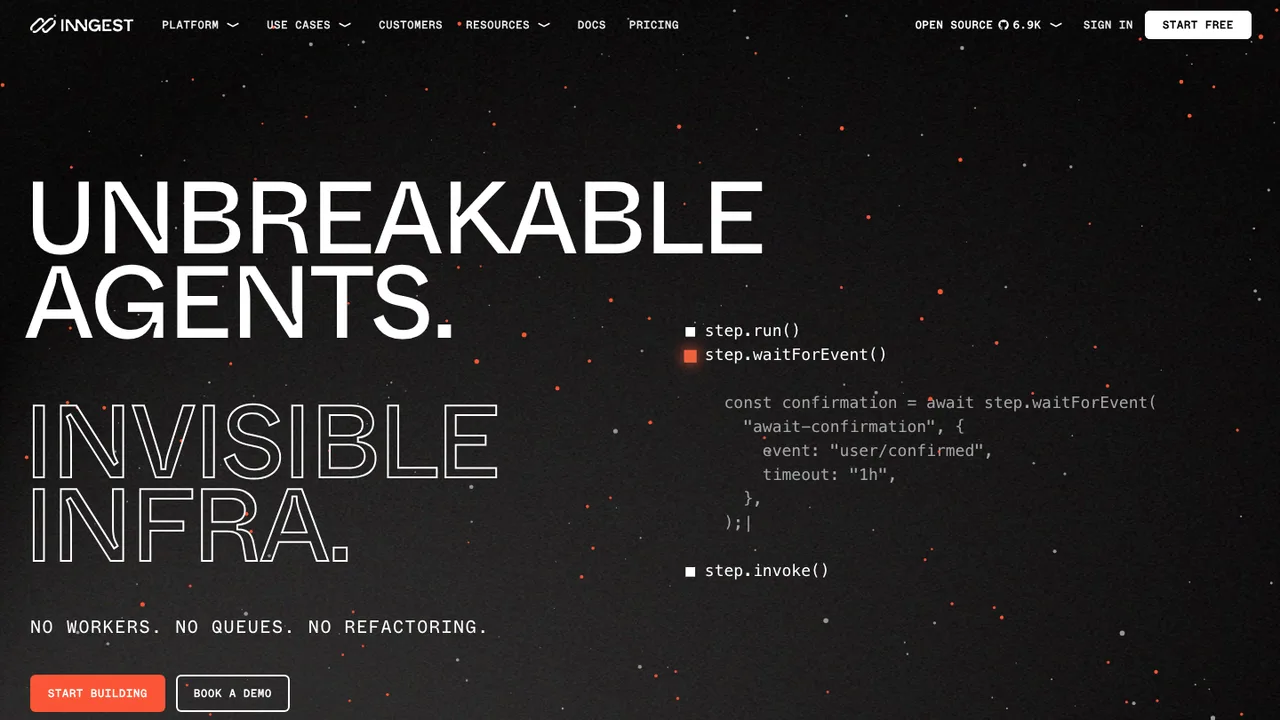
7.Inngest

5.5kOtherGo Self-host
Inngest screenshot

Inngest provides durable functions for reliable background jobs, workflows, and AI agents without extra infrastructure. It replaces queues, state management, and scheduling so developers can build step functions and background logic that can run on serverless infrastructure, servers, or the edge.

  • Event, cron, and webhook triggers
  • Flow control for concurrency and rate limiting
  • Pause and resume with waitForEvent
  • Cancel runs with cancelOn expressions

Switching from n8n to open source

Start by separating n8n's workflow designer from its runtime semantics. A replacement is not just a canvas; it has to match how your automations trigger, retry, wait, branch, and store state. n8n workflows often depend on node-specific parameters, its expression syntax, its credential references, and its webhook behavior. If most of your flows are simple API calls and scheduled jobs, you can favor a smaller engine with readable definitions. If you rely on long-running waits, human approvals, binary payloads, or many SaaS connectors, test those paths first because that is where portability usually breaks.

Expect fewer one-click conveniences than n8n in some open source options. The visual editor may be less polished, connector coverage may be uneven, and operations such as replaying failed executions, editing credentials in a UI, or viewing per-node data can feel different. Some alternatives trade the canvas for code, files, or database-backed definitions, which improves review and testing but raises the learning curve. Also check collaboration boundaries: folder-level access, credential sharing, audit trails, and environment separation are often implemented very differently from n8n.

Migration starts with exporting your n8n workflows and inventorying every trigger, credential, environment variable, custom expression, and external webhook URL. Treat the JSON export as documentation, not as a portable package. Rebuild each workflow in the target system, re-enter or re-map secrets, and replace n8n-specific nodes with equivalent HTTP calls, scripts, or native integrations. Execution history, UI layout, and credential secrets usually need separate handling or are left behind. Run both systems in parallel, replay real payloads, then cut over schedulers and webhook endpoints deliberately.

Related alternatives

Frequently asked questions

Is n8n actually open source, and does switching reduce cost?+

Licensing and cost are separate questions. n8n has historically used a source-available license rather than a standard OSI-approved open source license, so verify the current terms before treating it as open source. Switching may reduce license exposure, but you still pay for hosting, monitoring, upgrades, backups, and time spent rebuilding workflows.

How much work is it to migrate an n8n workflow?+

The effort depends less on workflow count than on node diversity. Ten workflows that use the same HTTP pattern are easier than two workflows built around waits, binary files, custom JavaScript, and obscure connectors. Budget time to document inputs and outputs, rebuild logic, validate retries, and compare results against n8n executions before you turn anything off.

What exports should I take before shutting n8n down?+

Export workflow definitions, credential inventory, environment variables, webhook paths, schedules, sample payloads, and any custom code snippets. If you need evidence for audits, export execution logs or screenshots before retention policies remove them. The workflow JSON is useful for reading node settings and expressions, but it should not be treated as an import file for another engine.

Will my n8n credentials and secrets transfer?+

Do not assume secrets will transfer. n8n stores credentials separately from workflow logic, and exported workflows usually reference credentials rather than carrying usable secrets. Build a new secret inventory, rotate anything stale, and re-enter values through the target system's credential store. This is also a good point to remove shared personal tokens and replace them with service accounts.

How do webhook-based automations change after migration?+

Webhook URLs are part of the contract with outside systems, so plan them like an API migration. The new tool will usually generate different paths, signing behavior, or response timing. Update providers, preserve old endpoints with a proxy if possible, and test retries from the sender. Pay special attention to workflows where n8n returns data synchronously to the caller.

Should I expect every n8n node to have a direct replacement?+

No. Some common services will map cleanly, but node behavior is rarely identical. n8n nodes can hide pagination, rate-limit handling, field mapping, file handling, and authentication details. When there is no equivalent node, use raw HTTP requests, a small script, or a custom integration. Validate edge cases instead of checking only the happy path.

Do open source alternatives keep the same visual builder experience?+

Some open source replacements have visual builders, while others are code-first or configuration-first. If your team relies on non-developers editing automations, prioritize usability, validation messages, and safe credential handling in the editor. If developers own the workflows, a less visual model may be acceptable because changes can go through code review and automated tests.

What should self-hosting teams plan for beyond installing the replacement?+

Plan for the runtime, not just installation. You need durable storage, queue or worker sizing, log retention, backup restores, TLS, secret management, and upgrade testing. n8n often centralizes these concerns in one familiar admin surface. A replacement may split them across the application, database, scheduler, and container platform, which changes who owns incidents.

How should I evaluate security when replacing n8n?+

Look at how the replacement stores credentials, scopes access, logs workflow data, and handles untrusted code. Automation systems often touch production APIs, customer data, and internal webhooks, so a small permission mistake can be expensive. Prefer designs that support secret rotation, least-privilege service accounts, audit logs, and clear separation between development and production workflows.

Will team permissions map cleanly from n8n?+

Usually not cleanly. n8n team structures, credential sharing rules, folders, and execution visibility do not have a universal schema. Before migration, list who can edit workflows, run them manually, view logs, and use each credential. Recreate those rules intentionally in the new system instead of giving broad access just to make migration faster.

Where do scheduled jobs and queues usually break during a switch?+

Breakage often appears around timeouts, retries, and concurrency. n8n has its own behavior for scheduled triggers, waits, failed executions, and queue-backed processing when configured that way. The replacement may handle missed schedules, duplicate jobs, rate limits, and parallel runs differently. Load-test workflows that call slow APIs or process large batches before production cutover.

Can existing execution history be moved into the new system?+

Sometimes you can export logs, but importing them into another automation engine is uncommon. Treat old execution history as an archive for debugging and compliance, not as live state. If a workflow depends on prior run data, extract that state explicitly into a database, file, or queue before rebuilding the workflow.

How do custom code and expressions affect the migration?+

n8n expressions and code nodes are one of the main migration traps. They may reference n8n-specific item structures, helper methods, binary data conventions, or node names. Pull that logic into standalone scripts or functions where possible, add tests with captured input data, and make the data shape explicit before wiring it into the new automation tool.

What happens if the replacement project slows down or is abandoned?+

Choose an exit path before you need it. Favor tools that store workflows in readable files or well-documented database tables, expose an API, and let you run jobs without a hosted control plane. Keep workflow documentation and test payloads outside the tool. If the project slows down, those habits make a second migration much less painful.