4 Best Open Source Alternatives to Postman

Updated July 2026

Postman is the default API workbench for a reason: it makes ad hoc HTTP calls, auth setup, environments, collections, tests, mocks, and documentation feel like one workflow instead of six separate tools. The friction usually shows up when that workflow starts to depend on hosted workspaces and paid collaboration features, especially for teams that want local-first collections, Git review, or tighter control over sensitive request data.

Moving to open source gets you API clients and test runners that keep collections in files, run cleanly in CI, and can share state through Git or self-hosted sync rather than a vendor workspace, while still covering variables, scripts, auth helpers, and repeatable request suites.

Kong logo

1.Kong

43.6kApache-2.0Lua Self-host
Kong screenshot

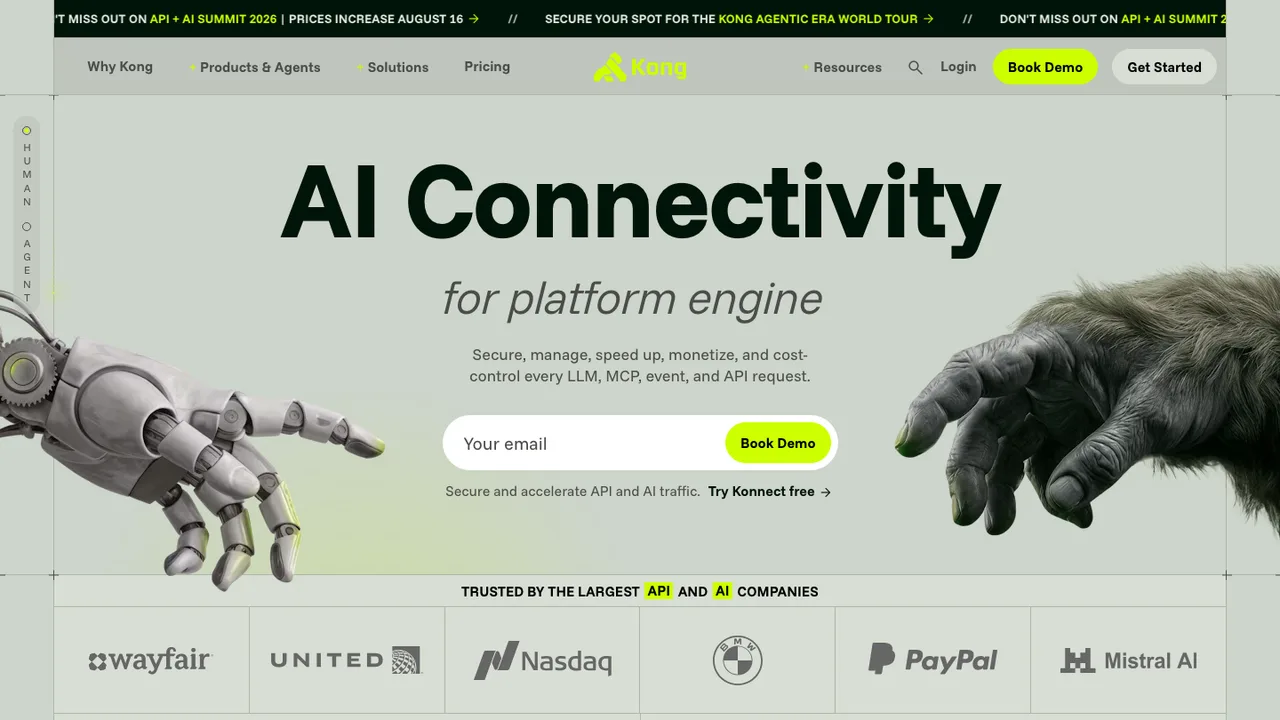
Kong is a cloud-native, platform-agnostic gateway for API, LLM, and MCP traffic. It centralizes proxying and routing for microservices or conventional APIs, and it can sit in front of agentic LLM and MCP workloads as a control layer.

  • Proxying, routing, load balancing, and health checking
  • Authentication for API traffic
  • Plugin-based extensibility
  • Multi-LLM support with semantic security
Microcks logo

2.Microcks

2kApache-2.0Java Self-host
Microcks screenshot

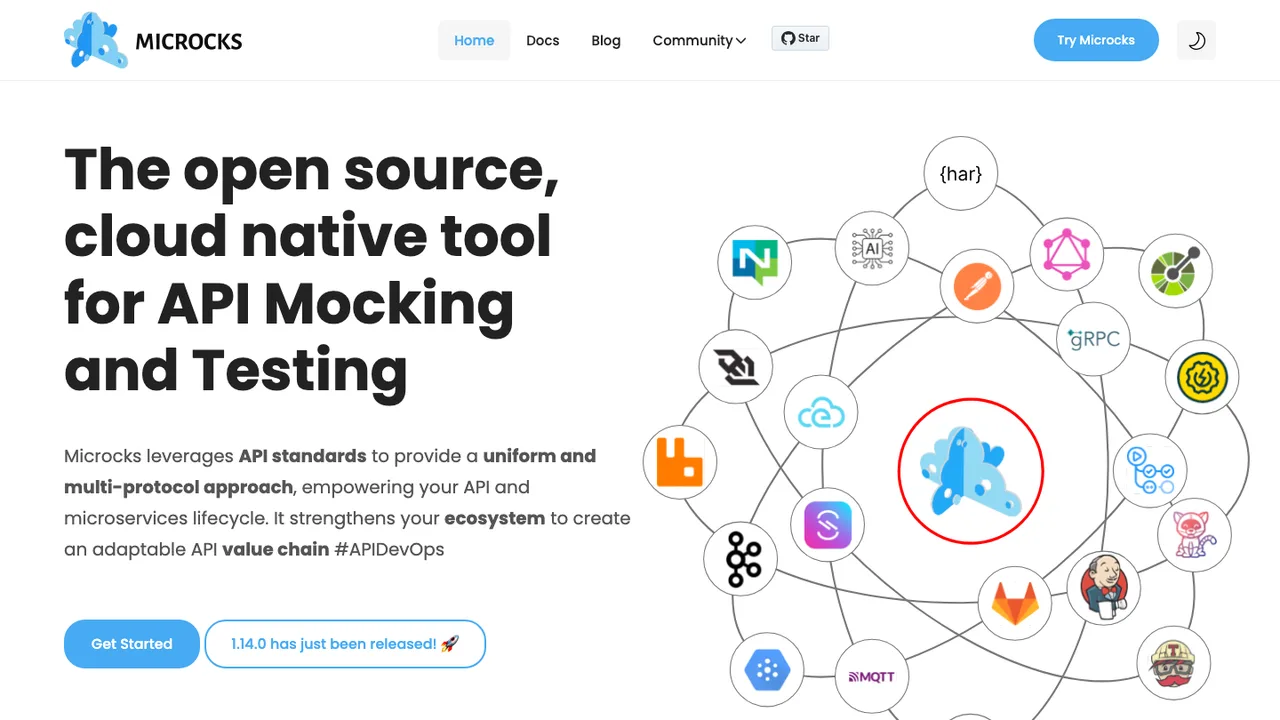
Microcks is a Kubernetes-native tool for API mocking and testing. It turns your API and microservices artifacts into live, running mocks, so teams can exercise an API before or alongside the real implementation.

  • Live mocks from OpenAPI, AsyncAPI, gRPC, GraphQL, Postman, and SoapUI
  • Contract conformance and non-regression tests for APIs
  • CLI for wiring mocks and tests into CI pipelines
  • Integrations with Jenkins, GitHub Actions, and Tekton
WSO2 API Manager logo

3.WSO2 API Manager

986Apache-2.0Java Self-host
WSO2 API Manager screenshot

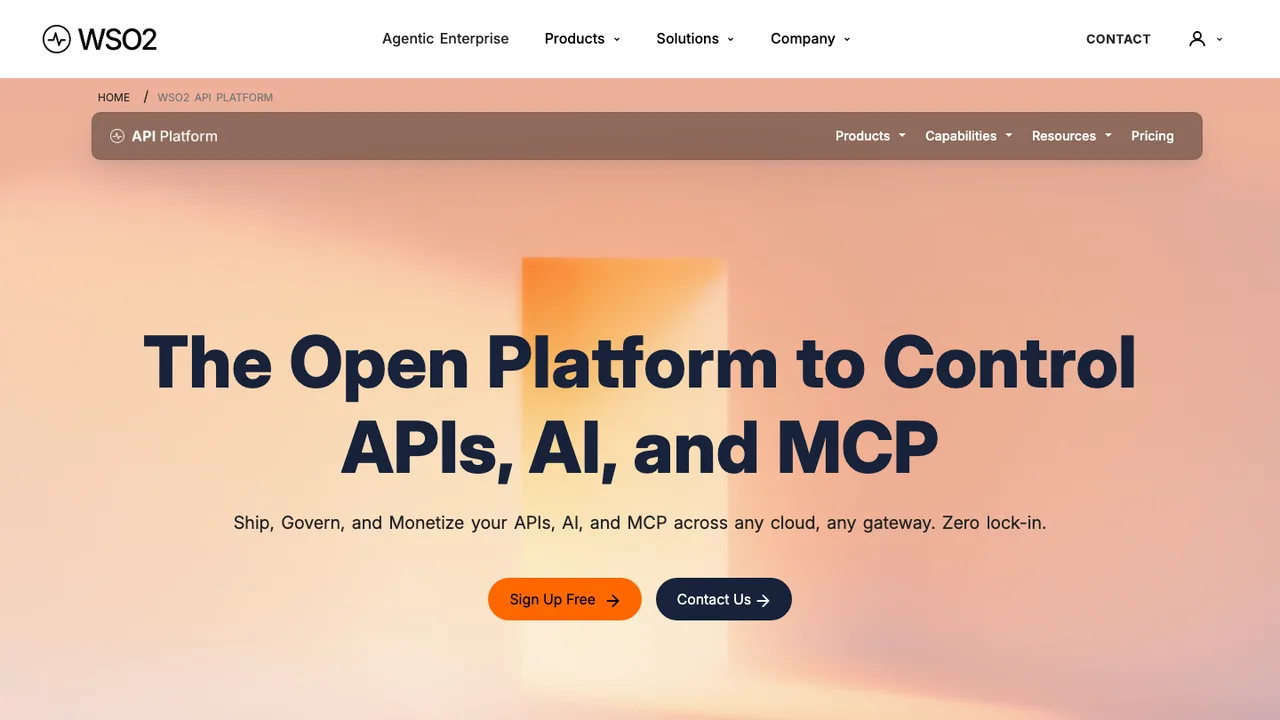
WSO2 API Manager is a platform for building, integrating, exposing, and managing digital services as APIs. It supports API developers and API product managers who need to publish APIs, manage their lifecycle, and create API products from one or more APIs.

  • Publish APIs and manage their lifecycle
  • Create API products from one or more APIs
  • REST, GraphQL, and AsyncAPI support
  • Message routing, transformation, mediation, and orchestration
Gravitee API Management logo

4.Gravitee API Management

421Apache-2.0Java Self-host
Gravitee API Management screenshot

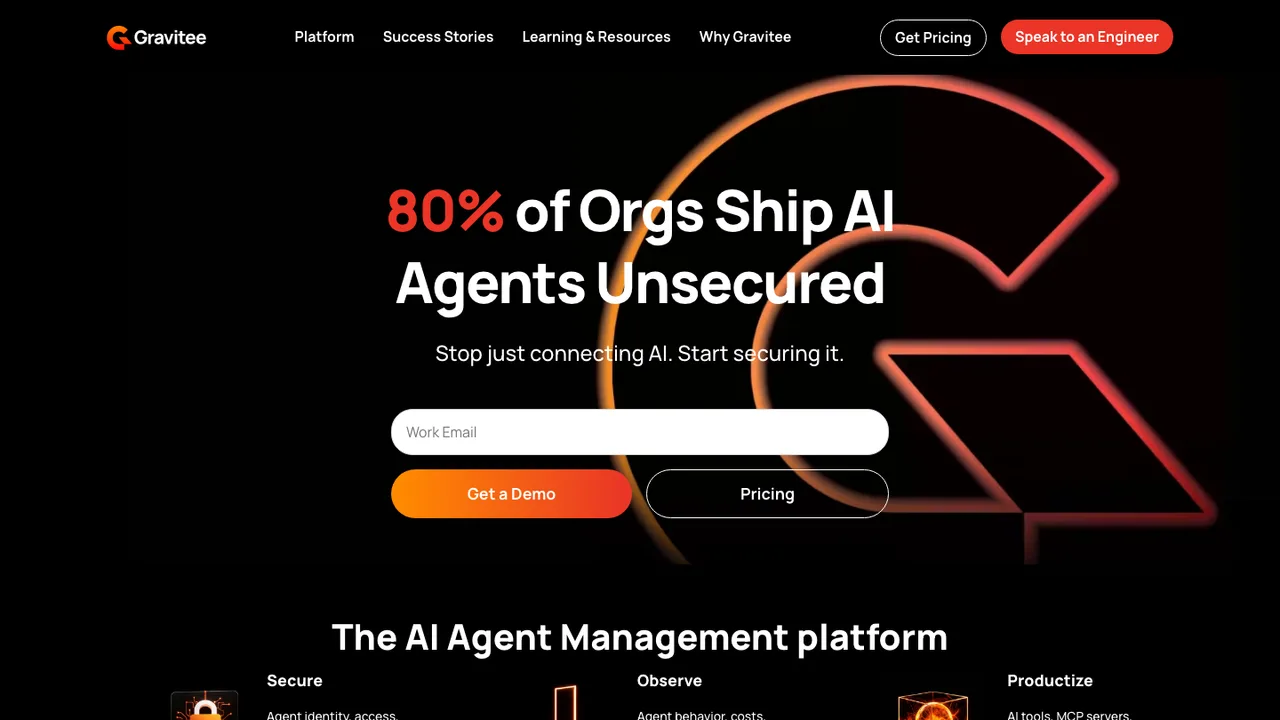
Gravitee API Management, also called Gravitee APIM, controls who can access your APIs, and when and how. It documents, discovers, and publishes APIs while managing the full lifecycle, from registration through retirement.

  • Register APIs in a few clicks
  • Over 50 pre-built policies for traffic and security
  • Developer portal with custom themes and full-text search
  • Analytics dashboard, with optional Grafana or Kibana

Switching from Postman to open source

Treat Postman as more than a request builder when you evaluate replacements. The hard part is usually the surrounding workflow - collections, environments, auth helpers, scripts, test assertions, examples, and shared workspaces. Decide whether you want a desktop client for exploratory work, a file-based tool that lives well in Git, or a hosted or self-hosted collaboration layer. Also check how the tool models variables, because Postman users often rely on global, collection, environment, and local scopes without realizing how much behavior is tied to that hierarchy.

Expect some loss of convenience when leaving Postman. Open source tools may be stronger at local files, repeatable runs, or privacy, but weaker at polished team sync, built-in documentation publishing, monitoring, mock servers, or full compatibility with Postman scripts. Keyboard shortcuts, response viewers, cookie handling, OAuth flows, and generated code snippets can differ enough to slow people down for a week. If your team uses Postman as a lightweight API portal, not just a client, plan for a second system or a narrower workflow.

Migration usually starts with exporting Postman collections and environments as JSON, then importing them into the new tool or converting them to a file format the tool understands. Basic requests, folders, headers, query parameters, bodies, and many auth settings often survive. Pre-request scripts, test scripts, dynamic variables, examples, documentation text, monitors, mock servers, and workspace permissions need review. Treat secrets carefully - exported environments may contain tokens or passwords, and many teams use migration as the point to move those values into a vault or local ignored files.

Related alternatives

Frequently asked questions

Is there a free open source replacement for Postman?+

Yes, but free does not automatically mean it covers the same workflow. Many open source API clients handle requests, collections, variables, and imports well. The differences show up around team sync, hosted documentation, mock APIs, monitoring, and permissions. If you used Postman mostly as a personal client, replacement is usually straightforward. If it was a shared API workspace, evaluate collaboration first.

What should a team check before moving off Postman?+

Inventory how Postman is actually used, not just which collections exist. Look for shared environments, secrets, pre-request scripts, test assertions, generated docs, examples, monitors, mock servers, and role-based workspace access. Then map each item to a replacement workflow. The biggest migration failures happen when teams replace the client but forget that Postman was also storing process, credentials, and tribal knowledge.

Will Postman collections import cleanly into open source tools?+

Basic collection import is often fine because Postman collections are structured JSON. Requests, folders, URLs, headers, query strings, bodies, and common auth settings usually transfer. The risky parts are scripts, tests, variables with complex scopes, generated examples, and tool-specific metadata. Run a pilot import with your largest and messiest collection, not a small demo collection, before committing the whole team.

What happens to Postman environments and secrets during migration?+

Postman environments can usually be exported, but secrets need special handling. Some exports may include sensitive values depending on how your workspace is configured and what users choose to export. Do not dump those files into Git without review. A cleaner pattern is to import variable names, keep non-sensitive defaults, and move tokens, passwords, and client secrets into a secret manager or ignored local environment file.

Do Postman pre-request scripts and tests keep working?+

Not always. Many tools can import the collection structure but do not fully emulate Postman's scripting runtime, globals, helper APIs, or assertion style. Simple variable assignment and status checks may be easy to rewrite. Complex signing logic, chained requests, token refresh flows, and custom test suites usually need manual cleanup. Budget time to port these scripts instead of assuming import equals execution compatibility.

How do teams collaborate without Postman workspaces?+

Open source replacements commonly use one of two models: file-based collaboration through Git, or a sync service you host or trust. Git works well for reviewable request changes and branch-based API work, but it is less friendly for casual users and shared secrets. A sync service feels closer to Postman workspaces, but you need to evaluate accounts, permissions, backups, and how data is stored.

Are open source API clients safer for sensitive API work?+

They can be, especially when they keep data local or let you control the sync layer, but safety depends on defaults and operating habits. Check where request history, cookies, environment values, and responses are stored. Confirm whether telemetry exists and how it can be disabled. For regulated work, prefer clear local storage paths, documented encryption behavior, and a process that keeps secrets out of exported collection files.

Can I self-host the sync or collaboration backend?+

Some open source Postman alternatives support self-hosted collaboration, while others are purely local clients or file-based tools. Self-hosting gives you more control over API definitions, histories, and secrets, but it also creates operational work. You need authentication, backups, upgrades, log retention decisions, and a recovery plan. If the tool works well without a server, Git plus local secret files may be simpler.

How does Git fit into a Postman replacement?+

Git is often the cleanest replacement for shared collections when the new tool stores requests as readable files. It gives you code review, history, branches, and pull requests for API changes. The tradeoff is merge conflicts and a steeper workflow for non-developers. Keep secrets out of the repository, normalize file formatting, and decide whether generated responses or local history should be ignored.

Will automated API tests still run in CI?+

They can, but check the command-line runner story before migrating. Postman users often rely on collection runs as lightweight integration tests. A replacement should support non-interactive execution, environment injection, exit codes, and machine-readable output. If your existing tests depend on Postman-specific scripts, plan to rewrite them or split exploratory requests from CI-grade tests so the pipeline is not tied to desktop behavior.

Do open source replacements support GraphQL, WebSocket, or gRPC APIs?+

Support varies a lot by protocol. Basic HTTP and REST are widely covered. GraphQL support may include schema loading, variables, and query formatting, or it may just be a POST body. WebSocket and gRPC support are more uneven, especially around streaming, metadata, reflection, and saved examples. If those protocols matter, test real endpoints and auth flows before judging the tool by its HTTP experience.

How much migration effort should I expect from Postman?+

For a solo user with simple REST collections, migration can be a short export and import exercise. For a team with scripts, tests, shared environments, monitors, mocks, and documentation, expect a staged project. Start with read-only imports, validate critical auth flows, rewrite broken scripts, then move collaboration and CI. The work is less about copying requests and more about preserving the workflow around them.

Are desktop clients better than browser-based replacements?+

Desktop clients usually have fewer browser security restrictions and can handle local development targets, client certificates, proxies, and custom DNS setups more predictably. Browser-based tools can be easier to access and share, but may need agents, extensions, or server-side proxies for some requests. If your team tests private networks, localhost services, or mTLS endpoints, verify that path early.

How should backups work after leaving Postman?+

Backups depend on the replacement model. If requests live as files, the Git repository is the main backup, but secrets and local-only environments need separate handling. If you use a self-hosted sync service, back up its database, object storage, and configuration together. Also test restore, not just backup creation. API collections are operational assets, and a broken restore can block incident response.

What if the open source project is abandoned later?+

Prefer tools that store collections in documented, portable formats and can export without a running cloud service. That gives you an exit path if development slows or your needs change. Keep a periodic export, avoid putting secrets only inside the tool, and do not rely on proprietary sync as the sole copy. The goal is to make the next migration a format conversion, not a reconstruction project.