8 Best Open Source Alternatives to Cursor

Updated July 2026

Cursor is a polished AI-first code editor that takes the VS Code workflow and makes model assistance feel native - fast tab completion, codebase-aware chat, and multi-file edits without bolting a separate bot onto your IDE.

The friction usually appears when that workflow depends on Cursor's closed editor and hosted AI pipeline: sensitive repository context may leave your machine, and usage ceilings can turn a coding session into quota management. Open source alternatives give you a more composable setup, with local or self-controlled code indexing, your choice of model backends, and assistant behavior you can inspect and change.

Neovim logo

1.Neovim

100.4kOtherVim Script
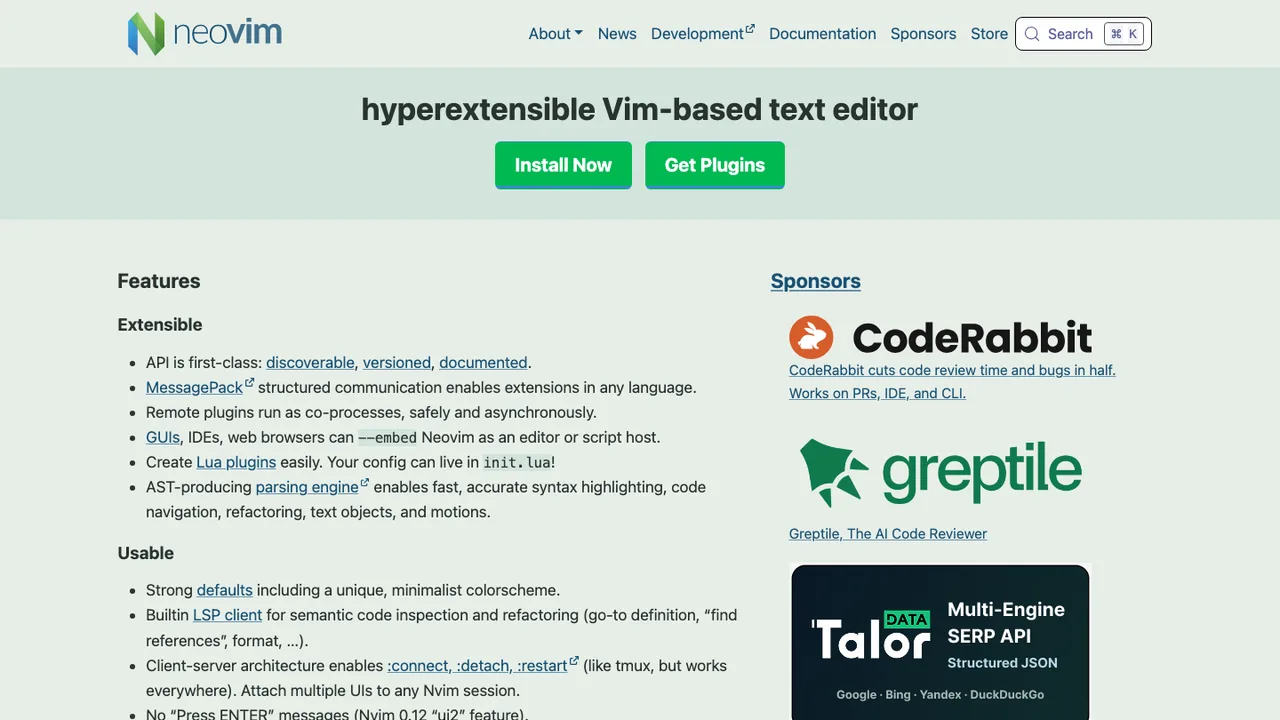
Neovim screenshot

Neovim is a Vim-based text editor that refactors Vim for easier maintenance, multi-developer work, and stronger extensibility. It is built for users who want a programmable editor with advanced UI support and compatibility with most Vim plugins.

  • API access from many languages, including Lua, Python, and Rust
  • Embedded, scriptable terminal emulator
  • Asynchronous job control
  • Shared data among multiple editor instances
Zed logo

2.Zed

85.2kOtherRust
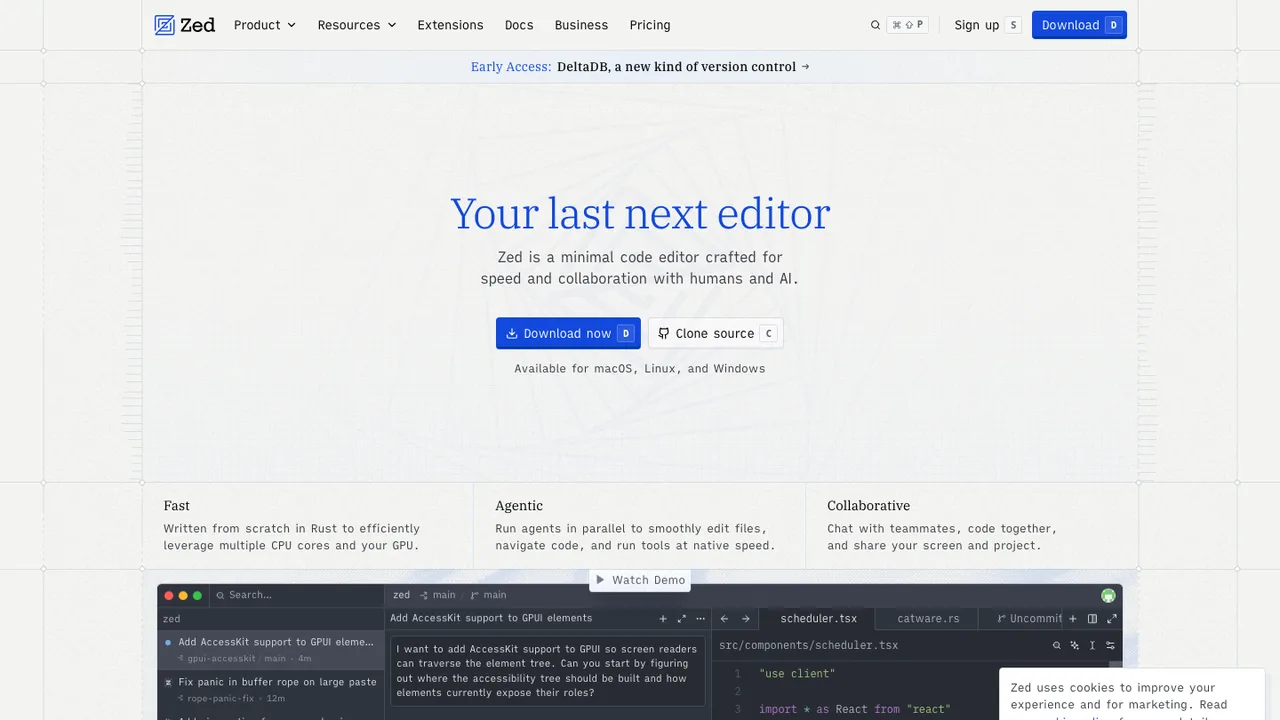
Zed screenshot

Zed is a code editor for writing and editing code with low latency and multiplayer collaboration. It is built for macOS, Linux, and Windows, and can be installed directly or through local package managers on those platforms.

  • Multiplayer collaboration over channels
  • Built-in terminal and Git integration
  • Language server support and code intelligence
  • Vim-style editing
code-server logo

3.code-server

77.9kMITTypeScript Self-host
code-server screenshot

code-server lets you run VS Code on a machine you own and access it in the browser. It is aimed at developers who want the same editor anywhere, while keeping heavy work on a server instead of the local device.

  • Browser access to a full VS Code editor
  • Runs on your own Linux server over WebSockets
  • Server-side execution for tests and compilations
  • Keeps intensive work off the client device
Helix logo

4.Helix

44.9kMPL-2.0Rust
Helix screenshot

Helix is a terminal-based text editor inspired by Kakoune and Neovim. It is designed for modal editing and code work, with a focus on keyboard-driven editing rather than a mouse-first interface.

  • Vim-like modal editing
  • Multiple selections
  • Built-in language server support
  • Incremental syntax highlighting with tree-sitter
Lapce logo

5.Lapce

38.6kApache-2.0Rust
Lapce screenshot

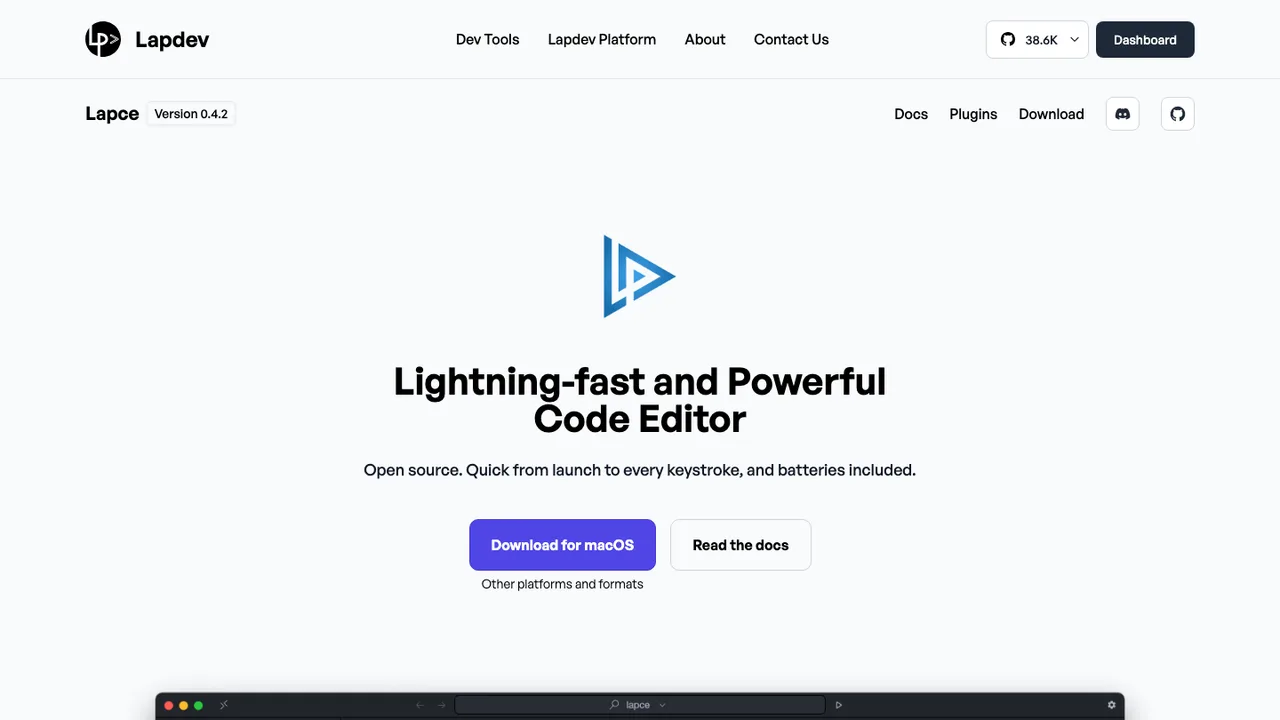
Lapce is an open-source code editor written in pure Rust, with its UI built in Floem. It targets software development workspaces on Windows, Linux, and macOS, combining editing, language intelligence, terminal access, and remote development in one desktop application.

  • Built-in LSP support for completion, diagnostics, and code actions
  • Toggleable Vim-like modal editing
  • Built-in remote development support
  • WASI plugin support for C, Rust, and AssemblyScript
VSCodium logo

6.VSCodium

32kMITShell
VSCodium screenshot

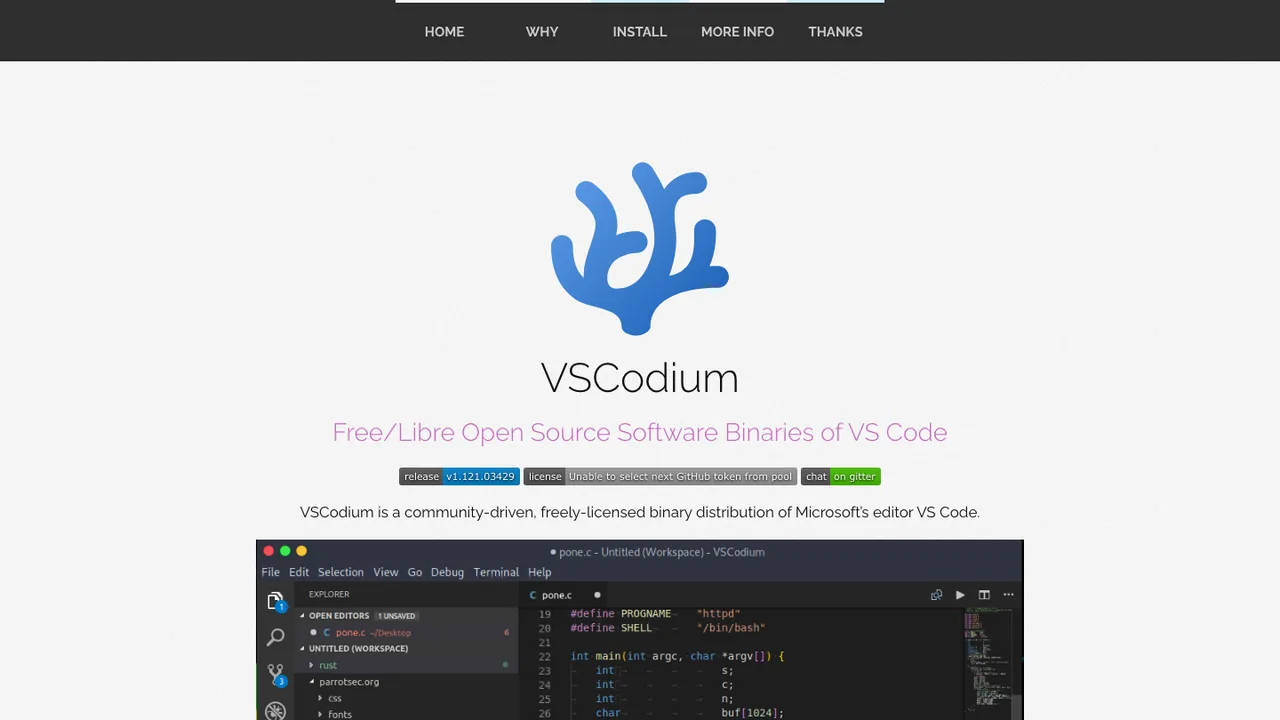
VSCodium provides freely licensed binaries of Microsoft Visual Studio Code. It is for people who want the editor without Microsoft branding, telemetry, or the default Microsoft-specific configuration, and without building the code themselves.

  • Freely licensed VS Code binaries
  • Telemetry disabled
  • Community-driven default configuration
  • Stable and insiders release builds
Eclipse Theia logo

7.Eclipse Theia

21.6kEPL-2.0TypeScript Self-host
Eclipse Theia screenshot

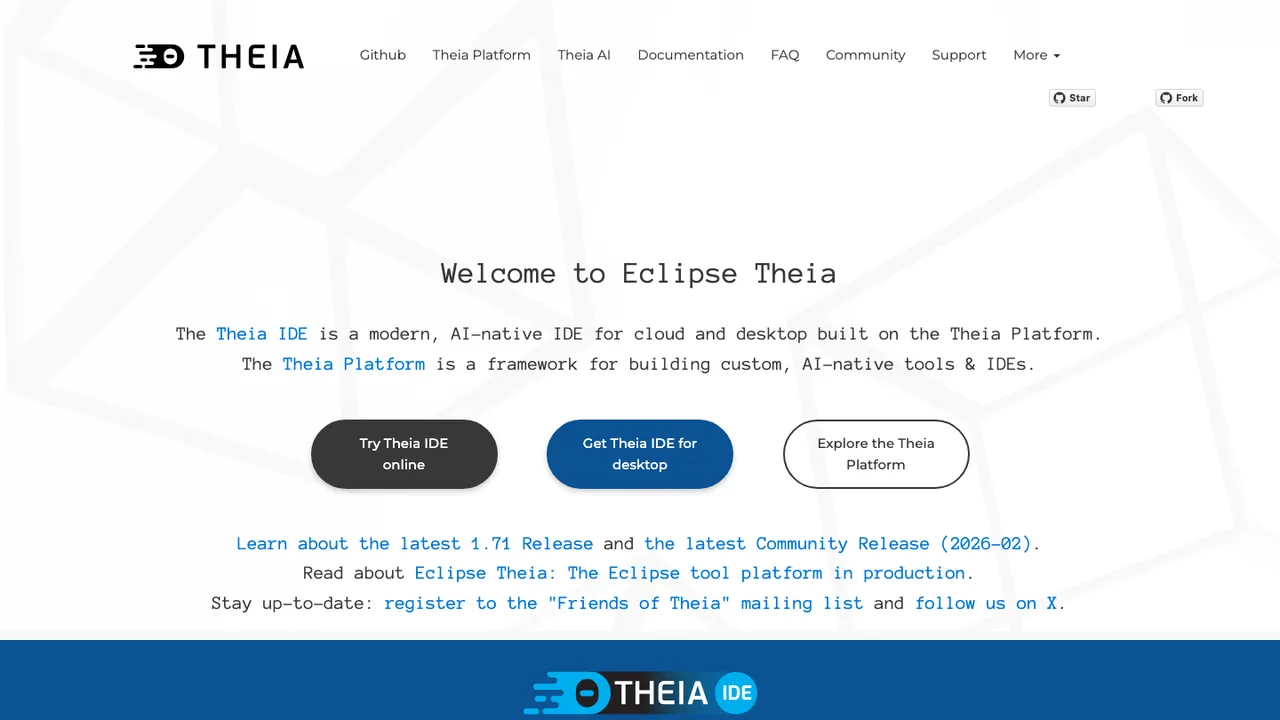
Eclipse Theia is an extensible framework for building full-fledged, multi-language IDEs and developer tools. It targets browser-based and desktop environments, giving teams a base for their own cloud or local development experience without starting from scratch.

  • Build browser-based and desktop IDEs and tools
  • Runs existing VS Code extensions
  • Language Server Protocol support
  • Desktop packaging with Electron
Pulsar logo

8.Pulsar

4.1kOtherJavaScript Self-host
Pulsar screenshot

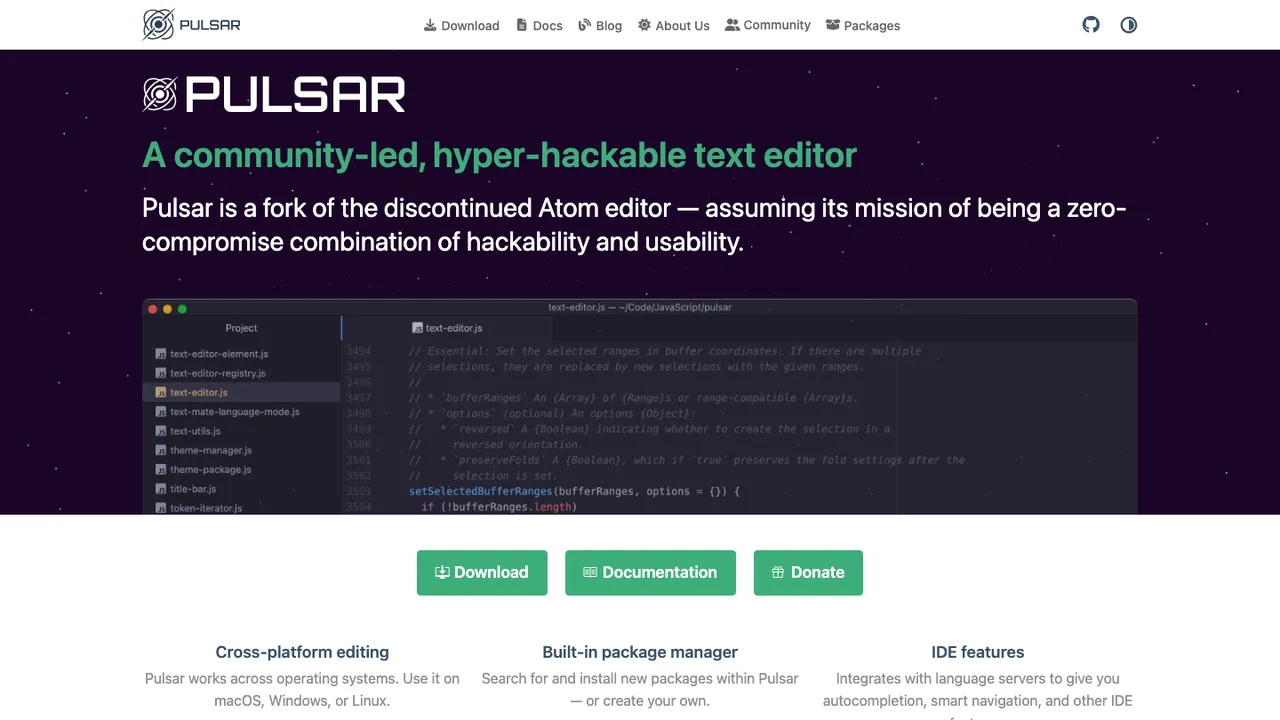
Pulsar is a hyper-hackable text editor forked from Atom and built on Electron. It continues the Atom project after its sunset, keeping the editor open and deeply customizable while staying approachable with its default configuration.

  • Hyper-hackable, deeply customizable editor
  • Adapts interface and behavior to your workflow
  • Built on Electron for desktop use
  • Continues the Atom editor after its sunset

Switching from Cursor to open source

Start by deciding whether you want to replace Cursor as an editor or replace only its AI layer. Cursor is sticky because the code editor, account, model routing, autocomplete, chat, and repository context are packaged together. An open source setup usually splits those concerns. That can be better for policy and portability, but it means you must choose where indexing runs, which models are allowed to see code, how extensions are managed, and whether developers keep the same keybindings and workspace conventions.

Expect less uniform polish when you move off Cursor. Open source options can be strong, but the experience often depends on the model, prompt templates, local hardware, editor integration, and repository size. Project-wide edits may need more review, autocomplete may be less consistent across languages, and team administration may require separate tools. The upside is clearer control over context windows, logs, model endpoints, and what code leaves a workstation or controlled network.

Migration is mostly an editor and workflow migration, not a source code migration. Your repositories, branches, build scripts, and version-control history stay where they are. If the new editor is compatible with Cursor's underlying editor model, many settings, keybindings, workspace files, and extensions can be copied or recreated. What usually does not transfer cleanly is chat history, generated repository indexes, model preferences, custom prompts, and project instructions. Export or copy those manually before uninstalling Cursor, then validate formatting, debugging, terminal, and remote workflows on one real repository.

Related alternatives

Frequently asked questions

What is the closest open source replacement for Cursor?+

The closest match is usually an open source editor with an AI assistant added through extensions or a built-in plugin system. Do not judge it only by screenshots. Test repository search, inline edits, chat context, terminal integration, keyboard shortcuts, and extension compatibility on one real project. Cursor's value is the combined workflow, so the replacement has to cover the daily loop, not just autocomplete.

Will my Cursor extensions, settings, and keybindings carry over?+

Some will, if the replacement uses a compatible extension and settings model. User settings, workspace configuration, snippets, themes, and keybindings are often plain files that can be copied and adjusted. Extensions may need to be reinstalled from a different registry or replaced with equivalents. Treat the first migration as a cleanup pass because old settings can hide broken paths, deprecated options, and Cursor-specific assumptions.

How does AI code completion compare after leaving Cursor?+

Completion quality depends heavily on the model, the editor integration, language support, and how much surrounding context is sent. Cursor gives you a tuned default path. Open source setups can match parts of that experience, but they often need tuning for latency, accepted suggestion style, and repository indexing. Measure with normal work: refactors, tests, unfamiliar files, and repeated edits, not a small demo prompt.

Can I run the AI assistant locally instead of sending code to a cloud model?+

Yes, some open source workflows support local inference, but the tradeoff is real. You need enough CPU, memory, or GPU capacity for acceptable latency, and smaller local models may be weaker at multi-file reasoning. Local mode is useful for sensitive repositories and offline work. Many teams use a mixed policy: local models for routine completion and approved hosted models for larger reasoning tasks.

What happens to Cursor chat history and repository indexes during migration?+

Assume they do not migrate cleanly. Your source files remain yours, but chat transcripts, generated context, embeddings, and editor-side indexes are usually tied to Cursor's application data and service design. If a conversation contains decisions you need, copy the useful parts into design notes, commit messages, or issue comments before switching. The new tool will normally rebuild its own index from the repository.

Is an open source Cursor alternative cheaper?+

It can be, but the bill may move rather than disappear. The editor may be free to use, while model access, self-hosted inference hardware, team administration, and support time still cost money. For individuals, local or bring-your-own-model setups can reduce subscription pressure. For teams, calculate usage controls, audit needs, onboarding time, and infrastructure before assuming the open source path is cheaper.

How should a team handle permissions when replacing Cursor?+

Separate editor permissions from model permissions. Developers need normal repository access, but AI tooling may require stricter rules for which files can be indexed, which model endpoints are allowed, and whether prompts are logged. Define defaults for secrets, private customer code, generated code review, and approved extensions. Without a central policy, each developer may wire the assistant differently, which makes security and support harder.

Do open source alternatives support remote development, containers, and SSH workflows?+

Many do, but this is one of the first things to test. Cursor users often rely on remote editing, terminal workflows, debuggers, and containerized environments without thinking about where the AI context is collected. Verify that the replacement can read files in the remote workspace, run language services there, respect ignored paths, and keep latency acceptable over the connection. Also check how credentials are stored.

How private is codebase indexing in an open source replacement?+

Privacy depends on where indexing and inference happen. A local index with local inference keeps more data on the machine, while a hosted model path may send snippets, file names, prompts, diagnostics, or selected context to a provider. Read the configuration, not just the license. You want clear controls for excluded paths, retention, logging, telemetry, and whether the tool can operate without background uploads.

What migration steps should I take before uninstalling Cursor?+

Start by inventorying what Cursor is doing for you: extensions, keybindings, settings, snippets, terminal setup, remote workflows, model preferences, custom instructions, and project rules. Copy configuration files where possible, then install the replacement beside Cursor for a trial period. Use one medium-size repository as the test case. Only switch fully after formatting, debugging, tests, search, and AI edits behave predictably.

Will large monorepos work well outside Cursor?+

They can, but repository size exposes weak indexing and context selection quickly. Test initial indexing time, memory use, ignored directory handling, symbol search, and whether the assistant can focus on relevant files instead of flooding the model with noise. Large generated folders, vendored dependencies, and build artifacts should be excluded. For monorepos, good ignore rules and per-workspace configuration matter as much as the model.

Can I use an open source Cursor replacement offline?+

Offline use is possible only if the editor, extensions, language services, documentation, and model all run locally. Basic editing, search, tests, and version-control operations are usually straightforward. AI chat and completion require a local model or they stop working when disconnected. If offline work matters, test startup, indexing, and completion with the network disabled because some extensions quietly assume online services.

How do integrations with linters, formatters, tests, and CI change?+

Most integrations should stay tied to the repository rather than the editor. If lint, format, and test commands already live in project scripts or configuration files, the new setup can call the same tools. Problems appear when Cursor-specific tasks, launch settings, or extension behavior filled in gaps. Recreate those explicitly in workspace configuration and make sure developers can run the same checks from the terminal.

What if the open source editor or assistant project is abandoned?+

Reduce that risk by keeping your workflow portable. Store prompts, rules, snippets, and workspace settings in readable files when possible. Prefer standard editor configuration, standard language servers, and external model endpoints over hidden application state. If a project stops receiving fixes, you should still be able to move repositories, settings, and model access to another client without losing source code or team conventions.