6 Best Open Source Alternatives to Docling

Updated July 2026

Docling is a capable document conversion engine for turning PDFs, Office files, and scanned pages into structured Markdown or JSON, with layout, table, and OCR-aware parsing built for AI ingestion. The friction is that it is still a developer pipeline: you own the model and runtime footprint, batch orchestration, and fixes for the messy PDFs where tables, reading order, or scans do not land the way your downstream system expects.

Other open source options let you trade Docling's broad, integrated approach for pieces that fit the workload better - lighter text extraction for clean PDFs, OCR-first processing for scans, table-specialized parsers, or document AI services with queues, APIs, and storage you can run on your own infrastructure.

PaddleOCR logo

1.PaddleOCR

82.2kApache-2.0Python Self-host

PaddleOCR is an OCR toolkit and document AI engine for converting PDFs and images into structured data. It is aimed at extracting text, tables, formulas, charts, and layout from documents so the output can be used by LLM and RAG workflows.

  • Converts PDFs and images into Markdown or JSON
  • Document parsing for text, tables, formulas, and charts
  • PP-OCRv6 single model supports 50 languages
  • Browser inference with PaddleOCR.js
Tesseract logo

2.Tesseract

74.7kApache-2.0C++
Tesseract screenshot

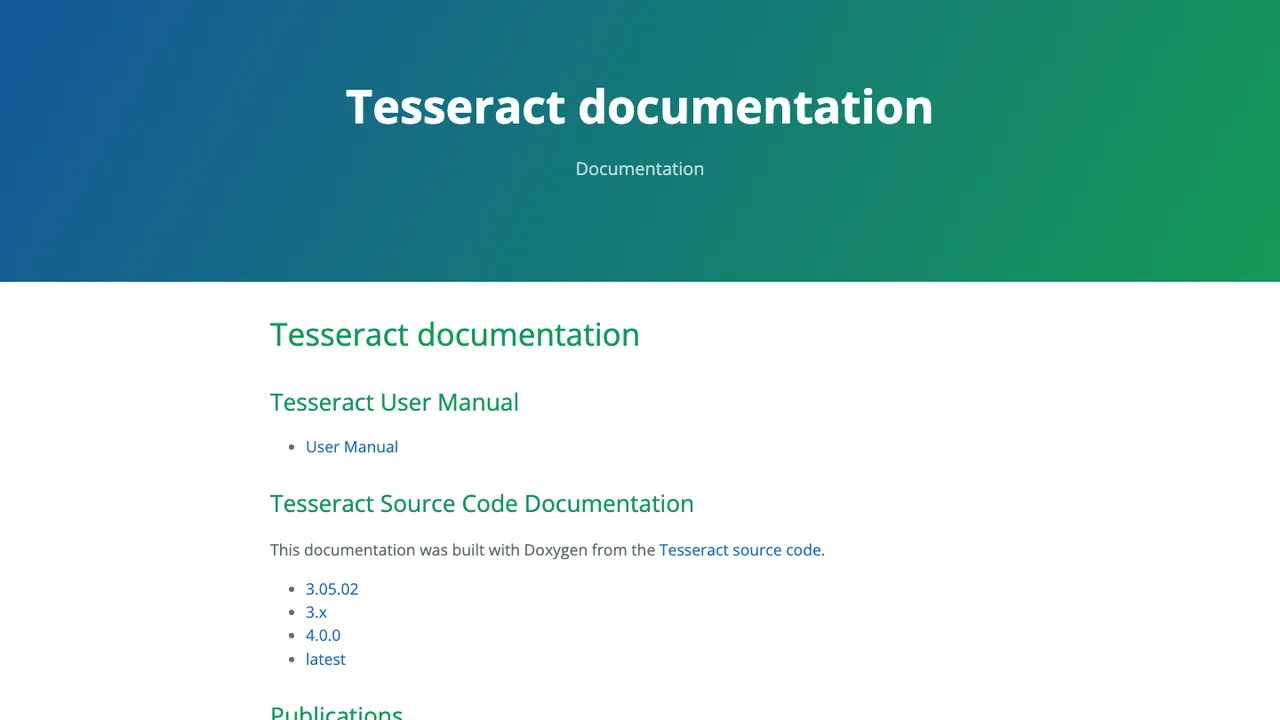
Tesseract is an open source OCR engine with a command line program for turning images into text. It supports Unicode, more than 100 languages out of the box, and a traineddata-based workflow for adding language models. It also includes libtesseract for embedding OCR in other applications.

  • LSTM OCR engine with legacy mode support
  • Unicode support and more than 100 languages
  • Input images in PNG, JPEG, and TIFF
  • Outputs plain text, hOCR, PDF, TSV, ALTO, and PAGE
MinerU logo

3.MinerU

67.5kOtherPython Self-host
MinerU screenshot

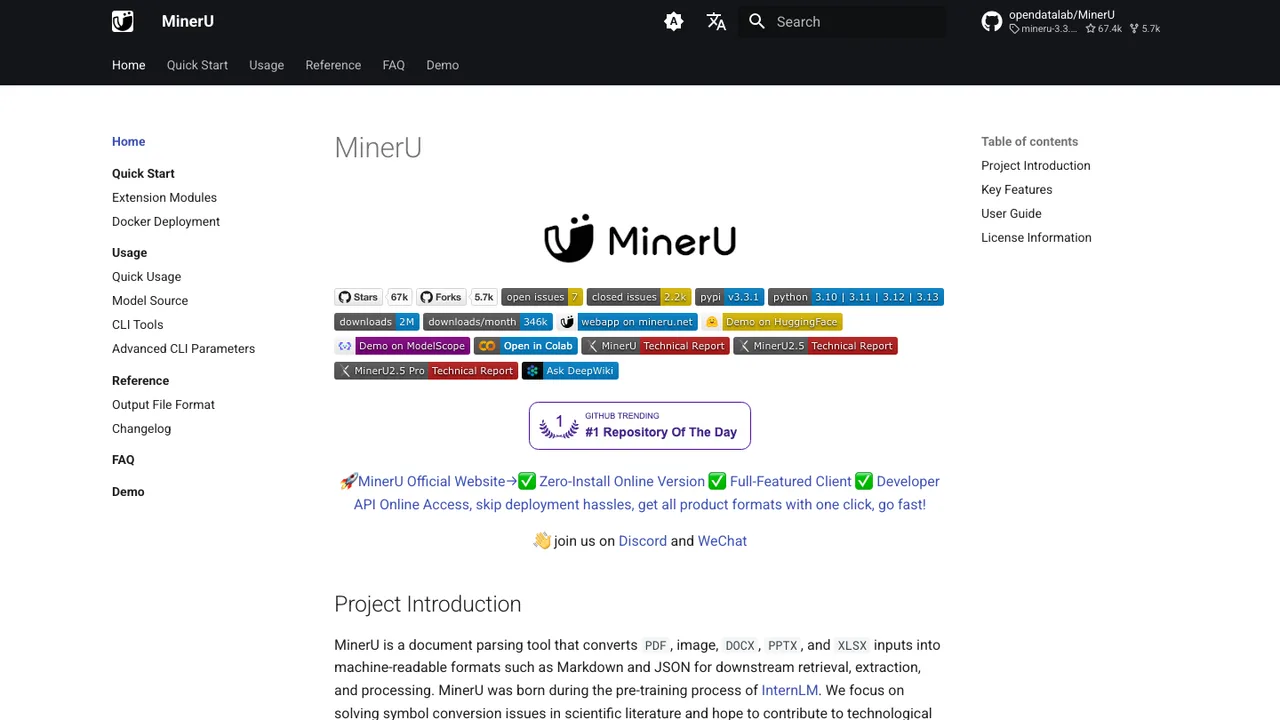
MinerU turns complex documents into structured Markdown or JSON for LLM, RAG, and agent workflows. It handles PDF, DOCX, PPTX, XLSX, images, and web pages, with support for scanned documents, handwriting, multi-column layouts, and cross-page table merging.

  • PDF, DOCX, PPTX, XLSX, images, and web pages to Markdown or JSON
  • VLM plus OCR dual engine with 109-language recognition
  • Formulas to LaTeX and tables to HTML
  • Scanned docs, handwriting, multi-column layouts, and cross-page table merging
Surya logo

4.Surya

20.8kApache-2.0Python Self-host
Surya screenshot

Surya is a 650M parameter OCR model for document intelligence. It turns document images into text and structured page data, including detected text, bounding boxes, and page-level OCR results.

  • 650M parameter OCR model
  • Layout analysis with reading order
  • Table recognition for rows and columns
  • Multilingual OCR across 90+ languages
docTR logo

5.docTR

6.1kApache-2.0Python Self-host
docTR screenshot

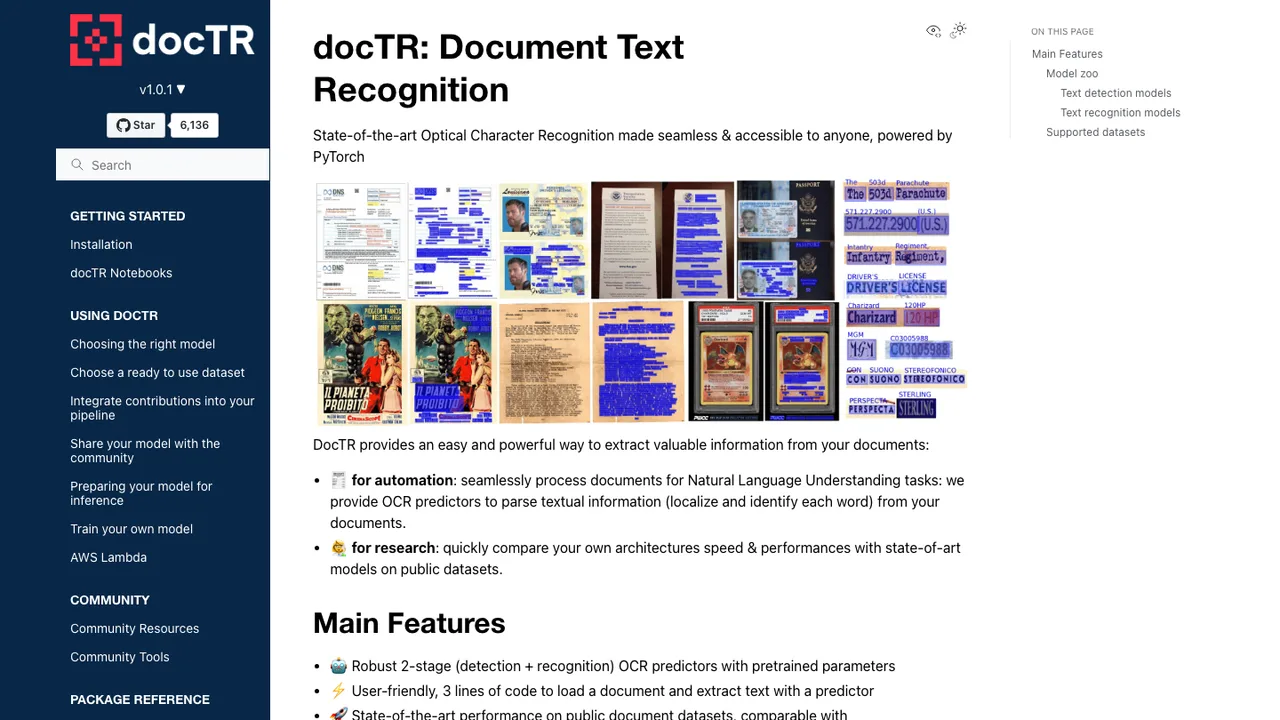
docTR is an optical character recognition library for parsing textual information from documents. It handles the core OCR workflow of locating words and identifying the characters in each word, with pretrained models for document analysis.

  • Two-stage OCR with text detection and text recognition
  • Pretrained models for document analysis
  • KIE predictor for structured predictions
  • PDF and image input support
Teedy logo

6.Teedy

2.6kGPL-2.0JavaScript Self-host
Teedy screenshot

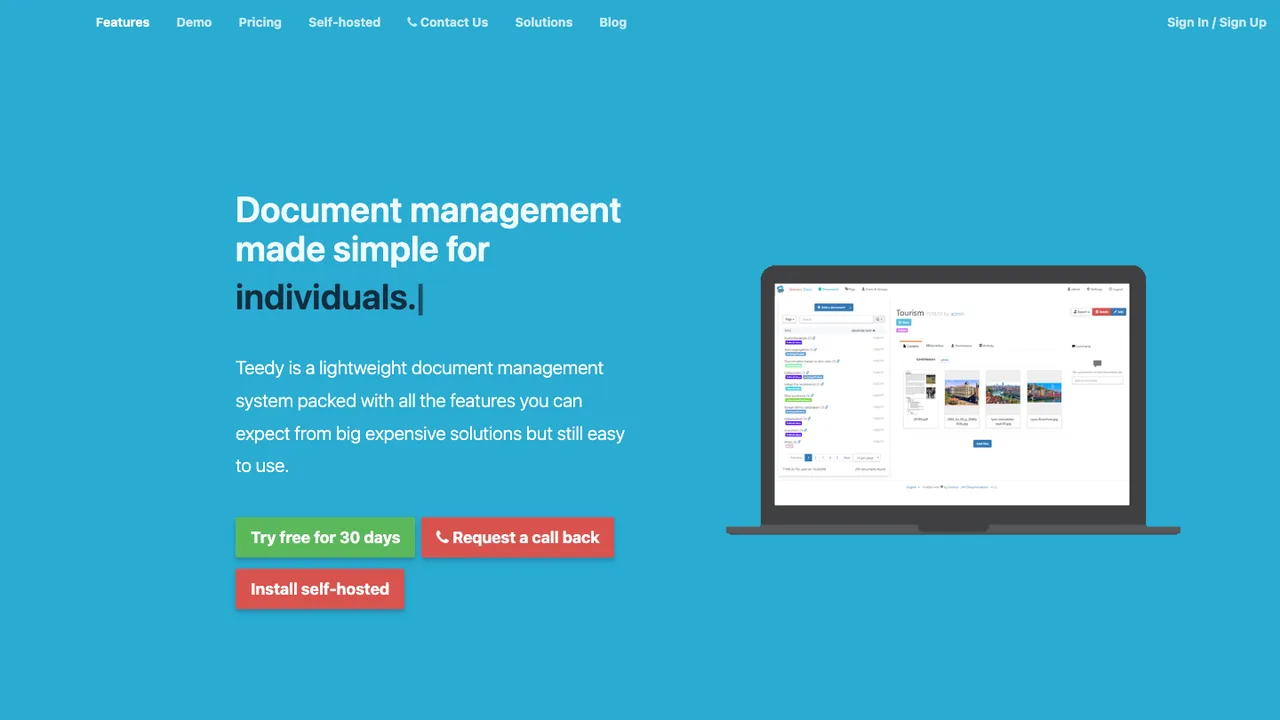
Teedy is an open source document management system for individuals and businesses. It is built to store, organize, search, and share documents in one place, with support for common office files and video files.

  • Optical character recognition and full text search
  • Supports image, PDF, ODT, DOCX, PPTX, and video files
  • Workflow system with file versioning and tags
  • LDAP authentication, 2-factor authentication, and audit logs

Switching from Docling to open source

Docling is already open source, so replacing it is usually not about escaping a license or a hosted service. The real choice is whether you still want a single document-conversion layer that hides PDF parsing, OCR, layout detection, table extraction, and export formatting behind one interface. If your pipeline depends on Docling's structured document model, weigh whether an alternative gives you the same stable intermediate representation or forces you to stitch together separate parsers. Also check where the boundary sits between library code, command-line jobs, and long-running services, because that determines how easily you can debug failures.

Expect the biggest gaps around layout fidelity rather than basic text extraction. A replacement may read simple PDFs well but handle reading order, merged table cells, captions, footnotes, formulas, scanned pages, and embedded images differently. Docling's exports can become part of downstream prompts, chunking rules, review tools, or audit logs, so even small changes in Markdown, JSON shape, or table serialization can matter. You should also expect tuning work if the new stack splits OCR, layout analysis, and format conversion into separate components with their own error modes.

Migration off Docling is mostly a code and corpus reprocessing project. There is usually no account export to pull, because the important state is your source documents, Docling outputs, and any derived indexes or annotations. Inventory every place that consumes Docling's document object, Markdown, JSON, image references, page numbers, and chunk identifiers. Then run a representative document set through the replacement, diff the outputs, and map fields deliberately. Plan to regenerate search indexes, embeddings, cached previews, and QA fixtures, then clean up assumptions about headings, tables, and page boundaries.

Related alternatives

Frequently asked questions

Is Docling itself open source?+

Yes. In this case, an open source alternative does not mean moving from closed software to open software. It means choosing a different open source document conversion approach. Teams usually look beyond Docling when they need another output schema, a smaller dependency footprint, different OCR behavior, tighter control over parsing stages, or better fit with an existing ingestion architecture.

Why would a team replace Docling if it already works?+

Docling can be a good fit when its document model and conversion pipeline match your downstream needs. Replacement becomes worth considering when those defaults become friction: custom table semantics, unusual document types, strict runtime packaging, GPU or CPU constraints, or a need to swap individual parsing stages. The decision should be driven by repeatable failures in your corpus, not by a general preference for more modular tooling.

What output format should I standardize on after leaving Docling?+

Pick the format your downstream systems can validate, not just the one that looks readable. Markdown is convenient for review and language-model input, but it can lose structural detail. JSON is better for page coordinates, tables, figures, and provenance, but it needs a schema you control. If both are needed, treat one as canonical and generate the other from it.

How much PDF accuracy should I expect from an alternative?+

PDF accuracy depends heavily on your corpus. Born-digital reports, scanned contracts, slide decks saved as PDFs, and multi-column academic papers stress different parts of a parser. Do not benchmark only on clean examples. Build a test set with the worst documents you actually receive, then score reading order, missing text, table reconstruction, page references, and whether failures are detectable.

Where does OCR fit in a Docling replacement?+

Decide whether OCR is a fallback for scanned pages or a primary extraction path for most documents. Some alternatives treat OCR as a separate preprocessing step, while others combine it with layout analysis. That choice affects confidence scores, language support, bounding boxes, and runtime cost. Keep OCR output tied to page coordinates when possible, because it makes review and error correction much easier.

How do tables usually break during a switch?+

Tables break less often because text is missing and more often because structure changes. Watch for merged cells, repeated headers, nested tables, empty cells, rotated labels, and totals that get separated from their rows. If downstream code expects Docling-style table serialization, create mapping tests before switching. A visually similar Markdown table may still be wrong for calculations or retrieval.

Does replacing Docling require self-hosting?+

Not necessarily. Many teams run document conversion as a local library, a batch job, or an internal service without exposing it as a separate hosted application. The right model depends on document volume, security boundaries, and how failures are retried. If documents contain regulated or confidential data, keeping processing inside your own infrastructure is often simpler than reviewing an external processing path.

What security checks matter for sensitive document conversion?+

Treat parsers as part of your attack surface. Documents can contain malformed fonts, embedded files, scripts, huge images, and compression tricks designed to exhaust resources. Run conversion with least privilege, resource limits, temporary directory controls, and dependency scanning. Also check whether the replacement can process files without network access, because accidental calls to external OCR or model services can violate data handling rules.

How difficult is it to migrate existing pipelines?+

The hard part is usually not calling a new converter. It is replacing assumptions around Docling's output shape. Look for code that depends on heading levels, page numbers, table objects, image paths, chunk IDs, or Markdown conventions. Start with a compatibility layer that produces your internal schema, then move callers one at a time. Reprocessing a sample corpus early will expose most hidden coupling.

Will embeddings or RAG indexes need to be rebuilt?+

Usually, yes. Even if the source documents do not change, a different converter can alter chunk boundaries, heading text, table rendering, page metadata, and image references. That changes the text sent to the embedding model and can affect retrieval quality. Keep the old index until you compare retrieval results on known questions, then rebuild with stable document IDs and a clear rollback path.

How should I benchmark performance at scale?+

Measure complete job time, not just parser speed. Include file upload or read time, OCR, image extraction, table processing, export serialization, retries, and cleanup of temporary files. Track memory peaks and timeout rates separately for scanned PDFs and born-digital files. A tool that is fast on short documents may fail operationally if it leaks memory or creates too many intermediate images.

What licensing issues should legal review?+

Review both the replacement's license and the licenses of optional components such as OCR engines, model weights, language packs, and document-rendering libraries. A permissive top-level license does not automatically mean every dependency has the same obligations. If you distribute the converter inside a product, legal review matters more than if you only run it internally as part of a private ingestion pipeline.

How can I keep processing offline or air-gapped?+

Choose a stack that can run without network calls for OCR, model inference, font handling, and dependency downloads. Then test it in an environment with outbound traffic blocked, because some components fetch models or language data at first run. Package required assets with your deployment, pin versions, and log any attempted external access. Offline support is an operational property, not just a checkbox.

What happens if the replacement project stalls?+

Reduce the risk by owning your internal document schema and keeping source files as the system of record. If a parser project slows down, you should be able to swap it without rewriting every downstream consumer. Keep regression fixtures, conversion logs, and a representative corpus. Favor clear file formats over opaque caches so another tool can regenerate outputs when you need to move again.