17 Best Open Source Alternatives to WordPress

Updated July 2026

WordPress runs a huge share of the web for good reason: it's open source itself, endlessly themeable, and there's a plugin for nearly anything you'd want a site to do. That sprawling plugin ecosystem is also its weak spot. A typical site leans on a dozen extensions from different authors, each one more code to keep patched, and outdated or abandoned plugins are the single most common way WordPress sites get compromised. Keeping it secure becomes ongoing maintenance work.

The open source content platforms below cover the same ground - publishing, editorial roles, themes - with leaner, more modern foundations and a much smaller surface to look after. Many offer static output or headless APIs, and you self-host the whole thing with your content in formats you can pick up and move.

Strapi logo

1.Strapi

72.4kOtherTypeScript Self-host
Strapi screenshot

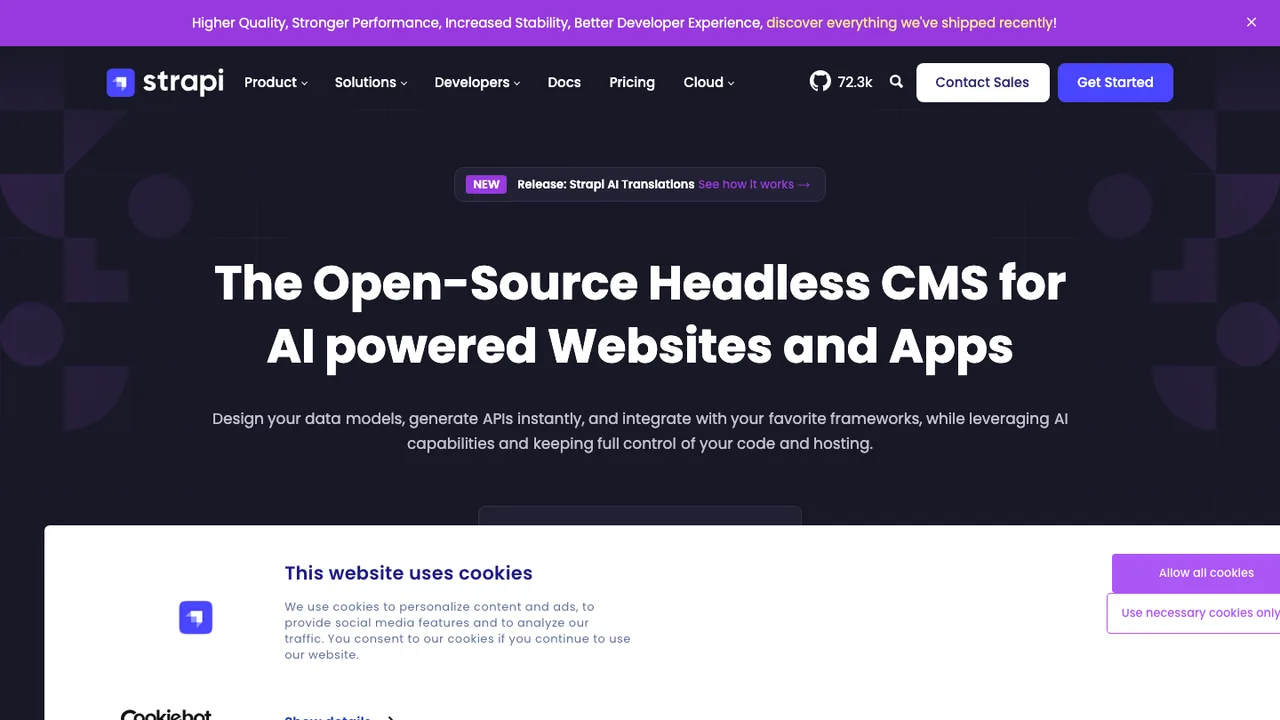
Strapi is a self-hosted headless CMS where you design content structures visually in the Content-Type Builder and it generates REST and GraphQL APIs for each type automatically. The same content can be delivered to any frontend, mobile app, or IoT device, and editors work in a friendly admin interface rather than in code.

  • Visual Content-Type Builder, no code required
  • Auto-generated REST and GraphQL APIs per content type
  • Granular roles and permissions
  • Media library, internationalization, and draft and publish
Ghost logo

2.Ghost

53.9kMITJavaScript Self-host
Ghost screenshot

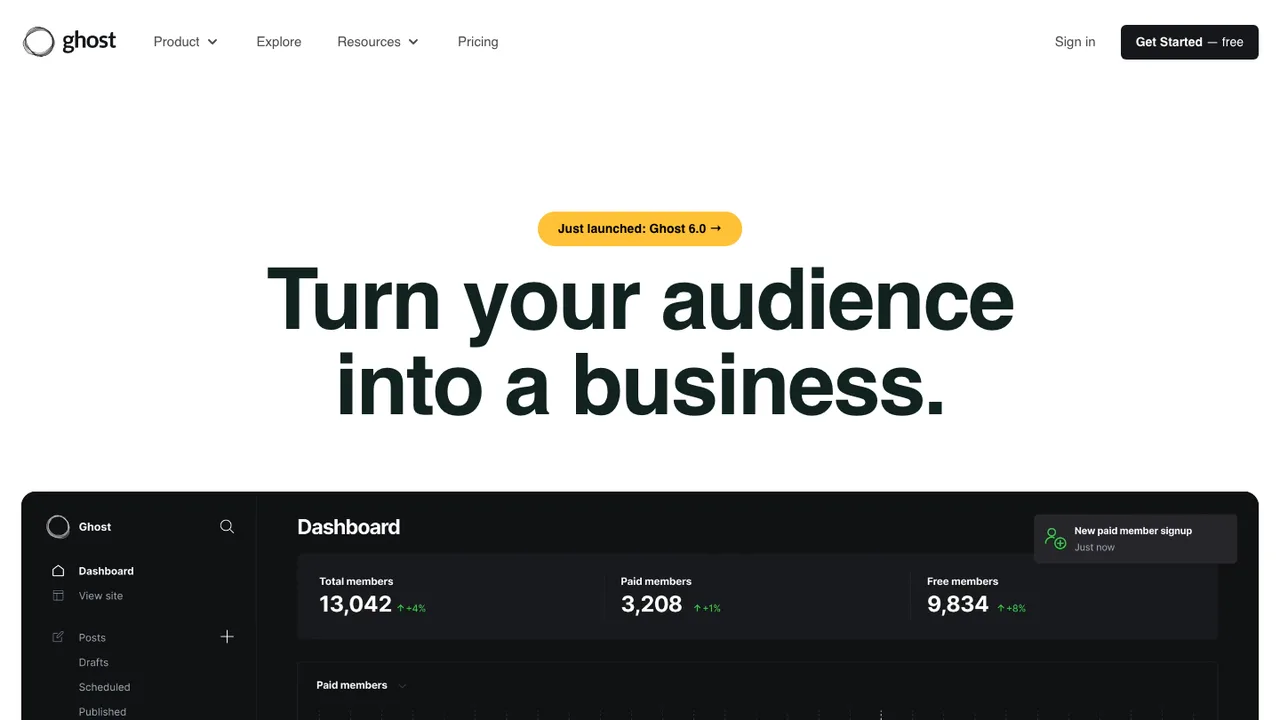
Ghost is an open source publishing platform for blogs, newsletters, and membership sites. It is built for modern publishing workflows where a single site can handle articles, email distribution, and paid subscriptions without adding separate systems.

  • Built-in email newsletters
  • Paid subscriptions and memberships
  • Content API for publishing workflows
  • Theme development tools
Payload logo

3.Payload

43kMITTypeScript Self-host
Payload screenshot

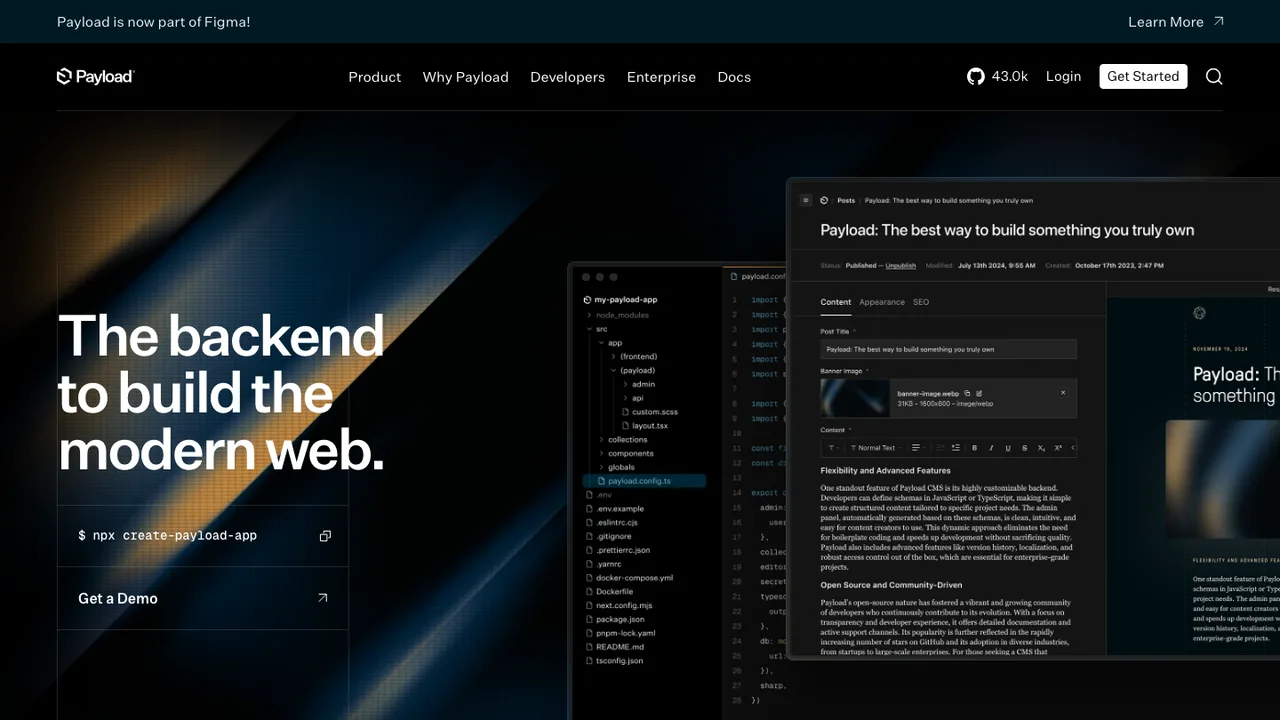
Payload installs directly into an existing Next.js /app folder, so the CMS and the site live in one codebase instead of behind a separate SaaS. You get a TypeScript backend and a React admin panel from a single config, and you can query the database straight from React Server Components without going through REST or GraphQL.

  • Installs into an existing Next.js /app folder
  • TypeScript backend and React admin panel
  • Query the database in React Server Components
  • Auth, versions and drafts, localization, and access control
Wagtail logo

4.Wagtail

20.4kBSD-3-ClausePython Self-host
Wagtail screenshot

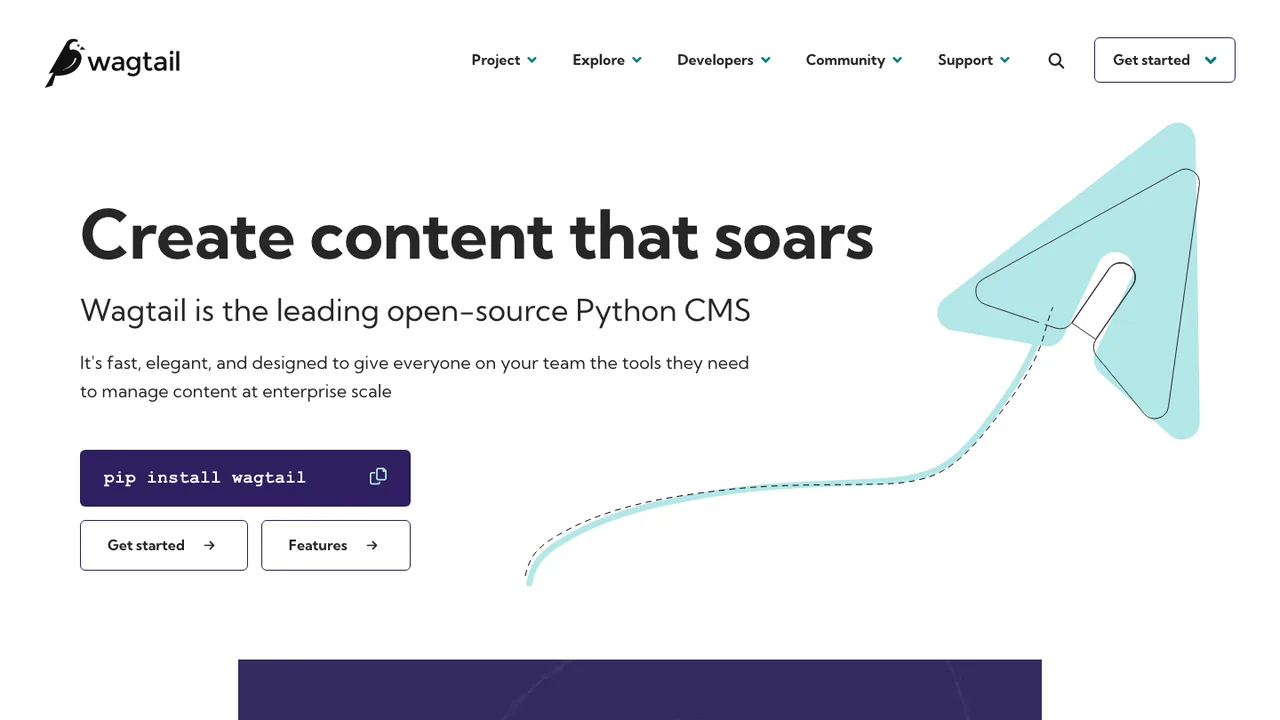
Wagtail is an open source content management system built on Django for teams that need a CMS with precise control over design and structure. It focuses on author experience and works for sites that need both editor-friendly publishing and developer control.

  • Fast author interface
  • StreamField for flexible content
  • Content API for headless sites
  • Multi-site and multi-language support
Grav logo

5.Grav

15.5kMITPHP Self-host
Grav screenshot

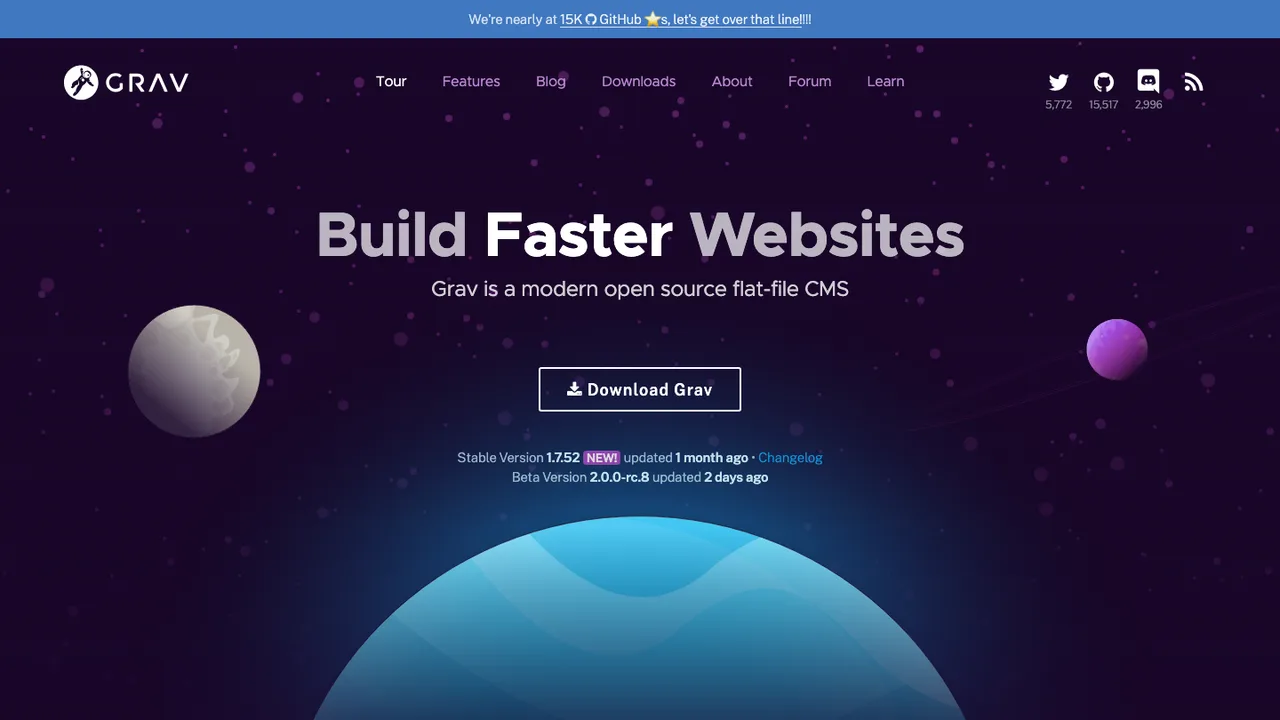
Grav is a file-based web platform for managing site content without a database. It uses flat-file storage, so setup is as simple as extracting a ZIP archive and getting started. The CMS is built for users who want a site they can run locally and extend without a heavy install process.

  • Flat-file content storage with zero installation
  • Twig templating for user interface control
  • Markdown content creation and YAML configuration
  • Package management for plugins, themes, and core updates
TinaCMS logo

6.TinaCMS

13.4kApache-2.0TypeScript
TinaCMS screenshot

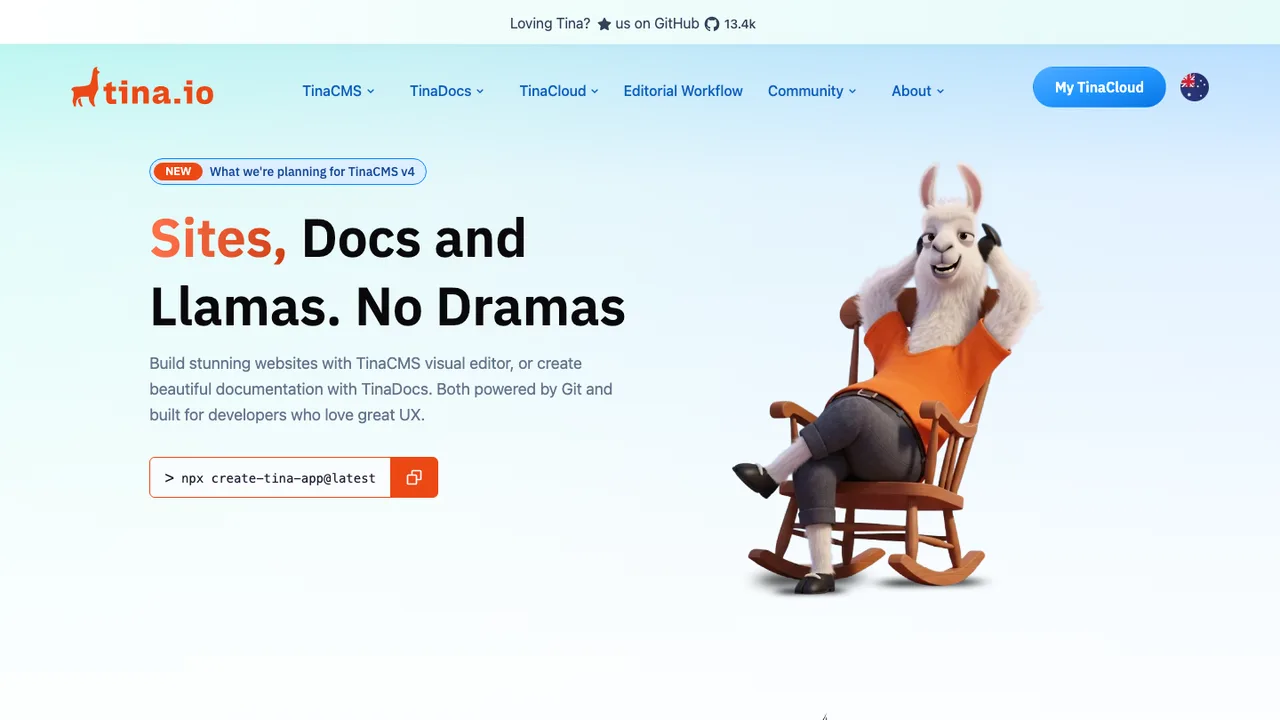
TinaCMS manages content that lives in your repository as Markdown, MDX, JSON, and YAML files, so editing stays in Git rather than an external database. A GraphQL API queries that content, including references between documents and nested fields, which suits both statically generated and server-side rendered sites.

  • Edits Markdown, MDX, JSON, and YAML files in Git
  • GraphQL API for nested content and references
  • Optional live preview for Markdown editing
  • Visual editing on the rendered page
KeystoneJS logo

7.KeystoneJS

9.9kMITTypeScript Self-host
KeystoneJS screenshot

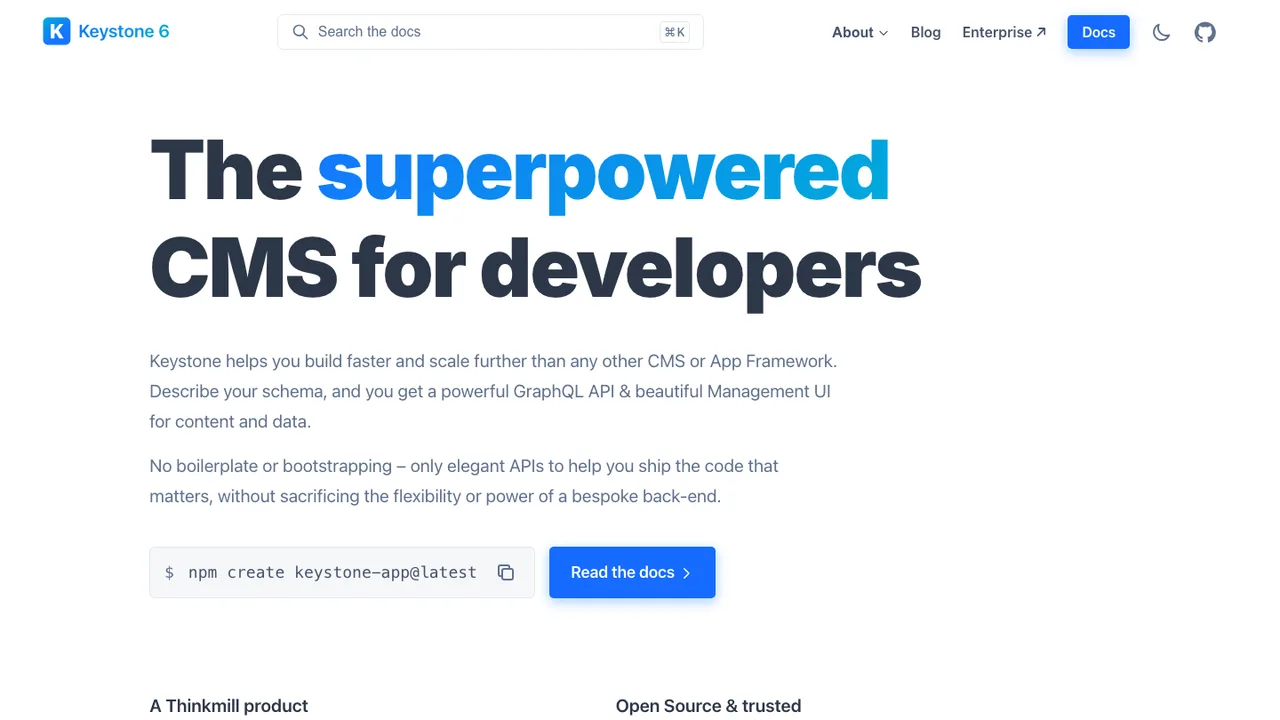
KeystoneJS is a headless CMS and backend framework for Node.js where you describe your content and data as a schema, and it generates a GraphQL API and a management UI around it. There is no boilerplate to wire up: the schema is the source of truth, and the API and admin experience stay in sync with it.

  • Schema-driven content and data models in code
  • Auto-generated GraphQL API
  • Management UI for editing content
  • Field-level and relationship access control
Webiny logo

8.Webiny

8kOtherTypeScript Self-host
Webiny screenshot

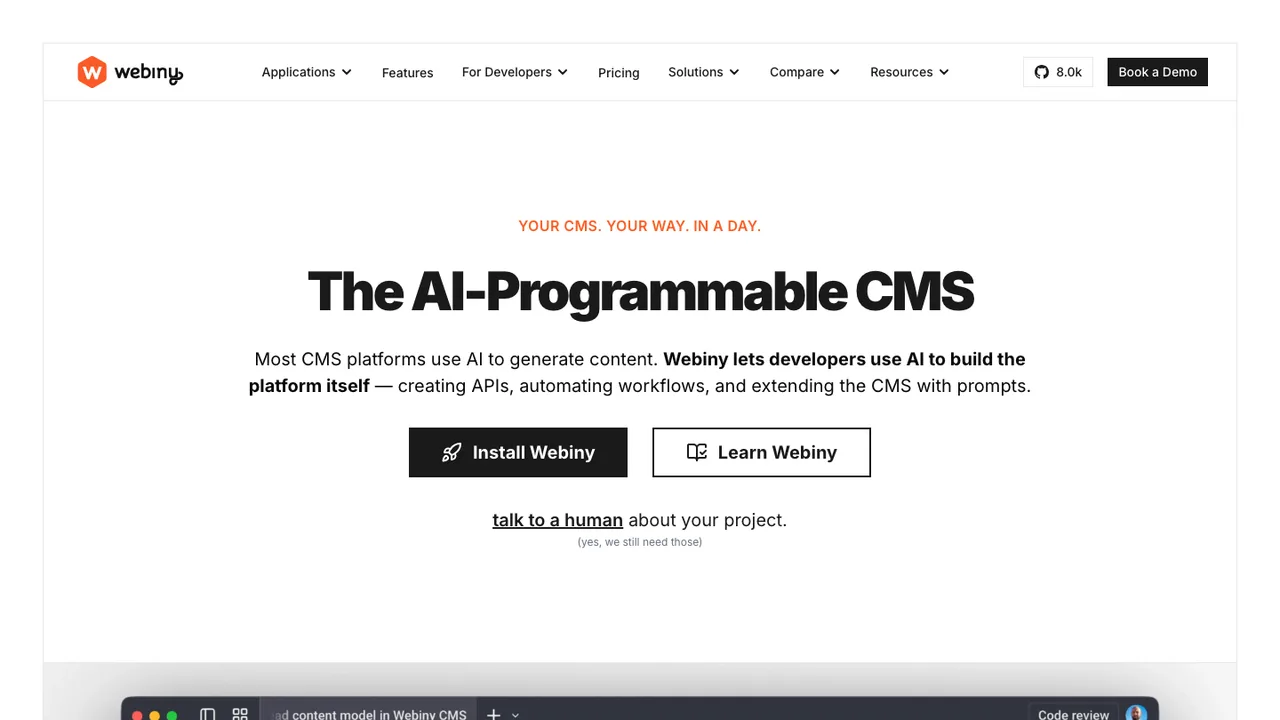
Webiny is a self-hosted content platform that deploys into your own AWS account on serverless services. It is a TypeScript framework you extend with code rather than a closed product configured through a UI, which fits teams that need data ownership, compliance control, or a CMS embedded inside their own product.

  • Custom content models with a GraphQL API
  • Field-level permissions, localization, and versioning
  • Drag-and-drop page editor with a Next.js SDK
  • File manager with folders, tags, search, and CDN delivery
Publii logo

9.Publii

7.2kGPL-3.0HTML Self-host
Publii screenshot

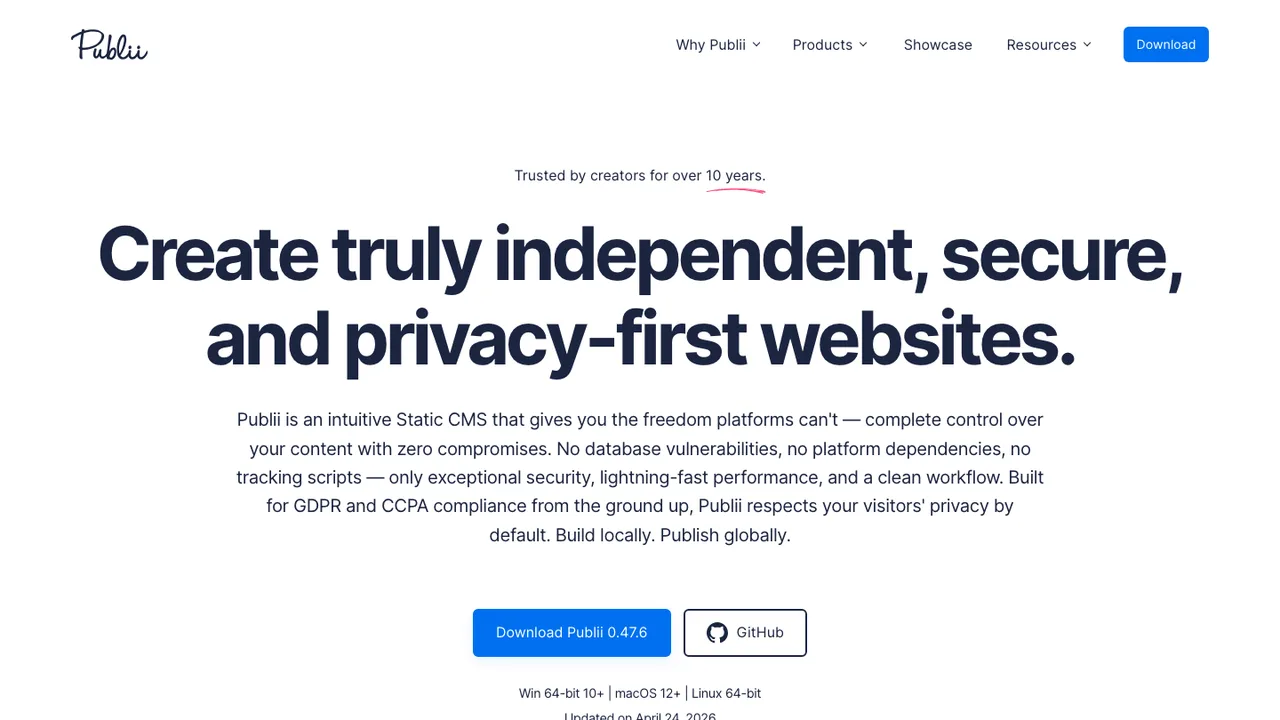
Publii is a desktop-based CMS for Windows, macOS, and Linux that lets you build static websites without a database. It is aimed at people who want a CMS-style editing flow for fast, secure, privacy-friendly sites, including beginners.

  • Desktop content editing on Windows, macOS, and Linux
  • Offline site creation, updates, and modifications
  • Built-in themes and site styling options
  • One-click publishing to multiple upload targets
Joomla logo

10.Joomla

5.1kGPL-2.0PHP Self-host
Joomla screenshot

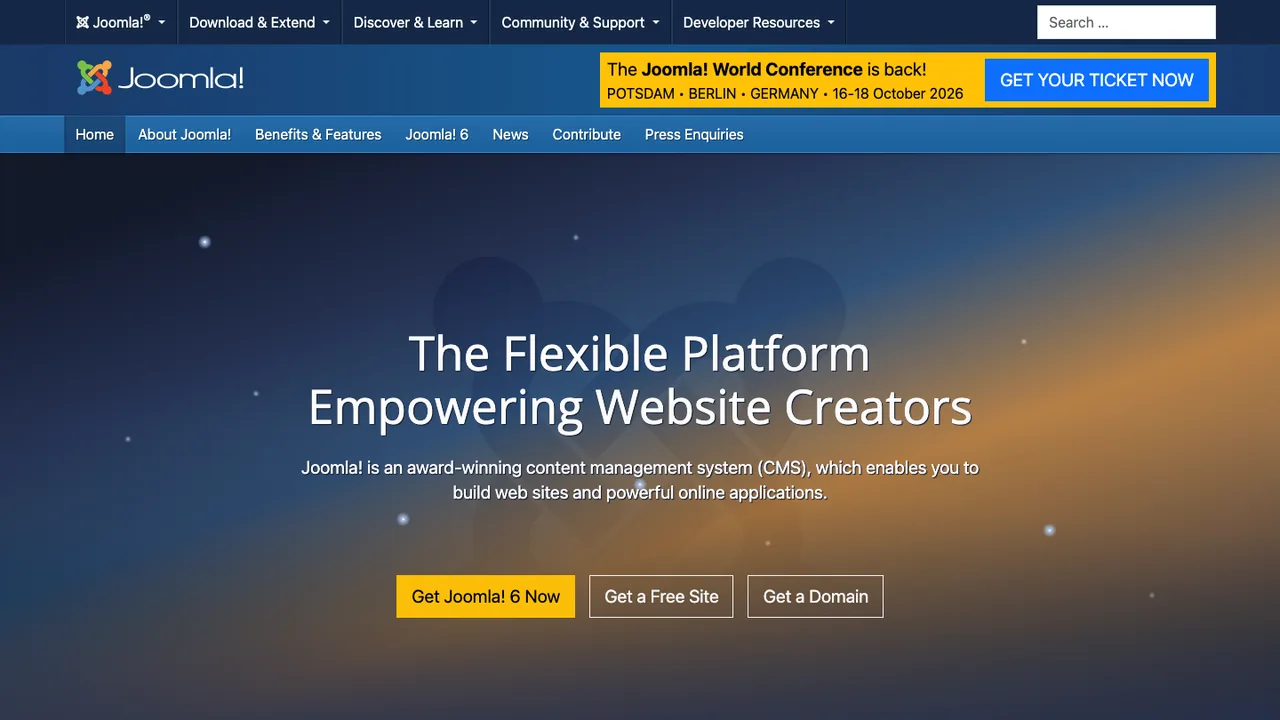
Joomla is a content management system for building websites and online applications. It runs on a server with PHP and either MySQL, MariaDB, or PostgreSQL, and is distributed under the GNU General Public License version 2 or later.

  • Build websites and online applications
  • Thousands of free extensions and templates
  • Built-in multilingual content publishing
  • Runs on PHP with MySQL, MariaDB, or PostgreSQL
Drupal logo

11.Drupal

4.3kOtherPHP Self-host

Drupal is an open source content management platform for building websites, from personal weblogs to large community-driven sites. It helps teams manage site content and extend a site without starting from scratch.

  • Thousands of free and open source modules
  • Themable presentation layer separate from content
  • Role-based access control for users
  • Content modeling for single or multi-site setups
Microweber logo

12.Microweber

3.4kMITHTML Self-host
Microweber screenshot

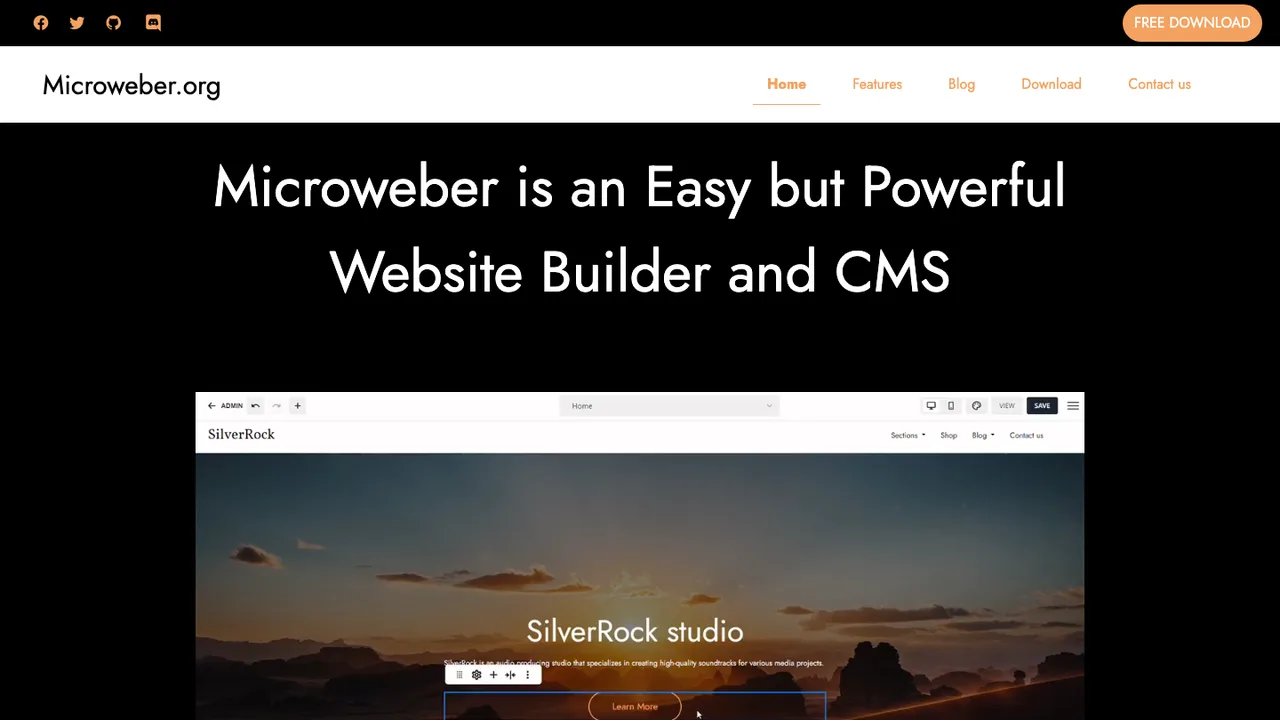
Microweber is a drag-and-drop website builder and content management system based on PHP and the Laravel framework. It is built to create websites, online stores, and blogs without technical expertise, with a focus on visual editing and content management.

  • Drag-and-drop editing for images, text, videos, modules, and layouts
  • Real-time text editing in Live Edit view
  • Pages, posts, and products with custom categories
  • Built-in e-commerce features for online shops
Bludit logo

13.Bludit

1.4kMITPHP Self-host
Bludit screenshot

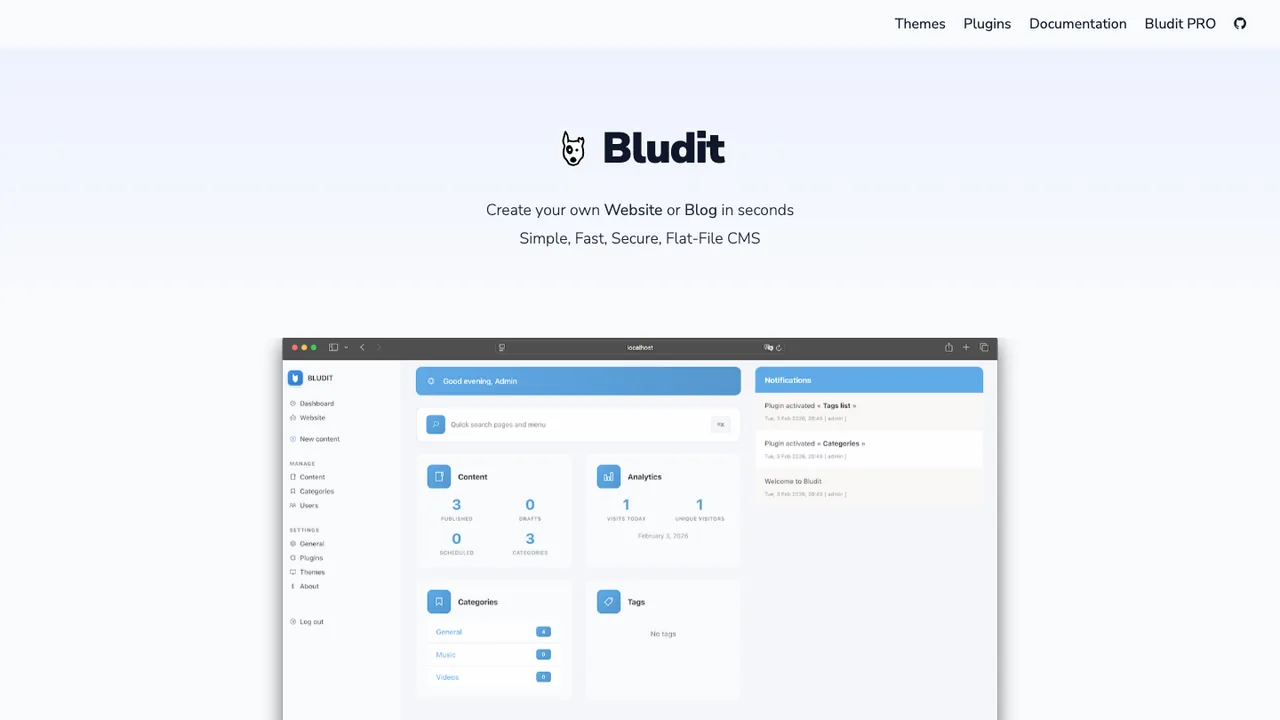
Bludit is a flat-file CMS for building a website or blog in seconds. It stores content in JSON format, so no database installation or configuration is needed. It is designed for users who want a simple way to publish and manage a site on a web server with PHP support.

  • JSON content storage with no database setup
  • Markdown and HTML content support
  • Plugins and themes
  • Runs on a PHP web server
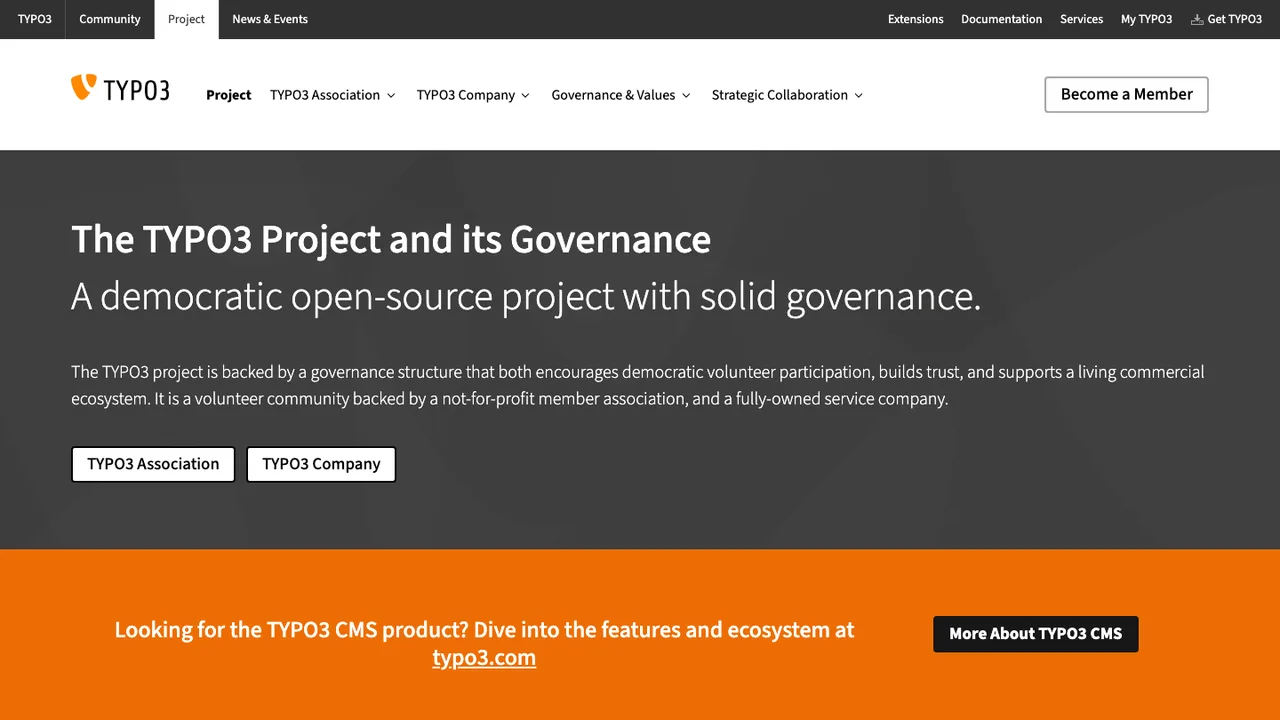
TYPO3 logo

14.TYPO3

1.2kGPL-2.0PHP Self-host
TYPO3 screenshot

TYPO3 is an open source PHP based content management system for building and managing websites. It uses a web server, PHP, and a database, and the backend is accessed through a supported browser. It is released under the GNU GPL.

  • Browser-based backend for site administration
  • Core plus optional extensions
  • Open API for frontend and backend extensions
  • Runs on Apache, nginx, or IIS
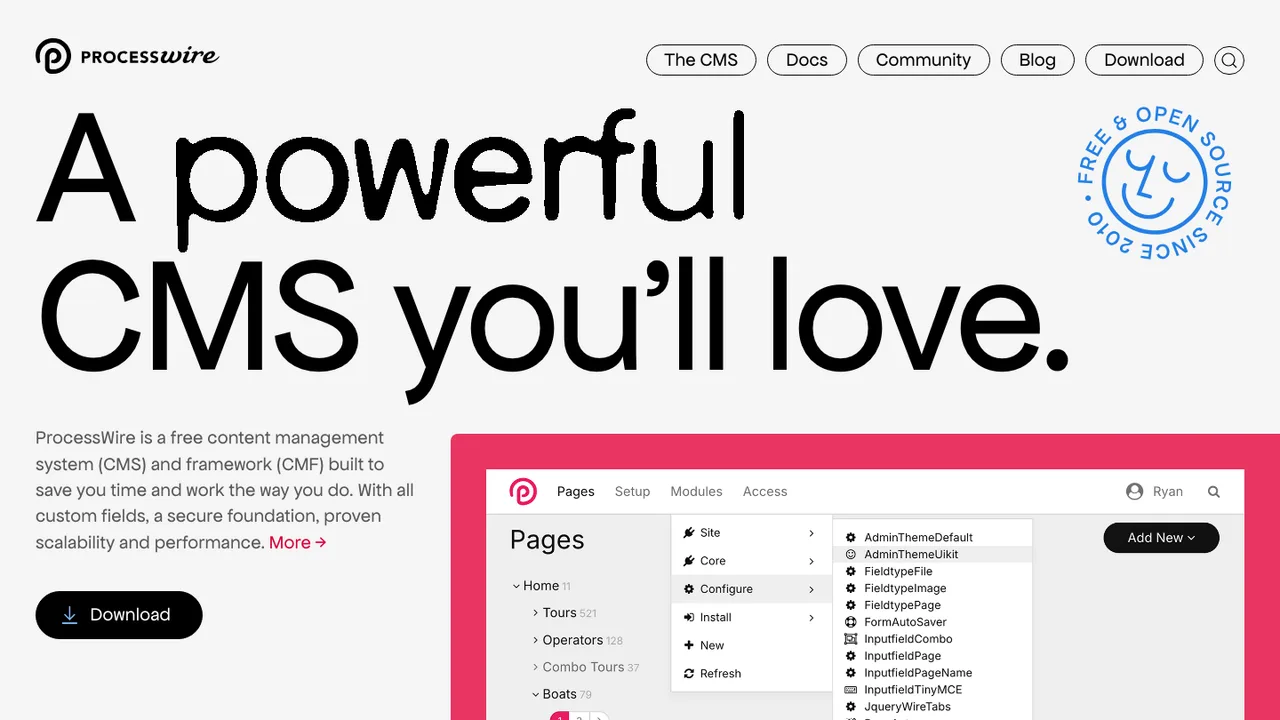
ProcessWire logo

15.ProcessWire

1.1kOtherPHP Self-host
ProcessWire screenshot

ProcessWire is an open source CMS and CMF for building and maintaining websites and applications. It is designed to give more control over fields, templates, and markup, with an API meant to make content work easier at any scale. The interface is built for adding and updating content without a lot of friction.

  • Custom fields for site content
  • Control over fields, templates, and markup
  • API for working with content
  • Installer starts from a browser URL
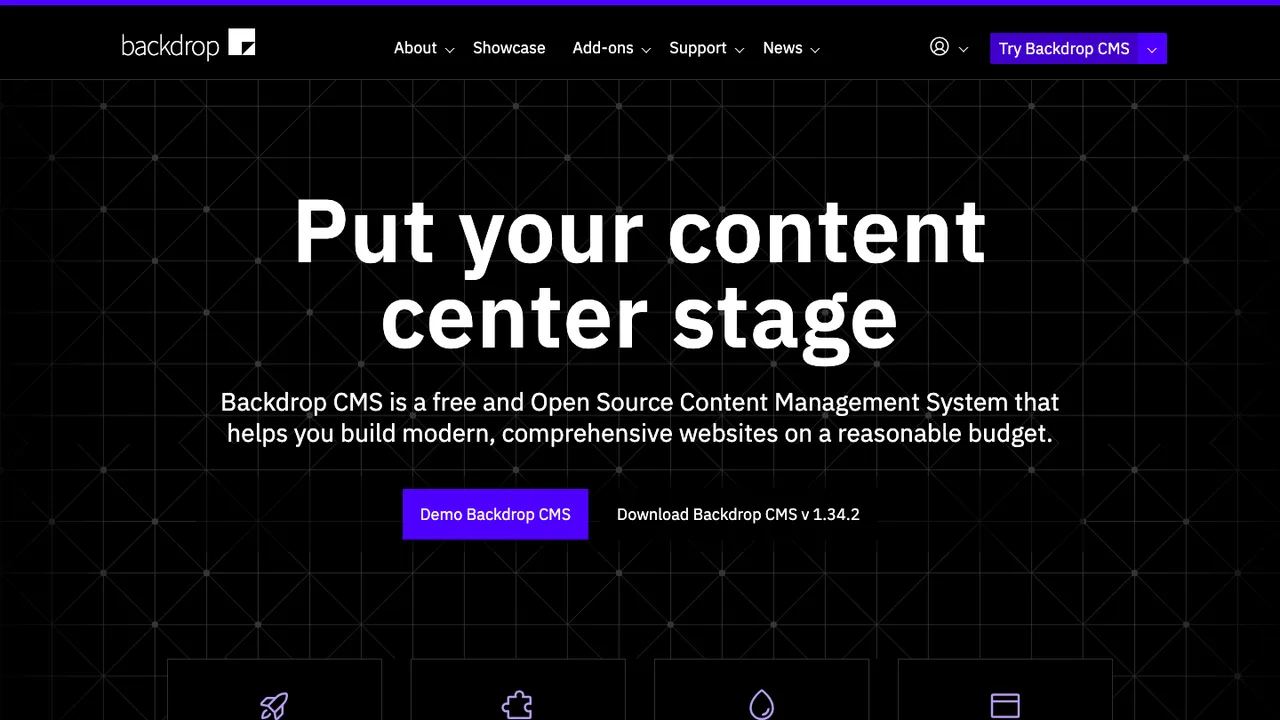
Backdrop CMS logo

16.Backdrop CMS

1kGPL-2.0PHP Self-host
Backdrop CMS screenshot

Backdrop CMS is a content management system for non-technical users who need to manage a wide variety of content. It can be used to create blogs, image galleries, social networks, intranets, and other websites. It aims to work out of the box while staying easy to learn.

  • Out-of-the-box CMS for many website types
  • Content management for non-technical users
  • Extensible APIs for custom development
  • Browser-based installation
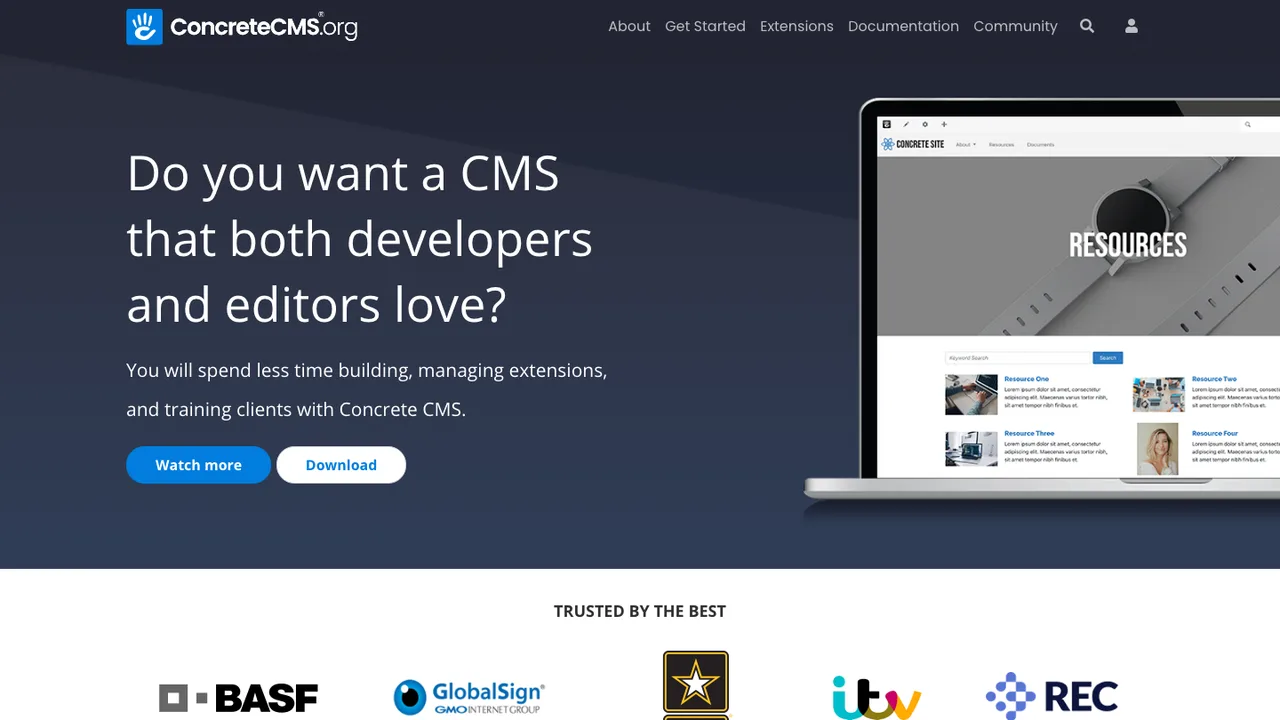
Concrete CMS logo

17.Concrete CMS

842MITPHP Self-host
Concrete CMS screenshot

Concrete CMS is an open source content management system for creating websites. It is built for people who want to manage pages and site content without working directly in code all the time.

  • In-context point and click page editing
  • Marketplace of add-ons and themes
  • Role-based permissions for users
  • Version history on page content

Switching from WordPress to open source

Replacing WordPress starts with deciding what you are really replacing: an editor, a publishing workflow, a plugin platform, or a whole application runtime. WordPress tends to let themes, plugins, and content structure grow together, which is convenient until you need cleaner boundaries. Favor an alternative whose content model matches your site before you look at templates. A brochure site, a newsroom, a documentation hub, and a member portal have different needs for revisions, taxonomies, routing, media handling, forms, and permissions.

Expect the biggest gaps around the WordPress ecosystem rather than basic publishing. The familiar admin screen, block-based editing, one-click plugin installs, and off-the-shelf themes are hard to replace exactly. Some alternatives trade that convenience for stricter content schemas, file-based workflows, faster rendering, or simpler operations. That can be a win, but it changes who owns changes: editors may need more structured fields, designers may rebuild components, and developers may own deployment instead of installing another plugin.

Migration usually starts with the built-in WordPress export, the REST API, or a database and uploads backup, depending on how customized the site is. Basic posts, pages, authors, categories, tags, comments, and media can often be extracted, but survival is uneven. Shortcodes, custom fields, page-builder layouts, theme settings, menus, widgets, redirects, and plugin-owned data need mapping or cleanup. Plan a content freeze, run the import into a staging site, crawl old and new URLs, then ship redirects before changing traffic.
Related alternatives

Frequently asked questions

Is WordPress already open source, and why would I replace it?+

Yes. WordPress is open source, so this decision is not simply open versus closed. People replace WordPress when its plugin-heavy architecture, theme coupling, database shape, or operational routine no longer fits the site. An open source alternative can still be a better fit if it gives you a cleaner content model, a different rendering model, or fewer moving parts to maintain.

Are open source alternatives cheaper than staying on WordPress?+

Sometimes, but license cost is rarely the main line item. Budget for rebuilding templates, replacing plugin behavior, migration testing, redirects, hosting changes, editor training, and ongoing updates. A simpler static or structured setup can lower maintenance costs later, while a complex publishing application may cost about the same because the work moves from plugins to implementation.

Which WordPress sites are hardest to move?+

Sites are hardest when content is stored by page builders, custom fields, shortcodes, memberships, ecommerce flows, multilingual plugins, or form builders. A plain blog usually exports cleanly. A site that behaves like an application needs discovery first: list every plugin, identify what data it owns, and decide whether that behavior must be migrated, rebuilt, archived, or retired.

Will my search traffic survive leaving WordPress?+

It can, but only if URL behavior is treated as a migration requirement, not a cleanup task. Preserve slugs where possible, map changed paths with 301 redirects, keep canonical tags consistent, carry over titles and descriptions, and regenerate sitemaps. Also check image URLs, pagination, category archives, and feed URLs if they have external links or subscribers.

How do I export posts, pages, and media from WordPress?+

Start with the WordPress XML export for standard content, then use the REST API or a database backup when you have custom structures. Media usually needs a separate download of uploads, followed by link rewriting in imported content. Expect to map authors, categories, tags, comments, excerpts, featured images, and publication dates explicitly rather than assuming the importer gets every field right.

What happens to my WordPress theme and page layouts?+

Themes do not move as functional units. The visual design can guide the new templates, but template logic, theme options, menus, widget areas, and page-builder layouts usually need to be rebuilt. Shortcodes are especially important to audit because they can leave visible markup in content after import. Treat design migration as a rebuild with content preservation, not a file copy.

Do WordPress plugins have direct replacements?+

Some features have equivalents, but direct one-for-one replacement is uncommon. Sort plugins into groups: content types, editorial tools, forms, search, analytics, redirects, security, performance, and external integrations. For each one, find where the data lives and whether the new system handles it natively, needs an extension, or requires custom code. Remove plugins that only patched old workflow problems.

Is self-hosting easier after moving off WordPress?+

It depends on the architecture you choose. A static site can be simpler to host because there is no live content database or admin login in production. A full CMS still needs updates, backups, file storage, email delivery, caching, and access control. Do not assume a migration reduces operations work unless the new stack removes specific WordPress runtime responsibilities.

How should teams compare editorial workflow and permissions?+

Map your real WordPress roles before choosing anything: who drafts, who reviews, who publishes, who manages media, and who can change site structure. Some alternatives offer stricter roles and workflow states; others assume a smaller trusted team. Check revisions, scheduled publishing, preview links, audit history, and single sign-on early, because these affect daily work more than the public site does.

Are alternatives automatically more secure than WordPress?+

No. Security depends on attack surface, update discipline, permissions, and hosting, not the logo. Moving away from a large plugin footprint can reduce common risks, but a new stack adds its own dependencies and deployment path. Evaluate admin exposure, authentication, file upload handling, backup restoration, logging, and how quickly security fixes can be applied in your environment.

What if the alternative project loses momentum later?+

Choose with an exit path in mind. Prefer systems that store content in understandable files or common database structures, document their import and export formats, and do not bury essential content in theme code. Keep migration scripts, redirects, and content transforms in version control. If the project slows down, those artifacts make a second migration much less painful.