Is an open source store cheaper than Shopify?+
Not automatically. Shopify turns hosting, checkout, updates, and many operational tasks into a subscription plus app fees. With open source, license cost may be lower, but you pay for hosting, developer time, maintenance, security work, and integrations. It can be cheaper for a capable team or a store with expensive app dependencies. It can cost more if you need outside help for every change.
How much self-hosting work should I expect after leaving Shopify?+
Expect to own the parts Shopify used to hide: server provisioning, database backups, upgrade testing, uptime monitoring, cache tuning, email delivery, and log review. Managed hosting can reduce that burden, but it does not remove responsibility for the application. If your team has no one comfortable with production web operations, budget for a host or agency that knows commerce workloads.
What Shopify data can be exported cleanly?+
Products, variants, customers, orders, collections, and some redirect data can usually be exported through CSV files or Shopify APIs. The cleanup is in the details: variant options, image ordering, tags, metafields, tax settings, collection rules, and historical order states may not map one-to-one. App-owned data is the common surprise because it often lives outside the core Shopify export.
Will customer passwords move to the new store?+
No. Shopify does not give you customer passwords in a form you can import and reuse elsewhere. Plan for account invitations, password reset emails, or a passwordless sign-in flow after launch. Keep the messaging clear so customers understand that the reset is part of the platform change, not a security incident.
How do payments and PCI compliance change outside Shopify?+
Shopify reduces your payment and PCI surface by controlling the hosted checkout path and payment integrations. With open source, your compliance burden depends on how checkout is implemented and whether card data touches your servers. Using a hosted payment page or tokenized fields can keep scope lower. A fully custom checkout gives more control, but it requires stricter security review and operational discipline.
What happens to Shopify themes and Liquid templates?+
Treat the storefront as a rebuild, not a file migration. Shopify themes are tied to Shopify objects, Liquid conventions, sections, checkout limits, and app embeds. You can reuse brand direction, copy, imagery, and some front-end ideas, but templates will need to be reimplemented against the new system's data model. Budget time for merchandising pages, navigation, filters, cart behavior, and transactional email templates.
Will my Shopify apps have direct replacements?+
Some categories have equivalents, but do not assume a one-click substitute. Reviews, subscriptions, loyalty, bundles, search, email, analytics, fraud, tax, and fulfillment apps may store data in different shapes or use different event models. Before migrating, inventory every Shopify app, identify what data it owns, and decide whether to replace it, rebuild the workflow, or retire it.
How do I preserve SEO when migrating from Shopify?+
Start by crawling the Shopify site and exporting every important URL, including product pages, collections, blog posts, images, and legacy redirects. Build a redirect map before launch, then test it with real URLs. Keep titles, descriptions, canonical behavior, structured data, and pagination consistent where possible. After cutover, monitor crawl errors and revenue-driving landing pages first, not just homepage traffic.
Is open source practical for a high-volume Shopify store?+
Yes, but only if the architecture is designed for your traffic and order profile. Catalog size, variant count, search traffic, cart concurrency, flash sales, and admin bulk edits all stress different parts of the system. Load testing matters more than feature comparison. You may need caching, background queues, read replicas, a search service, and a clear plan for checkout capacity.
What should I know about taxes, shipping, and fulfillment?+
Shopify gives many stores a convenient baseline for rates, tax settings, labels, tracking, and fulfillment integrations. Outside Shopify, these become explicit integration decisions. Confirm how the new stack calculates tax, handles exemptions, quotes shipping, buys labels, sends tracking, and syncs fulfillment status. If you sell across regions, validate edge cases such as partial refunds, split shipments, duties, and marketplace orders.
How risky is downtime during the migration?+
The riskiest moment is the cutover, not the data import. Orders can be missed if DNS, payment callbacks, webhooks, inventory sync, or email sending are not tested together. Run a full rehearsal with a recent Shopify export, place test orders, process refunds, and verify fulfillment. Keep Shopify available during the transition if possible, and schedule the final switch during a low-order window.
What about Shopify POS and in-person selling?+
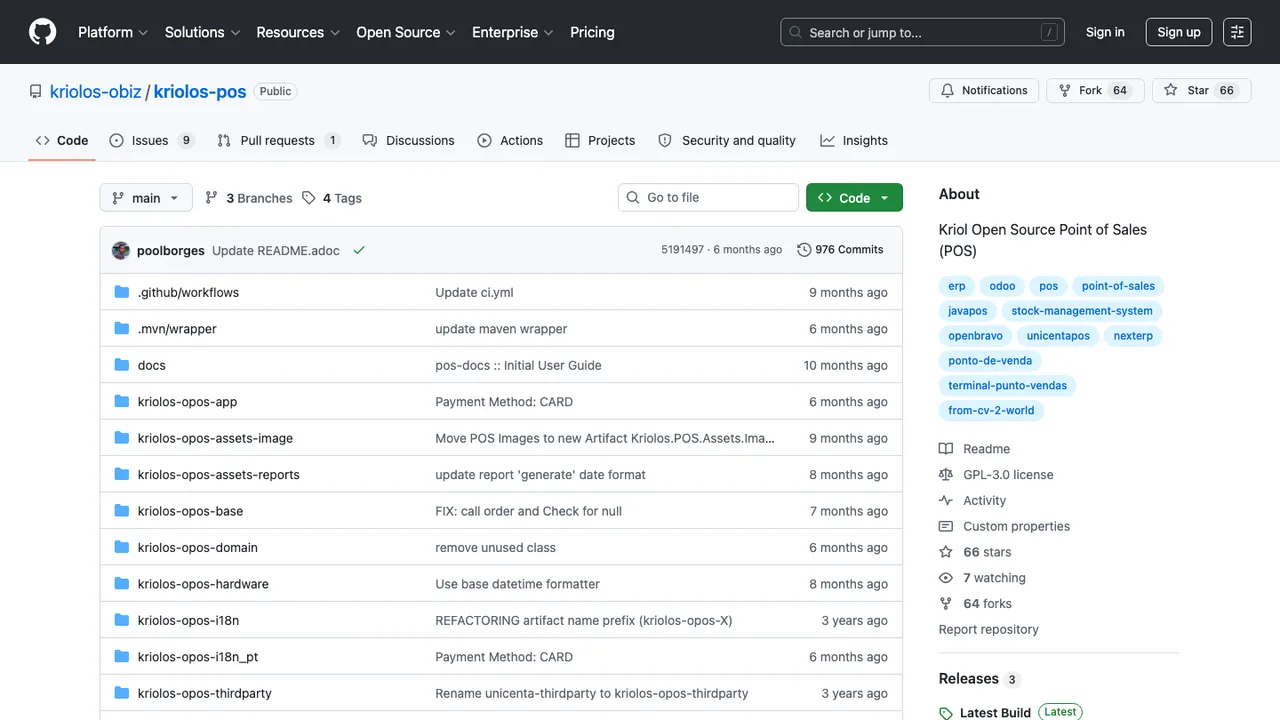
Do not assume in-person selling carries over cleanly. Shopify POS is tightly connected to Shopify inventory, customers, locations, receipts, and staff workflows. An open source commerce backend may need a separate point-of-sale system or custom integration. Check barcode scanning, cash drawer support, returns, exchanges, offline behavior, tax rules, and inventory sync before committing if retail sales matter.