6 Best Open Source Alternatives to Buffer

Updated July 2026

Buffer is a clean, no-nonsense way to schedule social posts: queue content across several networks, line it up on a calendar, and let it publish while you do other things. For a small team running a handful of accounts it is calm and predictable. The pinch comes from how it is priced - by channel. Each connected social account is a separate slot on your plan, so the bill grows every time you add a profile or onboard another brand, and the more capable analytics and team features are gated above the entry tier. For an agency or anyone juggling many accounts, that per-channel math adds up fast.

The open source alternatives below handle the same scheduling-and-queue workflow on infrastructure you run, where connecting another account or inviting another teammate doesn't change what you pay. Your drafts, calendar, and posting history live in a database you control, and the number of channels you manage is a question of your own resources rather than a pricing tier.

Postiz logo

1.Postiz

31.9kAGPL-3.0TypeScript Self-host
Postiz screenshot

Postiz is an open-source social media scheduling tool for planning posts, managing accounts, and tracking performance in one place. It is built for teams and automation workflows that need scheduling, collaboration, and audience growth across social platforms.

  • Schedule social media posts
  • Measure work with analytics
  • Collaborate with team members on posts
  • Public API plus NodeJS SDK
listmonk logo

2.listmonk

21.6kAGPL-3.0Go Self-host
listmonk screenshot

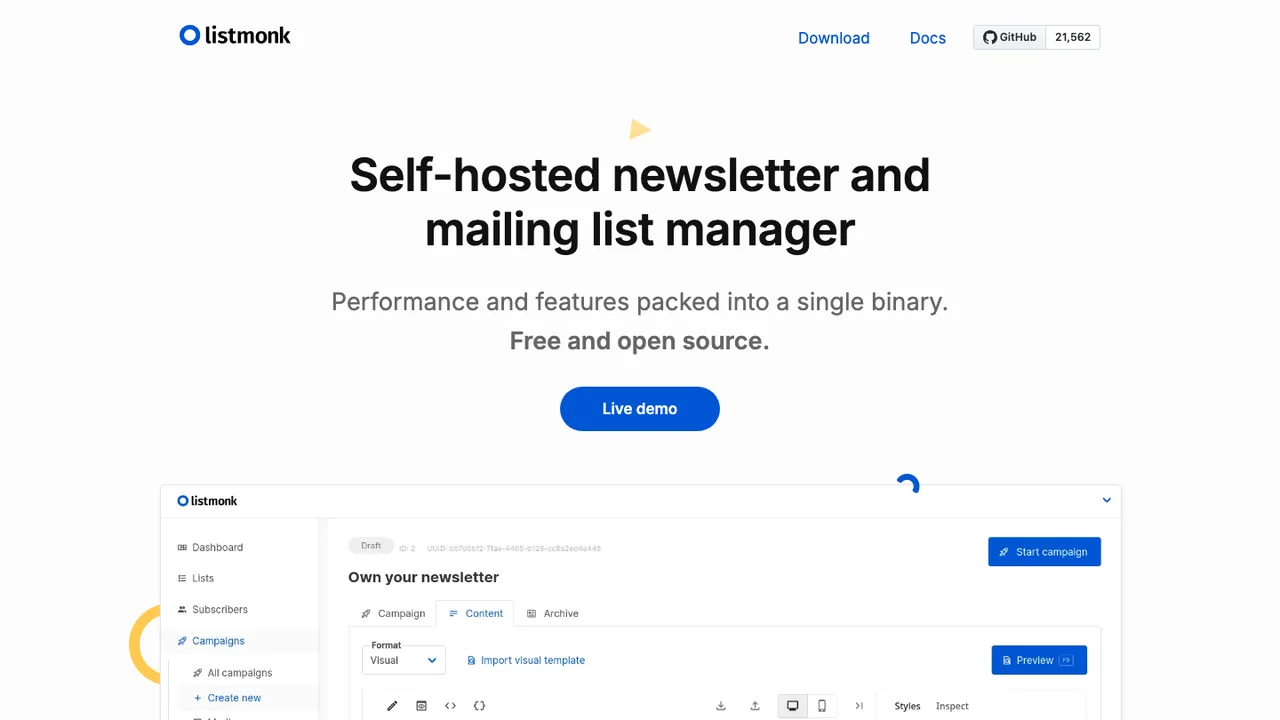
listmonk is a standalone, self-hosted newsletter and mailing list manager for sending campaigns and transactional email. It stores its data in PostgreSQL and is packaged as a single binary.

  • Single-binary newsletter and mailing list manager
  • PostgreSQL data store
  • Transactional email support
  • SMS gateway support
BillionMail logo

3.BillionMail

15.1kAGPL-3.0Go Self-host
BillionMail screenshot

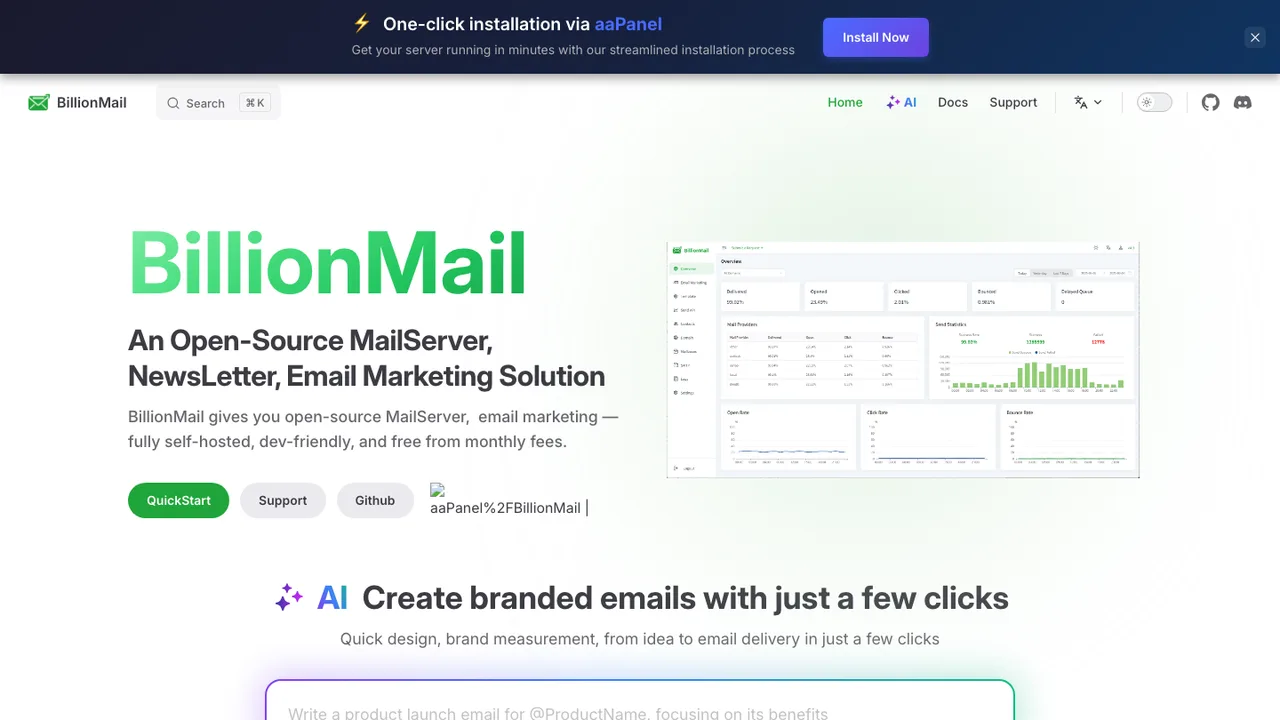
BillionMail is an open-source mail server and email marketing platform for sending newsletters, promotional emails, and transactional messages. It is built for people who want to manage email campaigns with full control and avoid monthly fees.

  • Mail server for newsletters, promotional, and transactional email
  • Advanced analytics for email campaigns
  • Customer management for email lists and campaigns
  • Docker-based installation
Mixpost logo

4.Mixpost

3.3kMITVue Self-host
Mixpost screenshot

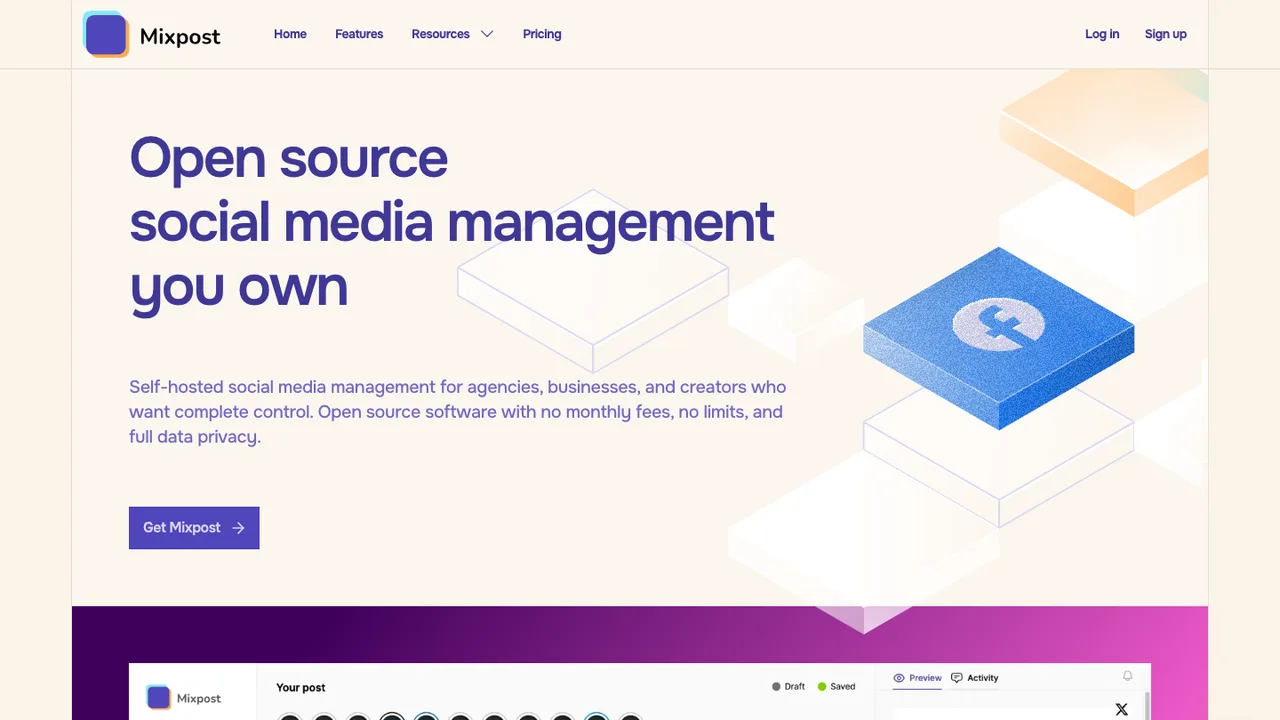
Mixpost is a social media management platform for planning, scheduling, and publishing content from your own server. It is built for teams and businesses that want to manage social media operations in one place, hosted on infrastructure they control rather than a third-party service.

  • Schedule and publish posts from a content calendar
  • Manage multiple social accounts in one place
  • Team workspaces, tasks, permissions, and performance monitoring
  • Post versions, conditions, dynamic variables, and hashtag groups
SendPortal logo

5.SendPortal

2.1kMITPHP Self-host
SendPortal screenshot

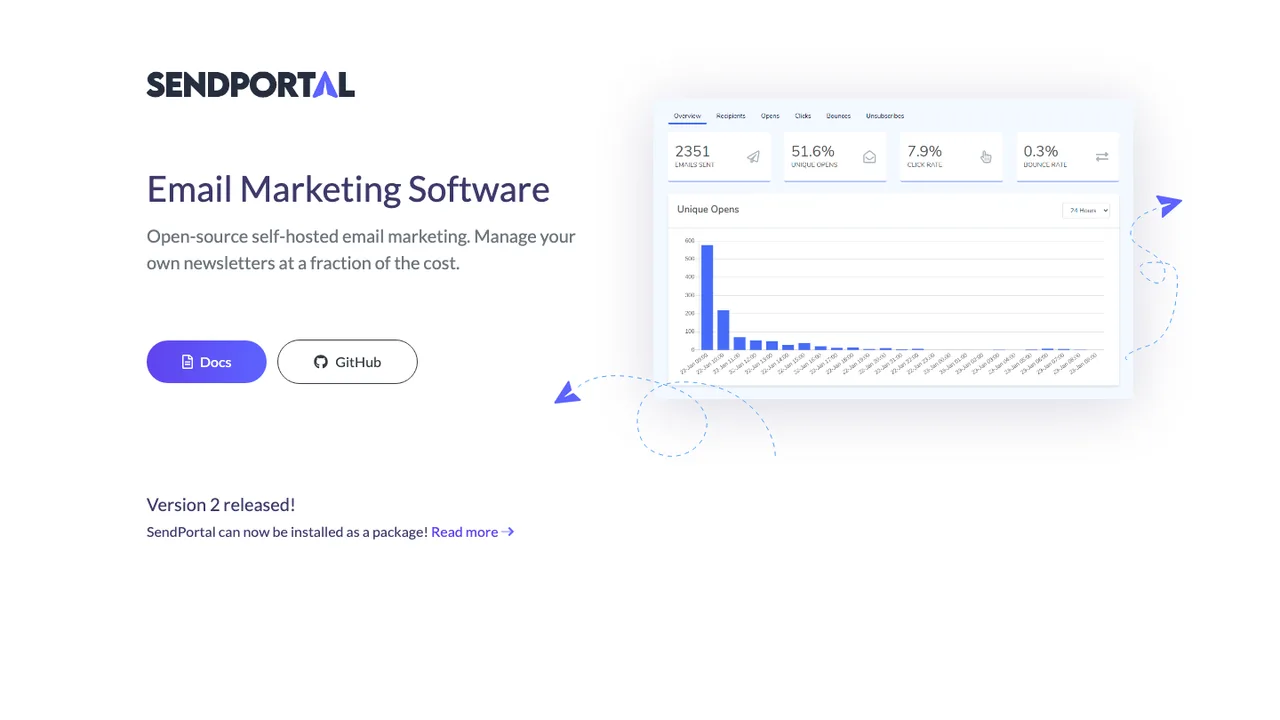
SendPortal is open-source, self-hosted email marketing and newsletter software. An organization can run its own email marketing application instead of a hosted-only service, with subscriber and list management, campaign sending, tracking, and reports in one web application.

  • Subscriber and list management
  • Email campaigns with message tracking
  • Campaign reports
  • Multiple workspaces and domains
phpList logo

6.phpList

851AGPL-3.0PHP Self-host
phpList screenshot

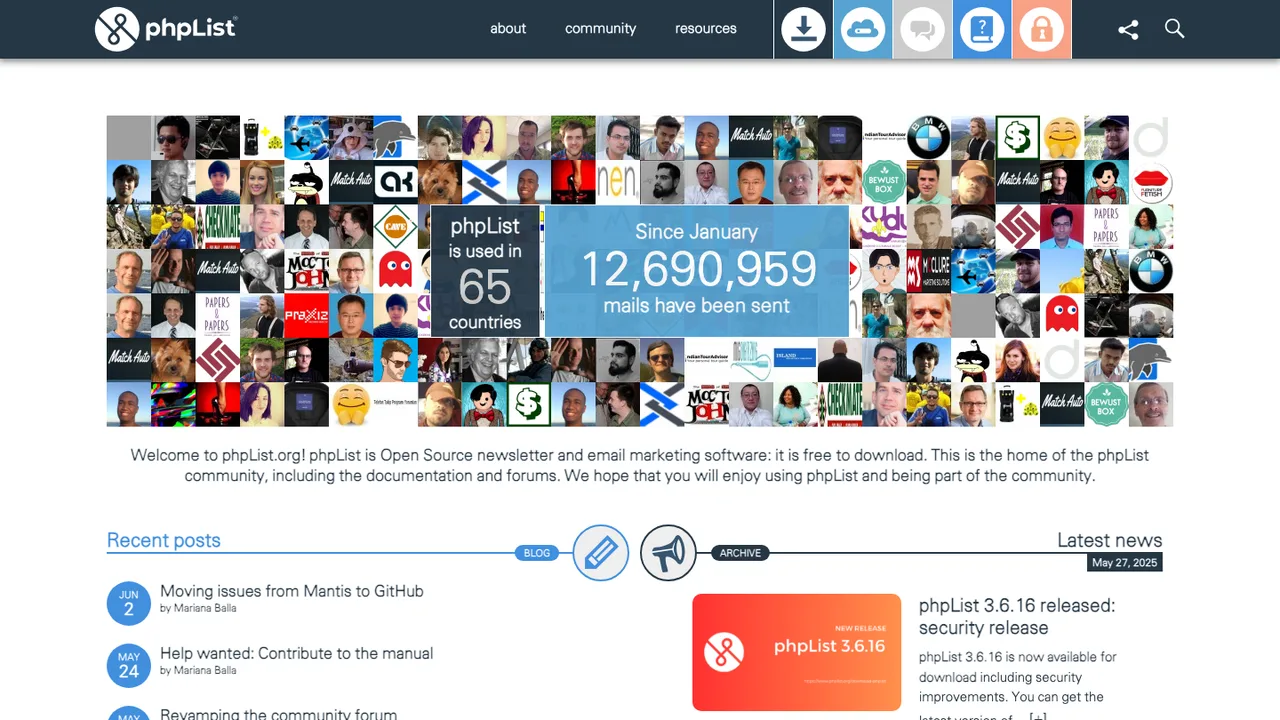
phpList is open source email marketing software for creating, sending, integrating, and analyzing email campaigns and newsletters. It manages subscriber lists, campaign delivery, and reporting in one place.

  • Analytics, segmentation, content personalization, and bounce processing
  • Web-based and command-line interfaces
  • Message-queue management with delivery tracking
  • Amazon SES support and domain-based throttling

Switching from Buffer to open source

Buffer hides the differences between social network APIs behind one queue, so the replacement decision starts with channel coverage and scheduling semantics. Check whether the alternative supports the post types you actually publish, including image sets, short videos, first comments, link previews, and per-channel text variants. Then look at the scheduler: recurring slots, timezone handling, failed-post retries, rate-limit backoff, and whether jobs run reliably without someone keeping a browser open. If Buffer is your team calendar, approvals, draft states, and permission boundaries matter as much as the publish button.

Expect a rougher edge around network-specific features. Open source tools often trail commercial products when social platforms change API rules, media requirements, or permission scopes. Analytics may be narrower than Buffer, especially for historical engagement, audience trends, or cross-channel reports. Mobile apps can be missing or basic, and visual calendar polish varies. The upside is control over data and workflow, but you may need to accept more administration: token refresh issues, background workers, media storage, backups, and monitoring the posting queue like production infrastructure.

Migration is mostly reconstruction, not a one-click import. Start by exporting any available Buffer reports and downloading content you need to preserve. Capture the current queue, drafts, approval state, posting schedule, channel mappings, campaign tags, and UTM conventions before disconnecting anything. Scheduled posts usually need to be recreated in the new system because social account authorizations and internal post identifiers do not transfer. Reconnect each channel through its own authorization flow, publish a low-risk test post, verify media rendering, then migrate the remaining queue in batches so failures are easy to isolate.

Related alternatives

Frequently asked questions

What is the closest open source replacement for Buffer?+

The closest fit depends on how you use Buffer. If you mainly need a queue and calendar, look for reliable scheduled publishing, timezone support, and retry handling. If Buffer is also your approval system, prioritize roles, draft review, and audit trails. If reporting drives decisions, test analytics before migrating. Social network support varies widely, so validate your exact channels and post formats first.

Is replacing Buffer with open source actually cheaper?+

It can be, but the license fee is only one part of the cost. Self-hosting adds server, storage, email, backup, monitoring, and upgrade work. A hosted open source provider may still charge per user or workspace. The break-even point is usually better for teams with technical operations capacity or strict data-control needs, not for a small team that wants zero administration.

Can I self-host an open source Buffer alternative?+

Often yes, but scheduled publishing is not a simple static app. You need a database, background job runner, media storage, secure handling of social account tokens, and a way to monitor failed jobs. Hosting also needs reliable time settings and outbound network access to platform APIs. Treat it like a production service if missed posts would hurt your workflow.

Will an open source tool support every channel I use in Buffer?+

Do not assume it will. Social networks expose different API features, and some post types are limited or unavailable to third-party tools. Before switching, make a matrix of channels, account types, post formats, media limits, tagging needs, and approval steps. Then test each one with a real draft. Channel coverage is usually the deciding factor, not whether the calendar looks familiar.

What happens to posts already scheduled in Buffer?+

Scheduled posts usually stay in Buffer until you remove, publish, or pause them there. They do not automatically move to another tool because the new system has different account authorizations and internal IDs. Export or copy the queue, recreate posts in the replacement, and run both systems briefly only if you can prevent duplicate publishing. A batch-by-batch cutover is safer than a full reset.

How do I export my data from Buffer before migrating?+

Start with what Buffer exposes in your account: reports, post history, queued content, media, team settings, and channel connections. Export analytics where available and take structured copies of schedules, campaign labels, UTM patterns, and approval notes. Some items may require manual capture because they are workflow state rather than report data. Save exports before changing plans or disconnecting social accounts.

Will I keep my Buffer analytics history?+

You can usually preserve exported reports, but you should not expect the new tool to ingest them as native analytics. Historical metrics may live in spreadsheets or a separate reporting store after migration. The replacement will typically start collecting its own data from the day it connects. If year-over-year reporting matters, plan a parallel reporting archive before shutting Buffer down.

Are open source alternatives as reliable for scheduled posting?+

Reliability depends less on the license and more on the scheduler design and hosting setup. Look for persisted jobs, clear failure states, retries, rate-limit handling, and logs that show why a post failed. If you self-host, uptime is your responsibility. Test with different media sizes, timezones, and account types before trusting it with a full campaign calendar.

How should a team handle approvals after leaving Buffer?+

Map your current review flow before picking a replacement. Note who can draft, edit, approve, schedule, publish, and manage channel credentials. Some open source tools have simple roles but not multi-step approval, comments, or legal review checkpoints. If approvals are strict, verify whether the tool records status changes and reviewer identity. Otherwise, you may need to pair it with a separate workflow system.

Do open source Buffer alternatives have good mobile apps?+

Mobile support is uneven. Some tools provide responsive web interfaces that work acceptably on phones, while others have no polished mobile experience. If your team approves posts, uploads media, or pauses queues from mobile, test those exact tasks. Push notifications, media picker behavior, and account switching matter more than whether the dashboard technically loads on a small screen.

How secure are social account connections in open source tools?+

The main security issue is token handling. The tool must store social account tokens securely, restrict who can reconnect channels, and avoid exposing secrets in logs or backups. For self-hosting, review how configuration secrets are stored, how backups are encrypted, and how access is granted to admins. Also confirm whether the project documents the permissions it requests from each social network.

Can I connect an open source scheduler to my existing content workflow?+

Maybe, but check the integration surface carefully. Useful options include an API, webhooks, import endpoints, shared media storage, and structured metadata for campaigns or tags. If your current process depends on automation platforms, asset libraries, or editorial tools, test the handoff before migration. Manual copy-and-paste may work for one account but becomes painful across teams and recurring campaigns.

What is the best way to import old posts and media?+

Separate archive import from future scheduling. Old post history is usually best stored as exported reports or a searchable content archive, while future posts should be recreated in the new scheduler. Download media files, preserve captions and links, and keep original publish dates if you need reuse analysis. Bulk import may require cleanup because each platform has different media and text limits.

What if the open source project I choose is abandoned?+

Have an exit plan before you depend on it. Prefer tools with plain database storage, documented exports, and standard media files rather than opaque internal blobs. Keep regular backups and periodically test restoring them. If development slows, you should still be able to export queued posts, channel mappings, and analytics. Avoid custom workflows that only one unmaintained codebase understands.