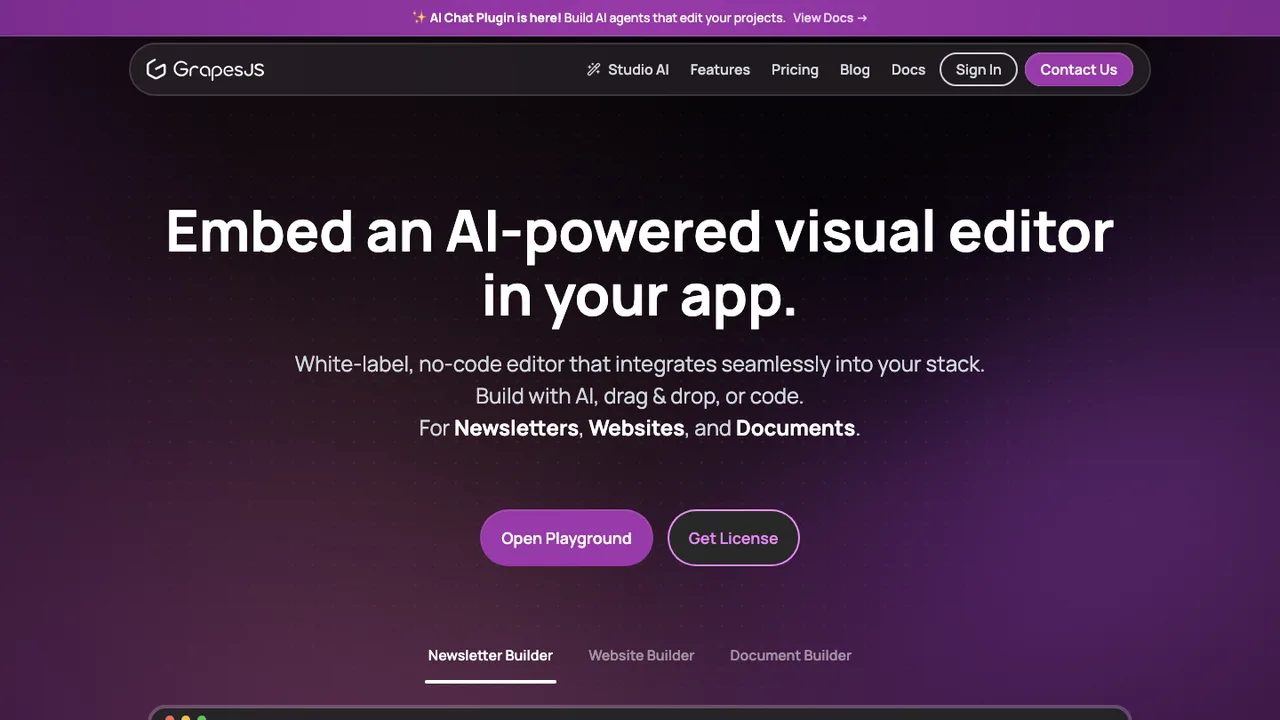
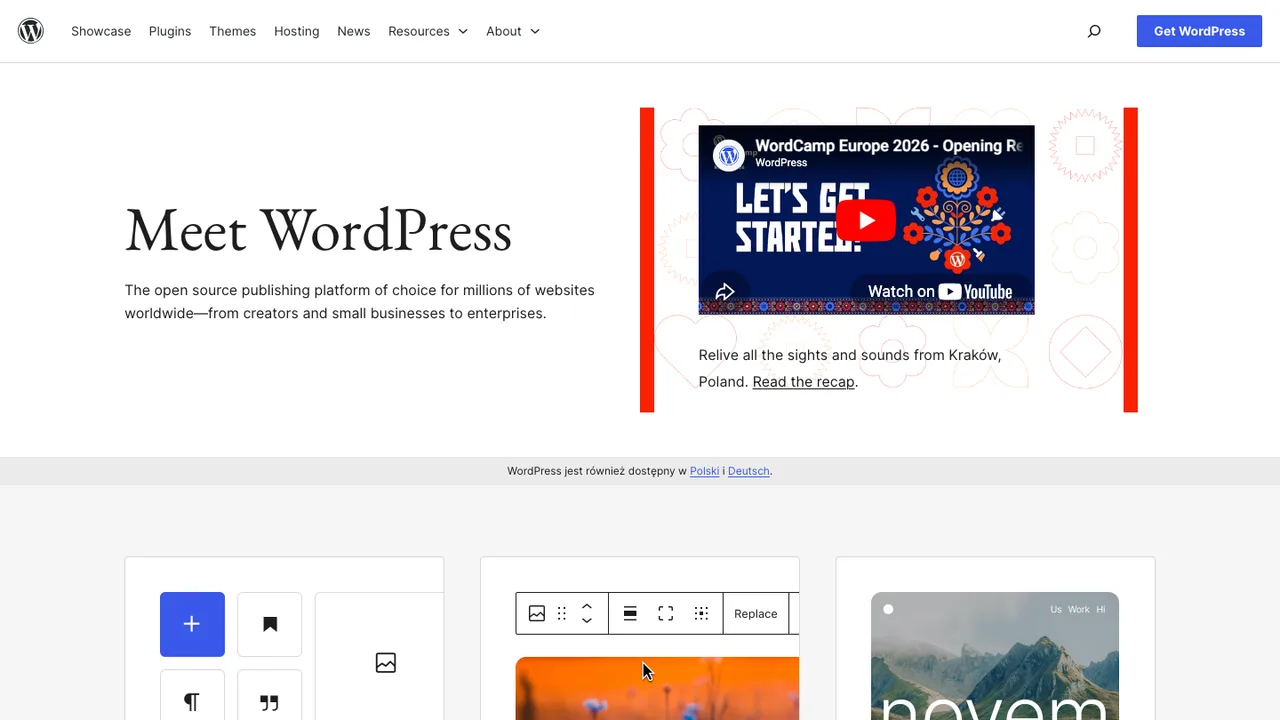
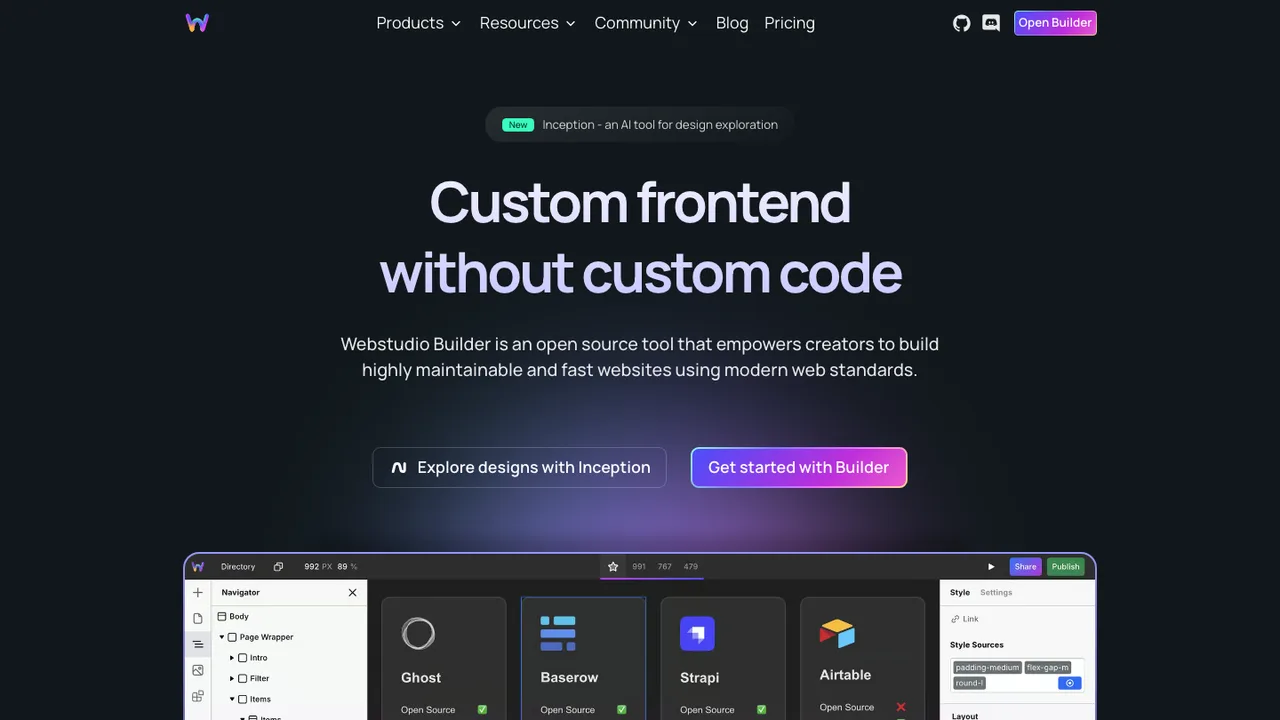
What is the closest open source replacement for Webflow?+
The closest fit depends on what you used Webflow for. If the main value was visual page design, prioritize a strong editor and responsive layout controls. If the CMS mattered more, prioritize content modeling, permissions, and publishing workflow. If hosting convenience was the draw, look for a stack with straightforward deployment and preview environments. No open source option matches every Webflow feature one-for-one.
Will I still get a visual designer after leaving Webflow?+
Usually yes, but expect a different editing model. Some open source tools provide block-based or component-based visual editing rather than Webflow's canvas-first designer. That can be easier for content teams but less precise for designers. If pixel-level control matters, test breakpoints, reusable components, custom CSS access, and how the editor handles nested layouts before committing.
Is self-hosting required for open source Webflow alternatives?+
No, but self-hosting is often the reason teams consider the switch. Many open source site builders can run on your own servers, containers, or static hosting, while others have managed hosting options from third parties. The practical question is who owns updates, backups, uptime, SSL, and incident response. If nobody on your team wants that work, use managed infrastructure even with open source software.
How much money can I save by replacing Webflow?+
License cost may drop, but total cost depends on labor. Webflow charges for a managed product that includes hosting, editor access, CMS features, and operational convenience. With open source, you may pay less in subscription fees while spending more on setup, design reconstruction, deployment, monitoring, and maintenance. For small marketing sites, savings can be real. For complex sites, migration labor often dominates the first year.
What parts of a Webflow site can be exported?+
Webflow can export front-end code and assets from eligible projects, and CMS collection data can be exported separately as CSV. That export is useful for reference, archiving, or a static starting point. It does not give you a portable Webflow backend. Native form processing, CMS-driven publishing behavior, ecommerce, search, permissions, and hosting features need separate replacements outside Webflow.
What usually breaks when a Webflow site is moved elsewhere?+
The common failures are not the visible pages but the services around them. Forms stop submitting unless you wire a new handler. Search disappears unless rebuilt. CMS references can lose relationships. Redirects may be missed. Relative asset paths can change. Custom code embeds may depend on Webflow-specific DOM structure. Test every template, form, redirect, tracking script, and breakpoint before changing DNS.
How do Webflow CMS collections migrate to an open source CMS?+
Start by exporting each collection as CSV, then map fields to the new content model. Simple text, numbers, dates, slugs, and plain images are usually manageable. Rich text, multi-reference fields, conditional visibility, nested structures, and media galleries need cleanup. Preserve original slugs where possible, normalize image names, and run a content review after import because automated migration rarely captures editorial intent perfectly.
How should I protect SEO when moving off Webflow?+
Keep URL paths stable wherever possible. Export or document every page, CMS slug pattern, canonical URL, title, description, Open Graph field, sitemap entry, and redirect. Recreate 301 redirects before launch, not after traffic drops. Compare the old and new HTML for headings, structured data, image alt text, and internal links. After launch, crawl the new site and monitor indexing errors.
What happens to Webflow forms in an open source setup?+
Webflow form submissions are tied to Webflow's hosted form handling. After export or migration, the form markup may remain, but submissions need a new backend, email service, CRM integration, or serverless endpoint. Plan for spam protection, validation, file uploads if used, notification routing, and data retention rules. Do not assume that a visually migrated form is operational.
Is ecommerce a good reason to stay on Webflow?+
It depends on how much commerce logic you need. Webflow can be convenient for simpler storefronts that live close to a marketing site. Open source alternatives may give more control, but product variants, checkout, taxes, shipping, discounts, inventory, customer emails, and payment security become implementation concerns. If ecommerce revenue is meaningful, prototype checkout and order management before migrating the public catalog.
How do team permissions and client editing compare?+
Webflow gives non-developers a controlled editing surface without exposing the whole application. In open source systems, permissions vary widely. Some are built for editorial roles, while others assume trusted technical users. Check whether clients can edit only approved fields, preview drafts, publish safely, roll back changes, and avoid breaking layout components. A flexible admin panel is not the same as a client-safe workflow.
Are Webflow animations and responsive layouts portable?+
Some exported CSS and JavaScript may preserve visual behavior, but it is not the same as having editable interactions in the new system. Complex scroll effects, triggers, and breakpoint-specific layout choices often need to be rebuilt as components or custom code. Use the export as a reference, then decide which interactions are worth recreating. This is a good time to remove fragile effects.
How do integrations and APIs change after leaving Webflow?+
Webflow often centralizes integrations through embeds, forms, CMS fields, and hosting settings. After migrating, you need to place those connections deliberately in the new architecture. Marketing scripts may move into templates, CRM flows may move behind form handlers, and CMS data may become available through a different API. Document every embed, webhook, tracking pixel, and automation before rebuilding the site.
What if the open source project I choose loses momentum?+
Reduce that risk by choosing a stack with a clean exit path. Prefer common content formats, standard databases, static output where appropriate, documented APIs, and templates your team can understand. Keep your content exportable and your theme or components in version control. If the project slows down, you want the option to patch it, fork it, migrate content, or replace only one layer.