10 Best Open Source Alternatives to Photoshop

Updated July 2026

Photoshop earned its place for good reason: decades of refinement made it the language professionals think in for retouching, compositing, and precise raster work, and a lifetime of tutorials and muscle memory live inside it. The friction is that it stopped being something you buy - it's a Creative Cloud subscription you rent indefinitely, tied to an Adobe account, so the moment you stop paying you lose access to the tool you've built your craft around, even though your files sit right there on your disk.

The open source alternatives below give you serious raster and photo editing with no recurring bill and no account standing between you and your work. They run locally on hardware you own, save to formats you can open in anything, and the program keeps working whether or not a payment cleared this month.

Upscayl logo

1.Upscayl

46.1kAGPL-3.0TypeScript
Upscayl screenshot

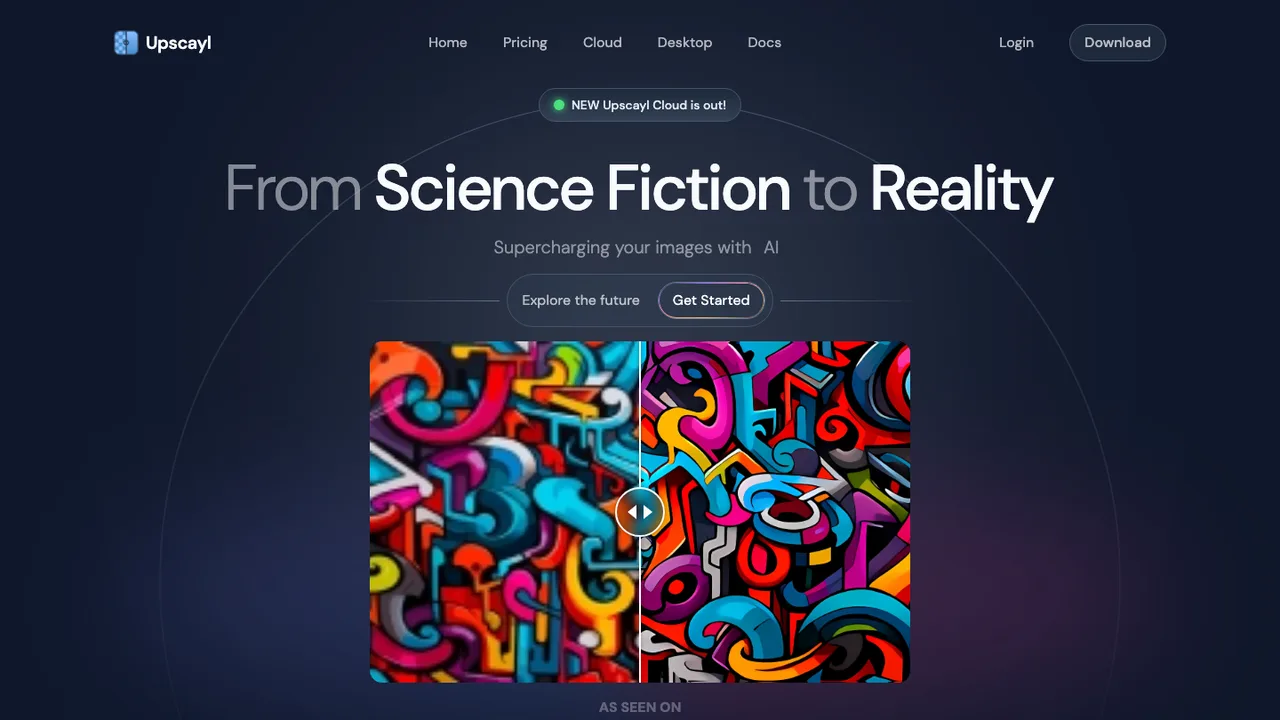
Upscayl enlarges and enhances low-resolution images with AI. It is built for photos and graphics that are too small or pixelated and need more detail, sharpening them without the soft, washed-out look of a plain resize. It is not a deblurring or focus-correction tool.

  • AI upscaling for low-resolution and pixelated images
  • Real-ESRGAN models on a Vulkan backend
  • Command-line tool, upscayl-ncnn, for batch jobs
  • Add extra models through custom models
Krita logo

2.Krita

9.9kGPL-3.0C++
Krita screenshot

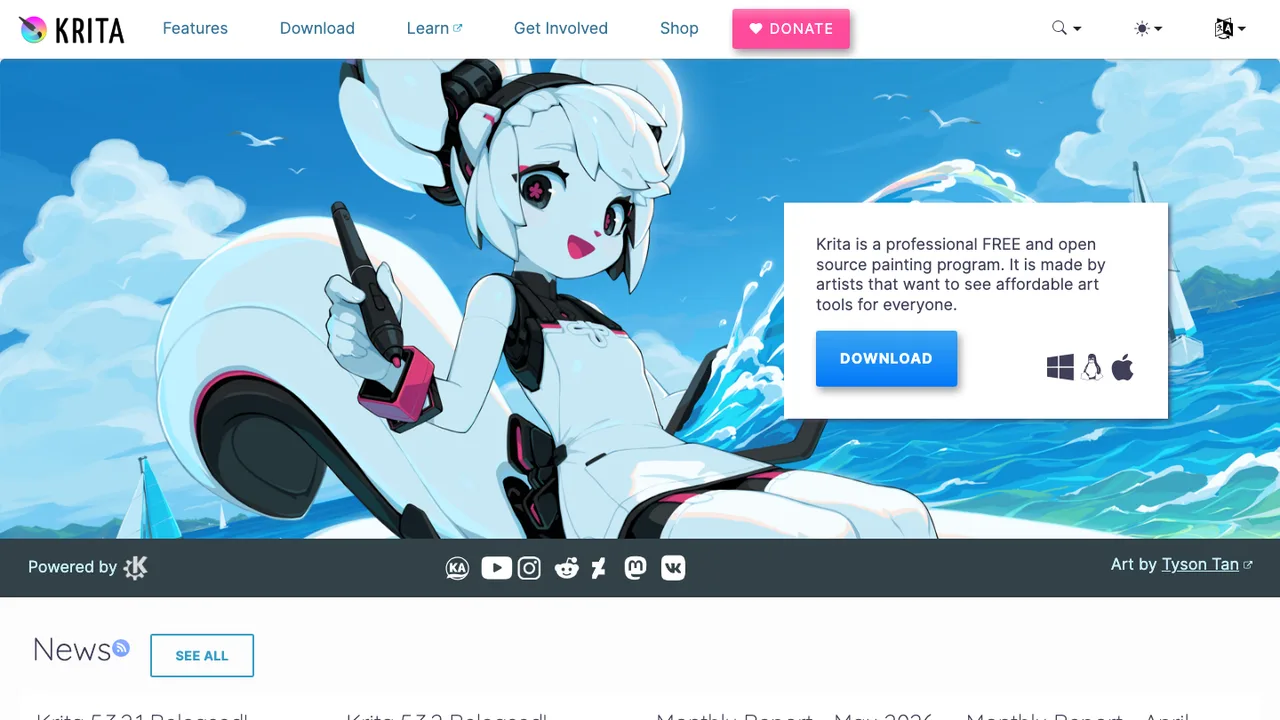
Krita is a free and open source digital painting application built for creating artwork from start to finish. It is aimed at professionals and serious hobbyists who want a dedicated canvas rather than a general-purpose image editor.

  • Digital painting from blank canvas to finished art
  • Deep, customizable brush engine
  • Layers, masks, and color management
  • Built for comics, illustration, and concept art
PixiEditor logo

3.PixiEditor

7.8kLGPL-3.0C#
PixiEditor screenshot

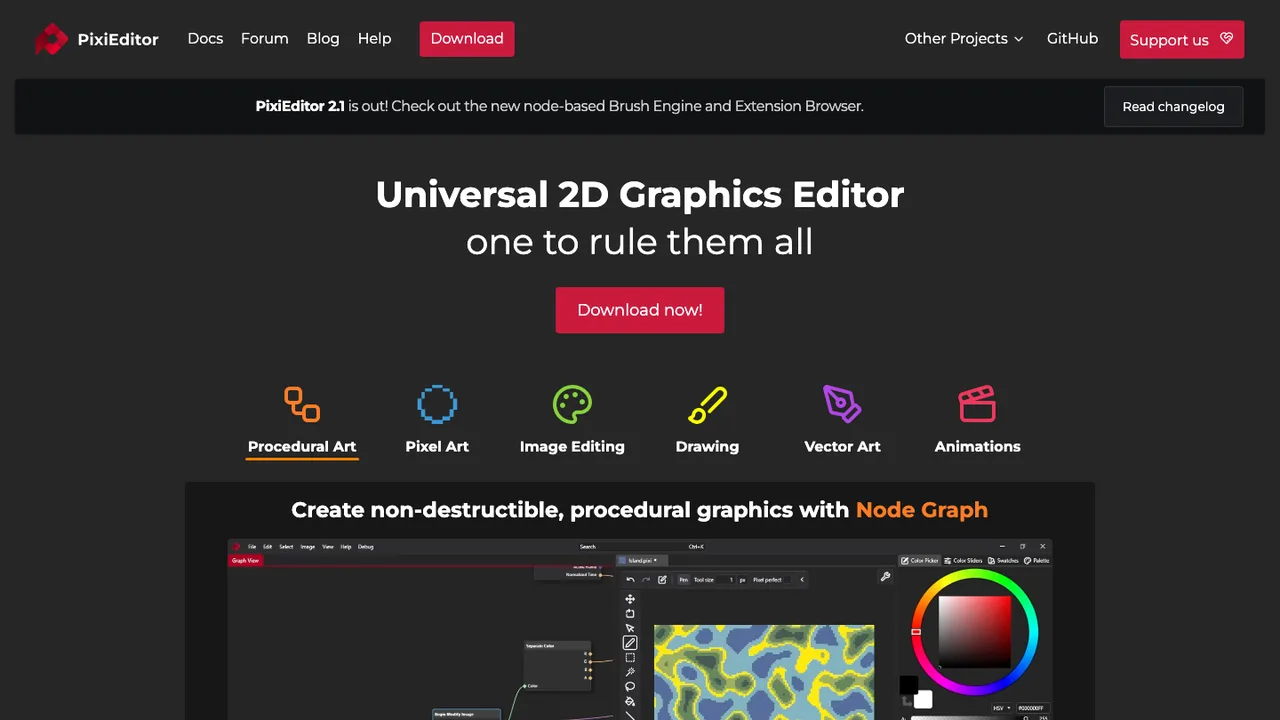
PixiEditor is a universal 2D editor for sprites, game art, images, and logos. It brings pixel art, painting, and vector tools together in one familiar interface so you can move between different kinds of 2D work without switching applications.

  • Pixel art, painting, and vector toolsets
  • Mix vector and raster on one canvas
  • Timeline for frame by frame animation
  • Node-based animation for custom shaders
GIMP logo

4.GIMP

6.2kOtherC
GIMP screenshot

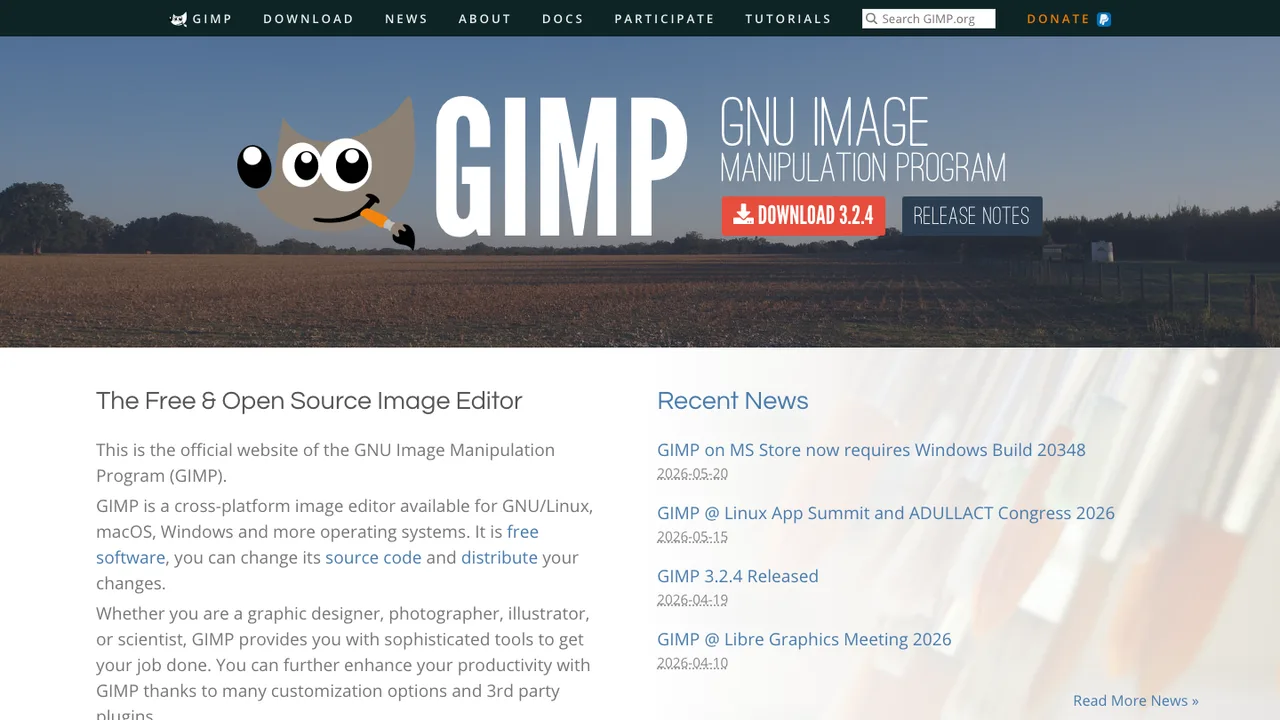
GIMP is the GNU Image Manipulation Program, a free and open source image editor for Windows, macOS, and Linux. Photographers, designers, and illustrators use it to retouch photos, composite images, and create graphics without relying on proprietary software.

  • Layer and mask support for image editing
  • Customizable brushes for painting and retouching
  • Color correction and photo editing tools
  • Interface customization with themes, CSS, and keybindings
Pinta logo

5.Pinta

3.8kMITC#
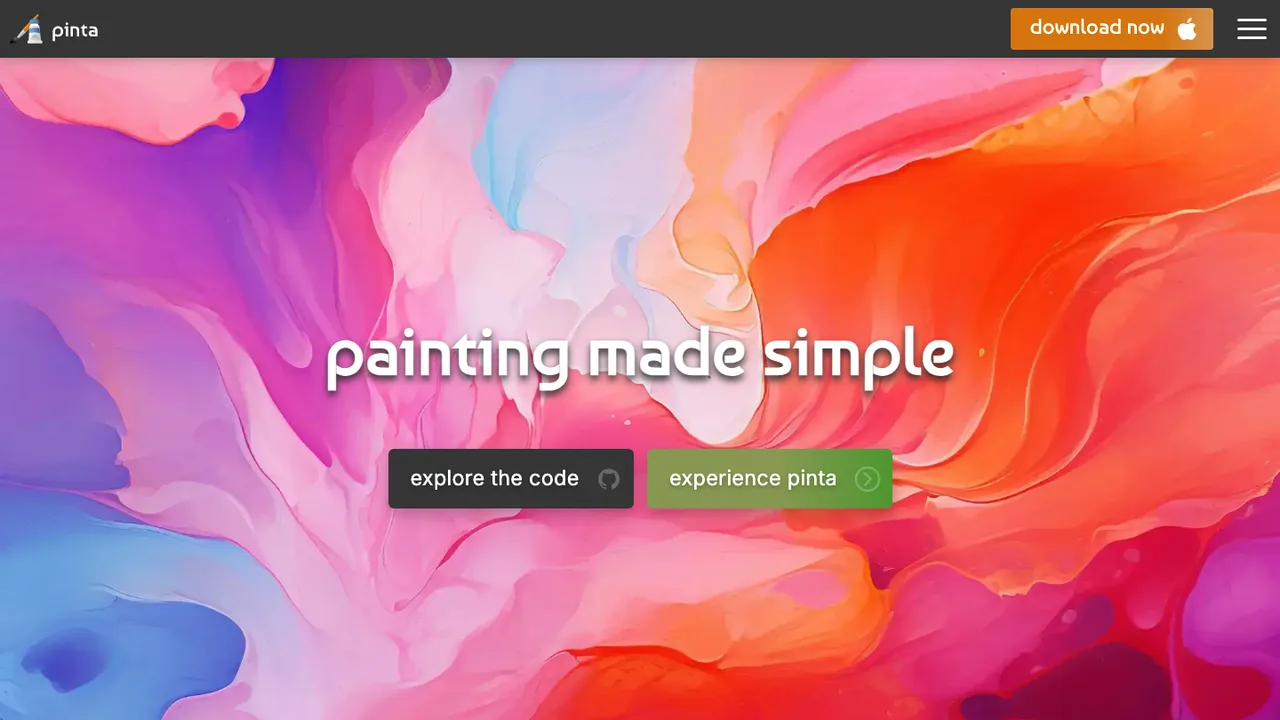
Pinta screenshot

Pinta is a free, open-source painting and image editing program built with GTK. Modeled on Paint.Net 3.0, it gives you an approachable desktop editor for drawing and everyday image work on Windows, macOS, and Linux.

  • Painting and everyday image editing tools
  • Unlimited undo across your edit history
  • Real-time, previewable effects
  • Familiar Paint.Net-style interface

6.QualityScaler

3.1kMITPython
QualityScaler screenshot

QualityScaler is a Windows app that enhances, upscales, and denoises photos and videos with AI. Everything runs on your own PC with local models, so no internet connection is needed and your files never leave your machine.

  • AI upscaling for both images and video
  • Automatic tiling to fit GPU VRAM limits
  • Resize before upscaling
  • Interpolation between original and upscaled output
MyPaint logo

7.MyPaint

2.9kGPL-2.0Python
MyPaint screenshot

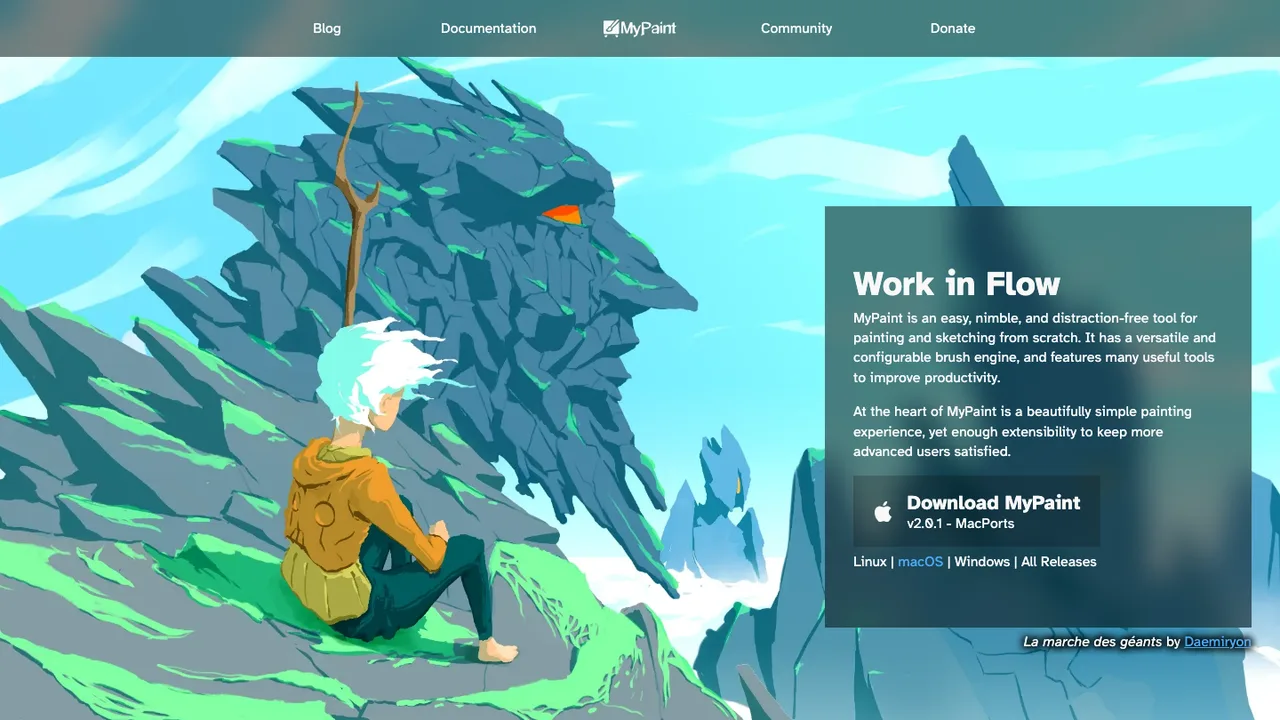
MyPaint is a drawing and painting program for artists who want a simple workspace focused entirely on brushwork. Built around graphics tablets, it keeps the interface out of the way so you can concentrate on the canvas.

  • Infinite canvas
  • Extremely configurable brushes
  • Distraction-free fullscreen mode
  • Extensive graphics tablet support
Drawing logo

8.Drawing

848GPL-3.0Python
Drawing screenshot

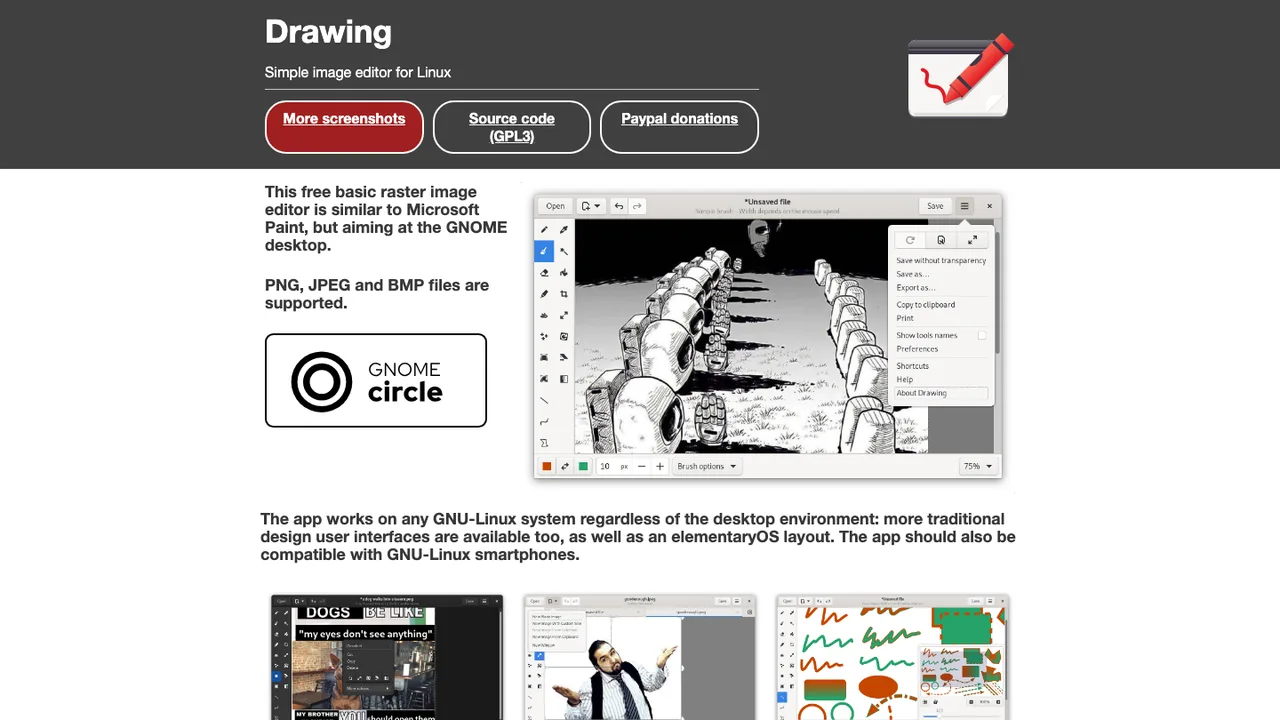
Drawing is a simple image editor for Linux. It offers a Paint-like workflow for creating and adjusting pictures without the weight of a full graphics suite, making quick edits and sketches fast and approachable.

  • Supports PNG, JPEG, and BMP files
  • Pencil, brushes, eraser, and highlighter
  • Selections, crop, scale, rotate, and skew
  • Filters for contrast, blur, pixelization, and invert colors

9.RealScaler

409MITPython
RealScaler screenshot

RealScaler is a Windows app that enhances, upscales, and denoises photos and video using Real-ESRGAN AI. All processing happens locally on your PC, so your source and output files never leave your machine and no internet connection is required.

  • AI upscaling of images and video with Real-ESRGAN
  • Denoises photos and video
  • Automatic tiling to fit GPU VRAM limits
  • Resize before upscaling
Pixelitor logo

10.Pixelitor

260GPL-3.0Java
Pixelitor screenshot

Pixelitor is a desktop image editor for creating and editing images on Windows, macOS, and Linux. It handles layered compositions complete with layer masks and text layers, making it well suited to both photo editing and from-scratch graphics work.

  • Layers, layer masks, and text layers
  • 110+ image filters and color adjustments
  • Multiple undo for non-linear editing
  • Pixel-level editing and corrections

Switching from Photoshop to open source

When replacing Photoshop, start with the work that must remain editable, not the feature checklist. A photographer doing exposure cleanup, masks, and local retouching has different needs than a designer shipping layered composites or print ads. Test your real PSD and PSB files, including adjustment layers, layer masks, text, clipping groups, blend modes, and 16-bit images. Also decide whether you need strict color-profile handling, CMYK handoff, pressure-sensitive painting, or automation. Photoshop hides a lot of workflow inside shortcuts, actions, presets, and plugin habits, so the replacement has to match your daily path, not just open an image.

Expect gaps where Photoshop acts as a whole production environment rather than a bitmap editor. Some open source editors can edit layered raster work well but may not reproduce smart objects, proprietary filters, text layout, layer effects, or camera-specific RAW defaults exactly. Print shops and collaborators may still ask for PSD files, and opening a file is not the same as preserving its editable appearance. You may need to flatten approved elements, rasterize type, or keep source assets in a simpler structure. The tradeoff is usually fewer vendor-specific conveniences in exchange for files and habits you can document and control.

Migration is a cleanup project, not a one-click import. Start by sorting files into three groups: archived finals, reusable source files, and jobs still in revision. Export finished work to TIFF, PNG, JPEG, or PDF as appropriate, with embedded color profiles. For reusable PSDs, open copies in the new editor and compare layer order, masks, blend modes, text, and transparency against rendered reference images. Export brushes, gradients, swatches, and patterns where the formats are readable, but expect actions, plugins, and smart objects to need manual rebuilding. Keep a frozen reference export for every client file before you change it.

Related alternatives

Frequently asked questions

Is an open source editor a realistic replacement for professional Photoshop work?+

Yes, for many photography and design workflows, but not for every Photoshop job. The safe test is whether your common files round-trip with acceptable layer fidelity and whether your retouching, masking, color, and export steps remain fast enough. If your work depends on proprietary plugins, exact PSD delivery, complex smart objects, or print-shop templates, treat the switch as a staged workflow change rather than a drop-in replacement.

What parts of a PSD usually survive the move?+

Raster layers, basic masks, transparency, many blend modes, and embedded color profiles are the parts most likely to survive. Text layers, layer effects, adjustment layers, smart objects, and proprietary filters are riskier because they rely on Photoshop behavior rather than just pixel data. Always compare against a flattened reference export. For client work, keep the original PSD untouched and migrate a copy.

How do I migrate years of Photoshop files without breaking client work?+

Build a small test set before converting anything in bulk. Include recent client files, old templates, high-bit-depth photos, files with many groups, and print deliverables. For each file, save a rendered reference, open a copy in the new editor, and record what changed. Then migrate only the files you will reuse. Archives usually need stable exports, not fully editable reconstructions.

Will CMYK print and color profiles work the same way?+

CMYK support is one of the places where expectations need to be precise. Some workflows can keep editing in RGB and convert at export or prepress; others require checking separations, spot colors, total ink, and proof profiles during editing. Ask your printer what final format they want. If they require a Photoshop PSD with editable CMYK layers, you may need a hybrid handoff.

What happens to Photoshop brushes, actions, and plugins?+

Some brush files and simple preset data may import, but behavior can still differ because brush engines are not identical. Actions are usually the hardest part because they record Photoshop-specific commands and dialog behavior. Commercial plugins generally do not transfer. Rebuild critical automation as scripts, batch export recipes, or documented manual steps, and keep before-and-after test images for validation.

Are tablet and pen workflows comparable?+

Pen pressure, tilt, stabilizing, and shortcut behavior depend on the editor, tablet driver, and operating system. Do not judge this from screenshots. Install the candidate editor on the actual tablet or pen display, test your brushes, and check palm rejection, modifier keys, and color picker access. Painting can be comfortable, but it often takes time to recreate muscle memory from Photoshop.

How should RAW photo work fit into the new workflow?+

Many open source editors are strongest after RAW development, not as the first RAW stop. A common workflow is to process RAW files in a dedicated converter, export a high-bit-depth TIFF, then do retouching or compositing in the image editor. Check lens corrections, camera profiles, highlight recovery, and batch export behavior. Also keep original RAW files unchanged so you can reprocess later.

Does replacing Photoshop actually save money?+

You can usually avoid a Photoshop subscription, but zero license cost is not the same as zero switching cost. Budget time for testing files, rebuilding presets, retraining shortcuts, replacing plugins, and documenting exports for clients. If you run a studio, include the cost of temporary parallel use while jobs finish. The savings are clearest when your workflow does not depend on paid Photoshop-only extensions.

How do teams review and hand off files without Photoshop?+

Teams need a file convention more than they need everyone using the same editor. Decide when source files are shared, when review files are flattened, and which export formats are authoritative. Use plain folder structures or a versioned file store with clear naming. Permissions usually live in your storage system, not the editor. For outside collaborators, send rendered proofs plus editable sources only when required.

Is open source image editing secure enough for sensitive images?+

Treat image editors like any other software that parses untrusted files. Use builds from the project or trusted package sources, keep dependencies updated, and be careful with third-party plugins or scripts. For sensitive images, prefer offline editing and encrypted storage. Independent audits are uncommon in this category, so practical controls - sandboxing, least-privilege accounts, and verified downloads - matter more than broad claims.

What performance issues show up with large layered files?+

Large layered Photoshop files expose differences quickly. Watch memory use, scratch disk behavior, tile rendering, and how the editor handles many masks or high-bit-depth layers. Some operations may be faster, while filters or transforms may be slower. Test on your real hardware with your largest jobs. Also check whether autosave and undo history are reliable under load.

How do backups and long-term archiving change?+

Backups become more important because you may keep several representations of the same job: the original PSD, the migrated source file, and flattened delivery exports. Store embedded profiles and linked assets with the project. Use checksums or versioned backups for client archives. For long-term access, keep TIFF or PDF finals alongside editable files so you are not depending on one editor's parser.

What if the editor I pick loses maintainers?+

Pick formats and habits that reduce project risk. Favor editors that can save to documented or widely readable formats, and keep final exports separate from editable working files. Before committing, look at release history, issue response, packaging, and whether more than one person can build the software. If development slows, your exit path is your file format discipline and archived installers.