4 Best Open Source Alternatives to Canva

Updated July 2026

Canva is a polished browser design studio for people who need finished graphics without becoming layout specialists: templates, brand kits, stock assets, quick video, presentations, and social formats all live in one workflow. The friction shows up when the same convenience becomes the boundary - important assets sit inside Canva's editor and export model, and the parts teams rely on most often, like brand controls, shared libraries, and premium media, are tied to Canva's cloud and account structure.

Open source alternatives trade some template abundance for files and services you can control: vector editing, page layout, image composition, whiteboards, and lightweight publishing that fit local workflows, private deployments, or asset pipelines without routing every design decision through Canva.

Excalidraw logo

1.Excalidraw

125.4kMITTypeScript
Excalidraw screenshot

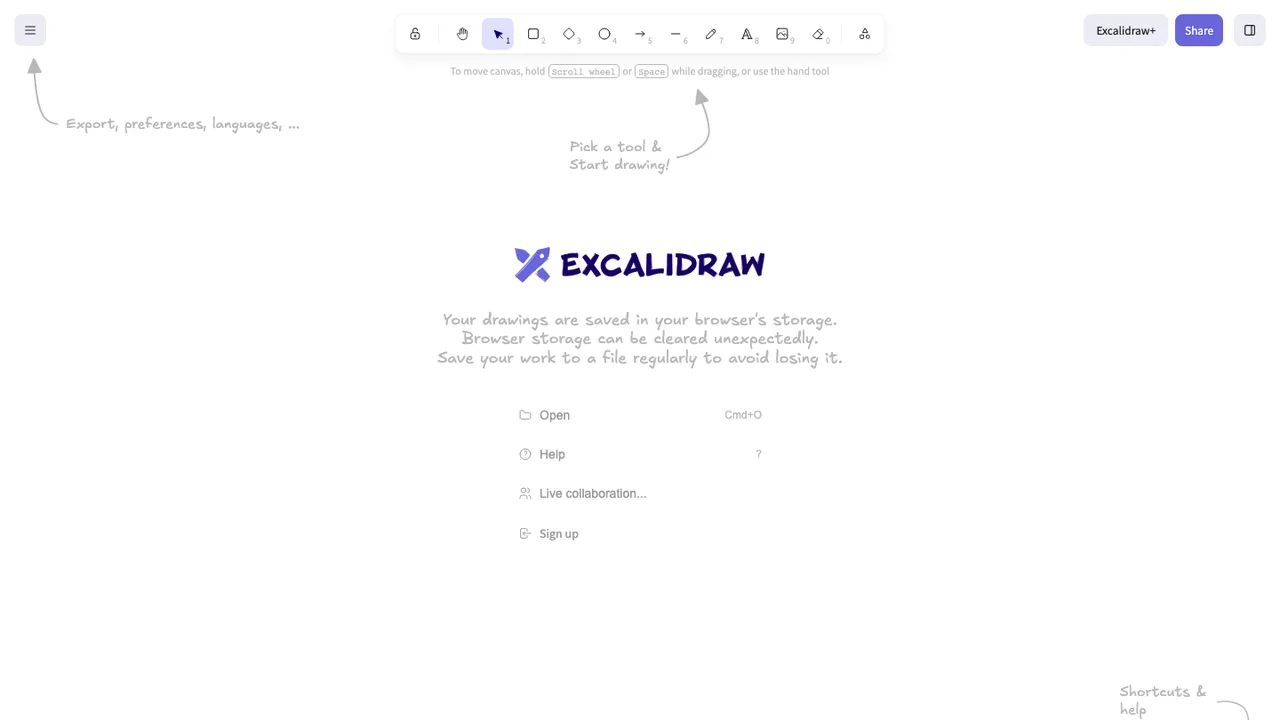
Excalidraw is an open source virtual whiteboard for drawing hand-drawn style diagrams, wireframes, and sketches. It provides an infinite canvas with common diagramming tools, so teams and individuals can turn ideas into visual drawings in a browser.

  • Infinite canvas with hand-drawn style shapes
  • Rectangle, circle, diamond, arrow, line, free-draw, and eraser tools
  • Arrow binding, labeled arrows, undo and redo
  • Export to PNG, SVG, clipboard, and .excalidraw JSON
Penpot logo

2.Penpot

49.7kMPL-2.0Clojure Self-host
Penpot screenshot

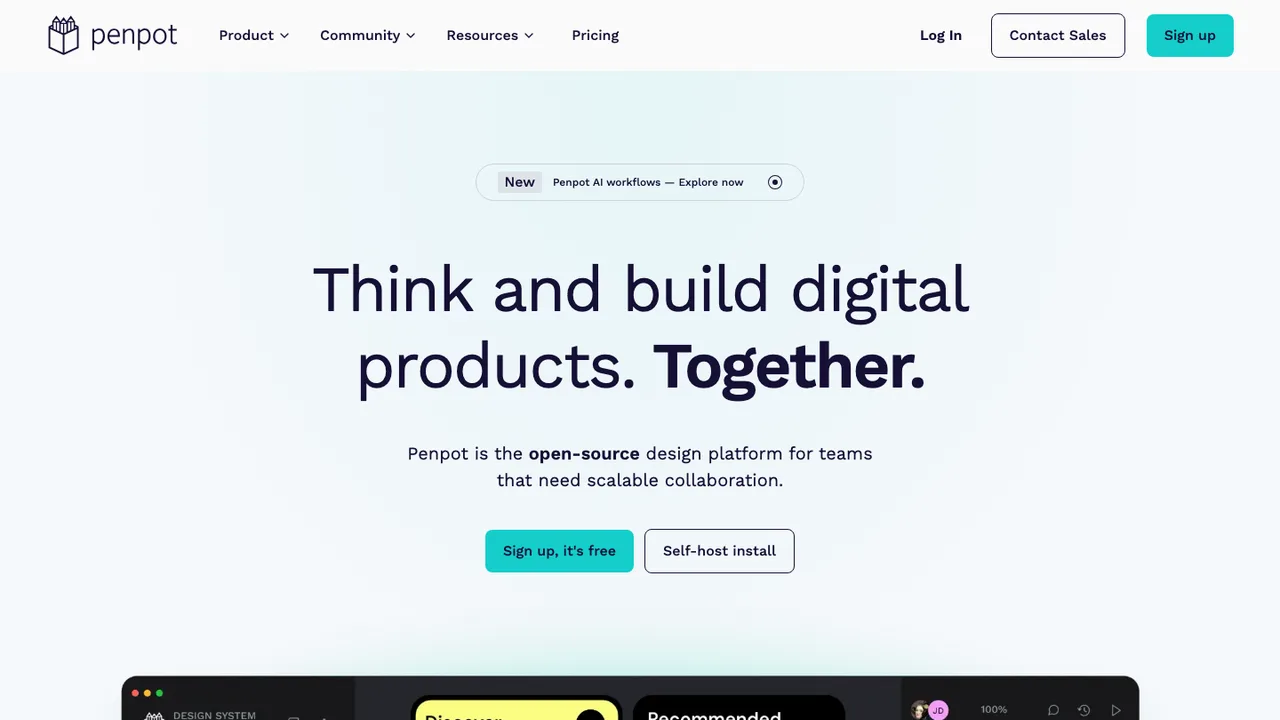
Penpot is an open-source design platform for teams building digital products. It supports design and prototype work in the browser or on self-hosted infrastructure, giving teams ownership of their design environment and helping avoid vendor lock-in.

  • Browser-based design and prototyping workspace
  • Real-time collaboration for teams or solo work
  • Inspect mode with SVG, CSS, and HTML code
  • Native design tokens, components, and variants
Inkscape logo

3.Inkscape

3.6kOther
Inkscape screenshot

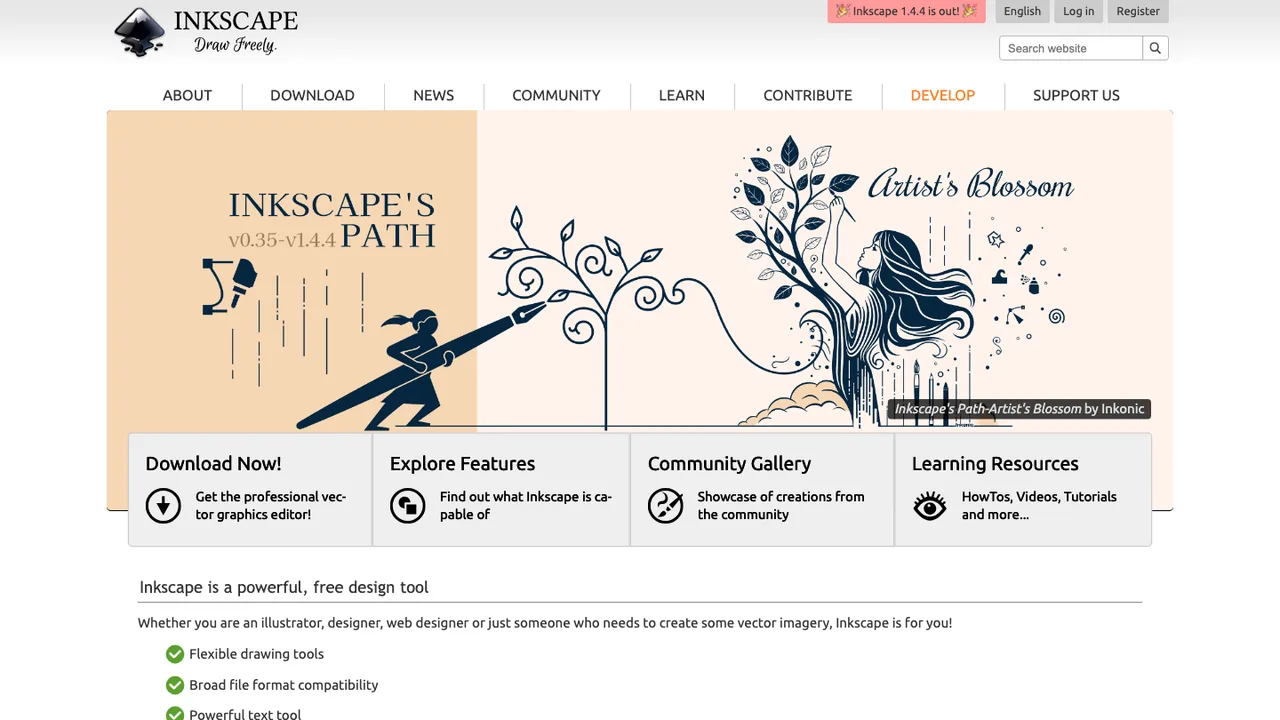
Inkscape is free and open source vector graphics software for Windows, macOS, and Linux. It is used to create illustrations, icons, logos, diagrams, maps, and web graphics, serving both design professionals and hobbyists.

  • Vector graphics creation for illustrations, icons, logos, and diagrams
  • Uses W3C SVG as its native file format
  • Creates maps and web graphics
  • Runs on Windows, macOS, and Linux desktops
Scribus logo

4.Scribus

599OtherC++
Scribus screenshot

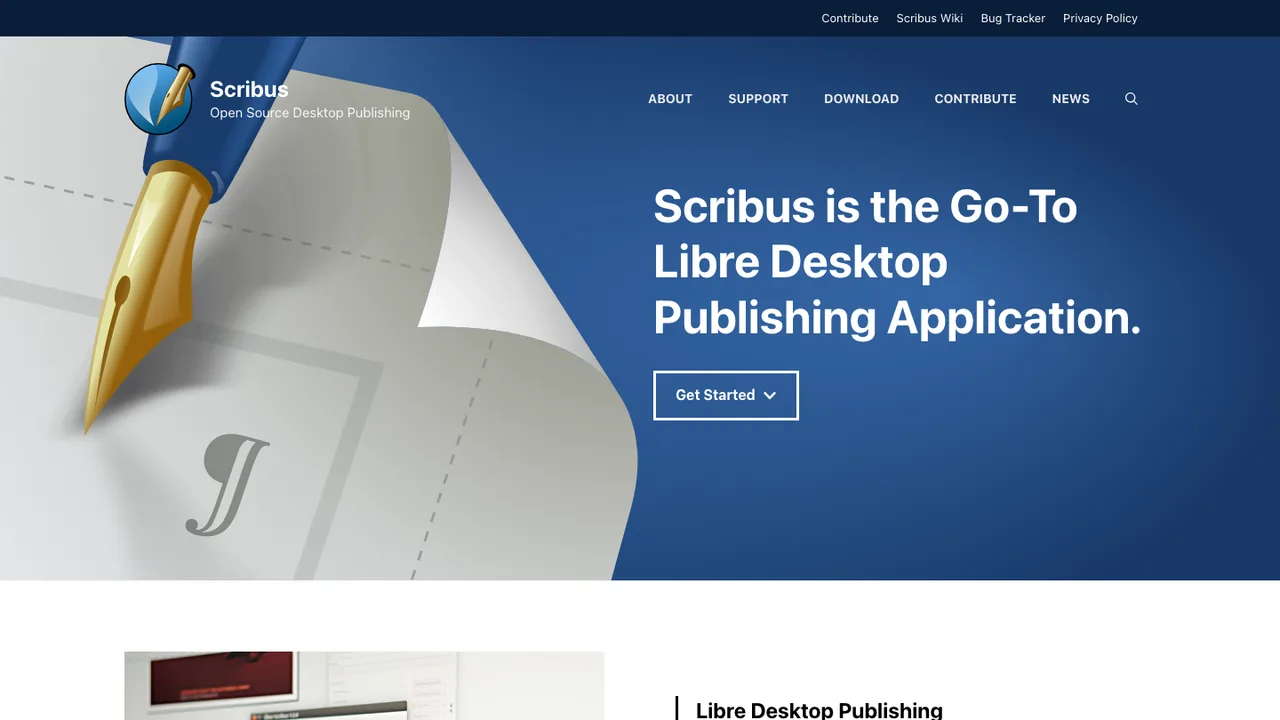
Scribus is open source desktop publishing software for page layout work. It is aimed at documents that need controlled text frames, typography, and output preparation rather than general word processing.

  • RTL language support for Arabic, Persian, Urdu, and Hebrew
  • Bi-directional text and Indic script support
  • More than 500 supported languages
  • OpenType font feature support

Switching from Canva to open source

Start by deciding what Canva is actually doing for your team. Some groups use it as a lightweight page layout tool for social posts and flyers. Others depend on its browser workflow, shared brand assets, comments, presentations, and quick export presets. Open source replacements split those jobs more often. You may need one tool for vector layout, another for image editing, and a separate place for asset storage and review. The right choice depends less on feature count and more on whether non-designers can safely produce approved work without breaking fonts, spacing, logos, or export settings.

The biggest adjustment is the loss of Canva's integrated content ecosystem. Expect fewer ready-made templates, less built-in stock media, and more responsibility for font licensing, image rights, and brand governance. Collaboration can also feel different. Some open source tools are excellent offline editors but have limited real-time browser collaboration, role-based approval, or comment workflows. Template resizing and format adaptation may require manual work. If Canva was your design operations layer, not just your drawing tool, plan for process changes around intake, review, naming, and publishing.

Migration is mostly export and rebuild, not a clean project transfer. Download important Canva designs in the most useful final and editable formats available to your account, such as PDF for print, PNG or JPEG for finished graphics, SVG where vector export is available, and presentation files when needed. What survives depends on the format. Final exports preserve appearance but are often flattened. Editable exports may lose font matches, layer structure, animations, comments, version history, and linked assets. Treat the move as a chance to archive finished work, recreate reusable templates, and standardize fonts, colors, and logo files outside Canva.

Related alternatives

Frequently asked questions

Is there a true open source replacement for Canva?+

Usually not as a single drop-in product. Canva combines design editing, templates, stock assets, brand controls, collaboration, presentations, and publishing conveniences in one hosted service. Open source options tend to be stronger in narrower areas such as vector design, desktop publishing, raster editing, or web-based whiteboarding. The practical replacement is often a small workflow, not one application.

Will moving off Canva save money?+

It can, but the savings are not automatic. You may remove per-seat subscription costs, but you can add costs for hosting, backups, font licenses, stock media, training, and support. The biggest financial question is labor. If a cheaper tool makes every social post or sales sheet take longer, the subscription savings may disappear quickly.

How should I migrate existing Canva designs?+

Start by exporting the designs you need in durable formats before changing access or closing accounts. Use PDF for print archives, PNG or JPEG for finished images, SVG where vector export is available, and presentation formats for slide decks. Then identify recurring designs that should become native templates in the new tool. Do not expect full Canva editability to transfer cleanly.

What parts of a Canva file usually do not survive export?+

Comments, version history, Canva-specific templates, some animations, exact layer behavior, and collaboration metadata usually stay behind. Fonts may substitute if you do not have the same font installed or licensed. Raster exports preserve appearance but not editability. Vector or presentation exports can be editable, but complex layouts often need cleanup before the file is reliable.

Can an open source workflow support brand kits?+

Yes, but it may be less centralized than Canva's brand kit model. You can standardize logos, color palettes, typography, export presets, and template files, but enforcement depends on the tool and your file organization. For teams with non-designers, create locked or clearly marked template areas, publish usage rules, and keep approved assets in one controlled library.

Do open source Canva alternatives work in the browser?+

Some do, but browser-based editing is not guaranteed across the category. Many mature open source design tools are desktop applications with local files, while web options may focus on narrower tasks. If browser access matters, test file handling, font availability, collaboration behavior, export quality, and login integration early. A tool that works well for one editor may not fit a distributed marketing team.

Which export formats matter most when replacing Canva?+

For finished social graphics, PNG and JPEG are usually enough. For print, PDF export quality matters, including page size, bleed, and embedded fonts. For logos, icons, and reusable design elements, SVG or another vector format is important. For presentations, check whether the exported slide format remains editable and whether typography, animations, and speaker notes survive acceptably.

What happens to stock photos, icons, and fonts from Canva?+

Do not assume Canva-provided assets can be reused outside Canva just because they appear in an exported design. Review the license terms for each asset type and your account. For a clean migration, replace critical stock images, icons, and fonts with assets you can document and reuse independently. Keep license records with the design files so future edits are not blocked.

Are open source tools good enough for non-designers?+

They can be, but only if the workflow is constrained. Canva is popular because it gives casual users guardrails through templates, presets, and simple controls. Many open source editors expose more of the underlying design model, which can be powerful but easier to misuse. Non-designers need curated templates, named styles, short instructions, and review checkpoints.

How does team collaboration compare with Canva?+

Expect collaboration to be the hardest area to match. Canva provides a shared online workspace with comments and multi-user editing patterns that many teams rely on. Open source replacements may use files, shared drives, self-hosted web apps, or separate review tools. Check permissions, edit conflicts, approval workflows, and audit needs before migrating a whole department.

Can I self-host a Canva alternative?+

Sometimes, depending on which part of Canva you are replacing. Self-hosted web tools can cover certain design and collaboration needs, while desktop tools do not require hosting at all. If you self-host, plan for authentication, file storage, backups, upgrades, preview generation, and capacity for large media files. The operational work is real, even for a small creative team.

Will mobile editing be comparable to Canva?+

Often no. Canva has mobile apps designed for quick edits and publishing from a phone. Open source design workflows are commonly stronger on desktop or in a full browser. If mobile editing is important, test the exact tasks users perform, such as text changes, image replacement, resizing, and export. Mobile viewing is much easier to satisfy than mobile production.

How do open source options handle print-ready work?+

Some are much better than Canva for traditional print production, while others are aimed at screen graphics. Check support for exact page sizes, bleed, margins, crop marks, high-resolution exports, embedded fonts, and color handling. If you send files to a printer, run a test job before migrating. A design that looks right on screen can still fail prepress checks.

What security questions matter for a Canva replacement?+

Focus on where unpublished designs, customer logos, campaign plans, and licensed assets are stored. For hosted tools, review authentication, access controls, backups, and data retention. For desktop tools, look at endpoint security and shared file permissions. Open source code availability is useful, but it does not replace operational controls, dependency management, and a clear policy for who can publish or export final assets.

What should I do if the open source project I choose is abandoned?+

Reduce that risk by keeping your source files in documented formats and your assets outside the application when possible. Before committing, test whether another tool can open or convert the files acceptably. Maintain exports of final work and backups of editable templates. If the project stalls later, a clean file structure and standard formats make switching far less painful.