3 Best Open Source Alternatives to Illustrator

Updated July 2026

Illustrator is the default vector editor for many print and brand workflows because it handles precise Bezier drawing, type, artboards, spot colors, and exchange with the rest of Creative Cloud better than most general design apps. The friction is not that it is weak - it is that a recurring subscription becomes hard to justify for occasional logo, icon, or SVG work, and .ai-centered handoffs can make simple vector assets feel trapped in Adobe's toolchain.

Open source alternatives give you local vector editing built around open formats like SVG, with solid path operations, layers, text tools, PDF export, and enough extension or scripting room to fit icon systems, diagrams, plotter art, and print-adjacent production without renting the editor forever.

Graphite logo

1.Graphite

26.3kApache-2.0Rust
Graphite screenshot

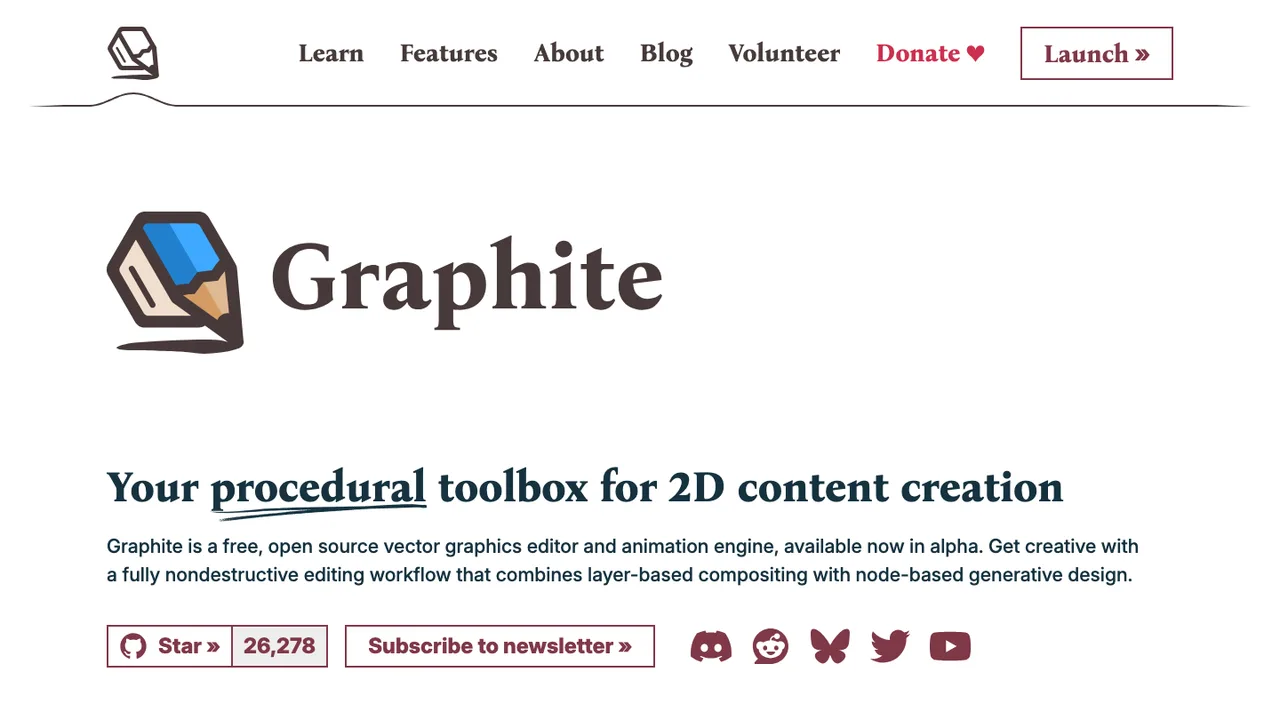
Graphite is a free, open source 2D content creation app for vector and raster graphics, available in alpha as an online editor. It began as a vector editor and is evolving into a broader graphics toolbox for graphic design, digital art, and interactive real-time motion graphics.

  • Vector and raster graphics editing
  • Fully nondestructive editing workflow
  • Layer-based compositing
  • Node-based generative design core
Akira logo

2.Akira

5.3kGPL-3.0Vala
Akira screenshot

Akira is a native Linux design application for UI and UX design. It is built in Vala and GTK and targets web designers and graphic designers who want to use Linux as their main operating system.

  • Native Linux UI and UX design application
  • Built in Vala and GTK
  • Targets web designers and graphic designers
  • Alpha release available for testing
Inkscape logo

3.Inkscape

3.6kOther
Inkscape screenshot

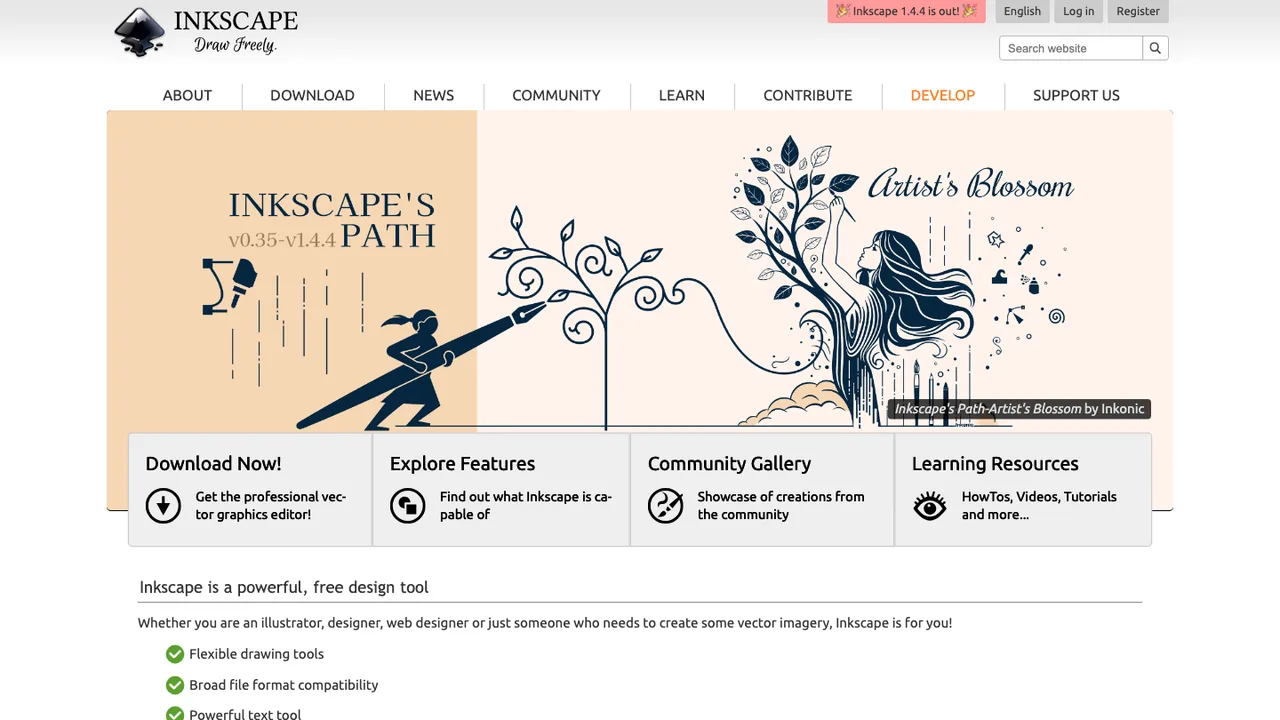
Inkscape is free and open source vector graphics software for Windows, macOS, and Linux. It is used to create illustrations, icons, logos, diagrams, maps, and web graphics, serving both design professionals and hobbyists.

  • Vector graphics creation for illustrations, icons, logos, and diagrams
  • Uses W3C SVG as its native file format
  • Creates maps and web graphics
  • Runs on Windows, macOS, and Linux desktops

Switching from Illustrator to open source

Start by deciding what Illustrator is doing in your workflow. Logo work, icon systems, signage, technical drawing, packaging, and print production stress different parts of a vector editor. The hard part is not drawing basic paths - it is preserving editability across effects, text, symbols, brushes, clipping masks, gradients, linked images, and multi-artboard files. If your files go to printers or clients who expect native Illustrator files, weigh interchange formats and approval steps before you choose a replacement.

Expect gaps around Illustrator-specific behavior. Open source vector editors can be strong for SVG, illustration, diagrams, and many print-ready PDFs, but they may not match every live effect, appearance stack, gradient mesh, brush behavior, color separation workflow, or plugin-dependent process. Typography can also move differently because text engines, font substitution, line breaking, and OpenType feature support vary. Treat the switch as a workflow redesign, not a one-for-one interface clone.

Migration works best when you prepare files inside Illustrator before leaving it. Keep a native archive, then export working copies as SVG, PDF, or EPS depending on the target tool and use case. Expand appearances, embed linked images, outline text only when editability is no longer needed, and simplify clipping masks or nested groups that do not translate well. After import, inspect layers, artboards, strokes, transparency, gradients, and text reflow. Expect cleanup on complex artwork rather than perfect round-tripping.

Related alternatives

Frequently asked questions

What is the closest open source replacement for Illustrator?+

There is no universal closest match because Illustrator covers drawing, branding, production art, SVG export, and print preparation. Pick based on the work you do most often. If you mainly create icons and web graphics, SVG fidelity matters most. If you send files to printers, PDF output, CMYK handling, spot colors, and font behavior matter more than interface similarity.

Can open source vector editors open Illustrator files directly?+

Some can import certain Illustrator files, but results depend on how the file was saved. Illustrator files often contain PDF-compatible data, and open source tools may read that portion rather than the full native structure. Live effects, appearance settings, brushes, symbols, text layout, and proprietary metadata may be missing, flattened, or converted. Always test with your own production files.

Which export format should I use when leaving Illustrator?+

Use SVG when the destination is web, UI, icons, or editable vector artwork that benefits from open markup. Use PDF for print handoff or visual fidelity. Use EPS only when an older production workflow requires it. For migration, export more than one format when possible, because SVG may preserve structure better while PDF may preserve appearance better.

Will CMYK, spot colors, and overprint settings survive the move?+

Not always. Open source support for professional print color workflows varies, especially around CMYK editing, spot plates, overprint preview, separations, and profile handling. A file can look correct on screen while producing different output at press. If print accuracy matters, run test PDFs through the same printer or prepress workflow before moving client work over.

How should I migrate a logo library from Illustrator?+

Start by archiving the original native files, then create clean master exports. For each logo, save editable SVG and print-ready PDF versions, with outlined-text copies only for final distribution. Check that strokes are expanded where required, colors match the brand specification, clear space guides are not accidentally visible, and artboards are sized consistently. Document which file is the new source of truth.

What happens to fonts and editable text after import?+

Editable text may reflow because different applications use different text engines and font feature support. Missing fonts will substitute, which can change line breaks, kerning, and logo geometry. Keep font files and licensing records with the project. For final artwork, outline text in a separate copy. For working files, keep text editable and proof every text-heavy asset after import.

Is open source good enough for professional print work?+

It can be, but the bar is the output, not the drawing experience. Validate PDF export, bleed, crop marks, embedded fonts, raster image resolution, transparency flattening, and color behavior with your printer. Simple posters, labels, and one-color assets may be straightforward. Packaging, spot-color jobs, and strict brand-color work need more testing and possibly a hybrid workflow.

How do client handoffs work if they ask for Illustrator files?+

Ask what they actually need the file for. If they need editable vectors, SVG or PDF may be acceptable. If their internal process requires native Illustrator files, an open source replacement may not satisfy the contract by itself. Put deliverable formats in the scope before the work starts, and keep a documented export package that includes source files, PDFs, fonts, and linked images.

Will Illustrator layers, artboards, and groups stay organized?+

Basic layers and groups often transfer, but complex documents can arrive with renamed objects, flattened structure, extra clipping paths, or artboards converted differently. Multi-artboard files deserve special testing because some tools treat pages, canvases, and artboards in different ways. For large migrations, clean the file before export by removing hidden objects, unused symbols, stray points, and unnecessary nested groups.

Are open source tools better for SVG than Illustrator?+

They can be a better fit when SVG is the primary source format, because the workflow often exposes SVG structure more directly. That matters for icons, diagrams, web graphics, and version-controlled assets. Still, SVG output should be inspected for transforms, masks, embedded rasters, text handling, and excess metadata. Clean SVG is a production requirement, not an automatic result.

How much cleanup should I expect on existing Illustrator artwork?+

Simple vector drawings may need little cleanup beyond checking scale and text. Files with live effects, transparency, brushes, pattern fills, masks, blends, symbols, or placed images can take real time. The safest estimate comes from migrating a representative sample: one logo, one complex illustration, one print file, and one multi-artboard document. Measure cleanup before committing the whole archive.

Can I replace Illustrator for tablet or stylus illustration?+

Maybe, but test input handling carefully. Pressure curves, tilt support, palm rejection, brush smoothing, and tablet shortcuts differ by operating system and application. Some open source vector tools are better at precise path editing than natural drawing. If your Illustrator workflow depends on a pen display or tablet gestures, make hardware testing part of the selection process.

Do open source Illustrator alternatives support automation and scripting?+

Some provide command-line export, extension systems, scripting hooks, or file formats that are easy to process with external tools. The important question is whether your current automation depends on Illustrator-specific object models, actions, plugins, or batch export behavior. Rebuild small automation tasks first, such as generating SVG variants or exporting PDFs, before assuming a larger production pipeline will translate.

What are the licensing and cost considerations for commercial design work?+

Open source licenses generally allow commercial use, but you still need to check the license of the application, bundled assets, fonts, templates, and extensions you use. The software cost may drop, while training, migration cleanup, printer testing, and workflow documentation still take time. For a studio, the real budget question is whether the new process reduces subscription dependence without slowing delivery.

What if the open source project I choose slows down or is abandoned?+

Reduce that risk by keeping work in durable interchange formats and documenting your export settings. Avoid building a workflow that only one application can read. Store original imports, editable sources, final PDFs, linked images, and fonts together. If a tool becomes a poor fit later, clean SVG and PDF archives make the next move much easier than a folder full of opaque native files.