3 Best Open Source Alternatives to Patreon

Updated July 2026

Patreon is the default membership platform for creators because it bundles recurring pledges, paid posts, tiers, patron messaging, and payout handling into one place that supporters already recognize. The friction starts when that convenience becomes the business boundary: the platform sits between you and your audience, and policy or payment-risk decisions can affect access to income without much room to redesign the relationship.

Open source alternatives make the membership layer part of your own site or community stack. You can run subscriptions, gated content, supporter accounts, and webhooks against payment providers you choose, while keeping the member database, branding, and moderation rules under your control.

Ghost logo

1.Ghost

53.9kMITJavaScript Self-host
Ghost screenshot

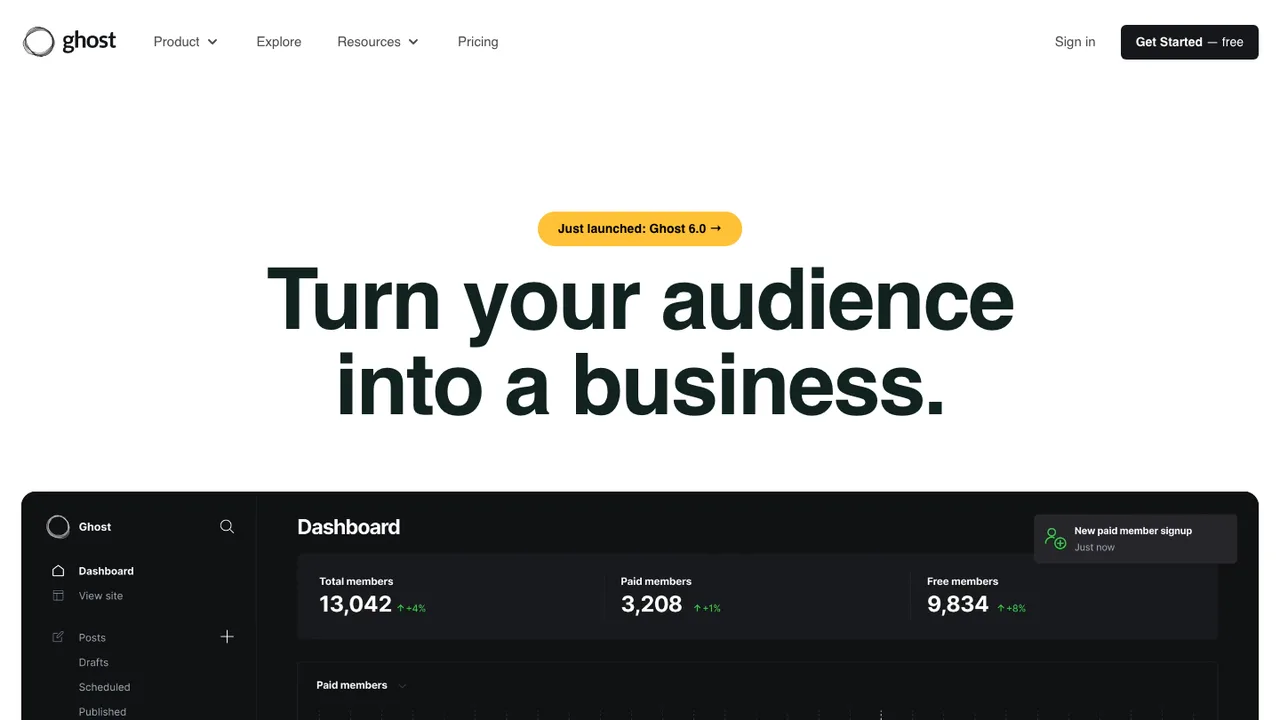
Ghost is an open source publishing platform for blogs, newsletters, and membership sites. It is built for modern publishing workflows where a single site can handle articles, email distribution, and paid subscriptions without adding separate systems.

  • Built-in email newsletters
  • Paid subscriptions and memberships
  • Content API for publishing workflows
  • Theme development tools
Open Collective screenshot

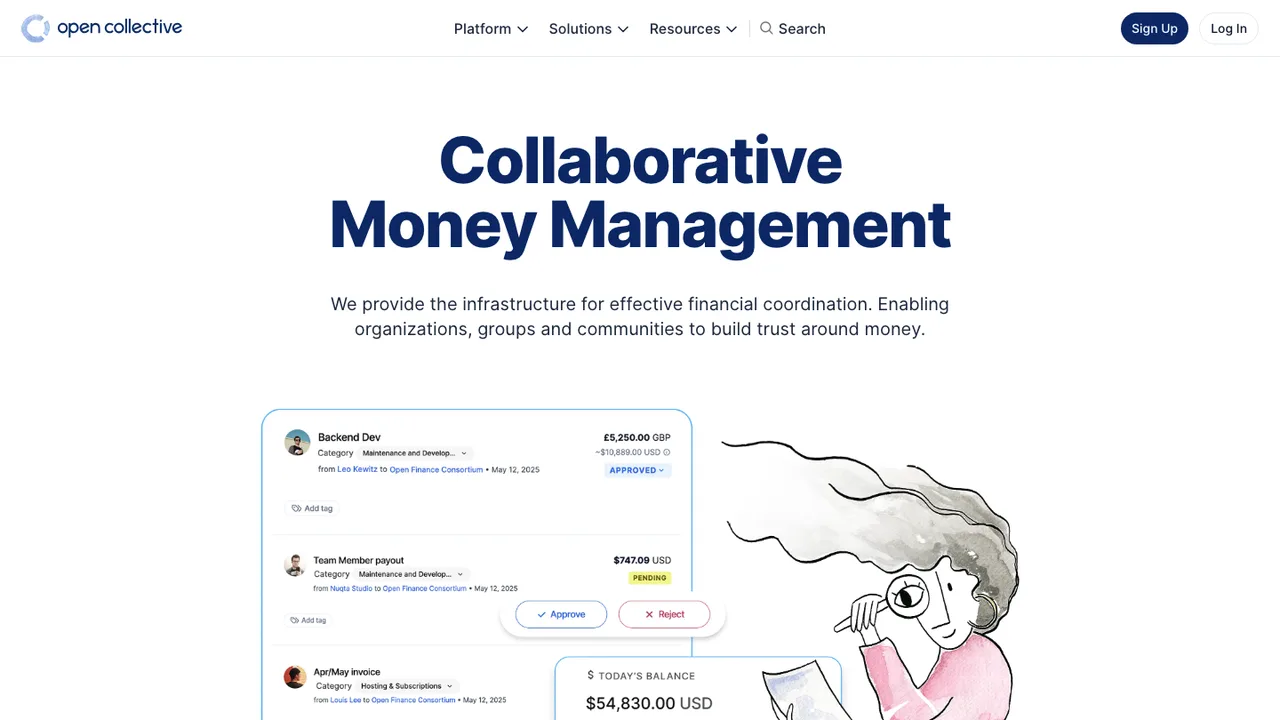
Open Collective is an online funding platform for open and transparent communities. It provides tools to raise money and share finances in full transparency, aimed at groups that need a public way to manage funding for community work.

  • Raise money for open and transparent communities
  • Share finances in full transparency
  • Manage and disburse money through the platform
  • PDF export service for platform data
Castopod logo

3.Castopod

855AGPL-3.0PHP Self-host
Castopod screenshot

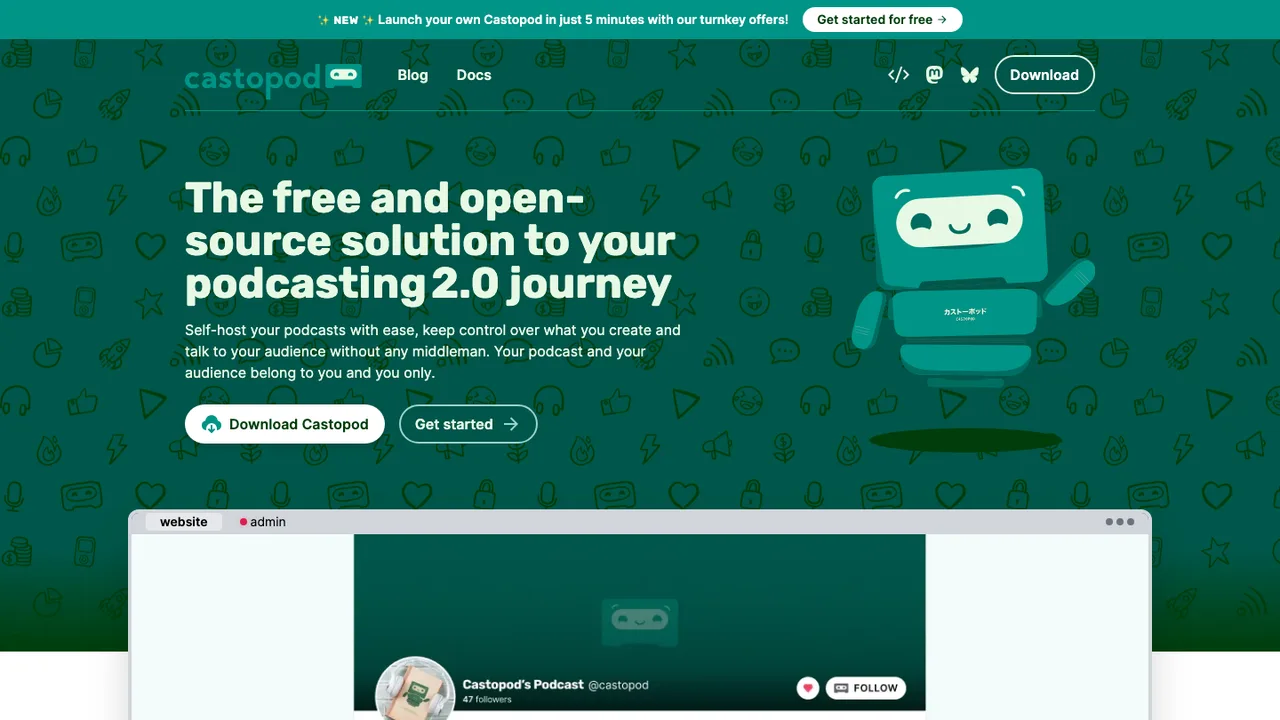
Castopod is a free and open-source podcast hosting platform for podcasters who want to engage and interact with their audience. It is made for hosting podcasts while keeping control over your content.

  • Podcast hosting for publishing podcast content
  • Audience engagement and interaction support
  • Pre-packaged static assets and dependencies
  • Analytics included in the project scope

Switching from Patreon to open source

Patreon is not just a checkout page; it combines recurring billing, a public membership profile, tiered access, creator posts, notifications, and patron account management. When replacing it, decide which parts must stay in one application and which can be split between a membership app, payment processor, email system, and publishing stack. The hard boundary is entitlement logic: who gets which post, file, feed, or community role after a payment changes state. If your benefits are simple, a smaller stack works. If you sell many tiers and exceptions, choose around rules and reconciliation.

Expect some rough edges when you leave Patreon's hosted environment. Supporters already understand Patreon accounts, receipts, cancellation flows, and the basic promise of paid posts. An open source replacement may give you more control, but you may have to supply the onboarding, billing help, notification deliverability, moderation workflow, and mobile experience yourself. You also lose Patreon's familiar trust layer. That matters if your audience is not technical or if most pledges come from casual supporters who joined because the flow felt familiar.

Migration is usually a staged cutover, not a file import that recreates Patreon. Export supporter records where Patreon makes them available, then map tiers, billing status, email addresses, and benefit notes into the new system. Do not expect payment authorizations to move; supporters normally must subscribe again through the replacement. Posts, images, comments, messages, and locked media need separate handling because they may not export as clean, portable objects. Keep Patreon running during the transition, announce dates clearly, seed the new site with current benefits, and reconcile the first billing cycle by hand so nobody loses access because of a mismatched tier name.

Related alternatives

Frequently asked questions

Is there a real open source replacement for Patreon?+

Yes, but think of it as replacing a workflow rather than cloning Patreon. The strongest open source options usually cover membership records, tiers, gated content, and subscription status. You still need decisions about payments, email delivery, hosting, backups, and support. If you rely heavily on Patreon's social feed and patron-facing polish, expect more assembly work.

Will switching away from Patreon reduce fees?+

Maybe, but savings are not automatic. Patreon bundles hosting, member accounts, billing flows, receipts, and support expectations into one platform fee model. With an open source setup, software may be free to run, but payment processing, email delivery, hosting, storage, maintenance, and your own support time still cost money. Model total monthly operating cost before assuming the switch pays for itself.

Should I self-host a Patreon alternative?+

Self-hosting makes sense when member data, custom access rules, or integration with your own site matter more than convenience. It is a poor fit if you do not want to monitor uptime, backups, updates, email deliverability, and payment event failures. A hosted open source deployment or managed infrastructure can be a middle path if you want control without owning every operational detail.

What happens to existing recurring payments when I leave Patreon?+

Existing Patreon pledges do not move as live payment authorizations. Supporters normally need to start a new subscription in your replacement system because payment credentials are not portable in a simple export. Plan for a temporary drop in paid members, even with a loyal audience. The migration works best when you give clear dates, reminders, and a short overlap where both systems grant access.

How do I import my current patrons?+

Start with Patreon's available supporter export and treat it as a membership snapshot, not a complete migration. Clean duplicate emails, normalize tier names, separate active and former supporters, and keep notes about annual plans or special benefits. Import only the fields your new system actually uses. Then send supporters through a re-subscribe flow so payment status and account ownership are established cleanly.

Can I move my Patreon posts and media into the new system?+

You can usually recreate the archive, but do not assume every post, attachment, comment, and lock state will import cleanly. Text posts are easier than embedded media, private files, comment threads, or member-only links. Budget time for manual cleanup, broken link checks, and retagging by tier. Decide whether old content needs full fidelity or whether a curated archive is enough.

Do supporters need to make new accounts?+

In most migrations, yes. Even if you import email addresses, supporters still need to claim an account and authorize a new payment method. Keep the account flow short and explain why it is required. If possible, send personalized links or prefilled invitations. The fewer fields you ask for during the first visit, the more supporters will complete the move.

Who handles taxes after I replace Patreon?+

On Patreon, tax handling and receipts are part of the platform experience. After switching, responsibility depends on your payment processor, business location, supporter locations, and what you sell. Do not treat the open source membership app as your tax engine unless it explicitly supports your obligations. Confirm how sales tax, VAT, invoices, refunds, and year-end records will be handled before launch.

How should private podcast feeds or member-only downloads work?+

Use entitlement checks, not just hidden links. A private podcast feed or download URL should be tied to an active membership and revoke access when payment fails or a supporter cancels. Unguessable URLs are useful, but they are not the same as permission management. For high-value content, choose a system that can rotate tokens, log access, and rebuild feeds per member.

What's the safest way to rebuild Patreon tiers?+

Do not copy every old tier blindly. Start by listing the benefits that actually require technical enforcement, such as posts, files, feeds, or community access. Then map those benefits to fewer, cleaner permission groups if possible. Preserve the supporter-facing names only where they still make sense. Complex legacy exceptions are often better handled manually during migration than encoded forever into the new system.

Is self-hosting safe for paid memberships?+

It can be, but only if you design around risk. Avoid storing card numbers yourself; use a payment processor that handles sensitive payment details. Protect administrator accounts with strong authentication, keep server updates current, back up the database, and restrict access to exports containing supporter emails. Also log payment webhooks and access changes so you can diagnose billing disputes or accidental permission grants.

What mobile experience should supporters expect?+

Patreon gives supporters a familiar mobile app and notification pattern. Many open source replacements lean on responsive web pages, email, private feeds, or your own community space instead. That can be fine for a technical audience, but it changes habits. Test the join, login, cancellation, and content access flows on phones before migration, because mobile friction is where casual supporters often drop off.

How important are APIs and webhooks?+

They matter if membership status controls anything outside the main site. Payment succeeded, payment failed, tier changed, canceled, and refunded events need to reach your email tool, community permissions, download server, or publishing system reliably. Look for retry behavior, event logs, and manual re-sync tools. Without those, you will spend time fixing mismatches between who paid and who has access.

How should refunds, disputes, and failed payments be handled?+

Define the policy before supporters move. Patreon hides much of the routine billing churn behind its platform experience, while your replacement may expose failed payments, expired cards, refunds, and disputes more directly. Decide when access is paused, how many reminders are sent, who can issue refunds, and how manual overrides are recorded. Clear internal rules prevent support decisions from becoming inconsistent.

What if the open source project I choose stalls?+

Protect yourself with boring exit options. Keep regular database backups, export supporters and entitlement records in a readable format, and document how payment events map to access rules. Avoid heavy customization unless you can maintain it. If the project slows down, you should still be able to run the current system, patch dependencies, and migrate members without reverse engineering your own setup.