Odoo is unusual among the tools people set out to replace because it is already partly open source: the Community edition is genuinely capable and free to self-host. The friction is the open-core model. The most useful pieces, from full accounting and advanced inventory to studio-style customization and a long tail of app refinements, are reserved for the paid Enterprise edition, and Community is deliberately kept a step behind, so growth quietly pushes you toward per-user licensing and Odoo-hosted plans. The fully open ERPs here draw the line differently: whatever the project can do ships in the version you install, self-host, and modify, with your data, accounting history, and custom modules staying entirely under your control.
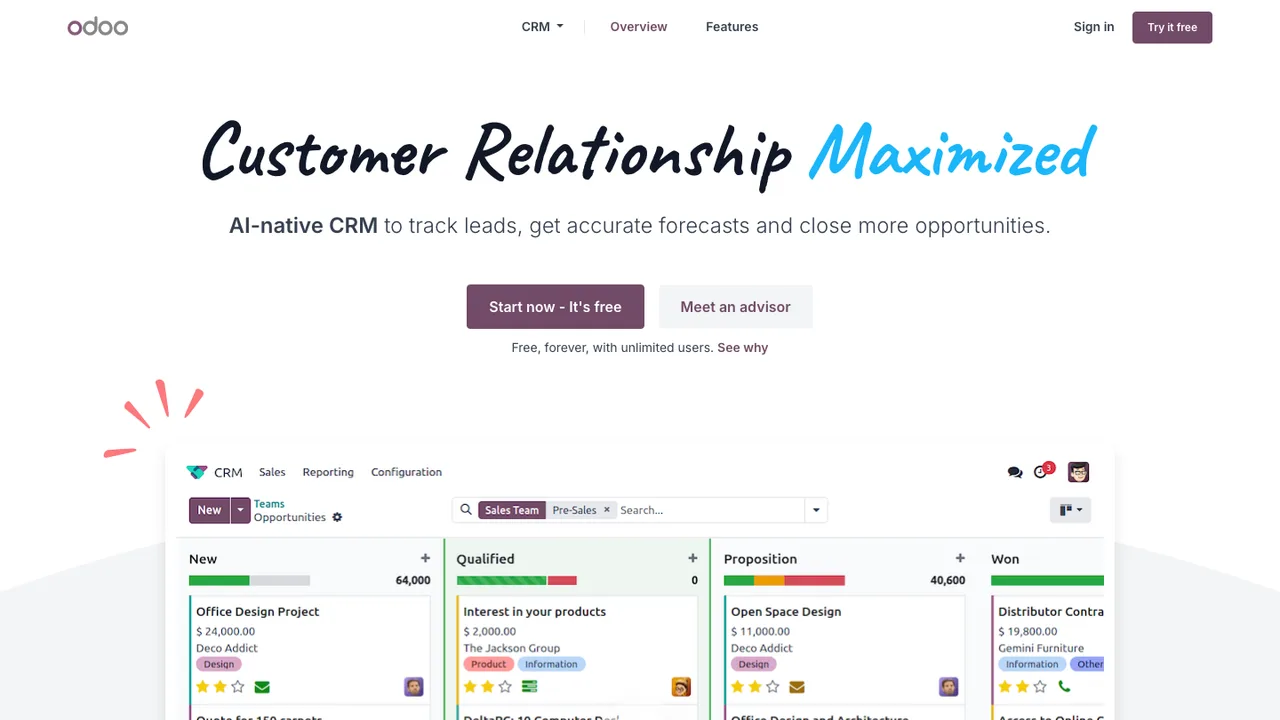
Odoo CRM is the web-based, open source CRM app within Odoo's suite of business applications. It tracks prospects and customers through the sales pipeline and can run on its own or alongside the rest of the suite.
Track prospects and customers through the sales pipeline
ERPNext is a 100% open source ERP system for running business operations in one place. It covers invoices, stock tracking, personnel management, accounting, order management, manufacturing, asset management, and projects, reducing the need to buy separate software for each task.
Accounting for transactions, cash flow, and financial reports
Inventory, sales orders, customers, suppliers, and shipments
Manufacturing with material consumption and capacity planning
Asset lifecycle tracking from purchase to disposal
Aureus ERP is an open source enterprise resource planning platform for small and medium businesses as well as larger organizations. Built on Laravel 13 and FilamentPHP 5, it brings accounting, inventory, HR, CRM, and project management into one system with role-based access control via Filament Shield.
Modular plugin system installed via Artisan commands
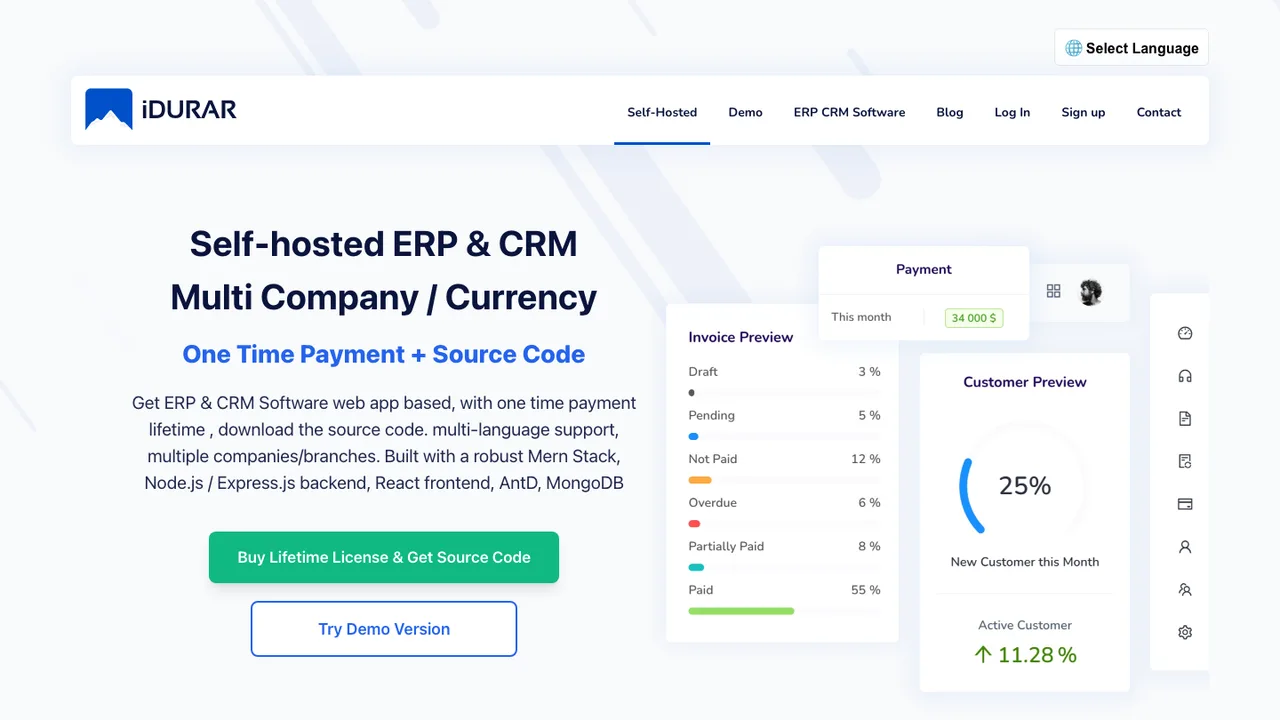
IDURAR is an open source ERP and CRM for invoicing, quotes, accounting, inventory, and HR. It is aimed at teams that want to run business operations from software they host themselves, with invoice, payment, quote, and customer management as the core modules.
Invoice, payment, quote, and customer management
Accounting, inventory, and HR modules
Node.js and Express.js backend with React frontend
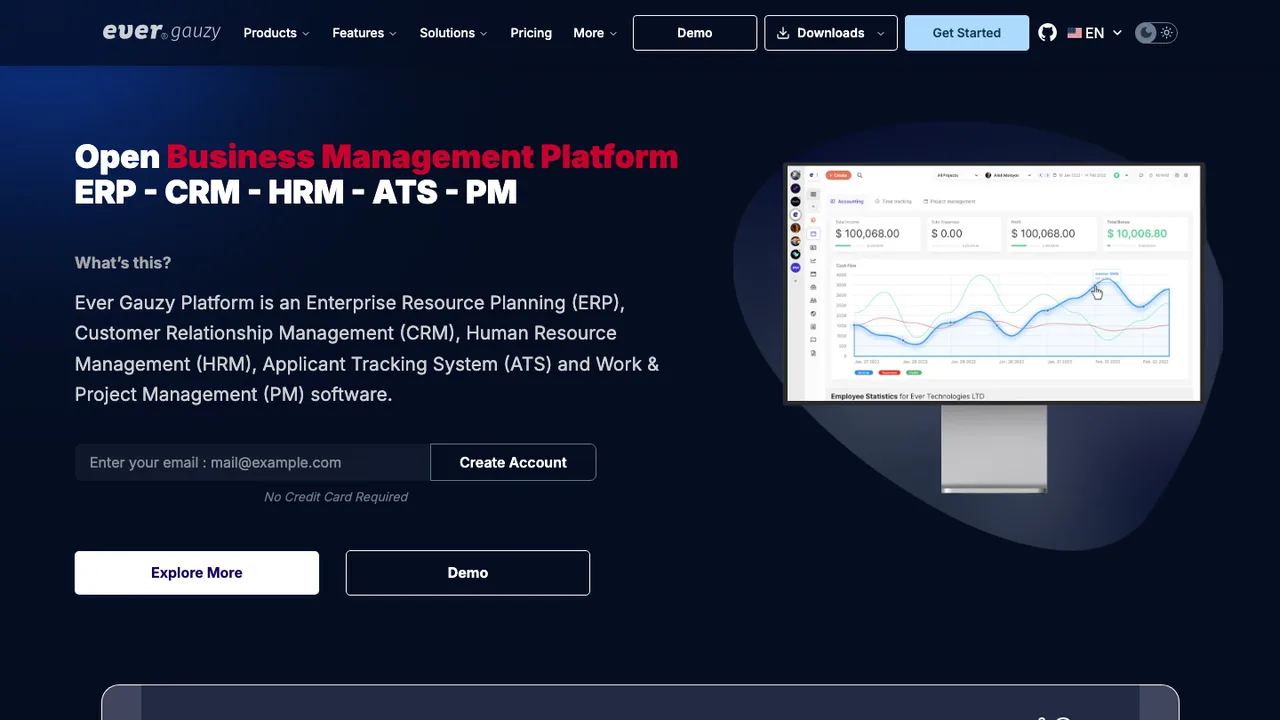
Ever Gauzy is an open source business management platform that brings ERP, CRM, HRM, applicant tracking, and project management into one system. It tracks clients, employees, finances, and projects, with modules for sales, accounting, invoicing, billing, expenses, and inventory.
Headless REST APIs for the whole platform
Time, activity tracking, and timesheets with screenshots
Accounting, invoicing, billing, and expense management
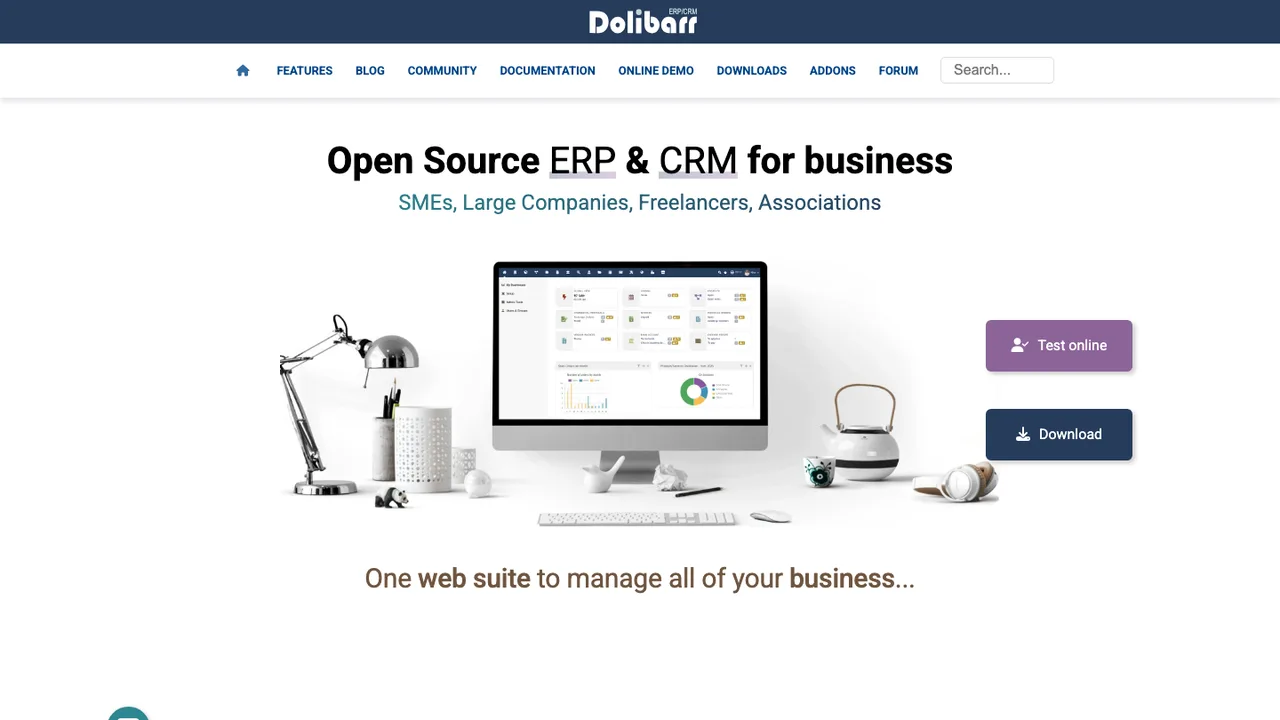
Dolibarr is an ERP and CRM suite for companies, foundations, and freelancers. It manages day-to-day business activity such as contacts, quotes, invoices, orders, stocks, agenda, accounting, and human resources from one web application.
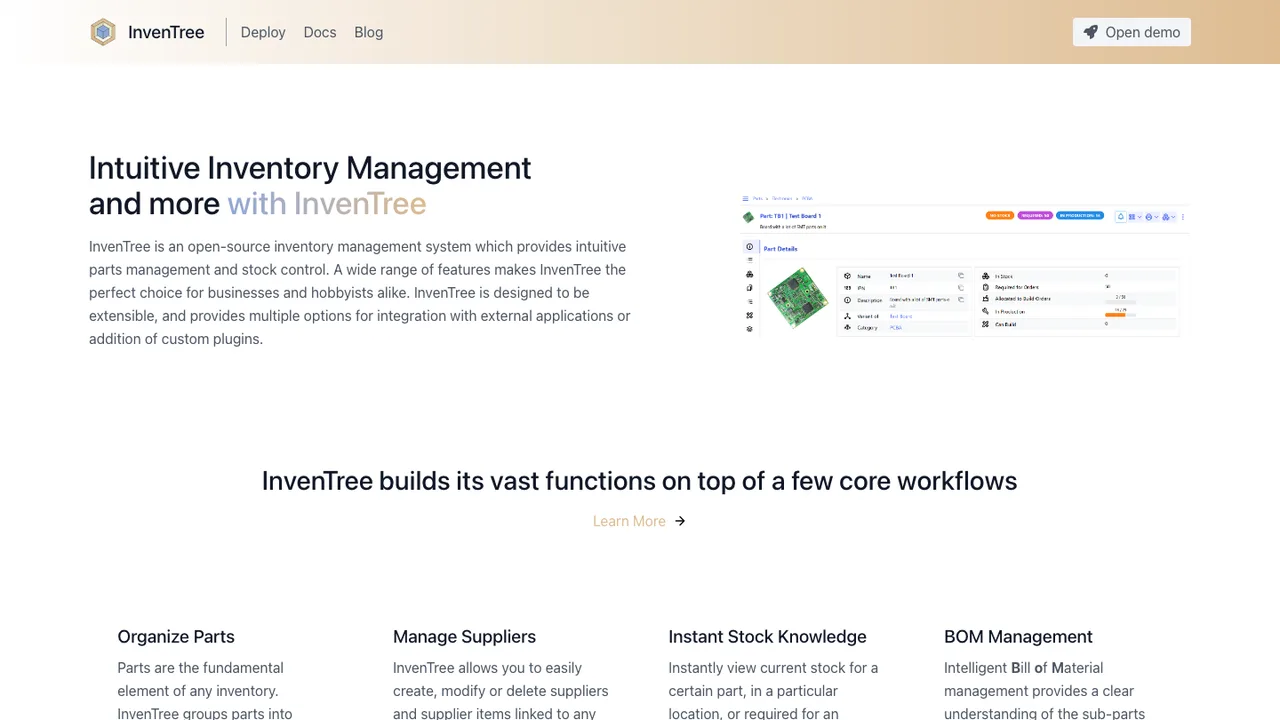
InvenTree is an open source inventory management system that provides low-level stock control and part tracking. It is aimed at teams that need to manage parts, stock locations, and supplier information in detail rather than as a simple item list.
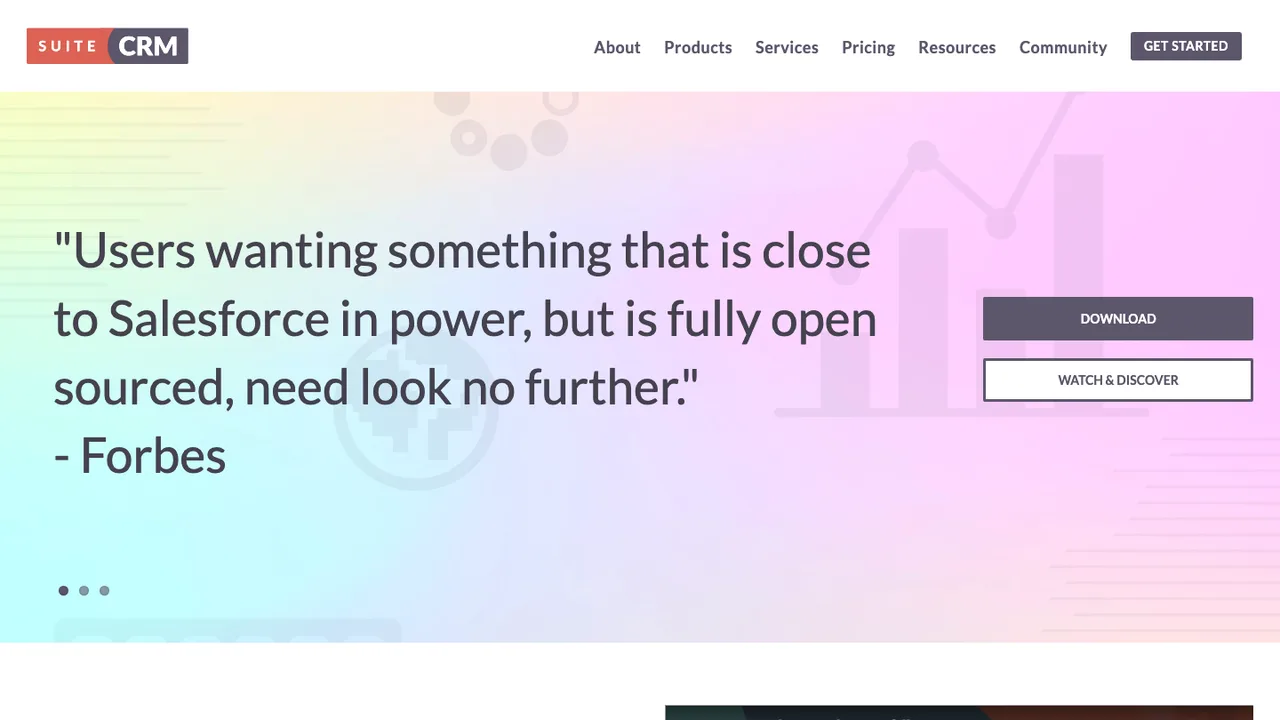
SuiteCRM is an open source customer relationship management application for SMEs and enterprises. It gives organizations full control of their customer data and the freedom to own and customize their business system instead of relying on a proprietary CRM.
Accounts, contacts, leads, opportunities, and cases
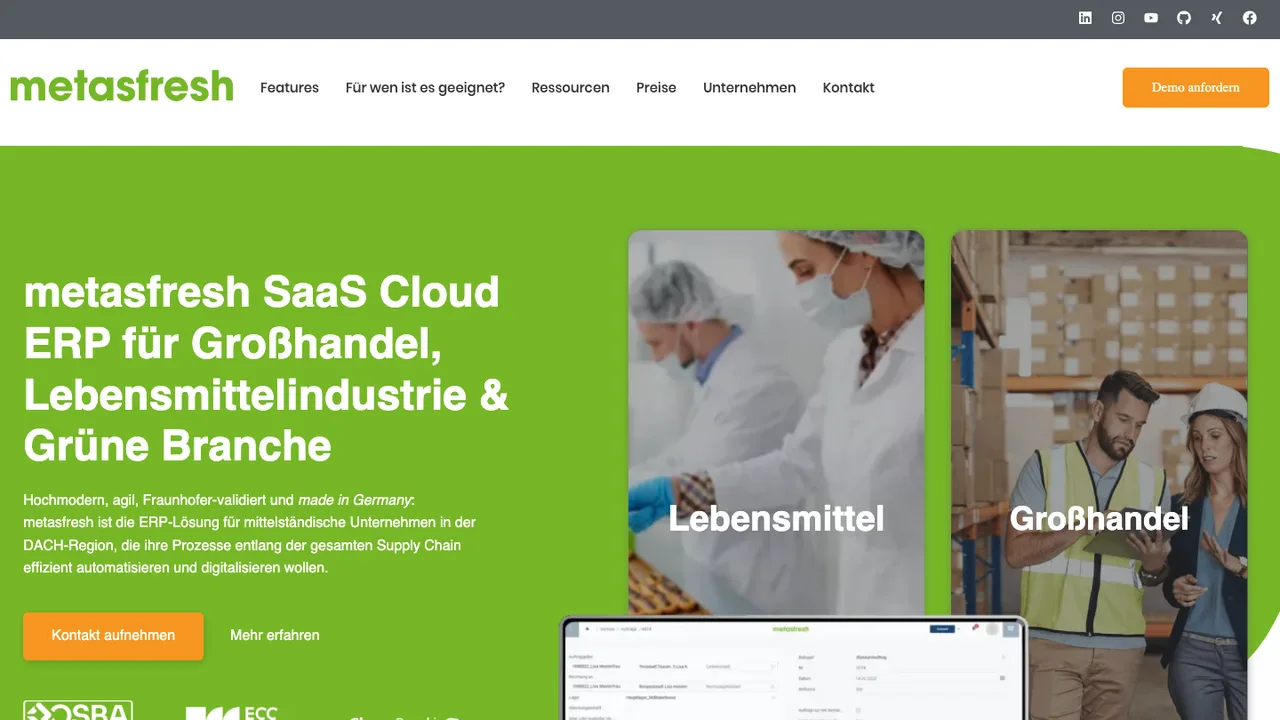
metasfresh is a free and open source ERP system for companies in industry and trade. It targets businesses that need scalable, flexible software with a web-based interface for sales orders, shipments, invoicing, and related day-to-day operations.
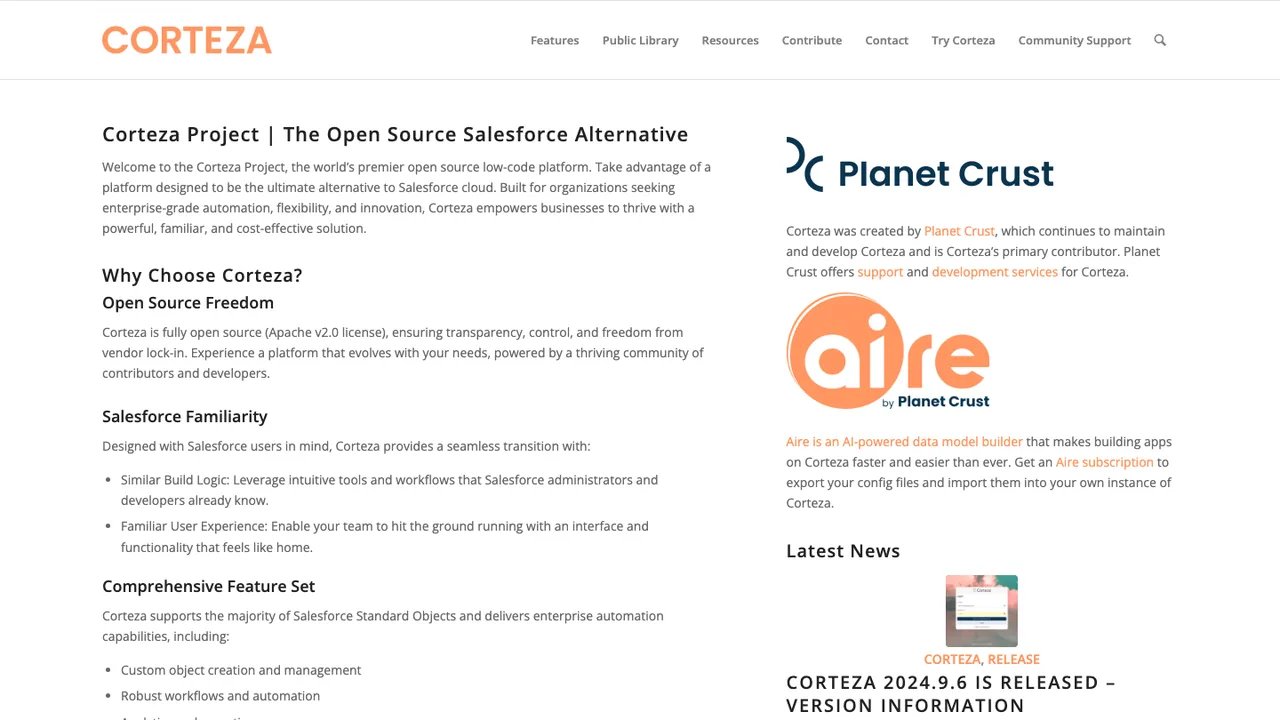
Corteza is a low-code platform for building CRM, business process, and other structured data apps. It ships with a CRM application out of the box and lets teams iterate on the data model and screens without writing a full application from scratch.
Build CRM, business process, and structured data apps
Visual data modeling with a workflow and scripting engine
API-centric integration with external services and instances
Part-DB is an open source inventory management system for electronic components. It runs on a web server and is used from any browser without extra software, giving hobbyists, maker spaces, small companies, and universities one place to track parts, locations, prices, and datasheets.
Track parts with categories, locations, prices, and files
Barcode and label generation with webcam scanning
BOM management and KiCad import for projects
Permissions, two-factor auth, and SAML single sign-on
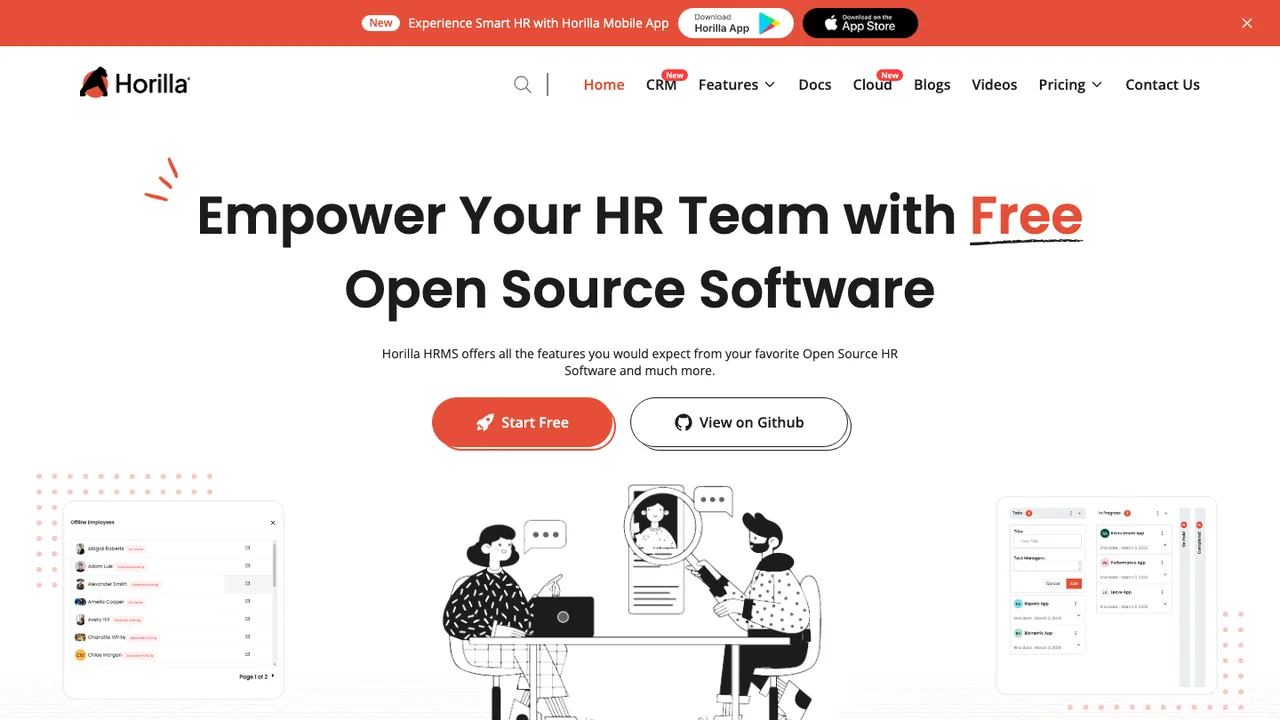
Horilla is a free and open source HRMS that brings core HR workflows into one system. It covers recruitment, onboarding, employee management, attendance, leave, payroll, performance, offboarding, asset management, and a helpdesk module.
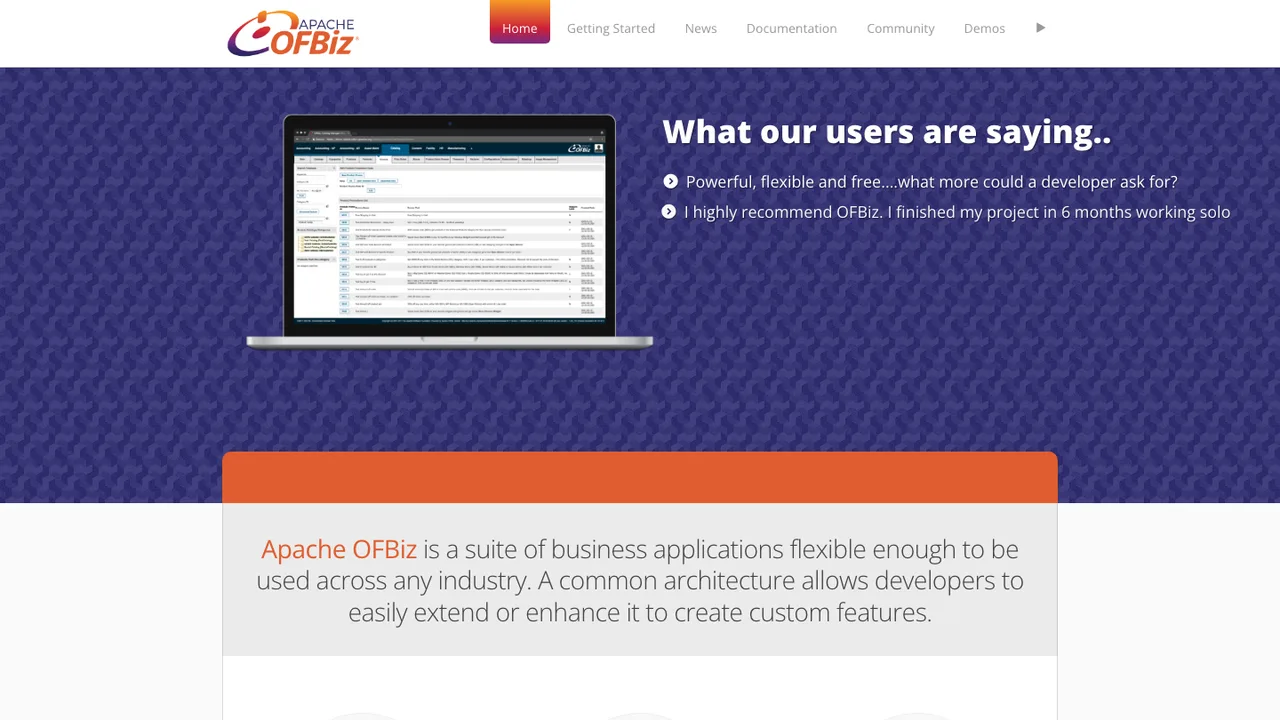
Apache OFBiz is an open source enterprise resource planning system written in Java. It bundles libraries, entities, services, and business applications to automate enterprise processes across ERP, CRM, e-commerce, supply chain management, and manufacturing resource planning.
Apps for ERP, CRM, e-commerce, supply chain, and manufacturing
Browser-based order, accounting, and admin interfaces
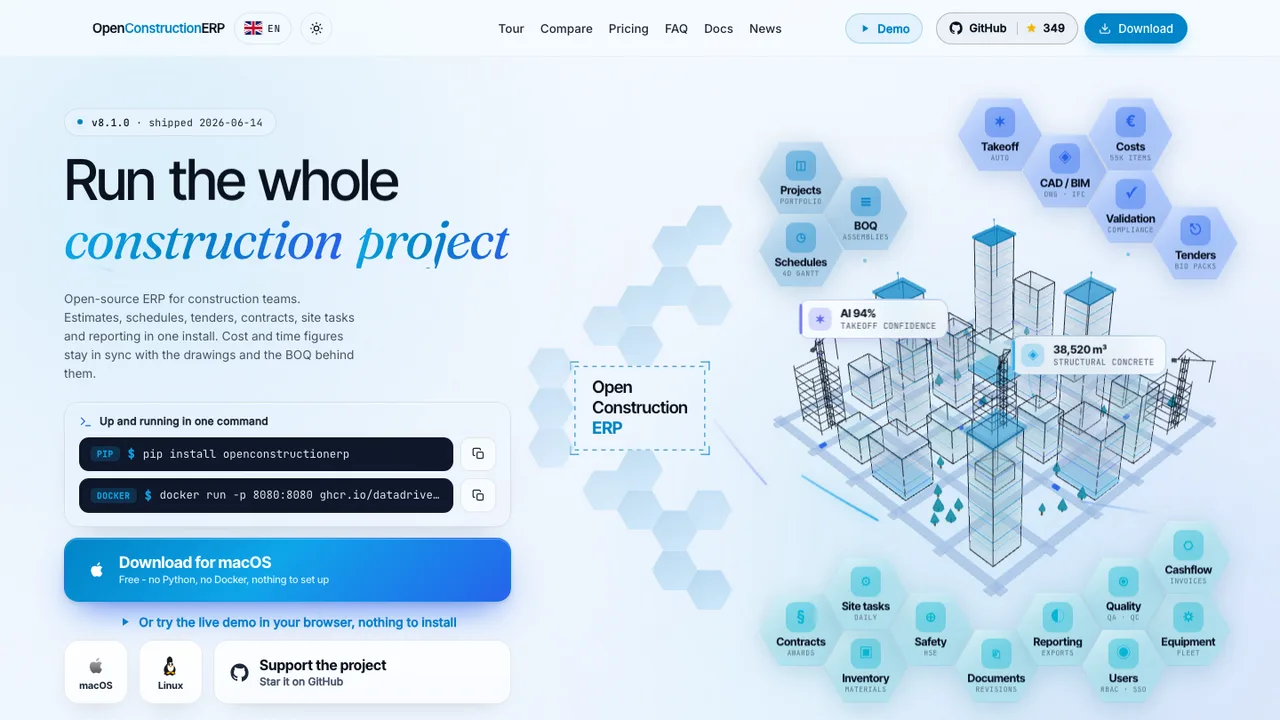
OpenConstructionERP is an open-source construction ERP that combines estimates, schedules, tenders, contracts, site tasks, and reports in one platform. It brings bill of quantities (BOQ) work, 4D scheduling, and 5D cost control together for construction project management.
BOQ management with 4D scheduling and 5D cost control
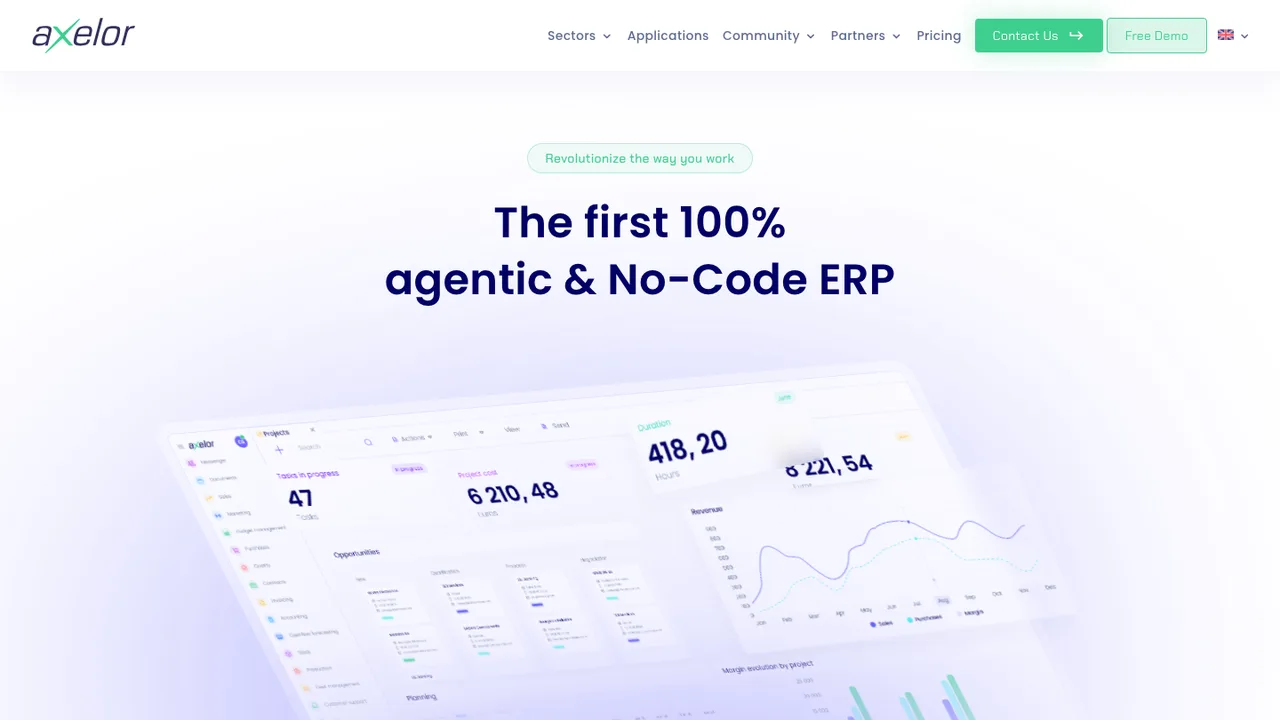
Axelor Open Suite is an open source full-web ERP suite that bundles business apps for managing day-to-day operations. Its modules can be activated individually, so a deployment can start with a few features and add more as needs grow.
CRM, sales, finance, HR, projects, inventory, and production modules
Multi-company, multi-currency, and multi-lingual support
Modules activated individually as needs grow
Built on the Axelor Open Platform low-code framework
ADempiere is a business suite that combines ERP, CRM, manufacturing, supply chain, and point of sale in one system. It targets organizations that want a single application for finance, operations, and sales rather than separate tools stitched together.
ERP, CRM, manufacturing, supply chain, and POS in one suite
Java application you clone and build from source
Tagged releases such as the 3.9.4 line
Public GitHub issue tracking for bugs and contributions
iDempiere is an open source ERP, CRM, and supply chain management suite for running core business operations. Developed by a worldwide community of small businesses, implementors, and end users, it descends from ADempiere and Compiere and carries business logic refined over years of real-world use.
ERP, CRM, and supply chain management in one suite
Tryton is open source business software for companies of any size, built as a modular ERP and business management platform. It aims to cover a wide range of business needs from a common base rather than locking you into a single fixed application.
OCA Field Service is a collection of Odoo add-ons for field service management. The core fieldservice module manages service locations, workers, and orders, and the surrounding modules extend it into a full FSM workflow inside an Odoo deployment.
Manage field service locations, workers, and orders
Define territories, branches, districts, and regions
Create orders from CRM, projects, sales, or agreements
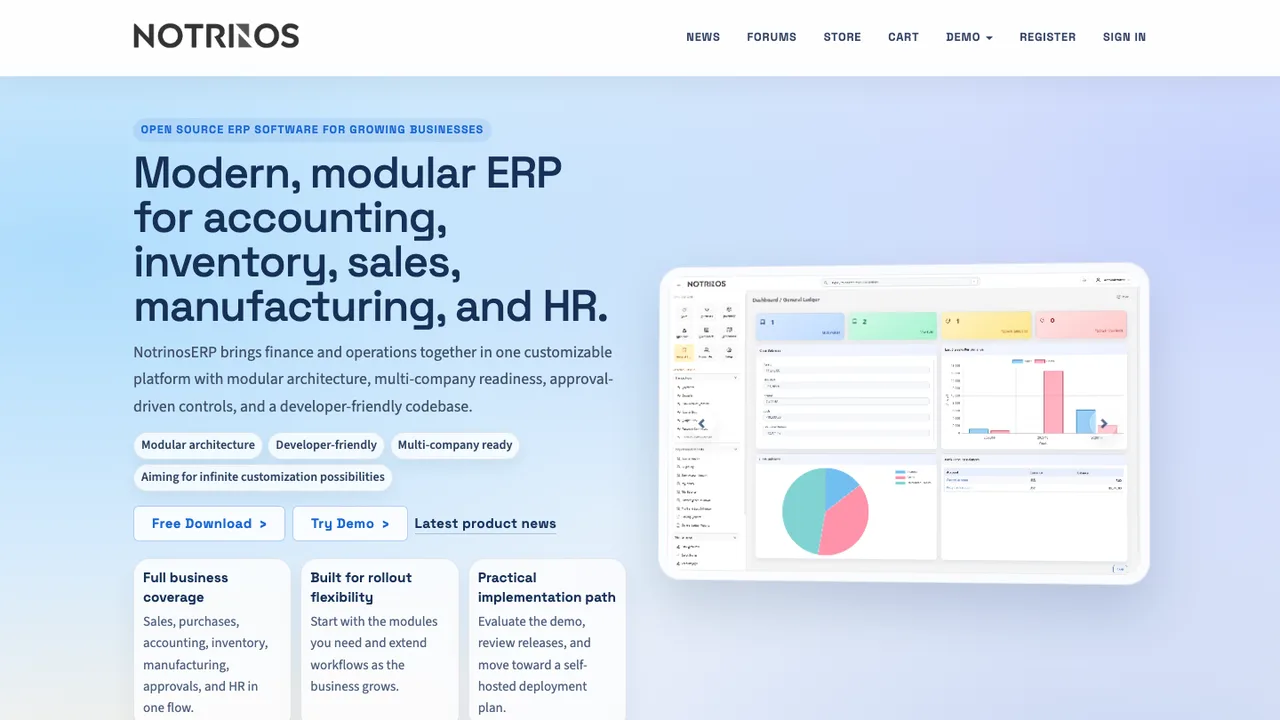
NotrinosERP is an open-source, web-based ERP system written in PHP and MySQL. It brings accounting, CRM, sales, purchasing, warehousing, manufacturing, payroll, and human resource functions into one self-hosted application for small and medium businesses.
Multi-company, multi-currency, and multi-language support
Role-based access control with per-module permissions
Multi-level approval workflow
Sales, purchases, inventory, manufacturing, payroll, and HR modules
OCA Payroll is a set of Odoo addons that add payroll to an Odoo deployment. It targets organizations that already run Odoo and want to handle payroll inside it rather than bolting on a separate payroll system.
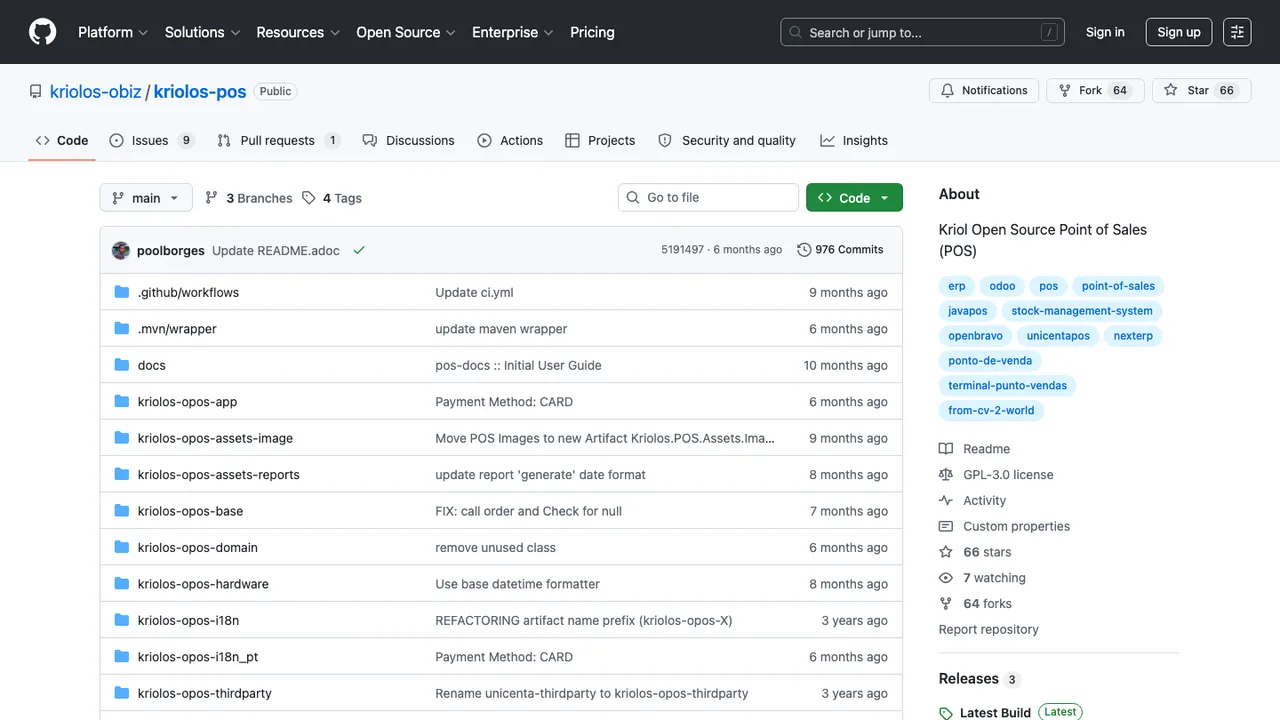
Kriol Open Source Point of Sales (kriolosPOS) is a desktop point of sale application for retail checkout and store operations. It is a fork of uniCenta oPOS 4.5, which itself descends from OpenbravoPOS and the earlier Librepos (Tina POS), continuing a long lineage of open source Java POS software.
Beveren FSM is a field service management app for ERPNext, built for service businesses that handle requests, technician schedules, on-site work, spare parts, and billing. It aims to replace manual or fragmented ERPNext workflows with one integrated service module.
Log service requests with issue, location, and priority
Optional quotations for labor, travel, and parts
Schedule appointments and assign technicians
Track on-site progress and consume parts from stock
Pick by how much of Odoo's breadth you actually run day to day.
Closest all-in-one replacement: ERPNext ERPNext is the most direct answer to Odoo's all-in-one pitch, covering accounting, inventory, sales orders, manufacturing, assets, and projects in one system, and it describes itself as 100% open source with no gated tier. It runs on the Frappe Framework with a REST API, and you can self-host it with Docker or use Frappe Cloud.
Best for small businesses and freelancers: Dolibarr Dolibarr suits companies and freelancers whose real needs are contacts, quotes, invoices, orders, stock, and basic accounting rather than heavy manufacturing. Around a hundred modules ship by default, it runs on ordinary PHP and MySQL or MariaDB hosting, and it installs on Windows, Linux, Docker, or a commercial cloud under GPL-3+.
Most modular and customizable: Tryton Tryton is a modular Python platform where you install only the modules a given setup needs, which fits teams replacing specific Odoo functions rather than the whole suite. It is self-hosted from Python packages and built to be extended, making it a strong base for a business that expects to customize its ERP heavily.
Best for industry and trade operations: metasfresh metasfresh focuses on the order-to-invoice chain for industry and trade, with sales orders, shipments, and invoicing over a REST API and a React web frontend. It self-hosts on PostgreSQL via Docker or an Ubuntu installer and publishes a stable release every week, so fixes and improvements arrive on a predictable cadence.
Replacing an all-in-one ERP without breaking the chain
What makes Odoo hard to leave is the same thing that makes it useful: one database where a quote quietly becomes a delivery order, an invoice, a stock move, and an accounting entry with no visible seam. Decide first whether you are replacing the whole suite or only the modules that caused friction, then map those cross-module handoffs before you shortlist anything. A fully integrated replacement like ERPNext keeps that single-transaction model, while a lighter tool such as Dolibarr may be enough for a business whose real needs are quotes, invoices, stock, and CRM rather than manufacturing routings.
Be honest about where the polish lives. Moving off Odoo often means giving up its single UI for every department, its app store, and any Enterprise-only features you were relying on. The details that bite are accounting localizations, payroll rules, point-of-sale hardware, barcode flows, and manufacturing routings, which vary across open ERPs. The upside of this list is that features ship in the version you install: ERPNext bills itself as 100% open source, metasfresh publishes a stable build every week, and Tryton lets you add only the modules a setup needs, so no gated upper tier pushes you back toward per-user licensing.
Plan the migration as a controlled rebuild, not a database copy. Export master data first - companies, contacts, products, units of measure, price lists, taxes, chart of accounts, and warehouses - then move open transactions such as sales orders, purchase orders, invoices, and stock quantities. Odoo can export many records through its list views, and larger moves use the external API or direct database access when you control the instance; attachments, custom fields, and internal IDs need special handling. Keep the old Odoo instance as a read-only archive for closed history until your retention needs are met.
Partly. Odoo has a Community edition under an open source license, while Odoo Enterprise and some hosted capabilities are proprietary, and Community is deliberately kept a step behind. If you only use Community, the question is whether another open ERP fits your workflows better. If you use Enterprise, list each Enterprise-only feature before assuming a replacement covers it without new code or process changes.
What should I replace first when leaving Odoo?+
Begin with the operational chain that moves money or inventory, not the easiest module. In many Odoo installs that is sales order to delivery to invoice, or purchase order to receipt to vendor bill. Get that chain stable and reconciled in the new system first, then migrate secondary functions such as CRM, projects, website forms, or internal approvals around it.
How hard is it to migrate Odoo's accounting data?+
It depends on whether you need full historical ledgers or only opening balances and open documents. A full accounting migration means mapping the chart of accounts, taxes, journals, currencies, analytic accounts, reconciliations, and audit references. Many teams close a fiscal period in Odoo, import opening balances into the new system, and keep Odoo read-only for historical drill-down instead of moving every posted entry.
Do my custom Odoo modules transfer to another ERP?+
Not directly. Custom Odoo modules are written around Odoo's model layer, views, security rules, and workflow conventions, so the files will not run elsewhere. The assets worth keeping are the business rules, field definitions, reports, and test cases. Treat the old code as documentation and rebuild the behavior in the target system's extension model - Frappe apps for ERPNext, or Python modules for Tryton, for example.
Will an open source ERP match Odoo's all-in-one workflow?+
Maybe, but do not assume the same breadth or the same handoffs. Odoo's appeal is that many modules share one data model and UI. ERPNext comes closest to that all-in-one shape, while another stack may handle core ERP well but need separate tools for ecommerce, help desk, payroll, or document signing. Decide where a single transaction model is mandatory and where integration between tools is acceptable.
Which of these fits a small business or a freelancer?+
Dolibarr is the usual answer for smaller organizations and freelancers: it covers contacts, quotes, invoices, orders, stock, and basic accounting without the weight of a full manufacturing suite, and runs on ordinary PHP and MySQL hosting. ERPNext also scales down well if you expect to grow into manufacturing or assets later. Match the tool to the processes you actually run, not the longest feature list.
What licensing should I check so I don't land in another open-core trap?+
Check the license of the core system and, separately, of anything you will actually need: required modules, connectors, themes, and mobile clients. Some projects are permissive throughout, while others gate baseline features like advanced accounting or barcode operations behind proprietary add-ons or a dual license. Confirm the capabilities you consider essential ship in the version you can self-host before you commit to the move.