6 Best Open Source Alternatives to FlutterFlow

Updated July 2026

FlutterFlow is a polished visual builder for Flutter apps: it lets product teams design screens, wire Firebase or Supabase data, add actions, and ship mobile or web builds without starting in an IDE. The friction usually shows up after the prototype becomes a real codebase. The builder remains the source of truth, so custom Flutter work, generated code, and collaboration outside its cloud workflow can feel constrained when engineers need normal repository control.

Open source alternatives give you a different ownership model for low-code app building: the editor, runtime, and generated artifacts can live in your infrastructure, with extensions and custom code treated as part of the application rather than an escape hatch.

Appsmith logo

1.Appsmith

40kApache-2.0TypeScript Self-host
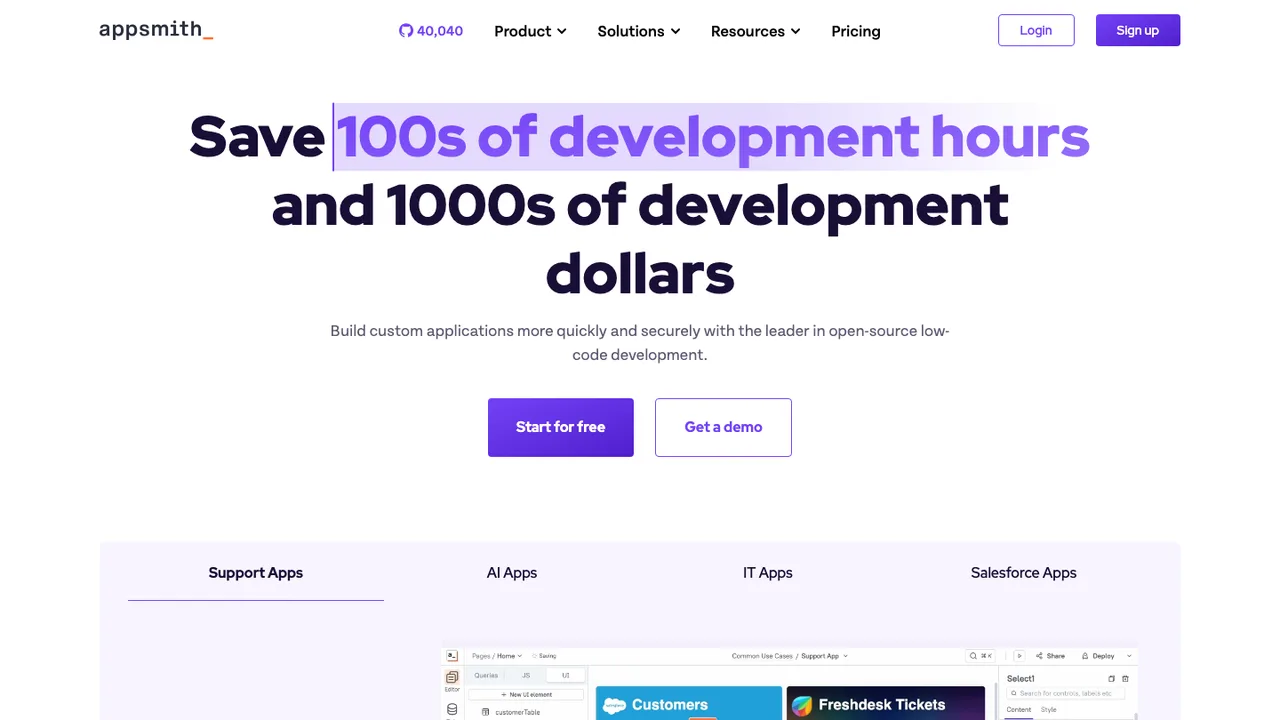
Appsmith screenshot

Appsmith is an open-source low-code application platform for building custom applications like dashboards, admin panels, customer 360, IT automation, and service management tools. It is built to streamline custom application development, deployment, and maintenance for teams that need internal software.

  • Build dashboards, admin panels, and internal tools
  • Connect to 25+ databases and any API
  • Create customer 360, IT automation, and service tools
  • Appsmith Agents for AI-driven automations
ToolJet logo

2.ToolJet

38kAGPL-3.0JavaScript Self-host
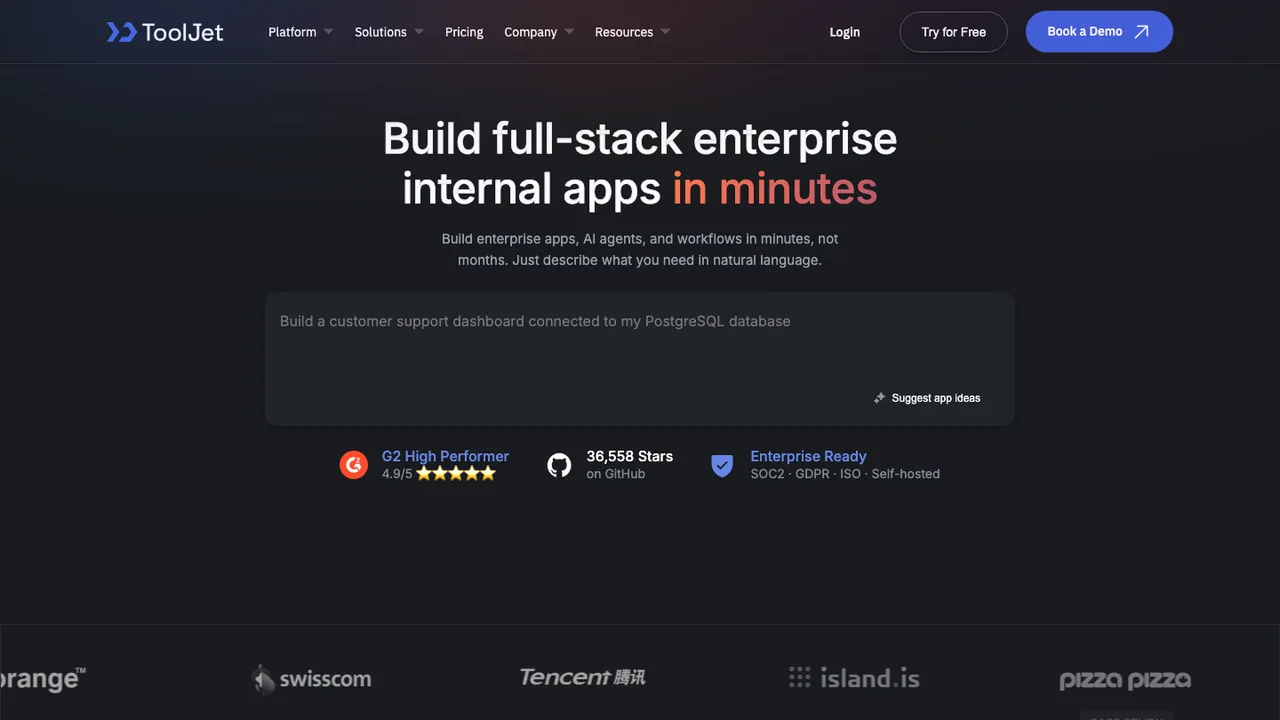
ToolJet screenshot

ToolJet is an open-source platform for building and deploying internal tools, workflows, and AI agents. It is aimed at teams that need internal apps, dashboards, and business applications without starting from scratch.

  • 60+ responsive components for building apps
  • Built-in no-code database
  • Connects to databases, APIs, SaaS apps, and object storage
  • Run JavaScript and Python inside apps
Budibase logo

3.Budibase

28kOtherTypeScript Self-host
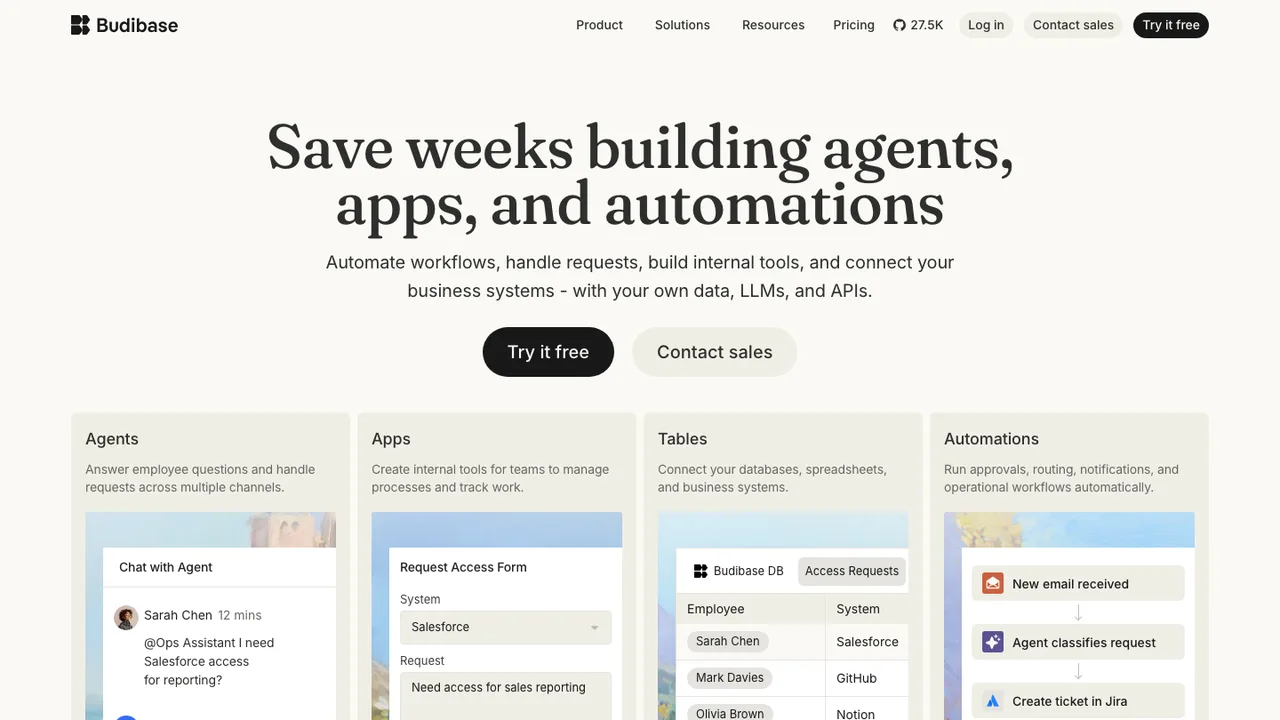
Budibase screenshot

Budibase is an open-source operations platform for building agents, apps, and automations that run internal business processes. It is aimed at handling requests, approvals, issues, and workflow work without stitching together multiple tools.

  • Build agents that handle requests, approvals, and issues
  • Create records, route approvals, update apps, and notify teams
  • Connect databases, AI models, and business apps
  • Public API for backend use and interoperability
Lowdefy logo

4.Lowdefy

3kApache-2.0JavaScript Self-host
Lowdefy screenshot

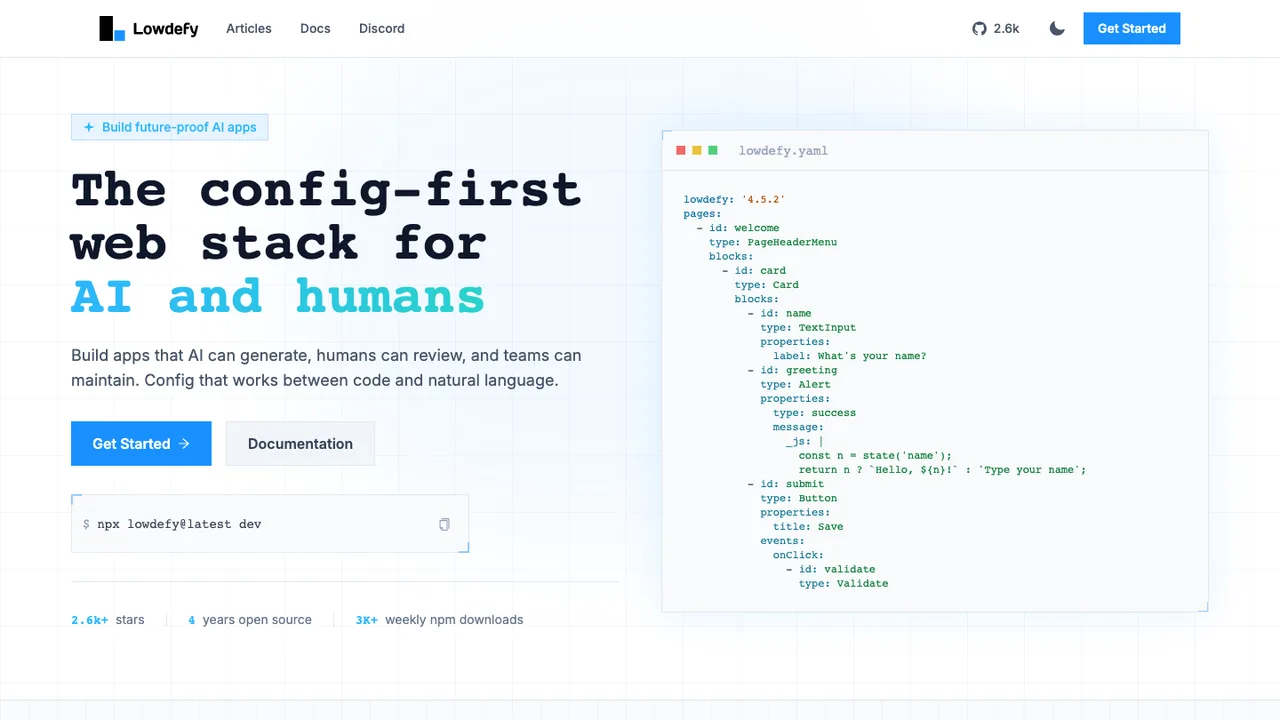
Lowdefy is a config-first web stack for building full-stack web apps with YAML. It is built for apps that AI can generate, humans can review, and teams can maintain, with schema-validated config instead of arbitrary code paths.

  • YAML config for full-stack web apps
  • 70+ UI components including forms, tables, and charts
  • 50+ logic operators for dynamic UIs
  • 10+ data connectors including MongoDB and PostgreSQL
Saltcorn logo

5.Saltcorn

2kMITJavaScript Self-host
Saltcorn screenshot

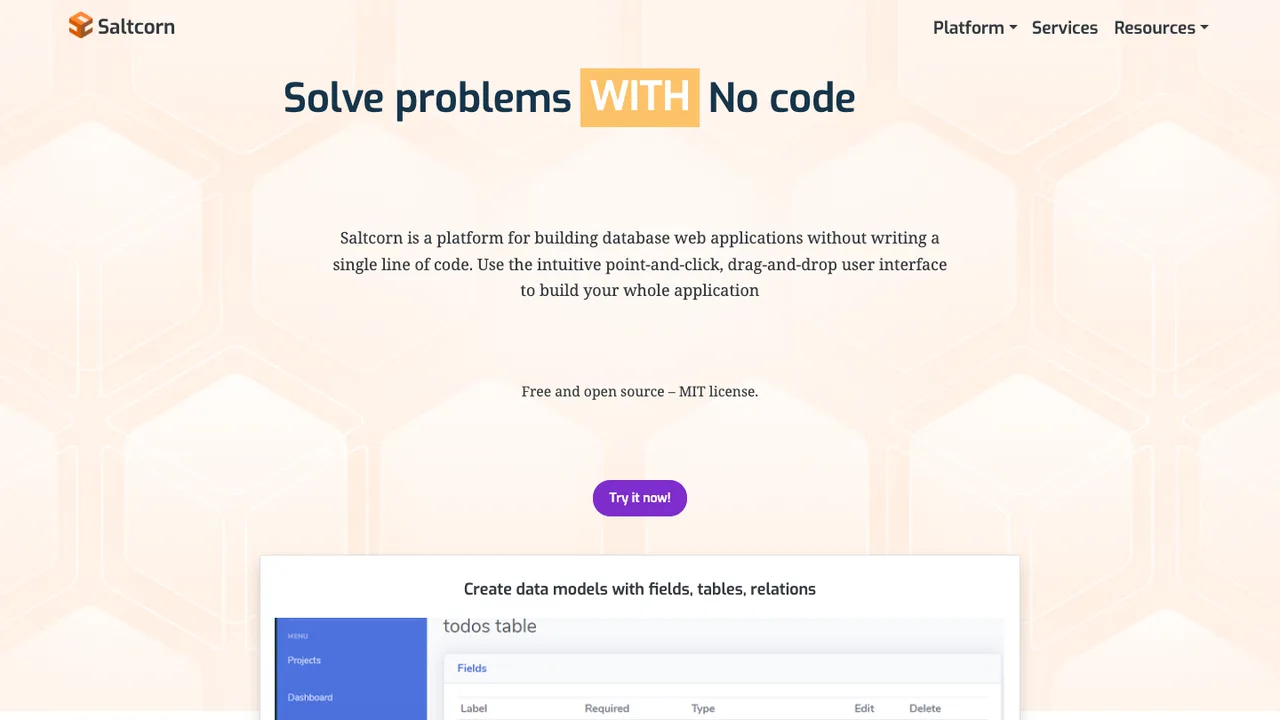
Saltcorn is an open source no-code database application builder for building web and mobile database applications without writing code. It is meant for people who want to model data and create apps without assembling a custom stack from scratch.

  • Build web and mobile database applications without code
  • Flexible views, datatypes, layouts, and actions
  • Self-host an instance or run multitenant
  • Built on PostgreSQL and node.js
Lowcoder logo

6.Lowcoder

1.6kAGPL-3.0HTML Self-host
Lowcoder screenshot

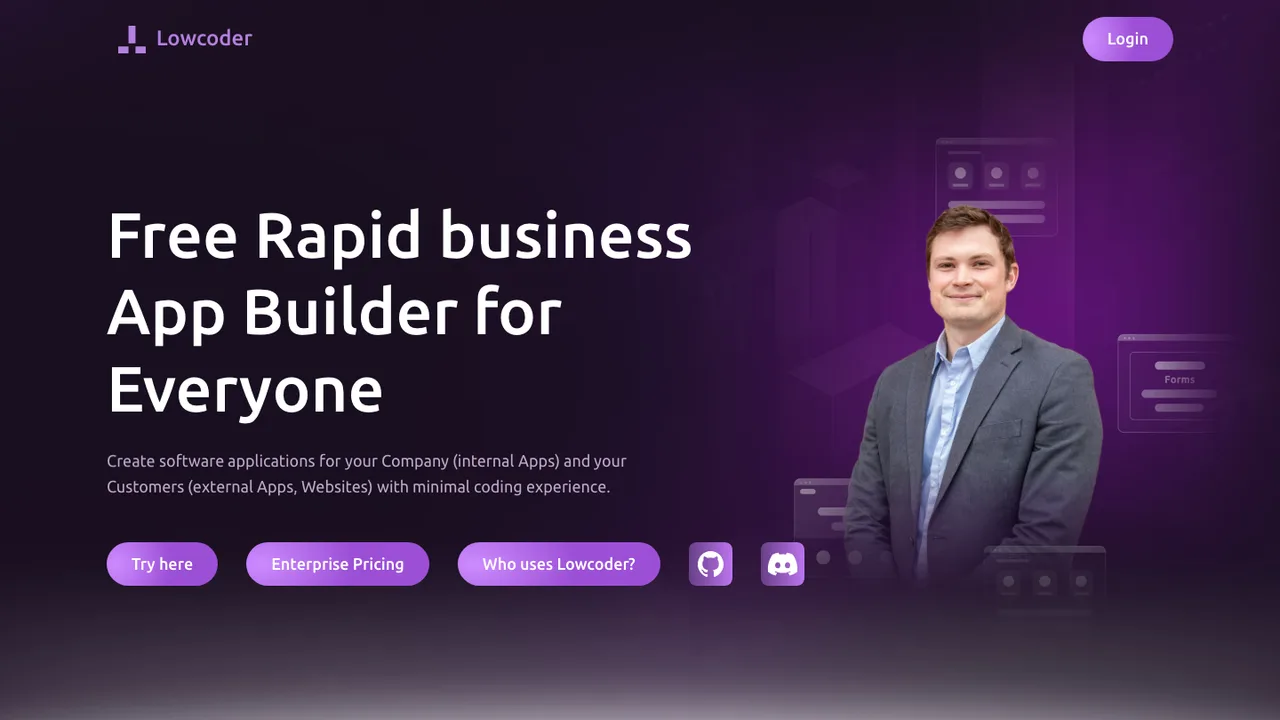
Lowcoder is an open-source low-code platform for building internal tools, customer-facing apps, websites, dashboards, and meeting or collaboration tools. It helps teams design interfaces, connect data, and share apps with colleagues or customers without relying on a proprietary low-code platform.

  • Visual UI builder with 120+ built-in components
  • Modules and query library for reusable UI and data queries
  • Native website embedding without iframes
  • Data connections for SQL, MongoDB, Redis, REST API, SMTP, and WebSocket

Switching from FlutterFlow to open source

Start by deciding whether you are replacing FlutterFlow as a visual builder, as an app delivery pipeline, or as a way for non-developers to change screens without touching code. FlutterFlow's convenience comes from keeping navigation, state, responsive layout, backend bindings, and build settings in its project model. An open source replacement may expose more of that as source files, configuration, or scripts. That is usually better for long-term control, but it changes who owns architecture decisions. If your team mainly needs quick prototypes, prioritize visual iteration. If the app already has product-market weight, prioritize readable source, testability, branching, and a clean path to native build tools.

Expect to give up some of FlutterFlow's integrated polish. Open source options often cover the app builder, the code framework, or the backend admin layer well, but not all of them in one opinionated workspace. Visual design fidelity may require manual cleanup, especially around breakpoints, reusable components, state management, and complex conditional flows. Non-developers may need narrower permissions or a staging process instead of editing production-facing behavior directly. You may gain local development, version control, and deeper customization, but budget for engineering time to replace templates, generated actions, deployment shortcuts, and any workflow your team currently treats as automatic.

Migration starts with exports, not with a rewrite plan. Export the source project when your FlutterFlow plan and project settings allow it, download assets, document environment variables, and capture backend collections, authentication flows, storage paths, API calls, and custom code blocks. The exported app is a starting point, not a clean target architecture. Screens, assets, routing, and some logic can survive, but naming, state boundaries, generated helper code, dependency choices, and build configuration usually need review. For larger apps, migrate one vertical slice first, then move shared components and backend contracts after tests prove the open source toolchain can build and release reliably.

Related alternatives

Frequently asked questions

What is the closest open source replacement for FlutterFlow?+

The closest fit depends on which part of FlutterFlow you rely on most. Some teams need a visual screen builder, some need generated application code, and others mainly need backend binding and deployment workflow. No open source option should be assumed to match the whole FlutterFlow workspace. Start with the workflow you use every week, then test whether the replacement produces source your developers are willing to maintain.

Will my exported FlutterFlow code be clean enough to keep?+

Treat exported FlutterFlow code as a working reference, not as final architecture. It may preserve screens, assets, navigation, and some business logic, but generated structure often needs refactoring before a team can maintain it comfortably. Review naming, state handling, dependency choices, and repeated helper code. If the app is small, keeping much of it may be fine. Larger apps usually need staged cleanup.

How much migration work should I expect?+

A prototype can often move in days if the goal is to rebuild screens and keep the same backend. A production app usually takes longer because build settings, authentication flows, permissions, custom code, analytics events, and release automation all need verification. The safest estimate comes from migrating one complete user path first. That exposes the hidden work better than counting screens.

Do I need developers to replace FlutterFlow?+

Usually yes, unless the replacement is only for mockups or internal prototypes. FlutterFlow lets non-developers assemble UI and behavior inside a controlled model. Once you move to an open source stack, someone must own source control, build tooling, dependency updates, testing, and release failures. Non-developers can still contribute, but the workflow normally needs engineering guardrails.

What happens to my backend data when I leave FlutterFlow?+

FlutterFlow often connects to an external backend rather than storing all application data inside the builder itself. That means the data may not move when the UI moves, but the bindings around it still matter. Document collections or tables, auth rules, storage paths, server functions, and API credentials. Then verify the new app reads and writes the same records without changing security semantics.

Can an open source alternative generate mobile apps for both major platforms?+

Some open source approaches can target both major mobile platforms from one codebase, while others are better suited to one platform or to web-first delivery. Do not stop at the editor demo. Confirm local builds, signing, device testing, release artifacts, push notifications, deep links, and crash reporting. Those platform edges are where a visual prototype often becomes an engineering project.

Is self-hosting realistic for a FlutterFlow replacement?+

It can be, but define what you intend to self-host. Hosting a visual editor is different from hosting the app backend, build runners, file storage, and deployment pipeline. Self-hosting may improve control over data and workflow, but it also makes your team responsible for uptime, upgrades, backups, and access control. For small teams, partial self-hosting is often more practical than owning everything.

How do costs change after moving off FlutterFlow?+

You may reduce subscription dependency, but the bill does not disappear. Expect costs to shift toward developer time, infrastructure, build machines, monitoring, and maintenance. Open source licenses can be permissive or reciprocal, so check whether your use case fits the license before committing. The real comparison is total operating cost, including the hours spent replacing FlutterFlow conveniences your team currently gets by default.

Will designers lose the drag-and-drop workflow?+

They might lose part of it. Many open source replacements are less polished for visual layout, component styling, responsive previews, and handoff to production code. If designers need direct control, test the editor with real screens, not sample templates. If developers will implement final UI anyway, a lower-fidelity visual workflow may be acceptable as long as design tokens and components stay consistent.

How are team permissions handled outside FlutterFlow?+

Expect a different permission model. FlutterFlow centralizes collaboration inside its workspace, while an open source workflow may split permissions across source control, deployment systems, backend admin tools, and issue tracking. That can be more precise, but it takes setup. Define who can edit UI, approve code, change environment variables, run releases, and access production data before the replacement becomes the system of record.

What should I check about security before switching?+

Review the replacement like any application platform. Look for clear release practices, dependency handling, vulnerability reporting, role separation, secrets management, and authentication boundaries. If you self-host anything, add backup encryption, network controls, and patch procedures. Also audit the exported FlutterFlow app for embedded keys or overly broad backend rules, because migration is a good moment to fix inherited security shortcuts.

How do integrations and API calls migrate?+

Inventory every integration before rebuilding screens. Capture endpoints, auth methods, request payloads, response shapes, retry behavior, error messages, file uploads, and rate-limit assumptions. FlutterFlow may hide some of that inside visual actions or project settings, so screenshots are not enough. Recreate calls in source-controlled code or configuration, then write tests around the important ones before switching real users over.

Can I keep working offline after leaving FlutterFlow?+

Often, yes, if the new workflow is based on local source files and a local build toolchain. But offline editing is not the same as offline app behavior. Backend-dependent features still need mocks, seeded data, or a local test service. If offline work matters, verify setup from a clean laptop with no access to cloud project settings beyond what has already been checked in.

What if the open source replacement is abandoned?+

Plan for that before adopting it. Favor tools that store projects in ordinary source files, use documented build steps, and do not require a proprietary hosted service to open or compile the app. Keep exports, lock dependency versions, and document your release process. If development slows, you should be able to keep shipping, fork if necessary, or move the source into a more conventional app structure.