3 Best Open Source Alternatives to Docker

Updated July 2026

Docker made containers approachable, and its build, run, and Compose workflow is still the reference everyone learns first. Two things push people to look elsewhere: Docker Desktop now requires a paid subscription for larger companies, and the classic engine runs through a single daemon as root, which security teams would rather not have sitting on every developer's machine and build host.

The open source tools below build and run the same OCI images from the same Dockerfiles, so your existing workflow mostly carries over. Several run rootless or daemonless, which shrinks the attack surface, and because the whole stack is open you can audit it, self-host your registries, and skip the desktop license entirely.

HashiCorp Vault logo

1.HashiCorp Vault

35.8kOtherGo Self-host
HashiCorp Vault screenshot

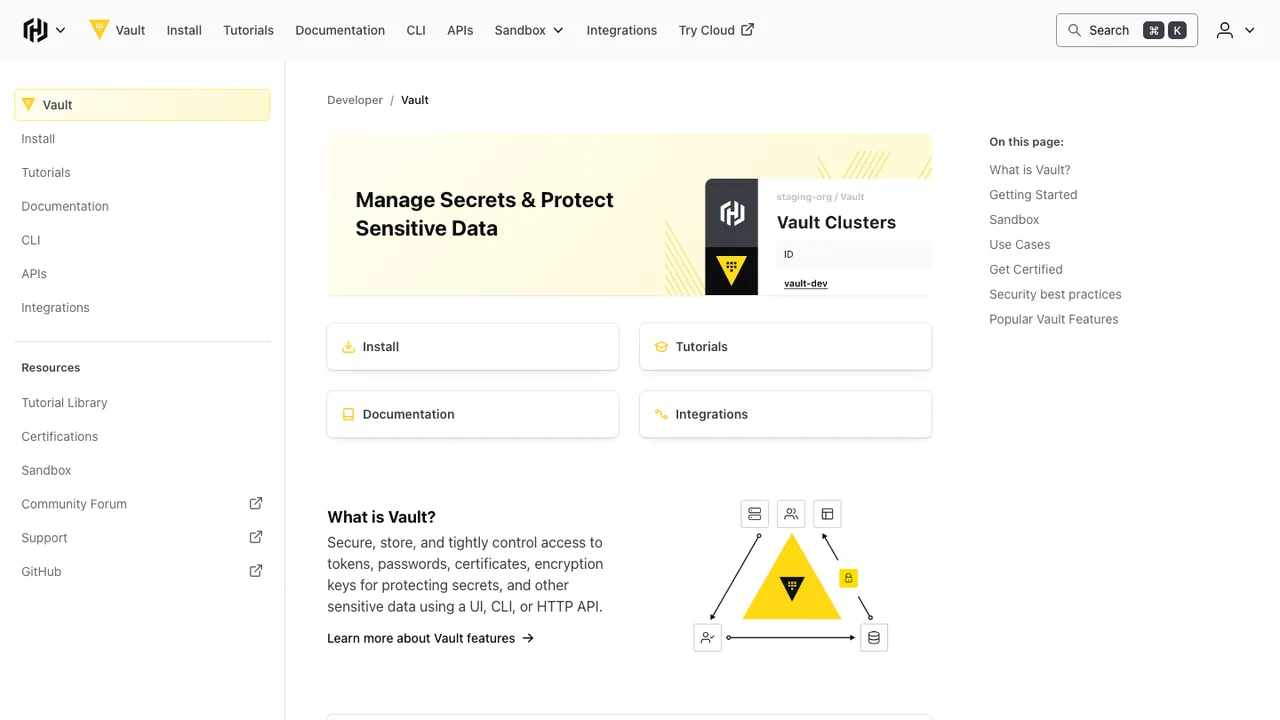
Vault is a tool for securely accessing secrets such as API keys, passwords, and certificates. It provides a unified interface to secrets, tight access control, detailed audit logs, and encryption as a service for data you need to protect.

  • Store arbitrary key value secrets with encryption before persistence
  • Generate dynamic secrets for systems like AWS and SQL databases
  • Lease, renew, and revoke secrets automatically
  • Encrypt and decrypt data without storing it
Podman logo

2.Podman

32kApache-2.0Go Self-host
Podman screenshot

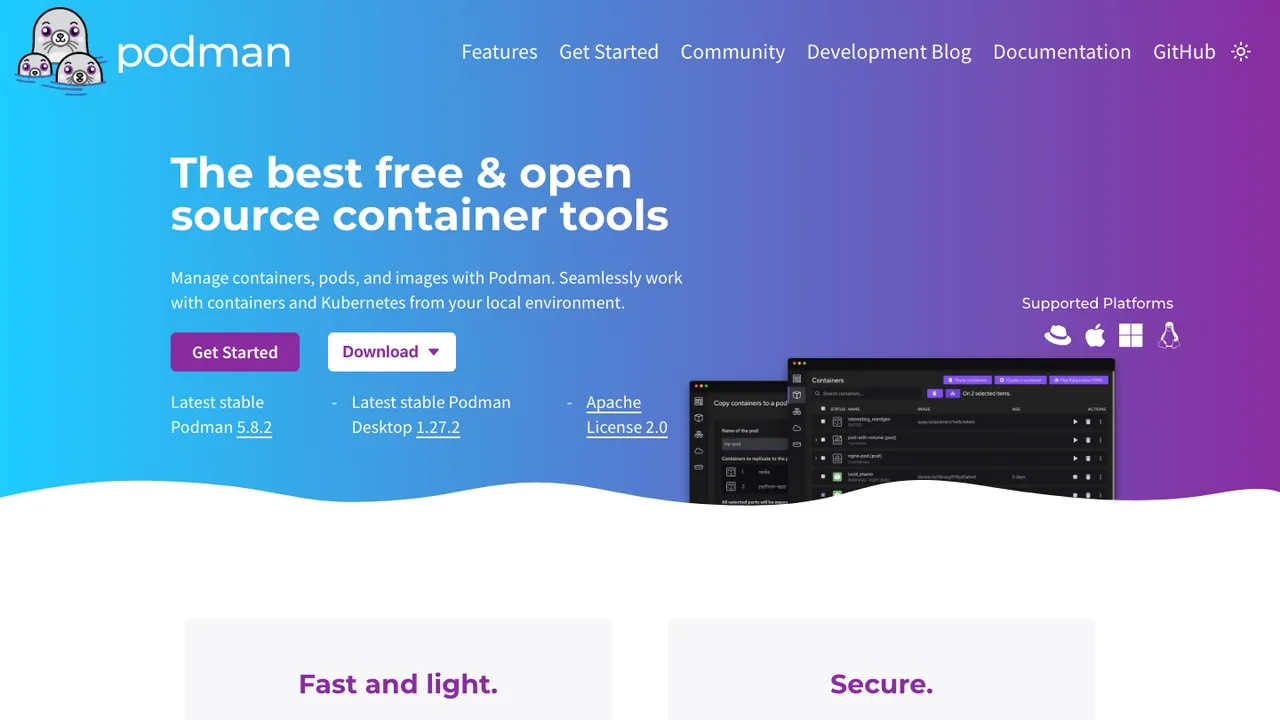
Podman is a tool for managing OCI containers and pods. It manages containers and images, volumes mounted into containers, and pods made from groups of containers. It runs containers on Linux and can be used on macOS and Windows through a Podman-managed virtual machine.

  • Manage OCI and Docker images, containers, volumes, and pods
  • Rootless containers without a setuid binary
  • Docker-compatible CLI for local and remote systems
  • REST API with Docker-compatible and Podman-specific interfaces
containerd logo

3.containerd

20.8kApache-2.0Go Self-host
containerd screenshot

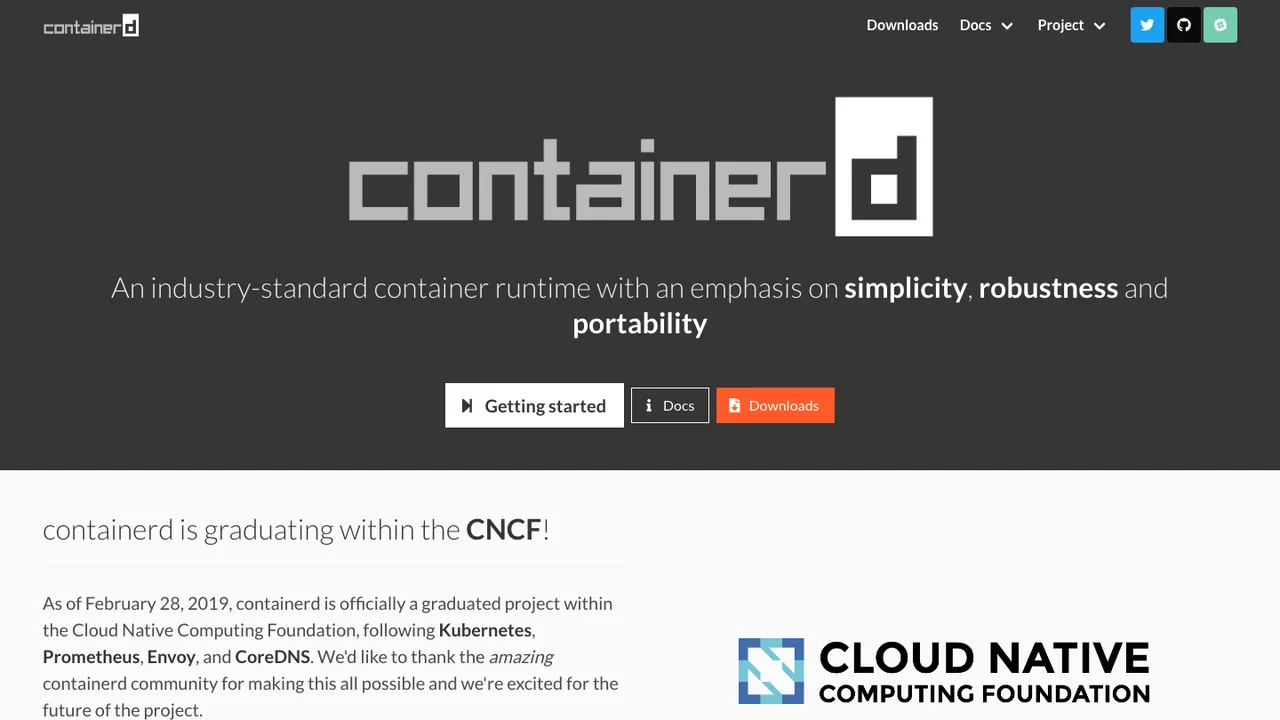
containerd is a container runtime daemon for Linux and Windows. It manages the complete container lifecycle on a host system, including image transfer and storage, container execution and supervision, and low-level storage and network attachments. It is designed to be embedded into larger systems rather than used directly by developers or end users.

  • Daemon manages image transfer, storage, execution, and supervision
  • Supports OCI Distribution Specification compliant registries
  • Built-in CRI plugin for Kubernetes container runtime use
  • Uses runc and OS-specific libraries for container features

Switching from Docker to open source

Treat Docker as a bundle, not a single binary. Most teams rely on the daemon model, Dockerfile builds, registry login, local networking, volume mounts, and a desktop VM on non-Linux machines. Replacing it means deciding which parts must stay familiar and which can change. The hardest cases are developer laptops with file sharing, CI jobs that expect the Docker socket, and scripts that assume exact Docker CLI behavior. Start by separating production runtime needs from local developer convenience, because those often point to different replacement choices.

Expect some friction around the edges. Docker has made a lot of defaults feel invisible - port publishing, DNS names between services, build cache behavior, credential storage, and host filesystem mounts. Open source replacements may support the same image format but differ in daemon design, rootless mode, networking, and how they run Linux containers on macOS or Windows. GUI polish, desktop notifications, and one-click troubleshooting may be thinner. Also check whether every Docker Compose option you use is portable, especially around networking, profiles, secrets, and build directives.

Migration usually starts with what survives unchanged: Dockerfiles, OCI-compatible images, registry tags, and most environment-variable based configuration. Then audit everything that touches the Docker socket, calls Docker CLI flags, or assumes Docker Desktop paths. Convert compose files by testing service startup, health checks, volume mounts, and port mappings one service at a time. Export named volumes with application-aware backups when possible, not just raw filesystem copies. In CI, replace build and run steps separately so failures point to the runtime, builder, or registry login path instead of the whole pipeline.

Related alternatives

Frequently asked questions

Is Docker already open source?+

Parts of the Docker ecosystem are open source, but many teams are trying to replace Docker Desktop, Docker-specific workflow assumptions, or the daemon-centered stack. The practical question is not whether the word Docker maps to one license. It is whether your required local runtime, build path, networking behavior, and commercial use case can be handled by components you can install, inspect, package, and operate without Docker Desktop.

Will my Dockerfiles still work after switching?+

Usually, yes, if they use standard Dockerfile instructions and build Linux container images. Problems show up with BuildKit-specific behavior, secret mounts, SSH forwarding, cache export settings, or assumptions about the build context path. Treat the first migration pass as a build compatibility test. Rebuild representative images, compare image size and metadata, then run the resulting containers under the new runtime before touching production workflows.

What happens to Docker Compose files?+

Many compose files are portable enough to start, but the details matter. Service names, environment variables, bind mounts, and published ports are usually straightforward. More advanced settings - custom networks, profiles, health checks, secrets, platform selection, and build options - need testing. Do not migrate by only checking that the parser accepts the file. Verify startup order, service discovery, mounted file ownership, shutdown behavior, and logs.

Can I keep using the same container images from registries?+

In most cases, yes. Docker images are commonly distributed in OCI-compatible formats, and open source runtimes generally understand those formats. You still need to recheck authentication, private registry certificates, credential helpers, and image signing or policy enforcement. If your workflow pulls multi-architecture images, test on each developer and CI platform so you do not discover an architecture mismatch only when a build runner changes.

How hard is it to replace Docker Desktop on macOS or Windows?+

Harder than replacing Docker on a Linux server. Linux containers need a Linux environment, so desktop replacements usually involve a lightweight virtual machine, filesystem sharing, port forwarding, and a CLI bridge. The user-visible pain is often file I/O speed, path translation, DNS behavior, and how reliably the VM starts after sleep or reboot. Plan a pilot with real repositories, not a hello-world container.

Do I need to change my CI pipeline when moving off Docker?+

Probably. CI jobs often assume the Docker CLI, a privileged Docker daemon, or access to a mounted Docker socket. Those assumptions are both migration issues and security issues. Split the pipeline into image build, image test, registry push, and runtime integration steps. Replace each step intentionally, then compare cache hit rates, artifact naming, exit codes, and how logs appear when a container fails.

Will development containers run with the same networking behavior?+

Not always. Port publishing may look the same, but DNS names, host-to-container access, IPv6 support, localhost handling, and user-defined network behavior can differ. This matters for databases, message brokers, browser callbacks, and services that advertise their own URL. Build a small networking test matrix for the applications people actually run, including restart behavior and conflicts when two projects expose the same port.

What should I do with Docker volumes before migrating?+

Treat volumes as application data, not runtime data. For databases, use native dump and restore tools whenever possible. For file stores, archive the mounted directory with ownership and permissions preserved, then restore into a fresh volume under the new runtime. Raw volume copies can work, but they also carry over stale locks, incompatible filesystem metadata, and accidental state that should have been regenerated.

Are rootless containers a reason to leave Docker?+

They can be, but rootless mode is a design choice with tradeoffs, not a checkbox. It reduces the impact of some daemon or container escapes, but it may affect networking, privileged workloads, low port binding, filesystem ownership, and performance. If your reason for switching is security, define the threat model first. Then test whether rootless operation supports your build tools, test suites, and local service dependencies.

How do open source replacements compare on performance?+

On Linux servers, performance is often close enough that workload behavior matters more than the runtime name. On macOS and Windows, the virtual machine and file sharing layer dominate. Large source trees, dependency folders, and bind-mounted databases can expose big differences. Benchmark the slow paths you care about - clean builds, incremental builds, test startup, database writes, and container restart time - using your own repositories.

What breaks if scripts call the Docker socket directly?+

Anything that talks to the Docker API endpoint may need changes or a compatibility layer. Common examples include test harnesses that create containers, local development tools, CI helpers, and deployment scripts. Simple CLI calls are easier to adapt than code that depends on Docker event streams, inspect output, or network object semantics. Search for socket paths, Docker API environment variables, and libraries that create containers programmatically.

Is switching away from Docker mainly about cost?+

Cost is one reason, especially for teams affected by Docker Desktop licensing, but it should not be the only reason. A cheaper setup that slows every developer or creates fragile CI is not cheaper for long. Include support burden, onboarding time, security review, laptop performance, and compatibility with existing images. The best replacement is the one your team can run predictably without turning every container issue into platform work.

How should a team roll out the replacement without disrupting developers?+

Start with a small group that represents different machines, repositories, and seniority levels. Give them a documented install path, a rollback path, and a checklist for builds, tests, compose workflows, and registry access. Avoid switching everyone on the same day. Track the commands people actually use, then update makefiles, shell scripts, editor settings, and onboarding docs so the new runtime is not tribal knowledge.

What about backups for a Docker replacement?+

Back up the things that matter independently of the runtime: source repositories, image build definitions, environment configuration, secrets in their proper secret store, registry artifacts, and application data. Do not rely on copying an entire runtime directory as your backup strategy. For local developer machines, document how to recreate the runtime from scratch and how to restore only the volumes that contain non-disposable data.

What if the open source replacement I choose is abandoned?+

Reduce that risk by keeping your workflow close to standard image formats, Dockerfile syntax, and portable compose patterns. Avoid depending on unusual runtime-only features unless they solve a real problem. Keep migration notes and compatibility tests in the repository so another switch is measurable, not guesswork. The exit path matters: if images, volumes, and configuration can be exported cleanly, abandonment is inconvenient rather than catastrophic.