3 Best Open Source Alternatives to BrowserStack

Updated July 2026

Browser testing has an awkward economics problem: the value grows with coverage - more browsers, more real devices, more parallel runs - and that is exactly what a hosted grid meters. As a suite grows, parallel capacity becomes the throttle you pay to lift, and any test that needs to reach a private or latency-sensitive environment has to tunnel out to someone else's cloud. Open source frameworks move the browsers onto machines you already run, inside your own CI, so scaling out means adding workers rather than upgrading a plan. You pin the exact engine versions your releases target, and every screenshot, video, and network log stays inside your own boundary instead of a vendor dashboard.

Playwright logo

1.Playwright

91kApache-2.0TypeScript Self-host
Playwright screenshot

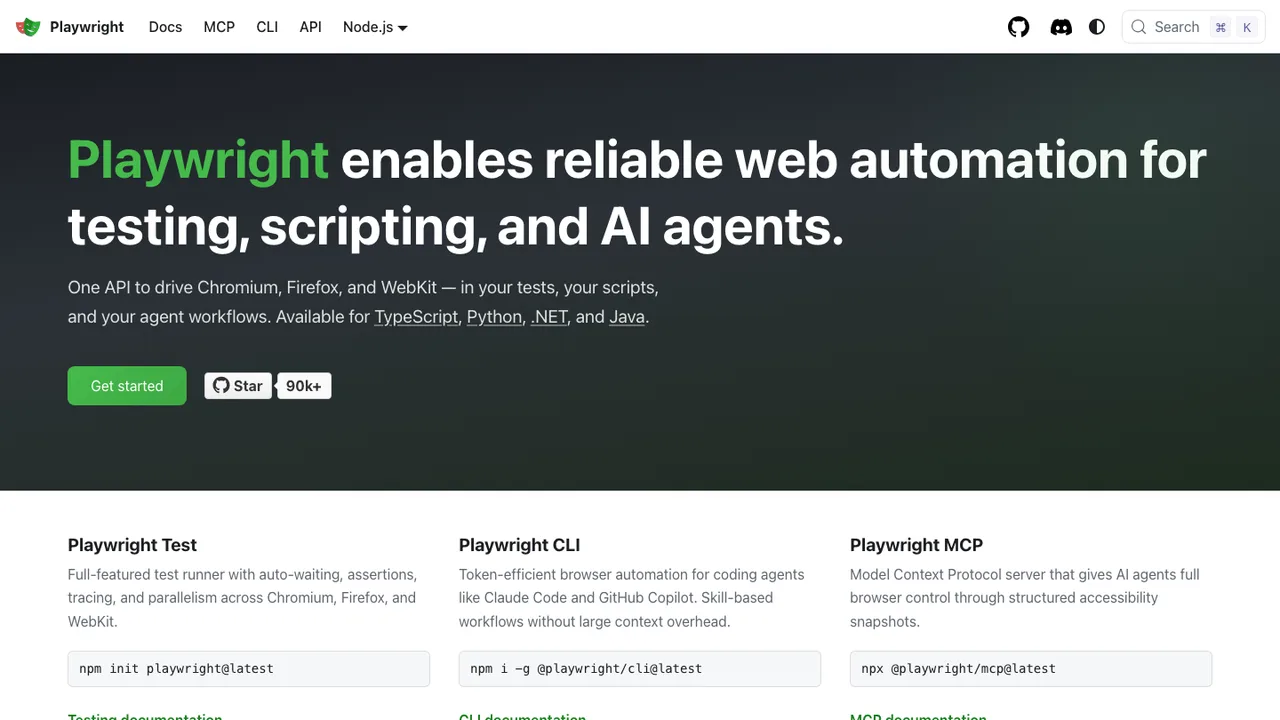
Playwright is a framework for end-to-end testing and browser automation. It drives Chromium, Firefox, and WebKit through a single API, so one test suite covers the engines behind Chrome, Edge, Safari, and Firefox.

  • Single API automates Chromium, Firefox, and WebKit
  • Auto-waiting removes most flaky timing failures
  • Network interception and request mocking
  • Trace viewer records steps, snapshots, and logs
Cypress logo

2.Cypress

50.1kMITTypeScript
Cypress screenshot

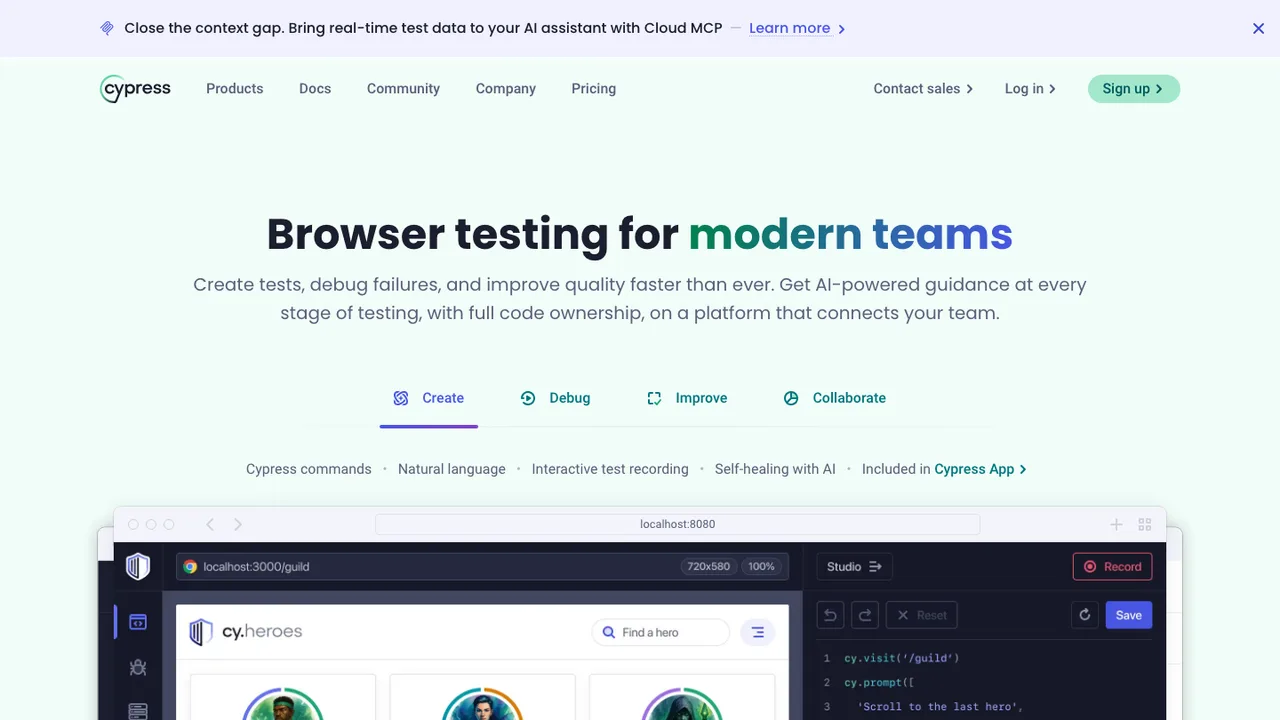
Cypress is a testing framework for anything that runs in a browser. It is used for front-end testing and supports JavaScript projects that need to write, run, and debug tests against browser-based applications.

  • End-to-end testing for browser-based applications
  • Component testing for front-end projects
  • Write, run, and debug JavaScript tests
  • Works with Angular, React, Svelte, and Vue testing-library ecosystems
Selenium logo

3.Selenium

34.2kApache-2.0Java Self-host
Selenium screenshot

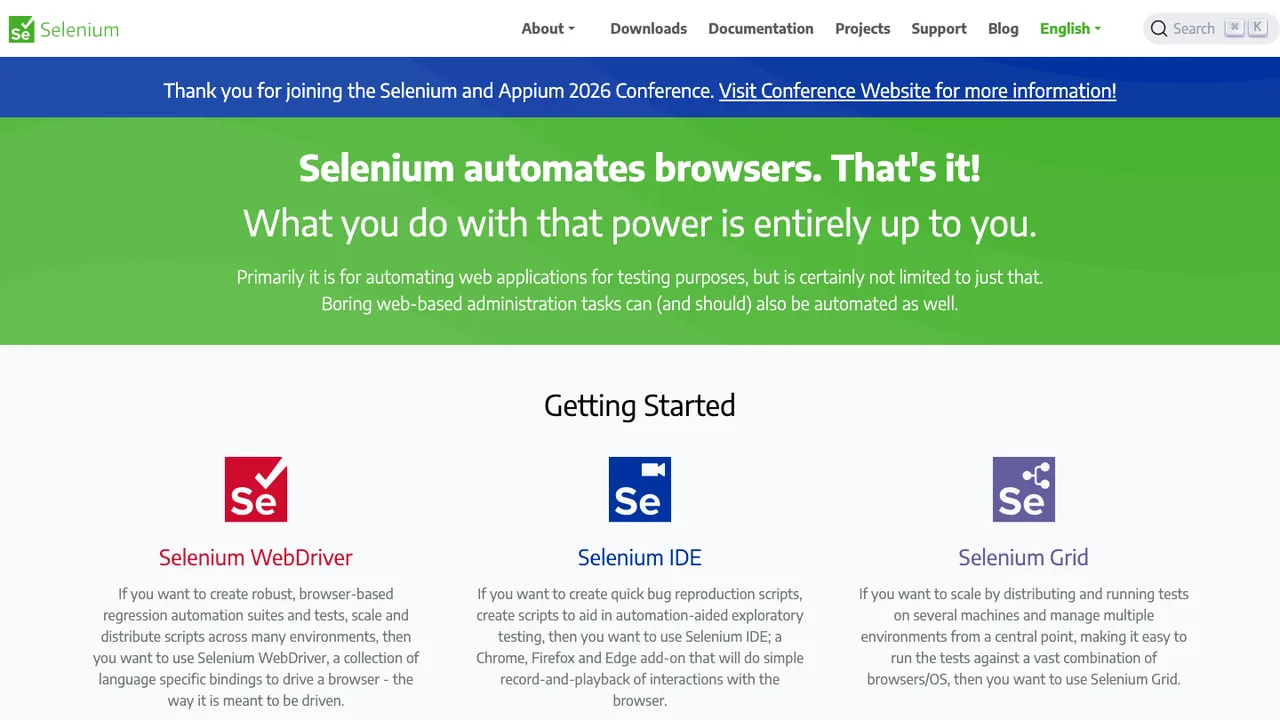
Selenium is an umbrella project for tools and libraries that enable web browser automation. It provides infrastructure for the W3C WebDriver specification, a platform and language-neutral coding interface for automating browsers.

  • Automates web browsers through the W3C WebDriver interface
  • Language-neutral browser automation model
  • Compatible with all major web browsers
  • Supports local and remote browser test workflows

Our picks

None of these is a hosted device cloud, so pick by which browser engines you must cover and how your tests already talk to a grid.

Broadest engine coverage in one suite: Playwright Playwright drives Chromium, Firefox, and WebKit through a single API and downloads the browsers on demand, so one suite covers the engines behind Chrome, Edge, Safari, and Firefox with no account or hosted service. Auto-waiting removes most flaky timing failures, and a trace viewer records each step, snapshot, and log for debugging. Bindings span JavaScript, Python, Java, and .NET, and it runs headless or headed across Windows, macOS, and Linux.

Self-hosted grid on an open standard: Selenium Selenium implements the W3C WebDriver specification, a language-neutral interface compatible with every major browser, so tests stay portable across providers. Selenium Grid runs those tests remotely across your own machines, which is the closest structural match to a BrowserStack grid you operate yourself. Language bindings cover Java, JavaScript, Python, Ruby, and .NET, and it is designed to run in your own development, test, and CI environments.

Front-end testing for JavaScript teams: Cypress Cypress targets anything that runs in a browser, covering end-to-end and component testing for JavaScript projects with a fast write, run, and debug loop on the developer's machine. It works with the Angular, React, Svelte, and Vue testing-library ecosystems and installs on Mac, Linux, and Windows. It fits teams that want tests living next to front-end code rather than behind a separate grid.

Moving browser testing in house

What BrowserStack really sells is a device and browser lab you never have to rack, so the honest first question is which of those combinations your releases actually depend on. Pull the numbers from CI: how many browser and device pairs run today, your real peak parallelism, which tests reach into private environments, and which artifacts people open when a run fails. That inventory decides where browsers should live - on build agents, on a central grid, or on dedicated device hosts - and it usually shrinks the matrix, since a lot of hosted coverage is habit rather than requirement.

Match the framework to what you run, not to a logo. Playwright drives Chromium, Firefox, and WebKit from a single API and downloads those engines on demand, so one suite exercises the engines behind Chrome, Edge, Safari, and Firefox on your own runners. Selenium speaks the W3C WebDriver standard and pairs with Selenium Grid when you want a distributed, self-hosted grid across many machines. Cypress is the tightest fit for JavaScript teams doing end-to-end and component testing in the browser. What none of them is, is a real-device farm: physical phones and tablets still mean buying and maintaining hardware, or accepting emulators for fast feedback.

The migration itself is mostly a protocol swap plus new plumbing. WebDriver-based tests often survive once you repoint the remote endpoint, credentials, and capability names, then re-check timeouts and where artifacts land. BrowserStack Local becomes your own network design: run workers inside the private network or open a controlled tunnel to the app, and treat it as a security decision. Session videos, screenshots, and logs need their own storage path and retention rules, and old visual baselines rarely survive the change in fonts and rendering, so plan to reshoot them once the setup is stable.
Related alternatives

Frequently asked questions

Can Cypress, Selenium, or Playwright test real mobile devices?+

These frameworks drive browsers on machines you provide, so they cover mobile web well but are not a real-device farm on their own. Physical phones and tablets mean buying and maintaining hardware, wiring it into your grid, or accepting emulators and device viewports for fast feedback. Decide which devices deserve physical coverage from production analytics and support tickets, not from a full device matrix.

How much of my existing WebDriver suite survives the move?+

Most tests that speak the standard remote automation protocol carry over. Selenium implements the W3C WebDriver specification, so the fragile parts are the desired capabilities, browser and device names, timeout assumptions, file-upload handling, and any links back to BrowserStack sessions. A thin compatibility layer that hides which provider runs underneath keeps that churn out of your test code and makes future moves cheaper.

What replaces BrowserStack Local for reaching private environments?+

BrowserStack Local exists to give a cloud session a path back to your private app. Self-hosting removes that need in the simplest case: run the grid or test workers inside the same network as the application. If you must bridge networks, open a controlled tunnel from the grid to the app and treat it as a security design, since credentials and internal services are involved.

Which framework covers Safari and Firefox, not just Chrome?+

Playwright is the strongest single answer here because it drives WebKit and Firefox alongside Chromium from one API, so a single suite exercises the engines behind Safari, Firefox, Chrome, and Edge. Selenium reaches the same browsers through WebDriver and per-browser drivers. Cypress centers on Chromium-family and Firefox testing for JavaScript apps, so confirm engine coverage before you commit a release gate to it.

How do I size parallel test capacity without a hosted grid?+

Size from observed concurrency, not the number of tests in the repository. Measure peak parallel sessions, average test duration, queue time, and your slowest browser or device class, then provision for the release window you actually need. Too little capacity creates long queues before every release; too much leaves idle hardware and more maintenance surface. Keep the pull-request matrix smaller than the release matrix.

What happens to my screenshots, videos, and session logs?+

You rebuild that artifact pipeline yourself. Playwright's trace viewer records steps, snapshots, and logs, but you still choose where they live, how long they are kept, and who can read them. Give session media and logs a storage path linked from CI results, set retention rules, and scrub tokens or customer data from videos and logs before anything is stored.

Do my visual regression baselines carry over from BrowserStack?+

Usually not cleanly. Baseline images depend on browser version, viewport sizing, font rendering, and operating system settings, and moving off a hosted grid changes enough of that to create noise. Keep the old baselines for reference, but plan to reshoot fresh ones once the self-hosted setup is stable and its browser images are pinned, so a diff means a real regression.