3 Best Open Source Alternatives to Grammarly

Updated July 2026

Grammarly is polished because it meets writers where they work: the browser, office docs, email, and a dedicated editor, with fast spelling, grammar, tone, and rewrite suggestions that are good enough to change habits. The friction starts when every draft has to pass through a cloud service that analyzes the text, which is hard to square with legal, medical, source-code, or unreleased product content, and when its assertive rewrites push teams toward a house style they cannot fully define.

Open source alternatives give you grammar and style checking that can run locally or inside your own infrastructure, with rule sets, dictionaries, and editor integrations you can tune instead of simply accepting a vendor's model.

LanguageTool logo

1.LanguageTool

14.6kLGPL-2.1Java Self-host
LanguageTool screenshot

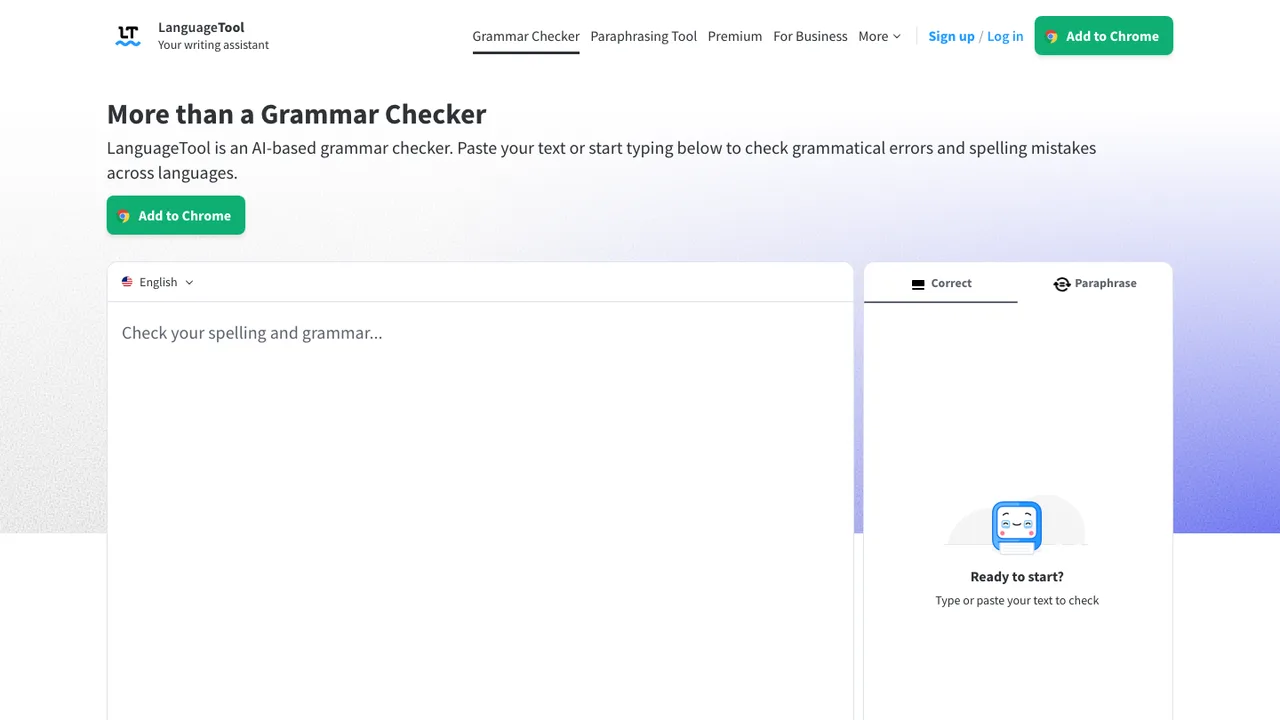
LanguageTool is open-source proofreading software for English, Spanish, French, German, Portuguese, Polish, Dutch, and more than 20 other languages. It finds many errors that a simple spell checker cannot detect, covering grammar, punctuation, spelling, and style issues for multilingual writing.

  • Grammar, punctuation, spelling, and style checking
  • Proofreading for over 30 languages
  • Finds errors beyond simple spell checking
  • HTTP API for automated text checks
Harper logo

2.Harper

10.8kApache-2.0Rust
Harper screenshot

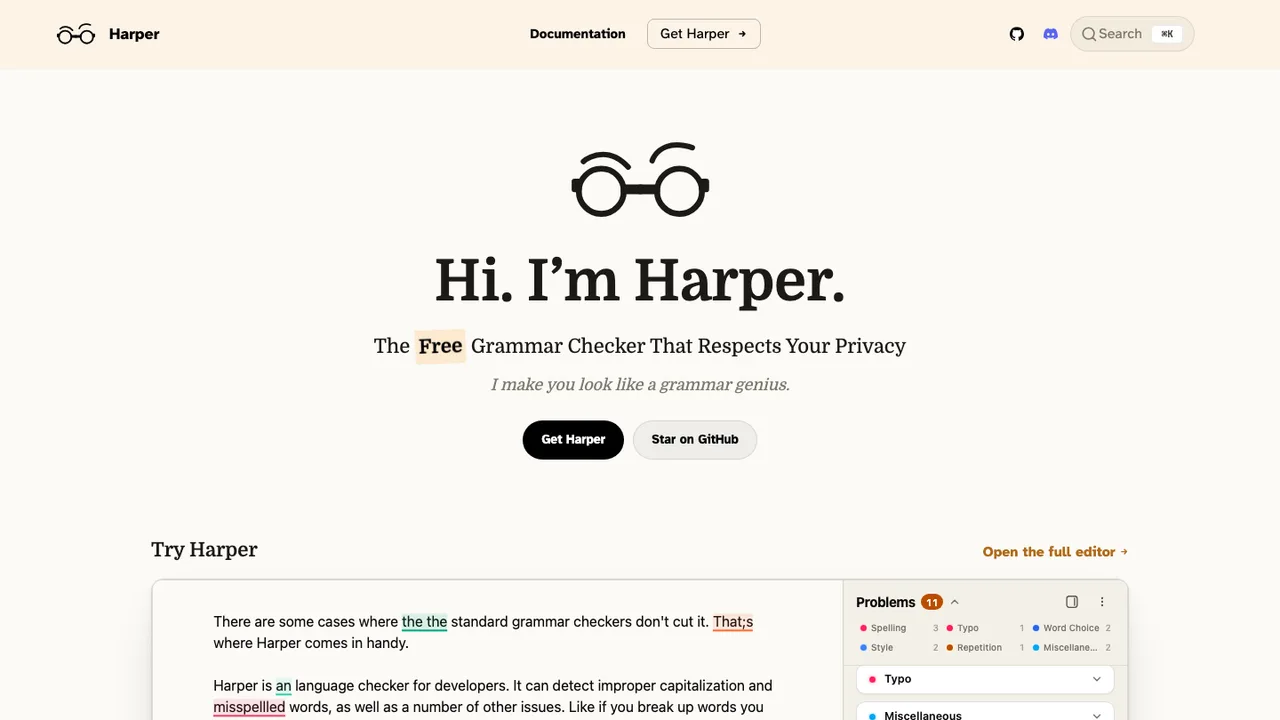
Harper is an open-source English grammar and spell checker for developers and writers. It is designed to lint writing locally instead of sending text to a server, addressing privacy and latency concerns in server-based grammar tools.

  • Offline grammar and spell checking on your device
  • English support for US, UK, Canadian, Australian, and Indian variants
  • Rust core with WebAssembly support
  • Language server for editor integrations
Vale logo

3.Vale

5.5kMITGo
Vale screenshot

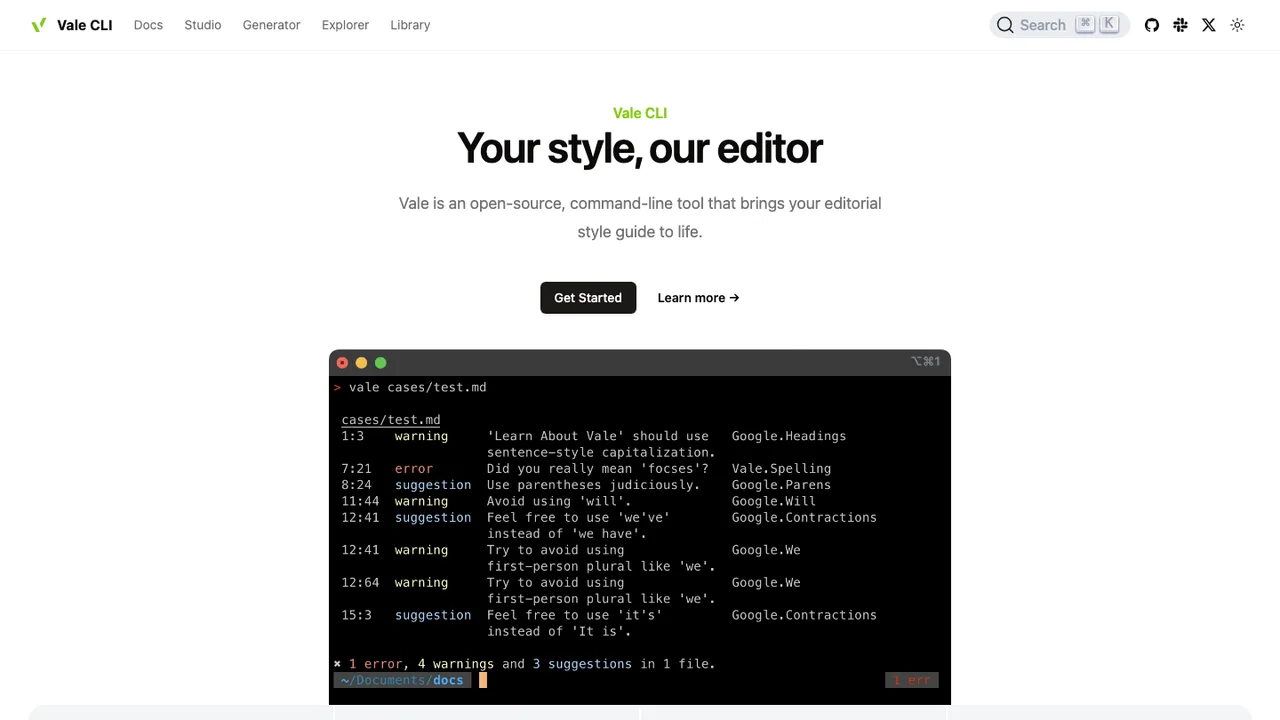
Vale is a command-line tool that brings code-like linting to prose. It helps teams check documentation and other written content with repeatable rules instead of editor-specific suggestions. It runs on Windows, macOS, and Linux and is written in Go.

  • Command-line linting for prose
  • Markup-aware checks that can exclude code snippets
  • Custom rules through a built-in extension system
  • Supports standard editorial style guides and in-house rules

Switching from Grammarly to open source

Start by mapping where Grammarly is actually doing work for you. Many people use it less as a grammar checker than as a typing-layer service spread across browsers, desktop editors, web forms, email, and mobile keyboards. An open source replacement may be strong in one surface and weak in another. Decide whether you need inline suggestions everywhere, a dedicated editor for longer drafts, a local checking service, or an API that your own tools can call. That architecture choice matters more than matching every suggestion category by name.

Expect the biggest gap to be product polish, not basic spelling and grammar. Grammarly combines cloud processing, account-level preferences, explanations, tone hints, rewrite suggestions, and broad extension coverage in one managed experience. Open source replacements often ask you to choose between privacy, configurability, and convenience. Some will flag fewer style issues. Some will over-report rules that your team does not care about. Some need manual tuning before they stop fighting your house style. Treat the move as a workflow change, not a skin swap.

Migration is usually light because Grammarly is not the system of record for most writing. Copy or download any drafts you keep in its editor, then verify the exported text in your normal document format. Personal dictionary entries, ignored suggestions, tone preferences, and team style rules usually need to be recreated by hand unless your account exposes an export you can use. Remove browser extensions, desktop helpers, and mobile keyboards after the replacement is installed, then test the places where you write most often before canceling paid seats.

Related alternatives

Frequently asked questions

Is an open source Grammarly replacement as accurate?+

It depends on what you mean by accurate. Basic spelling, grammar, punctuation, and repeated-word detection can be solid. The harder parts are context-aware rewrites, tone judgment, and deciding when not to suggest a change. Test with your own writing samples, including technical terms, informal messages, and long documents. Count false positives as carefully as missed errors because noisy tools get ignored.

What privacy changes when I stop using Grammarly?+

The main change is control over where text is processed. With Grammarly, checking is tied to its managed service and account experience. With open source options, you may be able to run checks locally or on infrastructure you control. That does not automatically make a setup private. Review whether the tool sends telemetry, stores submitted text, logs requests, or relies on third-party language services.

Will open source tools work in the browser like Grammarly?+

Some open source replacements offer browser integration, but coverage is rarely identical to Grammarly across every text box and web app. Pay attention to whether suggestions appear inline, in a sidebar, or only after you paste text into a separate editor. Also test rich-text fields, comments, email composers, and collaborative editors. Browser security restrictions can make behavior inconsistent between sites.

How do I replace Grammarly in document editors and word processors?+

Check whether the replacement works as an add-in, a local companion service, a browser extension, or only through copy and paste. Long-form editing has different needs than short messages: document length, footnotes, tracked changes, and formatting preservation all matter. Run a real document through the workflow before committing. Some tools check plain text well but strip formatting or miss text embedded in comments and tables.

Is there an open source mobile keyboard alternative to Grammarly?+

Mobile is one of the harder parts to replace. Grammarly's keyboard puts suggestions directly into phone typing, while open source grammar tools are more often built for desktop, browser, server, or editor workflows. If mobile correction is critical, test the exact phone operating systems your team uses. You may need to combine the built-in keyboard corrections with a separate review step for important drafts.

Can I run writing checks completely offline?+

Yes, if you choose a replacement that performs analysis locally and does not call a hosted service for language models, telemetry, or rule updates. Offline mode can be useful for confidential drafts, travel, or locked-down environments. The tradeoff is usually weaker rewrite quality and more manual updating. Verify offline behavior by disconnecting the network, not just by reading the settings page.

What happens to documents stored in Grammarly?+

Do not assume Grammarly is your archive. Before leaving, open the web editor and save anything you still need by copying it into your normal document system or using any available download option. Formatting may not survive perfectly, so spot-check headings, lists, links, and comments. Suggestion history and accepted or rejected edits generally should be treated as nonportable review metadata.

Can I import my Grammarly personal dictionary?+

Usually you should plan to rebuild it. Personal dictionaries, ignored words, and preferred spellings are often stored as account settings rather than a portable standards-based file. If your account provides a way to view entries, copy them into a plain text list before closing it. Then import or re-enter them in the new tool, and keep a separate source file for future moves.

How should a team replace Grammarly style guides and admin controls?+

First separate writing policy from tool configuration. Document the terms, forbidden phrases, capitalization rules, tone preferences, and exception rules your team actually uses. Then check whether the replacement supports shared dictionaries, custom rules, role-based settings, and centralized deployment. Some open source setups handle this through configuration files, which can be versioned and reviewed. That is powerful, but it requires someone to own the rule set.

Are open source alternatives cheaper than Grammarly?+

They can be, but the cost moves around. You may avoid per-seat subscription fees, yet spend time on hosting, packaging, updates, rule tuning, and user support. For one person, a local tool can be very low cost. For a company, compare the total cost of running and supporting the replacement against the value of Grammarly's managed integrations and administration.

How do I evaluate security before replacing Grammarly?+

Trace the path of the text. Find out whether checking happens in the browser, in a local process, on your server, or on someone else's hosted service. Review the license, release process, dependency handling, authentication model, and logging defaults. For sensitive work, prefer deployments where submitted text is not retained by default and where you can inspect or disable telemetry. Independent audits are useful, but uncommon.

Do open source Grammarly replacements support languages beyond English?+

Some do, but language quality varies a lot. A tool may support spelling in many languages while offering grammar or style rules for only a few. Also check dialect handling, such as regional spelling, punctuation conventions, and formality rules. If multilingual writing matters, test native-speaker samples rather than relying on a feature checkbox. Mixed-language documents can be especially noisy.

Can developers add open source writing checks to CI or editors?+

That is often a good reason to leave Grammarly. Open source tools are more likely to expose command-line checks, local services, configuration files, or APIs that fit editor plugins and CI pipelines. The important question is failure policy. Decide whether writing issues should block a build, post warnings, or only run on documentation changes. Keep custom dictionaries in version control so terminology stays consistent.

How much migration work should I expect?+

For an individual, the work is usually a few hours of inventory, export, installation, and habit adjustment. For a team, expect a pilot period because the noisy rules will surface only in real writing. Build a test set from support replies, docs, marketing copy, and internal messages. Tune rules before broad rollout, and keep Grammarly available briefly for comparison rather than switching everyone at once.

What if the open source project I choose is abandoned?+

Reduce that risk by keeping your writing outside the tool in ordinary document formats and keeping custom rules or dictionaries in files you control. Prefer tools with documented configuration and a clear way to run without a hosted account. If development slows, you can keep using a stable local version for a while, fork it, or move rules and dictionaries to another checker with less disruption.