9 Best Open Source Alternatives to Google Analytics

Updated July 2026

Google Analytics is the default way the web measures itself, and the free tier is genuinely powerful: funnels, audiences, attribution, all wired into Google's ad stack. The cost shows up elsewhere. Your visitor data lives on Google's servers and feeds an advertising business, which is what forces the cookie banner onto every page and turns GA4 into a GDPR conversation with your legal team - and once traffic gets serious, the reports quietly start sampling, so the numbers you act on are estimates, not counts.

The open source alternatives below keep the analytics on infrastructure you run. Pageviews and events land in a database you own, so there is nothing to consent away and no third party reselling the behavior of your audience. Several measure visits without cookies at all, which retires the banner entirely, and because you hold the raw hits, the totals are exact rather than sampled no matter how large the site gets.

Umami logo

1.Umami

37.2kMITTypeScript Self-host
Umami screenshot

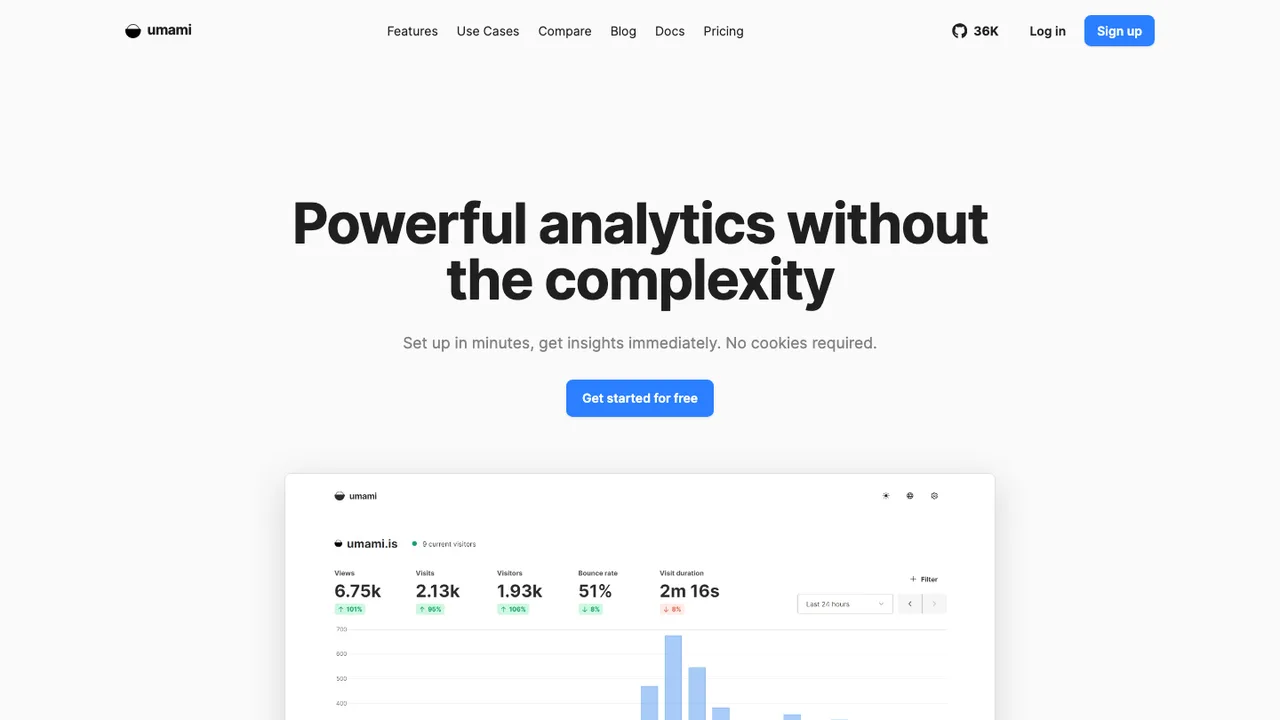
Umami is a simple, fast, privacy-focused web analytics platform and an open source alternative to Google Analytics, Mixpanel, and Amplitude. It tracks site traffic without cookies, so there is no cookie banner to add, and the dashboard stays clean and easy to read.

  • Cookie-free web analytics with no consent banner
  • Simple, fast single-page dashboard
  • Self-hosted or Umami Cloud
  • Runs on Node.js with a PostgreSQL database
PostHog logo

2.PostHog

35kOtherPython Self-host
PostHog screenshot

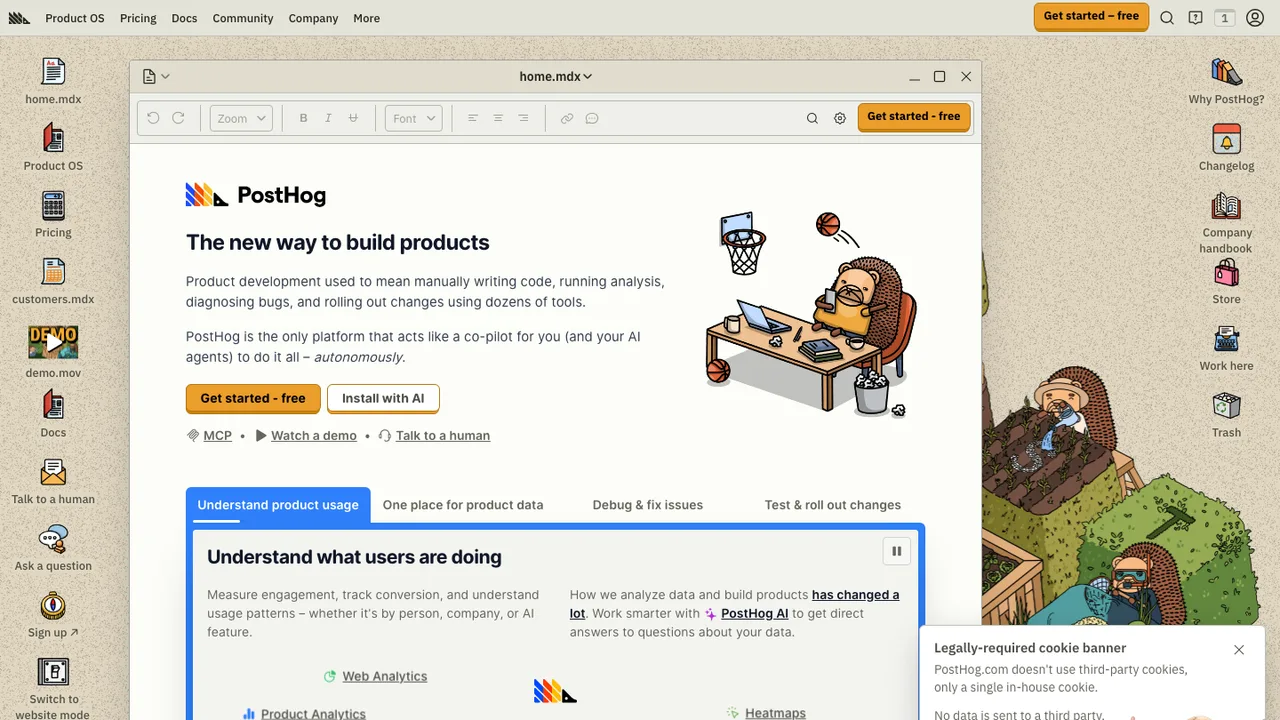
PostHog is an open source, all-in-one platform for building products. It brings product analytics, web analytics, session replay, error tracking, feature flags, experiments, surveys, a data warehouse, data pipelines, AI observability, and workflows together in one stack.

  • Autocapture or manually instrument event-based product analytics
  • Web analytics for traffic, sessions, conversion, web vitals, and revenue
  • Session replay and error tracking with alerts
  • Feature flags, cohorts, experiments, and no-code experiment setup
Plausible Analytics logo

3.Plausible Analytics

27.1kAGPL-3.0Elixir Self-host
Plausible Analytics screenshot

Plausible Analytics tracks website traffic, goals, and conversions without cookies or persistent identifiers. It measures traffic rather than individuals, stores no personal data or IP addresses, and is compliant with GDPR, CCPA, and PECR. All key insights sit on a single page with no menus to navigate.

  • Cookie-free tracking with no persistent identifiers
  • Goals, conversions, revenue attribution, and funnels
  • SPAs support with pushState and hash-based routing
  • Email and Slack reports with traffic spike notifications
Matomo logo

4.Matomo

21.6kGPL-3.0PHP Self-host
Matomo screenshot

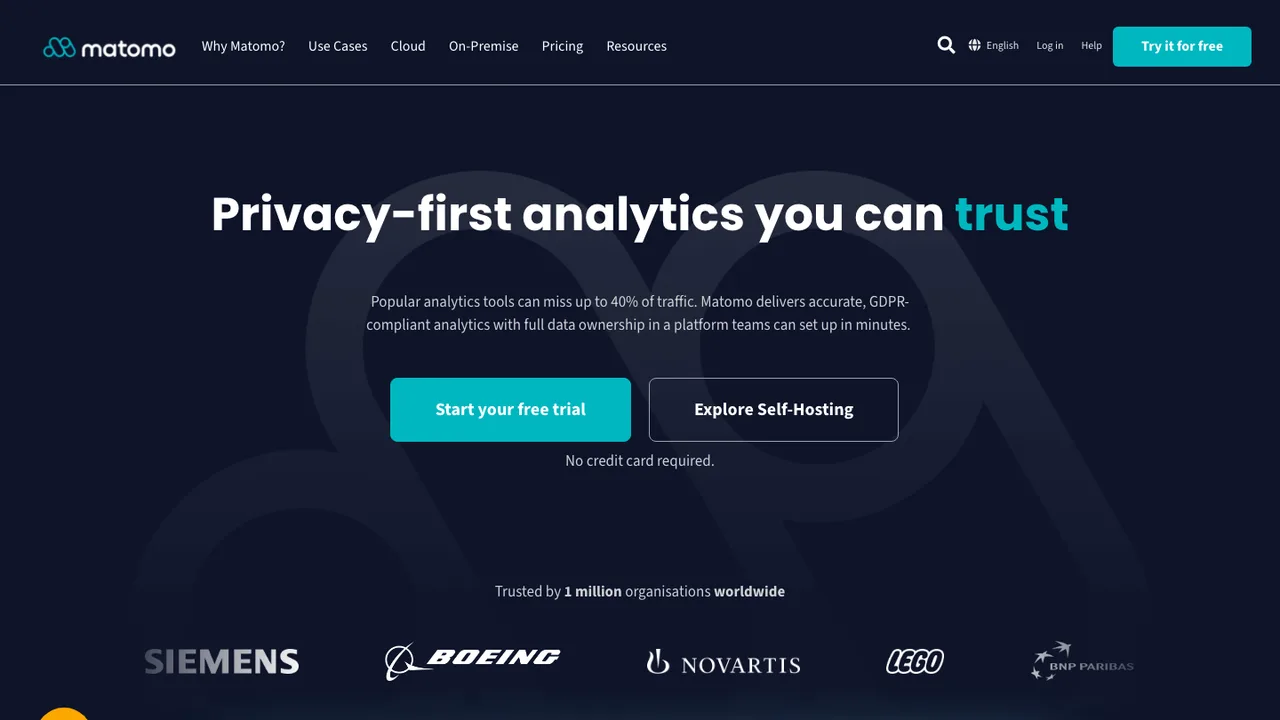
Matomo is a free/libre web analytics platform for tracking websites and apps. It positions itself as the leading open-source alternative to Google Analytics, with full data ownership and privacy built in, and is already used on more than a million websites.

  • Track websites and apps with a JavaScript tag
  • Real-time analytics reports
  • Customizable dashboard with drag and drop widgets
  • Matomo Analytics API
Rybbit logo

5.Rybbit

12.3kAGPL-3.0TypeScript Self-host
Rybbit screenshot

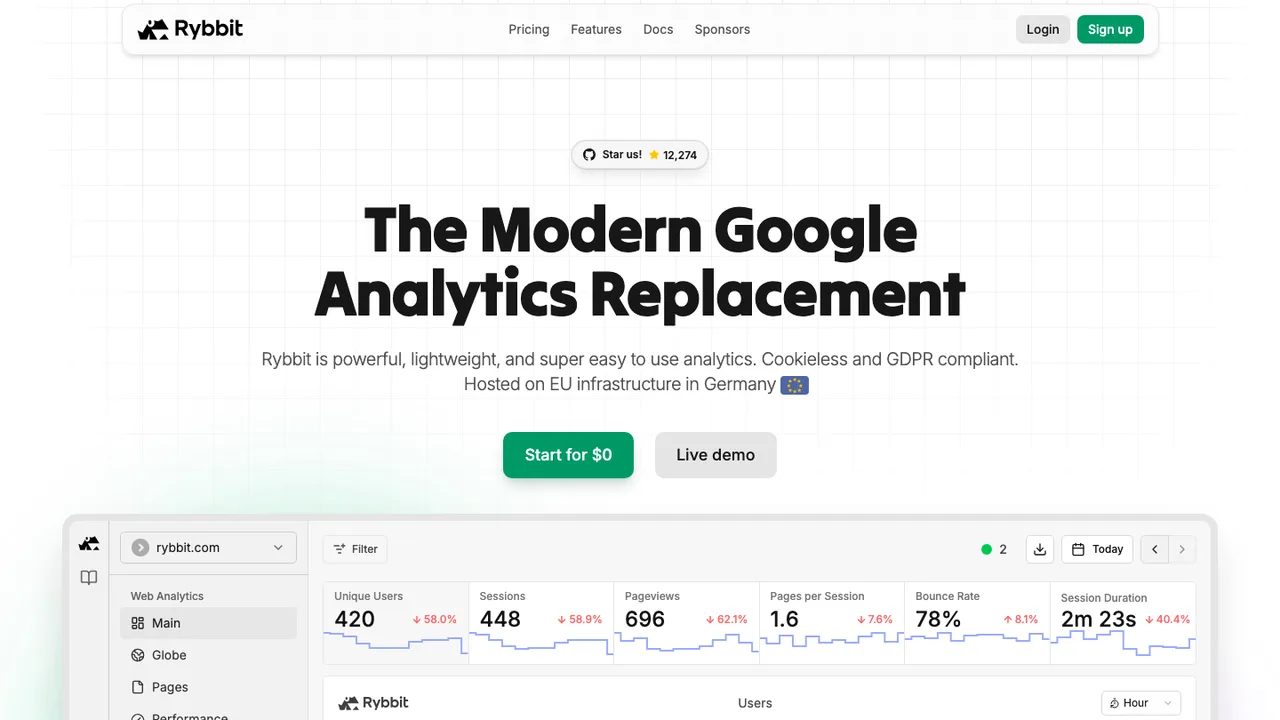
Rybbit is open source web and product analytics that tracks site and product usage without cookies, a privacy-friendly alternative to Google Analytics that takes a couple of minutes to set up. The dashboard covers the core metrics: sessions, unique users, pageviews, bounce rate, and session duration.

  • Sessions, unique users, pageviews, bounce rate, and session duration
  • Session replays and real-time dashboard
  • Custom events with JSON properties
  • Goals, retention, user journeys, and funnels
OpenPanel logo

6.OpenPanel

5.9kAGPL-3.0TypeScript Self-host
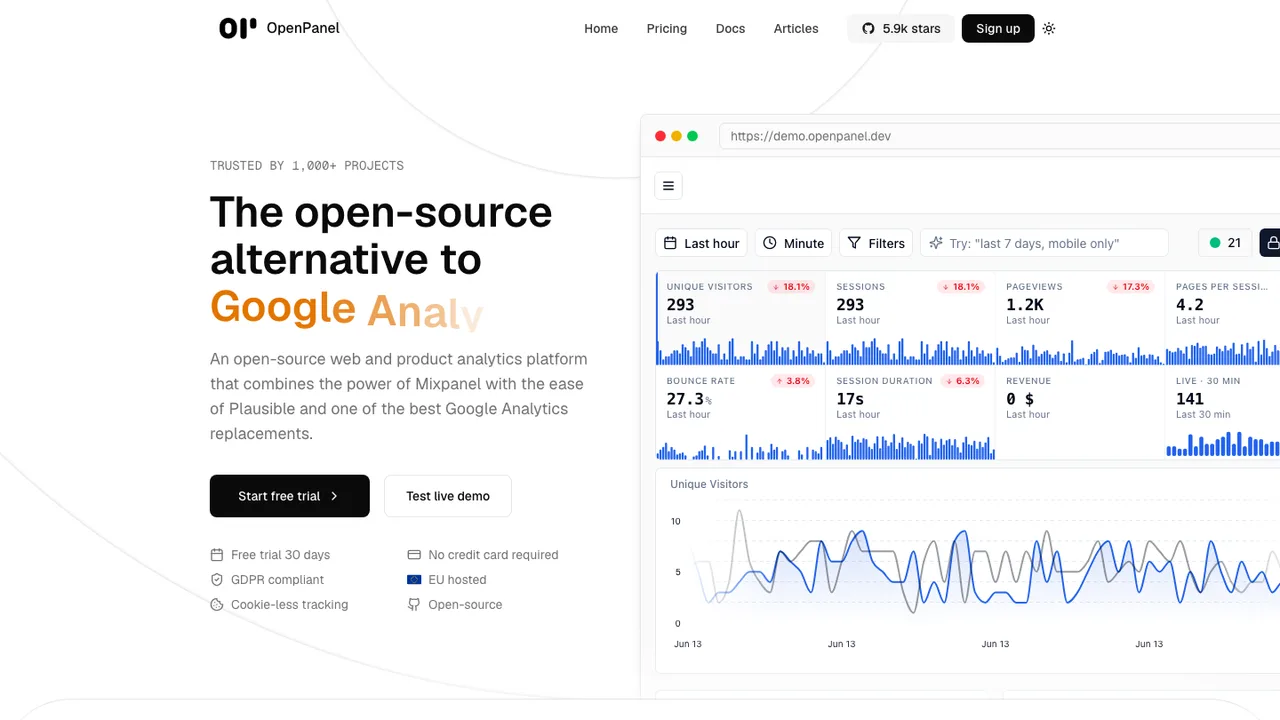
OpenPanel screenshot

OpenPanel is an open-source web and product analytics platform that combines the power of Mixpanel with the ease of Plausible, positioned as an alternative to Mixpanel and Google Analytics. It brings analytics, alerts, and dashboards into one place, with optional self-hosting.

  • Funnels, cohorts, user profiles, and session history
  • Session replay with privacy controls
  • Real-time dashboards and interactive charts
  • A/B testing and event-based alerts
GoatCounter logo

7.GoatCounter

5.8kOtherGo Self-host
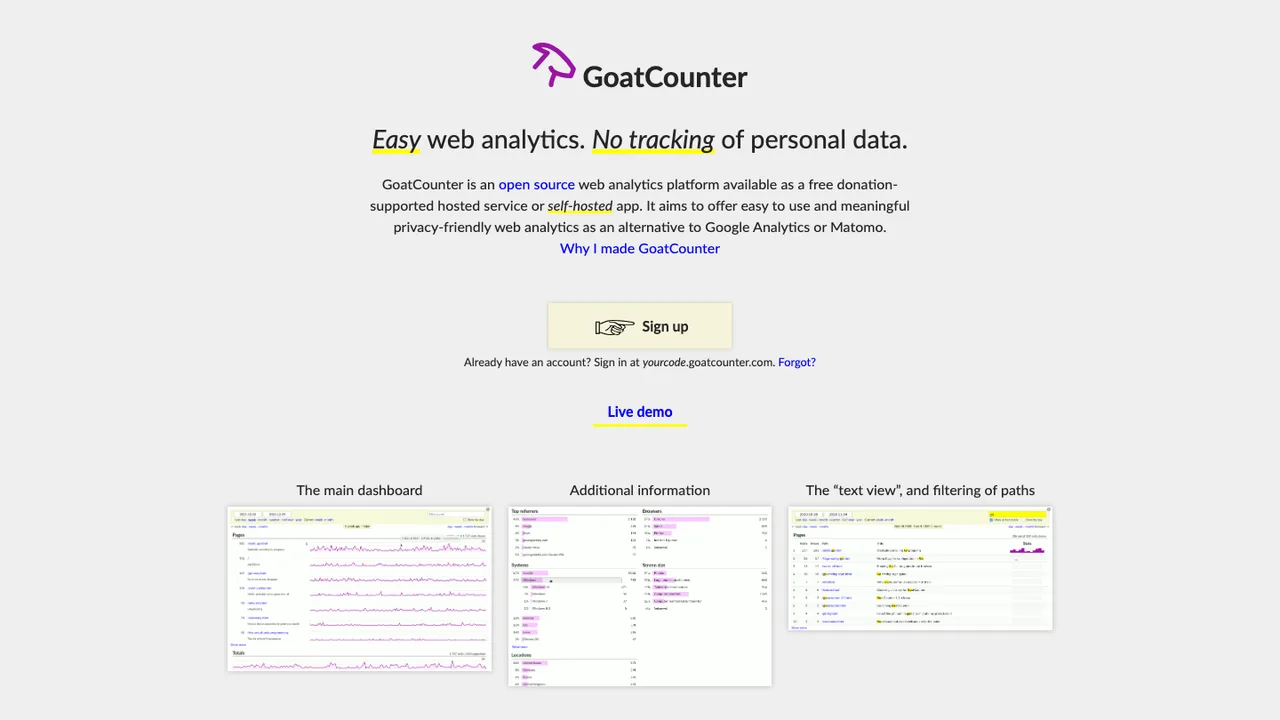
GoatCounter screenshot

GoatCounter is an open source web analytics platform available as a free hosted service or a self-hosted app. It gives site owners meaningful, privacy-friendly traffic statistics without tracking visitors through unique identifiers, and it is lightweight enough to add only about 3.5K to a page.

  • Single script tag, image tracker, middleware, or logfile import
  • Unique visits without cookies using a non-identifiable hash
  • Tracks browser, location, screen size, referrers, and campaigns
  • SQLite and PostgreSQL support
Ackee logo

8.Ackee

4.7kMITJavaScript Self-host
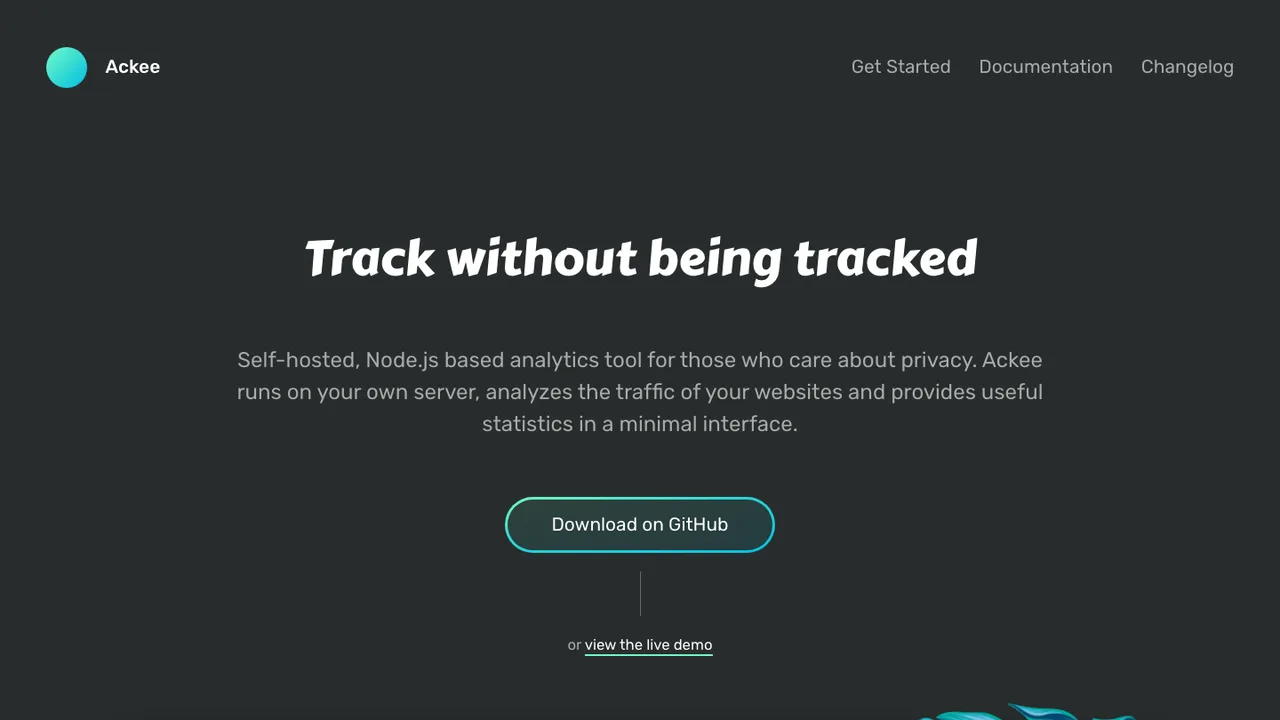
Ackee screenshot

Ackee is a self-hosted analytics tool for websites that runs on your own server. It analyzes traffic and provides statistics in a minimal interface for people who do not want a full marketing analytics platform or unique-user tracking. Tracked data is kept anonymized, and no cookies are required.

  • Anonymized website traffic statistics
  • No cookies or unique user tracking
  • Event tracking for clicks and subscriptions
  • GraphQL API for building custom tools
Swetrix logo

9.Swetrix

1kAGPL-3.0TypeScript Self-host
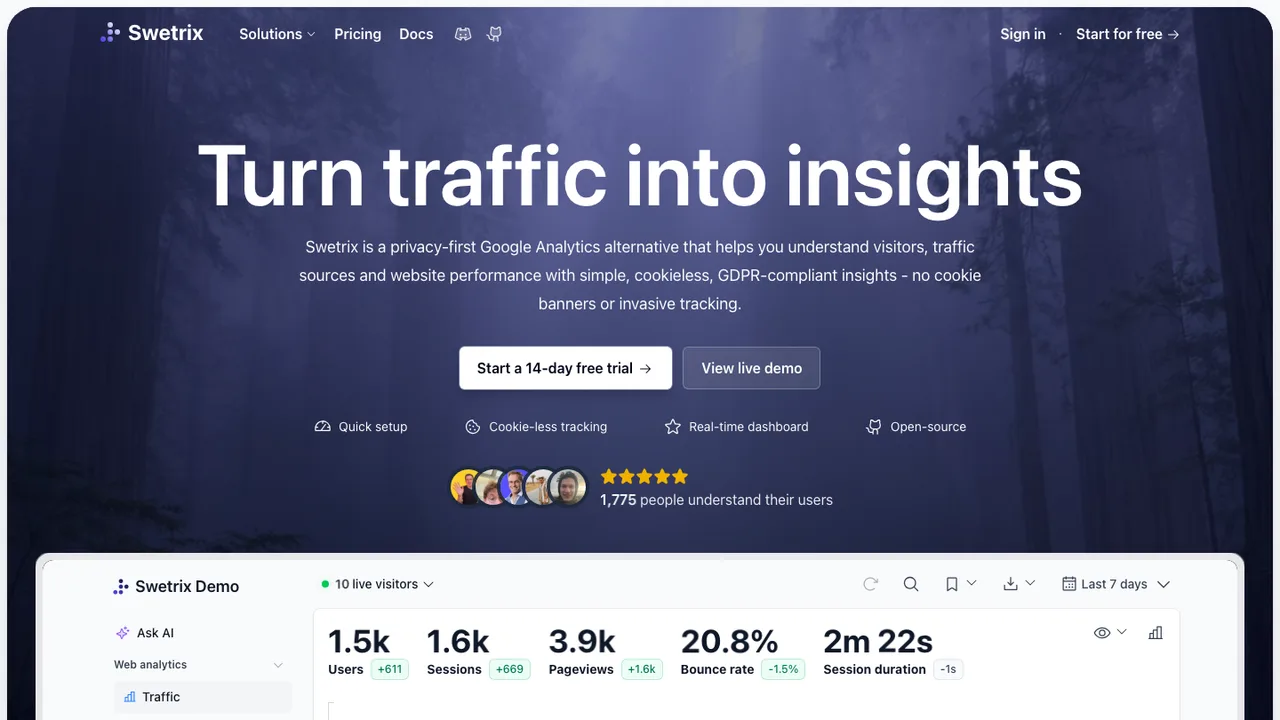
Swetrix screenshot

Swetrix is a privacy-focused, cookieless web analytics platform that tracks site traffic while storing all data anonymized. It is GDPR-compliant by design, uses no cross-device tracking, and gives a real-time dashboard with no sampling.

  • Cookieless web analytics with anonymized data
  • Real-time dashboard with no sampling
  • Session analytics, user flows, and funnels
  • Performance monitoring and client-side error tracking

Switching from Google Analytics to open source

Start by deciding which parts of Google Analytics you are actually replacing. Many teams use it as a traffic counter, but others depend on its event model, attribution reports, conversion definitions, campaign parameters, and connections to Google's advertising products. Open source choices vary in whether they center on simple page analytics, product events, or warehouse-style ownership of raw events. The important architectural choice is whether the tracker stores identifiable user journeys, aggregates early for privacy, or keeps raw events for later analysis. That decision affects consent flows, database size, report speed, and how painful future migrations will be.

Expect to lose some convenience that came from being inside Google's ecosystem. Open source tools usually will not reproduce Google Analytics reports exactly, and numbers will move because session rules, bot filtering, ad blockers, consent behavior, and time zone handling differ. You may not get the same audience sync, modeled conversions, cross-device reporting, or advertising attribution workflow. In return, you should expect clearer event definitions and more direct access to the data you collect. Treat the first weeks as a measurement redesign, not a like-for-like UI swap, and decide which old reports still deserve to exist.

Migration is mostly an export and re-instrumentation project. Pull historical reports from the Google Analytics interface or API, and use a warehouse export if your property already sends data there. That history usually becomes reference data in dashboards rather than native history inside the new product. Recreate events, conversions, custom dimensions, UTM handling, ecommerce payloads, and internal traffic filters in the replacement before cutting over. Run both systems in parallel long enough to compare trends, then document the expected differences. Cleanup often takes longer than the install because old tags, duplicate events, and inconsistent naming are what distort the new baseline.

Related alternatives

Frequently asked questions

Why would a team replace Google Analytics at all?+

The usual reasons are control over event definitions, tighter privacy boundaries, and less dependence on Google's advertising ecosystem. Google Analytics is convenient when reporting is already tied to that ecosystem, but it can be awkward when you need raw event ownership, strict regional hosting, or reports that match internal product metrics instead of its session and attribution model.

Is a self-hosted analytics tool cheaper than Google Analytics?+

Not automatically. The standard version of Google Analytics has no direct software bill, while self-hosting adds servers, storage, backups, upgrades, monitoring, and staff time. It can still be cheaper when traffic is high, data retention needs are specific, or compliance reviews are expensive. Price it as an operations decision, not just a license comparison.

Should I self-host the replacement or use a hosted open source service?+

Self-host when data location, network isolation, or custom retention policies are hard requirements. Use a hosted service when you do not want to run databases, queues, TLS, backups, and upgrades. The product may be the same, but the responsibility is not. For regulated teams, also check whether the hosted option can provide the contracts and logging your review process expects.

Will pageview counts match Google Analytics after the switch?+

Do not expect exact parity. Trackers differ in how they define sessions, handle returning visitors, filter bots, process consent denial, count blocked scripts, and assign time zones. The useful comparison is trend direction, not identical daily totals. Run both systems together for a few weeks, annotate known differences, and reset stakeholder expectations before replacing recurring reports.

How much Google Analytics history can be imported?+

Google Analytics data can be exported through reports and APIs, and some properties may also have warehouse exports if they were configured beforehand. Those paths do not usually give you a perfect replayable event stream for every historical visit. Plan to preserve high-value aggregates - traffic by channel, landing pages, conversions, ecommerce totals - and start fresh for user-level paths.

How much work is it to remove Google Analytics tracking from a site?+

A small content site may only need a script swap and a few conversion events. A mature setup can involve dozens of tags, custom dimensions, ecommerce events, consent triggers, server-side forwarding, and dashboards. Inventory the current Google Analytics events first, delete unused ones, then map each remaining event to the new schema before editing production tags.

How do consent and privacy rules change with an open source tool?+

An open source tool does not remove consent obligations by itself. You still need to decide whether cookies, device identifiers, IP addresses, geolocation, and user IDs are collected, shortened, or avoided. The practical advantage is that you can align the implementation with your legal basis instead of accepting a fixed data flow. Document the choices so consent banners and retention settings match reality.

What gaps should marketing teams expect after leaving Google Analytics?+

Expect the largest gaps around advertising attribution, audience handoff, modeled conversions, and campaign reporting workflows that depended on Google's ecosystem. UTM parameters still work, but the replacement may not explain paid traffic performance the same way. Before switching, identify which marketing reports drive budget decisions and verify that the new tool can recreate them with trustworthy definitions.

How hard is ecommerce tracking to migrate?+

Ecommerce migration is more than copying a purchase event. You need consistent product IDs, order IDs, currency handling, tax and shipping fields, refunds, checkout steps, and deduplication rules. Compare totals against your commerce backend, not just Google Analytics, because the backend is the source of financial truth. Keep test orders and edge cases visible during validation.

Does replacing Google Analytics work the same for mobile apps?+

Mobile apps add release-cycle friction. Web tracking can be changed quickly, but native app instrumentation depends on SDK updates, app review, user upgrades, offline queues, and version fragmentation. Decide whether you need crash-adjacent context, subscription events, deep link attribution, or only basic screen and conversion tracking. Plan a longer overlap period because old app versions will keep sending old events.

Can open source analytics handle high traffic sites?+

High traffic is feasible, but architecture matters. Look for clear ingestion limits, queue behavior, database requirements, retention controls, and aggregation strategy. Raw event storage grows quickly, especially if you keep user-level data. For busy sites, test with production-like traffic before committing, and decide whether older data should remain queryable or be rolled into summaries.

What security checks matter before deploying a replacement?+

Review authentication, role separation, audit logs, token handling, backup encryption, update process, and how the public tracking endpoint is isolated from the admin interface. Analytics systems often collect URLs, search terms, user IDs, and purchase metadata, so treat them as sensitive systems. If teams share dashboards externally, check permission boundaries before importing real data.

What if the open source analytics project slows down or disappears?+

Your protection is not the source code alone. Confirm that event data can be exported in documented formats, backups can be restored without a vendor account, and the database schema is understandable enough to query directly. Keep deployment scripts and versioned configuration in your own repository. A periodic exit test is better insurance than assuming a fork will be painless.