3 Best Open Source Alternatives to NotebookLM

Updated July 2026

NotebookLM is Google's source-grounded research assistant: you give it documents, links, or notes, and it turns them into briefings, cited answers, study guides, and audio-style summaries with very little setup. Its strength is the same thing that makes some work awkward - the whole workflow sits inside Google's Gemini product surface, so private source material, retrieval behavior, and model choice are mostly out of your hands.

Open source alternatives give you the NotebookLM pattern without treating the notebook as a sealed service: run the document index on your own infrastructure, choose the LLM and embeddings, adjust chunking and citations, and keep research corpora, meeting notes, or client files inside your own boundary.

Khoj logo

1.Khoj

35.1kAGPL-3.0Python Self-host
Khoj screenshot

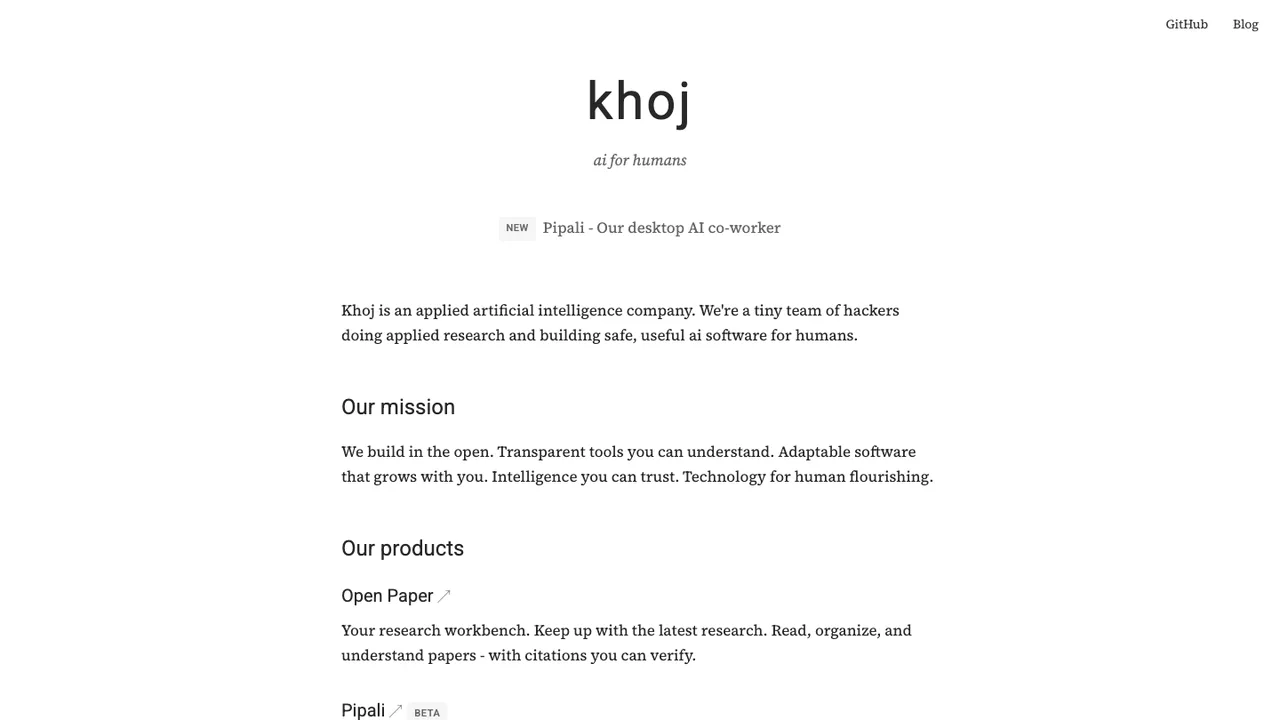
Khoj is a personal AI app that acts as your second brain. Chat with any local or online LLM, get answers from your own documents and the internet, and reach it from your browser, desktop, phone, Obsidian, Emacs, or WhatsApp.

  • Chat with local or online LLMs
  • Answer questions from docs and the web
  • Advanced semantic search across documents
  • Create agents with custom knowledge and tools

2.Open Notebook

30.8kMITTypeScript Self-host
Open Notebook screenshot

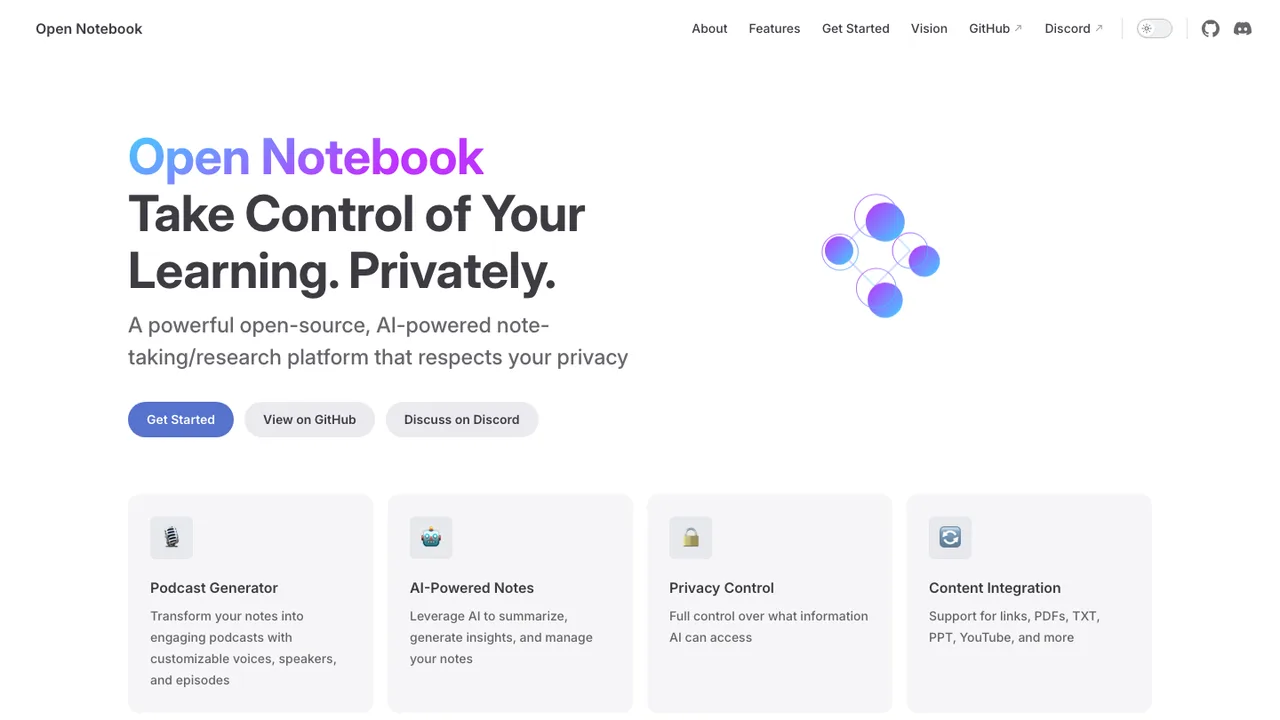
Open Notebook is a privacy-focused, open source alternative to Google's NotebookLM. It keeps your research under your control while letting you organize multiple notebooks and pick the AI models you want, instead of being locked to a single provider.

  • Multi-notebook organization for research projects
  • PDF, video, audio, web page, and Office doc support
  • Full-text and vector search across content
  • Chat with research context and AI-assisted notes
SurfSense logo

3.SurfSense

14.7kApache-2.0Python Self-host
SurfSense screenshot

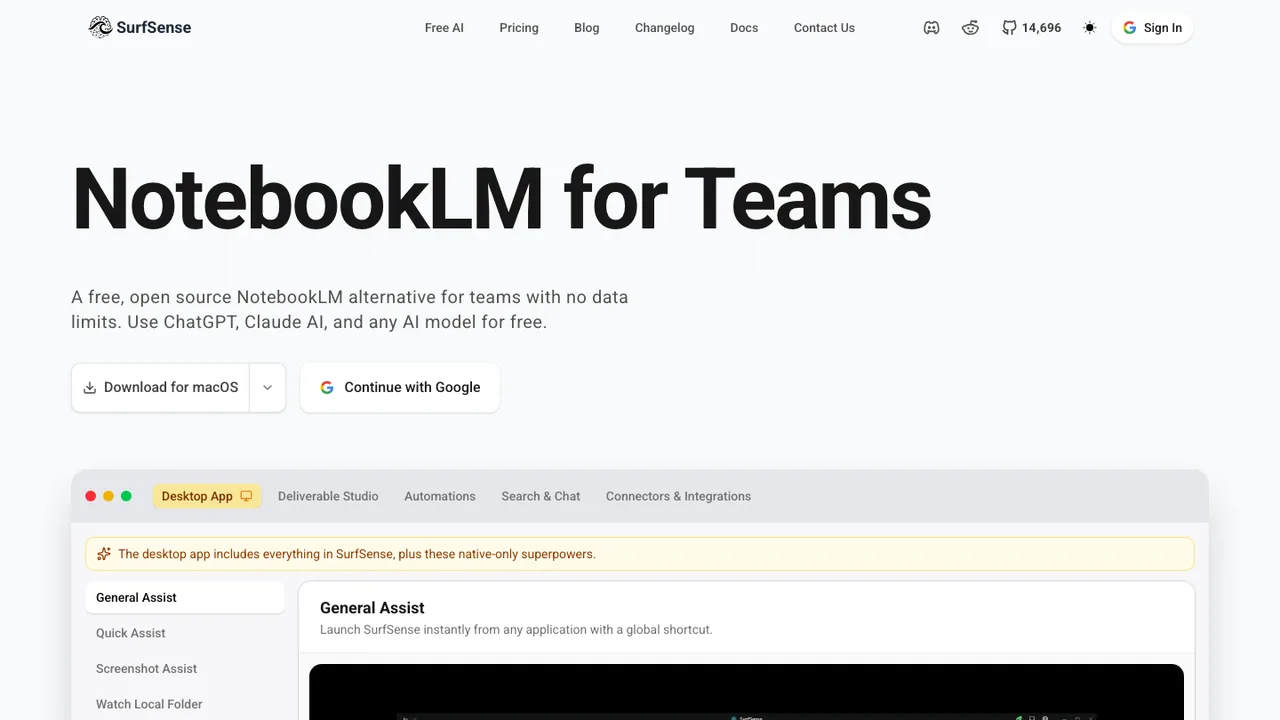
SurfSense is an open source, privacy-focused NotebookLM alternative for teams. It builds shared AI notebooks without source or notebook limits, and is designed to reduce Google service lock-in by letting teams configure their own LLM, image, TTS, and STT models.

  • Unlimited sources and notebooks
  • Configurable LLM, image, TTS, and STT models
  • 25+ external data sources including Drive, Dropbox, Notion, and Slack
  • Hybrid semantic and keyword search with inline citations

Switching from NotebookLM to open source

Start by deciding which part of NotebookLM you are replacing: a grounded chat interface over sources, a notebook for generated research notes, or a fast way to turn documents into briefs. NotebookLM hides the retrieval pipeline, source parsing, prompting, and model choice behind a hosted interface. An open source replacement forces those choices into the open. Pay attention to source limits, citation behavior, OCR quality, model hosting, and whether the tool stores embeddings and files in formats you can back up without the application running.

Expect to lose some polish. NotebookLM is built around a low-friction source workflow, generated summaries, citations back to source material, and consumer-grade sharing. Open source options can match pieces of that workflow, but they often require choosing a model, configuring document ingestion, tuning chunk sizes, and maintaining a database or file store. Features such as audio-style summaries, polished study guides, and seamless account-level sharing may exist only as add-ons, scripts, or separate services rather than one integrated product.

Migration is mostly a source reconstruction job. First inventory each NotebookLM notebook, its source files, important generated notes, and any outputs you rely on. Keep original PDFs, documents, transcripts, and web captures as the system of record. Copy generated summaries, questions, briefs, and outlines into portable text or Markdown when you need to preserve them. Then recreate each notebook as a collection or workspace in the new tool, re-ingest the sources, verify citations against the originals, and clean up OCR errors, duplicate files, and broken web captures before trusting answers.

Related alternatives

Frequently asked questions

Which open source replacement is closest to NotebookLM?+

Look for a tool that combines document ingestion, source-grounded chat, citation links, and note output in one workflow. Many open source options do only part of that well. Some are better as local knowledge bases, others as retrieval engines behind a chat interface. Test with the same messy sources you use in NotebookLM, not a clean sample document.

Is a self-hosted setup practical for non-engineers?+

It can be, but only if the project packages the full stack cleanly. A NotebookLM-style workflow usually needs a web app, model access, embeddings, file storage, OCR, search, authentication, and backups. If installation requires wiring those pieces together manually, a non-engineer will likely need help for upgrades, troubleshooting, and data recovery.

What data can I actually take out of NotebookLM?+

Your safest export path is the original source material plus manual copies of generated outputs you care about. Uploaded files, documents, and web captures should be preserved outside NotebookLM before migration. Notebook structure, source ordering, generated summaries, and Q&A history may not move as a clean machine-readable package, so plan on rebuilding that context in the replacement.

Will citations work the same after switching?+

Do not assume citation behavior will match. NotebookLM is designed to answer against selected sources and show references into those sources. Open source tools vary widely: some cite chunks precisely, some cite whole documents, and some produce plausible answers with weak traceability. Validate citations by asking questions with known answers and checking whether the cited passage actually supports the claim.

How do open source tools handle uploaded PDFs and web pages?+

PDF and web ingestion is where many replacements differ. Scanned PDFs need OCR, tables may be flattened, footnotes can be lost, and web pages often include menus, ads, or missing dynamic content. Before migrating, test representative files: long reports, scans, transcripts, academic PDFs, and pages with complex layouts. Bad extraction leads to bad answers, even with a strong model.

Can an open source alternative make audio-style summaries?+

Some workflows can generate spoken summaries, but it may require a separate text-to-speech component, extra storage, and more processing time. The bigger issue is editorial control: you may need to generate the script, review it, then synthesize audio. Treat audio output as a separate feature to test, not an automatic replacement for NotebookLM's integrated experience.

What should teams check before replacing a shared NotebookLM workflow?+

Check workspace boundaries, role-based access, source-level permissions, and audit trails. NotebookLM sharing is tied to its hosted account model, while open source tools may treat a collection as visible to anyone with access to the instance. If sources include client files or internal research, verify that users cannot query documents they should not see through shared indexes or cached embeddings.

Does moving off NotebookLM improve privacy?+

It can, but only if the replacement is deployed with a clear security model. A local or private instance reduces exposure to a hosted research service, but it also makes you responsible for encryption, logs, model providers, access control, and backups. Review whether prompts, extracted text, embeddings, and generated notes leave your environment, and whether the code has had meaningful independent review.

How much technical setup is usually involved?+

A basic single-user setup may be quick if the tool ships as a packaged app. A reliable NotebookLM replacement for ongoing work is more involved: persistent storage, model configuration, document parsing, background jobs, user accounts, backups, and upgrades. If you want GPU acceleration or local models, add hardware sizing and monitoring to the plan.

Are local-only models good enough for research notebooks?+

Sometimes. Local models can work well for summarizing familiar material and answering narrow questions when retrieval is strong. They may struggle with long context, nuanced reasoning, and specialized domains compared with stronger hosted models. For offline use, prioritize citation quality and document parsing first. A smaller model with clean retrieval often beats a larger model fed poorly extracted text.

What happens to prompts and generated study materials during migration?+

Treat them as content, not configuration. Copy prompts, study guides, timelines, briefs, FAQs, and useful answers into plain text or Markdown before leaving NotebookLM. The new system may not reproduce the same wording because the model, retrieval chunks, and prompt templates differ. Preserve final outputs you rely on, then regenerate only what can be safely replaced.

How should I test retrieval quality before committing?+

Build a small benchmark from your real notebooks. Include questions with exact answers, questions requiring cross-document synthesis, and questions that should be refused because the answer is not in the sources. Check whether the system cites the right passage, misses obvious facts, or invents unsupported claims. This test is more useful than judging the interface alone.

Where do costs move after leaving NotebookLM?+

Costs shift from a hosted product experience to infrastructure and operations. You may pay for servers, storage, backups, OCR, hosted model calls, or local hardware. Open source licensing can reduce vendor dependence, but it does not eliminate running costs. Also account for staff time spent tuning ingestion, fixing failed jobs, and maintaining secure access.

Do open source alternatives offer APIs and automation?+

Many do, but the API surface may focus on ingestion, chat, or search rather than the full notebook workflow. If automation matters, confirm that you can create collections, add and remove sources, run queries, retrieve citations, and export notes programmatically. Also check authentication, rate limits, and whether the API is stable enough for production scripts.

What is the safest exit plan if the open source project later stalls?+

Keep your system of record outside the app. Store sources in ordinary folders or object storage, save generated notes as Markdown or text, and back up the database plus configuration. Prefer tools that can export collections without requiring the original UI. If the project stalls, you should be able to re-ingest the same sources elsewhere with limited cleanup.