10 Best Open Source Alternatives to Tableau

Updated July 2026

Tableau earned its reputation honestly: drag-and-drop exploration, polished visuals, and the ability to put a real analyst's workflow in front of people who would never write SQL. As a way to interrogate data visually it is still one of the best. The pain is the seat - Tableau licenses by user, and once a dashboard is worth sharing, everyone who needs to look at it becomes another paid login, which turns a successful report into a recurring per-head bill.

The open source alternatives below sit on top of the databases you already run and serve dashboards to as many viewers as you like. Charts, filters, and drill-downs connect straight to your warehouse, the definitions live in software you can audit, and adding a hundred readers costs nothing extra. Analysis stops being gated behind who you could afford to license.

Grafana logo

1.Grafana

74.4kAGPL-3.0TypeScript Self-host
Grafana screenshot

Grafana is an open-source platform for monitoring and observability. It lets you query, visualize, alert on, and understand metrics no matter where they are stored, and it is built to create, explore, and share dashboards with a team.

  • Client-side visualizations for metrics and logs
  • Dynamic dashboards with template variables
  • Ad-hoc query exploration and side-by-side comparisons
  • Log exploration with preserved label filters
Apache Superset logo

2.Apache Superset

73.3kApache-2.0TypeScript Self-host
Apache Superset screenshot

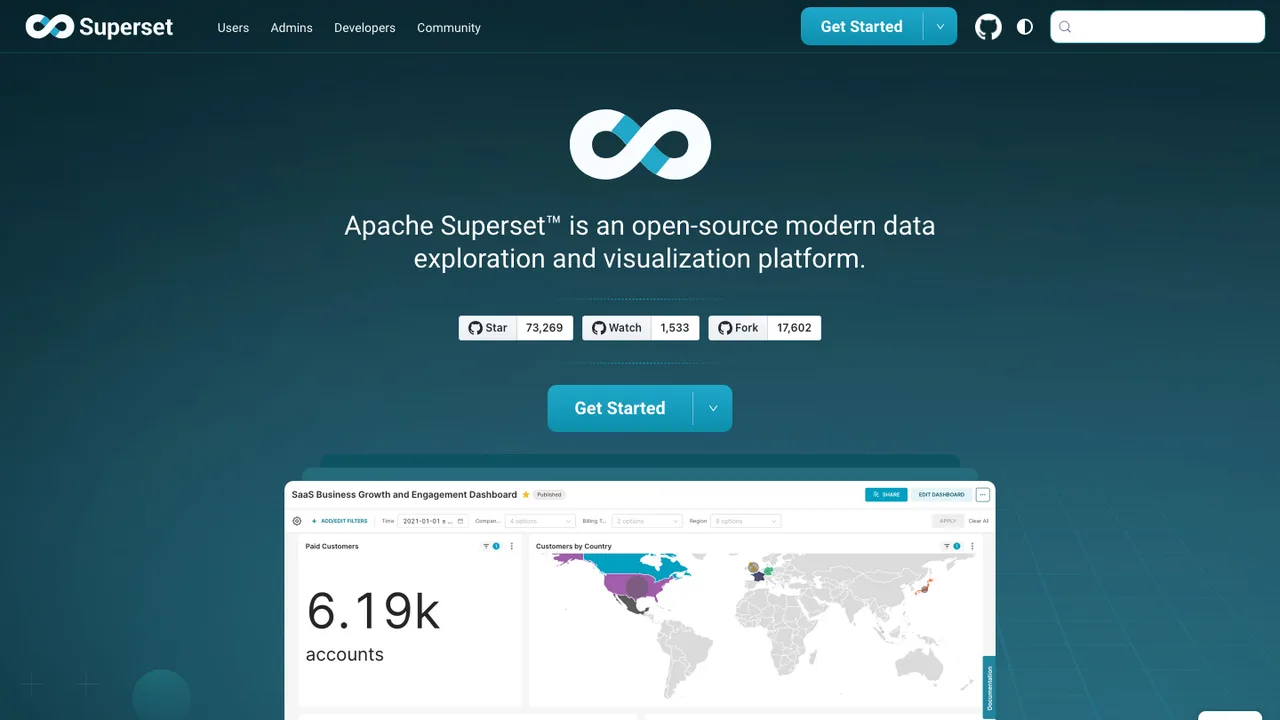
Apache Superset is a modern business intelligence web application for exploring data, building charts, and creating dashboards. It can replace or augment proprietary BI tools for teams that work across many SQL data sources.

  • No-code chart builder for quickly creating charts
  • Web-based SQL Editor for advanced querying
  • Lightweight semantic layer for custom dimensions and metrics
  • Caching layer to help ease database load
Metabase logo

3.Metabase

47.7kOtherClojure Self-host
Metabase screenshot

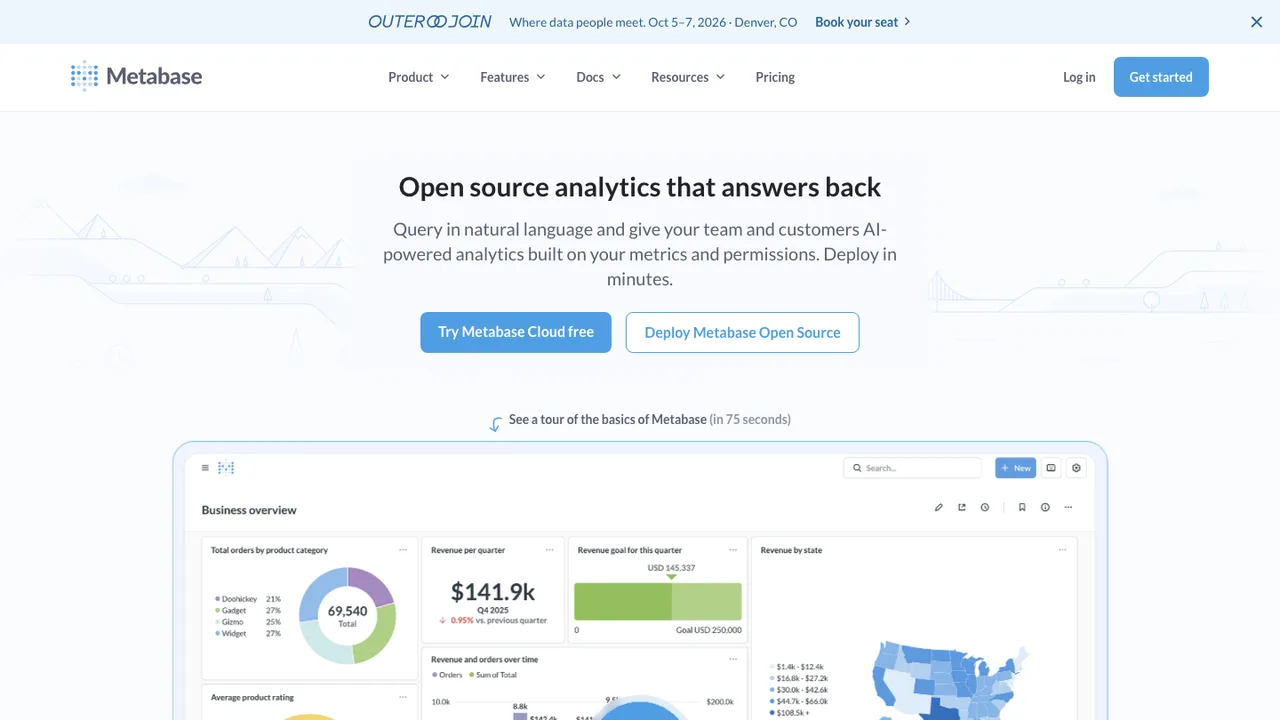
Metabase is an open-source business intelligence and analytics tool that lets people ask questions and learn from data without needing SQL. It is built for teams that want self-serve analysis, shared reporting, and a way to put analytics into their own products.

  • Visual query builder for asking questions without SQL
  • SQL editor for more complex queries
  • Interactive dashboards with filters and auto-refresh
  • Alerts and scheduled subscriptions to email, Slack, or webhooks
Redash logo

4.Redash

28.6kBSD-2-ClausePython Self-host
Redash screenshot

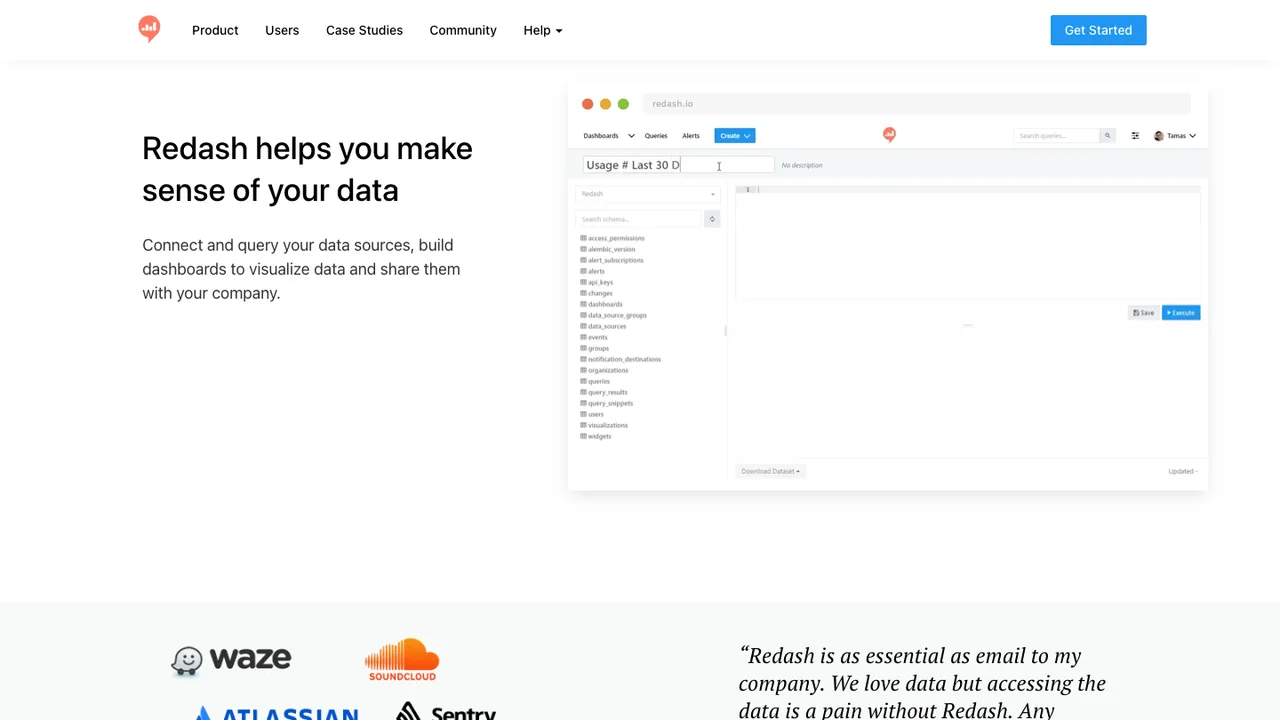
Redash is a browser-based analytics tool for exploring, querying, visualizing, and sharing data from many data sources. It helps SQL users build reports and gives other people in the organization a way to use those results through shared links and dashboards.

  • Browser-based querying and dashboards
  • SQL query editor with schema browser and auto-complete
  • Drag-and-drop visualizations and shared dashboard links
  • Scheduled refreshes for charts and dashboards
Evidence logo

5.Evidence

6.5kMITJavaScript Self-host
Evidence screenshot

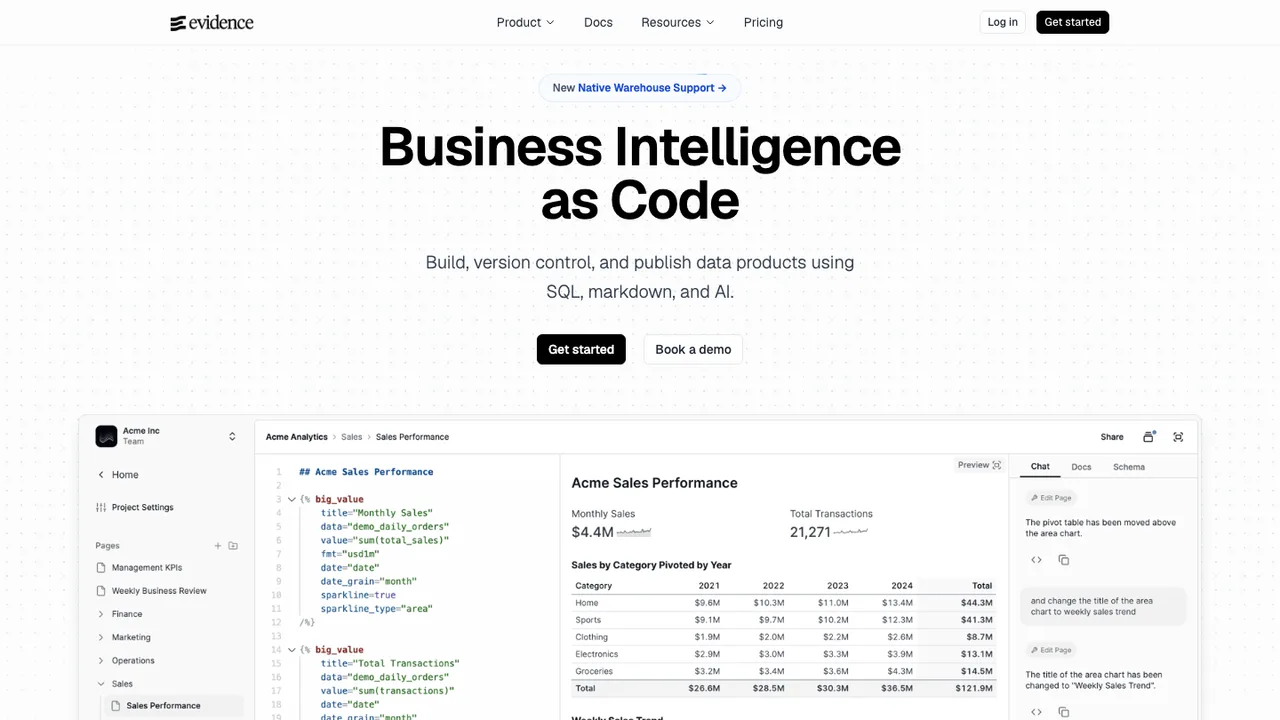
Evidence is an open-source, code-based alternative to drag-and-drop business intelligence tools. It generates reports and a website from markdown files, with SQL statements that query your data sources and charts and components rendered from those results.

  • SQL statements run against your data sources inside markdown files
  • Charts and components render from query results
  • Templated pages generate many pages from one markdown template
  • Loops and If / Else statements control page content
Lightdash logo

6.Lightdash

5.9kOtherTypeScript Self-host
Lightdash screenshot

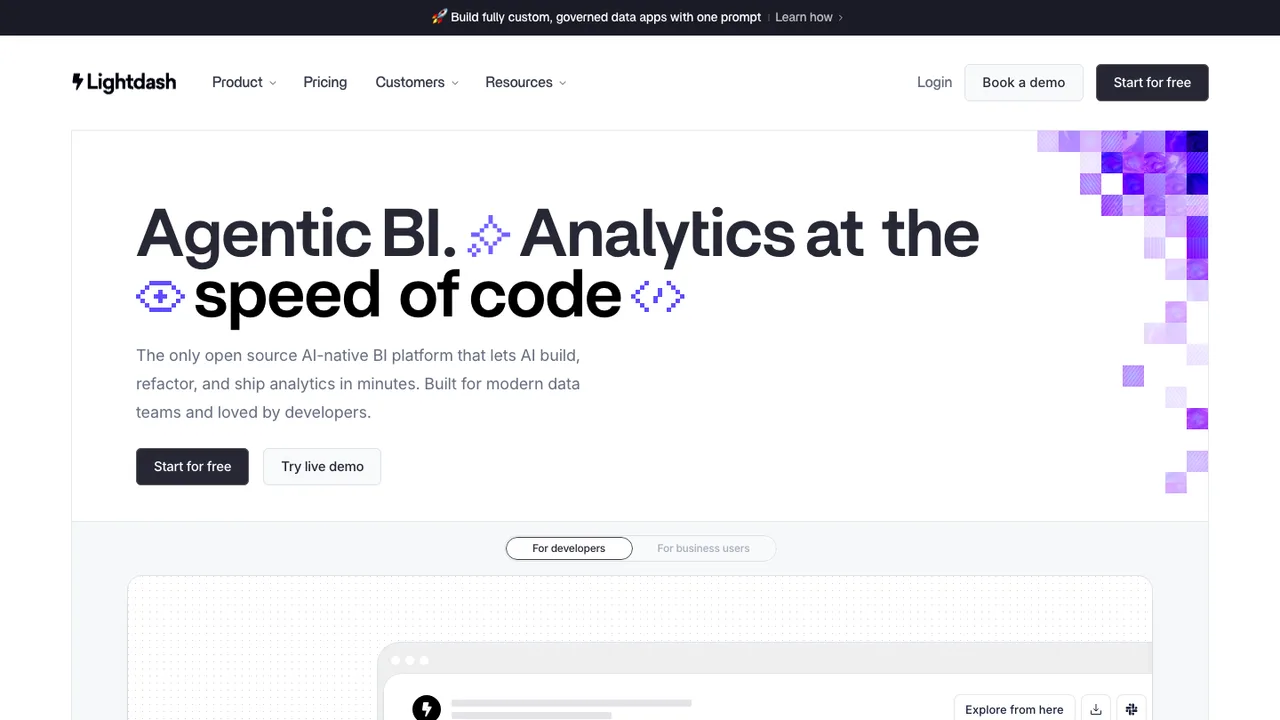
Lightdash is an open-source BI platform and Looker alternative for teams using dbt. It connects to a dbt project so teams can define metrics once, keep business logic with their dbt models, and let business users explore predefined metrics instead of writing SQL.

  • Define dimensions and metrics in YAML alongside dbt
  • Automatically creates dimensions from dbt models
  • Inspect underlying chart records and drill down into data
  • Save charts, build dashboards, and share by URL
JasperReports logo

7.JasperReports

1.3kLGPL-3.0Java Self-host
JasperReports screenshot

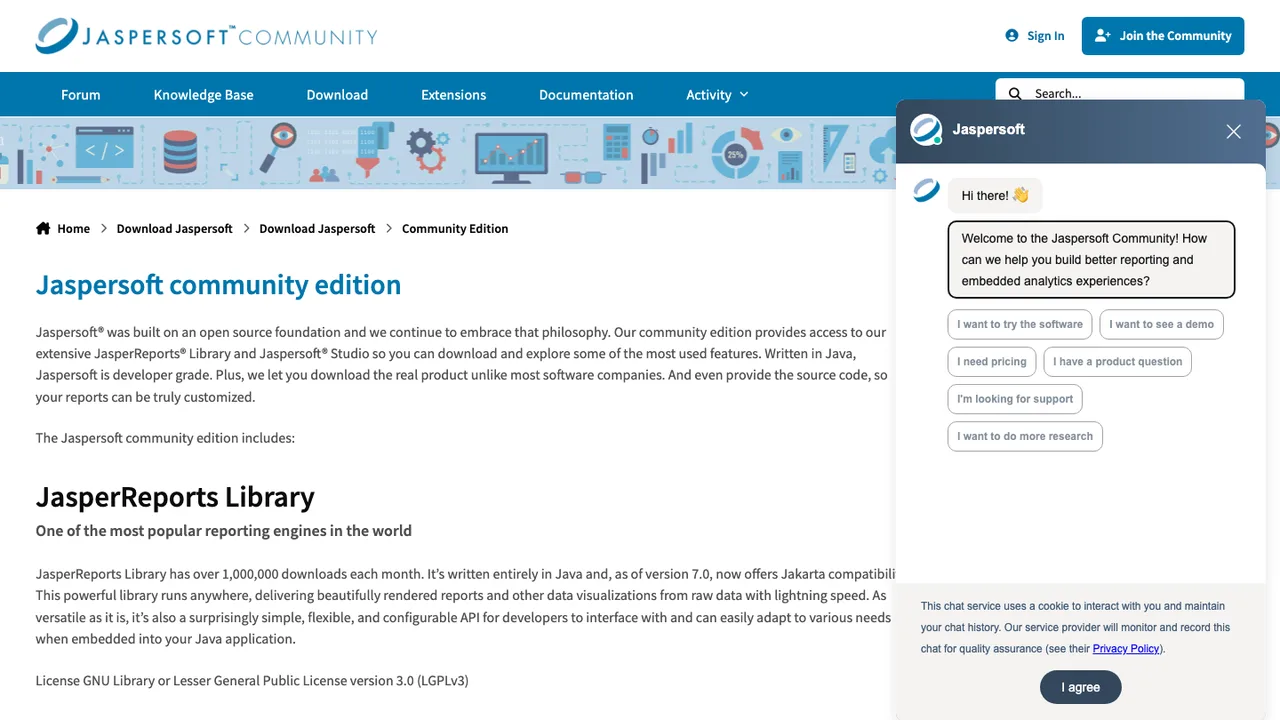
JasperReports is a Java reporting engine that pulls data from any data source and produces pixel-perfect documents. The same report can be viewed, printed, or exported to HTML, PDF, Excel, OpenOffice, MS Word, and other formats, with charts rendered through JFreeChart.

  • Java API for embedding the reporting engine
  • Reads from any kind of data source
  • Exports to HTML, PDF, Excel, and MS Word
  • JRXML templates compiled to .jasper files
jsreport logo

8.jsreport

1.3kLGPL-3.0JavaScript Self-host
jsreport screenshot

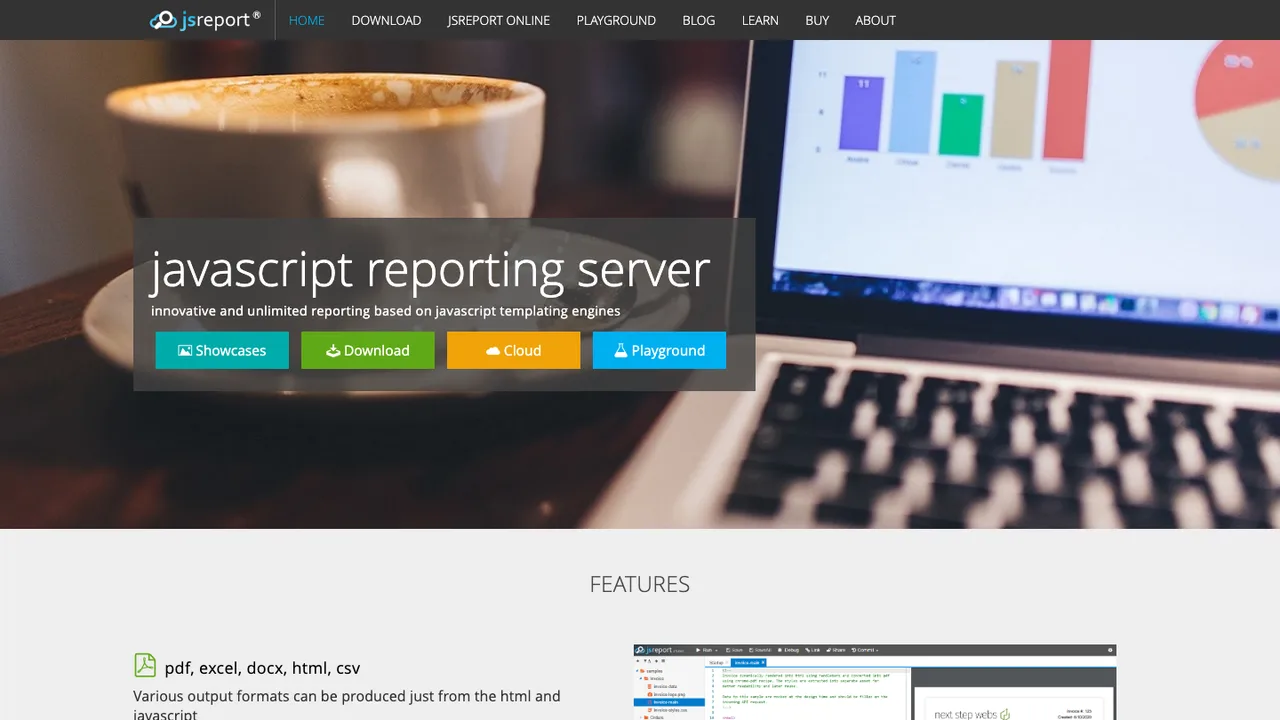
jsreport is a reporting server that developers run to design and render reports. Reports are written with JavaScript templating engines such as Handlebars, and the server outputs HTML, PDF, Excel, DOCX, and other formats from the same templates.

  • JavaScript templating with engines like Handlebars
  • Outputs HTML, PDF, Excel, and DOCX
  • Browser-based studio for designing reports
  • REST API for generating reports from apps
Eclipse BIRT logo

9.Eclipse BIRT

539EPL-2.0Java Self-host
Eclipse BIRT screenshot

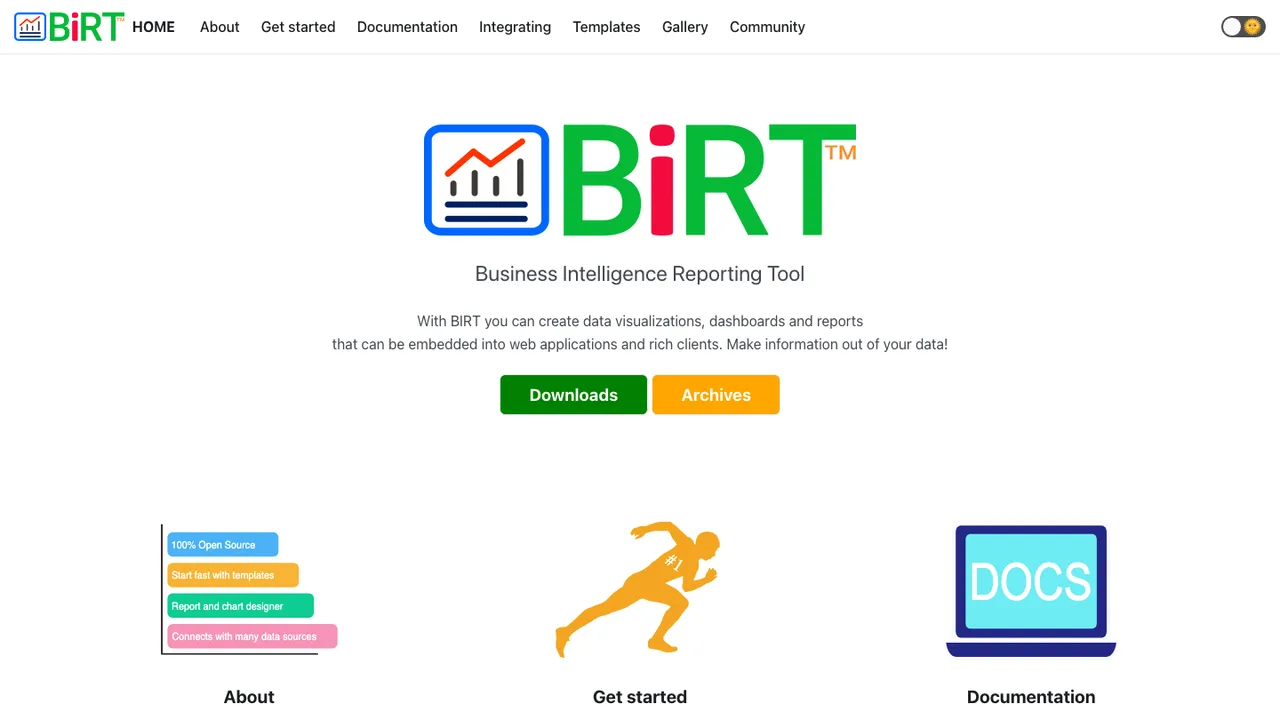
Eclipse BIRT builds reports and data visualizations and renders them inside Java applications. It pairs a report engine with an Eclipse-based designer, so teams can lay out reports against their data and embed the runtime in their own server-side code without a proprietary reporting product.

  • Report engine for embedding in Java applications
  • Eclipse-based designer for laying out reports
  • Data visualization and charting in reports
  • Deploys as a Java web app on Tomcat
Pentaho Reporting logo

10.Pentaho Reporting

301OtherJava Self-host
Pentaho Reporting screenshot

Pentaho Reporting is a Java class library for generating reports from multiple data sources. The reporting engine renders and prints reports and embeds into Java or J2EE applications, and it ships with a Swing print preview dialog for in-app use. Reports export to display devices, printers, PDF, Excel, XHTML, PlainText, RTF, XML, and CSV.

  • Reporting engine for embedding in Java apps
  • Reads data from multiple data sources
  • Exports to PDF, Excel, XHTML, RTF, XML, CSV
  • Report Designer graphical editor and desktop tool

Switching from Tableau to open source

Start with the parts of Tableau that carry business meaning, not the charts. Inventory published data sources, calculated fields, parameters, filters, joins, extracts, row-level security rules, scheduled refreshes, subscriptions, and embedded views. The replacement decision usually turns on where semantic logic should live. If Tableau became the place where metrics are defined, you need a new governed metric layer or a disciplined database modeling pattern. If Tableau mainly sits on top of clean warehouse tables, the switch is more about dashboard authoring, permissions, and refresh orchestration.

Expect gaps around polish and workflow. Tableau has a mature desktop authoring model, fast visual exploration, packaged workbook sharing, mapping conveniences, and a familiar drag-and-drop experience for analysts. Open source replacements often ask you to choose between SQL-first control, notebook-style flexibility, or dashboard builders with less refined visual editing. Expect to retrain authors, standardize chart patterns, and decide how much freedom business users should have. Some features that feel automatic in Tableau, such as subscriptions, certified data sources, or workbook-level governance, may require separate services or custom process.

Migration is mostly rebuild, not conversion. Download workbooks and data sources from Tableau Server, Tableau Cloud, or Desktop, then use .twb XML, packaged .twbx files, admin views, and available APIs to inventory fields, calculations, filters, owners, schedules, and usage. Source database connections usually survive conceptually, but credentials, extracts, permissions, subscriptions, and embedded links need to be recreated. Calculations can often be copied as specifications, then rewritten in SQL or the new tool's expression language. Validate migrated dashboards against Tableau outputs before retiring the originals.
Related alternatives

Frequently asked questions

What is the closest open source replacement for Tableau?+

There is rarely a one-to-one replacement because Tableau combines desktop authoring, visual exploration, server governance, extracts, sharing, and embedded analytics. Start by deciding which part matters most. SQL-centric teams may prefer a tool that treats dashboards as code or metadata. Business analyst teams usually need a visual builder with strong permissions, scheduling, and governed datasets. The closest fit depends on your authoring model more than chart count.

Will moving from Tableau actually reduce costs?+

It can, but do not compare only license fees. Budget for hosting, authentication setup, backups, monitoring, migration labor, analyst retraining, and support ownership. Tableau often concentrates cost in seats and server capacity, while open source shifts cost toward engineering time and infrastructure. Savings are more likely when you have many viewers, standardized dashboards, and in-house platform skills.

How much of a Tableau dashboard can be migrated automatically?+

Expect very little automatic dashboard conversion. Tableau workbook files can expose useful metadata, but layout, interactions, calculated fields, formatting, parameters, and dashboard actions usually need manual recreation. Treat the old workbook as a specification and test fixture. The practical shortcut is to migrate the underlying data model first, then rebuild the highest-usage dashboards with matching filters, numbers, and access rules.

What happens to Tableau calculated fields and LOD expressions?+

Calculated fields should be inventoried and classified before migration. Simple arithmetic, date logic, and string cleanup can often move into SQL, a warehouse model, or the new BI tool. Tableau-specific level of detail expressions, table calculations, and parameter-driven logic need careful rewrites because evaluation order may differ. Validate totals, subtotals, filter behavior, and edge cases against known Tableau views.

Do Tableau extracts have a direct open source equivalent?+

Not usually as a drop-in artifact. Extracts are useful because they package data for speed, portability, and scheduled refresh. In an open source stack, the same role might be handled by materialized tables, cached query results, columnar files, or a separate analytics database. During migration, regenerate extracts from source systems where possible instead of treating exported extract data as the long-term system of record.

How should row-level security be handled after Tableau?+

Do not leave row-level security as an afterthought in dashboard filters. Decide whether access rules belong in the warehouse, a semantic layer, or the BI application. Tableau deployments often mix user filters, groups, data source rules, and workbook logic. Recreate those rules explicitly, map identity groups from your directory provider, and test with real users who should see different slices of the same dashboard.

Is self-hosting an open source Tableau alternative a good idea?+

Self-hosting is a good fit when you need network control, private data access, custom authentication, or predictable internal operations. It also means your team owns upgrades, uptime, storage, backup testing, and incident response. For a small analytics team without platform support, managed hosting may be more practical even if the software is open source. Match the hosting model to your operational capacity.

What should teams expect for mobile dashboard use?+

Mobile support varies widely. Tableau has long treated mobile viewing as part of the platform experience, while open source tools may provide responsive web dashboards without a dedicated mobile workflow. Test the exact dashboards executives use, including filters, tooltips, maps, login flow, and email links. If mobile consumption is important, design simpler layouts rather than assuming a desktop dashboard will resize cleanly.

How do permissions and team collaboration compare to Tableau?+

Tableau commonly centralizes projects, workbooks, data sources, groups, roles, ownership, and publishing workflows. Open source alternatives may expose similar concepts, but the boundaries are different. Check whether authors can collaborate safely, whether viewers are separated from editors, how folder or workspace permissions inherit, and how promotion from development to production works. Weak permission modeling becomes painful once many teams publish dashboards.

Can embedded Tableau views be replaced without breaking customers?+

Yes, but plan it as an application migration, not only a BI migration. Inventory every embedded view, URL parameter, filter, authentication method, iframe, and export button used by customers or internal apps. The replacement must support your embedding pattern, session handling, tenant isolation, and theming needs. Existing Tableau links will not survive unchanged, so route changes and customer communication are part of the work.

How does performance at scale differ from Tableau?+

Tableau performance often depends on extracts, workbook design, data source tuning, caching, and server capacity. Open source performance depends more on the database, query patterns, cache strategy, and whether the BI layer generates efficient SQL. Test with real filters, high-cardinality dimensions, concurrent viewers, and scheduled refresh windows. A simple dashboard can be fast anywhere, while exploratory dashboards against large raw tables need deliberate modeling.

What is the best way to import existing Tableau data sources?+

Start by separating connection metadata from business logic. Database names, schemas, custom SQL, joins, aliases, calculated fields, default aggregations, and extract schedules all matter. You can use downloaded Tableau files and administrative metadata to build an inventory, but you will usually recreate data sources in the new system. Prefer reconnecting to original databases over exporting flat files, unless the source system no longer exists.

How do we reduce risk during a Tableau migration?+

Run both systems in parallel for a defined period. Pick a small set of high-value dashboards, document their owners and consumers, rebuild them, and compare outputs for the same dates, filters, and users. Freeze changes to the Tableau versions being migrated or track them in a backlog. Retire content in waves, starting with low-usage workbooks, and keep rollback access until stakeholders sign off.