4 Best Open Source Alternatives to Mixpanel

Updated July 2026

Mixpanel does one thing extremely well: it turns a stream of product events into funnels, retention curves, and cohort breakdowns that tell you how people actually use what you built. For understanding behavior over time it is sharp and fast. The catch is the meter. Plans are priced on event volume, so the more your product is used - exactly when the data matters most - the more you pay, and the raw events themselves sit in Mixpanel's cloud rather than anywhere you can query them directly.

The open source alternatives below capture the same event-driven analytics on a database you own. Every event you send is yours to keep, re-query, and join against the rest of your data, with no ceiling that punishes a popular launch. Funnels and retention are computed over your own raw stream, so growth raises your server bill, not a usage tier.

Umami logo

1.Umami

37.2kMITTypeScript Self-host
Umami screenshot

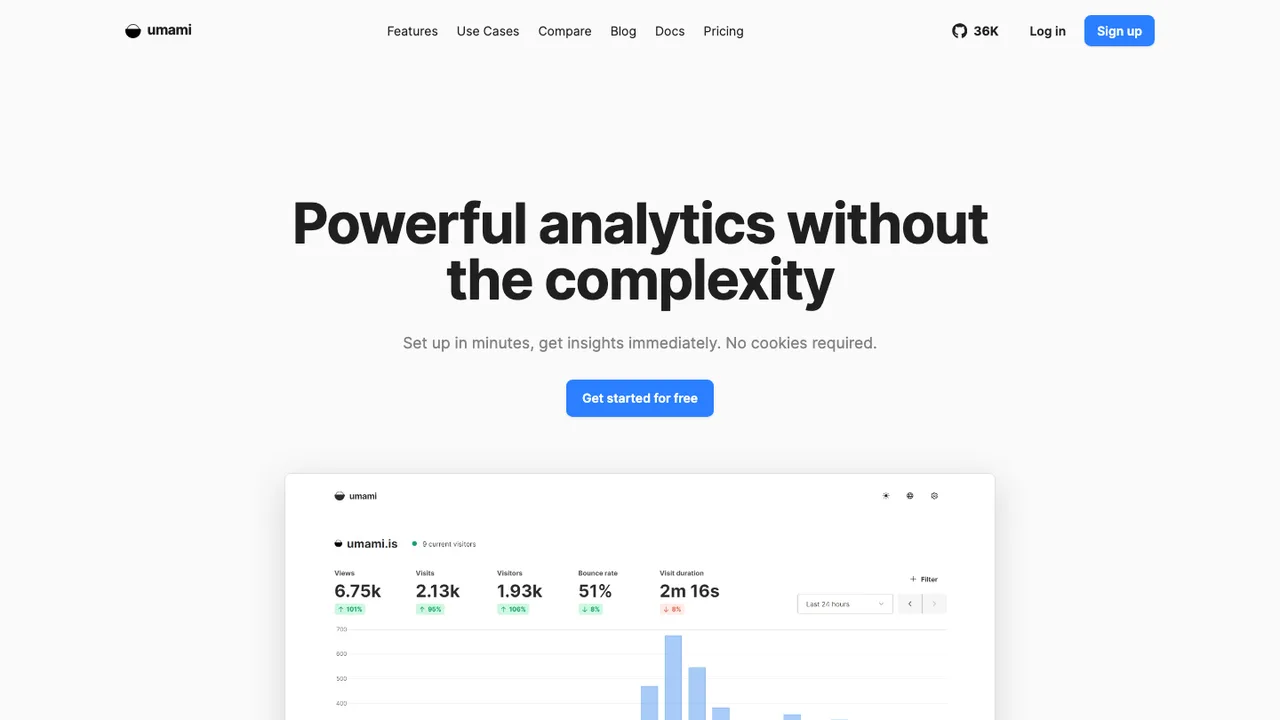
Umami is a simple, fast, privacy-focused web analytics platform and an open source alternative to Google Analytics, Mixpanel, and Amplitude. It tracks site traffic without cookies, so there is no cookie banner to add, and the dashboard stays clean and easy to read.

  • Cookie-free web analytics with no consent banner
  • Simple, fast single-page dashboard
  • Self-hosted or Umami Cloud
  • Runs on Node.js with a PostgreSQL database
PostHog logo

2.PostHog

35kOtherPython Self-host
PostHog screenshot

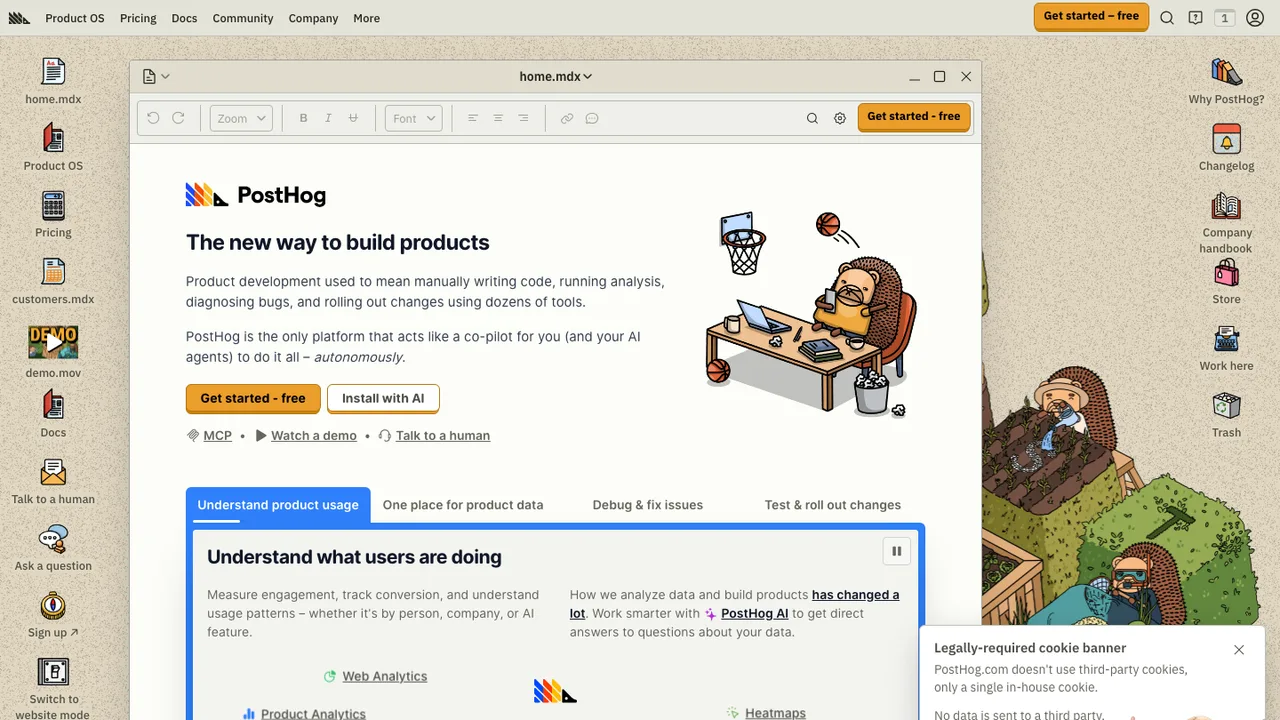
PostHog is an open source, all-in-one platform for building products. It brings product analytics, web analytics, session replay, error tracking, feature flags, experiments, surveys, a data warehouse, data pipelines, AI observability, and workflows together in one stack.

  • Autocapture or manually instrument event-based product analytics
  • Web analytics for traffic, sessions, conversion, web vitals, and revenue
  • Session replay and error tracking with alerts
  • Feature flags, cohorts, experiments, and no-code experiment setup
OpenPanel logo

3.OpenPanel

5.9kAGPL-3.0TypeScript Self-host
OpenPanel screenshot

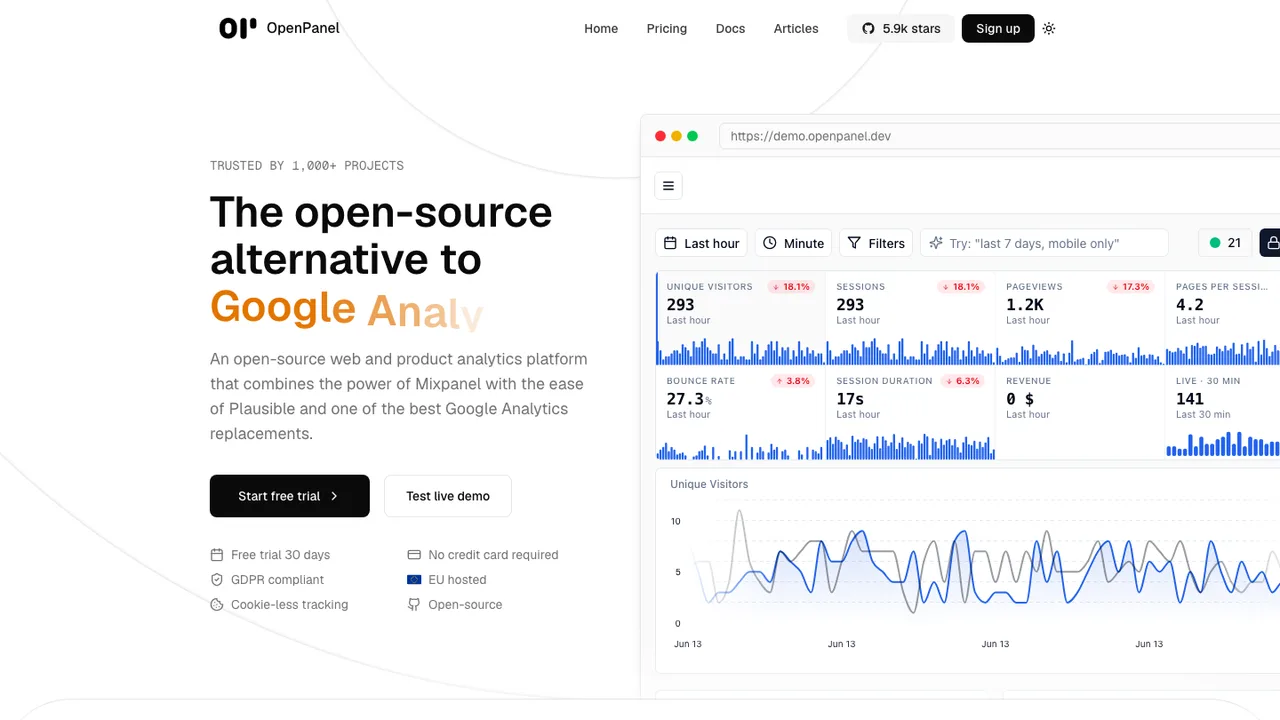
OpenPanel is an open-source web and product analytics platform that combines the power of Mixpanel with the ease of Plausible, positioned as an alternative to Mixpanel and Google Analytics. It brings analytics, alerts, and dashboards into one place, with optional self-hosting.

  • Funnels, cohorts, user profiles, and session history
  • Session replay with privacy controls
  • Real-time dashboards and interactive charts
  • A/B testing and event-based alerts
Countly logo

4.Countly

5.9kOtherJavaScript Self-host
Countly screenshot

Countly is a digital analytics and customer engagement platform for understanding user behavior across mobile, web, desktop, and connected devices. It keeps data on infrastructure you control, with on-premises or private-cloud deployment for teams that need full data ownership.

  • Session, view, event, and crash or error collection
  • Push notifications for iOS and Android
  • Remote configuration for app logic and behavior
  • Built-in reports and customizable dashboards

Switching from Mixpanel to open source

Replacing Mixpanel is mostly a decision about the event model, not the charting UI. Mixpanel is built around event streams, user identity, properties, cohorts, funnels, retention, and segmentation. An open source replacement needs to match how your product team asks questions: user-level journeys, account-level analysis, feature adoption, experiment follow-up, or operational metrics. Check whether the tool stores raw events, whether identity merges are reversible, how it handles late events, and whether you can query the data outside the product analytics interface.

Expect some gaps when moving off Mixpanel. Polished behavioral analysis workflows, cohort builders, saved reports, notification-style insights, and nontechnical exploration may not feel identical. Some open source tools lean closer to warehouse analytics, while others focus on product events and session behavior. Permissions, governance, and data retention controls also vary. The main tradeoff is usually control for convenience: you can own the pipeline and schema, but your team may need more discipline around event naming, tracking plans, and dashboard review.

Migration starts by exporting what Mixpanel can give you: historical events, user or profile properties, group or account properties if you use them, and the definitions behind key reports where possible. Raw events are the most valuable asset. Saved funnels, cohorts, dashboards, and calculated metrics usually need to be rebuilt because query semantics rarely map one-to-one. Plan for identity cleanup, especially around distinct IDs, aliases, anonymous users, and renamed properties. Then dual-track both systems long enough to compare event counts before cutting over SDKs.

Related alternatives

Frequently asked questions

What is the hardest part of replacing Mixpanel?+

The hardest part is usually not installing a new analytics tool. It is preserving the meaning of your event data. Mixpanel setups often contain years of naming conventions, identity merges, profile properties, and dashboard assumptions. If those are undocumented, migration exposes every inconsistency. Start by inventorying critical events, properties, funnels, cohorts, and business definitions before changing SDKs or importing historical data.

Will an open source alternative match Mixpanel feature for feature?+

Usually not exactly. You can often cover core product analytics such as events, funnels, retention, segmentation, and dashboards, but the interaction model may differ. Some tools are stronger for raw event querying, while others are better for self-serve product teams. Treat feature parity as workflow parity: can your team answer the same recurring questions with acceptable effort?

How do I export data from Mixpanel before switching?+

Use Mixpanel's export options to retrieve raw events and profile data, then separately document saved reports, cohort definitions, and key dashboard logic. Raw exports are more portable than visual reports. Make sure you include event names, timestamps, distinct IDs, device or session fields, user properties, and any account or group identifiers you depend on. Keep the original export unchanged as an audit copy.

Do Mixpanel dashboards migrate automatically to open source tools?+

In most cases, no. Dashboards depend on each product's query language, data model, time bucketing, filters, cohort semantics, and visualization types. You should expect to rebuild important dashboards manually. Use the migration as a chance to remove stale reports and standardize definitions. For critical metrics, run the old and new dashboards side by side until the differences are understood.

What happens to historical funnels and retention reports after leaving Mixpanel?+

Historical raw events can usually be preserved if you export and import them with timestamps, user IDs, and event properties intact. The original Mixpanel funnel or retention configuration will not necessarily transfer. You will rebuild those analyses in the new tool and may see differences caused by identity rules, time zones, exclusion logic, property filters, or how the tool handles repeated events.

Should I self-host the replacement for Mixpanel?+

Self-hosting makes sense when analytics data is sensitive, residency matters, or you want direct control over retention and infrastructure. It also means your team owns upgrades, storage sizing, backups, monitoring, and incident response. For product analytics, event volume can grow quickly, so evaluate ingestion throughput and query performance before committing. A managed deployment may be a better operational tradeoff for smaller teams.

How should I handle user identity when migrating from Mixpanel?+

Map identity rules before importing anything. Mixpanel implementations often use anonymous IDs before login, then connect activity to a known user later. Your replacement may handle aliases, merges, and profile updates differently. Export representative user journeys and verify that anonymous browsing, signup, login, account switching, and shared devices produce the expected history. Bad identity migration can corrupt funnels and retention analysis.

Will I need to change my product tracking code?+

Yes, in almost every serious migration. Client and server SDK calls need to be replaced or wrapped, and event names or property formats may need cleanup. Many teams create an internal tracking layer so product code does not depend directly on one vendor or tool. During cutover, emit the same events to both systems for a short period and compare counts, payloads, and user attribution.

How much historical data should I import into the new analytics system?+

Import enough history to preserve the decisions your team actually makes. For product analytics, that often means at least enough data for retention curves, conversion trends, and cohort comparisons. Importing everything can be expensive and slow if event volume is high. A practical approach is to archive the full export, import recent and strategically important periods, and keep older raw data accessible in storage.

Are open source Mixpanel replacements cheaper?+

They can be, but license cost is only part of the bill. You may trade subscription fees for infrastructure, storage, backups, maintenance, and engineering time. High-volume event ingestion and fast behavioral queries require real resources. Compare total cost using your actual event volume, retention period, number of users, and expected support burden rather than assuming open source automatically lowers spend.

What privacy benefits can I get by moving off Mixpanel?+

An open source replacement can let you decide where analytics data is stored, how long it is retained, and what fields are collected. That helps if you need stricter minimization or regional control. It does not remove privacy obligations. You still need consent handling, data deletion workflows, access controls, and a tracking plan that avoids sending unnecessary personal or sensitive data.

How do integrations change when replacing Mixpanel?+

Expect to rebuild integrations around your new event pipeline. Mixpanel often sits between product instrumentation, marketing tools, warehouses, and team dashboards. An open source setup may expose events through a database, API, webhook system, or warehouse sync instead. Check how you will connect customer data, experimentation tools, reverse ETL workflows, alerting, and business intelligence without creating duplicate or conflicting event streams.

Can nontechnical product managers use open source analytics instead of Mixpanel?+

Sometimes, but the learning curve depends on the tool's interface and how well your data model is curated. Mixpanel is designed for self-serve behavioral analysis, while some open source options expect more comfort with schemas or query concepts. Product managers will do better if engineering provides a clean tracking plan, named metrics, approved dashboards, and examples for common funnel and retention questions.

What should I test before shutting down Mixpanel?+

Test event counts, user identity, profile updates, time zones, core funnels, retention reports, and dashboard totals over the same date ranges. Include anonymous-to-known user transitions and high-traffic events. Also test deletion requests, access permissions, exports, backups, and alerting. Do not cut over based only on successful ingestion. The replacement must reproduce the decisions your team relies on.

What if the open source analytics project is abandoned later?+

Reduce that risk by keeping ownership of raw events outside the application whenever possible. Store exports or replicated event data in a format your team can query independently. Document your tracking plan and dashboard definitions so you can rebuild elsewhere. Before adopting a tool, check whether it has a clear license, usable database schema, migration paths, and enough community or vendor support for your risk tolerance.