9 Best Open Source Alternatives to PRTG

Updated July 2026

PRTG is a polished all-in-one monitor: point it at a network and its sensors discover devices, poll SNMP, watch bandwidth, and surface clean dashboards and alerts with very little setup. The friction is structural. You license by the sensor, so every interface, service, and metric you genuinely want to watch counts against your tier - and the closer you get to full coverage, the more the next sensor costs. The core also runs on Windows, which quietly decides where your monitoring server has to live.

The open source alternatives below put that polling engine on infrastructure you run, usually Linux, with no sensor count metering what you are allowed to observe. You instrument every host, link, and service you care about because the cost is storage and a little config, not a license tier - and the data behind your alerts sits in stores you control rather than a vendor's appliance.

Uptime Kuma logo

1.Uptime Kuma

88kMITJavaScript Self-host
Uptime Kuma screenshot

Uptime Kuma is an easy-to-use, self-hosted monitoring tool for checking whether your services stay online and respond as expected. It is for people who want to track uptime without relying on a hosted service like Uptime Robot, keeping all data on infrastructure they run themselves.

  • Monitors HTTP(s), TCP, Ping, DNS, Push, and Docker Containers
  • Multiple status pages with domain mapping
  • Notifications via Telegram, Discord, Gotify, Slack, Pushover, Email (SMTP)
  • Ping charts and certificate info
Zeek logo

2.Zeek

7.7kOtherC++ Self-host

Zeek is a network traffic analysis and security monitoring framework. It gives defenders application-layer visibility and a high-level record of everything happening on a network, rather than locking them into a fixed set of detection signatures.

  • Turns live traffic into structured, high-level logs
  • Protocol analyzers for application-layer visibility
  • Domain-specific scripting for custom monitoring policies
  • Keeps rich connection and application-layer state
LibreNMS logo

3.LibreNMS

4.8kOtherPHP Self-host
LibreNMS screenshot

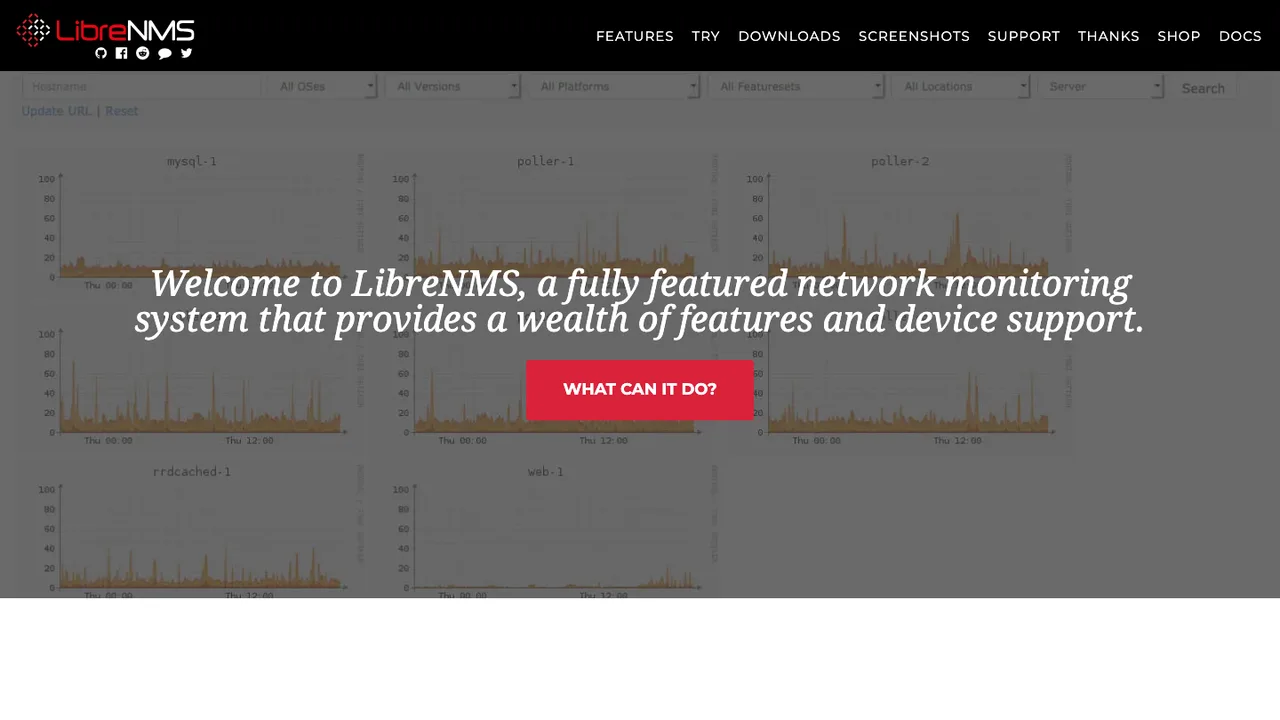
LibreNMS finds what to monitor on its own. Give it SNMP access to a network and it walks the devices, identifies the hardware and operating system, and starts collecting without per-device setup. That autodiscovery spans a broad vendor list, including Cisco, Linux, FreeBSD, Juniper, Brocade, Foundry, and HP.

  • Autodiscovers and fingerprints devices over SNMP
  • Stores metrics in RRD and renders graphs
  • Alerting on collected metrics
  • Broad vendor support: Cisco, Juniper, Linux, HP, and more
OPNsense logo

4.OPNsense

4.5kBSD-2-ClausePHP Self-host
OPNsense screenshot

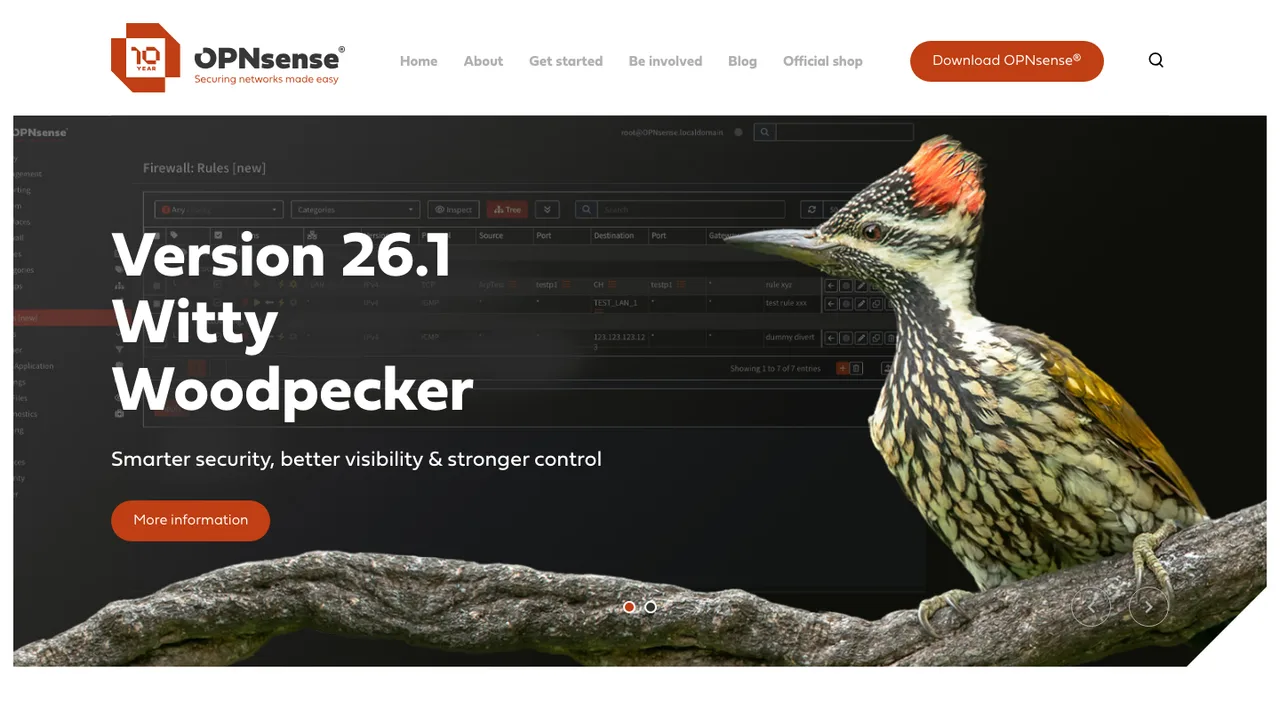
OPNsense is an open source firewall and routing platform built on FreeBSD. It runs as a network appliance with a web interface and an API, giving home and business networks stateful packet filtering for IPv4 and IPv6 along with a live view of passed and blocked traffic.

  • Stateful IPv4 and IPv6 packet filtering
  • Multi-WAN load balancing and failover
  • IPsec, OpenVPN, and WireGuard VPN
  • Suricata inline intrusion detection and prevention
Checkmk logo

5.Checkmk

2.3kGPL-2.0Python Self-host
Checkmk screenshot

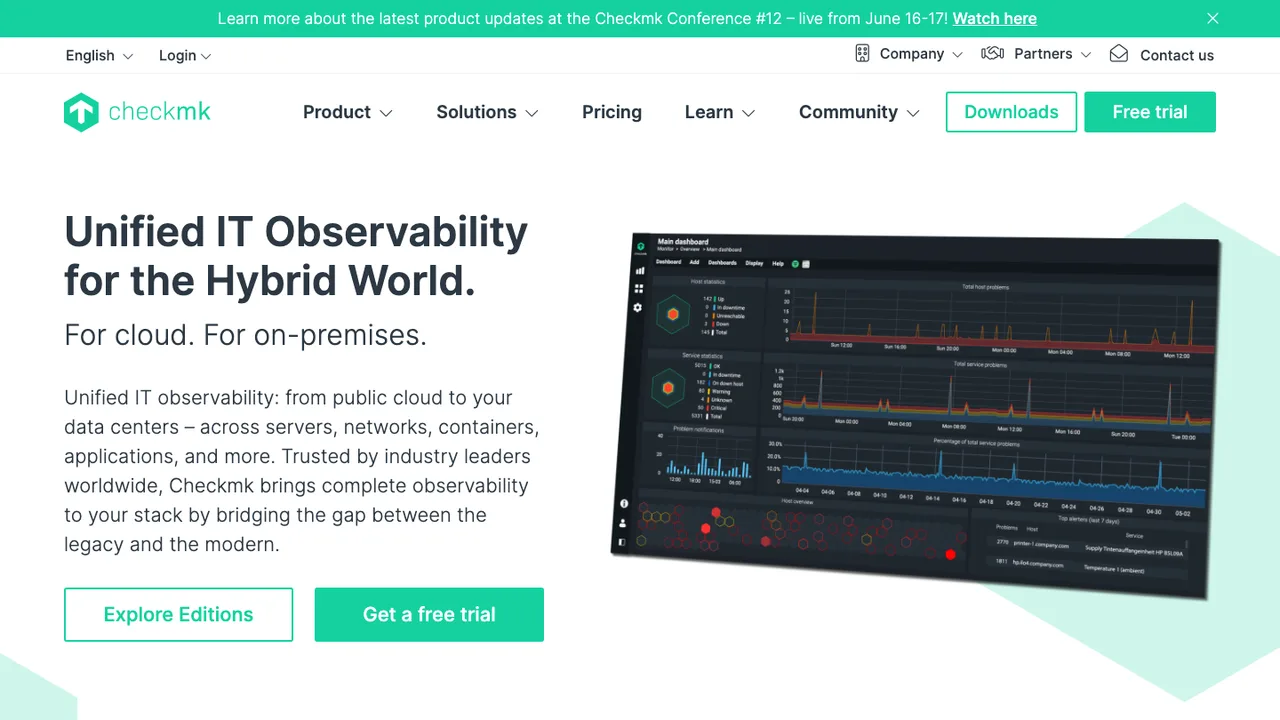
Checkmk leans on a large library of built-in plugins to monitor physical, virtual, containerized, and cloud environments. Rather than asking you to script every check, it ships hundreds of official and community plugins that already know how to read common services, so onboarding a host means installing an agent or pointing at an endpoint. It is built to scale with low resource use.

  • Agent-based and agentless monitoring
  • Web-based UI with dashboards
  • Distributed monitoring and automated agent management
  • OpenTelemetry metrics and push agents in Ultimate
Icinga logo

6.Icinga

2.2kGPL-3.0C++ Self-host
Icinga screenshot

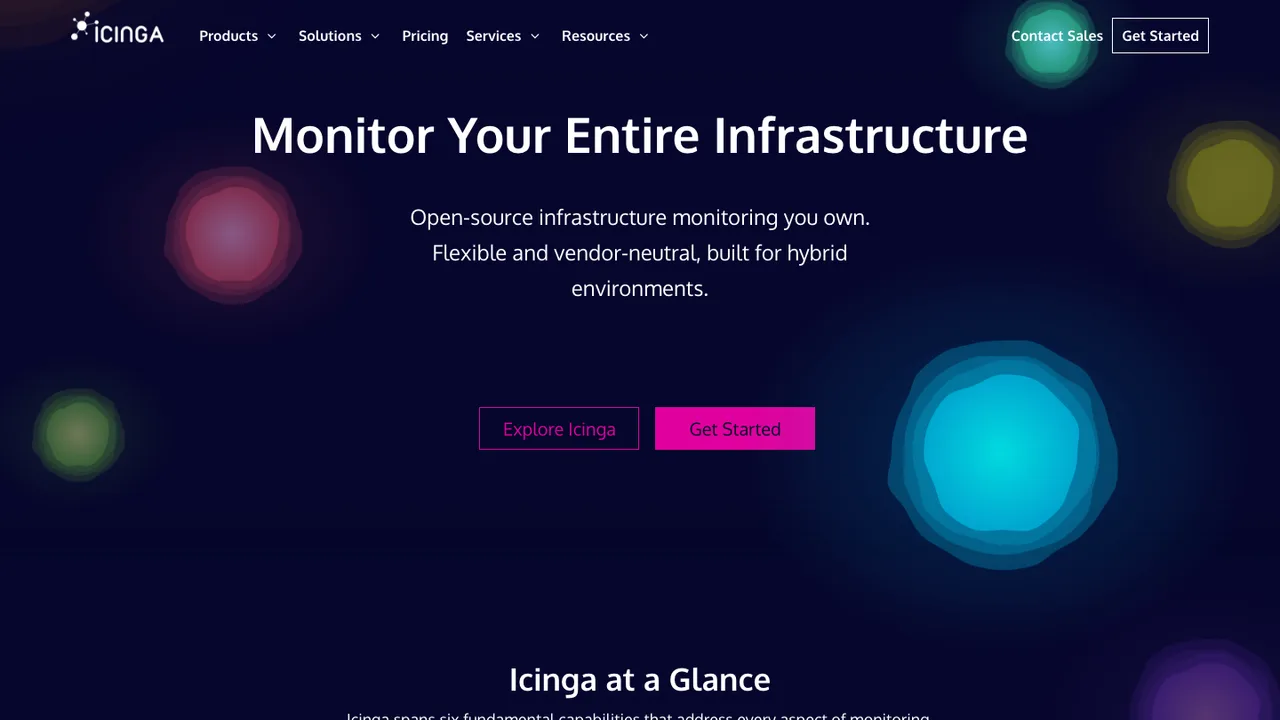
Icinga 2 is the monitoring engine at the center of the Icinga stack. It watches the availability of network resources and servers, raises notifications the moment something goes down, and emits performance data that downstream tools turn into graphs and reports. Its own configuration language describes what to check and when.

  • Checks availability of network resources
  • Notifies users of outages
  • Generates performance data for reporting
  • Distributed monitoring across multiple locations
Nagios Core logo

7.Nagios Core

2kGPL-2.0C Self-host
Nagios Core screenshot

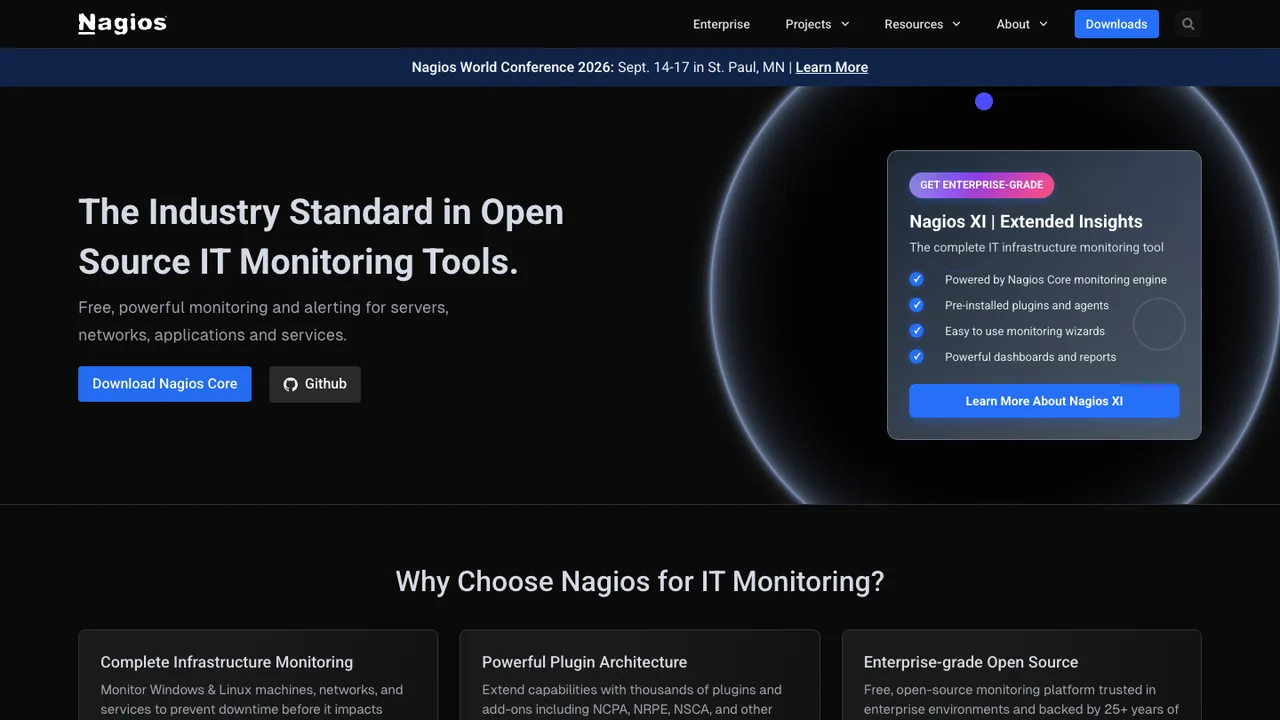
Nagios Core is the long-running engine that schedules checks against hosts and services and tells you when something breaks. Its defining idea is the plugin interface: the core handles scheduling, state, and notifications, while the actual probing is delegated to small plugins, so anything you can test from a command line becomes a check. It notifies on problems and again on recovery, and flags hosts that go down or unreachable.

  • Monitors services such as SMTP, POP3, HTTP, and PING
  • Monitors host resources like load and disk usage
  • Plugin interface for custom monitoring methods
  • Notifications by email, pager, or user-defined method
Cacti logo

8.Cacti

1.8kGPL-2.0PHP Self-host
Cacti screenshot

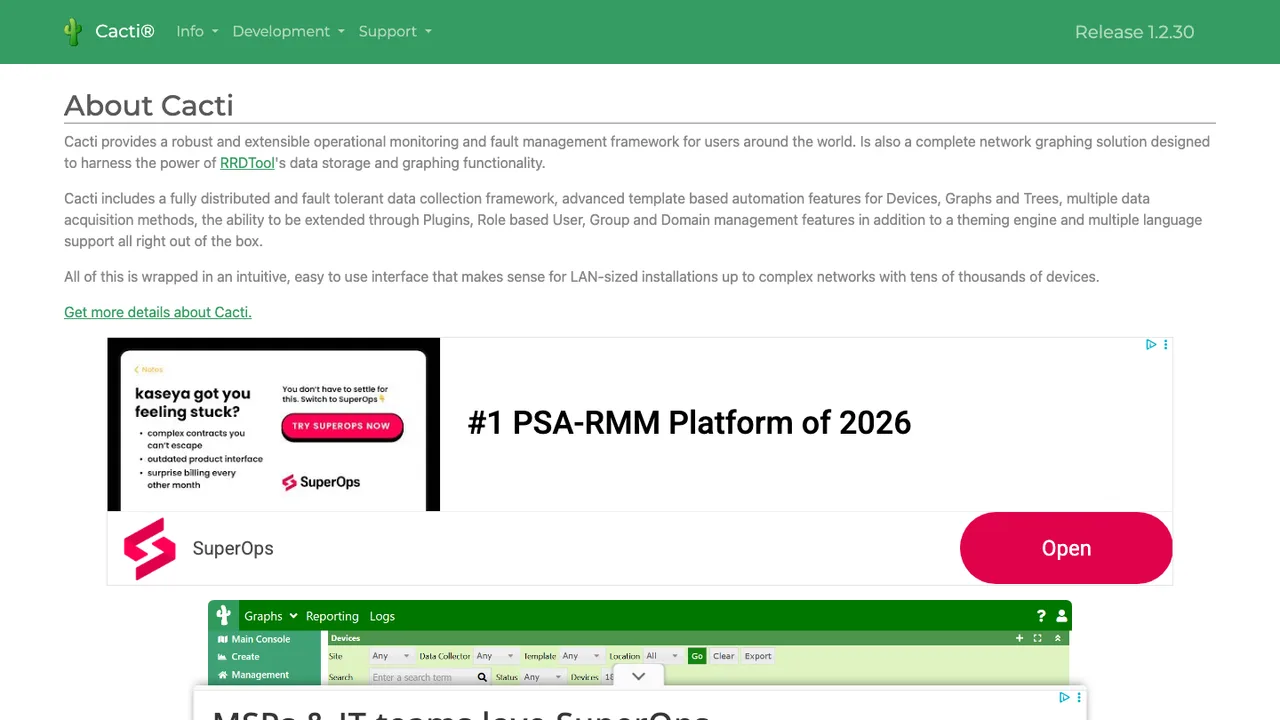
Cacti wraps RRDtool in a web interface, so the time-series math and round-robin storage happen under the hood while you work with graphs, data sources, and templates. Point it at network gear, servers, or applications and it polls them on a schedule, keeping a fixed-size history of every metric.

  • Automated device discovery
  • Local and remote data collection
  • Graph, data source, and RRA templating
  • SNMP polling v1-v3 with IPv6 support
OpenNMS logo

9.OpenNMS

1.2kOtherJava Self-host
OpenNMS screenshot

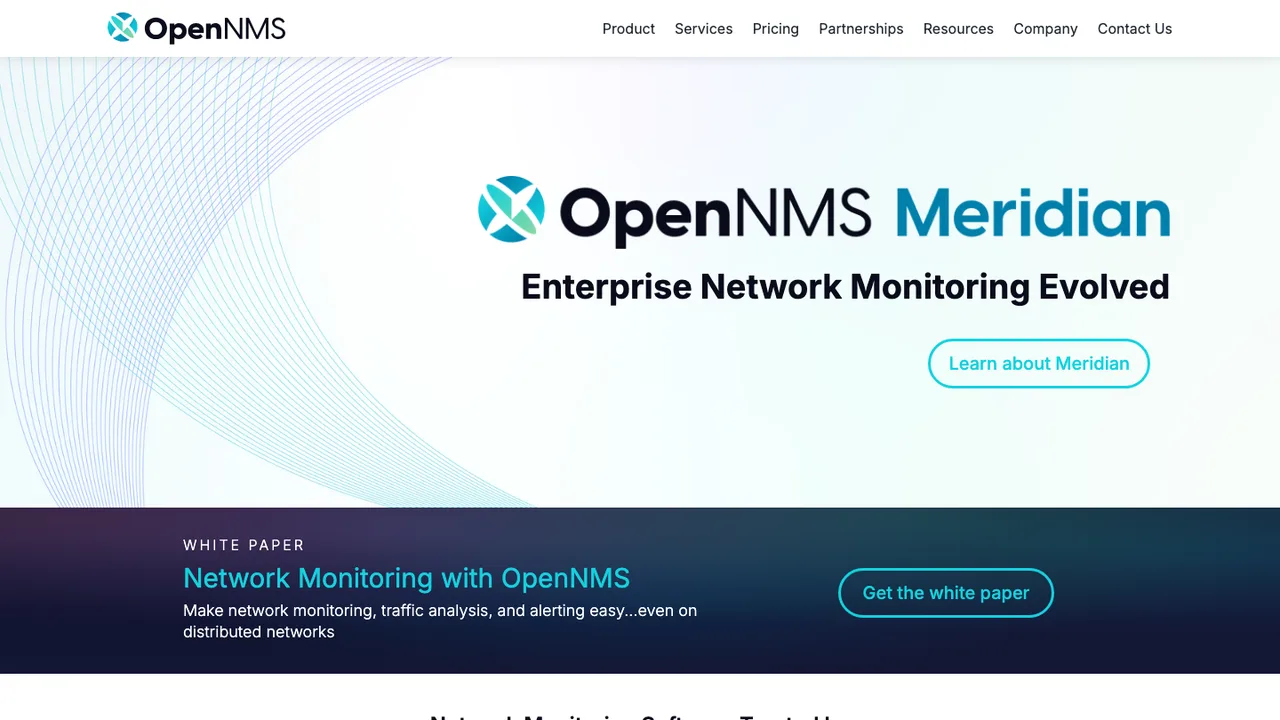
OpenNMS is a network management platform aimed at large, distributed estates rather than a single rack. It pulls fault, performance, and traffic monitoring into one place, generating alarms, tracking inventory, and measuring service latency and availability across networks that span sites.

  • Fault, performance, and traffic monitoring with alarm generation
  • Inventory management with flexible provisioning
  • SNMP, JSON, WinRM, XML, SQL, JMX, HTTP, VMware, and Prometheus collection
  • NetFlow v5/v9, IPFIX, sFlow, and OpenBMP-based BGP monitoring

Switching from PRTG to open source

Start by translating PRTG's sensor model into the model the replacement actually uses. PRTG makes one logical check feel like a unit of licensing, alerting, and dashboarding, so teams often carry over too many tiny checks or miss multi-metric context. Decide whether your primary source of truth is SNMP polling, agent metrics, flow data, Windows counters, HTTP checks, or synthetic transactions. Also decide how distributed sites will be collected, because PRTG remote probes are a specific operational pattern. An open source replacement may be stronger if you treat probes, storage, alert rules, and dashboards as separate responsibilities instead of looking for a one-to-one clone.

Expect to lose some convenience around discovery, device templates, dependency handling, and map editing. PRTG's value is partly that many network monitoring workflows are already wired together in one product. In open source, the same outcome may require a collector, time-series storage, an alerting engine, a visualization layer, and a credential strategy. That split can be healthier at scale, but it changes ownership. Someone has to define labels, naming, retention, notification routing, and maintenance windows. If your operators rely on PRTG's exact interface or mobile push behavior, budget training and a parallel run.

Migration is mostly inventory and rebuild, not import. Use PRTG's API and export views to pull groups, devices, sensors, tags, channels, thresholds, notification triggers, and recent history where you need baselines. Historical graphs can usually be exported for reference, but alert semantics, dependencies, maps, user rights, reports, and custom sensors need manual translation. Recreate credentials in the new system rather than copying secrets around. Stand up collectors beside the existing probes, compare alert noise for at least one maintenance cycle, then cut over by site or service class instead of all at once.

Related alternatives

Frequently asked questions

What is the hardest part of replacing PRTG?+

The hard part is not polling devices - it is preserving intent. PRTG combines discovery, sensors, thresholds, dependencies, notifications, maps, and reports in one workflow. When you move to open source, you need to decide which checks still matter, which were created by auto-discovery noise, and how alerts should be grouped. Treat the migration as a monitoring design review, not a lift-and-shift exercise.

Is an open source PRTG alternative actually cheaper?+

It can be, especially if PRTG's sensor-based licensing pushes you to prune checks or avoid monitoring lower-priority systems. But license cost is only one line item. You may need storage, backup capacity, staff time, support contracts, and time to maintain collectors and dashboards. The honest comparison is total operating cost over a year, including the engineering time spent tuning alerts and upgrades.

How do I export my existing PRTG configuration?+

Use PRTG's API and built-in export views to inventory groups, probes, devices, sensors, channels, tags, priorities, and notification settings. Historical sensor data can be exported where you need baselines or audit evidence. Do not expect a clean import into another platform. Most replacements require you to transform that inventory into new checks, labels, templates, and alert rules.

Which PRTG data usually survives a migration?+

Device names, addresses, SNMP details, sensor names, channel values, tags, and historical readings are the most reusable pieces. Threshold numbers can be reused after review. Less portable items include maps, dependencies, notification schedules, user permissions, custom scripts, reports, and dashboard layouts. Those pieces encode PRTG-specific behavior, so plan to rebuild them in the new system's model.

Will SNMP, WMI, and flow monitoring still work after leaving PRTG?+

Usually yes, but not with identical semantics. SNMP polling is broadly supported, while WMI and Windows performance counters may require an agent, gateway, or different authentication setup. Flow data often lands in a separate collector or storage path. Test representative routers, switches, firewalls, Windows servers, and odd appliances before committing, because vendor MIB quirks and counter names are where migrations get messy.

What should I expect from auto-discovery in open source tools?+

Do not assume PRTG-style discovery will be matched feature for feature. Some open source tools discover devices well but require manual templates. Others prefer infrastructure-as-code style target definitions or service discovery from a source such as DNS, an inventory system, or orchestration metadata. The tradeoff is control. You may get fewer surprise sensors, but you also take responsibility for keeping the monitored inventory accurate.

How should alerting change when moving off PRTG?+

Use the move to reduce alert volume. PRTG installations often accumulate per-sensor thresholds that page separately even when one site, switch, or upstream dependency is the real fault. In the new system, define service-level alerts, dependency rules, maintenance windows, deduplication, and escalation paths before importing every threshold. Run both systems in parallel long enough to compare missed alerts and noisy checks.

Can open source replacements handle remote probes and multiple sites?+

Yes, but the architecture may look different. PRTG remote probes are a familiar pattern: local collection with central visibility. Open source systems may use distributed pollers, agents, queue-based forwarding, or site-local collectors that push metrics to central storage. Check how credentials are scoped, how outages are buffered, and what happens when a site loses connectivity. Remote offices are a design requirement, not an afterthought.

Do open source alternatives provide the same dashboards and maps as PRTG?+

They can provide strong dashboards, but PRTG's map editor and sensor tree do not translate directly. Expect to rebuild views around services, sites, device roles, or SLOs instead of copying a visual layout. This is a good time to separate operator screens from executive reports. Keep a few exported PRTG maps as reference, then redesign around the decisions people actually make during incidents.

How do mobile notifications compare after replacing PRTG?+

PRTG has a defined notification workflow tied to its product experience. In open source, mobile alerting often depends on integrations with chat, paging, email, webhooks, or a companion app rather than one bundled path. Test acknowledgment, escalation, quiet hours, and push reliability before cutover. For on-call teams, the notification chain is part of the monitoring system, not a cosmetic feature.

What happens to PRTG custom sensors and scripts?+

Custom sensors need manual review. Some scripts can be reused with small wrapper changes, but return formats, exit codes, timeout behavior, credentials, and scheduling usually differ. Start by classifying each custom sensor by business value. Retire old one-off checks, rewrite important ones against the new agent or collector interface, and add tests so a script failure does not look like a production outage.

How should permissions and team access be planned?+

PRTG permissions are tied to its probes, groups, libraries, maps, and user model. Open source replacements may use role-based access, folder permissions, external identity providers, or separate permissions for dashboards and alert rules. Map who can view, edit, silence, and administer monitoring before migration. Without that design, you can accidentally give too many people control over alerts or make basic incident work depend on administrators.

What security checks matter before choosing an open source replacement?+

Look at how the tool stores SNMP communities, Windows credentials, API tokens, and private keys. Confirm support for TLS, least-privilege service accounts, audit logs, external authentication, secret rotation, and separation between collectors and the central server. Also check the dependency footprint and release process. Monitoring systems hold broad network visibility, so a weak credential model can create more risk than the outage data it collects.