7 Best Open Source Alternatives to Nextcloud

Updated July 2026

Nextcloud is a mature self-hosted collaboration suite, and it is popular for good reason: file sync, sharing, calendars, contacts, chat, and document editing can live behind one login instead of being scattered across SaaS accounts. The friction usually starts when that breadth becomes the product you have to operate - tuning PHP, database, WebDAV, previews, background jobs, and app compatibility can feel like running a small platform, especially for teams that only needed reliable file sync or groupware.

Other open source options let you narrow the blast radius: lighter sync servers, protocol-focused calendar and contacts stacks, or document workspaces that separate storage from collaboration instead of making one application own the whole stack.

Immich logo

1.Immich

103.3kAGPL-3.0TypeScript Self-host
Immich screenshot

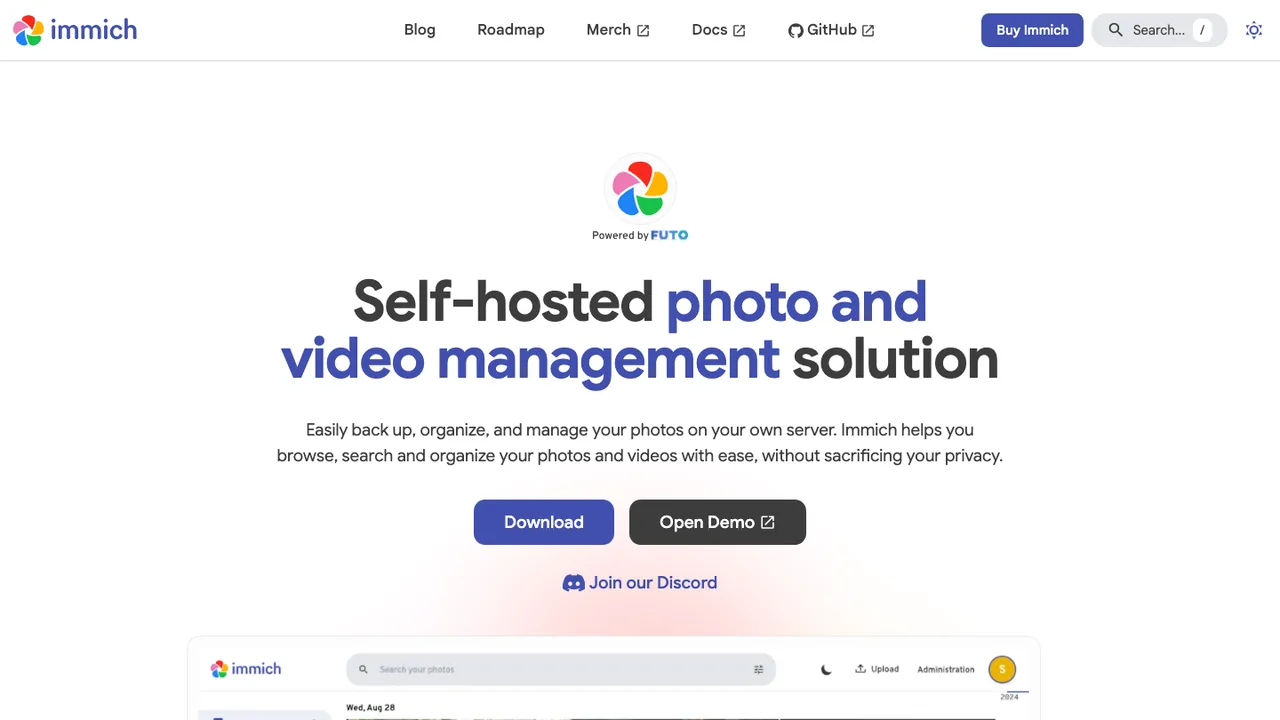
Immich is a high-performance, self-hosted photo and video management solution that keeps your entire library on your own server. It is built to back up, organize, browse, and search photos and videos without handing your memories to a third-party cloud.

  • Automatic mobile backup for photos and videos
  • Search by metadata, objects, faces, and CLIP
  • Facial recognition and clustering
  • Shared albums and multi-user support
Syncthing logo

2.Syncthing

85.3kMPL-2.0Go Self-host
Syncthing screenshot

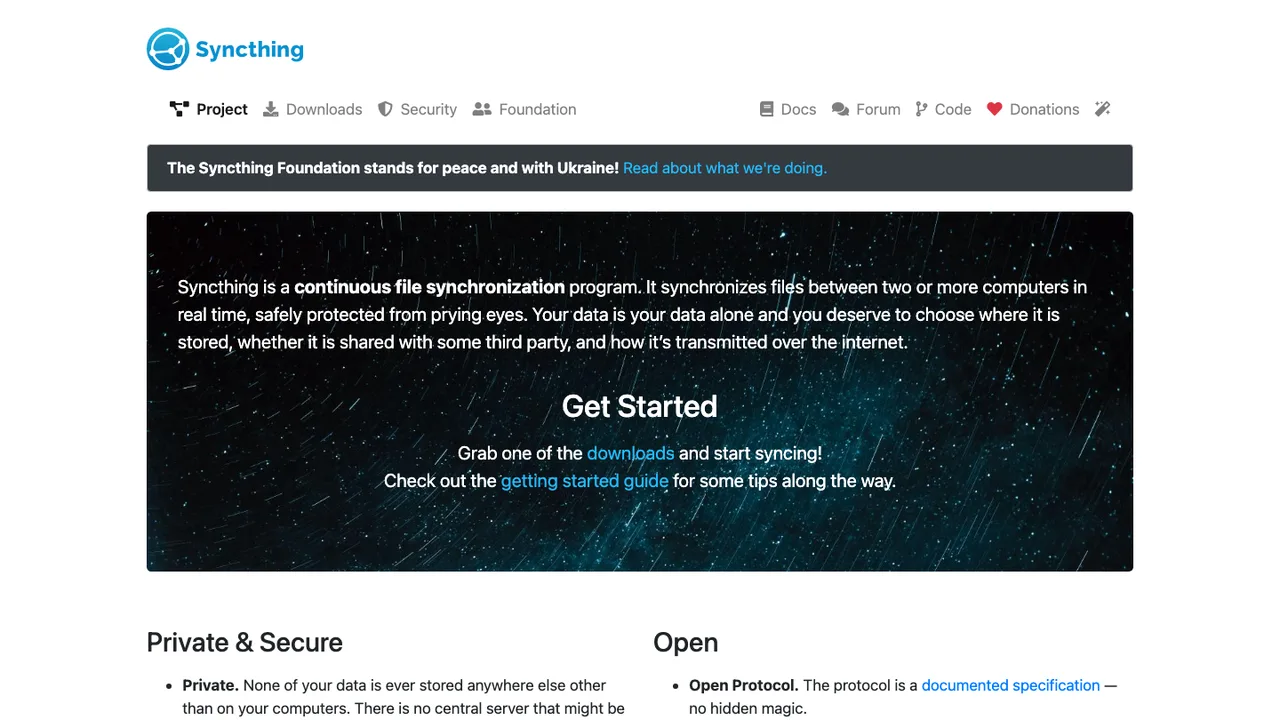
Syncthing is a continuous file synchronization program that keeps files in sync between two or more computers in real time. It is decentralized by design: there is no central server that might be compromised, and none of your data is ever stored anywhere other than on your own devices.

  • Continuous, real-time sync across two or more devices
  • Decentralized with no central server
  • TLS-encrypted transfers with perfect forward secrecy
  • Devices authenticated by cryptographic certificates
Copyparty logo

3.Copyparty

45.2kMITPython Self-host
Copyparty screenshot

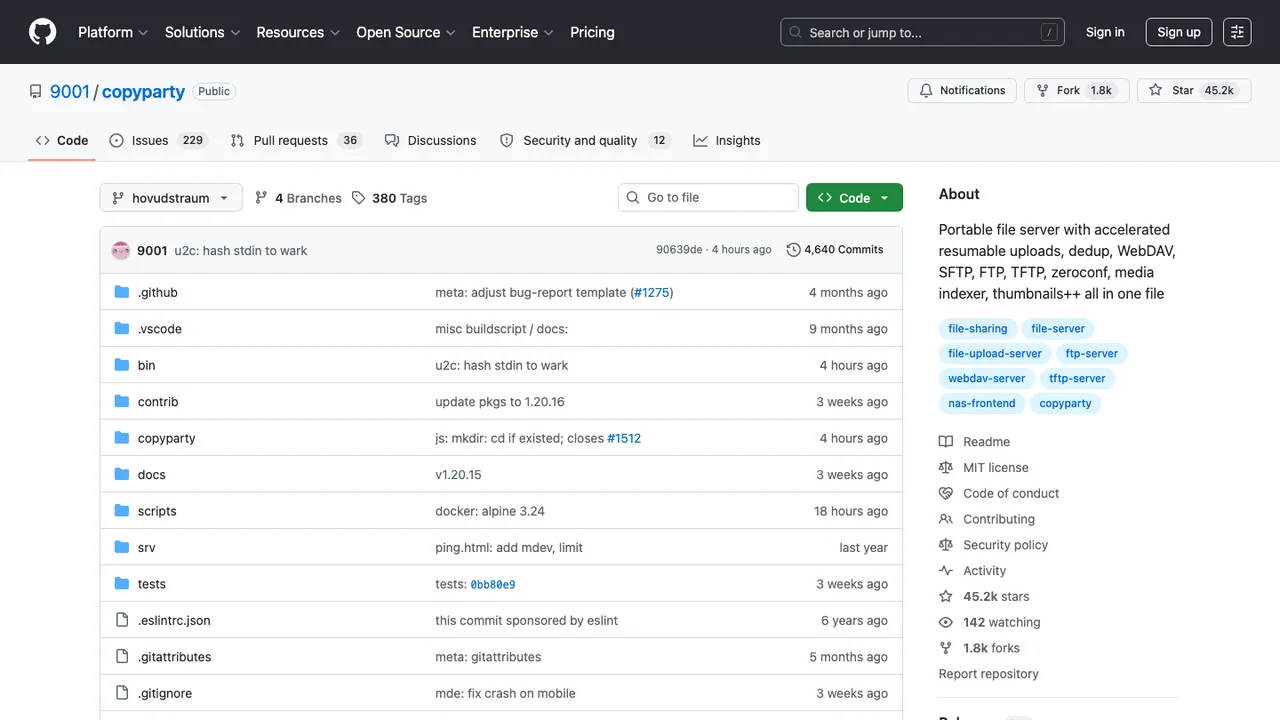
Copyparty is a portable file server that turns almost any device into a place to share files over a local network or the internet, with resumable uploads and downloads from any web browser. Access is controlled with per-folder and per-user permissions plus temporary share links.

  • Resumable uploads and downloads in a web browser
  • HTTP, WebDAV, SFTP, FTP, TFTP, and SMB/CIFS access
  • File deduplication and file indexing
  • Thumbnails, search, RSS feeds, and OPDS feeds
CasaOS logo

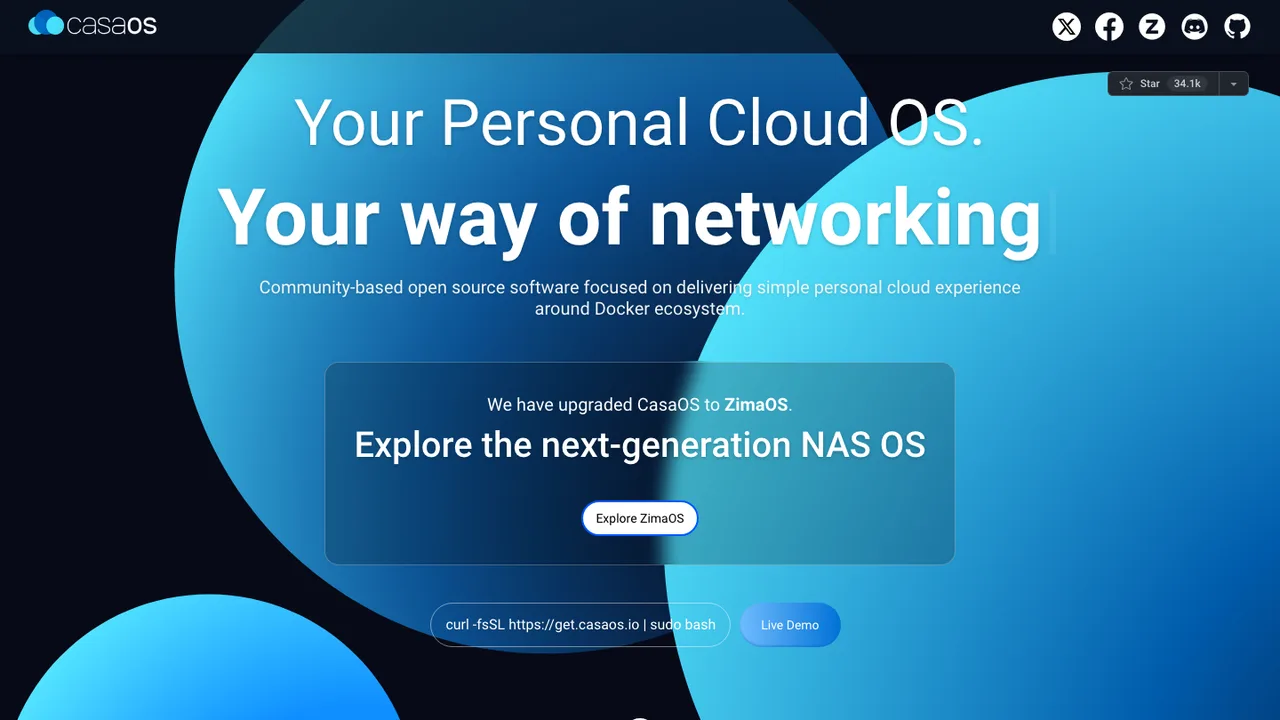
4.CasaOS

34.1kApache-2.0Go Self-host
CasaOS screenshot

CasaOS is a personal cloud system that runs on home servers and turns spare hardware into a place to store and manage your own data, apps, and smart devices. It originated as the pre-installed system for the ZimaBoard.

  • Home-focused web UI for no-code operation
  • App store with one-click installs for selected apps
  • Docker app installation from the container ecosystem
  • Drive and file management
Radicale logo

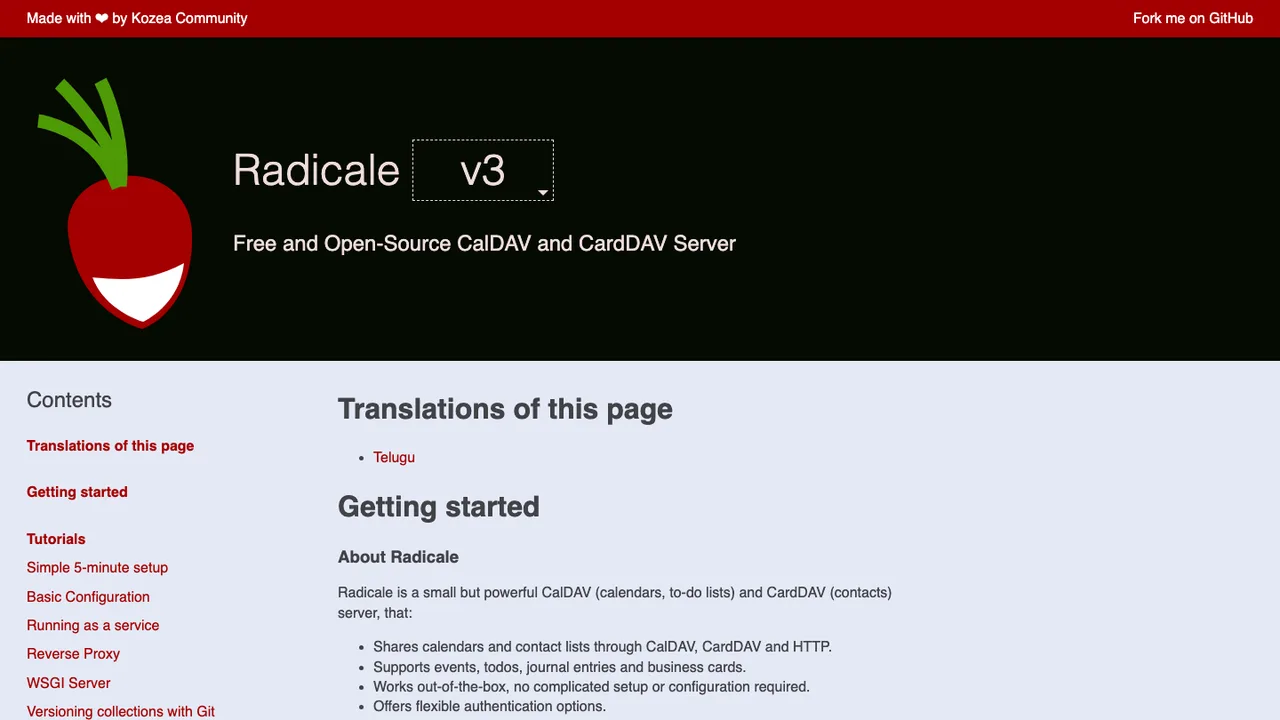
5.Radicale

4.7kGPL-3.0Python Self-host
Radicale screenshot

Radicale is a small CalDAV and CardDAV server for sharing calendars, to-do lists, and contact lists. It supports events, todos, journal entries, and business cards, and exposes them through CalDAV, CardDAV, and HTTP.

  • Shares calendars and contact lists through CalDAV, CardDAV, and HTTP
  • Supports events, todos, journal entries, and business cards
  • Stores data on the file system in a simple folder structure
  • Can limit access by authentication and secure connections with TLS
Twake logo

6.Twake

1.9kAGPL-3.0TypeScript Self-host
Twake screenshot

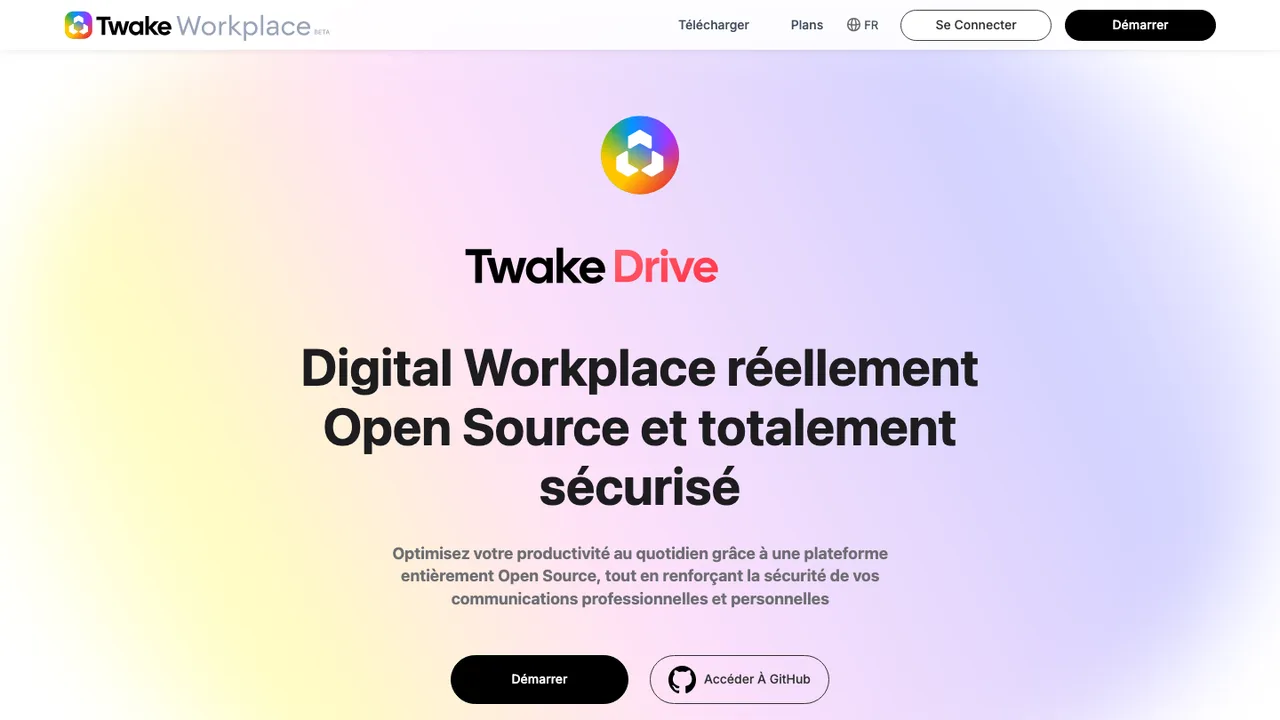
Twake is a secure open source collaboration platform built to improve how organizations work together. It brings team chat, file storage, a shared team calendar, task management, video calls, and real-time document collaboration into a single digital workplace.

  • Team chat for everyday communication
  • File storage for shared documents
  • Shared team calendar and task management
  • Video calls and conferencing
Rockstor logo

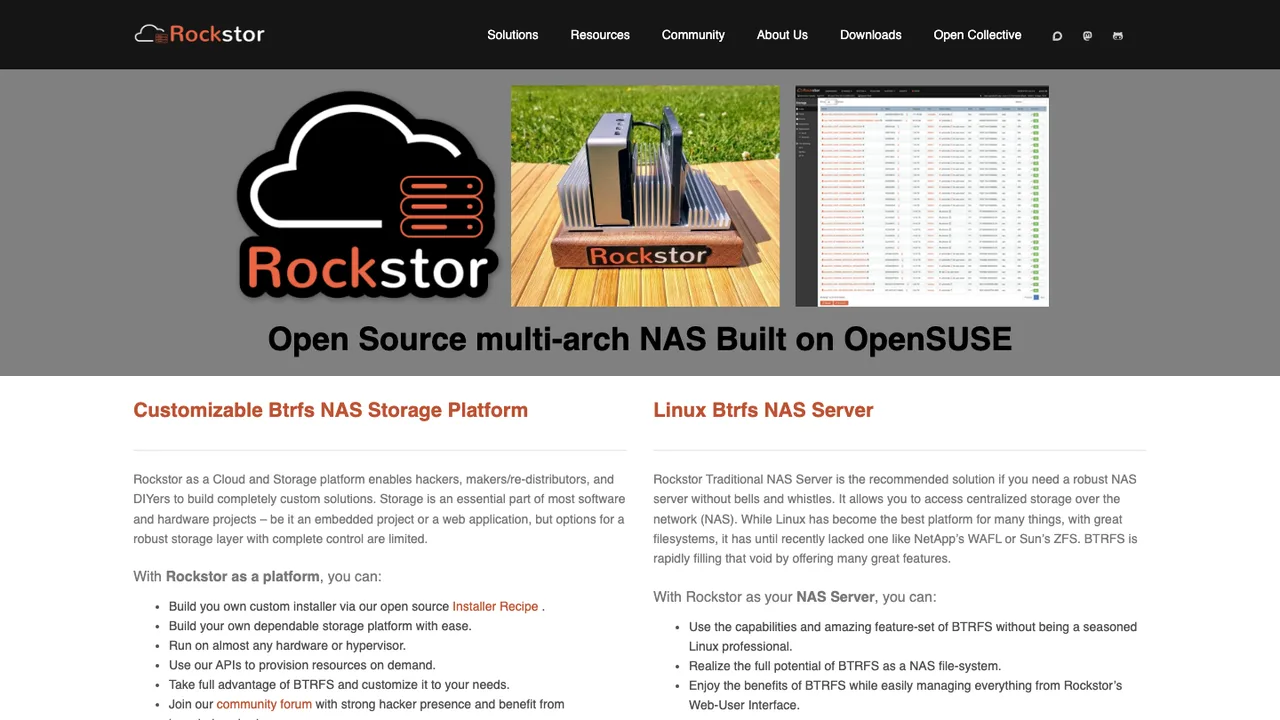
7.Rockstor

606GPL-3.0Python Self-host
Rockstor screenshot

Rockstor is a network attached storage solution built on Linux and the BTRFS filesystem. It ships as a complete Linux distribution and runs as a DIY appliance on commodity PC, Pi 4, and ARM64 hardware.

  • Linux and BTRFS based NAS storage
  • Advanced storage management web UI
  • Optional Rock-ons Docker app subsystem
  • RESTful APIs for management

Switching from Nextcloud to open source

Nextcloud is not just file sync. It is usually the place where teams combine WebDAV files, public links, group folders, calendars, contacts, office editing, notifications, mobile upload, and identity integration. Replacing it means deciding whether you want another suite or a smaller set of services with clearer boundaries. The hard part is not matching every checkbox. It is preserving the workflows people actually use - shared folders, link expiration, document handoff, calendar delegation, and mobile photo backup - without rebuilding an app platform you no longer want to operate.

Expect gaps around the edges, especially if users rely on Nextcloud apps rather than basic files and CalDAV or CardDAV. Share links, comments, file versions, trash, tags, activities, and workflow rules often have no clean equivalent elsewhere. Desktop and mobile clients may handle conflicts, offline folders, background uploads, and selective sync differently. Some replacements are better at raw file sync but weaker at group permissions or browser-based collaboration. Others improve administrative simplicity but expect you to bring your own identity provider, office editor, backup system, or audit logging.

Migration usually starts with files, because that is the part most likely to survive intact. Pull data through WebDAV, the desktop sync client, or direct server-side storage access, then verify ownership, timestamps, hidden files, and checksums. Calendars and contacts should move through CalDAV, CardDAV, ICS, or VCF exports. Users, groups, quotas, and shares need separate mapping, especially if local accounts are being replaced by LDAP or SSO. Treat the Nextcloud database as source metadata, not a portable migration artifact. Versions, deleted files, comments, and app-specific records usually require cleanup or acceptance that they will be archived rather than imported.

Related alternatives

Frequently asked questions

Is Nextcloud already open source, and why replace it with another open source option?+

Yes, Nextcloud is open source. Replacing it usually means you want a different operating model, not simply an open license. Common reasons include reducing the size of the suite, separating file sync from calendar and office features, improving performance for one workload, simplifying upgrades, or moving away from app dependencies that have become hard to support.

When is a smaller file sync tool a better fit than Nextcloud?+

A narrower tool can be better when the real requirement is reliable file replication and sharing, not a full collaboration suite. If users do not need calendars, contacts, app extensions, dashboards, or browser-based office workflows, a simpler system may be easier to back up, monitor, and scale. The tradeoff is that you may need separate services for identity, notifications, and document collaboration.

What costs change when moving off Nextcloud?+

The license line may not be the main cost either way. Budget for migration testing, storage duplication during cutover, user retraining, and replacement services for features Nextcloud bundled together. A leaner tool can reduce server load and administrative overhead, but costs can move into identity management, backup tooling, mobile device support, office editing, or paid support for the new stack.

How do I migrate files from Nextcloud without losing structure?+

Use WebDAV, a desktop sync client, or direct access to the server-side data store, depending on your deployment and risk tolerance. Preserve paths, owners, timestamps, and case-sensitive names during the copy. Run checksum or size comparisons before cutover. Watch for external storage mounts, excluded files, partial uploads, and names that the target system rejects. Do not assume the database can be imported directly.

What happens to calendars and contacts after leaving Nextcloud?+

Calendars and contacts are usually the cleanest non-file data to move because they use standard formats and protocols. Export calendars as ICS or sync them through CalDAV. Export contacts as VCF or sync through CardDAV. Recurring events, shared address books, delegation, reminders, and attendee state deserve testing because different servers interpret edge cases differently.

Will existing public links and shared folders keep working?+

Usually not without deliberate remapping. Nextcloud share links, passwords, expiration dates, permissions, and internal share targets are application metadata. A replacement may support similar concepts, but link URLs and share identifiers will change. Plan to recreate important shares, notify external recipients, and expire the old instance only after the new links have been distributed and validated.

How should user accounts, groups, and permissions be handled during migration?+

Start by deciding whether the replacement will own accounts or rely on LDAP, SSO, or another directory. Map usernames, group names, quotas, and home folder ownership before copying data. Pay attention to disabled users and service accounts. If group folders or delegated admin roles were heavily used in Nextcloud, test those patterns early because permission models rarely match one to one.

Do desktop and mobile clients behave the same outside Nextcloud?+

Not necessarily. Compare selective sync, conflict handling, background upload reliability, offline folders, file provider integration, and mobile photo backup before committing. Users often notice client behavior more than server features. A replacement can look fine in the browser but fail expectations if the mobile app cannot upload reliably in the background or the desktop client handles locked files poorly.

What security features should I verify before switching?+

Check authentication controls, two-factor support, session management, audit logs, brute-force protection, sharing restrictions, and admin visibility. Nextcloud deployments often accumulate policy around public links, password rules, file access, and external storage. Recreate those policies explicitly in the replacement rather than assuming equivalent defaults. Also review how quickly security updates are delivered through your chosen packaging method.

Is encrypted Nextcloud data portable to another system?+

Encrypted data needs special care. If server-side encryption is enabled, decrypt or export data through supported application paths before migration. Do not copy encrypted storage blobs and expect another system to read them. End-to-end encryption features, where used, are even less portable because key handling and client behavior are implementation-specific. Test recovery with a small account before touching production data.

How do office editing and real-time collaboration compare after Nextcloud?+

Nextcloud often acts as the front door for document editing even when the editor itself is a separate service. If users co-edit documents in the browser, check how the replacement opens files, locks documents, handles version conflicts, and stores edited results. Some alternatives focus on storage and expect you to integrate an office editor yourself, which changes support boundaries and user experience.

What should I know about APIs and integrations before replacing Nextcloud?+

Inventory anything that talks to Nextcloud before migration. Scripts may use WebDAV paths, OCS endpoints, app-specific APIs, webhooks, or direct database assumptions. WebDAV-based automation is usually the easiest to preserve. Anything tied to activities, comments, shares, notifications, or app data will likely need rewriting. Build a test account and replay your automation against the candidate system early.

How much downtime should a Nextcloud migration require?+

For small deployments, a maintenance window with a final sync can be enough. Larger sites usually need staged copying, validation, user freeze, final delta sync, DNS or client reconfiguration, and a read-only period for the old instance. Downtime depends less on software choice than on data volume, file churn, external storage, and how many shares or permissions must be recreated.

What if the replacement project slows down or gets abandoned?+

Have an exit plan before you migrate. Prefer standard storage layouts, documented APIs, and common protocols such as WebDAV, CalDAV, CardDAV, SAML, OIDC, or LDAP where they fit. Keep backups that are restorable without the application. Avoid making critical workflows depend on opaque app metadata unless you know how to export it. A replacement should be easier to leave than the system it replaces.