7 Best Open Source Alternatives to Airbyte

Updated July 2026

Airbyte solved a tedious problem well: a large catalog of connectors that pull from SaaS apps and databases and land the data in your warehouse, with the extract-and-load plumbing handled for you. For getting sources flowing quickly it is a strong default. The reasons people look further tend to be weight and reach - the platform is a substantial stack to operate, and the cloud offering meters what you sync, so a pipeline that should be simple infrastructure starts feeling like its own product to run and pay for.

The lighter open source alternatives below move the same source-to-warehouse data without the heavy footprint. They define syncs as code or config you keep, run as a single process or job rather than a sprawling deployment, and put no volume meter between your sources and your destination. The connectors stay yours to extend, and the whole pipeline runs on infrastructure you already manage.

Prefect logo

1.Prefect

22.6kApache-2.0Python Self-host
Prefect screenshot

Prefect is a workflow orchestration framework for building resilient data pipelines in Python. With a few lines of code it turns ordinary scripts into production workflows, giving data teams scheduling, caching, retries, and event-based automations.

  • Scheduling, caching, retries, and event-based automations
  • Deploy workflows and run them manually or on a schedule
  • Monitor workflow activity in Prefect server or Prefect Cloud
  • Complex branching logic and dependency handling
Dagster logo

2.Dagster

15.7kApache-2.0Python Self-host
Dagster screenshot

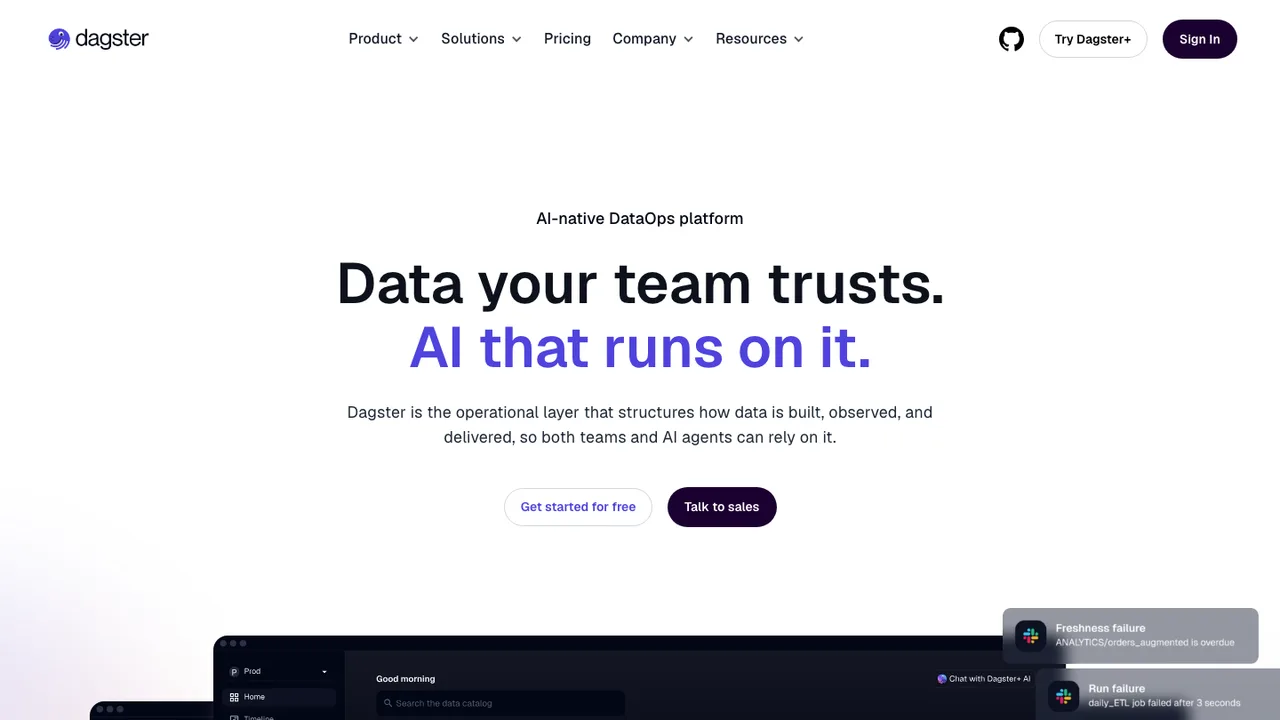
Dagster is a cloud-native data pipeline orchestrator for developing and maintaining data assets such as tables, data sets, machine learning models, and reports. It helps teams define what data should exist, run it at the right time, and keep it up to date across local development through production.

  • Declare data assets as Python functions
  • Schedule and monitor pipelines in the web UI
  • Integrated lineage, observability, and metadata
  • Diagnostics, cataloging, and data quality checks
Mage logo

3.Mage

8.7kApache-2.0Python Self-host
Mage screenshot

Mage OSS is a self-hosted development environment for building and running data pipelines locally. It is aimed at ETL, data flow design, and transformation work, with a fast, modular notebook-style interface for teams that want production-grade pipelines on their own machine.

  • Build pipelines with Python, SQL, or R
  • Run jobs manually or on a cron schedule
  • Connect to databases, APIs, and cloud storage
  • Visual debugging with logs and live previews
CloudQuery logo

4.CloudQuery

6.4kMPL-2.0Go Self-host
CloudQuery screenshot

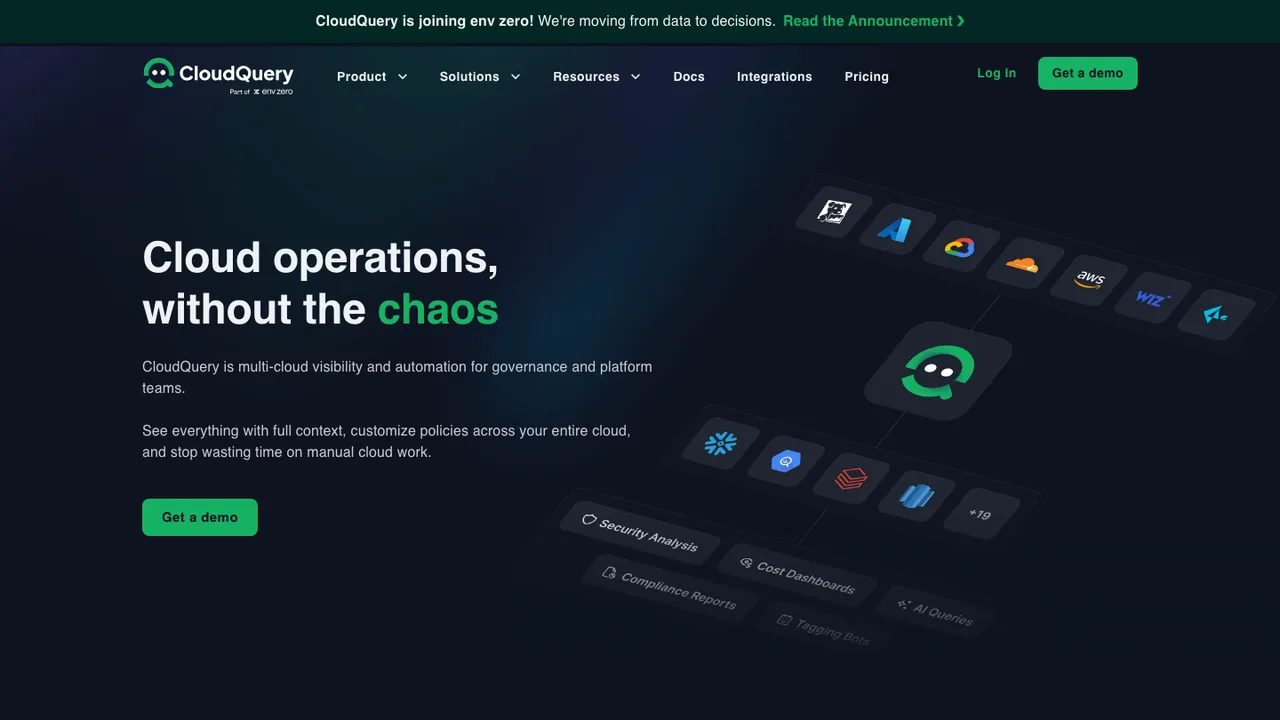
CloudQuery is a cloud asset inventory for platform teams. It syncs cloud infrastructure metadata into your data warehouse, unifying configuration data across AWS, Azure, GCP, and 70+ cloud and SaaS sources such as Wiz, Finout, and GitHub. From there you can build asset inventory, CSPM, and FinOps workflows in one place.

  • Sync cloud infrastructure metadata into a data warehouse
  • Normalized data with SQL access
  • Specialized plugins for cloud, security, and FinOps sources
  • Connect cloud data to BI tools, Slack, and Jira
dlt logo

5.dlt

5.5kApache-2.0Python
dlt screenshot

dlt is an open-source Python library for loading data from messy sources into structured datasets. It fits into notebooks, AWS Lambda, Airflow DAGs, local laptops, and other Python environments, so you can build data pipelines where you already work.

  • Extracts from REST APIs, SQL databases, cloud storage, and Python data
  • Infers schemas and data types, normalizes nested data
  • Supports popular destinations and custom destinations
  • Incremental loading, schema evolution, and schema and data contracts
Meltano logo

6.Meltano

2.5kMITPython Self-host
Meltano screenshot

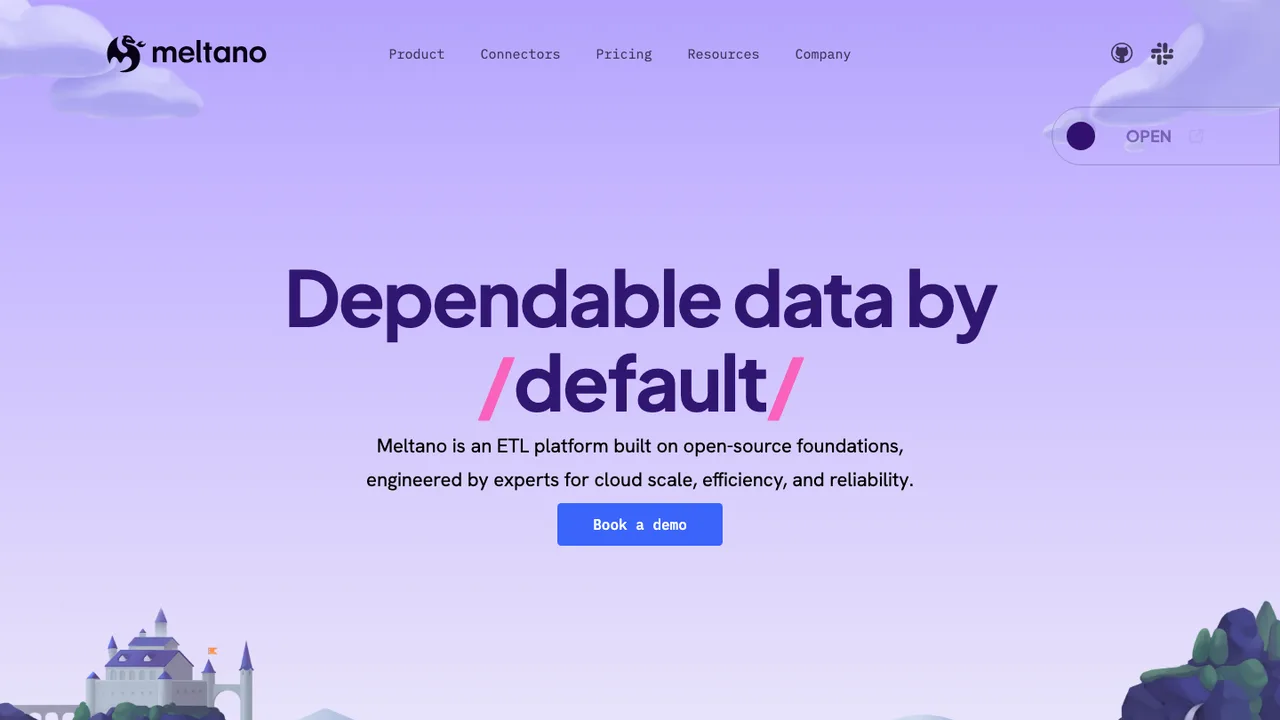
Meltano is a declarative, code-first data integration engine for building data platforms and running data workflows across multiple tools. It is aimed at teams that want to stop writing, maintaining, and scaling custom API integrations by hand.

  • Declarative, code-first data integration engine
  • Meltano Hub for plugins, Singer taps, and targets
  • Unlocks 600+ APIs and databases
  • Declarative pipeline configuration in code
Sling logo

7.Sling

861GPL-3.0Go Self-host
Sling screenshot

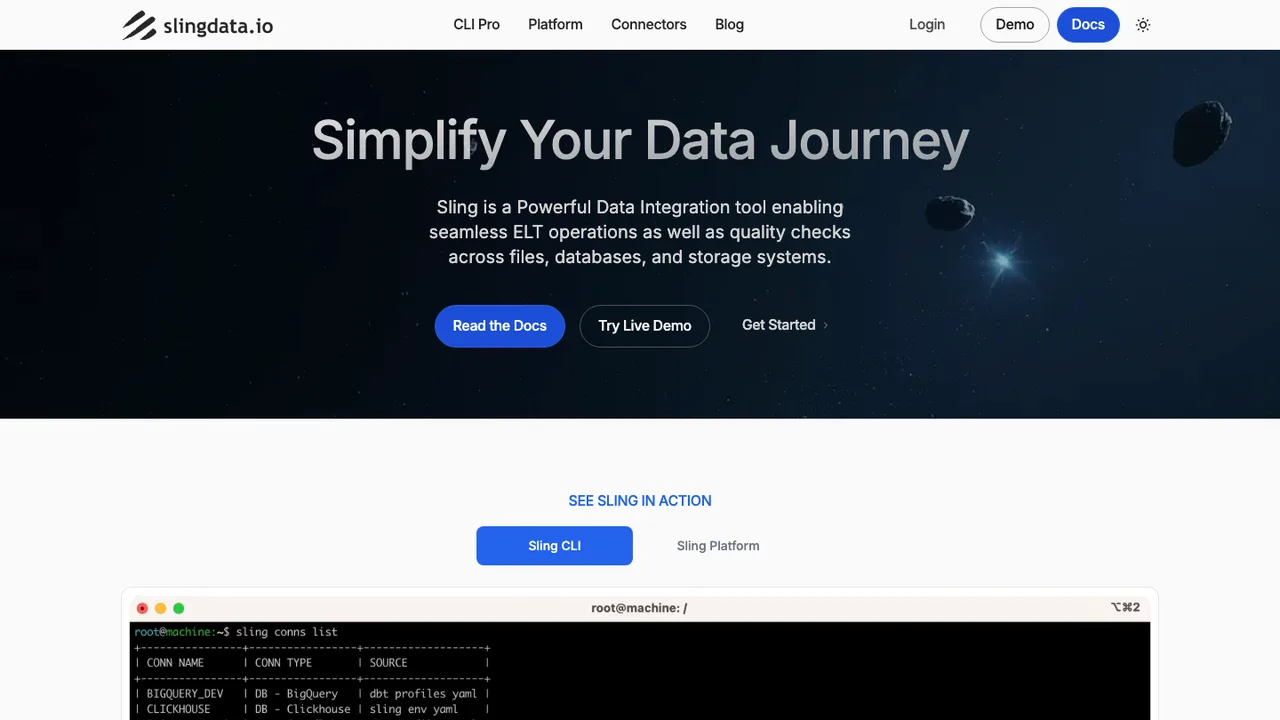
Sling is a free, open-source CLI for moving data with the Extract and Load (EL) approach. It is built for small to medium volume pipelines and handles database to database, file system to database, database to file system, and API based movement in either direction.

  • Move data between databases, file systems, APIs, and data lakes
  • Use custom SQL as a source stream
  • YAML or JSON pipeline configuration
  • Manage, test, and discover connections from the CLI

Switching from Airbyte to open source

Start by deciding whether you are replacing Airbyte as a connector platform or only the managed workflow around it. Airbyte gives you a source, destination, connection, stream catalog, scheduler, state, retry, and log model in one place. Some open source replacements stay close to that shape, while others expect pipelines to be defined as code or split orchestration from extraction. Check connector parity at the stream level, not the vendor logo level. The hard parts are usually incremental cursor behavior, primary key handling, pagination, rate limits, and how schema changes are represented in the destination.

Expect more operational ownership when moving off Airbyte. Airbyte hides a lot behind the UI: OAuth setup, connector images, job history, retry defaults, schema refreshes, and per-stream enablement. A replacement may have fewer packaged connectors, weaker UI affordances, or require more YAML, SQL, or code review before a sync changes. You may also lose Airbyte-specific assumptions around destination naming, raw tables, automatic type mapping, and normalization flow. Treat the switch as a change in pipeline semantics, not only a change in deployment model.

Migration starts by inventorying Airbyte connections, source and destination settings, enabled streams, cursor fields, primary keys, sync modes, schedules, and any downstream tables that depend on Airbyte-shaped output. Use Airbyte's UI or API to pull configuration where available, but assume stored secrets will need to be re-entered. Incremental state is the riskiest piece: recreate it only when you can verify cursor values, otherwise run a controlled backfill or overlap window. Pause Airbyte near cutover, run both paths briefly if possible, compare row counts and freshness, then retire old jobs after downstream checks pass.

Related alternatives

Frequently asked questions

What is the main risk when replacing Airbyte?+

The main risk is assuming connector names imply identical behavior. Airbyte connections include stream selection, sync mode, cursor fields, primary keys, schema refresh behavior, and destination naming conventions. A replacement may extract the same source but emit different types, tables, metadata columns, or incremental boundaries. Validate the actual data contract before cutting over production dashboards or warehouse models.

Is Airbyte already open source, and why would I replace it?+

Airbyte has open source components, but teams still replace it when the operating model does not fit. Common reasons include wanting a different connector runtime, a lighter deployment, code-reviewed pipeline definitions, more control over state, fewer moving services, or a different approach to orchestration. The evaluation should focus on your current pain, not on whether a license label sounds acceptable.

How should I compare connector coverage with Airbyte?+

Compare coverage by the exact streams and sync modes you use. A source may be supported in both systems, but one may omit nested objects, history endpoints, soft-deleted records, custom fields, or incremental sync for specific streams. Run a sample extraction against real accounts, then compare schemas, row counts, null handling, timestamps, and rate-limit behavior before declaring parity.

What Airbyte configuration should I document before migration?+

Capture every source, destination, connection, enabled stream, schedule, namespace setting, destination table name, sync mode, cursor field, primary key, schema refresh preference, and any transformation or normalization step tied to the output. Also record recent job durations, failure patterns, and expected freshness. This inventory becomes the acceptance checklist for the replacement and prevents hidden dependencies from surfacing after cutover.

Can incremental sync state be moved out of Airbyte?+

Sometimes, but do not assume it is portable. Airbyte state is tied to connector behavior, stream names, cursor formats, and internal bookkeeping. Even if you can inspect state values, the replacement may interpret cursors differently. The safer pattern is to identify the last trusted cursor, run an overlap window, deduplicate downstream, and only then disable the Airbyte connection.

Will my warehouse tables look the same after leaving Airbyte?+

Not automatically. Airbyte-specific destination conventions can affect namespaces, raw tables, metadata columns, JSON flattening, type casting, and naming. A replacement may write cleaner tables, rougher raw payloads, or a different layout entirely. If downstream models depend on Airbyte-shaped columns, either preserve that contract with a compatibility layer or schedule time to update every dependent query.

How much engineering effort does an Airbyte migration usually take?+

The effort depends less on the number of connections than on connector complexity and downstream coupling. A few high-volume incremental streams with strict freshness targets can take more work than many small full-refresh jobs. Plan time for inventory, test runs, schema comparison, credential setup, backfills, monitoring changes, and downstream validation. The cutover itself should be short only after those steps are complete.

What happens to Airbyte job history and logs after switching?+

Historical Airbyte job logs usually remain useful for troubleshooting but rarely transfer cleanly into a new system. Export or archive the parts you need for audits, incident review, or baseline performance comparisons. The replacement should start its own run history with clear job IDs, timestamps, extracted record counts, failure reasons, and retry data so operators are not debugging from two incomplete timelines.

Do open source replacements handle Airbyte-style scheduling?+

Some include built-in schedules, while others expect an external orchestrator or cron-like runner. Airbyte users often rely on per-connection intervals, manual syncs, retries, and visible run status. When evaluating a replacement, check how it handles missed runs, concurrency limits, backoff, dependency ordering, and alerting. A scheduler that works for nightly batch jobs may be painful for near-real-time freshness requirements.

How should secrets be handled when moving off Airbyte?+

Assume credentials must be re-created or re-entered. Airbyte stores connection secrets for use by jobs, but they are not always available in a form you can safely export and import elsewhere. Use the migration to rotate keys where practical, move credentials into your preferred secret store, and verify that logs do not print tokens, connection strings, OAuth refresh tokens, or sampled payloads containing sensitive data.

Can I keep the same transformation layer after replacing Airbyte?+

Usually yes, if you preserve the warehouse contract it expects. The problem is that Airbyte may have shaped raw data, metadata columns, table names, and type conversions in ways your transformations now depend on. During testing, run the replacement output through existing transformation jobs and compare both successful execution and resulting metrics. If schemas differ, add staging views rather than editing every downstream model at once.

What should I test for high-volume Airbyte connections?+

Test throughput, memory use, retry behavior, checkpoint frequency, API rate-limit handling, and destination write strategy. High-volume migrations expose differences that small samples hide, such as oversized pages, slow deduplication, table locks, or late-arriving records. Measure end-to-end freshness under normal load and during a backfill. Also confirm that a failed long run resumes safely instead of starting from the beginning.

How do permissions and team workflows change after Airbyte?+

Airbyte gives teams a shared UI for viewing and editing connections, depending on deployment and edition. A replacement may move those changes into files, pull requests, command-line tools, or a different access model. Decide who can create sources, edit production schedules, rotate credentials, trigger backfills, and view logs. Without that policy, migrations often create either a bottleneck or too many people with production write access.

What is the safest cutover plan from Airbyte?+

Build the new pipeline beside Airbyte first. Run test syncs into separate tables or namespaces, compare schemas and row counts, then run an overlap period for incremental streams. Freeze schema changes during final cutover if possible. Pause the Airbyte connection, run the replacement, validate freshness and downstream outputs, and keep Airbyte available for rollback until at least one normal reporting cycle has completed.