
Browser and desktop password manager that opens and creates KeePass kdbx vaults
- Stars13k
- Forks1.2k
- Open Issues441

Other
- HTML
- JavaScript
- Handlebars
About KeeWeb
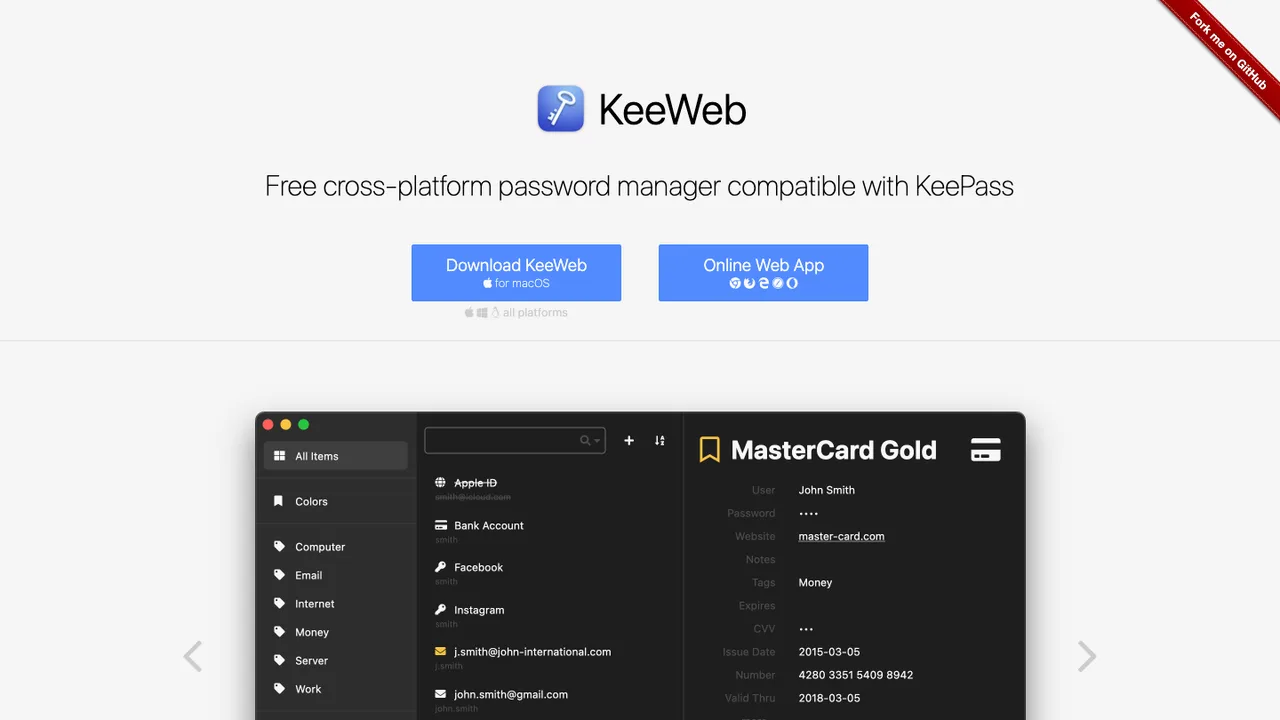
KeeWeb is a cross-platform password manager that opens existing KeePass kdbx database files or creates new vaults for your credentials. It reads kdbx files made by other applications such as KeePass and KeePassXC, so you are not locked into a single client. You can run it as a desktop app on Linux, Windows, or macOS, or directly in your web browser.
You decide where your credential vault lives. KeeWeb saves the database as a local file or syncs it to cloud services including Dropbox, Google Drive, and Microsoft OneDrive. The web build is a single HTML file with an optional service worker for offline access. Because it speaks the kdbx format directly, your data stays portable between KeeWeb, KeePass, and KeePassXC.
KeeWeb is free and open source. You can self-host it on your own server, since everything needed to run the app ships as a single HTML file. Pre-built Docker images cover containerized setups, and the app can sit behind a reverse proxy such as Traefik.
Key features
- Opens and edits existing KeePass kdbx database files
- Runs as a desktop app or in the web browser
- Local file storage or cloud sync via Dropbox, Google Drive, OneDrive
- Self-hostable from distribution files or Docker images
- Compatible with KeePass, KeePassXC, and other kdbx clients
Details
- First released
- 2015
- Self-hosting
- Distribution files, Docker images
- Platforms
- Win · Mac · Linux · Web
- Vault format
- KeePass kdbx
- Cloud sync
- Dropbox, Google Drive, OneDrive
- Pricing
- Free, open source